 UPDF
UPDF
 UPDF for Windows
 UPDF for Mac
 UPDF for iPhone/iPad
 UPDF for Android
 Nomostar
 UPDF AI Online
 UPDF Sign
 IvyCraft
 Edit PDF
 Annotate PDF
 Create PDF
 PDF Form
 Edit links
 Convert PDF
 OCR
OCR PDF to Word
 PDF to Image
 PDF to Excel
 Organize PDF
 Merge PDF
 Split PDF
 Crop PDF
 Rotate PDF
 Protect PDF
 Sign PDF
 Redact PDF
 Sanitize PDF
 Remove Security
 Read PDF
 UPDF Cloud
 Compress PDF
 Print PDF
 Batch Process
 About UPDF AI
 UPDF AI Solutions
 AI User Guide
 FAQ about UPDF AI
 Summarize PDF
 Translate PDF
 Chat with PDF
 Chat with AI
 Chat with image
 PDF to Mind Map
 Explain PDF
 PDF AI Tools
 Image AI Tools
 AI Chat Tools
 AI Writing Tools
 AI Study Tools
 AI Working Tools
 Other AI Tools
 AI Bookmark Generation
 AI Bookmark Summary
 AI Watermark Generation
 AI Background Generation
 AI Sticker Generation
 AI Stamp Generation
 AI Editing Suite
 UPDF Copilot
 AI Page Management
 AI Semantic Search
 PDF to Word
 PDF to Excel
 PDF to PowerPoint
 Enterprise Solution
 Enterprise Sign
 Enterprise AI
 Enterprise Plan
 Enterprise User Guide
 Enterprise Webinar
 IT
IT Education
 Construction
 Financial Service
 Healthcare
 Insurance
 Legal
Legal Manufacturing
 Government
 Researchers & PhDs
 Solopreneurs & Freelancers
 Lawyers & Legal Professionals
 Real Estate Agents & Brokers
 Education Solution
 Customer Stories
 User Guide
 UPDF Tricks
 FAQs
FAQs UPDF Reviews
 Download Center
 Blog
Blog Newsroom
 Tech Spec
 Updates
 UPDF vs. Adobe Acrobat
 UPDF vs. Foxit
 UPDF vs. PDF Expert

Quick answer:
The best PDF editor app depends on what you need to change—and where you work. Adding a comment is different from editing existing PDF text; working with a scanned page may also require OCR. We compare nine options for phones, tablets, and computers, noting where their mobile and desktop capabilities differ.
Use this list to choose by task and platform, then check the device-specific features and plan before committing to an app.
9 Best PDF Editor Apps for Mobile and Desktop
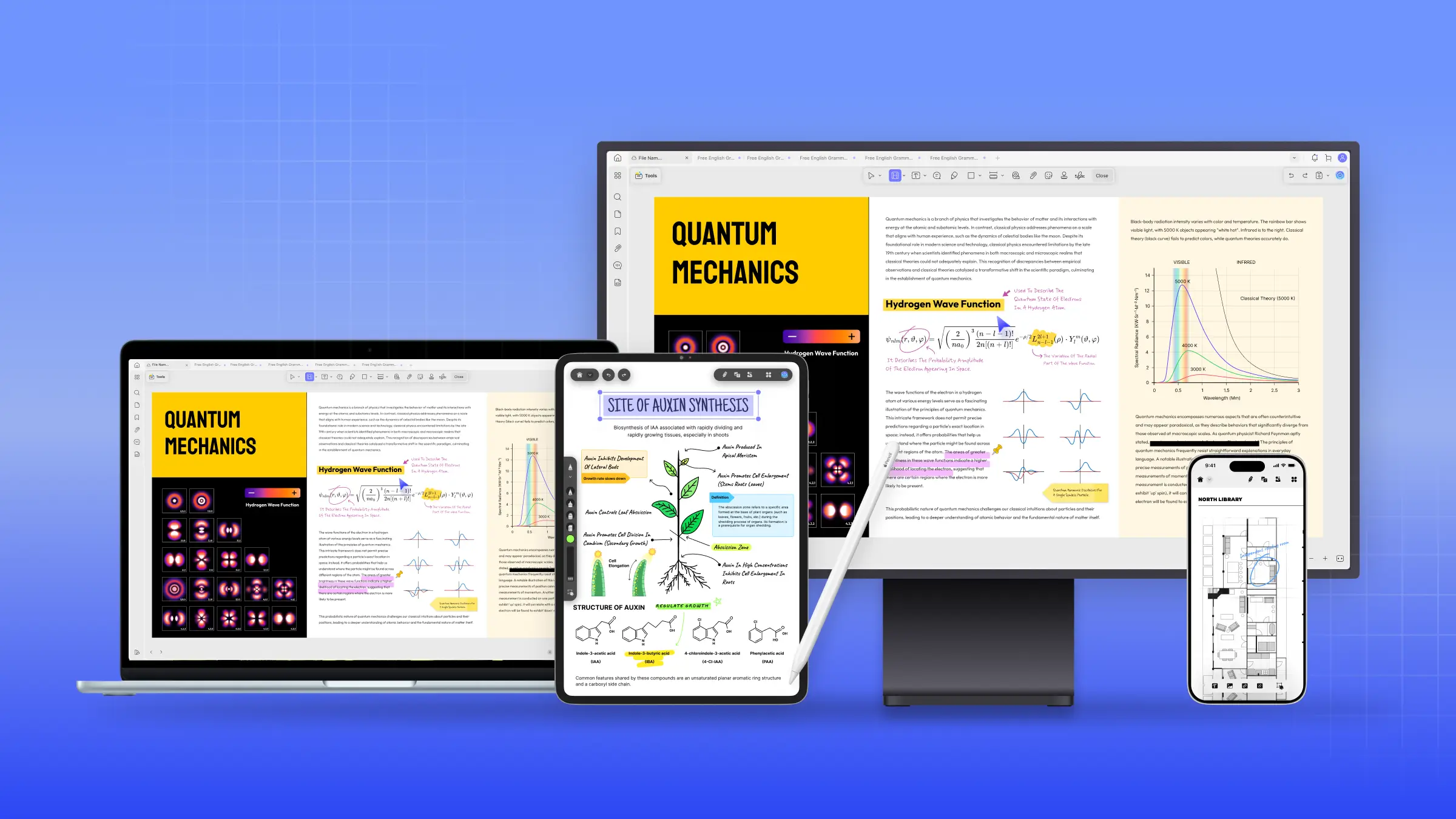
1) UPDF – Cross-Platform PDF Editor App
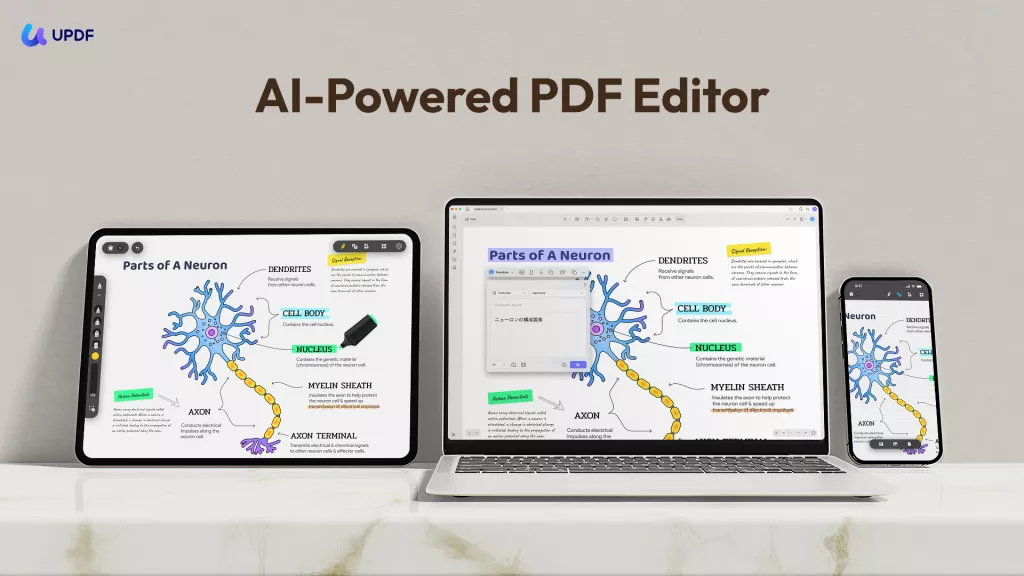
UPDF is a cross-platform option for people who need to revise existing PDF text and images on a phone as well as on a computer. Its iPhone/iPad and Android apps support PDF editing, while OCR helps turn scanned pages into searchable or editable files. Desktop and mobile interfaces differ, so check the guide for the device you use most.
Pros:
- Edits existing PDF text and images across Windows, Mac, iOS, and Android.
Cons:
- More functionality than needed for basic reading or occasional highlights.
If you regularly correct PDF text on your phone and continue working on a computer, try UPDF on the device you use most. You can test its editing tools first; saving edited PDFs without a trial watermark requires UPDF Pro.
Windows • macOS • iOS • Android 100% secure
2) Xodo – PDF Annotation and Browser Editing
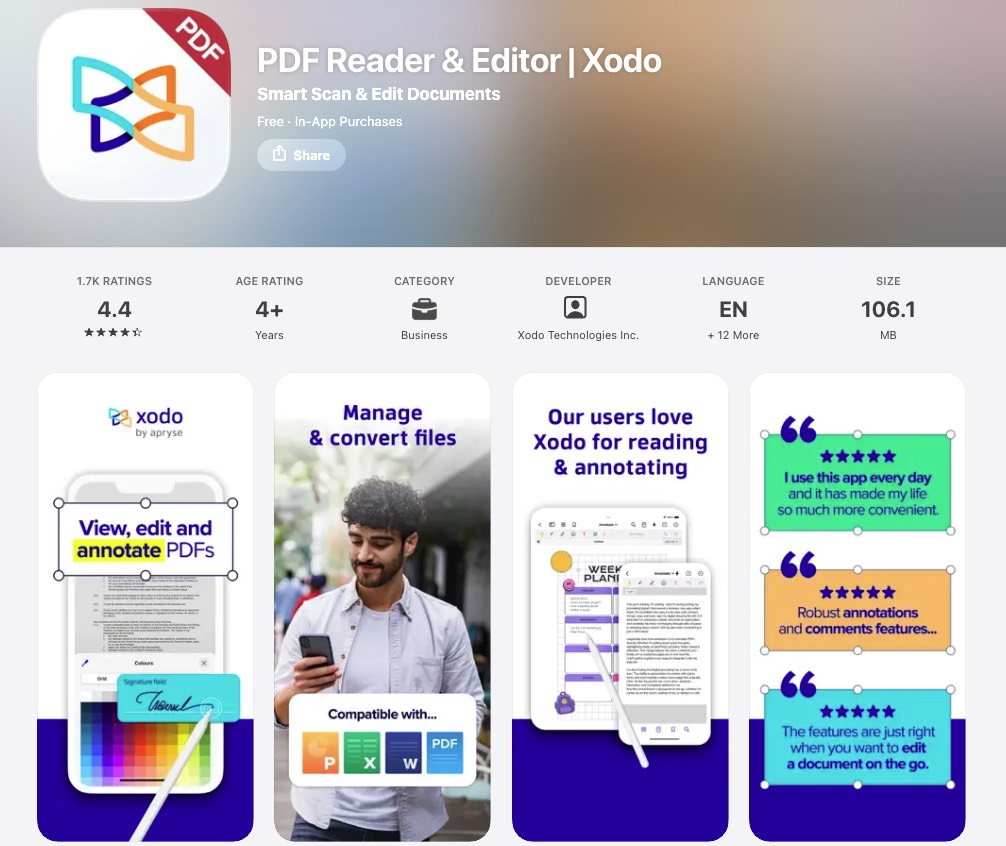
Xodo offers PDF reading, annotation, form tools, and editing options across web, desktop, and mobile products. It is a practical choice for reviewing documents and making quick changes, but free access and editing features vary by product and plan.
Pros:
- Supports annotation, forms, and browser-based PDF tasks.
Cons:
- Advanced editing access varies by product and plan.
3) PDF Expert – PDF Editing for Apple Devices
PDF Expert is designed for iPhone, iPad, and Mac. It can edit existing PDF text and images directly, so converting a file to Word is not a prerequisite. It also supports reading, annotation, links, and redaction.
Pros:
- Edits existing PDF text and images directly on iPhone, iPad, and Mac.
Cons:
- No Android or Windows app.
4) Smallpdf – Browser-First PDF Tools
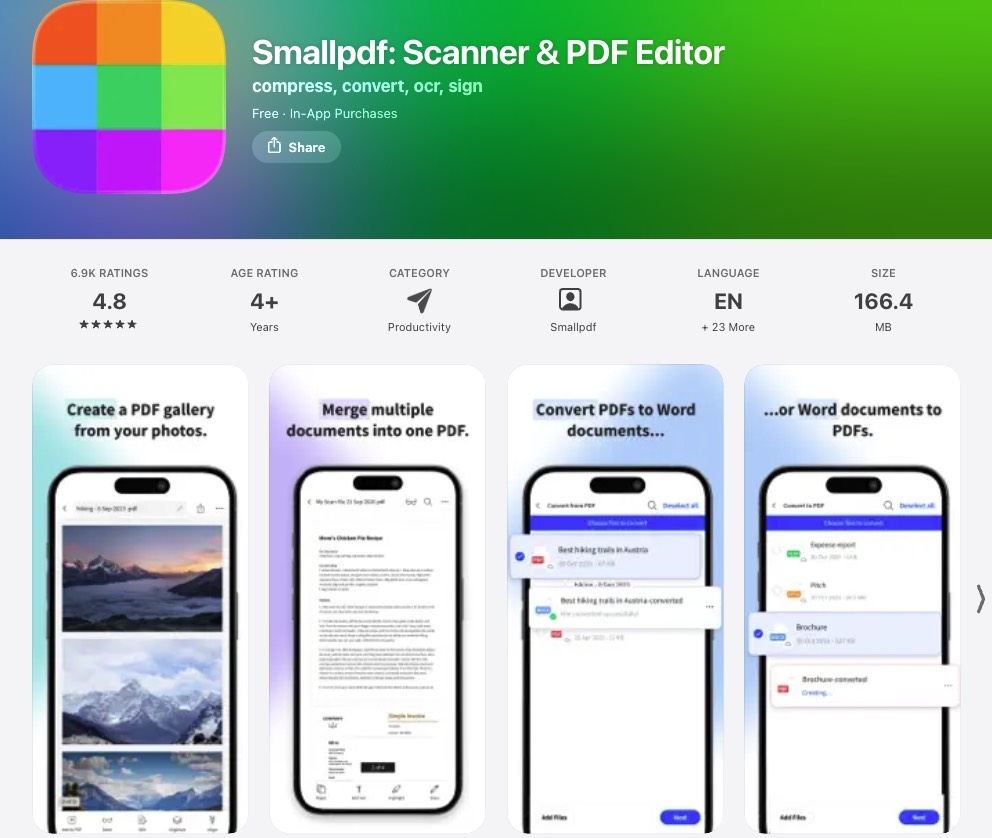
Smallpdf suits people who prefer quick PDF tasks in a browser, with mobile apps and a Windows desktop app also available. Its online tools include OCR for scanned PDFs. Check whether the particular task you need is available in the app or in the browser, and whether your plan includes it.
Pros:
- Offers convenient browser tools, including online OCR for scanned PDFs.
Cons:
- No native offline Mac desktop editor.
5) LiquidText – Research Reading and Annotation
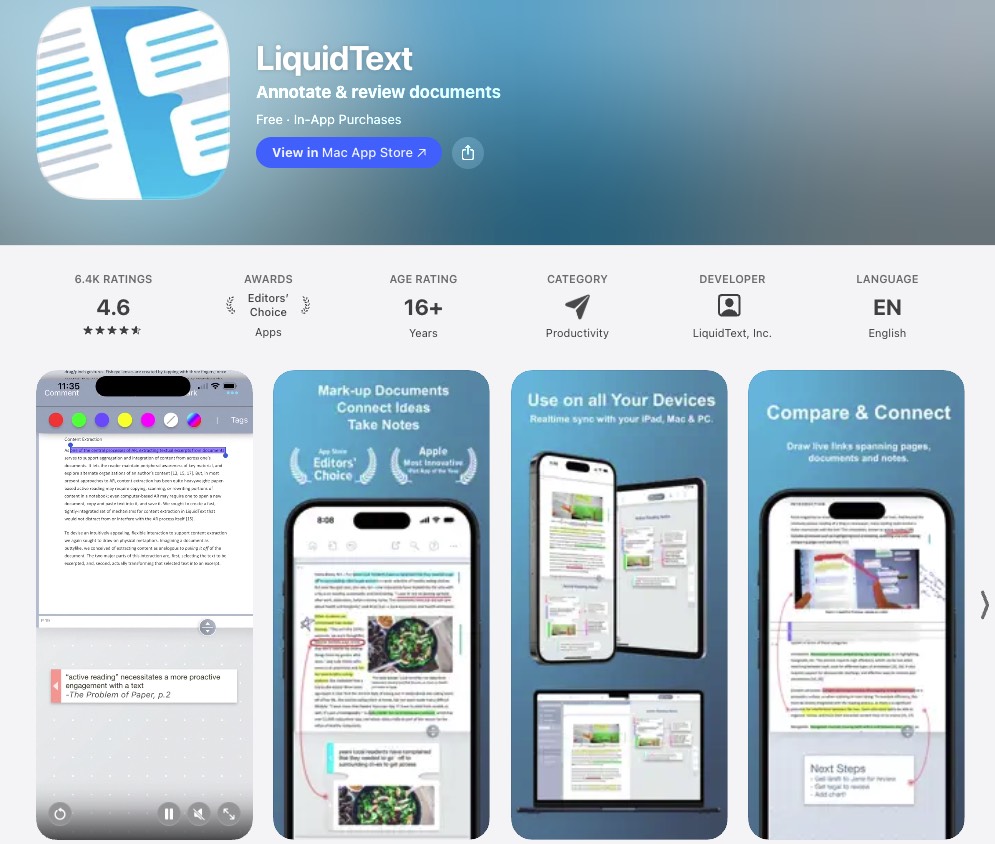
LiquidText is primarily a workspace for reading, excerpting, connecting, and annotating research documents—not a conventional choice for revising PDF page text and layout. It is available across Apple devices and Windows, but not Android.
Pros:
- Helps readers excerpt, connect, and annotate research documents.
Cons:
- Not designed for revising the original PDF page text and layout.
6) Adobe Acrobat – Free Reading, Paid Mobile Editing
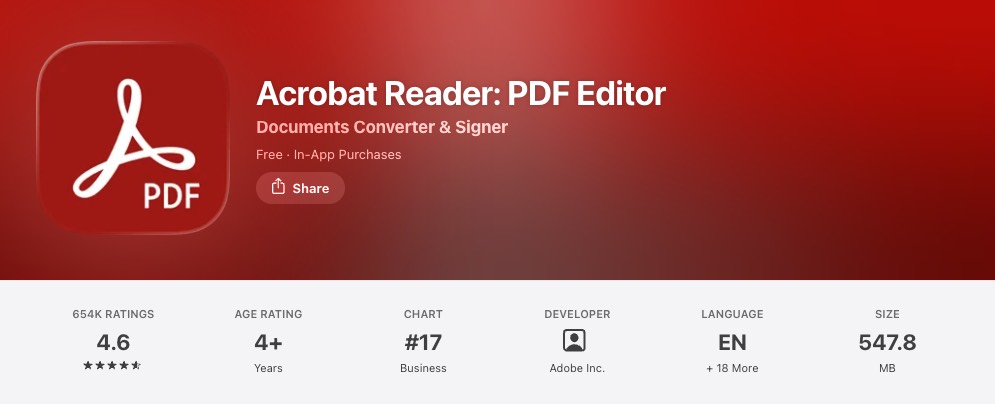
Adobe Acrobat Reader on iOS and Android is free for viewing, commenting, filling, and signing. Editing existing text and images on mobile requires an eligible paid subscription; available features depend on the plan. Acrobat Pro offers a broader desktop-and-mobile subscription, but feature availability should be checked by device.
Pros:
- Free mobile app supports viewing, comments, forms, and signatures.
Cons:
- Editing existing text and images on mobile requires an eligible paid subscription.
7) Nitro PDF Pro – Windows, Mac, and iOS
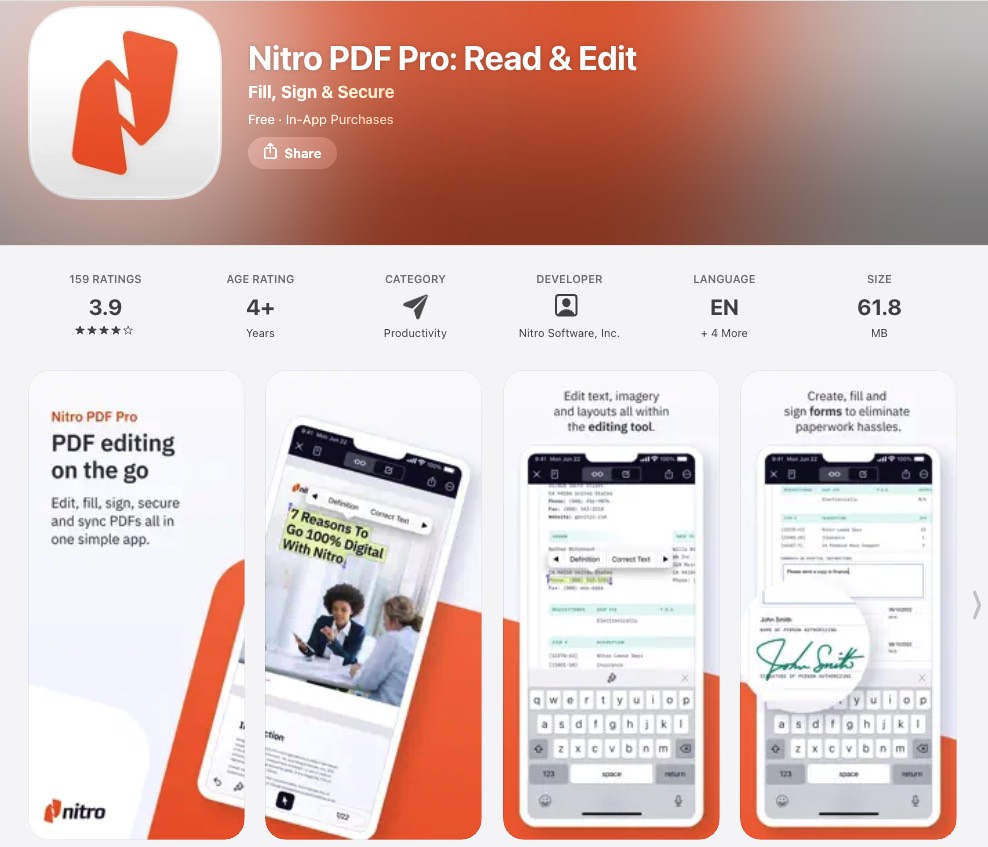
Nitro PDF Pro has current versions for Windows, macOS, and iOS. Its iPhone and iPad app supports tasks such as text corrections, markup, page organization, and signatures; desktop capabilities should be evaluated separately.
Pros:
- Available on Windows, macOS, and iOS, with mobile markup and text corrections.
Cons:
- No Android app.
8) Foxit PDF Editor – Desktop and Paid Mobile Workflow
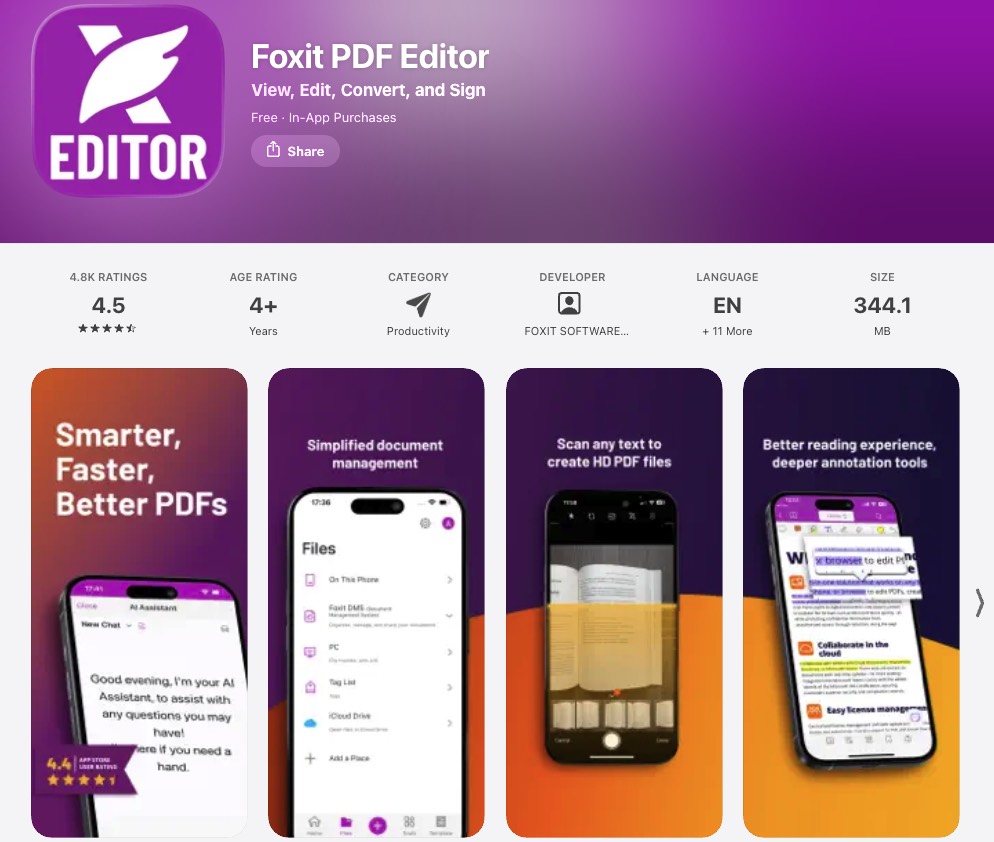
Foxit PhantomPDF is the former name of Foxit PDF Editor. Foxit offers PDF editing on Windows, macOS, and the web; its current PDF Editor+ plan adds full access to iOS and Android apps.
Pros:
- Covers Windows, macOS, and web PDF editing, with mobile access in PDF Editor+.
Cons:
- Full mobile editor access is not included in every desktop plan.
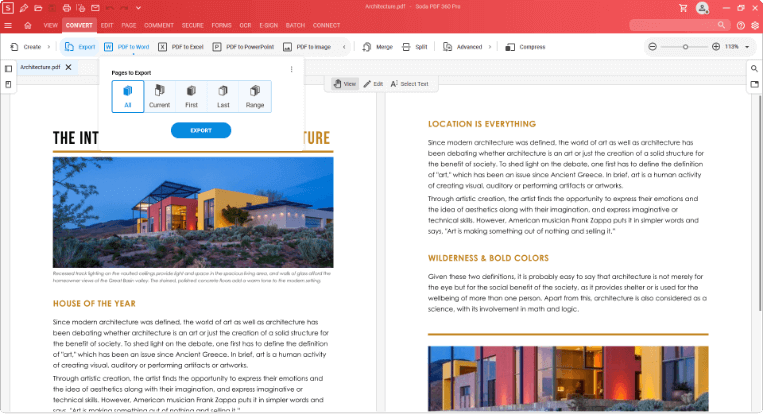
9) Soda PDF – Windows Desktop and Online Editing
Soda PDF combines a Windows desktop editor with browser-based tools that can be used on Mac and mobile devices. Its online offering includes AI tools, while the Windows desktop app supports offline work. It does not currently offer a native macOS desktop app.
Pros:
- Combines an offline Windows editor with browser tools usable on Mac and mobile.
Cons:
- No native macOS desktop app.
Conclusion
For cross-platform PDF edits, UPDF is worth trying; PDF Expert is a focused Apple-only option; LiquidText fits research reading; and browser-first tools such as Smallpdf or Soda PDF suit occasional online tasks. The deciding question is whether you need to change existing PDF content, annotate it, or edit a scan—and whether that feature works on your device and plan.
Need to edit the same PDF on your phone and computer? Try UPDF with a document similar to your real work, then check the saved result before deciding whether to upgrade.
Windows • macOS • iOS • Android 100% secure
For device-specific comparisons, see our PDF editors for iPhone and PDF editors for Android.




 Lizzy Lozano


