 UPDF
UPDF
 UPDF for Windows
 UPDF for Mac
 UPDF for iPhone/iPad
 UPDF for Android
 Nomostar
 UPDF AI Online
 UPDF Sign
 IvyCraft
 Edit PDF
 Annotate PDF
 Create PDF
 PDF Form
 Edit links
 Convert PDF
 OCR
OCR PDF to Word
 PDF to Image
 PDF to Excel
 Organize PDF
 Merge PDF
 Split PDF
 Crop PDF
 Rotate PDF
 Protect PDF
 Sign PDF
 Redact PDF
 Sanitize PDF
 Remove Security
 Read PDF
 UPDF Cloud
 Compress PDF
 Print PDF
 Batch Process
 About UPDF AI
 UPDF AI Solutions
 AI User Guide
 FAQ about UPDF AI
 Summarize PDF
 Translate PDF
 Chat with PDF
 Chat with AI
 Chat with image
 PDF to Mind Map
 Explain PDF
 PDF AI Tools
 Image AI Tools
 AI Chat Tools
 AI Writing Tools
 AI Study Tools
 AI Working Tools
 Other AI Tools
 AI Bookmark Generation
 AI Bookmark Summary
 AI Watermark Generation
 AI Background Generation
 AI Sticker Generation
 AI Stamp Generation
 AI Editing Suite
 UPDF Copilot
 AI Page Management
 AI Semantic Search
 PDF to Word
 PDF to Excel
 PDF to PowerPoint
 Enterprise Solution
 Enterprise Sign
 Enterprise AI
 Enterprise Plan
 Enterprise User Guide
 Enterprise Webinar
 IT
IT Education
 Construction
 Financial Service
 Healthcare
 Insurance
 Legal
Legal Manufacturing
 Government
 Researchers & PhDs
 Solopreneurs & Freelancers
 Lawyers & Legal Professionals
 Real Estate Agents & Brokers
 Education Solution
 Customer Stories
 User Guide
 UPDF Tricks
 FAQs
FAQs UPDF Reviews
 Download Center
 Blog
Blog Newsroom
 Tech Spec
 Updates
 UPDF vs. Adobe Acrobat
 UPDF vs. Foxit
 UPDF vs. PDF Expert

Perform OCR on PDF, Unlock Every Scanned Page
OCR Scanned Documents to Recognize & Extract Text Accurately
Turn scanned PDFs and images—pages you can't select or search—into text you can find, copy, and edit inside the same file. Pick from three OCR modes (Editable PDF, Searchable PDF Only, or Text and Pictures Only), and UPDF keeps the original layout, resolution, and formatting intact.
How to Edit Scanned PDF Free Download
Convert Scanned PDF& Image to Word, Excel & More
After OCR, export your scanned PDF or image straight to editable Word, Excel, or PowerPoint—with text, tables, and layout preserved. Reuse and rework the content without retyping a single line.
How to Convert Scanned PDF to Text How to Make Scanned PDF to Word Buy Now
Do the Opposite—Flatten a PDF Into an Image-only File
Need the opposite of OCR? Open UPDF's Save menu and choose Image PDF to flatten a searchable, editable PDF into an image-only file. Every page becomes a picture, so the text can no longer be selected, copied, or edited—ideal for locking down a finalized document before you share it.
How to Make PDF Non-editable Free Download
Mobile OCR on the Go:
Scan & Convert Anywhere
Free yourself from the desktop. UPDF Mobile OCR turns your phone or tablet into a scanner and converter—and gives you the same three OCR modes as desktop (Editable PDF, Searchable PDF Only, Text and Pictures Only). Full-featured OCR on iOS and Android, not a stripped-down capture tool.
How to OCR on iPhone/iPad Buy Now
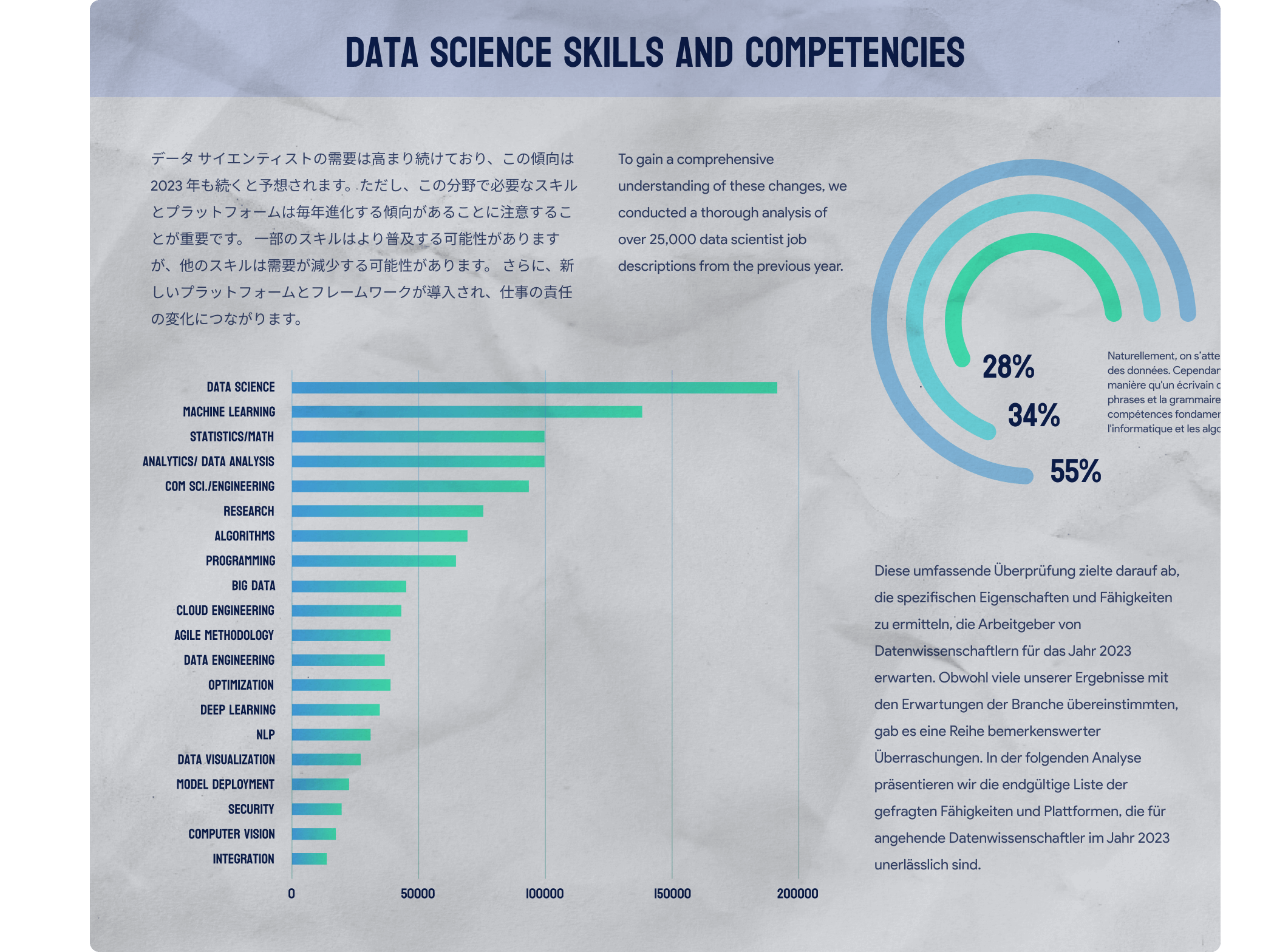
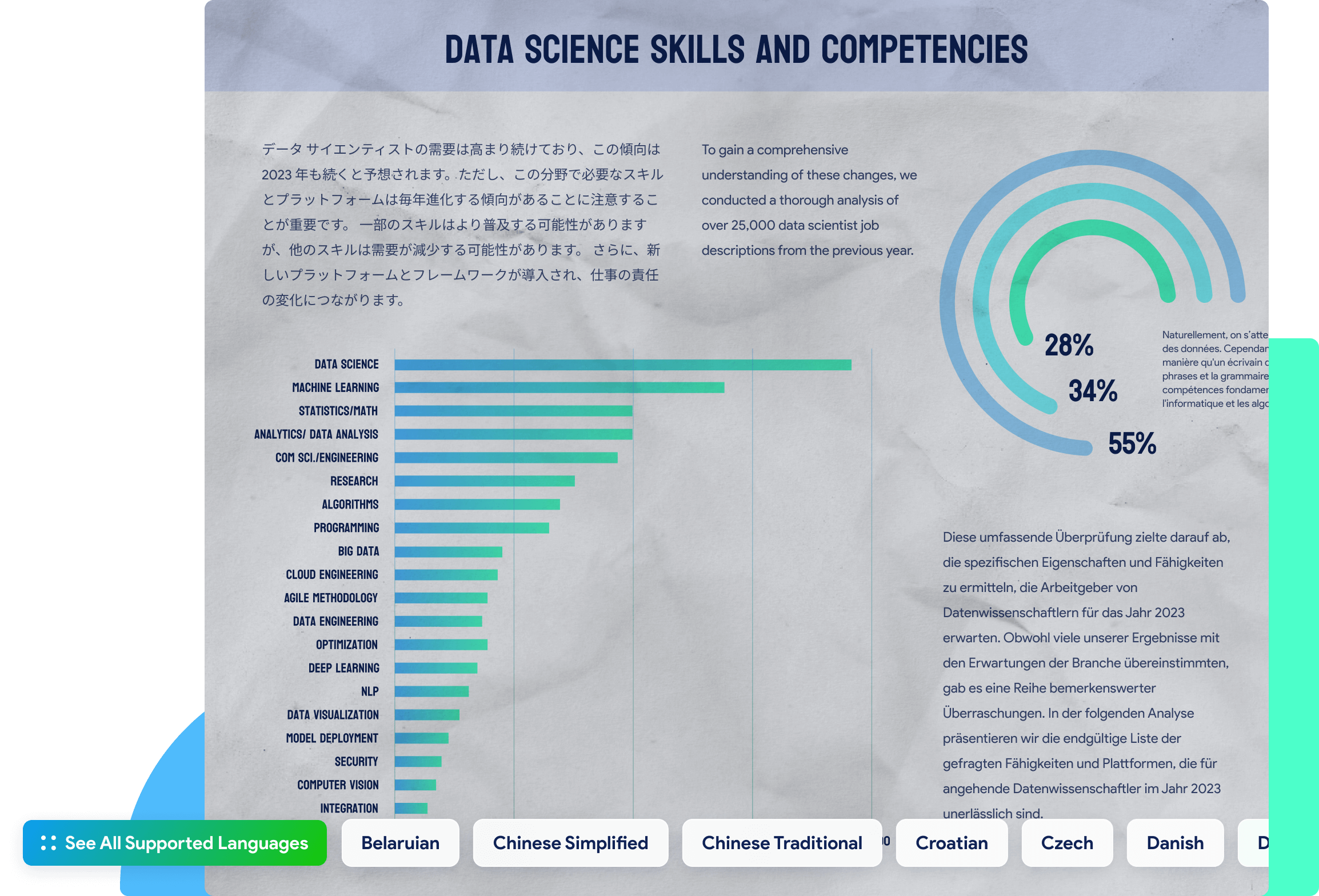

See All Supported Languages
See All Supported Languages close
Belarusian
Chinese Simplified
Chinese Traditional
Croatian
Czech
Danish
Dutch
Belarusian
Chinese Simplified
Chinese Traditional
Croatian
Czech
Danish
Dutch
Dutch (Belgian)
English
Finnish
French
German
German (Luxembourg)
German (New Spelling)
Greek
Hebrew
Irish
Italian
Japanese
Japanese (Modern)
Korean
Korean (Hangul)
Norwegian
Polish
Portuguese
Portuguese (Brazilian)
Romanian
Russian
Russian (Old Spelling)
Russian with Stress Marks
Spanish
Swedish
Thai
Turkish
Turkmen (Cyrillic)
Turkmen (Latin)
Ukrainian
Vietnamese
Chinese Simplified and English
Chinese Traditional and English
Japanese and English
Korean and English
Tips and Tricks for How to OCR PDFs Explore More
Other Features of UPDF
UPDF is an all-in-one PDF solution - here are some other great features:



Products and Plans
 UPDF Pro
  AI Assistant
  UPDF Sign
UPDF Pro
UPDF Sign
UPDF Pro / one-time fee
Number of users
user
users
- 1 user
- 2 users
- 3 users
- 4 users
- 5 users
- 6 users
- 7 users
- 8 users
- 9 users
- 10 users
- 11 users
- 12 users
- 13 users
- 14 users
- 15 users
- 16 users
- 17 users
- 18 users
- 19 users
- 20 users
- 21 users
- 22 users
- 23 users
- 24 users
- 25 users
- 26 users
- 27 users
- 28 users
- 29 users
- 30 users
- >30 users
Access to all PDF tools for editing, converting, annotating PDFs.
Free trial
AI Assistant / Year
Number of users
user
users
- 1 user
- 2 users
- 3 users
- 4 users
- 5 users
- 6 users
- 7 users
- 8 users
- 9 users
- 10 users
- 11 users
- 12 users
- 13 users
- 14 users
- 15 users
- 16 users
- 17 users
- 18 users
- 19 users
- 20 users
- 21 users
- 22 users
- 23 users
- 24 users
- 25 users
- 26 users
- 27 users
- 28 users
- 29 users
- 30 users
- >30 users
Unlimited usage of AI to summarize, translate, convert PDF to mind maps etc.
Free trial
UPDF Sign / Year
Number of users
user
users
- 1 user
- 2 users
- 3 users
- 4 users
- 5 users
- 6 users
- 7 users
- 8 users
- 9 users
- 10 users
- 11 users
- 12 users
- 13 users
- 14 users
- 15 users
- 16 users
- 17 users
- 18 users
- 19 users
- 20 users
- 21 users
- 22 users
- 23 users
- 24 users
- 25 users
- 26 users
- 27 users
- 28 users
- 29 users
- 30 users
- >30 users
unlimited signature requests per year.
Free trial*The pricing and available features are based on the specific plans you decide on.