Flexible Licensing & Enterprise-Grade PDF Solution for Attorneys and Law Firms.
Everything You Need to Power Your Legal Practice
Choose the right plan to analyze case files, audit contract terms, and prepare court filings—whether you're an independent attorney or managing a law firm team.
Running a Law Firm or Legal Team? Reassign license seats seamlessly in the Admin Console as attorneys and paralegals join or leave—no budget wasted, full team compliance.
Edit, organize, and sync all your depositions and court filings across devices.
Nomostar
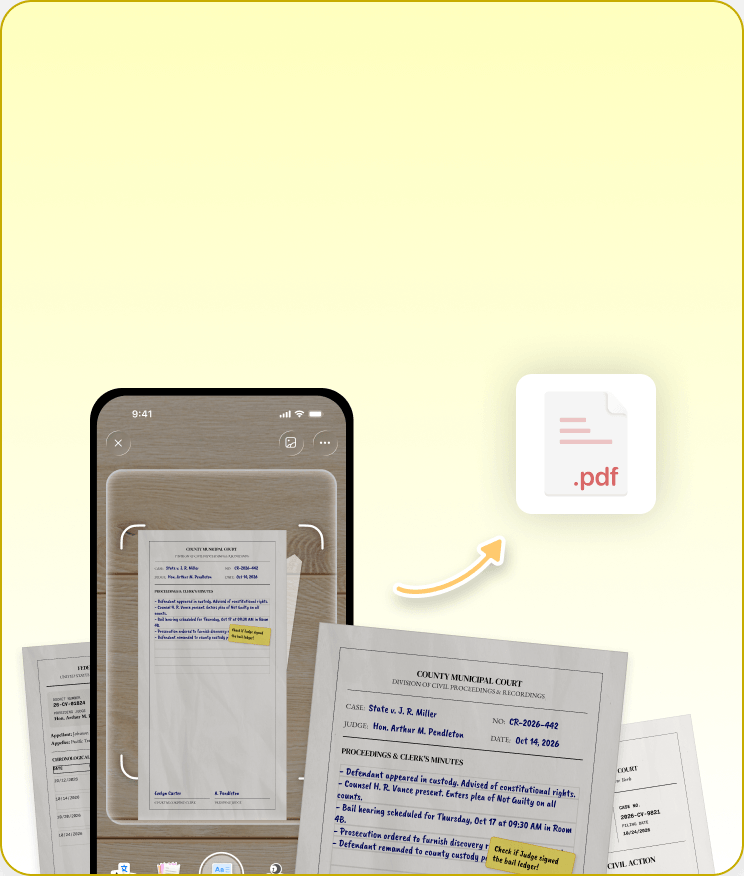
Mobile Evidence Scanner
Scan paper evidence and court archives instantly on your phone while on the go.
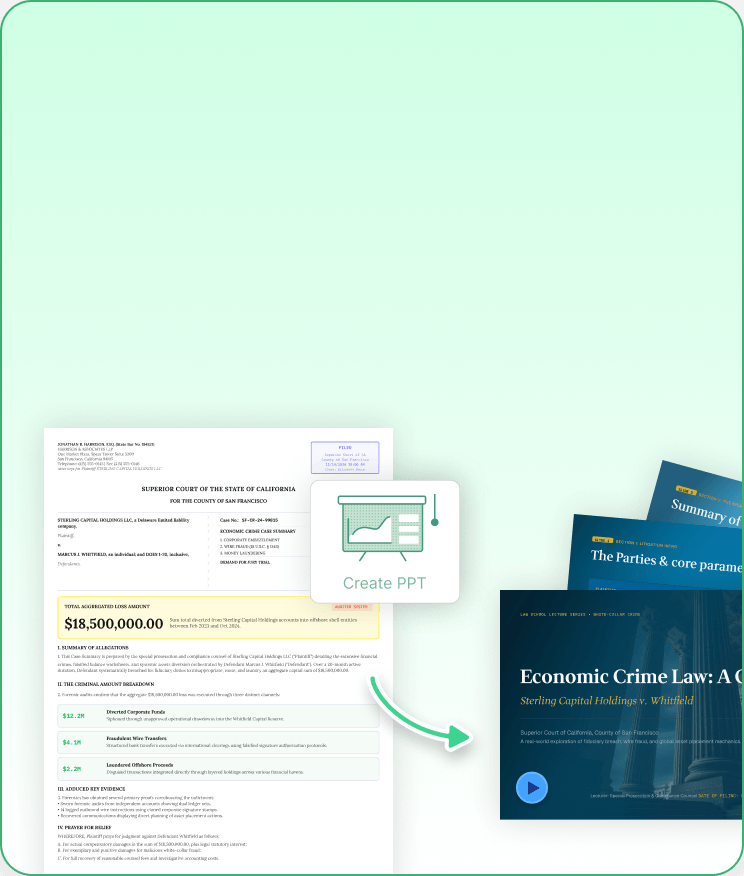
IvyCraft
Client Pitch & Training Studio
Turn complex case files and URLs into client pitch decks, explainer videos, and audio overviews.
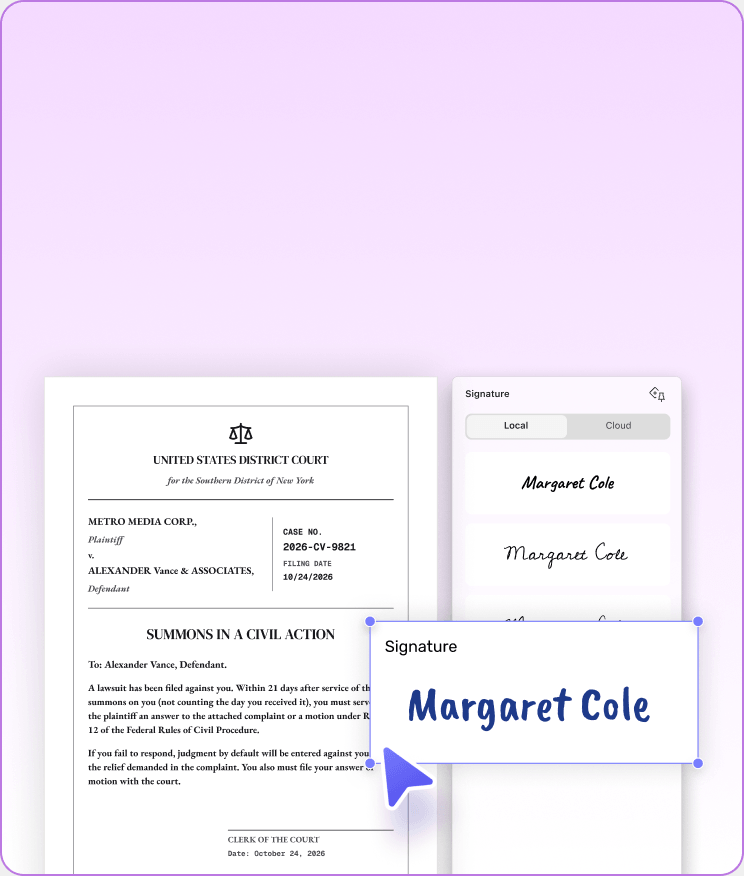
UPDF Sign
Secure Contract Signing
Send legally binding fee agreements and NDAs for instant client e-signatures.
From mobile scans to final signatures, keep your entire practice in sync.
Proven Performance. Built for High Standards.
Featured by top tech YouTubers and trusted by over 4 million users with top-rated reviews worldwide.
100%Private
4.5/5G2 rating
ISO 27001Certified
PDF AssociationMember
Lightweight! Does everything I need to do regarding PDFs on my phone, tablets, and PCs, including file conversion, annotations, OCR, and AI interactions such that I don't require any other PDF app any longer on my devices. A great and way cheaper alternative to Xodo too.
Folarin Shomefun, from Google Play
UPDF is an all-in-one AI PDF editor that's more versatile, yet more affordable, than the competition. Stop working with PDFs like they're impossible to manipulate and start editing and formatting them as easily as you would a Word document.
Really like how fast sync to the cloud works, I can create forms on the PC, then share to the cloud and wonder outside with my tablet to complete fields, sync it back, then save and print from the PC. Making the images to PDF is great too, especially the compress function to make the size shareable over email. No annoying suggestions either, like Adobe smash me with. Really wish this company made other software, since they’ve done this one so well - especially a photo editor as good as PS. Thanks team, highly recommended.
Kidfreejones, from App Store
It's a spectacular tool, I edit all PDF files and use a lot of other people's PDF files. I use the tool every day, for my work it is essential and meets all the needs that must be had I love UPDF My MacBook Pro runs much faster with UPDF than...
Rosa I.,from Capterra
UPDF offers compelling advantages over expensive alternatives like Adobe Acrobat. The software supports major platforms — Mac, iOS, Windows and Android — with one account usable across four devices simultaneously. Users enjoy lifetime free upgrades and pay just one-sixth the price of Adobe’s subscription model.
What I like most about UPDF is the combination of a modern and intuitive interface with processing speed. Unlike other heavy PDF editors, UPDF is lightweight, starts up in seconds, and allows you to edit texts, add images, annotate, and fill out forms without any lag. Additionally, the fact that it offers integrated OCR functions (to make scanned PDFs editable) and integration with artificial intelligence to summarize or translate content makes it a truly complete tool suitable for both professional and personal use. The ability to use it on Windows, Mac, iOS, and Android with a single account is a significant added value.
Francesco M., from G2
Lightweight! Does everything I need to do regarding PDFs on my phone, tablets, and PCs, including file conversion, annotations, OCR, and AI interactions such that I don't require any other PDF app any longer on my devices. A great and way cheaper alternative to Xodo too.
Folarin Shomefun, from Google Play
UPDF is an all-in-one AI PDF editor that's more versatile, yet more affordable, than the competition. Stop working with PDFs like they're impossible to manipulate and start editing and formatting them as easily as you would a Word document.
Really like how fast sync to the cloud works, I can create forms on the PC, then share to the cloud and wonder outside with my tablet to complete fields, sync it back, then save and print from the PC. Making the images to PDF is great too, especially the compress function to make the size shareable over email. No annoying suggestions either, like Adobe smash me with. Really wish this company made other software, since they’ve done this one so well - especially a photo editor as good as PS. Thanks team, highly recommended.
Kidfreejones, from App Store
It's a spectacular tool, I edit all PDF files and use a lot of other people's PDF files. I use the tool every day, for my work it is essential and meets all the needs that must be had I love UPDF My MacBook Pro runs much faster with UPDF than...
Rosa I.,from Capterra
UPDF offers compelling advantages over expensive alternatives like Adobe Acrobat. The software supports major platforms — Mac, iOS, Windows and Android — with one account usable across four devices simultaneously. Users enjoy lifetime free upgrades and pay just one-sixth the price of Adobe’s subscription model.
What I like most about UPDF is the combination of a modern and intuitive interface with processing speed. Unlike other heavy PDF editors, UPDF is lightweight, starts up in seconds, and allows you to edit texts, add images, annotate, and fill out forms without any lag. Additionally, the fact that it offers integrated OCR functions (to make scanned PDFs editable) and integration with artificial intelligence to summarize or translate content makes it a truly complete tool suitable for both professional and personal use. The ability to use it on Windows, Mac, iOS, and Android with a single account is a significant added value.
Francesco M., from G2
Frequently Asked Questions
1. Does UPDF AI train on or store my confidential client files and legal documents?
No. UPDF strictly adheres to GDPR requirements, ISO 27001 standards, and bank-grade encryption protocols. Your uploaded case files, contracts, and depositions are processed securely in memory and are never used to train public AI models, ensuring your duty of confidentiality and attorney-client privilege remain fully protected. See full privacy policy >>
2. Are documents edited or signed in UPDF fully compliant with court filing standards?
Yes. UPDF maintains full ISO-compliant PDF standards. Features like Bates numbering, permanent text redaction, searchable OCR, and PDF/A archiving ensure your discovery packages and pleadings meet electronic court filing requirements across jurisdictions.
3. Can I use one UPDF license across all my devices at the law firm or on the go?
Yes. A single UPDF account works seamlessly across Windows, macOS, iOS, and Android. You can start reviewing a case file on your office desktop and seamlessly continue editing or adding handwritten annotations on your iPad while in court.
4. How easy is it to transition my law firm’s existing files from Adobe Acrobat to UPDF?
The transition is instant. UPDF opens all standard PDF forms, digitally signed contracts, and annotated case archives created in Adobe Acrobat or other legacy software without formatting glitches or missing data.
5. Is there a free trial or money-back guarantee for legal professionals?
Yes. You can download and test UPDF’s core features, including OCR and AI summarization, for free. All paid individual and firm plans also come with a 30-day money-back guarantee so you can test it risk-free on your active cases.
 UPDF
UPDF
 UPDF for Windows
 UPDF for Mac
 UPDF for iPhone/iPad
 UPDF for Android
 Nomostar
 UPDF AI Online
 UPDF Sign
 IvyCraft
 Edit PDF
 Annotate PDF
 Create PDF
 PDF Form
 Edit links
 Convert PDF
 OCR
OCR PDF to Word
 PDF to Image
 PDF to Excel
 Organize PDF
 Merge PDF
 Split PDF
 Crop PDF
 Rotate PDF
 Protect PDF
 Sign PDF
 Redact PDF
 Sanitize PDF
 Remove Security
 Read PDF
 UPDF Cloud
 Compress PDF
 Print PDF
 Batch Process
 About UPDF AI
 UPDF AI Solutions
 AI User Guide
 FAQ about UPDF AI
 Summarize PDF
 Translate PDF
 Chat with PDF
 Chat with AI
 Chat with image
 PDF to Mind Map
 Explain PDF
 PDF AI Tools
 Image AI Tools
 AI Chat Tools
 AI Writing Tools
 AI Study Tools
 AI Working Tools
 Other AI Tools
 AI Bookmark Generation
 AI Bookmark Summary
 AI Watermark Generation
 AI Background Generation
 AI Sticker Generation
 AI Stamp Generation
 AI Editing Suite
 UPDF Copilot
 AI Page Management
 AI Semantic Search
 PDF to Word
 PDF to Excel
 PDF to PowerPoint
 Enterprise Solution
 Enterprise Sign
 Enterprise AI
 Enterprise Plan
 Enterprise User Guide
 Enterprise Webinar
 IT
IT Education
 Construction
 Financial Service
 Healthcare
 Insurance
 Legal
Legal Manufacturing
 Government
 Researchers & PhDs
 Solopreneurs & Freelancers
 Lawyers & Legal Professionals
 Real Estate Agents & Brokers
 Education Solution
 Customer Stories
 User Guide
 UPDF Tricks
 FAQs
FAQs UPDF Reviews
 Download Center
 Blog
Blog Newsroom
 Tech Spec
 Updates
 UPDF vs. Adobe Acrobat
 UPDF vs. Foxit
 UPDF vs. PDF Expert

 UPDF AI Assistant


 UPDF AI
 Chat with PDF
 Chat with Image
 PDF to Mind Map
 Chat with AI
 Paper search (online)
 Deep Research (online)
 10 AI Agents




 UPDF Sign
 IvyCraft
 Nomostar
 UPDF AI
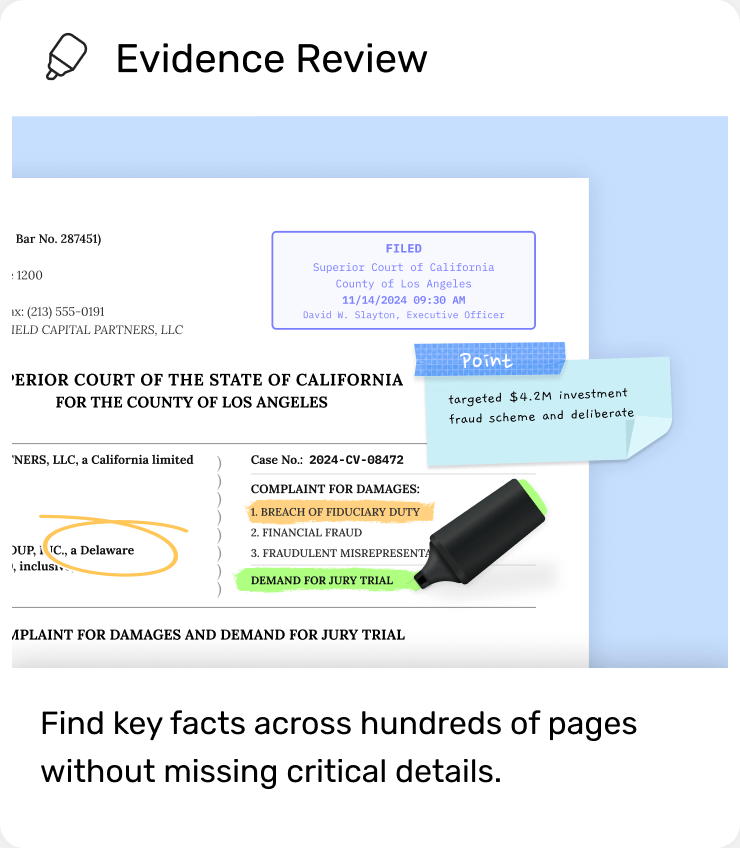
 Precision Highlight
 Sticky Comments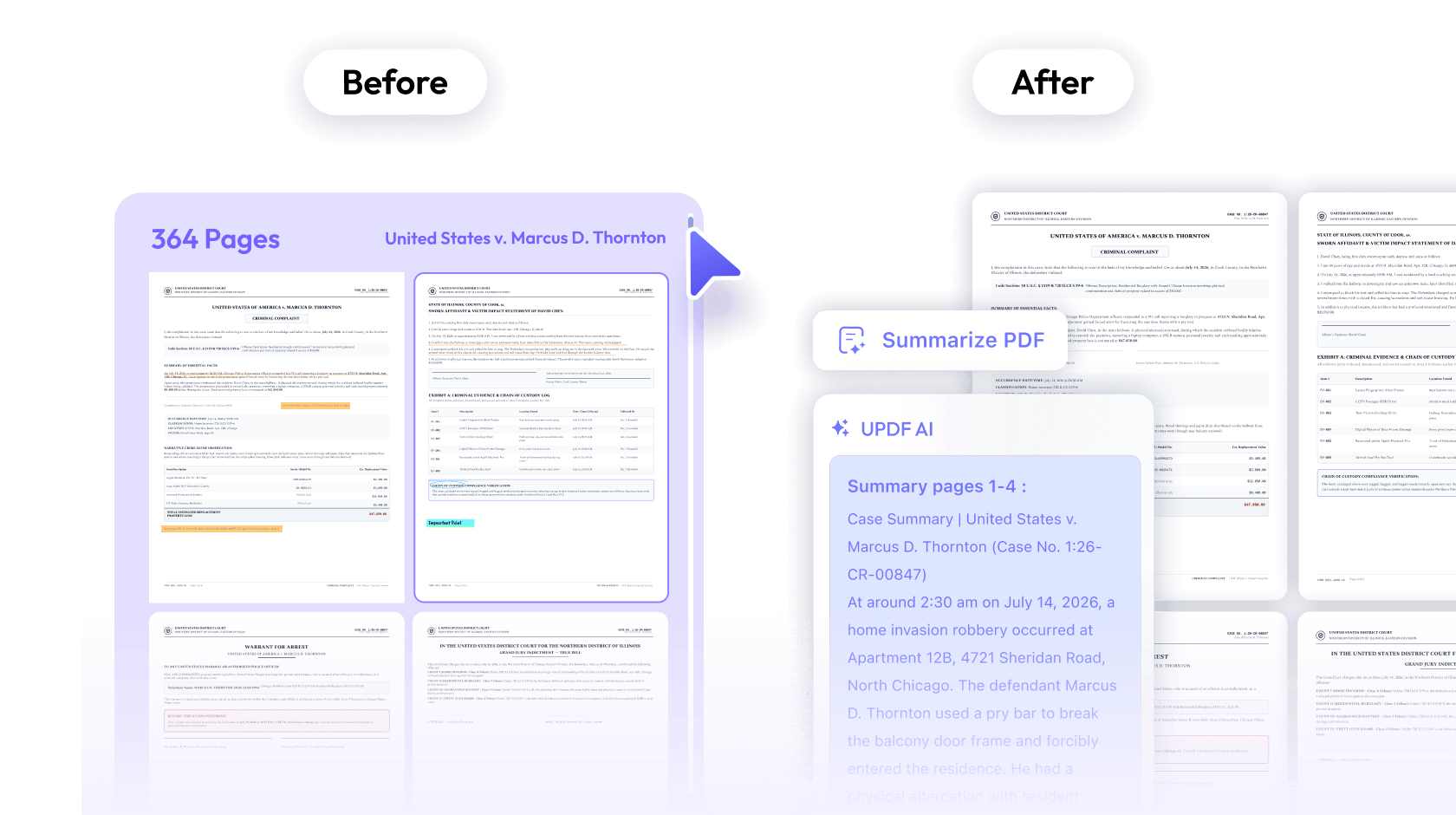
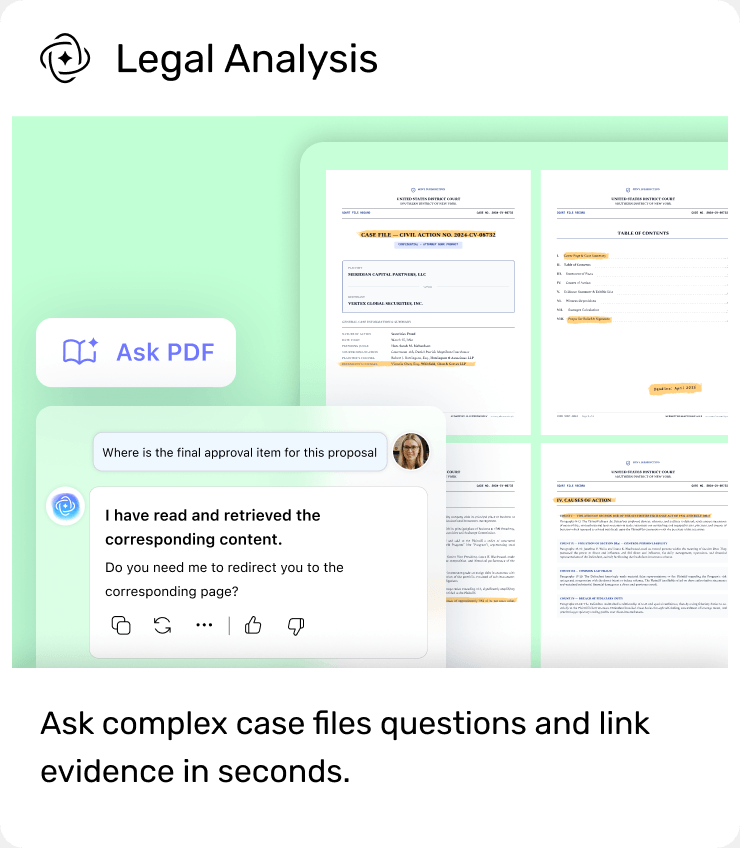
 AI Ask PDF
 Chat Project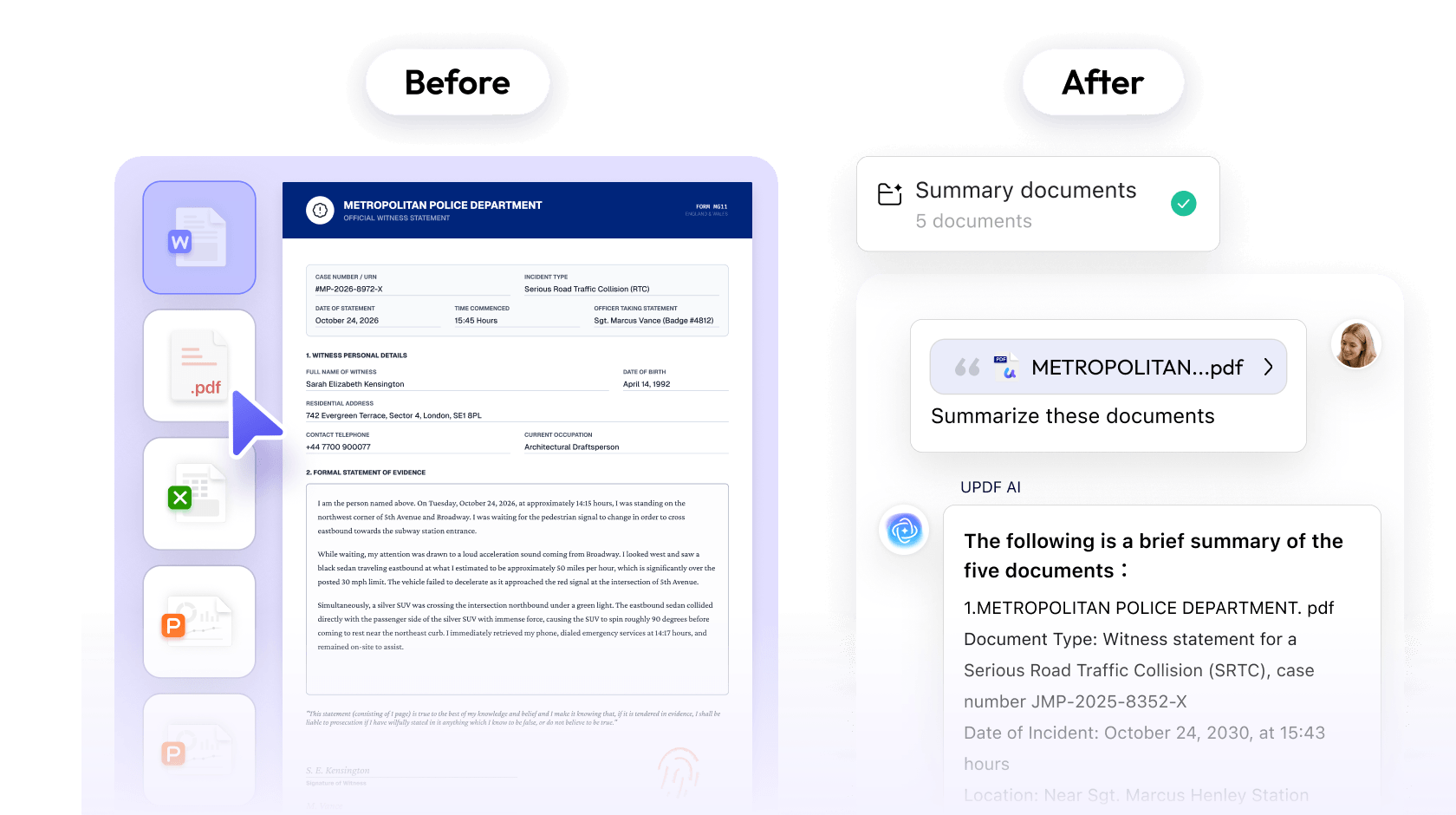
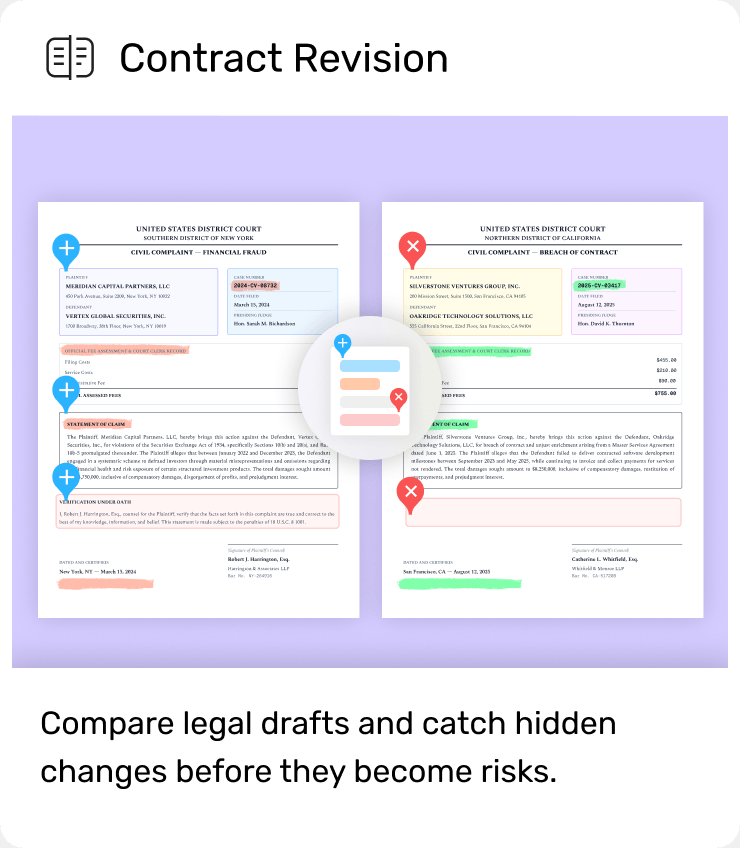
 Compare PDF
 Native Edit PDF
 AI Explanation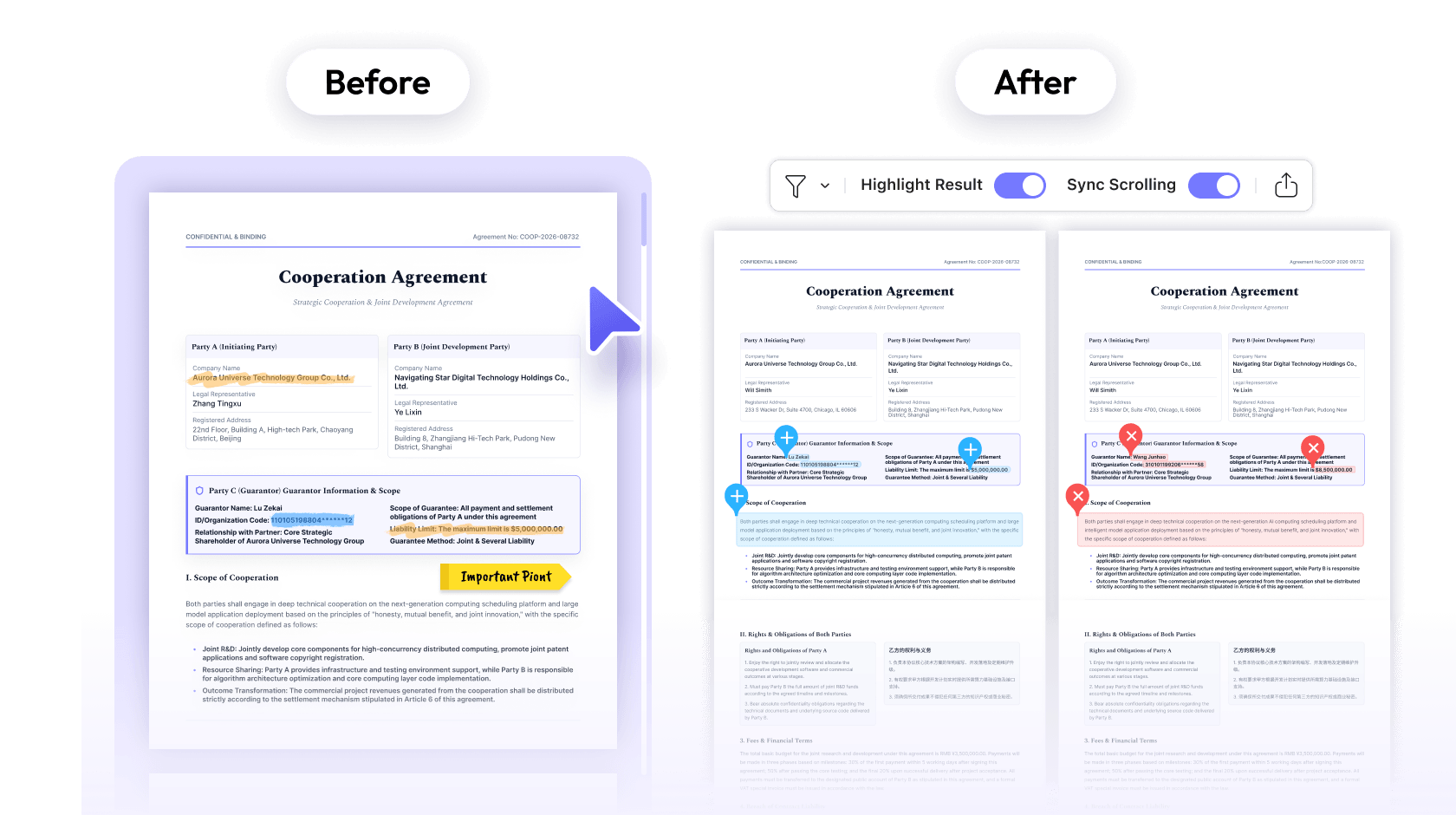
 Combine PDFs
 Bates Numbering
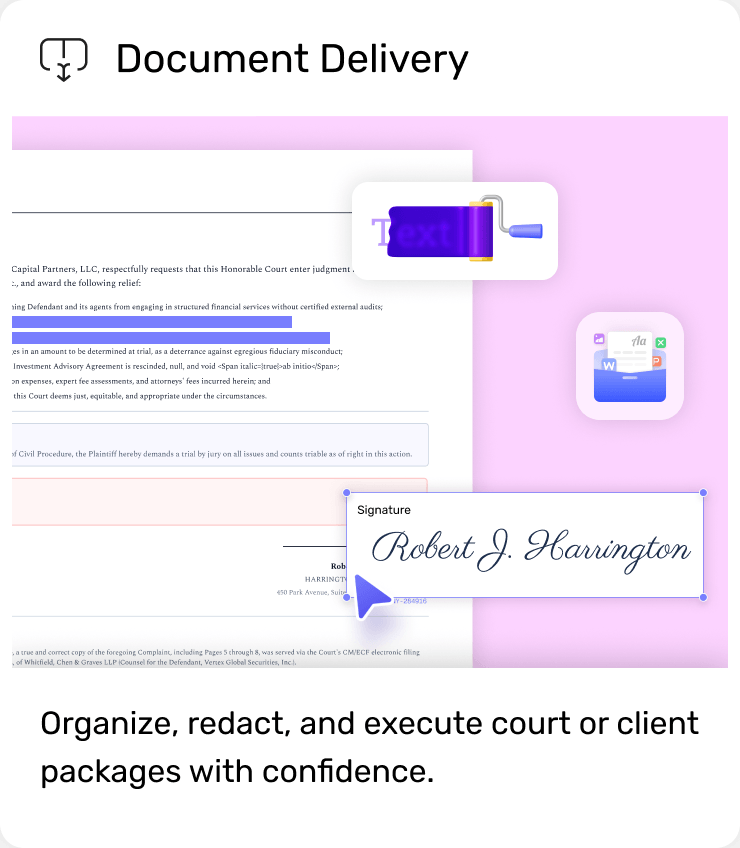
 Redact PDF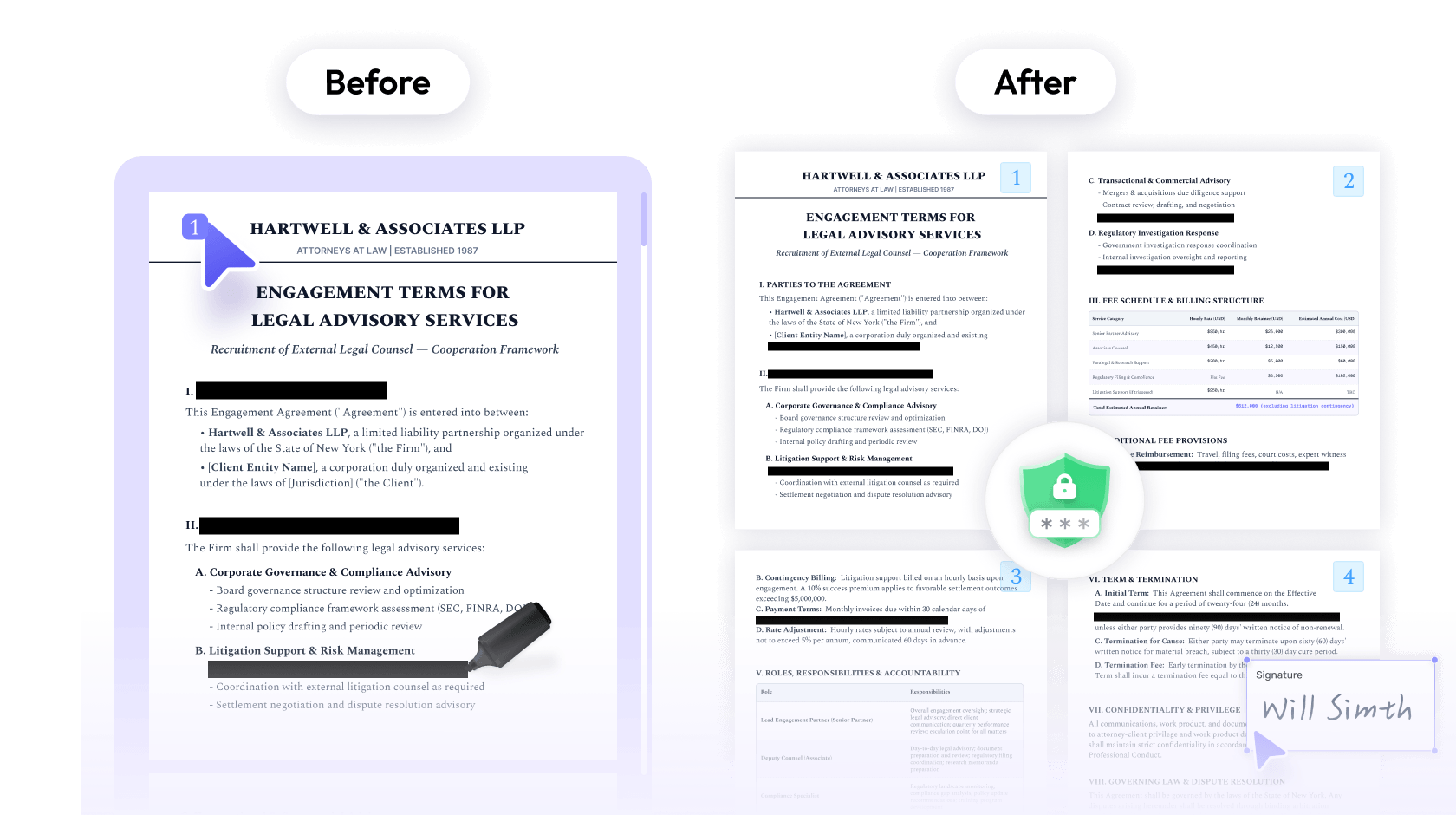
 UPDF
UPDF
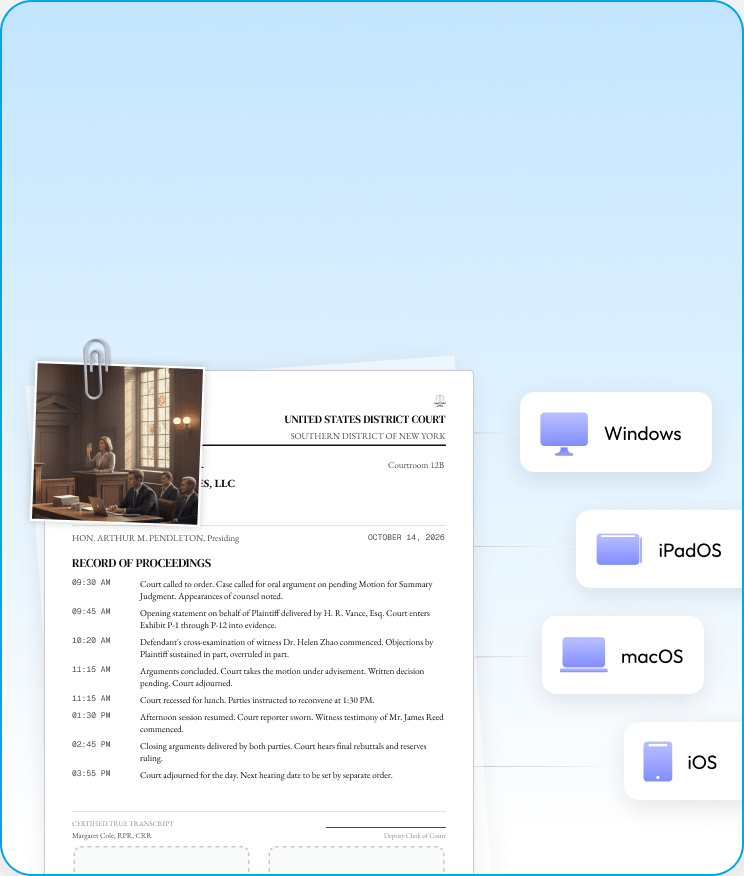
 Nomostar
 IvyCraft
 UPDF Sign




 PDF Association