 UPDF
UPDF
 UPDF for Windows
 UPDF for Mac
 UPDF for iPhone/iPad
 UPDF for Android
 Nomostar
 UPDF AI Online
 UPDF Sign
 IvyCraft
 Edit PDF
 Annotate PDF
 Create PDF
 PDF Form
 Edit links
 Convert PDF
 OCR
OCR PDF to Word
 PDF to Image
 PDF to Excel
 Organize PDF
 Merge PDF
 Split PDF
 Crop PDF
 Rotate PDF
 Protect PDF
 Sign PDF
 Redact PDF
 Sanitize PDF
 Remove Security
 Read PDF
 UPDF Cloud
 Compress PDF
 Print PDF
 Batch Process
 About UPDF AI
 UPDF AI Solutions
 AI User Guide
 FAQ about UPDF AI
 Summarize PDF
 Translate PDF
 Chat with PDF
 Chat with AI
 Chat with image
 PDF to Mind Map
 Explain PDF
 PDF AI Tools
 Image AI Tools
 AI Chat Tools
 AI Writing Tools
 AI Study Tools
 AI Working Tools
 Other AI Tools
 AI Bookmark Generation
 AI Bookmark Summary
 AI Watermark Generation
 AI Background Generation
 AI Sticker Generation
 AI Stamp Generation
 AI Editing Suite
 UPDF Copilot
 AI Page Management
 AI Semantic Search
 PDF to Word
 PDF to Excel
 PDF to PowerPoint
 Enterprise Solution
 Enterprise Sign
 Enterprise AI
 Enterprise Plan
 Enterprise User Guide
 Enterprise Webinar
 IT
IT Education
 Construction
 Financial Service
 Healthcare
 Insurance
 Legal
Legal Manufacturing
 Government
 Researchers & PhDs
 Solopreneurs & Freelancers
 Lawyers & Legal Professionals
 Real Estate Agents & Brokers
 Education Solution
 Customer Stories
 User Guide
 UPDF Tricks
 FAQs
FAQs UPDF Reviews
 Download Center
 Blog
Blog Newsroom
 Tech Spec
 Updates
 UPDF vs. Adobe Acrobat
 UPDF vs. Foxit
 UPDF vs. PDF Expert

Feedback
1 License, 4 Devices. Save 100+ hours on paperwork.
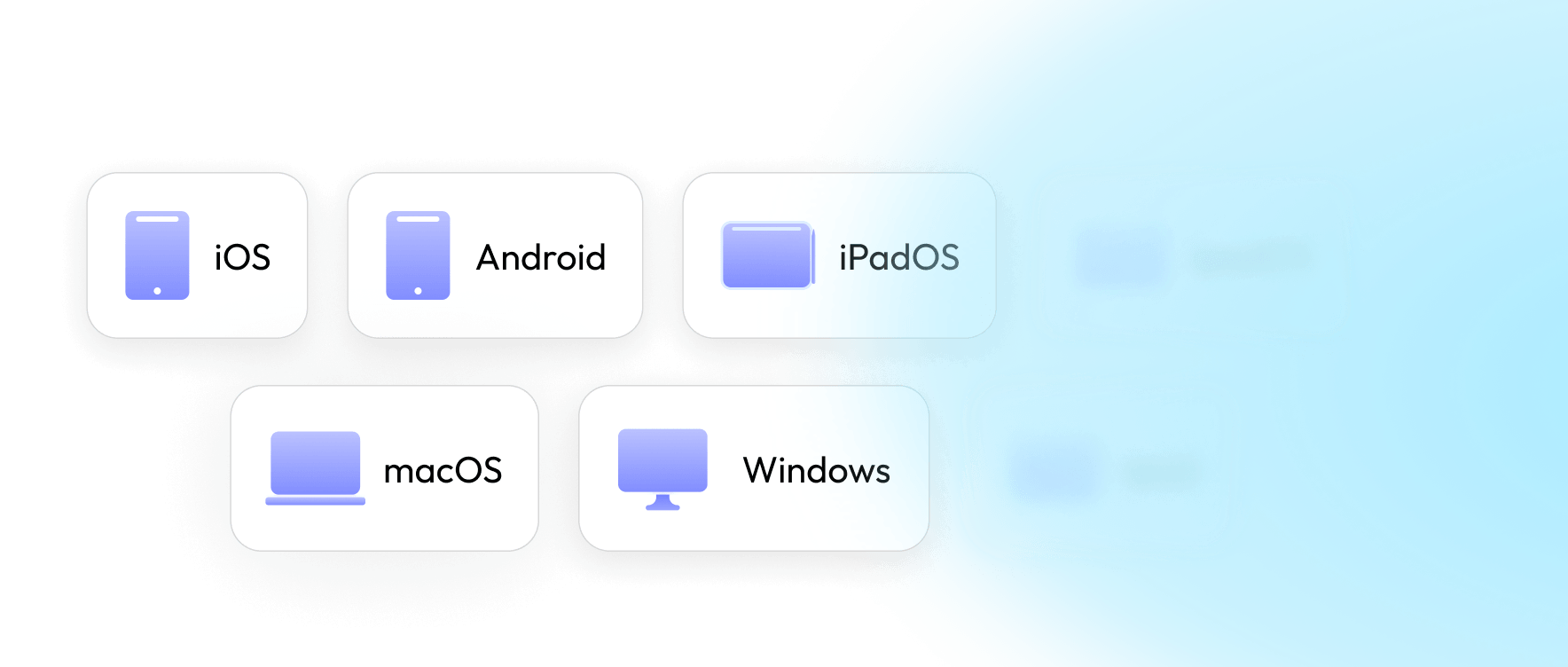
Choose the plan that fits your business workflow today—and scale whenever you're ready.
 UPDF AI Assistant
Use on 4 devices
No device system restrictions.


Auto renew, billed yearly. Cancel anytime.
Auto renew, billed quarterly. Cancel anytime.
Automatic renewal, monthly fee. Cancel at any time.
Yearly
Quarterly
Monthly
Unlimited use of AI features: Summarize, translate and explain PDFs. Extract text, generate the content, and answer questions based on the image in seconds. Convert text-heavy PDF to concise mind maps in seconds. Give instant answers to any questions. Quickly find, summarize, chat, and save academic papers. Find and automatically summarize papers to create organized, insightful literature reviews. Automate semantic search, bookmark generation & summarization, page management, and creative drafting in one workspace.
 UPDF AI
 Chat with PDF
 Chat with Image
 PDF to Mind Map
 Chat with AI
 Paper search (online)
 Deep Research (online)
 10 AI Agents

Summarize, translate & chat with PDF
Analyze unlimited PDFs & answer questions
Chat with up to 100 PDFs simultaneously (online)
Paper Search + Scholar Research (online)
10 AI Agents for page & content automation (app)
100GB cloud storage
Gift: 5 Free Christmas & New Year PDF Templates
Buy any plan and get 5 festive Christmas & New Year PDF card templates within 7 business days.
🔥 Most Popular
 UPDF Pro
Use on 4 devices
No device system restrictions.



Use on 4 devices
No device system restrictions.
Auto renew, billed yearly. Cancel anytime.
Pay once, use forever.
Yearly
Lifetime
The AI is powered by GPT-5 and offers a 7-day free trial, then auto renew at /year. Cancel anytime.
Unlimited use of AI features Summarize, translate and explain PDFs. Extract text, generate the content, and answer questions based on the image in seconds. Convert text-heavy PDF to concise mind maps in seconds. Give instant answers to any questions. Quickly find, summarize, chat, and save academic papers. Find and automatically summarize papers to create organized, insightful literature reviews. Automate semantic search, bookmark generation & summarization, page management, and creative drafting in one workspace.
UPDF AI
Chat with PDF
Chat with Image
PDF to Mind Map
Chat with AI
Paper search (online)
Deep Research (online)
10 AI Agents
Full access to all PDF tools in UPDF:
Edit text, images, links in PDF
Convert PDF to other formats
Annotate PDFs
OCR PDFs to recognize text
OCR is available only on Windows and on Mac with an Apple chip (official website version).
Organize PDF pages
110GB cloud storage
10GB cloud storage
102GB cloud storage
2GB cloud storage
Gift: 5 Free Christmas & New Year PDF Templates
Buy any plan and get 5 festive Christmas & New Year PDF card templates within 7 business days.
1 Account. 4 Premium Apps. 1 Seamless AI Workflow.
Auto renew, billed monthly. Cancel anytime.


A powerful, interconnected productivity loop unlocked under your single UPDF account:
 UPDF Pro
Professional, cross-platform PDF suite to edit, convert, OCR, and sign documents natively. (Win/Mac/iOS/Android)
 UPDF AI Assistant
Search literature, chat with PDFs, compare sources, summarize findings, and translate documents for study, research, and work. (Web/UPDF App)
 IvyCraft (Basic Plan)
Specialty creation platform to structure URLs, docs, and YouTube links into PPTs, images, videos, or audios. (10,000 monthly credits, Web)
 UPDF Sign
Legally-binding e-signature platform to effortlessly request, track, and manage secure electronic signatures on contracts. (Includes 20 requests, Web)
Get 4 premium apps in 1 complete AI workflow:
UPDF Pro: Edit, convert, OCR & sign PDFs (4 devices)
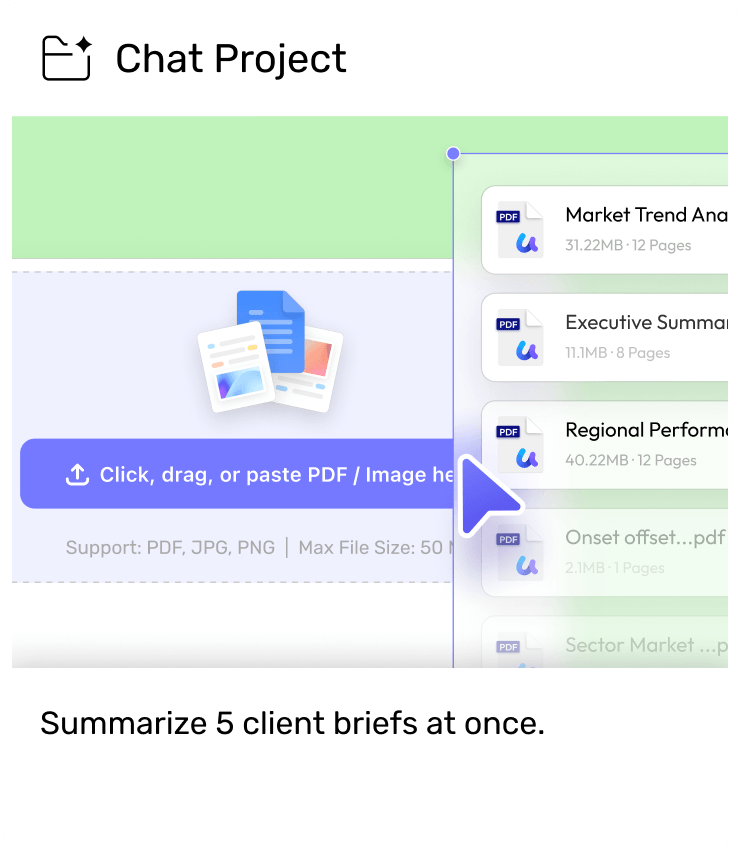
UPDF AI Assistant: Unlimited AI chat, Paper Search & batch summary/translation (100+ files)
IvyCraft: AI workspace for slides, documents, images, audio, and videos.
UPDF Sign: Legally-binding e-signatures (Includes 20 requests)
Workflow: AI Chat & Edit ➔ Convert to Media / Sign Legally
UPDF Pro
Use on 4 devices
Auto renew, billed yearly. Cancel anytime.
Pay once, use forever.
Yearly
Lifetime
Full access to all PDF tools in UPDF:
Edit text, images, links in PDF
Convert PDF to other formats
Annotate PDFs
OCR PDFs to recognize text
Organize PDF pages
10GB cloud storage
2GB cloud storage
 UPDF Sign
Legally binding e-signature made simple
Includes 300 signature requests & 20GB cloud storage
Includes 20 signature requests & 20GB cloud storage
No employees? No problem. Whether you’re a content creator, independent consultant, or e-
commerce founder, UPDF eliminates administrative chaos so you can focus on driving revenue.

Before: Hours spent updating the same proposal for every client.
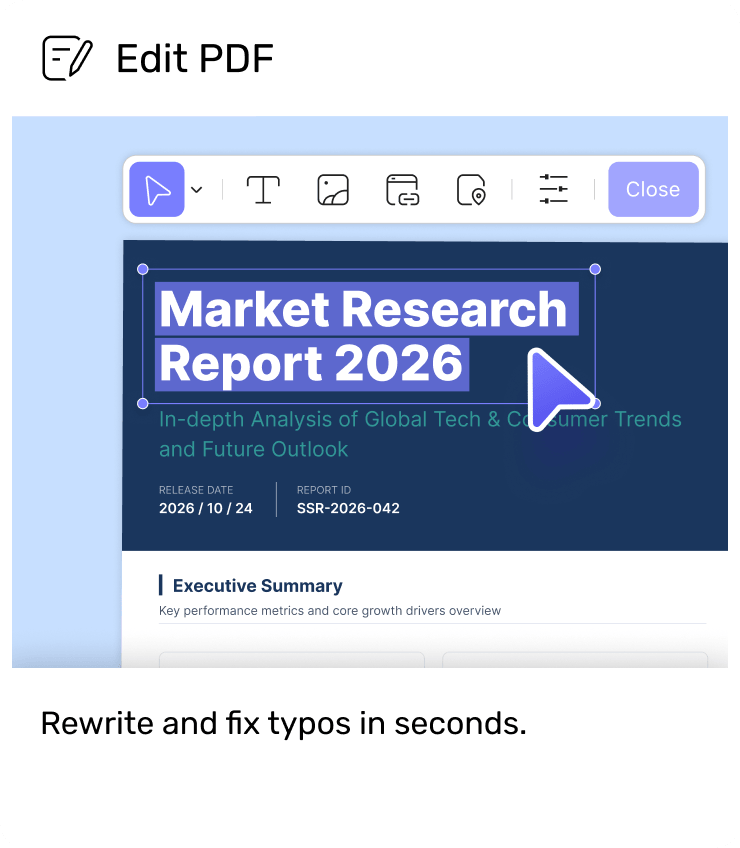
After: Reuse, edit, and personalize proposals with AI-assisted PDF editing.
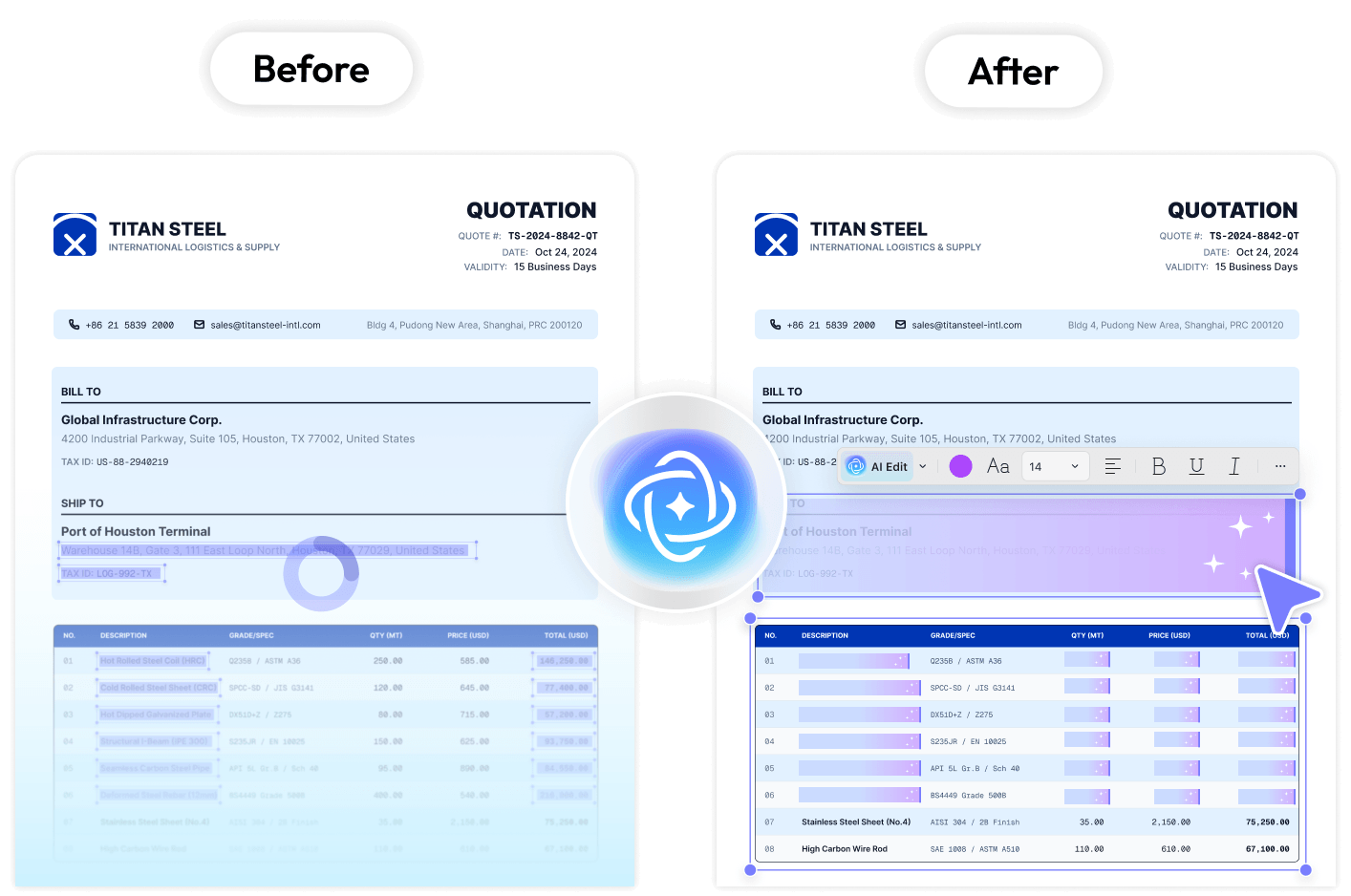

Before: Printing, scanning, and chasing signatures.
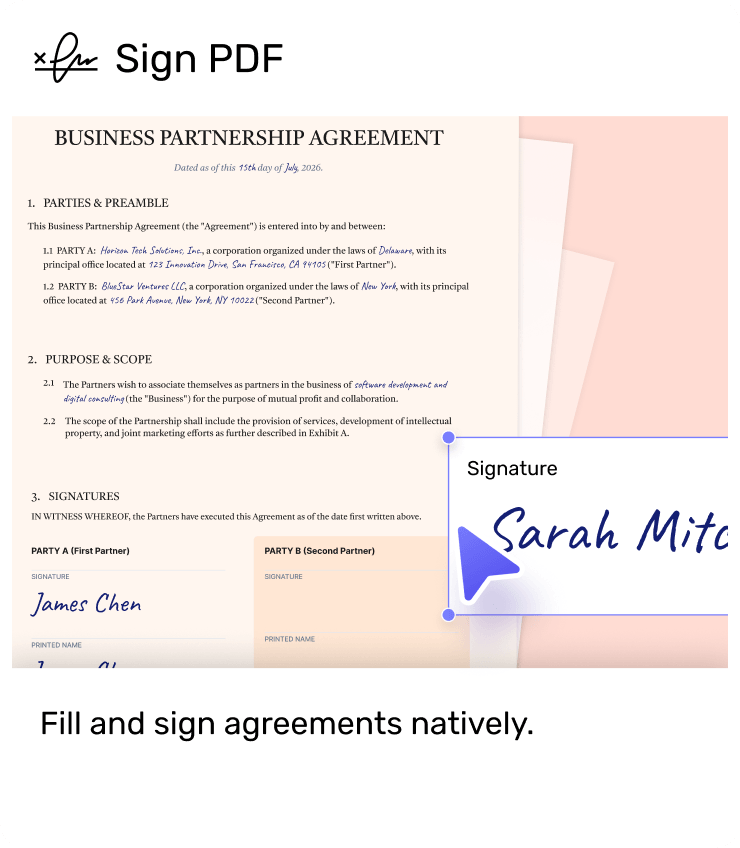
After: Fill, sign, and share contracts digitally without leaving your PDF.
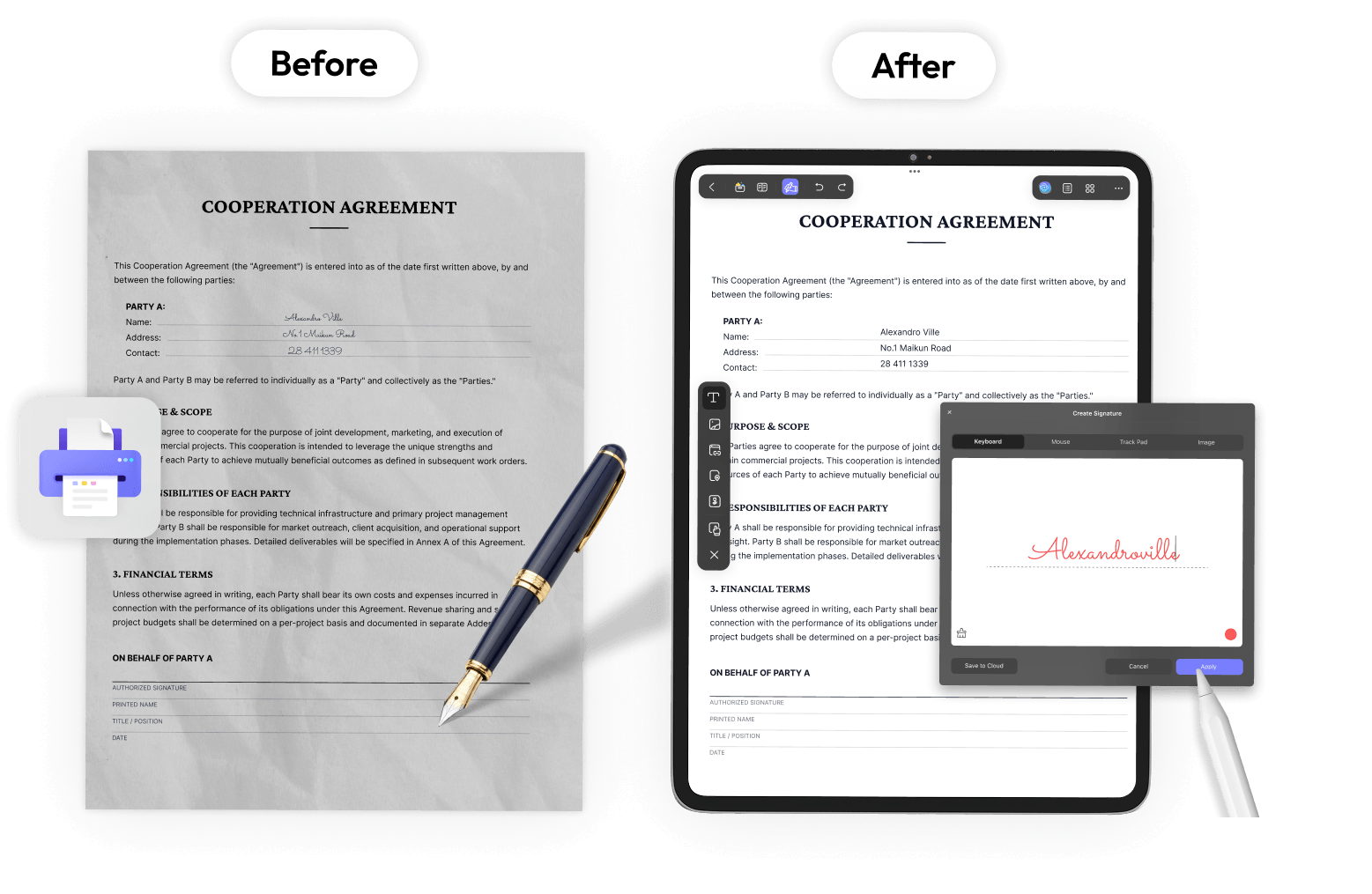

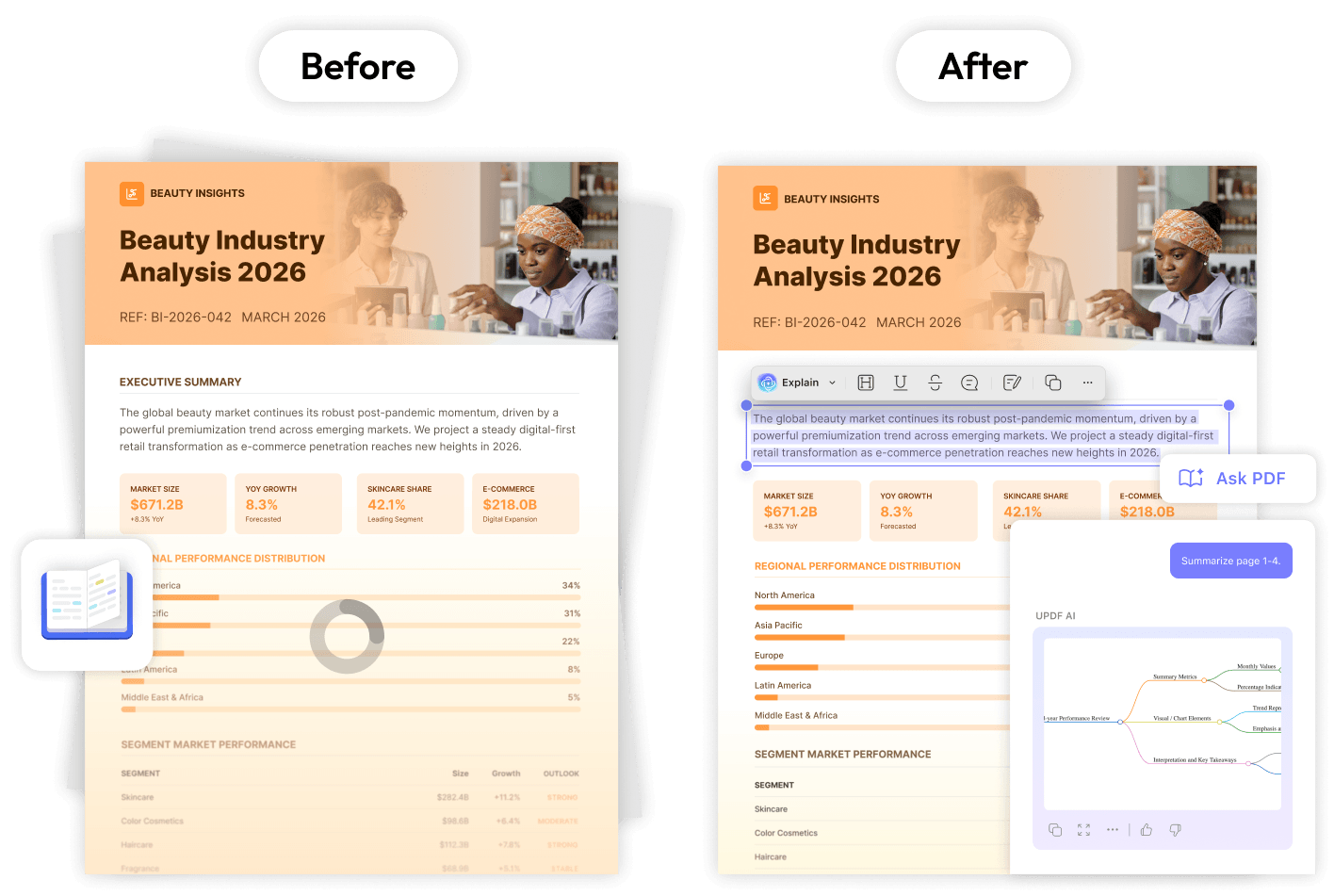
Before: Reading long reports, briefs, and revisions manually.
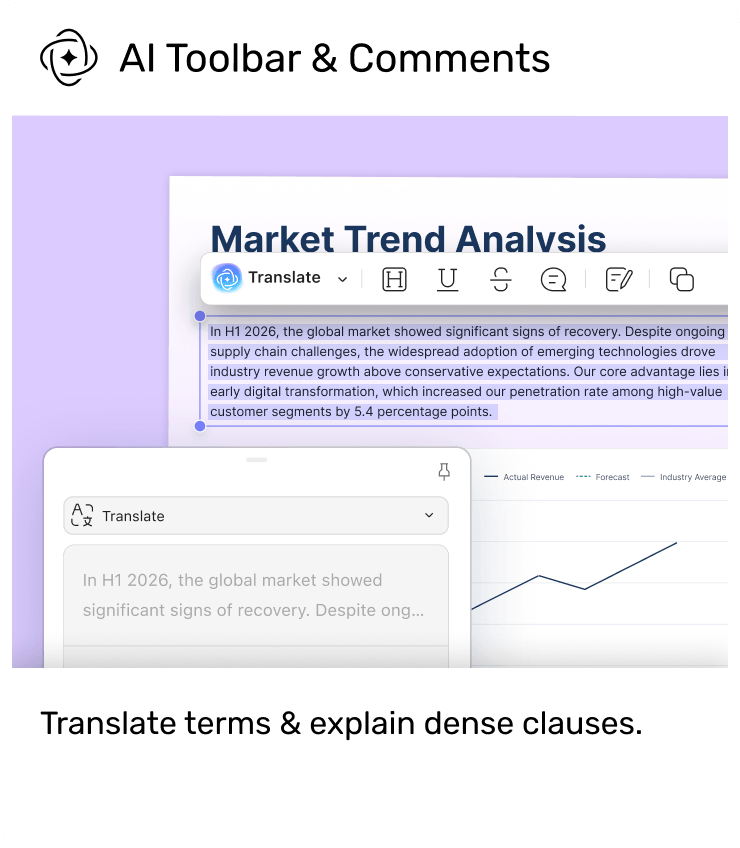
After: Summarize, explain, translate, and annotate documents with AI.

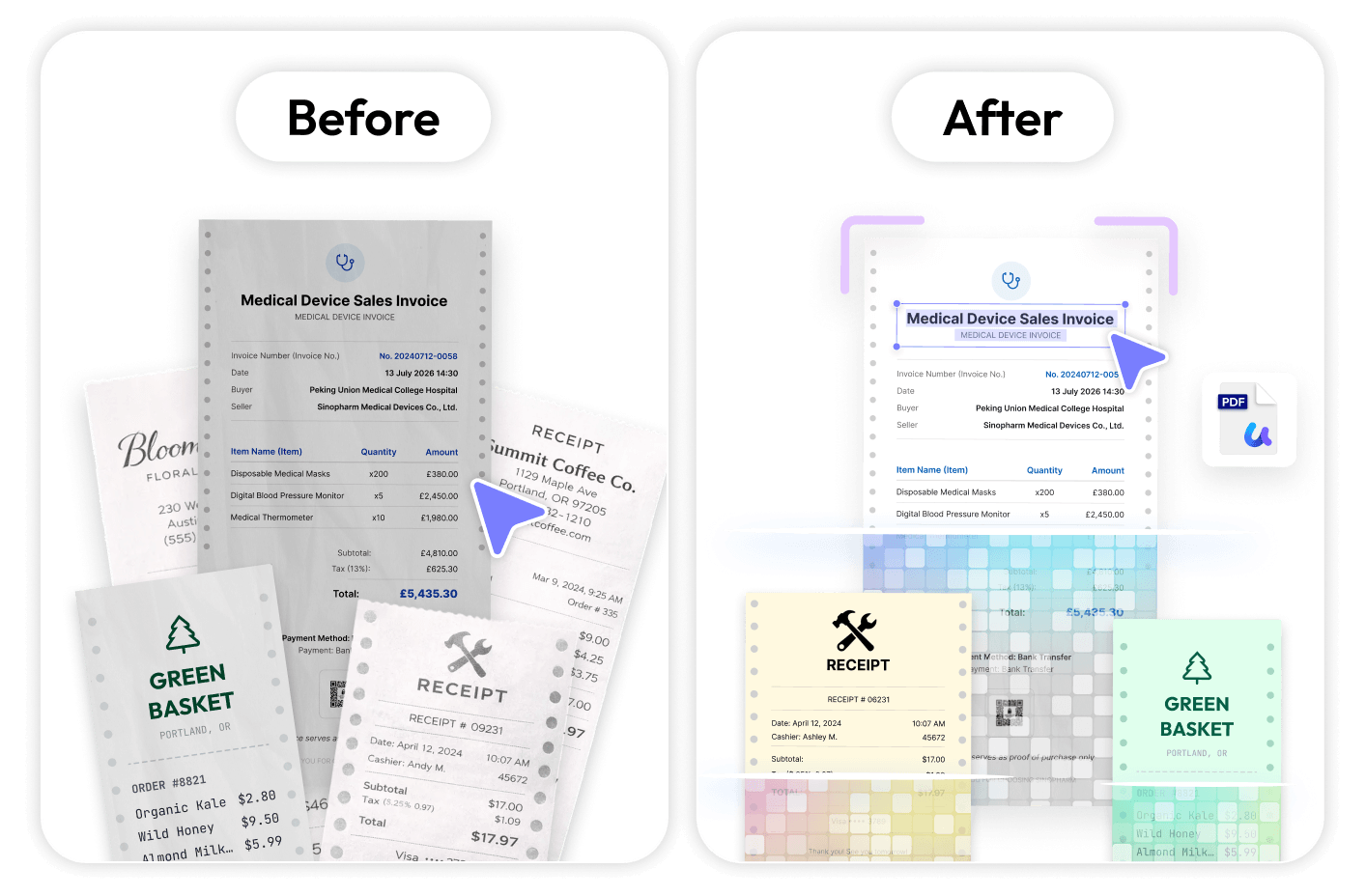
Before: Invoices, receipts, and contracts scattered across folders.
After: OCR, batch processing, and smart search keep everything organized.
Everything stays seamlessly integrated within your solo business system.
UPDF is the document hub of your business. Extend your workflow with connected tools for
content creation, mobile capture, and secure signing.
 UPDF
UPDF
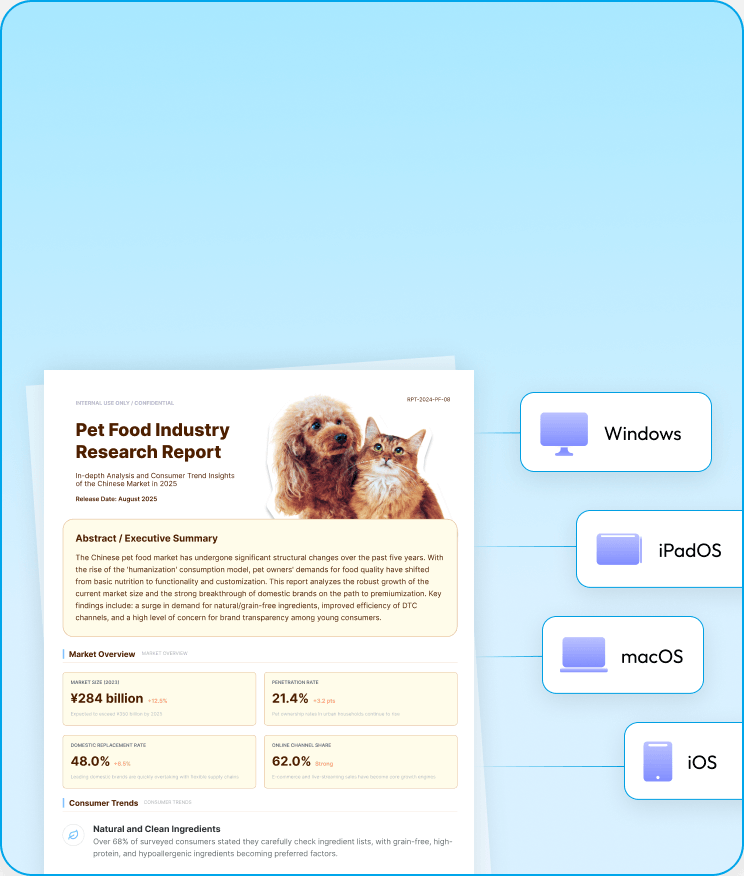
Manage, edit, and sync every business document across 4 devices.
 Nomostar
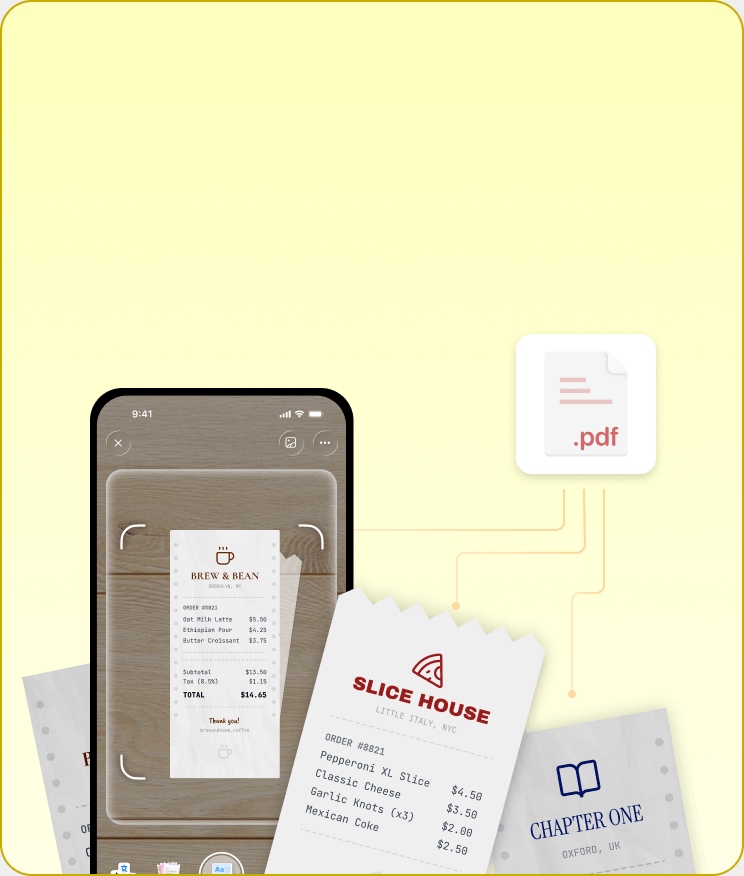
Turn paper receipts and invoices into digital files on the go.
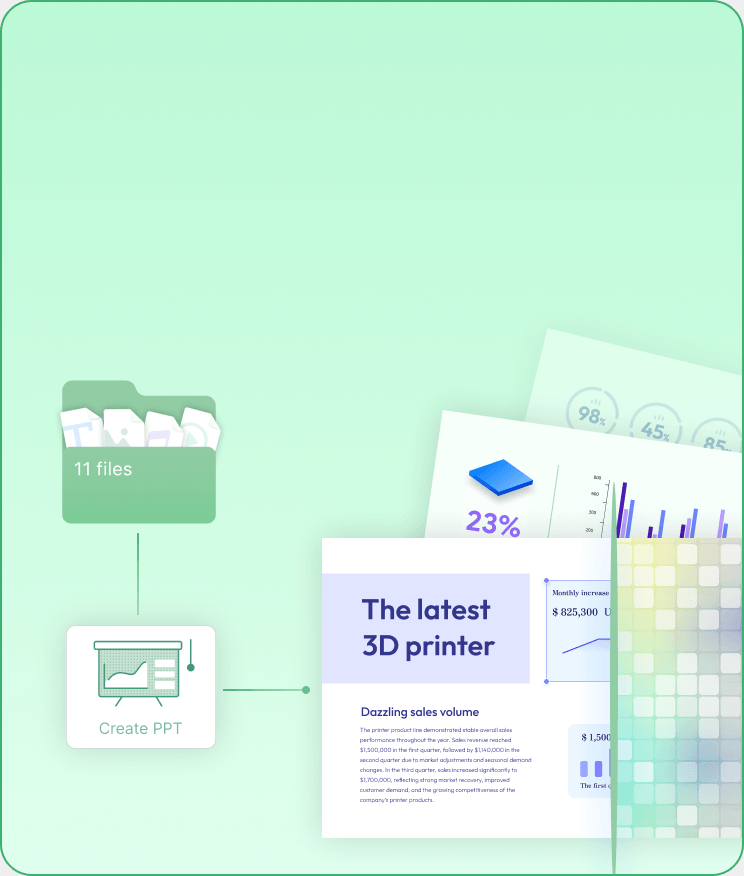
 IvyCraft
Brainstorm ideas, draft high-converting copy, and create slides faster.
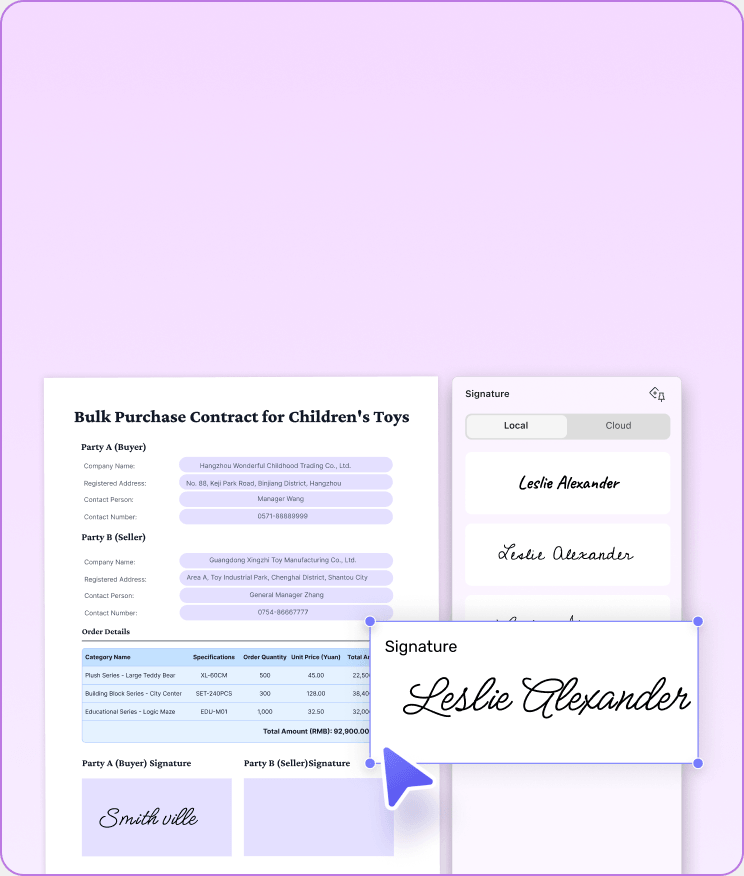
 UPDF Sign
Execute legally binding client agreements and close deals with ease.

From your first business proposal to your final invoice, everything starts with efficiency

I use it primarily on my pc and mac. I really love this program because it takes away the bloatware of Adobe while presenting us with more editing options of PDFs. I love the header footer and page background feature that allows me to add or remove all the backgrounds in the page at a single shot. The program is light and the perpetual license is worth it.
Serra D., from Google Play

I find New from Scanner a huge timesaver. UPDF found my printer/scanner with ease. I dumped the separate scanning app. Scan my docs to pdf and file ‘em. Done! And I enjoy creating my own pdf fillable forms with UPDF. Previous pdf editor lacked that. I feel like I’m really getting my money’s worth with this program. Fresh and functional.
Filbert N, from App Store
UPDF is an all-in-one AI PDF editor that's more versatile, yet more affordable, than the competition. Stop working with PDFs like they're impossible to manipulate and start editing and formatting them as easily as you would a Word document.


It's a spectacular tool, I edit all PDF files and use a lot of other people's PDF files. I use the tool every day, for my work it is essential and meets all the needs that must be had I love UPDF My MacBook Pro runs much faster with UPDF than...
Rosa I., from Capterra
UPDF offers compelling advantages over expensive alternatives like Adobe Acrobat. The software supports major platforms — Mac, iOS, Windows and Android — with one account usable across four devices simultaneously. Users enjoy lifetime free upgrades and pay just one-sixth the price of Adobe’s subscription model.


The cross-platform license is the reason UPDF stuck after the trial. One payment covers four devices... which means a Windows desktop in the office, a Mac laptop for travel, an iPad for reading, and an iPhone for quick mark-ups...AI Assistant and UPDF Sign also earned their place. I can chat against a collection of PDFs at once to find data points, and use AATL-certified digital signatures with an audit trail, so I stopped paying separately for a sign-only tool. The lifetime license is the option I went with. One payment now, no annual renewal, and future updates included.
Luca P., from G2
I use it primarily on my pc and mac. I really love this program because it takes away the bloatware of Adobe while presenting us with more editing options of PDFs. I love the header footer and page background feature that allows me to add or remove all the backgrounds in the page at a single shot. The program is light and the perpetual license is worth it.
Serra D., from Google Play
I find New from Scanner a huge timesaver. UPDF found my printer/scanner with ease. I dumped the separate scanning app. Scan my docs to pdf and file ‘em. Done! And I enjoy creating my own pdf fillable forms with UPDF. Previous pdf editor lacked that. I feel like I’m really getting my money’s worth with this program. Fresh and functional.
Filbert N, from App Store
UPDF is an all-in-one AI PDF editor that's more versatile, yet more affordable, than the competition. Stop working with PDFs like they're impossible to manipulate and start editing and formatting them as easily as you would a Word document.
It's a spectacular tool, I edit all PDF files and use a lot of other people's PDF files. I use the tool every day, for my work it is essential and meets all the needs that must be had I love UPDF My MacBook Pro runs much faster with UPDF than...
Rosa I., from Capterra
UPDF offers compelling advantages over expensive alternatives like Adobe Acrobat. The software supports major platforms — Mac, iOS, Windows and Android — with one account usable across four devices simultaneously. Users enjoy lifetime free upgrades and pay just one-sixth the price of Adobe’s subscription model.
The cross-platform license is the reason UPDF stuck after the trial. One payment covers four devices... which means a Windows desktop in the office, a Mac laptop for travel, an iPad for reading, and an iPhone for quick mark-ups...AI Assistant and UPDF Sign also earned their place. I can chat against a collection of PDFs at once to find data points, and use AATL-certified digital signatures with an audit trail, so I stopped paying separately for a sign-only tool. The lifetime license is the option I went with. One payment now, no annual renewal, and future updates included.
Luca P., from G2
One subscription covers everything. You can use UPDF on up to 4 devices simultaneously. No enterprise overhead required—perfect for the fluid mobile workstation of a solopreneur on the move.
Yes, absolutely. UPDF Sign provides legally binding digital signatures certified by AATL (Adobe Approved Trust List). This premium cryptographic certification ensures that every client agreement, NDA, and vendor contract executed through our platform contains a tamper-evident digital certificate that is universally trusted, verified, and legally enforceable worldwide.
True cost-efficiency. Adobe Acrobat is expensive, heavy, and fragmented. The UPDF Productivity Suite provides a holistic ecosystem at a fraction of the cost—including UPDF Pro, AI Assistant, Nomostar for scanning, IvyCraft for copywriting, and UPDF Sign. You get a design, legal, marketing, and admin team bundled into one sleek license.
Our integrated AI acts as your 24/7 digital team. It instantly summarizes long client briefs, translates overseas supplier PDFs, and extracts tabular financial data from cluttered invoices. It helps a single founder automate the administrative work of a 5-person agency.
Yes. UPDF features advanced, built-in AI-powered OCR technology across platforms. You can simply use UPDF for iOS to scan physical receipts directly with your phone's camera, or import PDF bank statements into UPDF. From there, UPDF will instantly batch-convert those image-based scans into searchable, editable text and pixel-perfect Excel tables, making your quarterly bookkeeping 100% automated. (Note: If you subscribe to our Productivity Suite, you can also use our dedicated Nomostar app for advanced mobile layout scanning and instant translation on the go!)
 IvyCraft
 Nomostar
 AI Rewrite
 Edit PDF
 Link Tools
 Fill Form
 Digital Signature
 Secure Share
 AI Summary
 AI Explain
 Annotation
 OCR
OCR Batch Tools
 Semantic Search