UPDF
UPDF
 UPDF for Windows
 UPDF for Mac
 UPDF for iPhone/iPad
 UPDF for Android
 Nomostar
 UPDF AI Online
 UPDF Sign
 IvyCraft
 Edit PDF
 Annotate PDF
 Create PDF
 PDF Form
 Edit links
 Convert PDF
 OCR
OCR PDF to Word
 PDF to Image
 PDF to Excel
 Organize PDF
 Merge PDF
 Split PDF
 Crop PDF
 Rotate PDF
 Protect PDF
 Sign PDF
 Redact PDF
 Sanitize PDF
 Remove Security
 Read PDF
 UPDF Cloud
 Compress PDF
 Print PDF
 Batch Process
 About UPDF AI
 UPDF AI Solutions
 AI User Guide
 FAQ about UPDF AI
 Summarize PDF
 Translate PDF
 Chat with PDF
 Chat with AI
 Chat with image
 PDF to Mind Map
 Explain PDF
 PDF AI Tools
 Image AI Tools
 AI Chat Tools
 AI Writing Tools
 AI Study Tools
 AI Working Tools
 Other AI Tools
 AI Bookmark Generation
 AI Bookmark Summary
 AI Watermark Generation
 AI Background Generation
 AI Sticker Generation
 AI Stamp Generation
 AI Editing Suite
 UPDF Copilot
 AI Page Management
 AI Semantic Search
 PDF to Word
 PDF to Excel
 PDF to PowerPoint
 Enterprise Solution
 Enterprise Sign
 Enterprise AI
 Enterprise Plan
 Enterprise User Guide
 Enterprise Webinar
 IT
IT Education
 Construction
 Financial Service
 Healthcare
 Insurance
 Legal
Legal Manufacturing
 Government
 Researchers & PhDs
 Solopreneurs & Freelancers
 Lawyers & Legal Professionals
 Real Estate Agents & Brokers
 Education Solution
 Customer Stories
 User Guide
 UPDF Tricks
 FAQs
FAQs UPDF Reviews
 Download Center
 Blog
Blog Newsroom
 Tech Spec
 Updates
 UPDF vs. Adobe Acrobat
 UPDF vs. Foxit
 UPDF vs. PDF Expert

Does PDF Expert have a lifetime license? Yes — a one-time payment of $139.99, available on Readdle's official site and frequently discounted to $79.99 on deal platforms. But it comes with three hard boundaries: it's Mac-only (no Windows, no Android, and iPhone/iPad require the $79.99/year plan instead), future major updates may cost extra, and the deal's real value depends entirely on how long you'll stay on a single Mac.
Below, we break down exactly what's included in the 2026 lifetime plan, who it's actually for, and how it compares to one-time licenses — including UPDF's $79.99 lifetime plan that covers every platform.
Get UPDF Lifetime — $79.99 one-time. All platforms, all updates, AI included. 30-day money-back guarantee.
Windows • macOS • iOS • Android 100% secure
Part 1. What Do You Need to Know Before Purchasing a PDF Expert Lifetime License?
Before buying, check what the lifetime license actually covers:
| If you need to… | Does the PDF Expert lifetime license cover it? |
|---|---|
| Edit PDFs on a Mac | Yes — up to 3 Macs per Readdle support; confirm at purchase |
| Edit PDFs on iPhone/iPad | No — iOS is a separate product; full iOS features are mainly unlocked by subscription |
| Use Windows or Android | No — not supported |
| Get major new features | No — bug fixes/security updates included; major new features may cost extra |
| Use PDF Copilot/AI Chat | No — AI features are prioritized for subscription plans |
Four restrictions matter most: platform coverage, device activation, update policy, and AI access.
Official list price is $139.99. Promotional prices around $79.99 appear on some deal sites, but they are still Mac-only and generally exclude iOS and AI. Check the seller and license terms before buying.
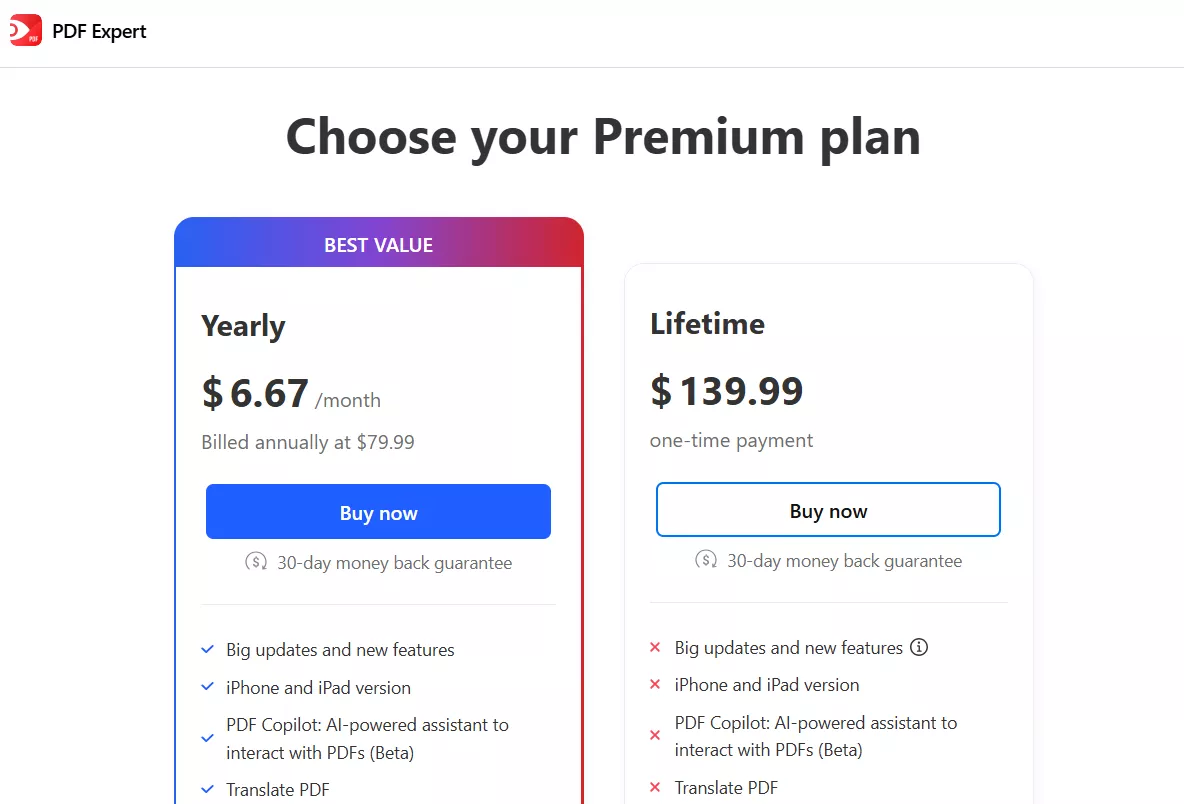
- Mac-only licensing. The lifetime plan covers Mac only — one purchase for your personal Macs, but iPhone and iPad are excluded, and Windows and Android don't exist at all. Readdle's own support documentation states it has no plans to develop a Windows version. If your household or workflow spans platforms, this one license won't follow you.
- The update catch, updated. The current lifetime plan includes ongoing updates and bug fixes, and the feature list now covers OCR, PDF Copilot AI, and Translate PDF. The fine print to note: "additional new features may come at an extra cost" — so the AI and tools you get today are included, but tomorrow's headline features aren't guaranteed. If you want new features by right rather than by purchase, that's the yearly plan.
- Platform split is the real pricing trap. The $79.99/year plan is the one that covers Mac + iPhone + iPad with sync, big updates, and AI. Many buyers assume "lifetime" is the top tier; it isn't — it's the Mac-only tier. If you work across an iPad and a Mac, lifetime alone leaves one device uncovered.
- Upfront cost vs. the deal market. $139.99 is the list price, but the same lifetime license is routinely discounted to $79.99 on StackSocial, Dealify, and during Readdle's own promos — often with a 30-day money-back guarantee attached. If you do buy it, never pay list price.
Part 2. Is PDF Expert Lifetime License Worth It?
For most people: no — the yearly plan or a cross-platform alternative is the better buy. The breakeven math is simple: $139.99 ÷ $79.99 ≈ 1.75 years. The lifetime license only beats two years of subscription if you'll actually stay on a single Mac that long — and even then, the yearly plan gives you iPhone, iPad, and guaranteed new features, which lifetime doesn't.
The lifetime license makes sense for exactly one profile: a Mac-only user with no iPhone/iPad PDF needs, who keeps one machine for years, and who catches the $79.99 promo price. If that's not you — mixed devices, an iPad in the bag, a Windows machine at work, or simply a preference for paying once and owning everything — compare one-time licenses before you pay.
Part 3. One-Time-Payment PDF Editors Compared (2026)
If the point of your search is "pay once, own it forever," here's how the one-time options stack up:
| Tool | One-time price | Platforms | Updates | AI | Notes |
|---|---|---|---|---|---|
| PDF Expert Lifetime | $139.99 list ($79.99 on deal sites) | Mac only | Included, major future features may cost extra | PDF Copilot included | Apple-only; 7-day trial; 30-day refund |
| UPDF Lifetime | $79.99 | Windows, Mac, iOS, Android, web | All updates included | AI Assistant included (100 free prompts) | 4 devices ( desktopmobile, and web); 30-day refund |
| Nitro PDF Pro (perpetual) | ~$179.99 | Windows, Mac | Version-locked | No | Priciest one-time option |
Read it row by row and the pattern is clear: PDF Expert's lifetime is the only major one-time license that stops at one platform's doorstep — and it's not the cheapest anyway.
Part 4. Is There a Better Option Than a PDF Expert Lifetime License?
Yes — and if your goal is one payment for every device you own, UPDF is the direct answer. Its lifetime plan costs $79.99 ($60 less than PDF Expert's list price), covers Windows, Mac, iOS, Android, and the web under one license, and — unlike PDF Expert's fine print — includes all future updates and features in the one-time fee. You can activate it on up to six devices (2 desktops, 2 mobiles, 2 web sessions), so a Mac at home and a Windows PC at the office share one purchase.
Beyond licensing, UPDF adds the document work PDF Expert skips: batch OCR PDFs and batch conversion, redaction, XML/CSV/PDF-A export, file attachments, and page measurement — plus an AI assistant (100 free prompts included) for summarizing, translating, and chatting across up to 100 PDFs at once.
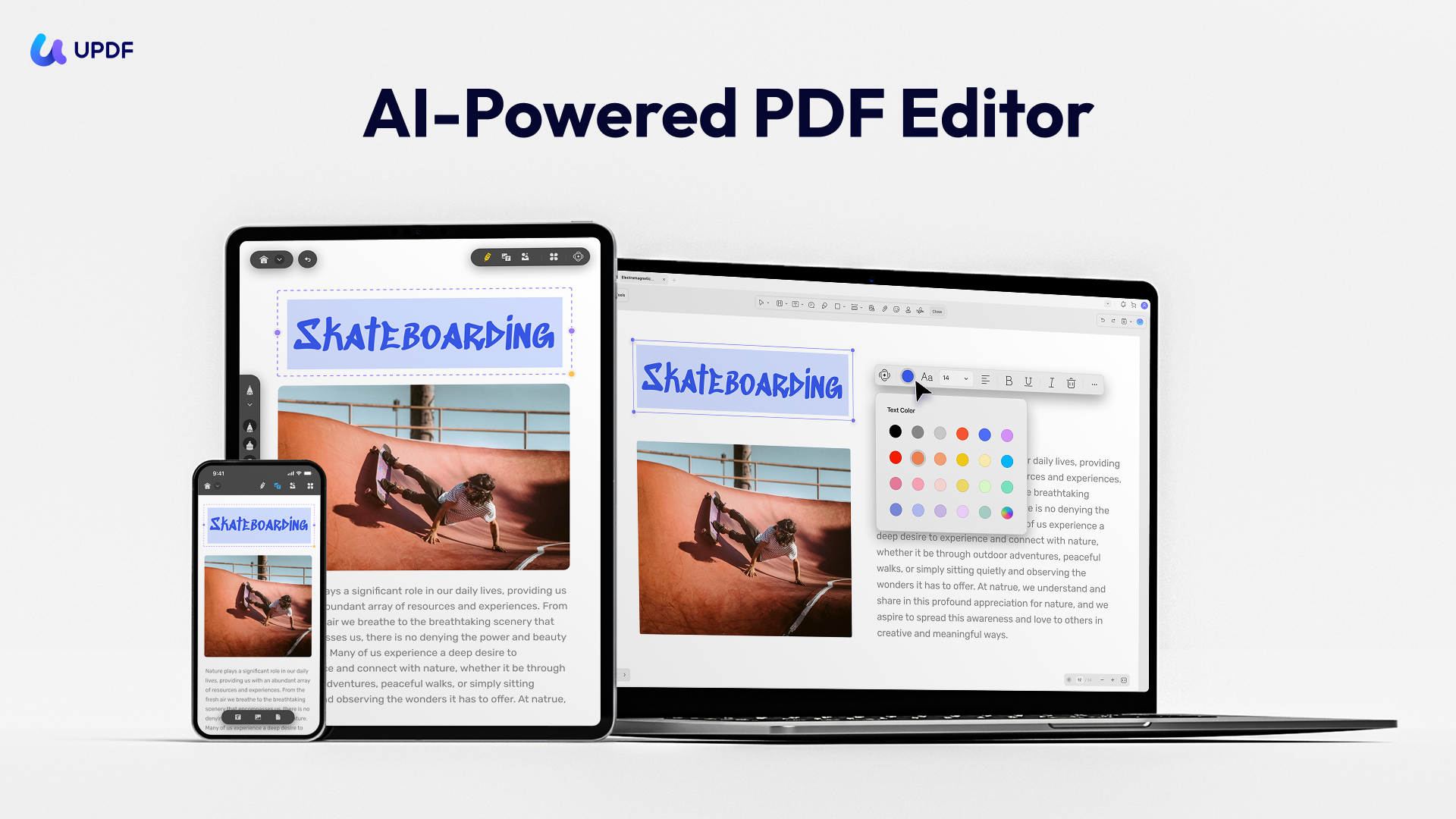
You can download UPDF via the button below to test it and check it price, then, compare with PDF Expert.
Windows • macOS • iOS • Android 100% secure
The table below compares both these plans side by side to help make an informed choice:
| Item | UPDF Lifetime License | PDF Expert Lifetime License |
|---|---|---|
| Price | USD $79.99 | USD $139.99 list (frequently $79.99 on deal sites) |
| Platforms | Windows, Mac, iOS, Android, web | Mac only (no Windows, Android, or iOS) |
| Devices covered | Up to 4 devices ( desktop and mobile) | Your personal Macs only |
| Free updates | Yes — all updates and features included in the one-time fee | Updates and fixes included; major future features may cost extra |
| AI assistant | Built-in, 100 free prompts included | PDF Copilot included on current plan |
| OCR | Yes, batch OCR | Yes |
| Mobile apps | Full-featured iOS and Android | Not included (needs yearly plan) |
| Convert formats | Word, Excel, PPT, images, text, CSV, XML, PDF/A, PDF/X, PDF/E, RTF, HTML | Word, Excel, PPT, images, text |
| Redaction | Yes | Yes |
| Attach files to PDF | Yes | No |
| Measure PDF content | Yes | No |
| Batch processing | Yes | No |
| Trial | Free version available | 7-day trial |
| Money-back guarantee | 30 days | 30 days |
As the table shows, UPDF lifetime plan packs in features that PDF Expert lacks. So, we recommend downloading UPDF and purchasing its lifetime plan. For a more detailed comparison, we recommend you to check this price page.
Key Features
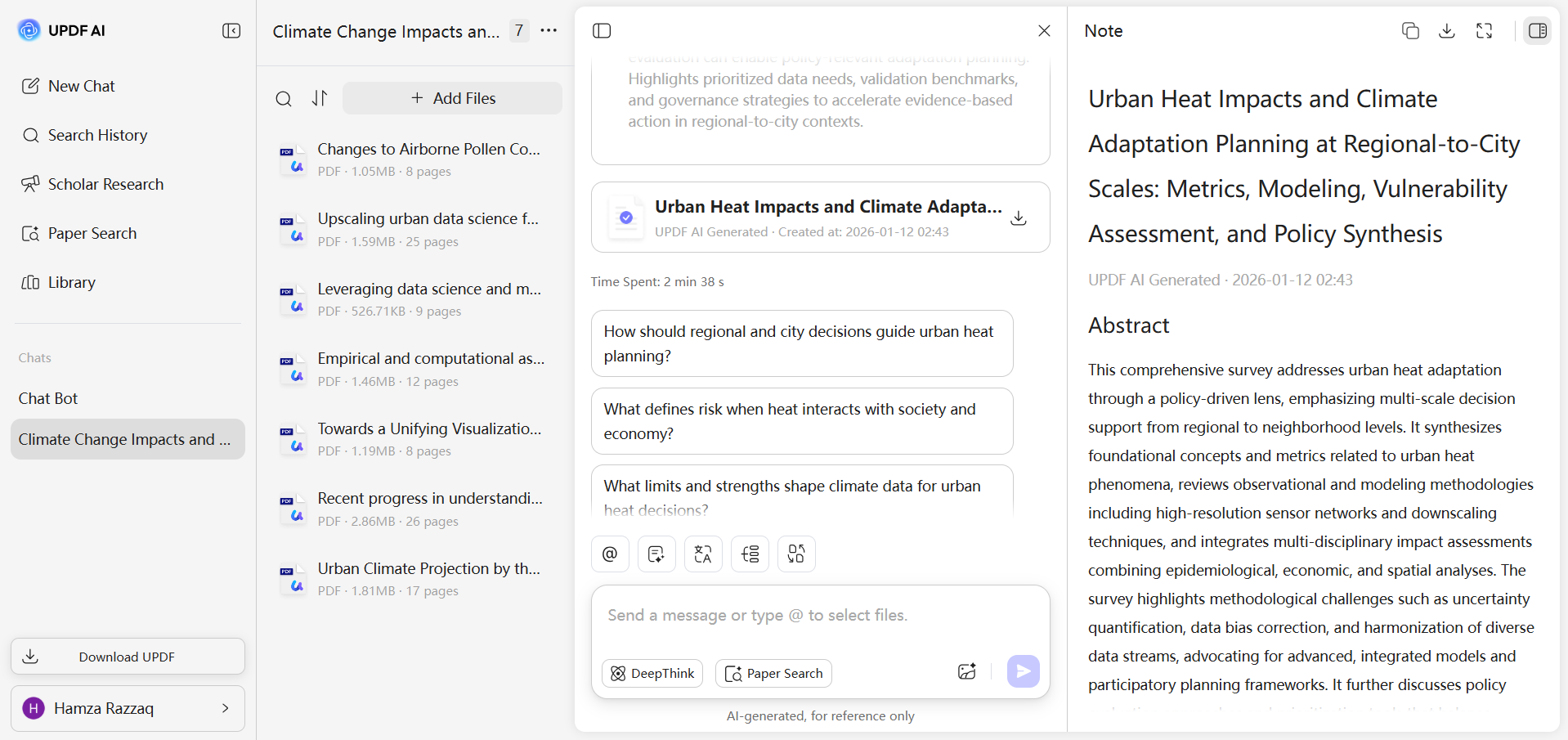
- AI Assistant: UPDF includes an AI PDF assistant with 100 free prompts to summarize, translate, explain or chat with your documents. You can also search academic papers or generate literature reviews for your academic papers with UPDF AI. This AI tool is more powerful than PDF Expert’s. Interested readers can click the button below to have a free try.
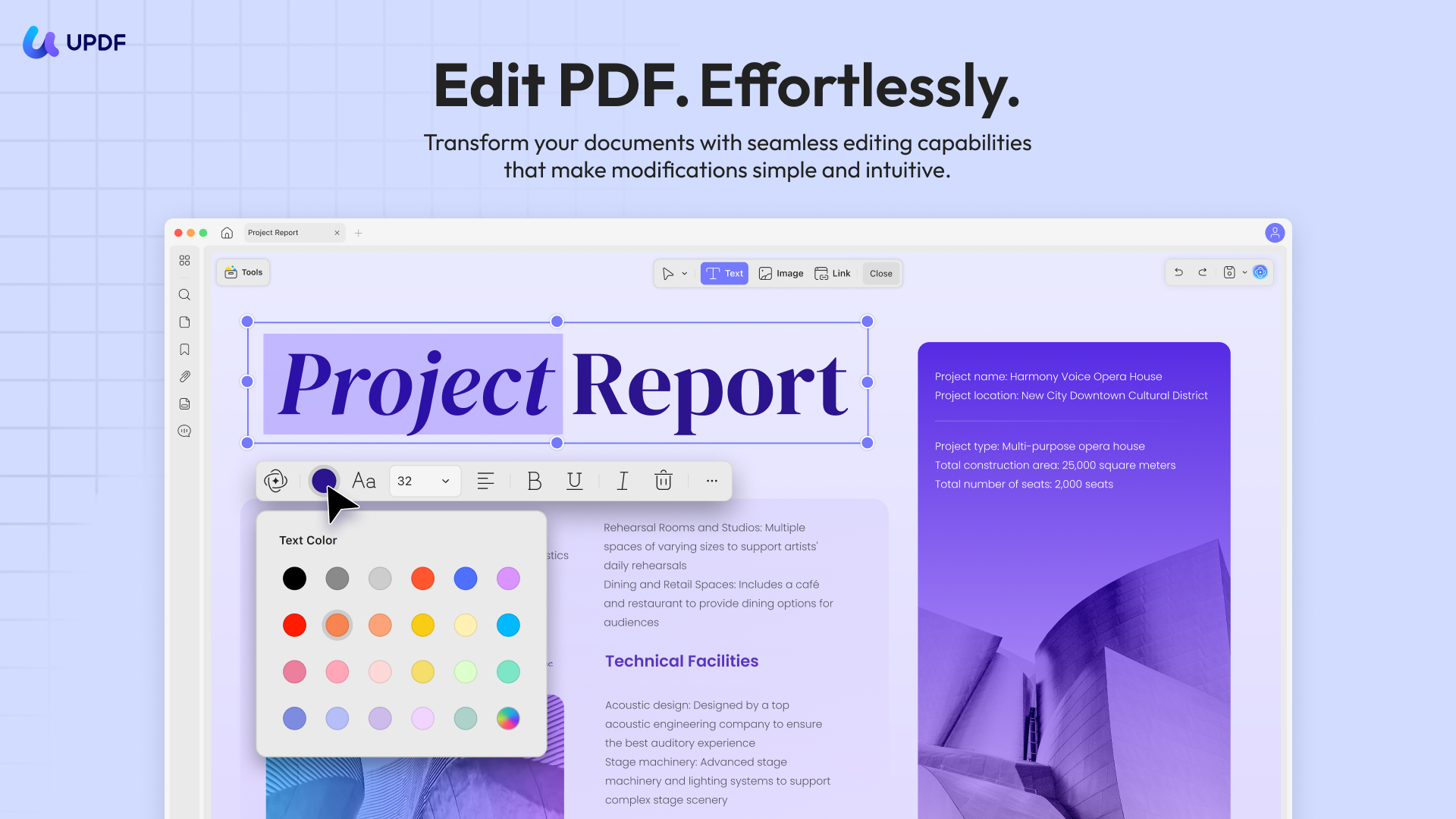
- Advanced Editing Tools: Beyond basic annotation, UPDF lets you do things for editing. For example, you can add or edit text and images in PDFs, attach files to your PDFs, and even measure distances or areas on a page.
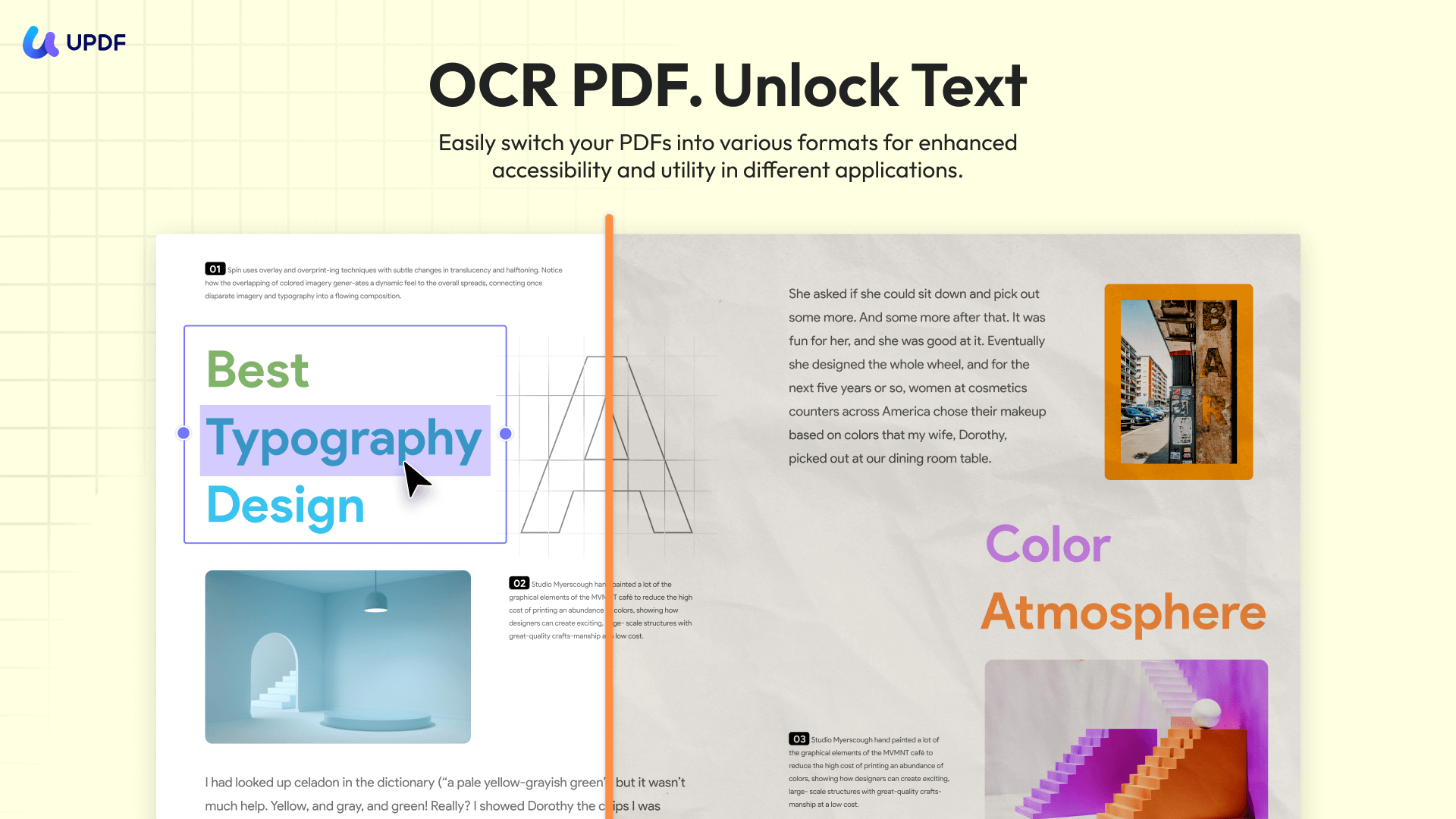
- Versatile Conversion and OCR: This PDF conversion tool can convert PDFs into many formats, such as Word, images, and more. Apart from basic conversions, this tool can even tackle specialized formats like XML, PDF/A, PDF/E, PDF/X and more. It even has built-in OCR to turn scanned documents into editable text.
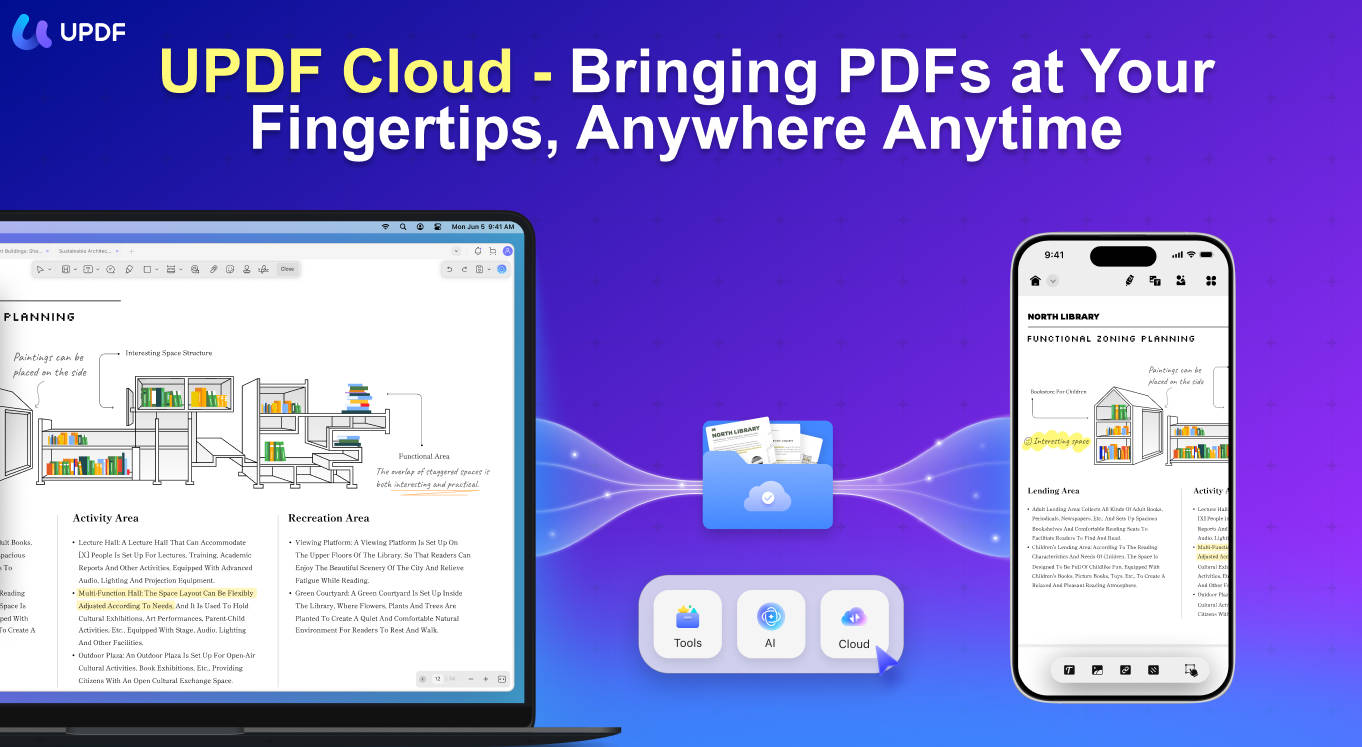
- Batch Processing and Sync: UPDF supports batch actions, such as batch printing, inserting, or combining files, saving time on repetitive tasks. You can also sync PDF files across devices and share via links or email for better multitasking.
For more perspective, check out this review article of UPDF or watch the video below for more in-depth analysis. These resources also highlight why UPDF is a compelling choice over the PDF Expert lifetime license.
Part 5. FAQs About the PDF Expert Lifetime License
Does PDF Expert have a lifetime license?
Yes. PDF Expert offers a lifetime license for $139.99 as a one-time payment, covering the Mac version only. It's frequently discounted to $79.99 on deal platforms like StackSocial and Dealify. The alternative is ,UPDF, the $79.99/year subscription, which covers Mac, iPhone, and iPad.
Is PDF Expert available on Windows or Android?
No. PDF Expert runs on macOS and iOS only, and Readdle has stated it has no plans to develop a Windows version. If you need Windows or Android support, look at cross-platform editors such as UPDF.
What's the difference between PDF Expert lifetime and yearly plans?
The yearly plan ($79.99/year) covers Mac, iPhone, and iPad with cloud sync, all updates, and the PDF Copilot AI. The lifetime plan ($139.99 one-time) covers Mac only: updates and bug fixes are included, but future major features may come at an extra cost. Counter-intuitively, "lifetime" is not the top tier — it's the Mac-only tier.
Does the PDF Expert lifetime license include free updates?
Ongoing updates and bug fixes are included, and the current plan ships with OCR, AI, and Translate PDF. The fine print notes that additional new features may come at an extra cost — unlike UPDF's lifetime plan, where every future update is included in the one-time fee.
Is there a refund policy?
Yes — both Readdle and UPDF offer a 30-day money-back guarantee on their websites, so either purchase can be tested risk-free for a month.
What is the best alternative to the PDF Expert lifetime license?
For cross-platform one-time pricing, UPDF's lifetime plan at $79.99 covers Windows, Mac, iOS, Android, and web, includes all updates and AI, and allows up to six devices — versus PDF Expert's Mac-only coverage at a higher list price.
Conclusion
The PDF Expert lifetime license answers a real need — owning a genuinely good Mac PDF editor outright — and at a promo price of $79.99 it's a fair deal for the Mac-only crowd. But go in with clear eyes: it stops at the Mac's edge, iPhone and iPad need the subscription, future major features may cost more, and list price is $139.99.
If "pay once" is the goal and your devices don't all wear an Apple logo, UPDF's lifetime plan is the more complete answer: $79.99, every platform, every update, AI included, six devices, 30-day money-back guarantee. One purchase, no asterisks.
Windows • macOS • iOS • Android 100% secure
Disclaimer






 Lizzy Lozano
 Enola Miller
 Enya Moore