 UPDF
UPDF
 UPDF for Windows
 UPDF for Mac
 UPDF for iPhone/iPad
 UPDF for Android
 UPDF AI Online
 UPDF Sign
 IvyCraft
 Edit PDF
 Annotate PDF
 Create PDF
 PDF Form
 Edit links
 Convert PDF
 OCR
OCR PDF to Word
 PDF to Image
 PDF to Excel
 Organize PDF
 Merge PDF
 Split PDF
 Crop PDF
 Rotate PDF
 Protect PDF
 Sign PDF
 Redact PDF
 Sanitize PDF
 Remove Security
 Read PDF
 UPDF Cloud
 Compress PDF
 Print PDF
 Batch Process
 About UPDF AI
 UPDF AI Solutions
 AI User Guide
 FAQ about UPDF AI
 Summarize PDF
 Translate PDF
 Chat with PDF
 Chat with AI
 Chat with image
 PDF to Mind Map
 Explain PDF
 PDF AI Tools
 Image AI Tools
 AI Chat Tools
 AI Writing Tools
 AI Study Tools
 AI Working Tools
 Other AI Tools
 AI Bookmark Generation
 AI Bookmark Summary
 AI Watermark Generation
 AI Background Generation
 AI Sticker Generation
 AI Stamp Generation
 AI Editing Suite
 UPDF Copilot
 AI Page Management
 AI Semantic Search
 PDF to Word
 PDF to Excel
 PDF to PowerPoint
 Enterprise Solution
 Enterprise Sign
 Enterprise AI
 Enterprise Plan
 Enterprise User Guide
 Enterprise Webinar
 Banking
 Healthcare
 Insurance
 Legal
Legal Manufacturing
 Government
 Education Solution
 Customer Stories
 User Guide
 UPDF Tricks
 FAQs
FAQs UPDF Reviews
 Download Center
 Blog
Blog Newsroom
 Tech Spec
 Updates
 UPDF vs. Adobe Acrobat
 UPDF vs. Foxit
 UPDF vs. PDF Expert

iOS 26 already gives you a Face ID-locked Hidden Album built into Photos — and for casual privacy needs, that's often enough. But if you want your photos completely invisible to anyone browsing your phone, or stored outside the Photos app entirely, a dedicated app handles things the native solution wasn't designed for.
In this guide, we've tested and ranked the 10 best apps to hide photos on iPhone for 2026, all fully compatible with iOS 26. We'll cover their key features, security methods, and who each app is best suited for — so you can make the right call instantly.
Quick Comparison: 10 Best Photo Vault Apps for iPhone
| App | Best For | Lock Method | Free Plan | Cloud Import |
|---|---|---|---|---|
| UPDF | All-in-one secure file vault | Face ID / Passcode | ✅ | ✅ iCloud, Dropbox |
| HiddenVault | Multi-grade photo encryption | PIN / Face ID | ✅ (limited) | ❌ |
| Private Photo Vault | Decoy password protection | Pattern / Password | ✅ (limited) | ❌ |
| Photo Vault & App Lock | Customizable app icon disguise | PIN / Touch ID / Face ID | ✅ (limited) | ❌ |
| KeepSafe | Casual privacy with private camera | fingerprint touch ID, PIN | ✅ (limited) | ❌ |
| PicLock | Lifetime updates, basic vault | PIN | ✅ | ❌ |
| KYMS | Military-grade encryption & real-time decryption | PIN + Alphanumeric + Face ID / Touch ID | ✅ | ❌ |
| Calculator# | Calculator disguise | PIN, pattern, or biometrics (Touch ID/Face ID) | ✅ | ✅ iCloud, Dropbox, Google Drive, OneDrive |
| Best Secret Folder | Break-in alert security | PIN / Pattern / Face ID / Touch ID | ✅ (limited) | ❌ |
| Gallery Vault | Intruder photo alerts & multi-media hiding | Face ID / Touch ID / Pattern / PIN | ✅ (limited) | ❌ |
Top 10 Best Apps to Hide Photos on iPhone (iOS 26 Compatible)
The applications mentioned above are a few of the iPhone's best photo lock apps. Let us discuss them one by one, focusing on the key features that distinguish them from others and their users' likes most.
Windows • macOS • iOS • Android 100% secure
1. UPDF — Best Overall App to Hide Photos on iPhone
UPDF for iOS is the top-rated app to hide photos and videos on iPhone 17 in 2026 — and for good reason. Unlike single-purpose photo vault apps, UPDF combines a secure, encrypted Security Space with a full-featured PDF editor, file manager, and AI assistant, all in one lightweight app.
Windows • macOS • iOS • Android 100% secure
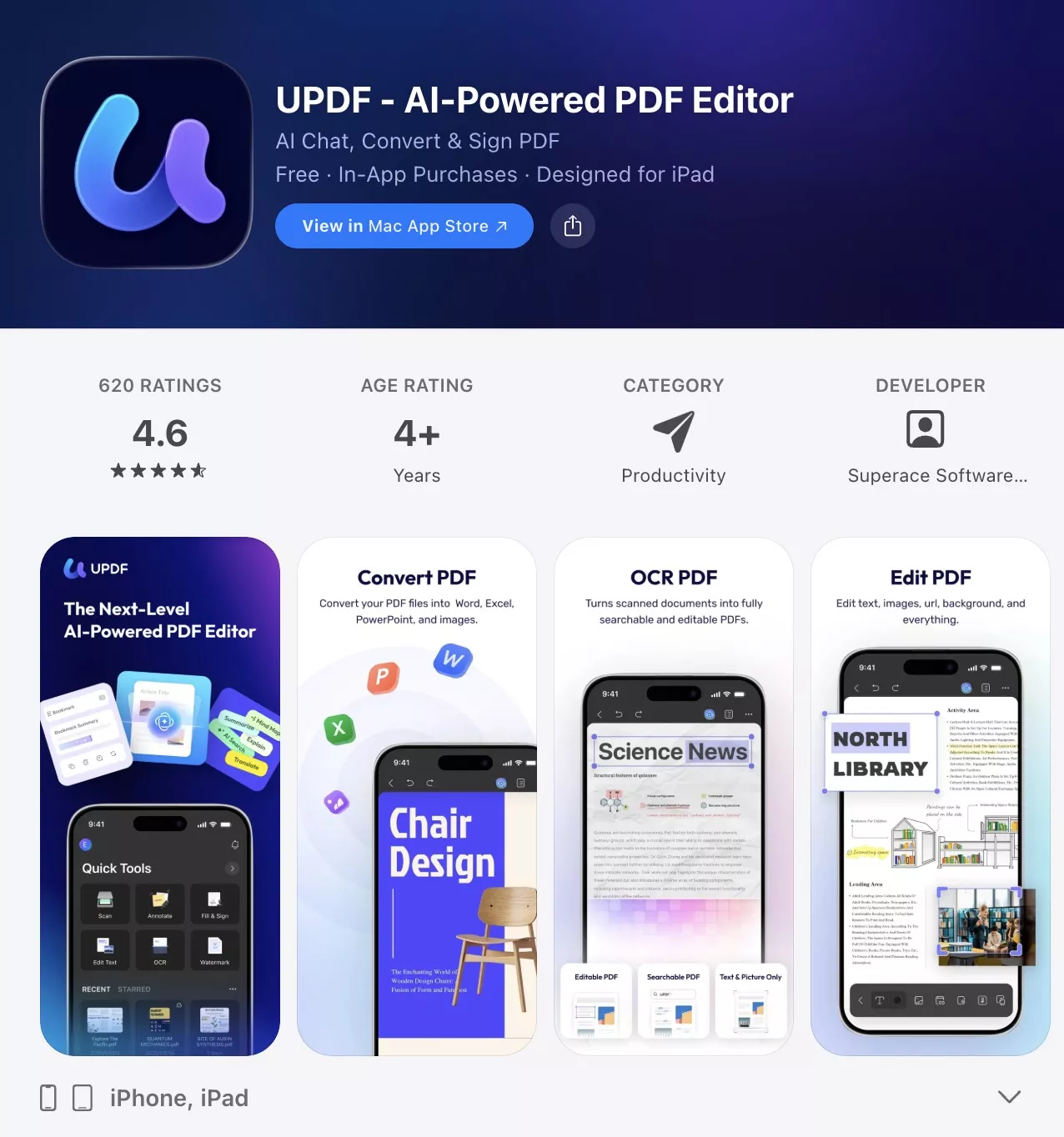
Why UPDF Stands Out for Photo Privacy
UPDF's Security Space is a dedicated, encrypted vault inside the app. It requires Face ID or your device Passcode to enter — meaning even if someone has access to your phone, they cannot open the vault without your biometrics. This is the same principle used by banking apps, making it one of the most secure free photo-hiding solutions for iPhone 17.
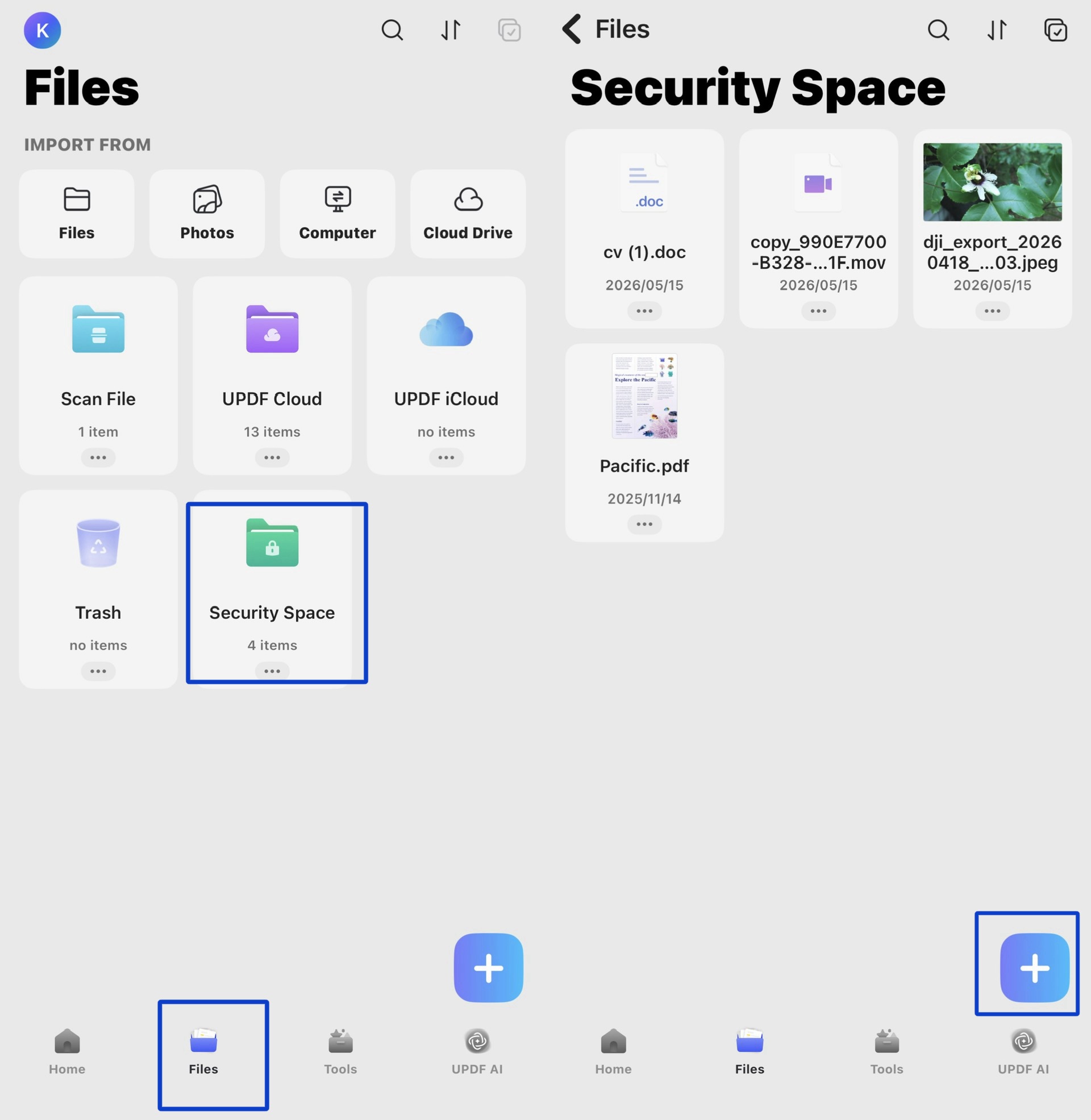
Key features:
- Security Space — a private, Face ID / Passcode-protected vault to hide photos, videos, and any file type on your iPhone and iPad.
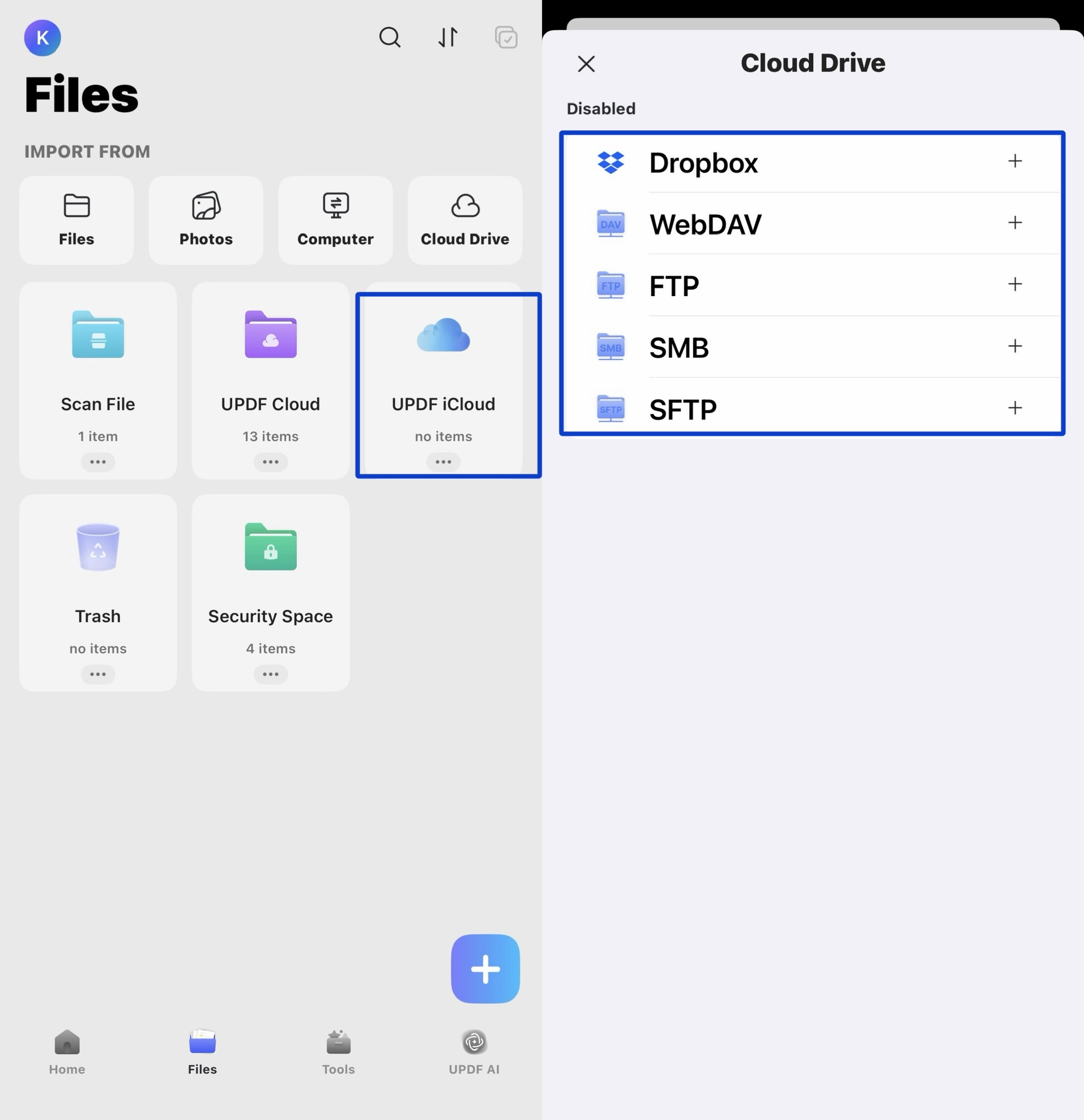
- iCloud & Dropbox import — pull photos directly from iCloud or Dropbox into the Security Space without downloading them to your Camera Roll first. UPDF also connects to network servers including WebDAV, FTP, SMB, and SFTP — so if your photos are stored on a NAS or company server, they can go straight into the vault the same way.
- Scan to PDF — instantly scan physical photos, receipts, or documents with your iPhone camera and save them inside the vault.
- Photo to PDF conversion — turn any image into a secured PDF document, keeping it completely separate from your regular camera roll.
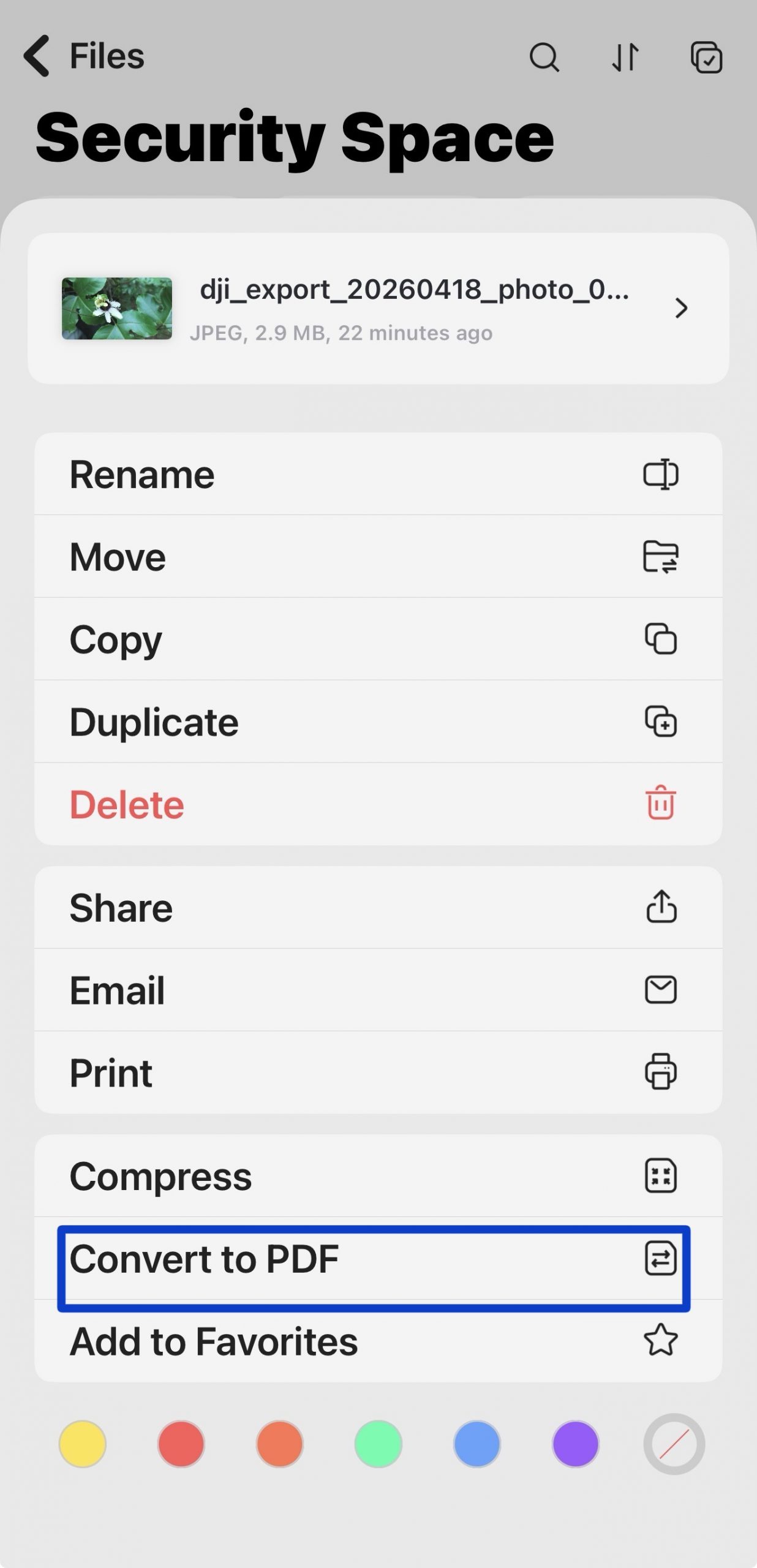
- Full file manager — manage Images, Word, Excel, PowerPoint, MP4, and more — all in one place, all behind the same secure login.
- PDF annotation & signing — add text, comments, and handwritten signatures to secured documents without leaving the app.
- Password-protected PDFs — set open passwords and permission passwords directly inside UPDF to protect individual files with an extra layer of security.
Whether want to hide embarrassing photos without deleting them, or you are planning a surprise for someone you love, UPDF's security space is definitely the best place to help you hide the photos on your iPhone and iPad. Get the app now and you will be surprised!
Windows • macOS • iOS • Android 100% secure
How to Hide Photos on iPhone Using UPDF
Are you interested in how to hide photos with this app? Don't worry, we've got you covered! Follow the instructions below and you can hide sensitive and secret photos on your iPhone right away:
Step 1. Install the UPDF app from the iOS App Store.
Step 2. Run UPDF and tap Files in the bottom toolbar, then select Security Space. Set up Face ID or your Passcode when prompted (first-time setup only).
Step 3. After you enter the Security Space, click the "+" button to import photos from your Computer, Camera Roll, Files app, iCloud, or Dropbox — or scan a physical photo on the spot. Your photos are now hidden behind biometric encryption — invisible to anyone browsing your phone.
UPDF Pricing
| Plan | Price | What You Get |
|---|---|---|
| Free | $0 | Security Space, 100 AI uses, 5 OCR uses (trial watermark on exports) |
| Pro Annual | $49.99/year | All PDF tools, 7-day AI trial |
| Pro Lifetime | $79.99 one-time | All PDF tools forever, 7-day AI trial |
| AI Assistant | $79/year | Unlimited AI use across all 10 agents |
The Pro Lifetime plan at $79.99 is the best value for anyone who wants permanent, ad-free access to the Security Space and all PDF tools — a one-time cost with no recurring fees.
Windows • macOS • iOS • Android 100% secure
2. HiddenVault Secret Photo Vault
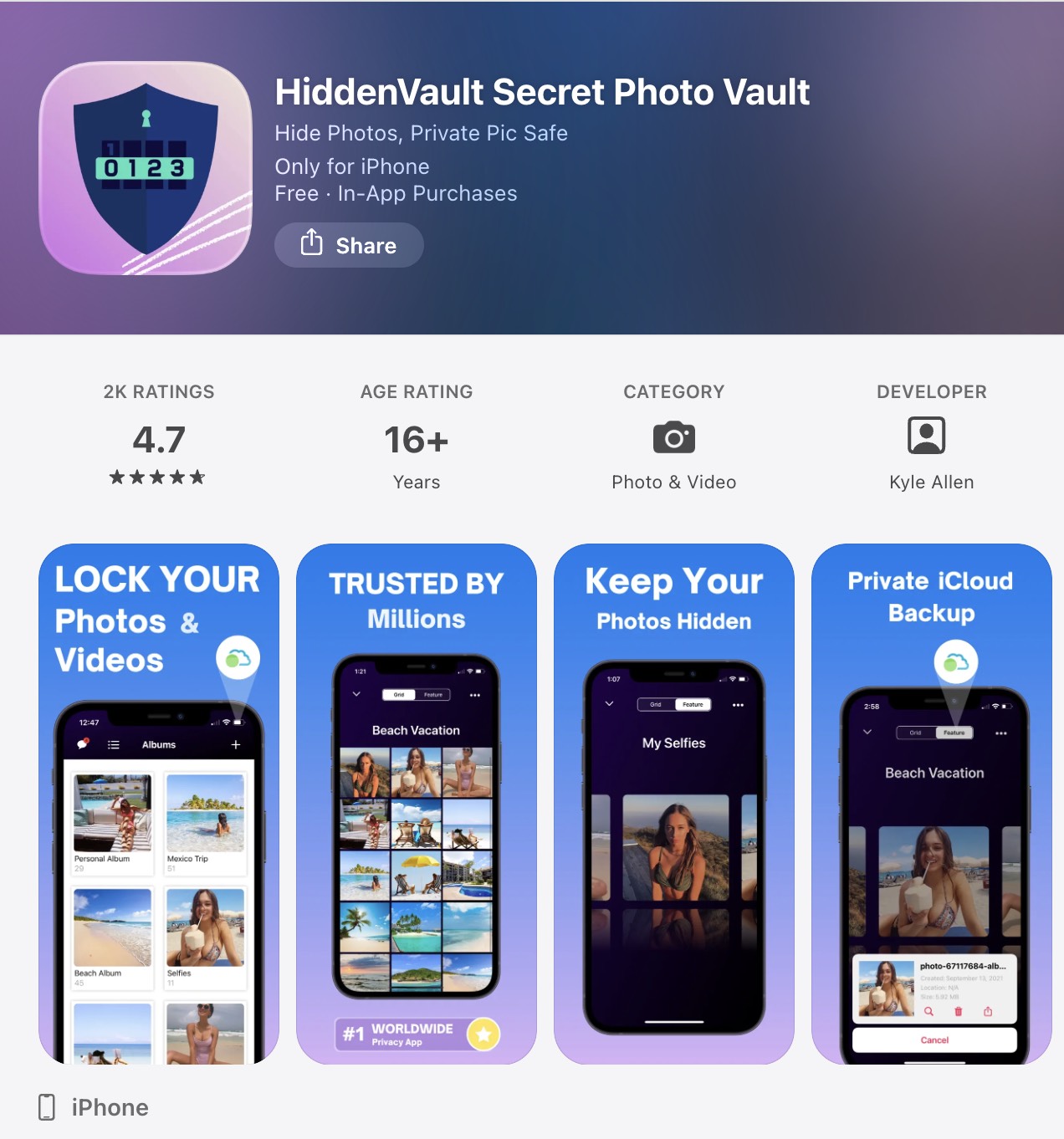
Hidden Vault is a perfect secret safe for your iPhone 17 where you can secure all your photos and videos. Kyle Allen developed the application. The application has an advanced multi-grade encryption system. Moreover, it offers users three different ways to store their photos and videos.
To unlock the photos, the user can set a PIN or use the phone's face ID. The thing that adds more to the comfort of its users is the private cloud backup. HiddenVault is a solid choice for users who want a simple, encryption-focused photo vault without the broader functionality of UPDF.
3. Private Photo Vault
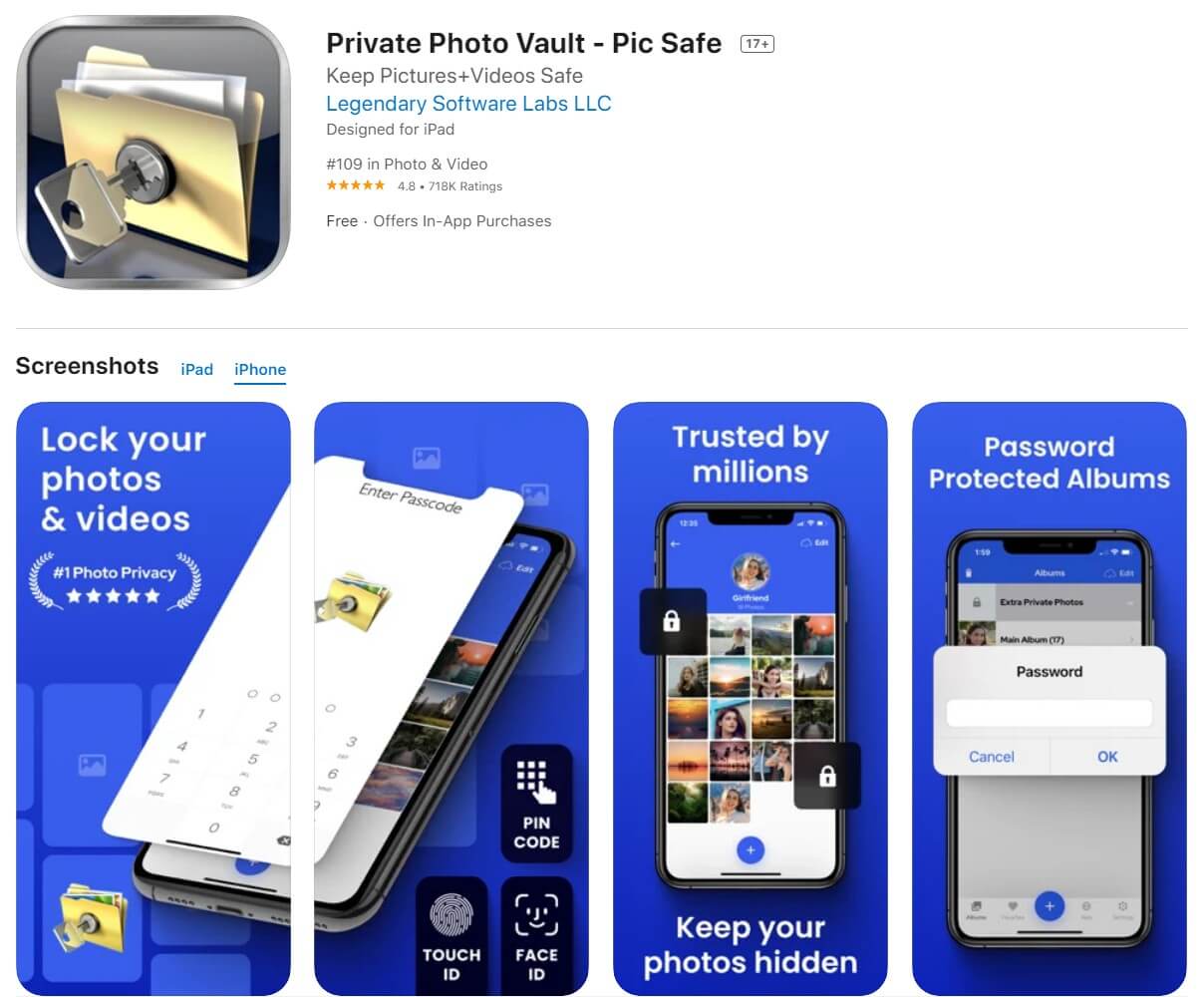
Private Photo Vault is a well-established app to hide pictures on iPhone 17. You can set a pattern or password lock. It is a feature-rich app that allows easy album management by enabling the transfer of videos and images from your iPhone's photo app to your new protected album.
Its most distinctive feature is the decoy password: you can set two different passwords, one that opens a normal-looking album and one that opens your actual private collection. This makes it especially useful in situations where someone might ask to see your phone.
4. Photo Vault & App Lock
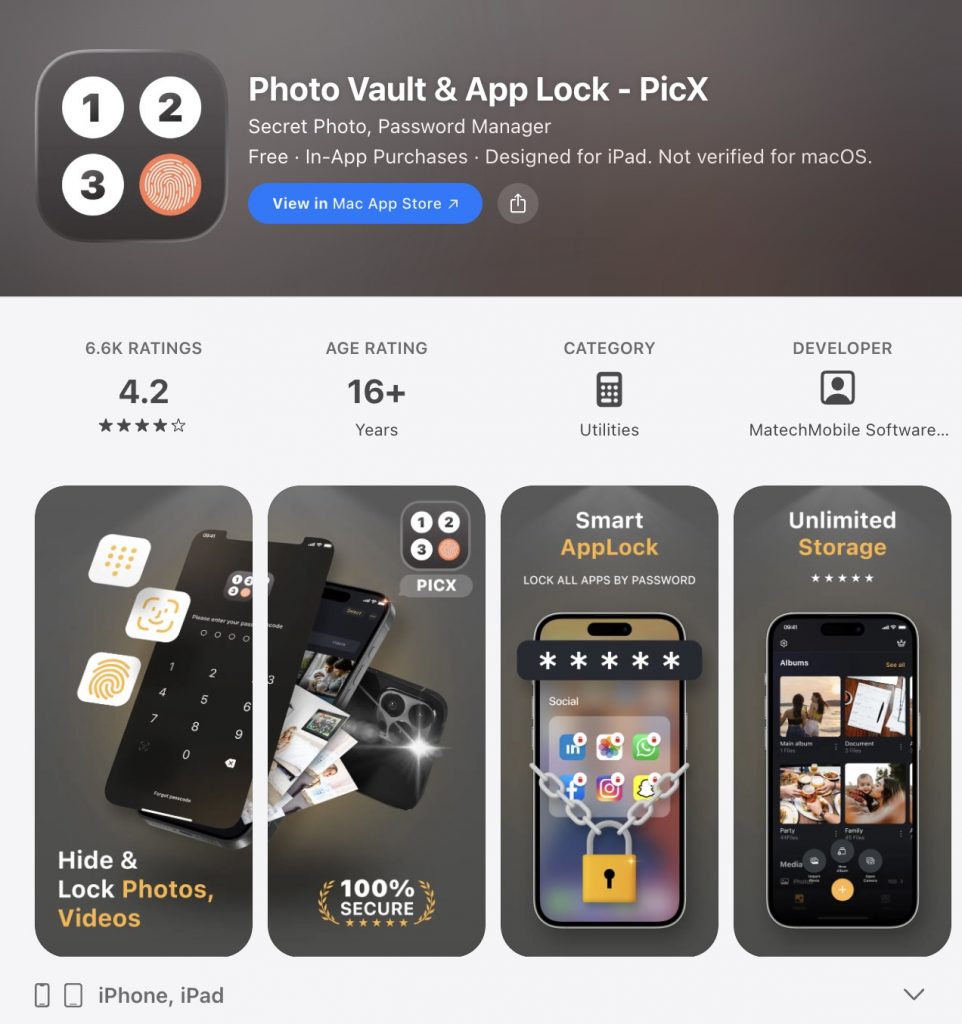
Photo Vault & App LockPhoto Vault & App Lock creates a private vault for photos, videos, files, and notes — all in one place. What sets it apart is its customizable app icon: you can change how Locker appears on your home screen, making it look like any other innocuous app and hiding its presence entirely.
Security options include PIN, Touch ID, and Face ID. The disguised icon + biometric combination makes Locker one of the more discreet options on this list.
5. KeepSafe
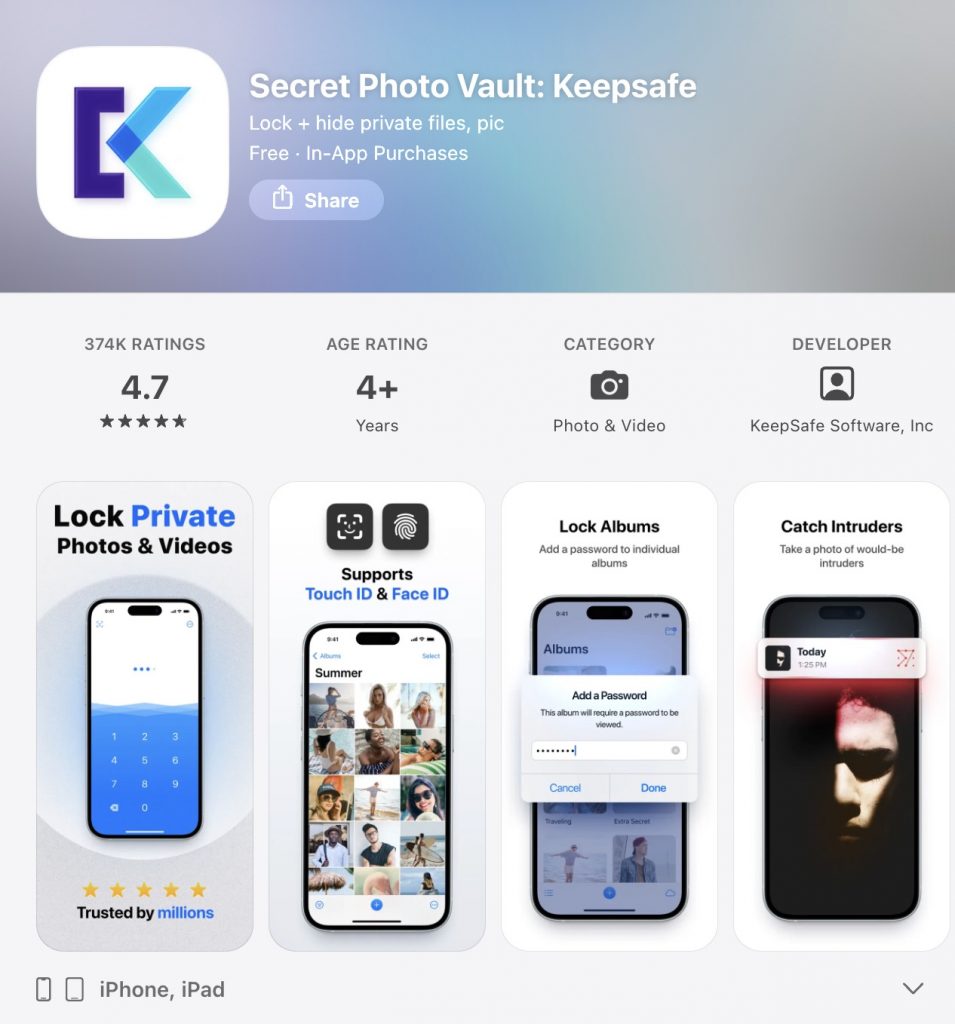
KeepSafe continues to be an excellent photo lock app for iPhone 17, combining ease of use with reliable security. It features a straightforward PIN lock system, alongside support for Touch ID, giving you flexible options to protect your private photos and videos.
Its built-in private camera lets you capture images directly into the app’s encrypted vault, ensuring they never appear in your device’s main Photos app. Once your media is safely imported, you can conveniently organize everything into custom albums within KeepSafe. This makes it a practical and trusted solution for keeping your personal memories and important files secure on your iPhone 17.
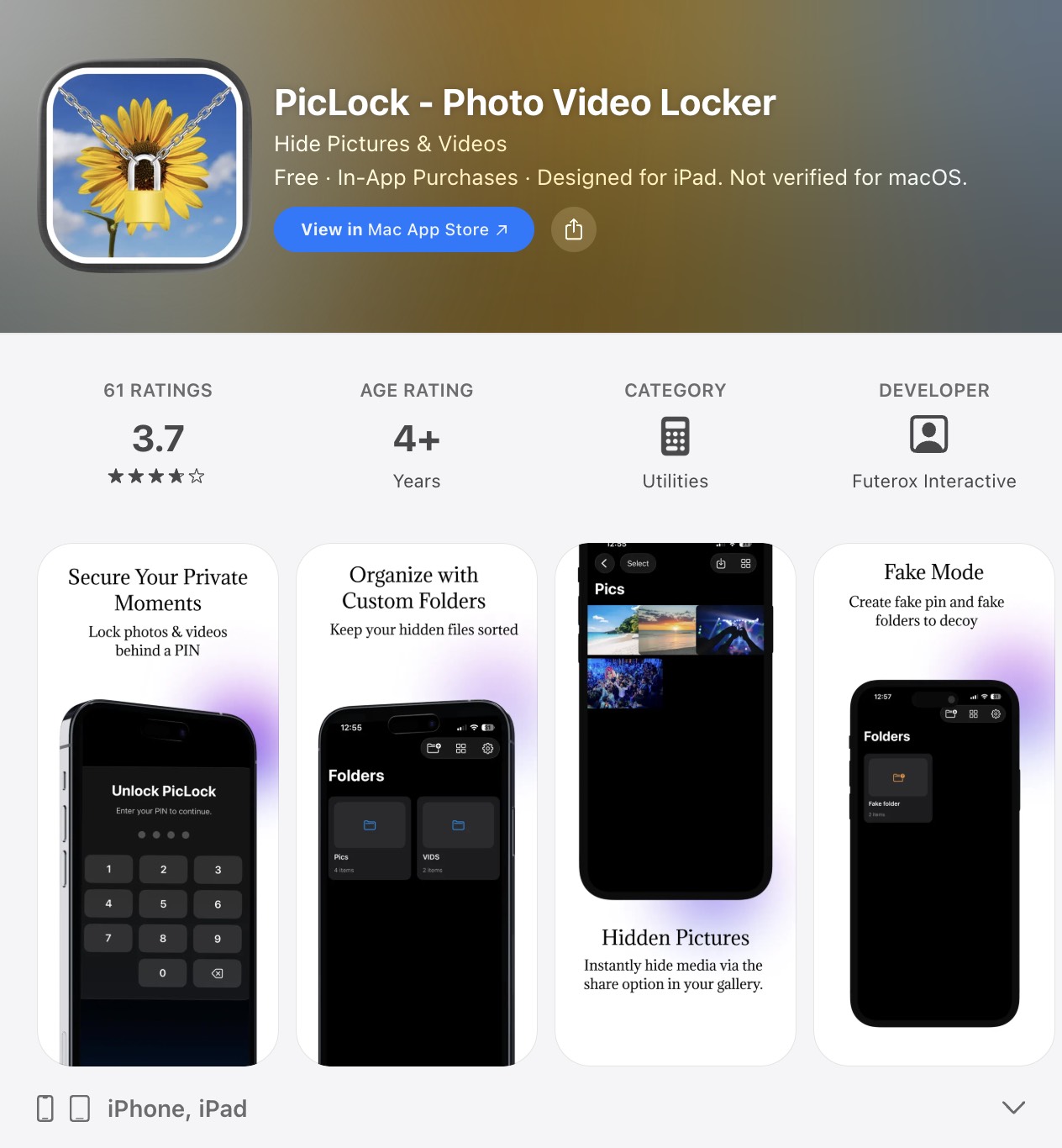
6. PicLock
PicLock stands out as a premier photo and video locker for iPhone 17, going beyond standard protection with its robust 128-bit AES encryption to secure your files in hidden locations. It offers a comprehensive privacy suite, including an intelligent "Fake PIN" decoy system and an intruder alert that snaps a photo of anyone attempting unauthorized access.
Designed for both convenience and security, PicLock features a dedicated private camera, supports batch hiding of hundreds of photos, and automatically locks when your device sleeps. With a UI optimized for both iPhone and iPad, plus lifetime updates ensuring long-term stability and new features, it provides a reliable, military-grade vault for your most sensitive memories.
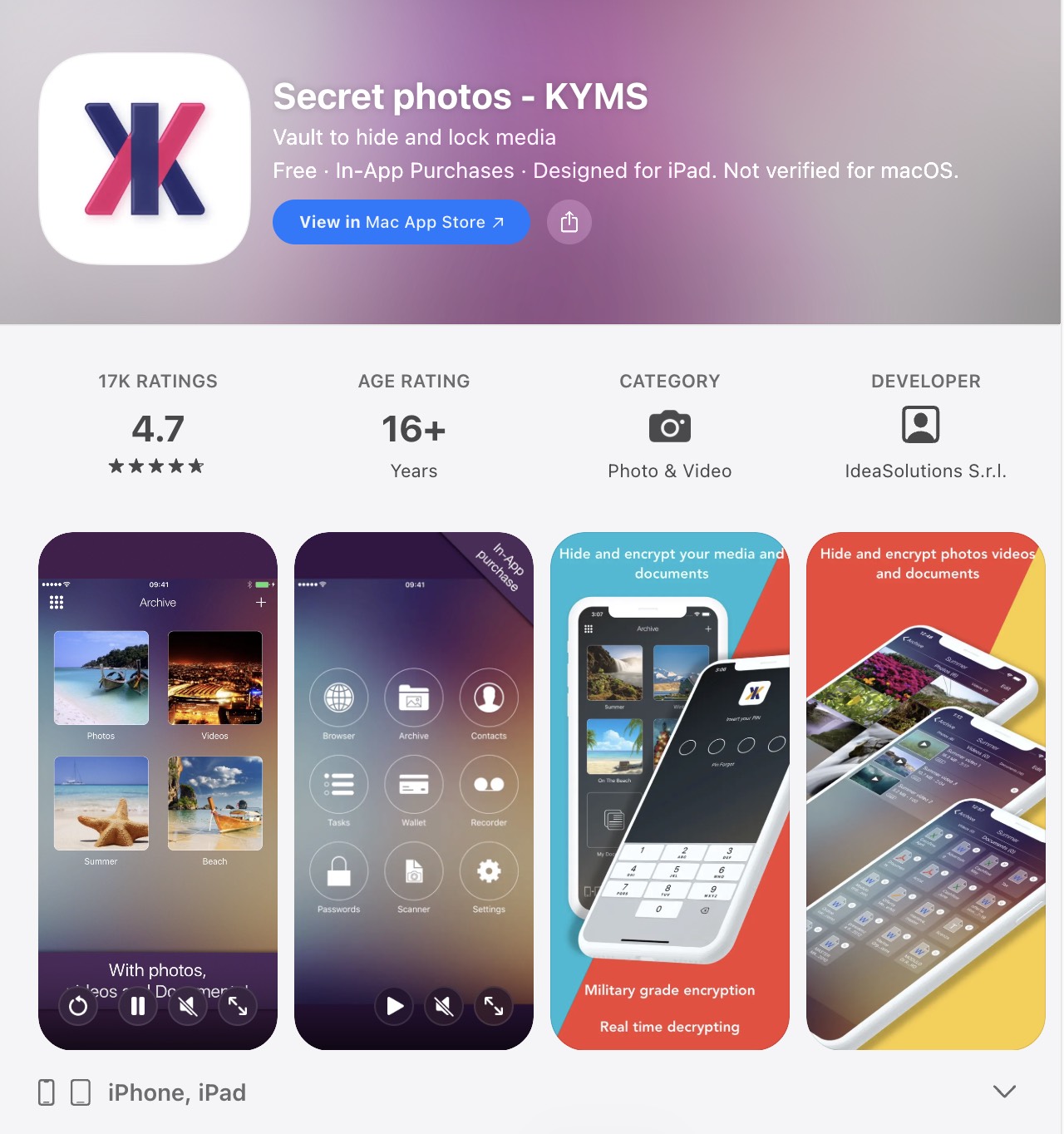
7. Secret Photos KYMS
KYMS is far more than just a photo and video hider for iPhone 17; it is a comprehensive military-grade security hub. It protects your digital life with robust AES military-grade encryption, and its standout feature is instant playback—allowing you to play various non-standard formats (including AVI, FLV, MKV, and WMV) directly within the app without lag.
Beyond media, KYMS functions as a powerful productivity tool, enabling you to import, view, and edit documents like PDF, Word, Excel, PowerPoint, Pages, and Numbers directly in its protected environment. For ultimate security, it combines multiple unlock methods (PIN, alphanumeric password, Face ID/Touch ID) with advanced features like a decoy vault (Fake PIN) and panic gestures. Crucially, if you forget your credentials, the unique PUK code system ensures you can always recover your data without compromising your privacy.
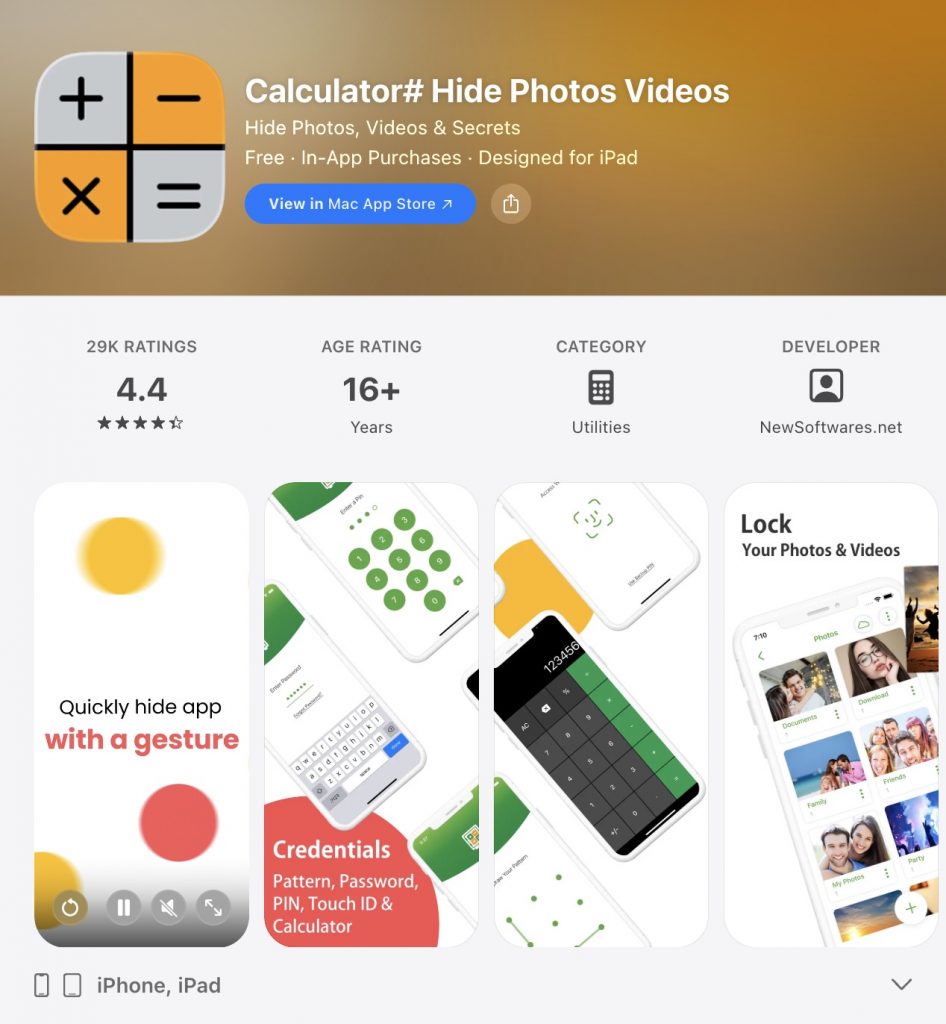
8. Calculator# Hide Photos Videos
Calculator# is far more than just a calculator-disguised photo hider; it is a comprehensive privacy vault designed for iPhone and iPad. While its sleek calculator interface keeps prying eyes away, the app secures not only photos but also videos, documents, passwords, contacts, and notes with military-grade encryption.
Beyond basic storage, it offers advanced anti-spy features like a Panic Switch for quick exit, a Hack Monitor that logs intruders, and a Disguise Mode to mimic app crashes. Users can protect access via PIN, pattern, or biometrics (Touch ID/Face ID). With support for Wi-Fi file transfers, cloud backups (iCloud/Dropbox), and automatic deletion of original files, Calculator# provides a truly all-around defense for your digital life.
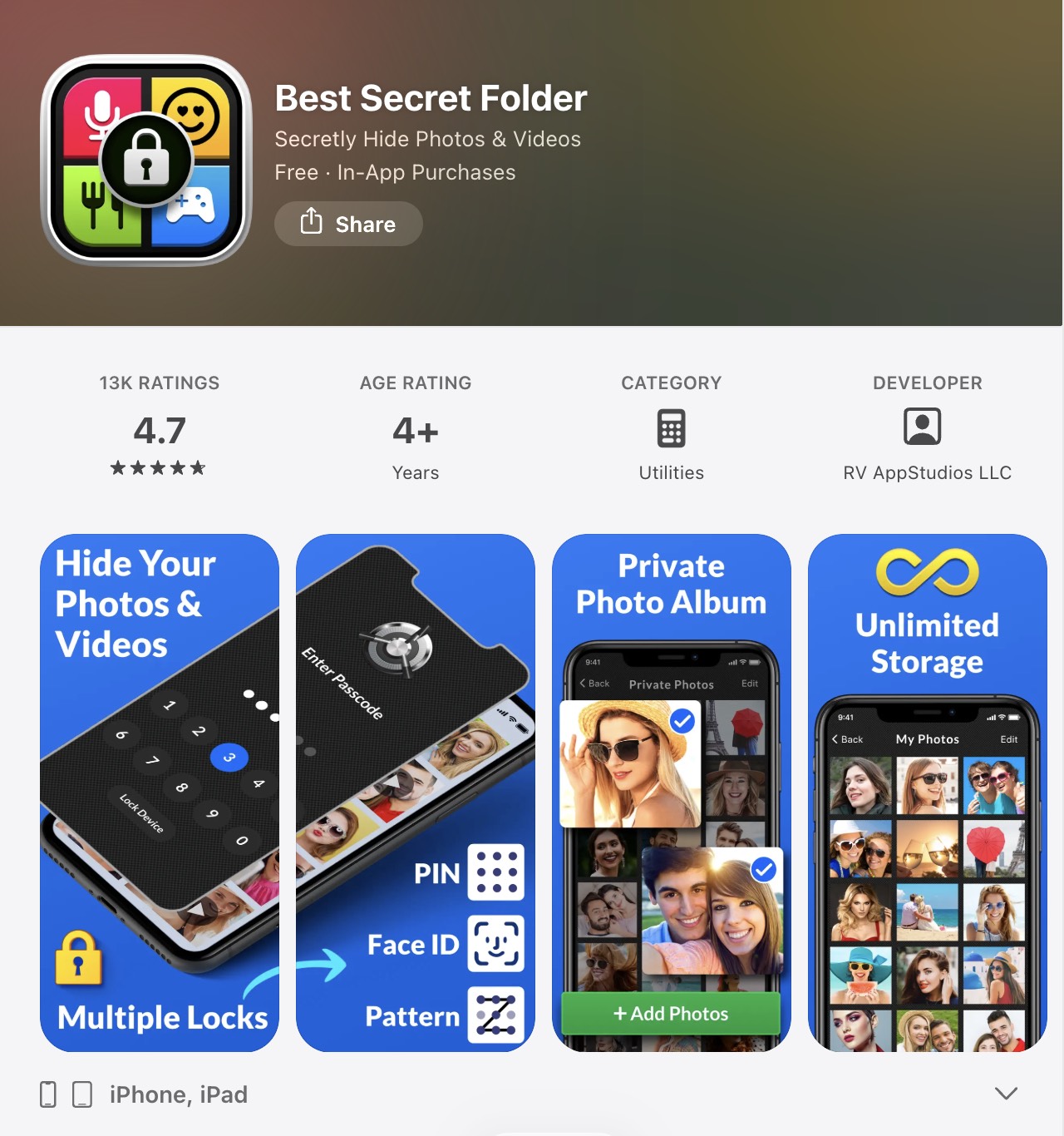
9. Best Secret Folder
Best Secret Folder is a powerful privacy app for iPhone/iPad designed to securely hide your most private photos, videos, and even notes. Its standout feature is its advanced intruder detection system: if someone fails to log in 4 times, it automatically captures their photo and location, then sends you an email alert with these details.
The app protects your files with multiple lock methods including Password, Pattern, FaceID, and TouchID. It allows you to organize your media into unlimited folders, view them in grid or list layouts, and easily import or export files. For added security, it offers an alarm, a fake video display feature to disguise the app's true purpose, and a detailed login history log.
A premium subscription is available for $14.99 per year, offering unlimited storage, break-in alerts, and password recovery.
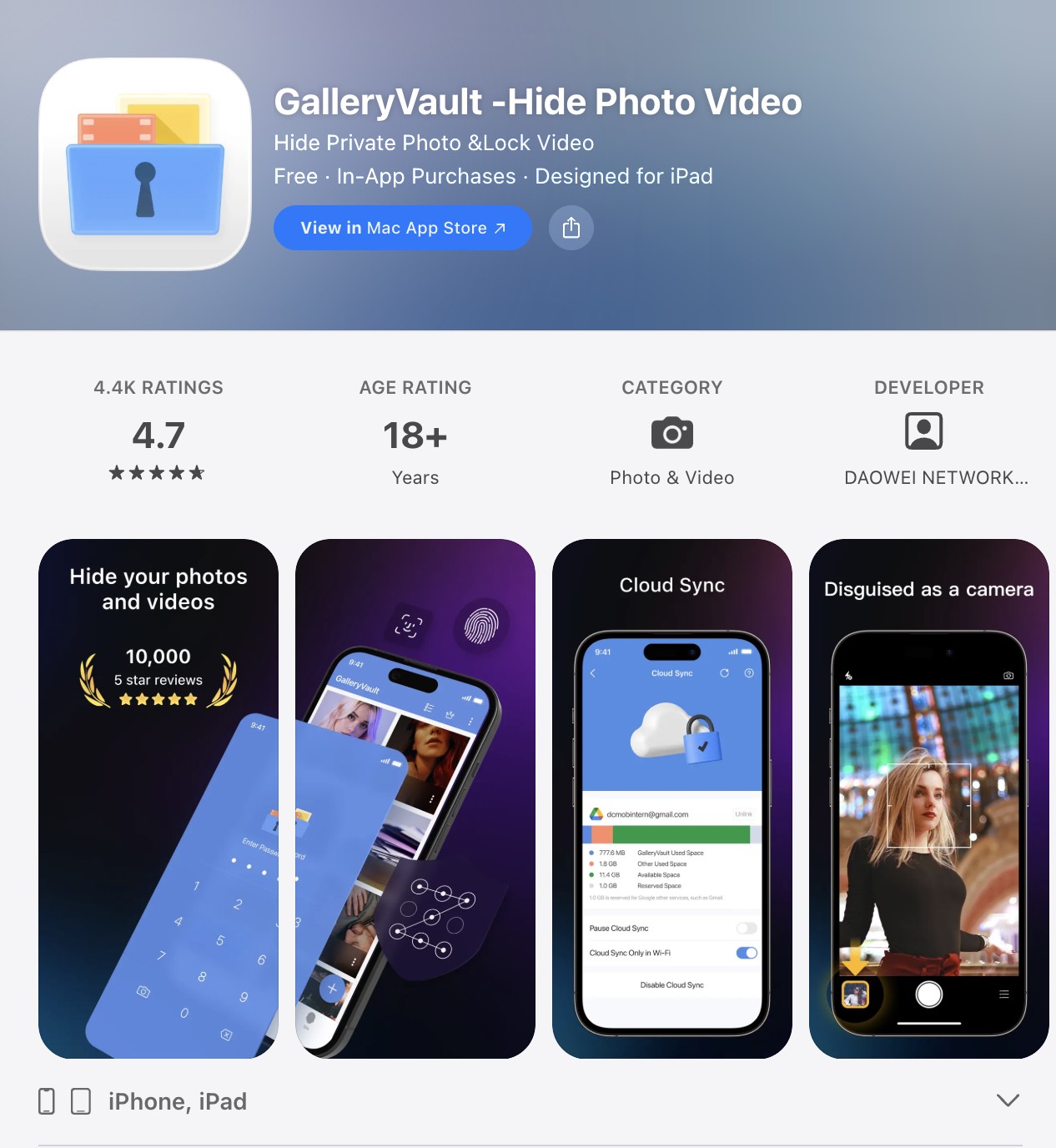
10. Gallery Vault
Gallery Vault stands out as a top-tier privacy app for iPhone 17, combining an attractive and intuitive interface with military-grade security features. Beyond simply hiding photos and videos, its core strength lies in advanced disguise and anti-theft capabilities—allowing you to change the app icon, set fake passwords, and even capture intruder photos upon failed access attempts.
The integrated secret browser lets you surf safely and download images/videos directly into your vault with one tap. You can easily import media from your gallery (with the option to delete originals after hiding) and enjoy unlimited encrypted storage. Protected by Face ID, Touch ID, or pattern lock, Gallery Vault ensures your private memories remain completely invisible and secure.
FAQs about Hiding Photos on iPhone
1. Can you secretly hide photos on iPhone without a third-party app?
Yes. In iOS 26, Apple has enhanced the native Hidden Album feature. Open Photos, select the photo you want to hide, tap the More (···) icon, and tap Hide. The photo will move to the Hidden album under Collections → Utilities → Hidden, which is now locked by Face ID or Passcode by default in iOS 26.
2. How do I create a secret folder on my iPhone?
The simplest method for casual hiding: create a new home screen folder, place the apps you want to hide inside, then drag them past the last tab in the folder until they become invisible while you simultaneously press the Home button. Note this only hides app icons — it doesn't encrypt or truly secure any data.
3. Where are hidden photos stored on iPhone?
Open Photos → tap Collections → scroll to the bottom → under Utilities, tap Hidden. In iOS 26, this album is Face ID / Passcode-locked by default, adding a meaningful layer of protection that wasn't present in older iOS versions.
Conclusion
The right app depends on what you're actually trying to solve.
If you want a disguised app that doesn't look like a vault at all, Calculator# hides behind a working calculator interface and supports multiple file types including documents and videos.
If you want intruder detection — a photo taken of anyone who fails to log in — Best Secret Folder and Gallery Vault both offer this.
If you want a decoy password that shows a decoy album to someone pressuring you to unlock the app, Private Photo Vault handles this better than most.
If your photos are stored on a NAS, company server, or network drive — not just iCloud or Dropbox — UPDF is the only app on this list that connects to WebDAV, FTP, SMB, and SFTP servers, pulling files straight into an encrypted Security Space without routing through your Camera Roll. It also doubles as a full PDF editor and file manager, which makes sense if you're already handling documents alongside personal photos.
Download UPDF for free and try the Security Space — no subscription required to get started.
Windows • macOS • iOS • Android 100% secure




 Lizzy Lozano

 Delia Meyer
