 UPDF
UPDF
 UPDF for Windows
 UPDF for Mac
 UPDF for iPhone/iPad
 UPDF for Android
 Nomostar
 UPDF AI Online
 UPDF Sign
 IvyCraft
 Edit PDF
 Annotate PDF
 Create PDF
 PDF Form
 Edit links
 Convert PDF
 OCR
OCR PDF to Word
 PDF to Image
 PDF to Excel
 Organize PDF
 Merge PDF
 Split PDF
 Crop PDF
 Rotate PDF
 Protect PDF
 Sign PDF
 Redact PDF
 Sanitize PDF
 Remove Security
 Read PDF
 UPDF Cloud
 Compress PDF
 Print PDF
 Batch Process
 About UPDF AI
 UPDF AI Solutions
 AI User Guide
 FAQ about UPDF AI
 Summarize PDF
 Translate PDF
 Chat with PDF
 Chat with AI
 Chat with image
 PDF to Mind Map
 Explain PDF
 PDF AI Tools
 Image AI Tools
 AI Chat Tools
 AI Writing Tools
 AI Study Tools
 AI Working Tools
 Other AI Tools
 AI Bookmark Generation
 AI Bookmark Summary
 AI Watermark Generation
 AI Background Generation
 AI Sticker Generation
 AI Stamp Generation
 AI Editing Suite
 UPDF Copilot
 AI Page Management
 AI Semantic Search
 PDF to Word
 PDF to Excel
 PDF to PowerPoint
 Enterprise Solution
 Enterprise Sign
 Enterprise AI
 Enterprise Plan
 Enterprise User Guide
 Enterprise Webinar
 IT
IT Education
 Construction
 Financial Service
 Healthcare
 Insurance
 Legal
Legal Manufacturing
 Government
 Researchers & PhDs
 Solopreneurs & Freelancers
 Lawyers & Legal Professionals
 Real Estate Agents & Brokers
 Education Solution
 Customer Stories
 User Guide
 UPDF Tricks
 FAQs
FAQs UPDF Reviews
 Download Center
 Blog
Blog Newsroom
 Tech Spec
 Updates
 UPDF vs. Adobe Acrobat
 UPDF vs. Foxit
 UPDF vs. PDF Expert

You can read full books online for free with no download, but the legal options are usually public-domain books, openly licensed works, author-approved titles, or books available through a library lending program. Some sites let you start reading immediately, while others require a free account or limit full access by title, institution, or country.
This guide compares 10 websites by what you can read, whether registration is required, and the main access limitation. Each service was reviewed for this update so you can choose a suitable source without assuming that every modern book is available free in full.
If you already have a legally downloaded PDF and want help reading it offline, the later section explains how a dedicated reader can add bookmarks, notes, comfortable page views, and document search. You can also browse our broader PDF reading guides.
Part 1. 10 Sites to Read Full Books Online Free Without Downloading
Use this quick comparison first. “Full books” applies only to eligible titles, not every book listed in a site's catalog.
| Website | Best for | Read online | Account needed | Main limitation |
|---|---|---|---|---|
| Project Gutenberg | Public-domain classics | Yes | No | Mostly older works |
| Google Books | Finding full-view editions | Yes, for Full View titles | Usually no | Many books offer previews only |
| Open Library | Borrowing digitized books | Yes | Often | Availability and loans vary |
| HathiTrust | Research and historical books | Yes, for Full View items | No for open titles | Restricted items require institutional access |
| ICDL | Multilingual children's books | Yes | No | Children's collection only |
| ReadCentral | Browser-based classics | Yes | No for reading | Older interface and collection |
| Internet Archive | Scanned books and historical texts | Yes | Sometimes | Some titles require borrowing |
| ManyBooks | Discovering free classics and indie titles | Varies by title | Sometimes | Some offers lead to stores or downloads |
| Standard Ebooks | Well-formatted public-domain books | Catalog browsing; downloads emphasized | No | Not primarily a browser reader |
| Open Culture | Curated links to free books | Varies | Depends on source | It links to third-party providers |
Legal-access note
1. Project Gutenberg
Best for: Reading established classics and historical works with minimal friction.
Project Gutenberg offers tens of thousands of free eBooks, with a focus on older works whose U.S. copyright has expired. You can open many titles as HTML and read them directly in a browser without creating an account or downloading an app. EPUB, Kindle, and plain-text files are also available when you want an offline copy.
Main limitation: It is not a source for most recent commercial books, and public-domain status may differ outside the United States.
2. Google Books
Best for: Checking whether a specific book has a legal full-view edition.
Google Books searches an enormous catalog, but access is shown title by title. Choose a result marked Full View to read the complete book in your browser. Books still under copyright may show only a preview or short snippets, so a listing in Google Books does not automatically mean the full text is free.
Main limitation: Full-view availability depends on copyright status, permissions, and region.
3. Open Library
Best for: Searching a broad catalog and borrowing eligible digitized books.
Open Library combines public-domain reading with controlled digital lending. Some titles open immediately, while borrowable books normally require a free account and may have limited loan periods or waiting lists. Search filters and reading lists make it useful for discovery, but always check the availability label on the individual book page.
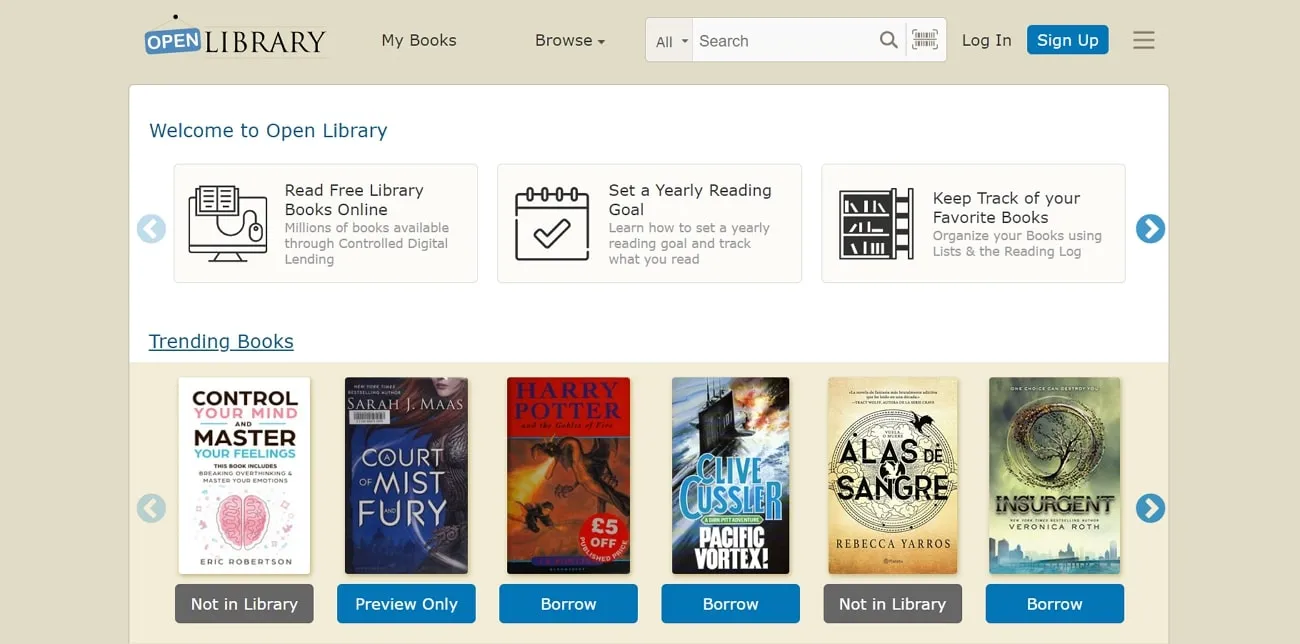
Main limitation: Not every catalog record includes readable full text, and borrowing rules vary.
4. HathiTrust Digital Library
Best for: Academic research, historical books, government publications, and older scanned materials.
HathiTrust contains millions of digitized items from research libraries. Anyone can read works labeled Full View online, while limited-view records provide search or bibliographic information only. Additional access to some restricted materials is reserved for users affiliated with partner institutions.
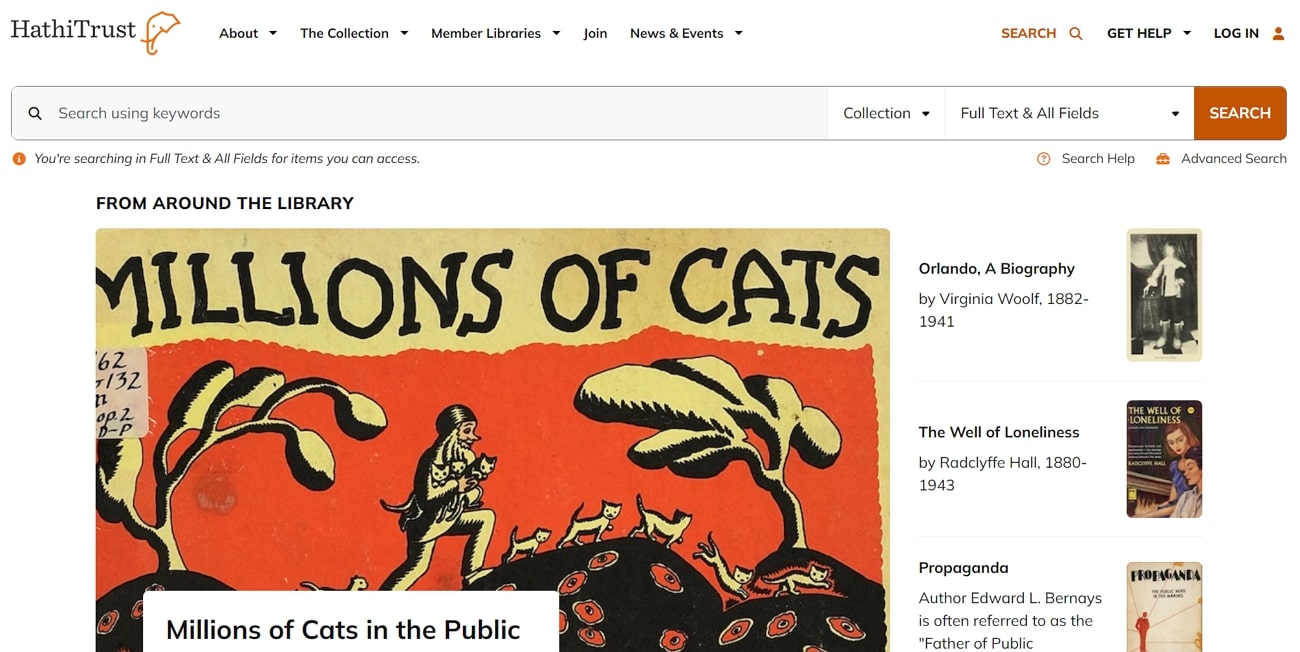
Main limitation: General visitors cannot read every indexed item in full.
5. International Children's Digital Library
Best for: Parents, teachers, and younger readers looking for children's books in many languages.
The International Children's Digital Library provides an in-browser collection of complete children's books from around the world. Its current site is a simplified version of the original service, but the library says roughly 4,000 books were restored to its online reader. Books remain in their original publication languages, and access is intended for personal reading.
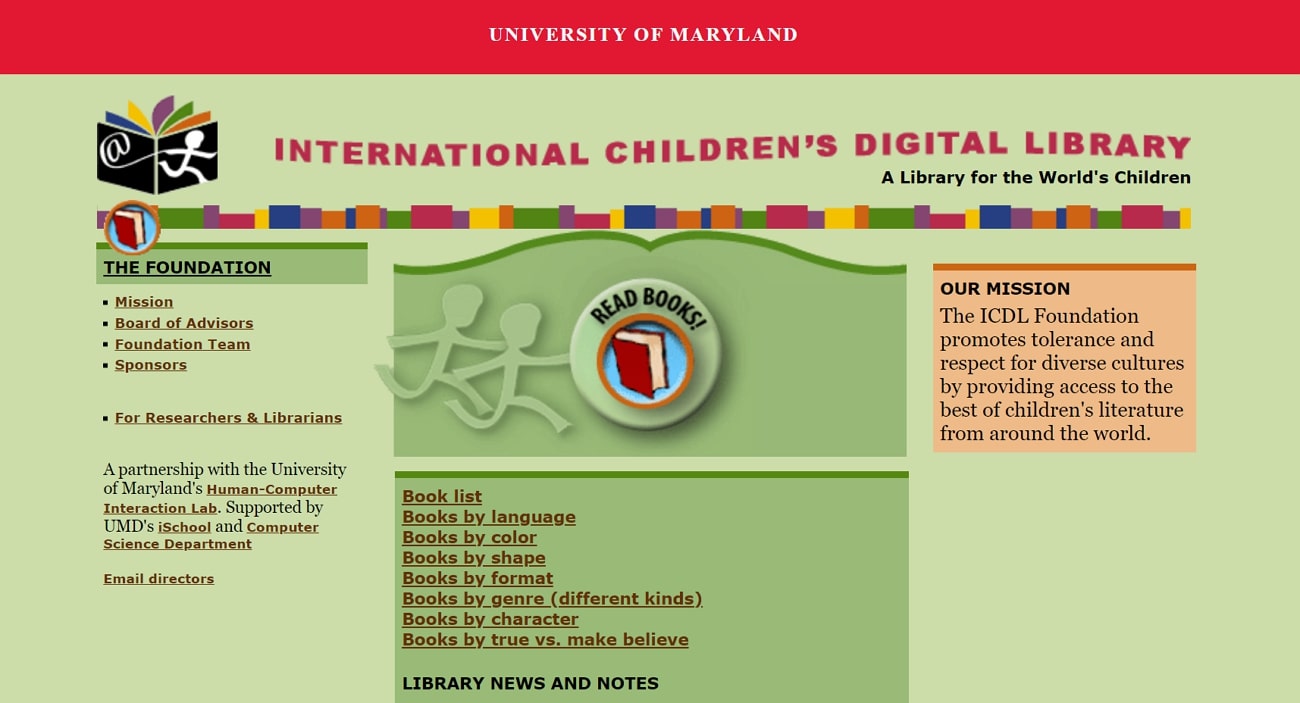
Main limitation: The collection is specialized, and the earlier site's translations and advanced features are no longer available.
6. ReadCentral
Best for: Reading classic novels, poems, short stories, and quotations directly in a browser.
ReadCentral presents its full-text collection through a web reader, so no software download is required. You can browse by title or author and adjust basic text display settings. It is most useful when you already want an older English-language work rather than a recent release.
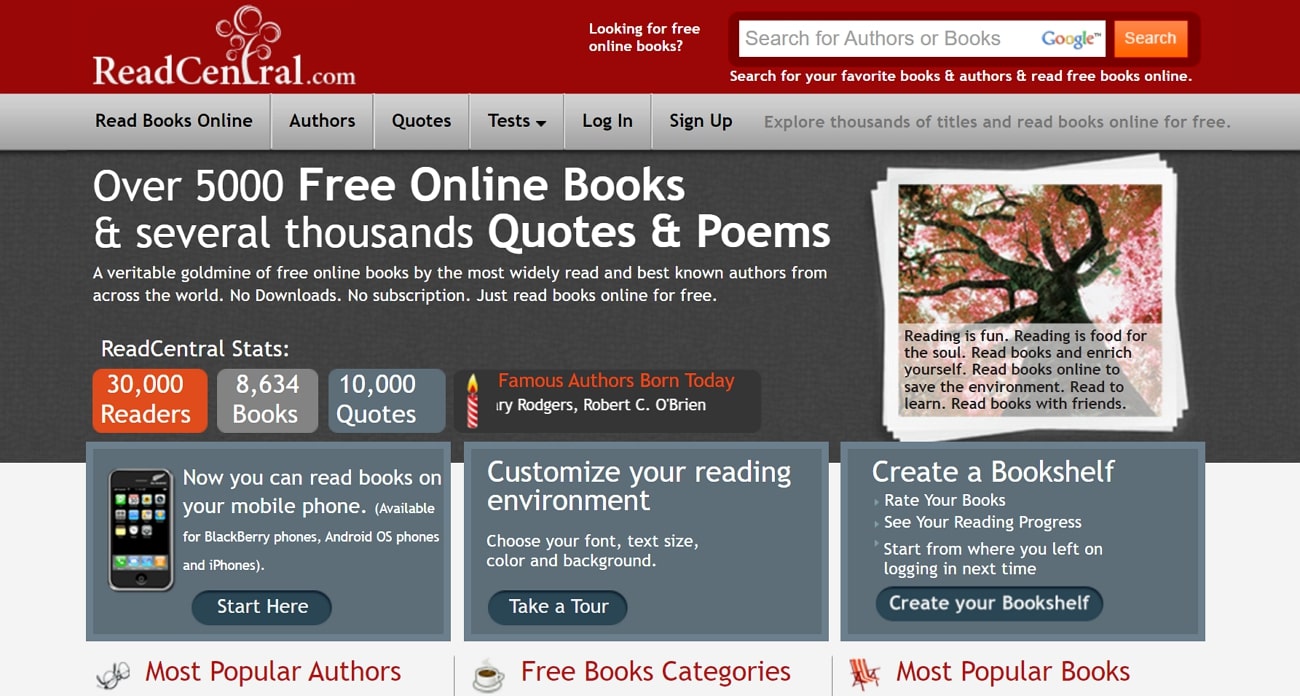
Main limitation: The design and reading controls feel dated compared with modern eBook services.
7. Internet Archive
Best for: Scanned historical books, magazines, manuals, and hard-to-find texts.
Internet Archive lets you read many texts in its browser-based viewer. Public-domain and openly available works usually open immediately; some other titles use a borrowing system and require a free account. Use the availability, language, year, and collection filters to narrow a very large results set.
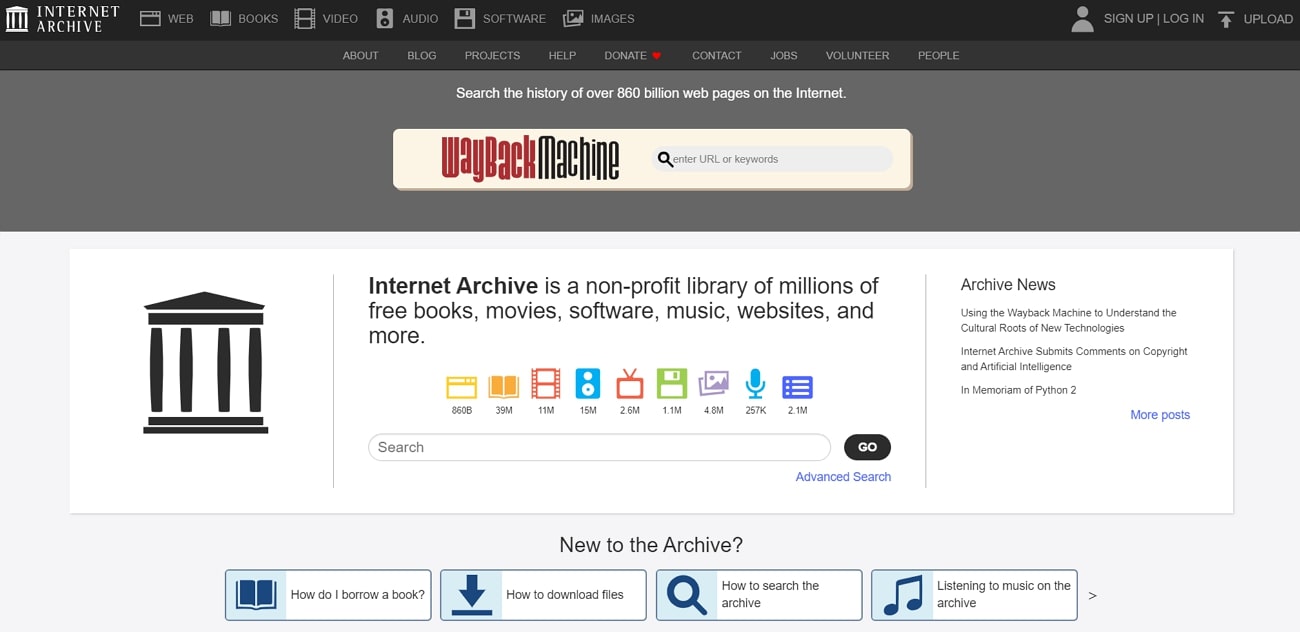
Main limitation: Access conditions vary by item, and the large catalog can be difficult to navigate.
8. ManyBooks
Best for: Discovering public-domain classics and promotional indie eBooks by genre.
ManyBooks organizes titles into popular genres and includes descriptions, ratings, and recommendations. Some free titles can be read through the site's web reader, while other entries emphasize downloading a file or visiting an external store. Check the format and price shown on the individual title page before starting.
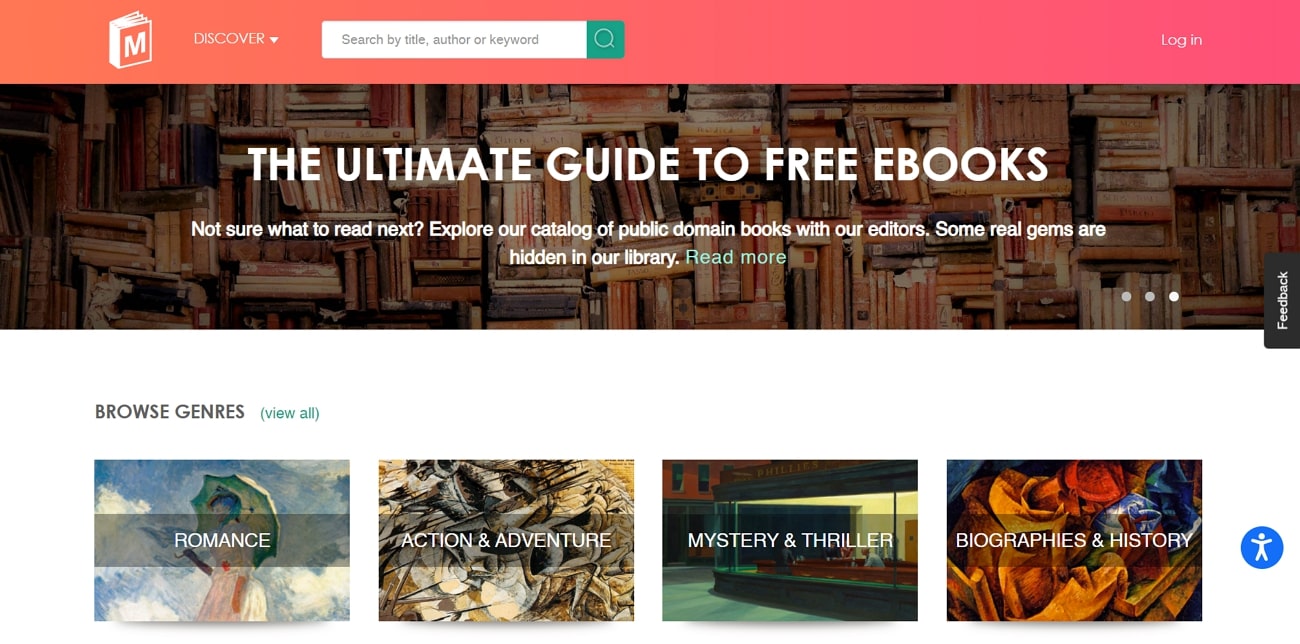
Main limitation: The reading method, account requirement, and free status are not identical for every title.
9. Standard Ebooks
Best for: Carefully formatted, proofread public-domain eBooks without ads.
Standard Ebooks improves public-domain texts with consistent typography, metadata, and modern eBook formatting. The catalog is free to browse and does not require registration. It is excellent when you are willing to download EPUB, AZW3, Kobo EPUB, or another offered format, but it is less suitable if your requirement is strictly to read an entire book inside the website.
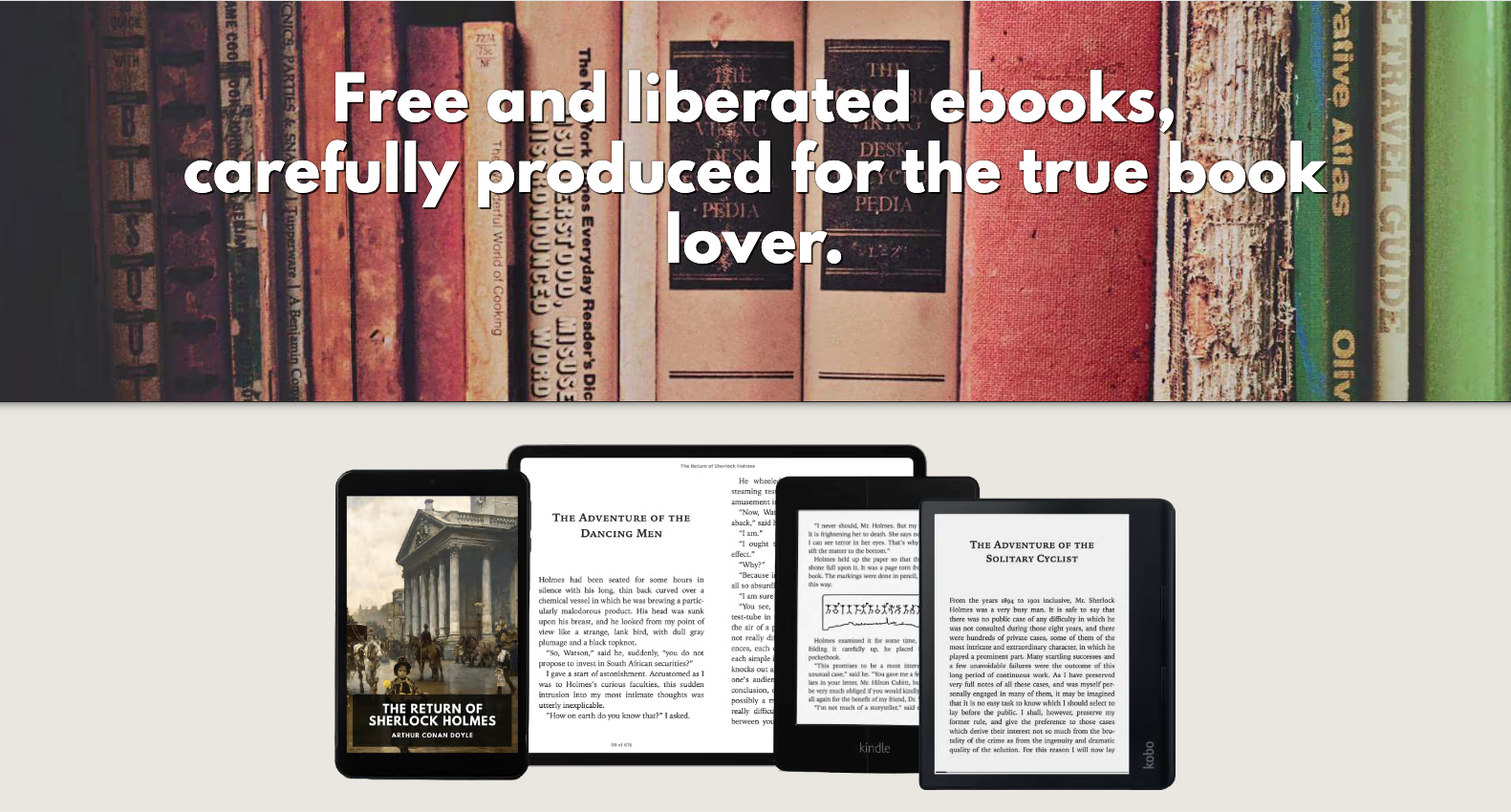
Main limitation: Downloads are the main reading workflow, so it is included as a useful alternative rather than a true no-download reader.
10. Open Culture
Best for: Finding curated links to free literature, audiobooks, courses, and cultural resources.
Open Culture acts mainly as a directory. Its free eBook lists send readers to sources such as Project Gutenberg, Internet Archive, publishers, and online stores. This can save discovery time, but the final reading experience, required account, and availability depend on the destination website.
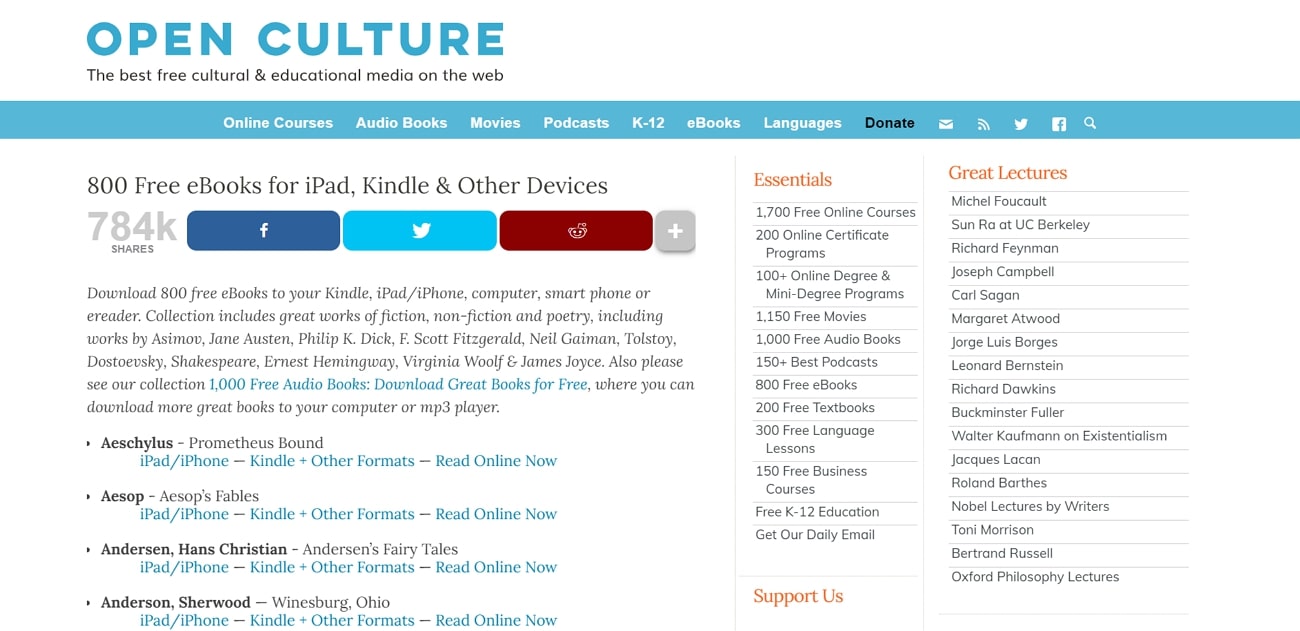
Main limitation: Not every linked title can be read in-browser, and third-party availability can change.
If browser reading is not enough, compare these services with dedicated book reader apps before choosing an offline workflow.
Part 2. Read Legal PDF Books Offline with UPDF
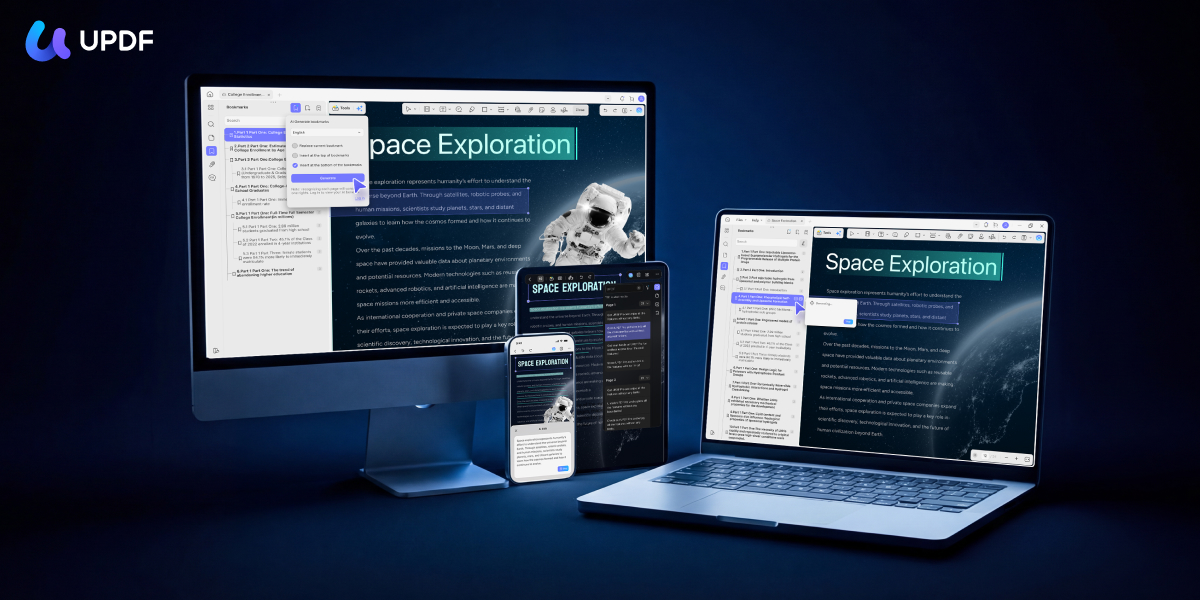
When a legitimate source provides a book as a PDF, UPDF gives you a more focused offline reading space on Windows, Mac, iOS, and Android. It does not provide copyrighted books; it helps you read and manage PDF files you already have permission to use.
- Navigate long books: Use page thumbnails, search, manually added bookmarks, or AI-generated bookmarks. See how a PDF reader with bookmarks helps with chapters and recurring reference points.
- Read comfortably: Switch page layouts, zoom, use full-screen viewing, and choose a darker or colored reading background when a bright white page is uncomfortable.
- Study as you read: Highlight passages, underline text, add notes, and return to annotations from the comments list.
- Understand difficult text: Search the document or use AI-assisted summarizing, explaining, and translation. A PDF reader with a translator is especially helpful for foreign-language books.
- Listen when appropriate: Supported desktop and iOS workflows can also read PDF text aloud.
Download UPDF and try the reading and annotation tools with a legally obtained PDF.
Windows • macOS • iOS • Android 100% secure
Part 3. How to Choose the Right Free Book Website
- For public-domain classics: Start with Project Gutenberg or Standard Ebooks.
- For a known title: Check Google Books for a Full View edition, then search Open Library or Internet Archive for lawful access options.
- For academic or historical research: Use HathiTrust and verify whether the record is marked Full View.
- For children's books in multiple languages: Try ICDL.
- For offline reading and annotation: Download a legally available PDF and use a dedicated reader. Our comparison of free PDF readers covers more options.
FAQs About Reading Full Books Online Free
Where can I read full books online for free without downloading?
Project Gutenberg is one of the simplest options for public-domain books because many titles open as HTML in your browser without an account. Google Books and HathiTrust also provide complete online access when a title is marked Full View, while Open Library and Internet Archive may offer borrowing for eligible books.
Can I legally read any book online for free?
No. Free legal access depends on copyright status, an open license, the author or publisher's permission, or a library lending arrangement. A site that promises every recent bestseller free without explaining its source or license should be treated cautiously.
Does Google Books provide full books or only previews?
Both. Titles marked Full View can be read in full, while copyrighted books may provide a limited preview or only short snippets. Always check the access label on the individual book page.
Do free book websites require an account?
Not always. Project Gutenberg and many Full View collections can be read without registration. Borrowing services such as Open Library or some Internet Archive items usually require a free account, and access rules may vary by title.
Can I read downloaded PDF books offline?
Yes. If the source legally permits downloading, save the PDF and open it in an offline PDF reader. UPDF can then help you search, bookmark, annotate, translate, and organize the file without relying on the original website for every reading session.
Conclusion
The best place to read full books online free without downloading depends on the title and its legal access status. Project Gutenberg is the simplest option for public-domain classics, Google Books and HathiTrust clearly identify full-view items, and services such as Open Library or Internet Archive may offer lawful borrowing for eligible books.
If you choose to download an authorized PDF for offline reading, UPDF can help you search, bookmark, annotate, translate, and organize it in one reading workspace.






 Enid Brown
 Enola Miller
 Enrica Taylor