 UPDF
 UPDF for Windows
 UPDF for Mac
 UPDF for iPhone/iPad
 UPDF for Android
 Nomostar
 UPDF AI Online
 UPDF Sign
 IvyCraft
 Edit PDF
 Annotate PDF
 Create PDF
 PDF Form
 Edit links
 Convert PDF
 OCR
 PDF to Word
 PDF to Image
 PDF to Excel
 Organize PDF
 Merge PDF
 Split PDF
 Crop PDF
 Rotate PDF
 Protect PDF
 Sign PDF
 Redact PDF
 Sanitize PDF
 Remove Security
 Read PDF
 UPDF Cloud
 Compress PDF
 Print PDF
 Batch Process

 About UPDF AI
 UPDF AI Solutions
 AI User Guide
 FAQ about UPDF AI
 Summarize PDF
 Translate PDF
 Chat with PDF
 Chat with AI
 Chat with image
 PDF to Mind Map
 Explain PDF
 PDF AI Tools
 Image AI Tools
 AI Chat Tools
 AI Writing Tools
 AI Study Tools
 AI Working Tools
 Other AI Tools
 AI Bookmark Generation
 AI Bookmark Summary
 AI Watermark Generation
 AI Background Generation
 AI Sticker Generation
 AI Stamp Generation
 AI Editing Suite
 UPDF Copilot
 AI Page Management
 AI Semantic Search
 PDF to Word
 PDF to Excel
 PDF to PowerPoint
 Enterprise Solution
 Enterprise Sign
 Enterprise AI
 Enterprise Plan
 Enterprise User Guide
 Enterprise Webinar
 IT
 Education
 Construction
 Financial Service
 Healthcare
 Insurance
 Legal
 Manufacturing
 Government
 Researchers & PhDs
 Solopreneurs & Freelancers
 Lawyers & Legal Professionals
 Real Estate Agents & Brokers
 Education Solution
 Customer Stories
 User Guide
 UPDF Tricks
 FAQs
 UPDF Reviews
 Download Center
 Blog
 Newsroom
 Tech Spec
 Updates
 UPDF vs. Adobe Acrobat
 UPDF vs. Foxit
 UPDF vs. PDF Expert


Quick Answer:
The right Keynote alternative depends on what needs to change: your editing workflow, how your team collaborates, or the format you must deliver. A presentation that looks right in its original app may behave differently after export.
This comparison focuses on Mac access, collaboration, offline preparation, and file compatibility. It separates presentation-authoring tools from PDF slideshow software, which serves a different purpose.
Part 1. Compare Keynote Alternatives by Workflow
| Criterion | What to check |
|---|---|
| Mac workflow | Native app, browser access, or both? |
| Collaboration | Shared editing, comments, and access controls; which actions need internet? |
| Offline work | Advance preparation and limits on editing, presenting, or exporting |
| Import and export | Required source format, PPTX/PDF output, fonts, media, and animations |
| Plan restrictions | Required exports, assets, analytics, and desktop features |
These comparisons are based on current official documentation, not a controlled import-and-export test. Before migrating an important deck, check a representative presentation containing your actual fonts, charts, media, and animations.
Part 2. PowerPoint — For PPTX-Centered Workflows
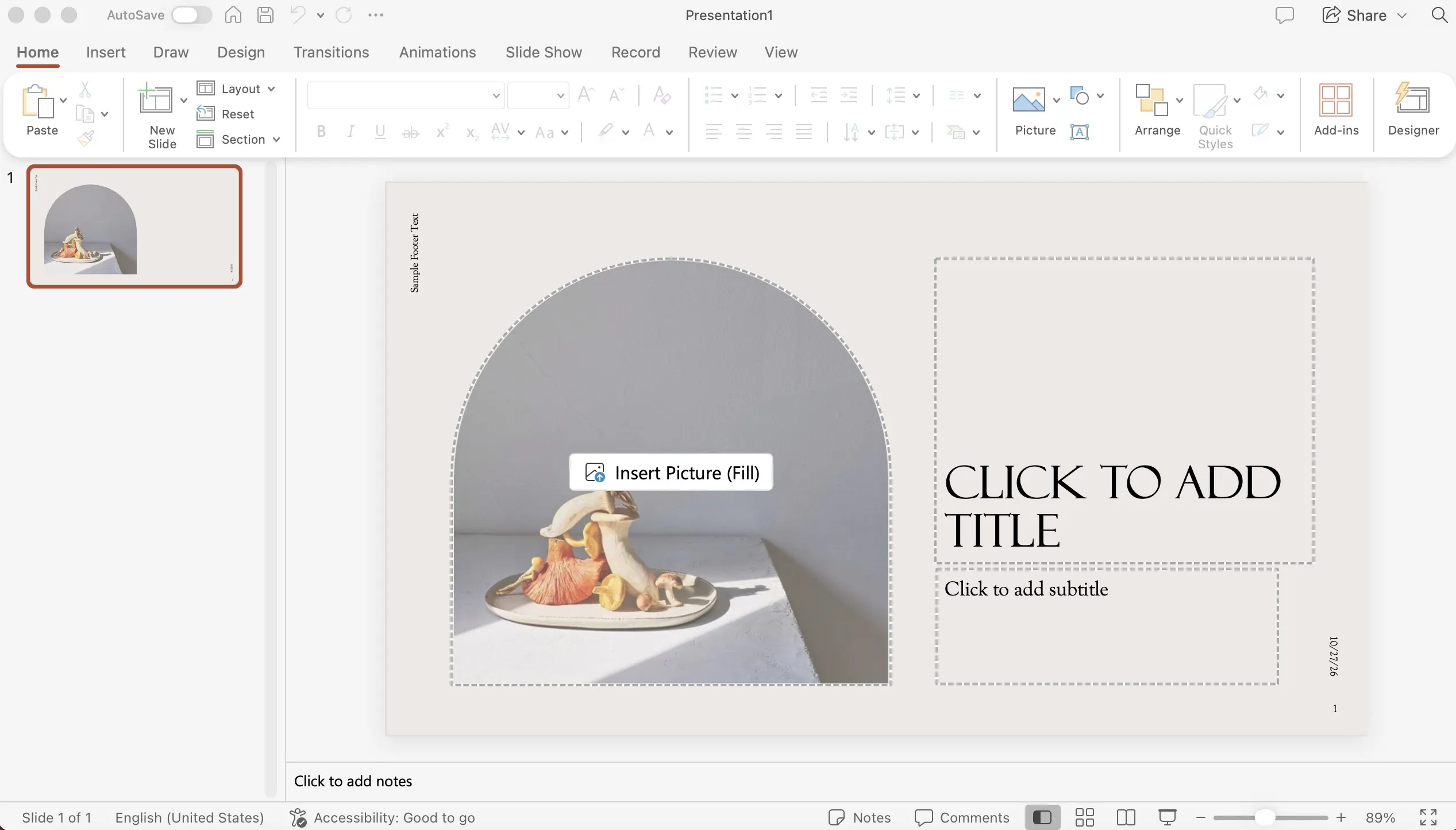
Microsoft PowerPoint is a practical choice when colleagues or clients expect an editable PPTX file. The Mac desktop app supports local presentation work, while presentations stored in OneDrive or SharePoint can support coauthoring.
Best for:
- Mac users who regularly exchange editable PowerPoint decks and need a desktop editing workflow.
Skip if:
- Your main requirement is a lightweight browser workflow and you do not need the desktop application.
Compatibility and offline access: Installed Microsoft 365 apps can work offline, but online collaboration and cloud features need a connection. Check the specific features you need on PowerPoint for Mac rather than assuming every Windows feature is identical.
Part 3. Google Slides — For Browser Collaboration
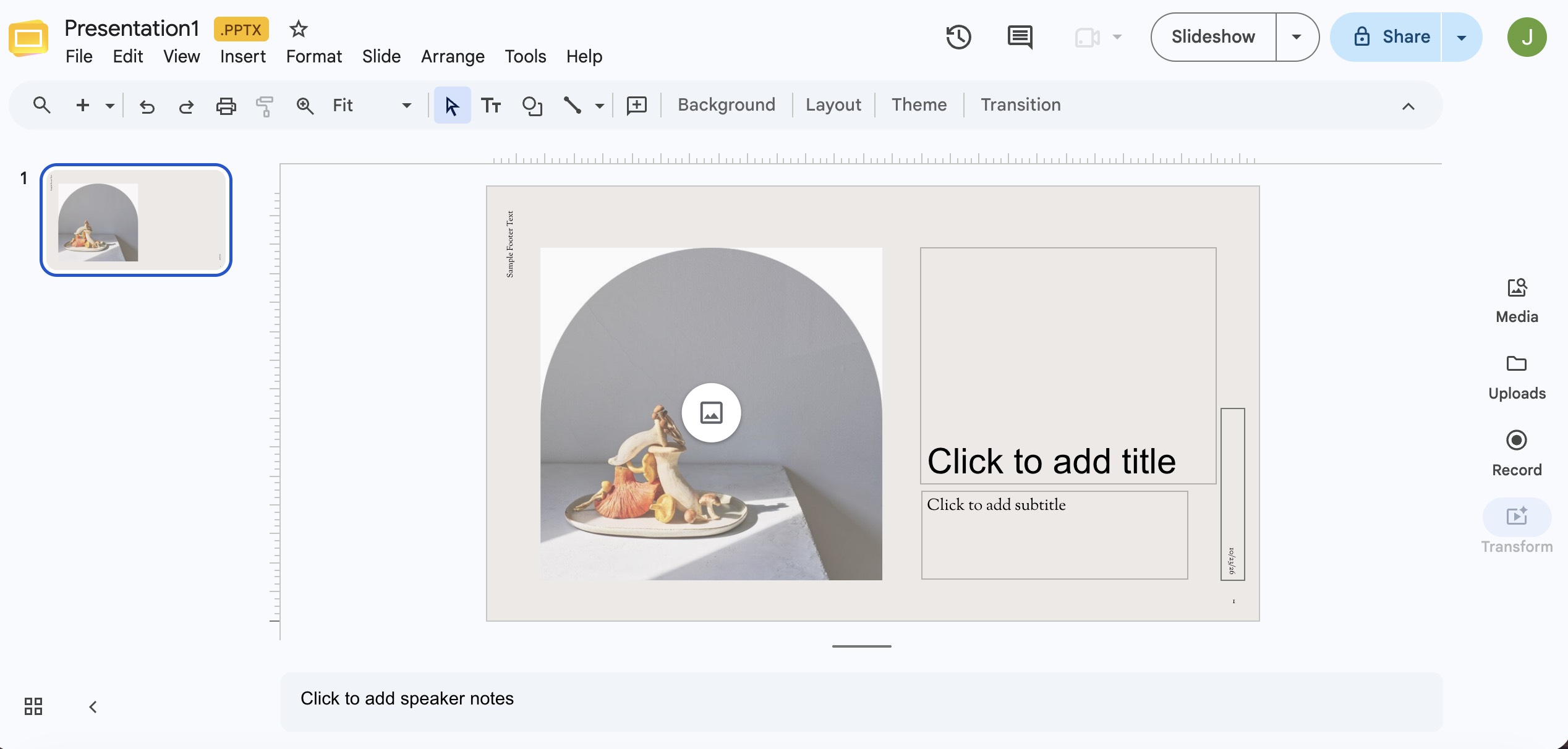
Google Slides is a suitable option when a team needs to work on presentations through a browser. It also provides a workflow for working with PowerPoint presentations.
Best for:
- Teams that prioritize shared editing and browser access.
Skip if:
- You need offline work without preparing the browser and presentation in advance.
Offline limitation: On computers, offline access requires setup in Chrome or Microsoft Edge, including the Google Docs Offline extension and locally available files. Do not assume a presentation will open offline simply because you previously viewed its link.
Part 4. Canva — For Template-Led Design
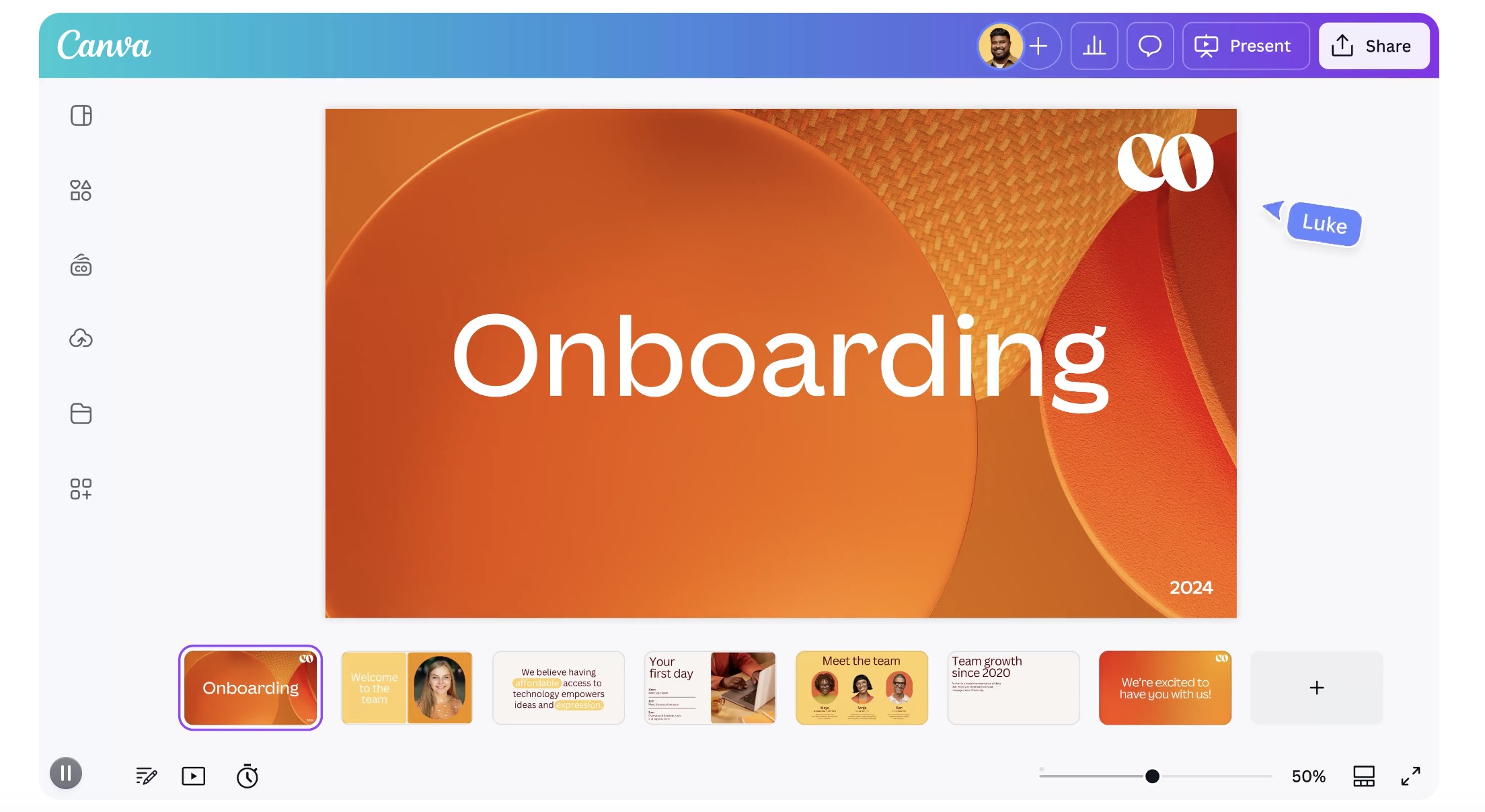
Canva is a suitable choice when presentation design is part of a broader visual-content workflow. It supports PowerPoint import and PPTX downloads, but exported designs may look different when opened in PowerPoint.
Best for:
- Users who want to build presentations around templates, visual assets, and consistent branding.
Skip if:
- Your main requirement is a predictable round trip between Canva and an existing PowerPoint deck.
Offline limitation: Canva supports editing existing designs prepared in advance on supported devices, including its desktop app. Creating new designs, downloading or exporting, and real-time collaboration still require internet.
Part 5. Prezi — For Zooming Presentations
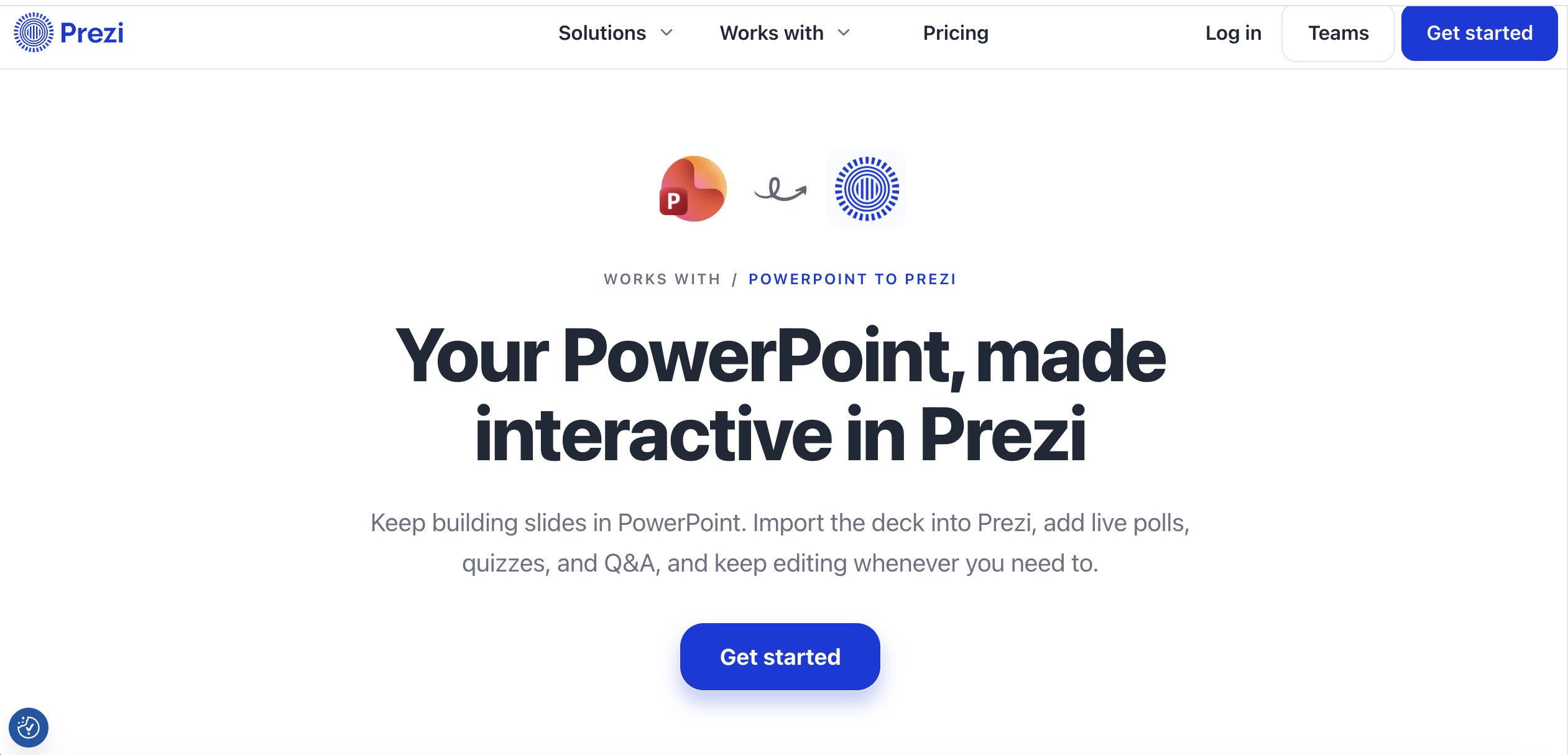
Prezi suits presentations built around a visual canvas and movement between related topics. It offers browser editing and a desktop app; desktop access and offline work are available with Plus or higher plans.
Best for:
- Presenters who want to move between ideas visually rather than follow a conventional slide sequence.
Skip if:
- Your deliverable must reproduce Prezi’s zooming experience inside PowerPoint.
Export limitation: Prezi can export PPTX files, but each frame becomes a static slide. The exported deck does not preserve the original navigation experience.
Part 6. Pitch — For Team Workflows
Pitch is worth considering when a team builds and reviews presentations in a shared workspace. Offline work is supported, but presentations should be preloaded before disconnecting.
Best for:
- Teams that want a shared presentation workspace and review workflow.
Skip if:
- You must export PowerPoint files while offline or preserve every animation and media element in PPTX.
Export limitation: PowerPoint export is a premium feature and requires internet. Pitch lists animations as unsupported in PPTX exports; uploaded videos and recordings appear as thumbnails. Mobile access does not provide the same export capabilities as desktop.
Part 7. Already Have PDF Slides? Consider UPDF
UPDF is relevant when your presentation is already a PDF and you want to review, annotate, organize, and display its pages as a slideshow.
Windows • macOS • iOS • Android 100% secure
Best for:
- Presenting a finished PDF deck or making PDF-level changes before presenting.
Skip if:
- You need to build and exchange an editable presentation with slide masters, animations, and embedded media.
PDF slideshow playback is a different workflow from authoring a Keynote presentation. For that specific task, see how to present a PDF as a slideshow.
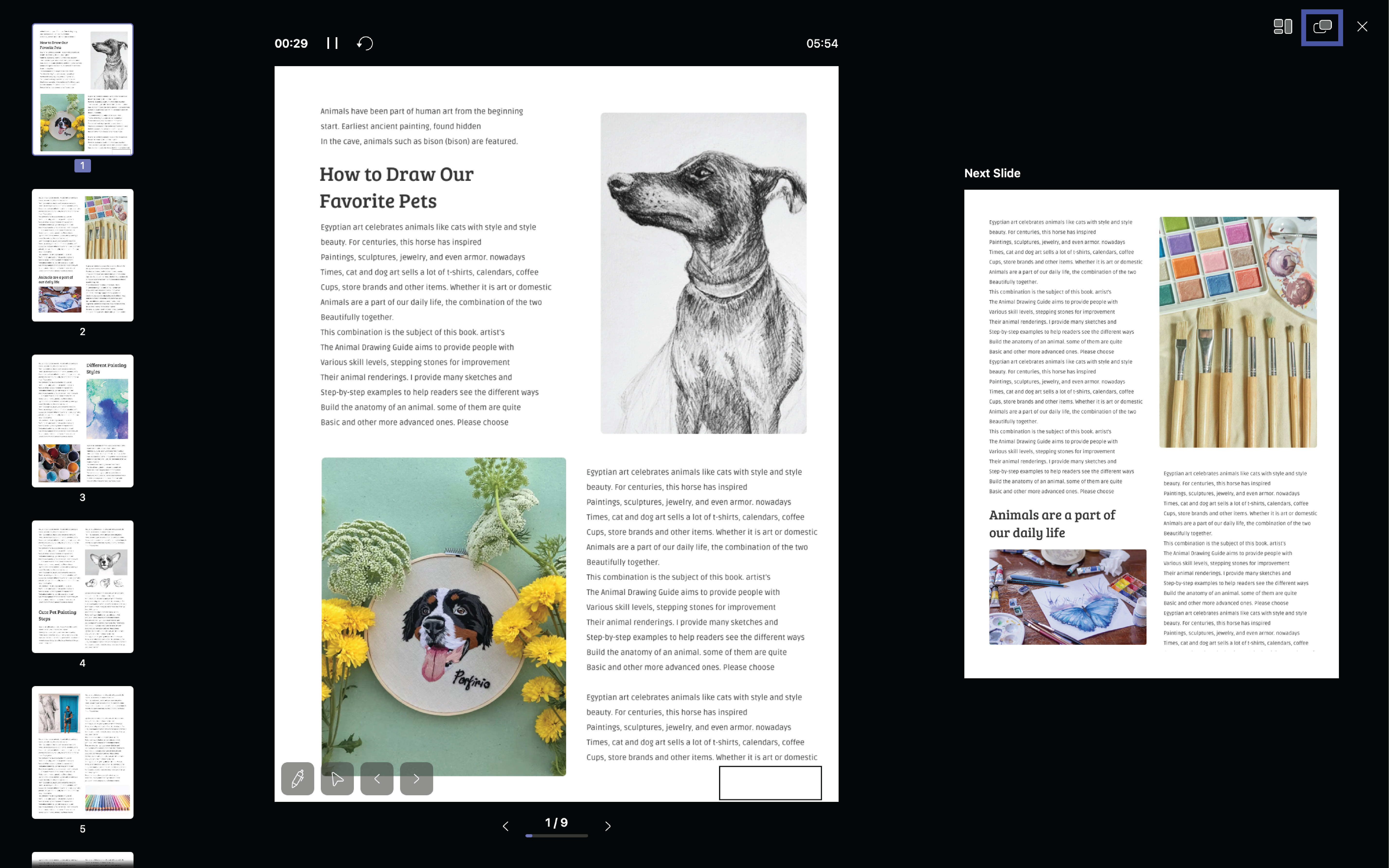
Watch the video below for supplementary context about UPDF's PDF tools.
Part 8. When Does Switching from Keynote Make Sense?
Keynote already supports presentation creation, collaboration through iCloud, and offline work. Keynote for iCloud also provides browser-based access on supported Mac and Windows computers.
Consider another tool when your team requires a different collaboration environment, your client expects an editable PPTX workflow, or you want a different presentation style. Switching solely to obtain offline editing or collaboration may be unnecessary.
When moving an existing Keynote presentation, check the destination application’s supported formats. Exporting to PowerPoint can provide an editable handoff; exporting to PDF provides a page-based version for review or presentation.
Part 9. FAQs About Keynote Alternatives for Mac
1. Is Keynote free, or does it require Apple Creator Studio?
Keynote remains available free for creating, editing, and collaborating on presentations. Apple Creator Studio adds premium content and intelligent features; it is not required for the basic Keynote workflow.
2. Can I keep using my Keynote presentation after switching to another app?
Yes. Keep the original .key file as your editable source, and export a separate copy for the destination app. Avoid overwriting your only original during migration.
3. Does exporting a presentation to PDF preserve animations and videos?
No. PDF output is page-based and does not preserve the original slideshow’s animation and video playback experience. Keep the original presentation when those elements matter.
4. Will recipients need the same presentation app to view my slides?
It depends on how you share them. A shared editing link uses the service’s access rules, while an exported file requires a compatible viewer. Confirm the recipient’s access before sending the final presentation.
Conclusion
Choose a Keynote alternative around the workflow you need to change. PowerPoint suits PPTX-centered desktop work; Google Slides emphasizes browser collaboration; Canva supports template-led design; Prezi offers a zooming presentation style; and Pitch provides a team presentation workspace. If your deck is already a PDF, UPDF offers a separate PDF presentation workflow.
Windows • macOS • iOS • Android 100% secure



 Enid Brown
 Enrica Taylor

 Enya Moore

 Lizzy Lozano