 UPDF
UPDF
 UPDF for Windows
 UPDF for Mac
 UPDF for iPhone/iPad
 UPDF for Android
 UPDF AI Online
 UPDF Sign
 Edit PDF
 Annotate PDF
 Create PDF
 PDF Form
 Edit links
 Convert PDF
 OCR
OCR PDF to Word
 PDF to Image
 PDF to Excel
 Organize PDF
 Merge PDF
 Split PDF
 Crop PDF
 Rotate PDF
 Protect PDF
 Sign PDF
 Redact PDF
 Sanitize PDF
 Remove Security
 Read PDF
 UPDF Cloud
 Compress PDF
 Print PDF
 Batch Process
 About UPDF AI
 UPDF AI Solutions
 AI User Guide
 FAQ about UPDF AI
 Summarize PDF
 Translate PDF
 Chat with PDF
 Chat with AI
 Chat with image
 PDF to Mind Map
 Explain PDF
 PDF AI Tools
 Image AI Tools
 AI Chat Tools
 AI Writing Tools
 AI Study Tools
 AI Working Tools
 Other AI Tools
 AI Bookmark Generation
 AI Bookmark Summary
 AI Watermark Generation
 AI Background Generation
 AI Sticker Generation
 AI Stamp Generation
 AI Editing Suite
 UPDF Copilot
 AI Page Management
 AI Semantic Search
 PDF to Word
 PDF to Excel
 PDF to PowerPoint
 Enterprise Solution
 Enterprise Sign
 Enterprise AI
 Enterprise Plan
 Enterprise User Guide
 Enterprise Webinar
 Banking
 Healthcare
 Insurance
 Legal
Legal Manufacturing
 Government
 Education Solution
 Customer Stories
 User Guide
 UPDF Tricks
 FAQs
FAQs UPDF Reviews
 Download Center
 Blog
Blog Newsroom
 Tech Spec
 Updates
 UPDF vs. Adobe Acrobat
 UPDF vs. Foxit
 UPDF vs. PDF Expert

If you are a person who loves to dive deep into the world of books and novels, you will get excited if there are free books to read online without downloading a software. Who doesn't love an offer to read full books online for free no download? This article covers the 10 best sites that actually work in 2026. And if you ever want a better reading experience offline, we'll also introduce UPDF — a free PDF reader with AI-powered features that takes your reading to the next level.
Windows • macOS • iOS • Android 100% secure
Part 1. Top 10 Online Websites to Read Books for Free, No Download Required
Here are our top 10 picks — all free, no registration required unless noted.
1. OpenLibrary
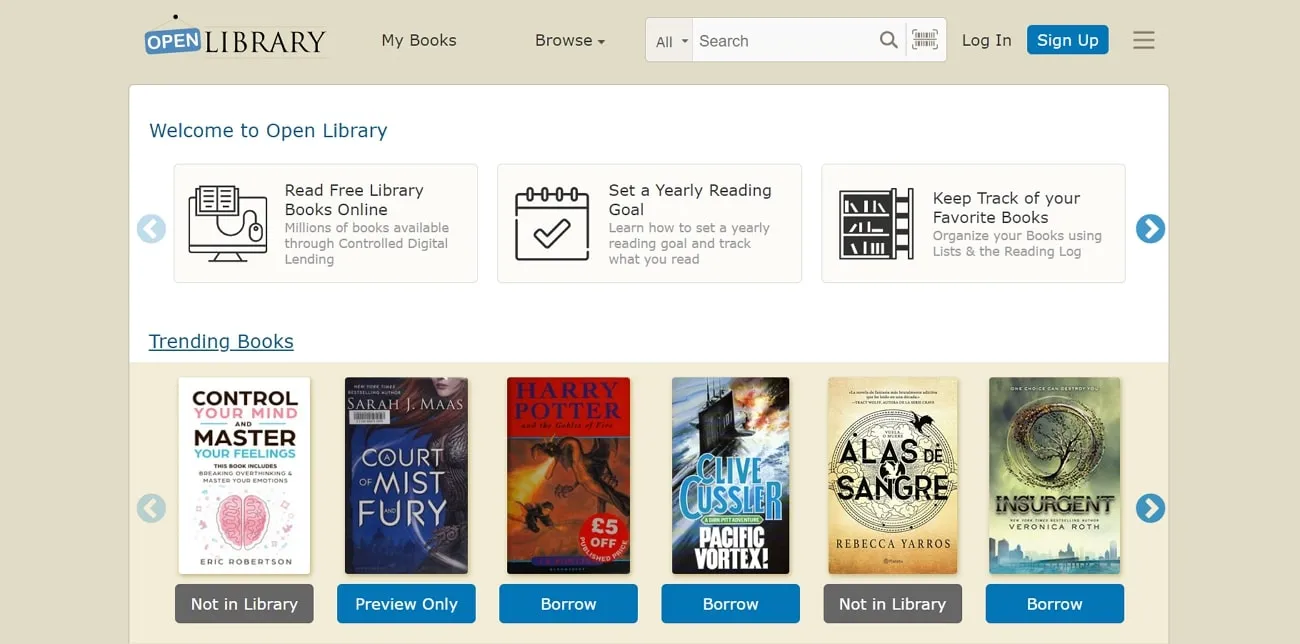
OpenLibrary is a great book-reading website where you can read books for free, with millions of books available. You can get the most trending books with this website and add them to your library. Moreover, you can search any book by subject, author, and text and can get the latest eBooks. This website is like your virtual library, where you can keep your books organized in your reading list, and you can make yearly reading goals here as well.
Pros:
- You can choose various viewing options, such as one-page and two-page views, while also zooming in and out, so it's easier to read.
- There are also various settings for adding bookmarks, adjusting visuals, and downloading books.
Con:
- Some books are only available to "borrow" for a limited period and require a free account. A small number of titles are restricted due to copyright and can only be downloaded, not read online.
2. ManyBooks
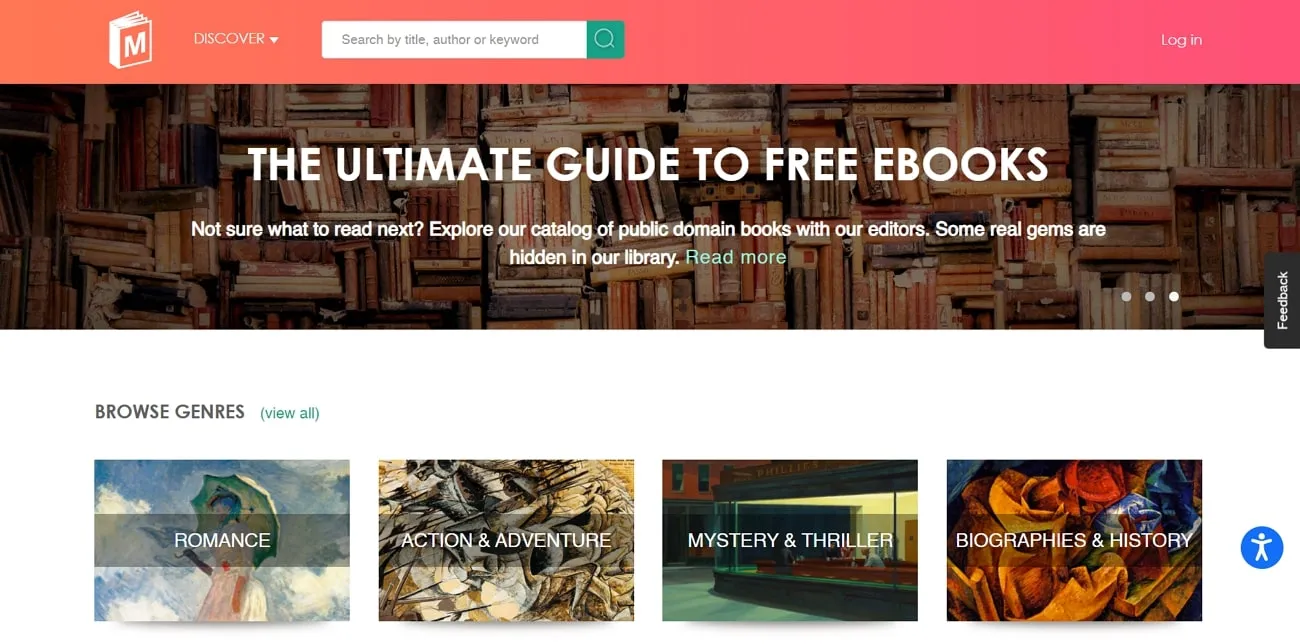
ManyBooks is an interesting free book-reading site where you are welcomed by various categories and genres of novels and books. Moreover, you can easily navigate yourself to different categories, editor's choice of books, book deals, and trending books. There are books in different categories, such as romance, action & adventure, fantasy, and horror. You are provided with a detailed book description whenever you click on one.
Pros:
-
The site offers books in more than 45 languages, making it one of the more multilingual options on this list.
- You can change the font of your book and choose to jump over pages by writing in the provided box.
Con:
- There are no customization and personalization options that can let you change the viewing angle while reading online.
3. Read Any Book
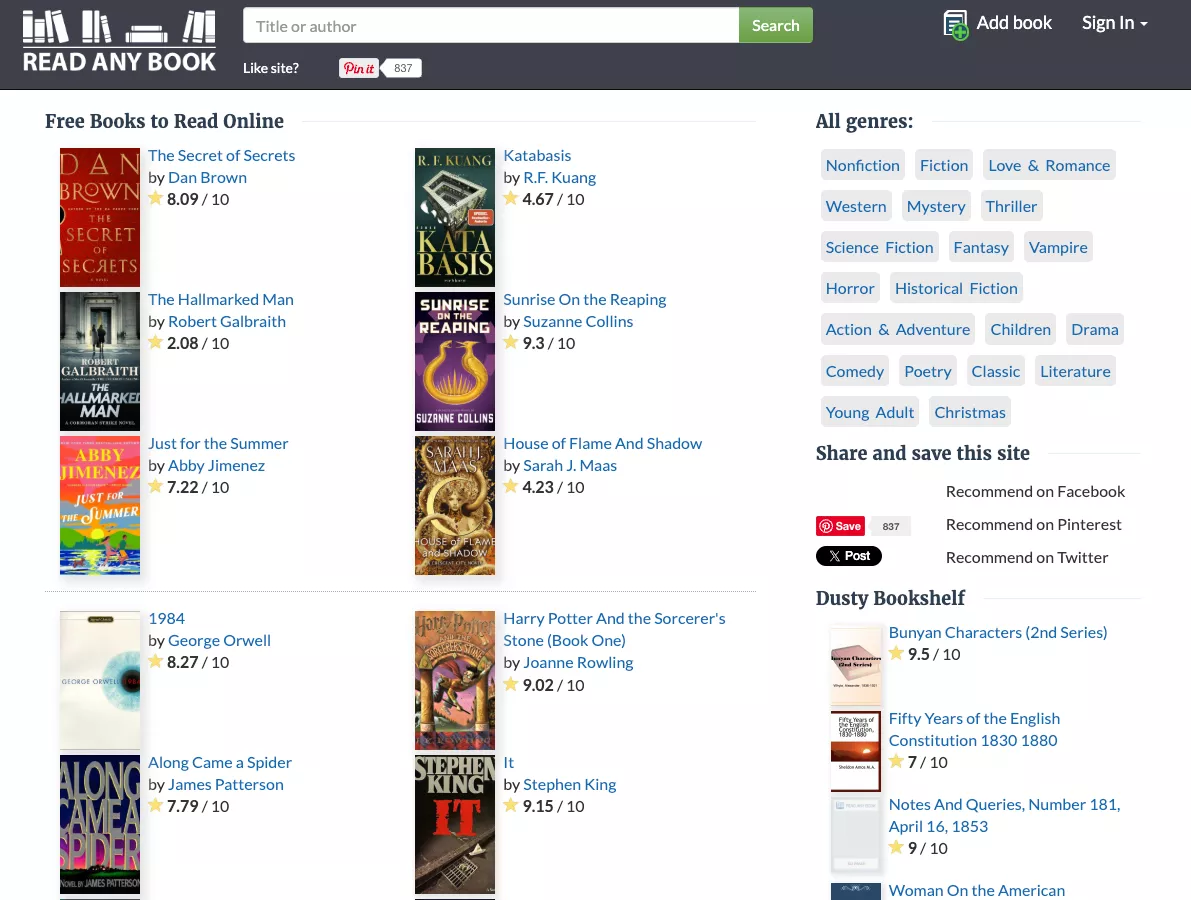
Are you a book skeptic and only read books with a book rating? Therefore, Read Any Book is a website where you can read books for free, providing you with a proper rating system for each book you choose. Moreover, you can choose from over 19 categories and genres of books and novels by famous and classical authors. You can sign into their website to access various editing and personalization features.
Pros:
- This website provides you with a full-screen and flip page feature where you can adjust your book according to your reading style.
- You can also convert the book into various other formats such as text, PDF, EPUB, and more with this free book reading site.
Cons:
- Whenever you download a book on their website, you are provided with a firewall that stops the book from downloading.
- Some users report that the site requires credit card information to access full content, and scam-detection sites have flagged concerns about its safety.
4. ReadCentral
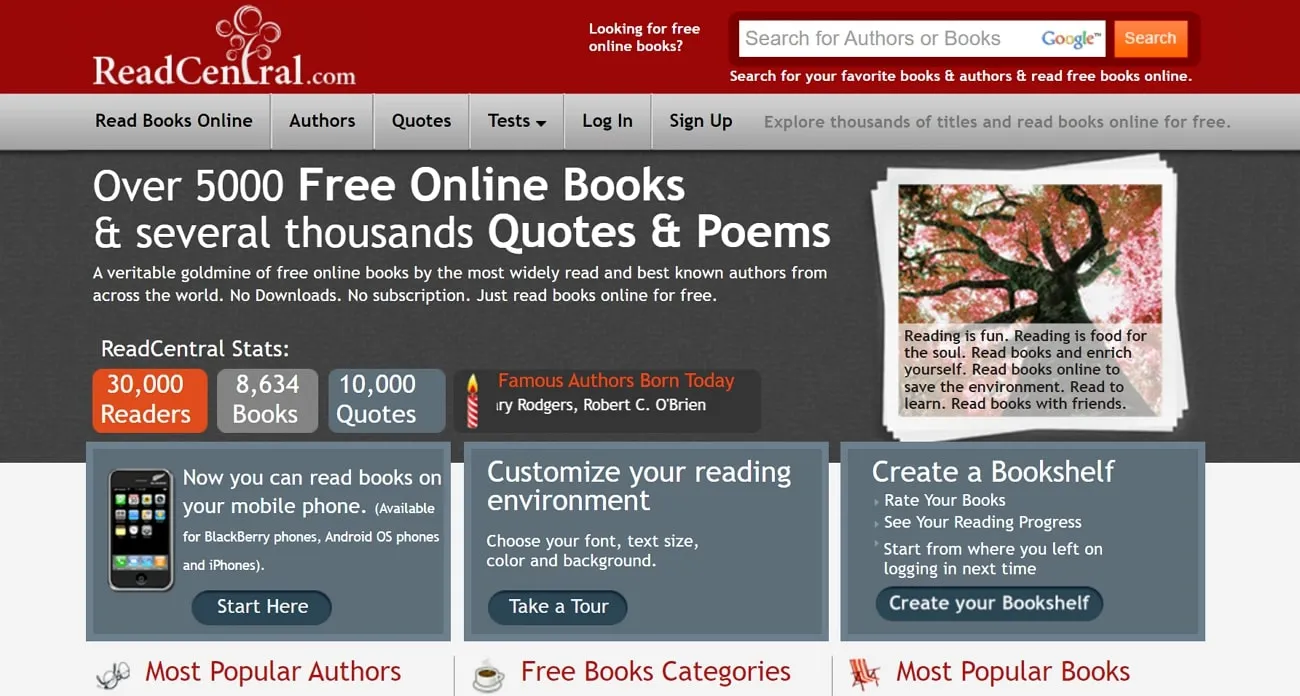
ReadCentral is an excellent free book reading site that provides you with over 5,000 free online books and several poems and quotes. Furthermore, there is no need to download and subscribe to the website, and you can read all the books you want online. In addition to that, this website provides you with a list of the most celebrated authors in both English and non-English versions. You can read any type of book on your PC, iMac, and iPhone without any disturbances.
Pros:
- You can read full books online for free with no download from various categories such as fiction, non-fiction, short stories, and more.
- Other than that, you can read the book directly on the website or switch to a smart reader where you can access various features like editing your text color and font, among others.
Con:
- You cannot personalize your reading page in various layouts such as single-page and two-page views and scrolling options.
5. HathiTrust
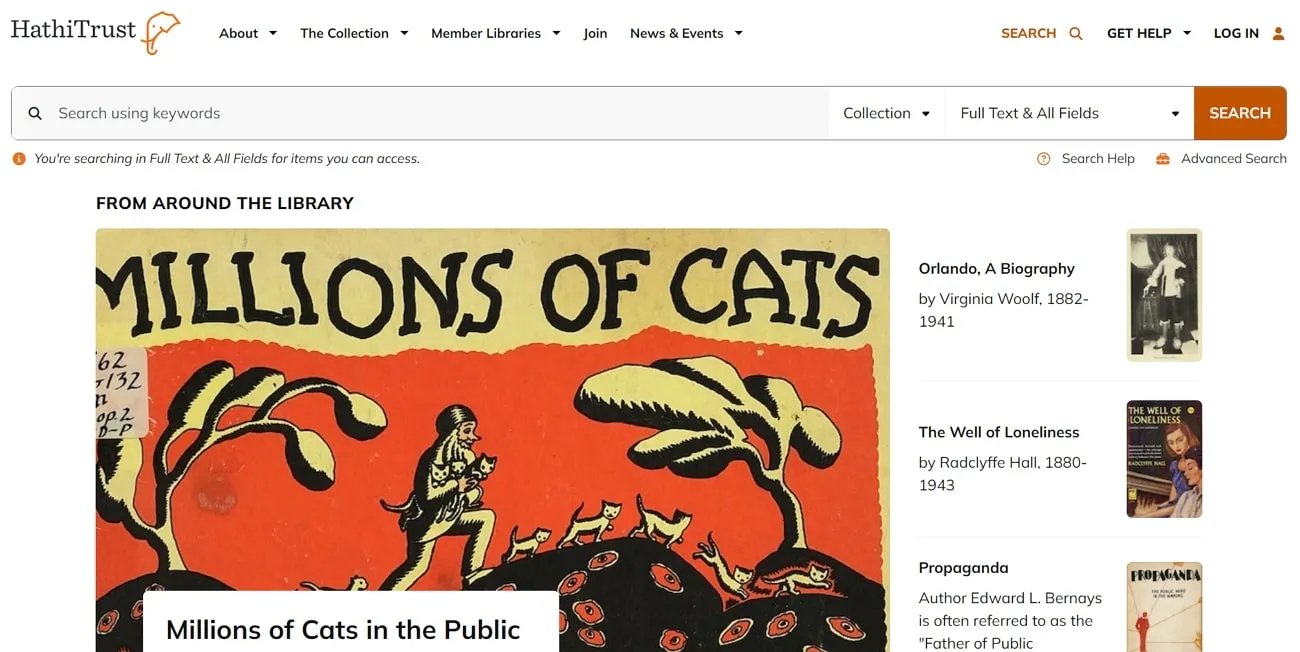
HathiTrust is an advanced free book-reading site that provides you with a digital library with millions of digitized books and publications. Users can easily search for any book with text, ISSH, publisher, and more. Moreover, it also provides you with its featured collection with a brief description and item amount. There are also news, events, blogs, and help center pages for you to explore.
Pros:
- This free website provides various options, such as downloading the book as an eBook, text, and more.
- There are various other features for saving your book in your reading list, adding a bookmark, and changing the page format.
Cons:
- You cannot personalize your text, such as highlighting the important lines, adding notes, and more, thus reducing the user reading experience.
- Full-text access to many books is restricted to members of HathiTrust partner institutions (universities and libraries). General users may only be able to view limited previews.
6. Standard Ebooks
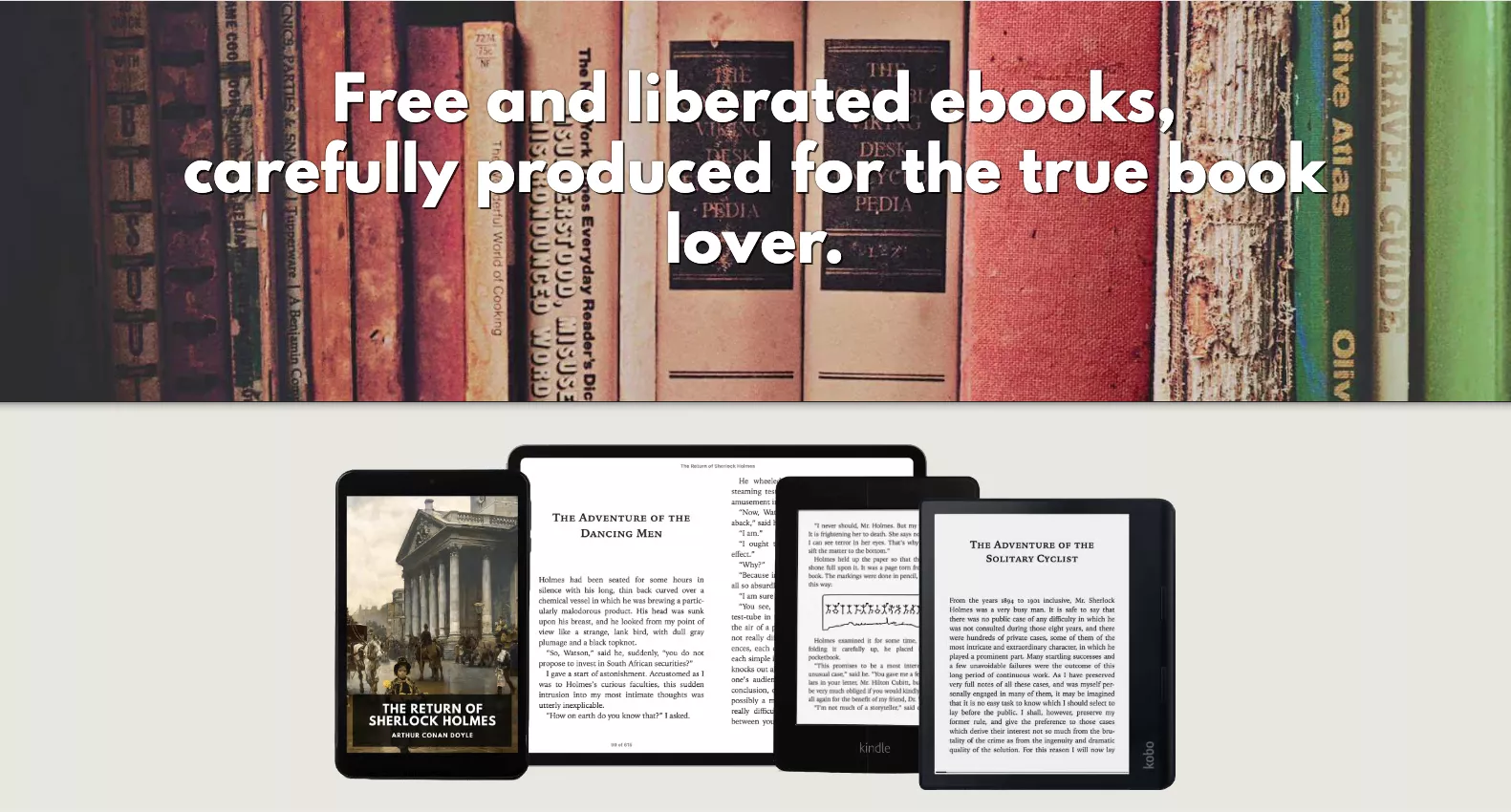
Standard Ebooks is a volunteer-run project that takes public-domain texts from sources like Project Gutenberg and reformats them to modern publishing standards — professional typography, corrected errors, and clean layouts. Every book is completely free, with no ads and no registration required, available to read in your browser or download in EPUB format.
Pros:
- 100% legal and free — all titles are in the public domain.
- Beautifully formatted compared to raw Gutenberg exports.
- Works on any device; no account needed.
Con:
- Collection is limited to pre-1928 works (U.S. public domain), so modern titles are not available
7. Childrens Library
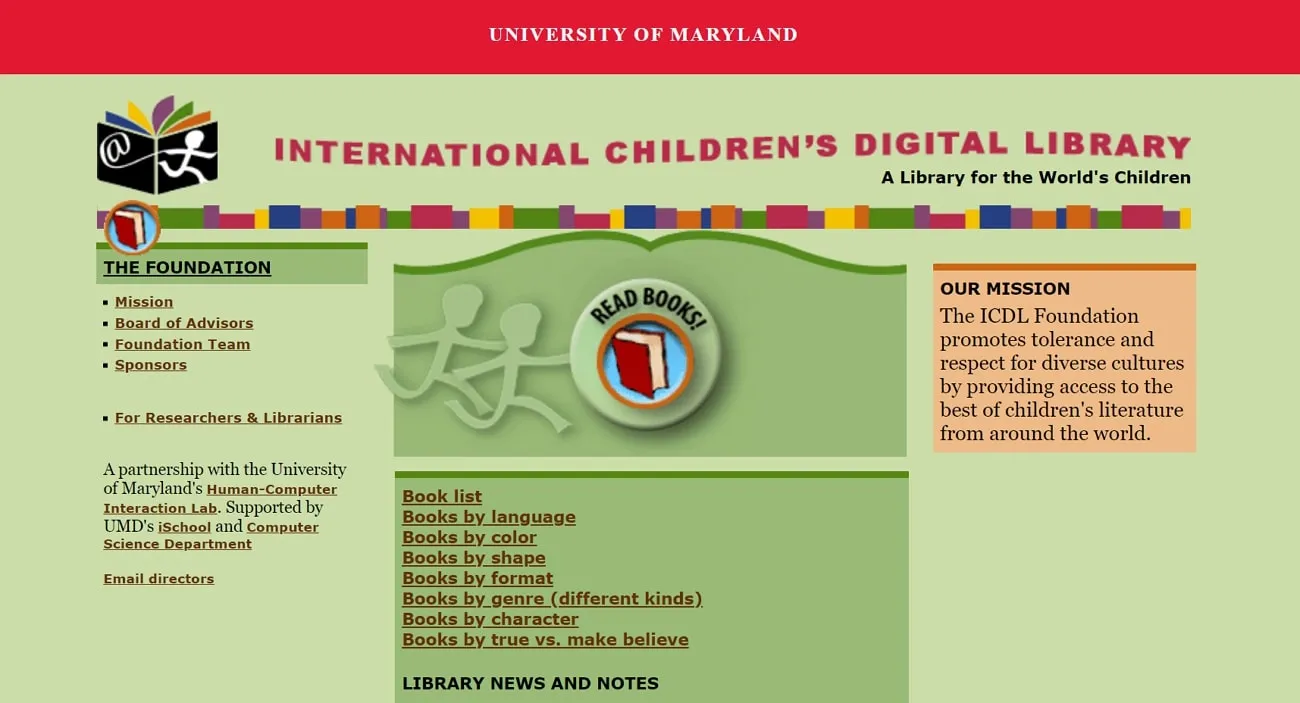
If you're looking for a reading resource for younger readers, the International Children's Digital Library is a dedicated platform with thousands of books for children aged 3-13. Children's Library is an online free book-reading site where your kids can enjoy learning something new. The webpage is designed for users to find something they would enjoy. Furthermore, you can find various categories on this website, such as search by book, color, character, shape, and many more. It has an easy-to-use interface with better search options for people and children alike. Moreover, this website contains thousands of children's books back-to-back in the original language.
Pros:
- Children's Library is a great place to start, as it provides you with the most reliable source of books from all around the world.
- You can read various books on the full page with easy flip-back and forward options on the website.
Con:
- The website does not contain any annotation features to customize it, and while reading, the book does not have all the pages.
8. Internet Archive
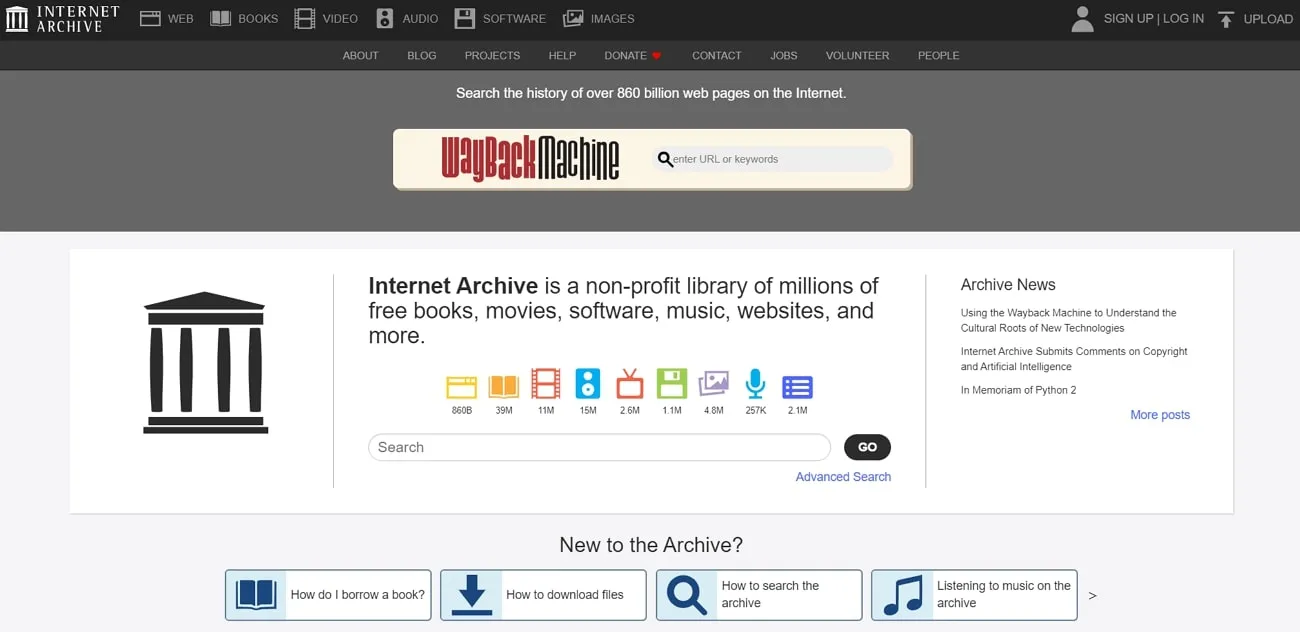
Internet Archive hosts tens of millions of freely accessible books, texts, audio recordings, and other media. You can use the search box to find your favorite book in various other genres and categories. Furthermore, you can sort the results by views, title, and date by adding the item to the catalog. There is an option to lay down the list of results by collection, media type, availability, language, or creator. What's worth highlighting is that the Internet Archive hosts a vast number of foreign-language books for you to enjoy.
Pros:
- The online viewer of this website presents you with scanned pages of the book, including a one-page view and zooming.
- One of the most amazing features of Archive is the text-to-speech function. You can turn it on by clicking on the speaker icon and let it play the book for you.
Con:
- You may find it difficult to search for your desired book due to the availability of diverse data on this website.
9. Digitalbook.io
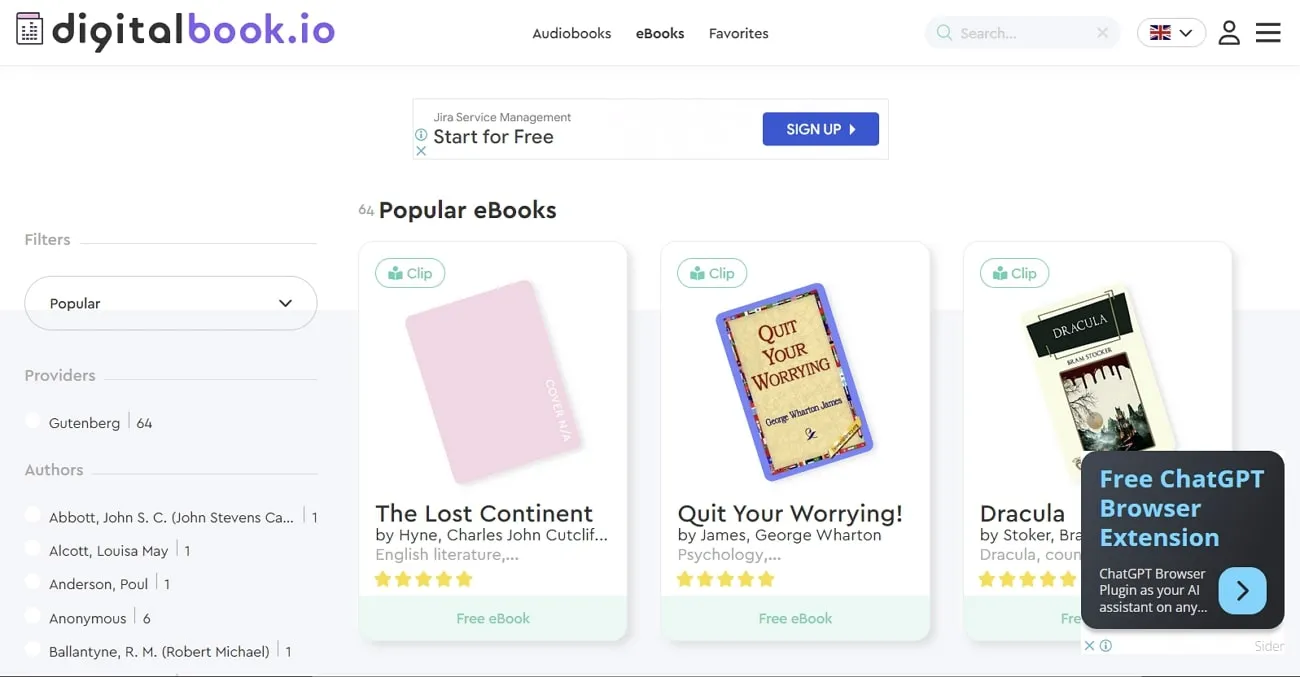
Digitalbook.io is an excellent free web novel website with millions of books to share with the world. If you are confused about where to get started, this website can help you. From the start, they provide you with the most popular and trending books that you can try reading. Furthermore, you have options to view the content of the book you are reading. It also lets you read your book in a constant and consistent manner without any interruption.
Pros:
- There are several genres to choose from for a book, such as young adult, romance, sci-fi, fantasy, and many more.
- You can also choose from thousands of eBooks in various languages, thus breaking the language barrier.
Con:
- You cannot adjust the background color or personalize your book pages with a highlight or underline option.
10. Open Culture
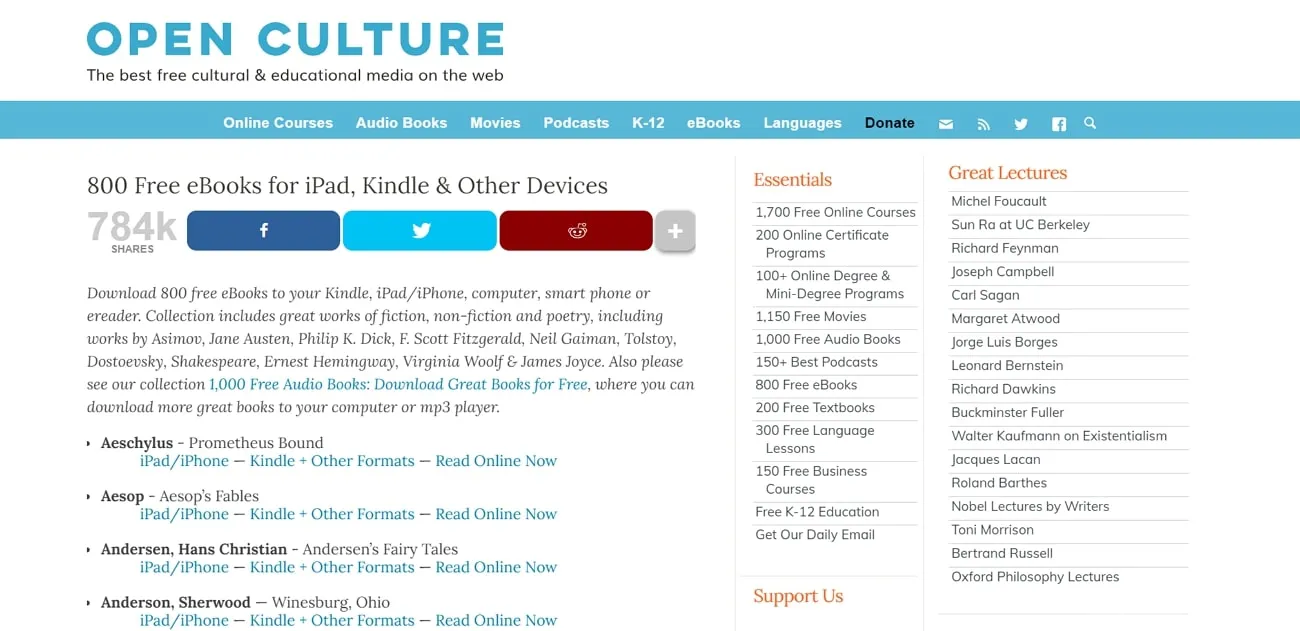
Open Culture is a magnificent historical library of books, movies, lessons, and audiobooks. Moreover, you can access up to 700 free eBooks in various categories and topics. This free book-reading site has various books by famous authors like Edgar Allan Poe and Stephen King. Furthermore, you can get an in-depth description of the book you want to read and also about the author as it recommends which book to start with first.
Pros:
- This website can provide you with several contents and courses free of charge; even signing in is free.
- Open Culture is a vast website with various free cultural content, eBooks, and novels and provides all types of content for all your book enthusiasts.
Con:
- Many titles on Open Culture link out to third-party sites (like Amazon or Project Gutenberg), not all of which are free. Always check the source link before expecting free access.
Once you've found a book you love, you may want to take notes or annotate as you read. That's where UPDF comes in — read on to see how it can transform your reading experience.
Windows • macOS • iOS • Android 100% secure
Part 2. Discover the Best Free Books Reader Offline for an Uninterrupted Reading Journey
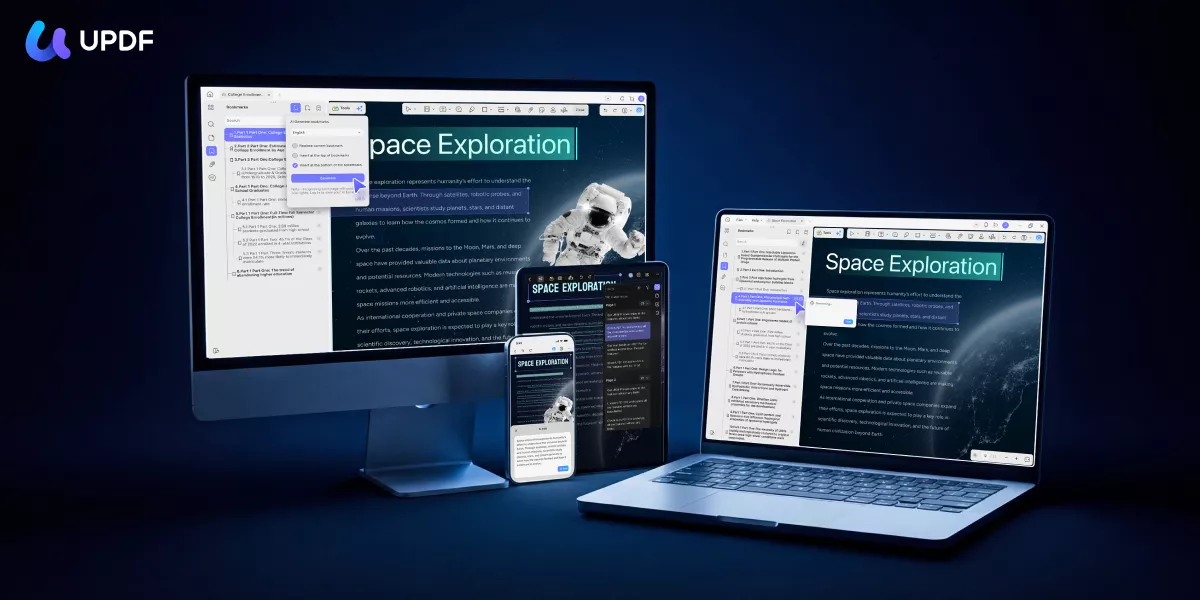
UPDF is a PDF reader and AI-powered editor that works on Windows, Mac, iOS, and Android. It's designed for people who want more than just a viewer — whether that's annotating as you read, translating a foreign-language book, or using AI to understand complex content faster. Download it free and use it as your home for every book you save.
Windows • macOS • iOS • Android 100% secure
Key Features
In the following section, we have provided you with why UPDF is the best offline free book-reading tool. UPDF makes up for an excellent eBook reader with the following features:
- Read PDF Books with Multiple Layouts: With the View PDF feature, users can personalize their reading experience with multiple layout options. You can view your books in single-page and two-page views. Also, there are options for single-page scrolling and two-page scrolling as well.
- Read eBooks in Light/Dark Mode: You can switch to dark mode with UPDF advanced PDF features. Some people enjoy reading at night, and light mode can hurt their eyes. So, with UPDF, switch over to dark mode and you can also change the background of your PDF.
- Annotate eBooks and Novels: It is so much easier to personalize your books with sticky notes, comments, and shapes. The annotation feature provides it all, and you can add bookmarks to your favourite lines.
- Auto-Generate Chapter Bookmarks with AI Bookmark Agent: Downloaded books often arrive without a working table of contents. UPDF's AI Bookmark Agent reads the document structure and automatically generates intelligent bookmarks, so you can jump between chapters instantly — especially useful for long novels and academic texts.
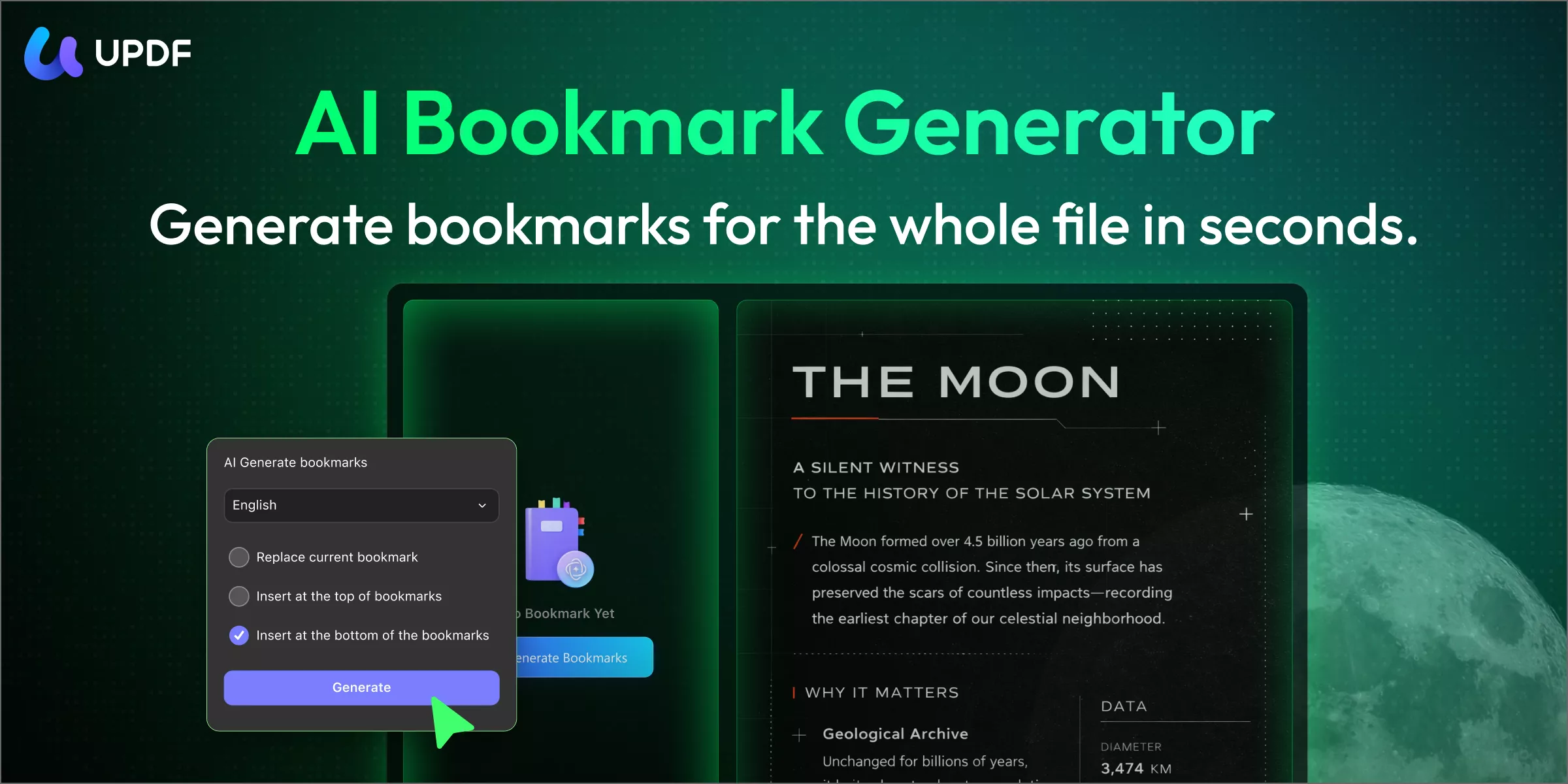
- Get Chapter Summaries with Bookmark Summary Agent: Once bookmarks are generated, this agent creates a brief summary for each section. Perfect for deciding which chapters to prioritize or for quickly reviewing key points after finishing a book.
- Find Anything with Semantic Search Agent: Can't remember exactly how a character was described or where a key idea was discussed? Semantic Search finds content by meaning, not just keywords — so you can locate any passage in seconds even in a 500-page book.
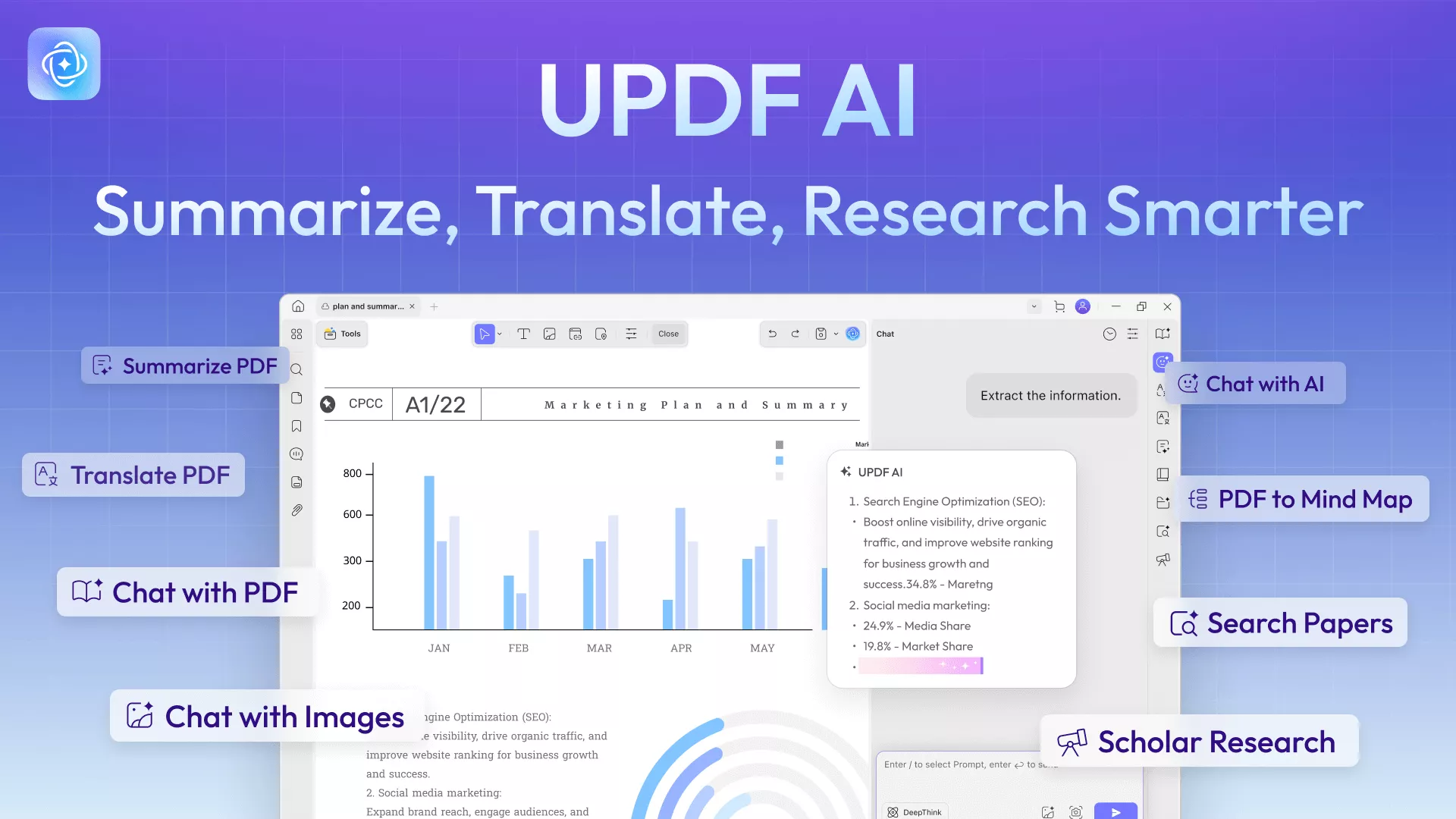
- AI-Powered Reading Features UPDF AI lets you select any text and instantly summarize, translate, or get an explanation — great for reading dense nonfiction or books in a second language. You can also chat with your PDF about its content, or ask UPDF Copilot in plain language to perform any task ("translate this chapter" / "summarize the last 10 pages").
- Compress PDF eBooks: Sometimes, the book file size is too large for you to share. Therefore, with the compress feature, you can lower the file size to high, medium, and low. This fast-processing feature easily compresses your file without losing the quality.
- Convert PDF to Other Formats: This multi-dimensional PDF reader can help you convert PDF to and from any format. Moreover, it supports up to 14 formats in Word, PowerPoint, JPEG, HTML, and more. It also takes care of the page layout, margin, and spacing of your file content.
- Cloud Storage: You can upload the books you want to read and the ones you haven’t finished to UPDF Cloud. This way, you don’t have to worry about file damage, and you can read them anytime and anywhere on different devices.
If you are interested in UPDF's AI agents, you can watch the video below:
Pro Tip:
Part 3. Advantages and Disadvantages of Reading Books Online
Now that we know how various free book-reading sites can help you provide your life's best reading experience, let's learn more. That is understanding the advantages and disadvantages of reading books online. In the below section, we have provided some pros and cons of reading books online.
Advantages of Reading Books Online:
- Budget-Friendly: We know buying traditional books is expensive compared to reading them online. Therefore, if you want a rich reading experience without wasting too much money, read books online.
- Easy Accessibility of Content: With several books available online, you don't need to worry about going to a store and buying your favorite book. Moreover, you can access thousands of books on the internet in different categories and subjects.
- Environment-Friendly: Manufacturing books in factories is highly destructive for the environment as millions of trees are cut down every year. That is why digital books are the much better eco-friendly solution to reading books online.
- Highly Convenient: You know you cannot carry around a book all day, and it's a burden when you are in a hurry and leave your book at home. In this case, already having your books online is highly convenient for users as it is much easier to carry around your phone or laptop.
- Interactive Experience: If your books are digitalized, you cannot imagine how immersive and interactive you can make them. For example, you can highlight, underline, and add comments, stickers, and comments to your book document.
Disadvantages of Reading Books Online:
- Eye Strain: Extended screen time can cause eye fatigue, especially in low-light conditions.
- Technological Limitations: You don't always have access to an internet connection, and it can ruin your perfect moment while reading a suspense novel. Other than that, there can also be cases where you don't have any battery life.
- Reduced Tactile Experience: Many readers find that the physical act of turning pages and holding a book contributes to the enjoyment of reading. Digital reading, while convenient, doesn't fully replicate that sensory experience for everyone.
- Distractions: When you are reading online, there are chances of you getting distracted from other applications like Instagram. Other than that, it is much easier to focus on the content of the book while you are reading it in the traditional manner.
- Ownership Limitations: While readers can purchase their favorite eBook, there is still the issue of technically owning the book. Additionally, some eBooks are only available through specific platforms or devices, which can limit users' accessibility.
Conclusion
Whether you prefer reading in a browser or downloading books for offline use, there's a good option for every need among the 10 sites above. And when you want a richer reading experience — with AI summaries, instant chapter navigation via AI Bookmark Agent, and seamless cross-device sync — UPDF gives you everything in one place. Download it free today and start reading smarter.
Windows • macOS • iOS • Android 100% secure






 Enola Davis
 Enrica Taylor
 Enid Brown
 Enola Miller