 UPDF
UPDF
 UPDF for Windows
 UPDF for Mac
 UPDF for iPhone/iPad
 UPDF for Android
 Nomostar
 UPDF AI Online
 UPDF Sign
 IvyCraft
 Edit PDF
 Annotate PDF
 Create PDF
 PDF Form
 Edit links
 Convert PDF
 OCR
OCR PDF to Word
 PDF to Image
 PDF to Excel
 Organize PDF
 Merge PDF
 Split PDF
 Crop PDF
 Rotate PDF
 Protect PDF
 Sign PDF
 Redact PDF
 Sanitize PDF
 Remove Security
 Read PDF
 UPDF Cloud
 Compress PDF
 Print PDF
 Batch Process
 About UPDF AI
 UPDF AI Solutions
 AI User Guide
 FAQ about UPDF AI
 Summarize PDF
 Translate PDF
 Chat with PDF
 Chat with AI
 Chat with image
 PDF to Mind Map
 Explain PDF
 PDF AI Tools
 Image AI Tools
 AI Chat Tools
 AI Writing Tools
 AI Study Tools
 AI Working Tools
 Other AI Tools
 AI Bookmark Generation
 AI Bookmark Summary
 AI Watermark Generation
 AI Background Generation
 AI Sticker Generation
 AI Stamp Generation
 AI Editing Suite
 UPDF Copilot
 AI Page Management
 AI Semantic Search
 PDF to Word
 PDF to Excel
 PDF to PowerPoint
 Enterprise Solution
 Enterprise Sign
 Enterprise AI
 Enterprise Plan
 Enterprise User Guide
 Enterprise Webinar
 IT
IT Education
 Construction
 Financial Service
 Healthcare
 Insurance
 Legal
Legal Manufacturing
 Government
 Researchers & PhDs
 Solopreneurs & Freelancers
 Lawyers & Legal Professionals
 Real Estate Agents & Brokers
 Education Solution
 Customer Stories
 User Guide
 UPDF Tricks
 FAQs
FAQs UPDF Reviews
 Download Center
 Blog
Blog Newsroom
 Tech Spec
 Updates
 UPDF vs. Adobe Acrobat
 UPDF vs. Foxit
 UPDF vs. PDF Expert

Quick answer:
For local EPUB files on Android, consider Lithium for simplicity, Moon+ Reader for customization, or FBReader for broad text-format support. Google Play Books suits books uploaded across signed-in devices, while Libby is for borrowing from a participating library. If your file is a PDF, use a PDF reader instead of expecting these EPUB apps to convert it.
Looking for an EPUB reader on Android? Start with the books you actually have. The ten options below cover local files, uploaded books, store purchases, and library loans, so you can choose the right app before downloading one.
Check whether your books are local, store-purchased, library loans, or DRM-protected before choosing an app. EPUB support alone does not mean an app can open every purchased or borrowed book. If your reading material is a PDF rather than an EPUB, see the PDF-specific option after the list.
Part 1. Best EPUB Readers for Android: 10 Options by Reading Need
For EPUBs saved on your phone, compare Lithium, FBReader, and Moon+ Reader first. For books you want to upload and read across signed-in devices, consider Google Play Books. If you borrow ebooks through a public library, choose Libby and check whether your library participates. For a mixed collection of EPUBs, PDFs, and other document formats, compare PocketBook Reader and FullReader. Features can differ between free and paid editions.
1. Google Play Books
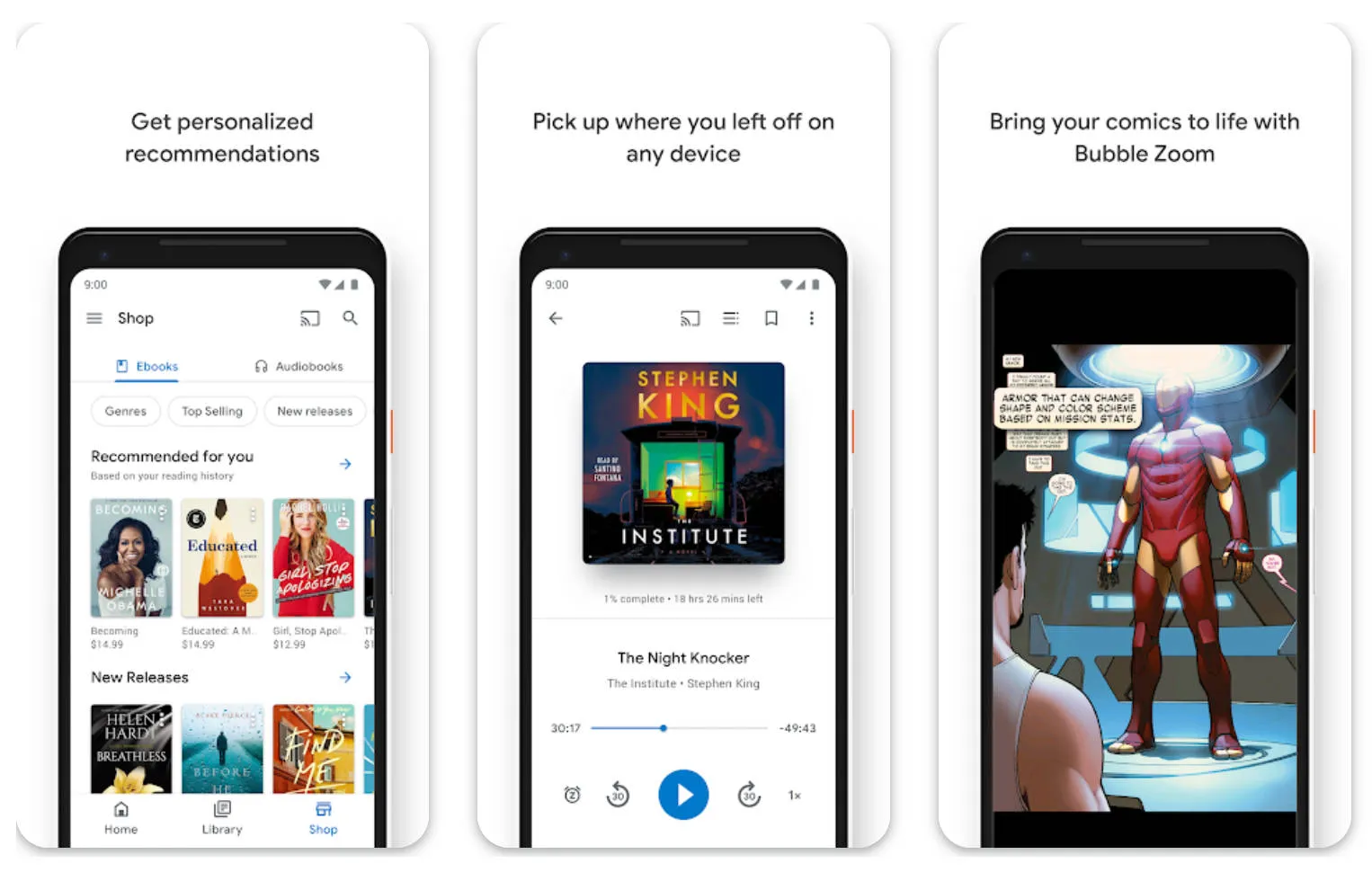
Google Play Books is a convenient Android EPUB reader if you want to upload your own EPUB or PDF files and read them across signed-in devices. It also offers a store for ebooks and audiobooks, with display controls for eligible ebooks.
Pros:
- Best for: Readers who want one Google-linked library.
- Besides EPUB books, you can also find eBooks in PDFs, audiobooks, graphic novels, and more on Google Play Books.
- You can add bookmarks and easily pick up where you last left off your eBook without any hassle.
- Google Play Books allows users to customize their reading experience by adjusting the font size and type, page margins, screen brightness, alignment, and more.
Cons:
- Skip if: You prefer to keep your personal files entirely in a local-only reader.
- Read Aloud is available for eligible ebooks in flowing-text mode, but publishers can disable it for particular books; do not assume every uploaded EPUB or PDF offers the same listening options.
2. FullReader
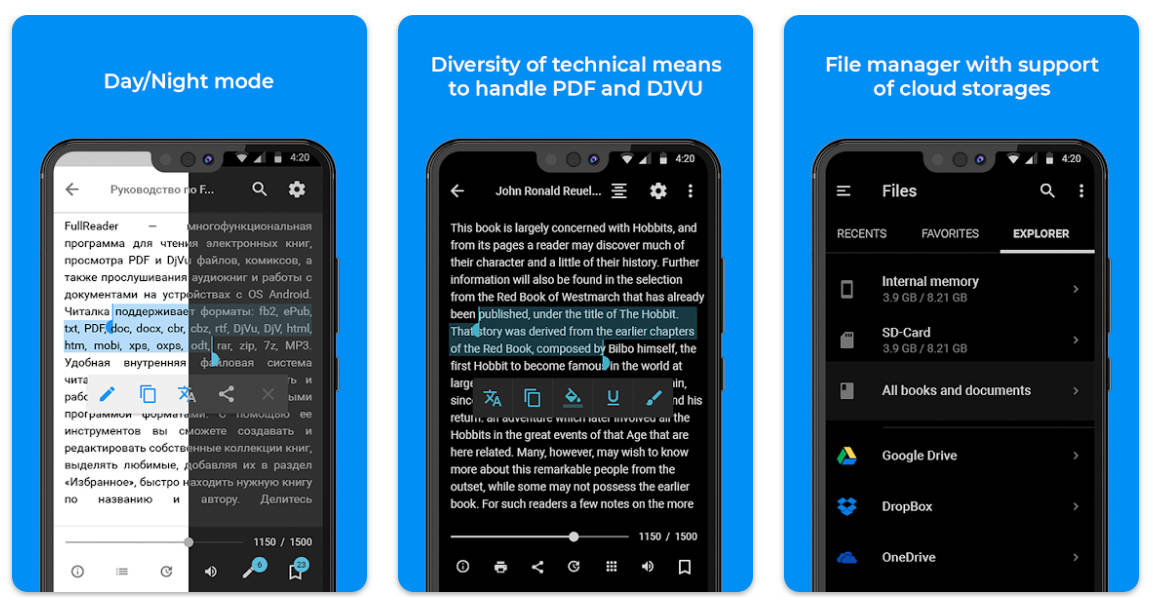
FullReader supports EPUB alongside PDF, DOCX, comics, and audiobook formats.
Pros:
- Best for: Readers with a mixed library of ebooks and documents.
- FullReader supports a wide range of eBook formats, including PDF, EPUB, DOCX, TXT, HTML, ZIP, MP3, and more.
- The Android application offers a cloud storage integration service so you can save space on your phone.
- FullReader includes library and file-management features for organizing local books.
Cons:
- Skip if: You want an ad-free free app or need only a lightweight EPUB reader.
- The free app contains ads and offers in-app purchases.
3. FB Reader
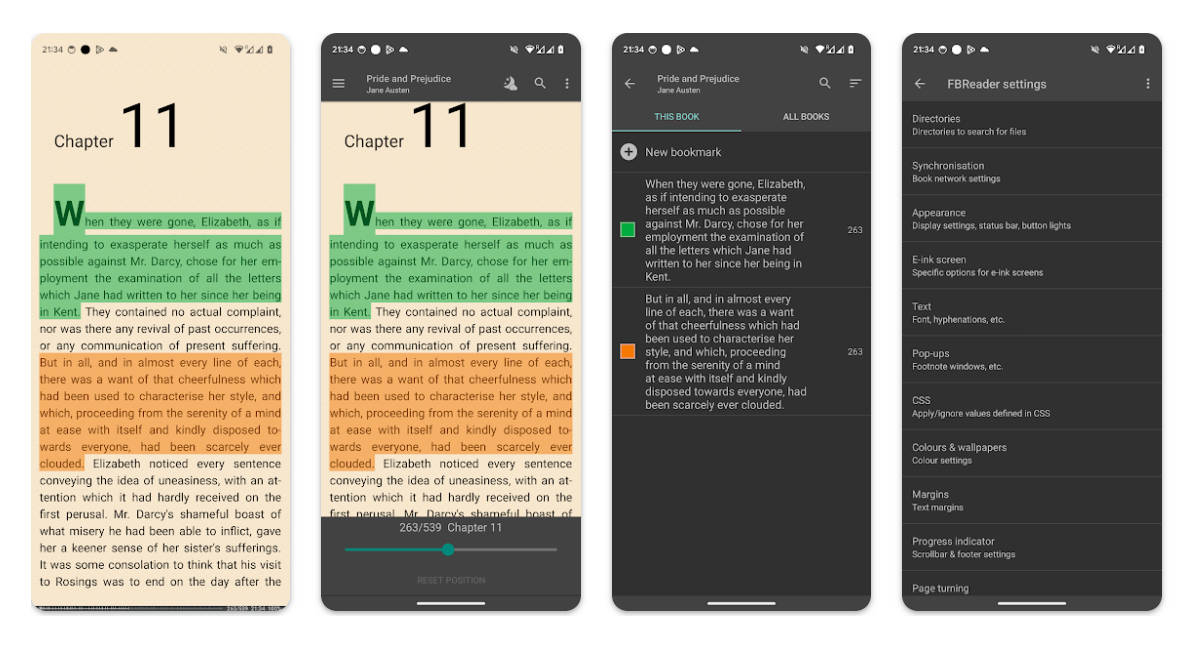
FBReader handles local EPUB and FB2 files, with additional format support on Android.
Pros:
- Best for: Readers who keep ebooks on their devices and want flexible text-format support.
- FBReader for Android supports EPUB, FB2, PDF, DjVu, and several other formats; some features differ between Free and Premium editions.
- You can access popular books from English, Russian, French, and Polish libraries on the app.
- The app offers useful integration with multiple external dictionaries.
Cons:
- Skip if: You require every EPUB3 feature to work identically; FBReader lists EPUB3 support as partial.
- EPUB3 support is partial, and some extras are reserved for the Premium edition.
4. Moon+ Reader
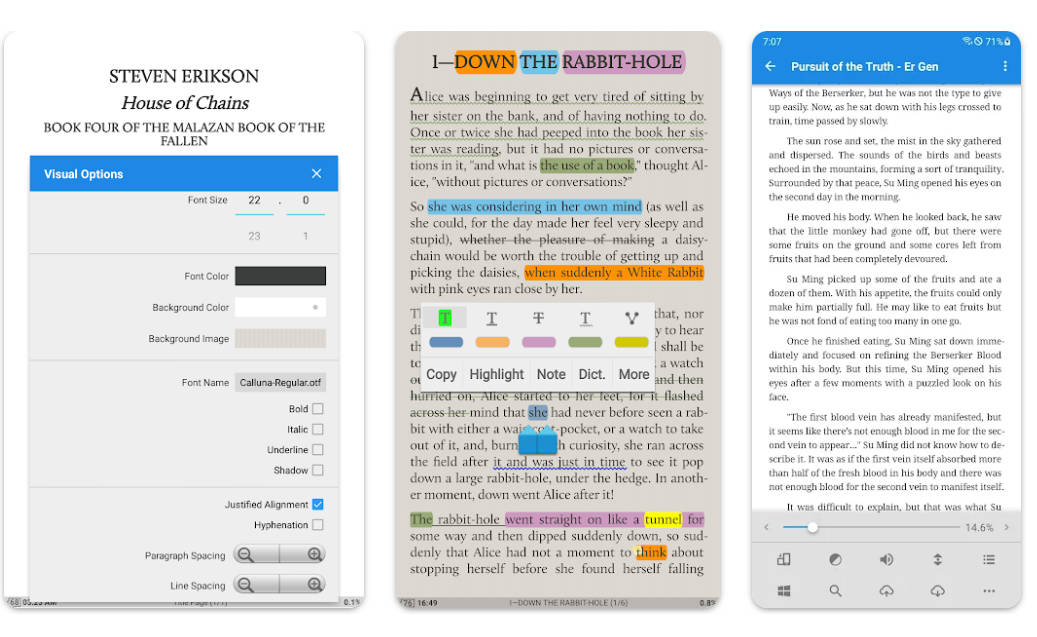
Moon+ Reader opens local EPUB files and many other formats, including PDF and MOBI, with extensive display and navigation controls.
Pros:
- Best for: Readers who like to fine-tune their reading interface.
- Moon+ Reader offers multiple scroll modes with real-time and efficient speed control.
- You can control the brightness of the screen using gestures on the app.
- It supports all the various screen orientations and also offers multimedia content support for EPUB files.
Cons:
- Skip if: You prefer a minimal interface or an ad-free free edition.
- The free Google Play edition contains ads and offers in-app purchases.
5. Cool Reader
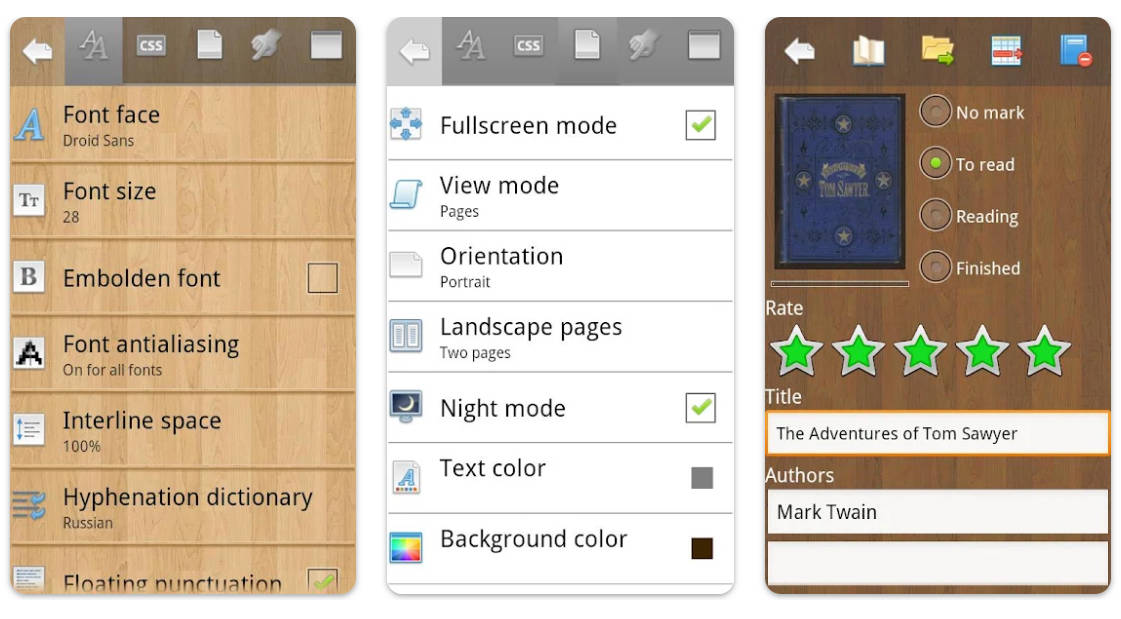
Cool Reader is a customization-oriented ebook reader for local files.
Pros:
- Best for: Readers who prefer adjustable page appearance and text-to-speech controls.
- You can choose from a page view or scroll view on Cool Reader, which also offers creative page-flipping animations.
- The app offers efficient text-to-speech support so you can read eBooks aloud.
- A wide range of customization options is available, including adjusting the brightness, background texture, key actions, and more.
Cons:
- Skip if: You want a store- or library-centered reading service.
- Its local-file focus makes it a less direct choice for borrowing library titles.
6. NOOK
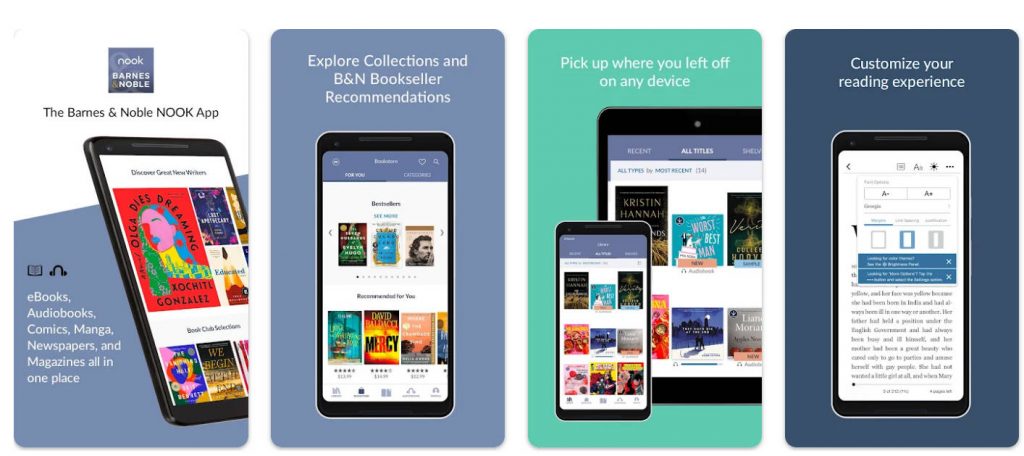
NOOK is suited to readers who already use the Barnes & Noble bookstore. It also lets Android users sideload non-DRM EPUB files.
Pros:
- Best for: Existing NOOK customers and readers with eligible unprotected EPUBs.
- You can add bookmarks, highlights, and notes to your eBook and audiobook easily.
- When listening to an audiobook, you can set a Sleep Timer according to your schedule.
- NOOK allows users to organize their digital books into customized shelves.
Cons:
- Skip if: Your books are protected by another seller’s DRM.
- The app is free to install, but individual ebooks may cost money; sideloading non-DRM EPUBs does not guarantee that protected books from other stores will open.
7. Libby — Best for Borrowing Library Ebooks
Libby is a library-borrowing app, not a general-purpose reader for EPUB files saved on your phone. With a card from a participating library, you can borrow ebooks and audiobooks, manage holds, and download eligible loans for offline reading in the mobile app.
Best for:
- Readers who primarily borrow digital books from a library.
Skip if:
- You need to open a personal collection of local EPUB files or do not have access to a participating library.
8. Kobo Books
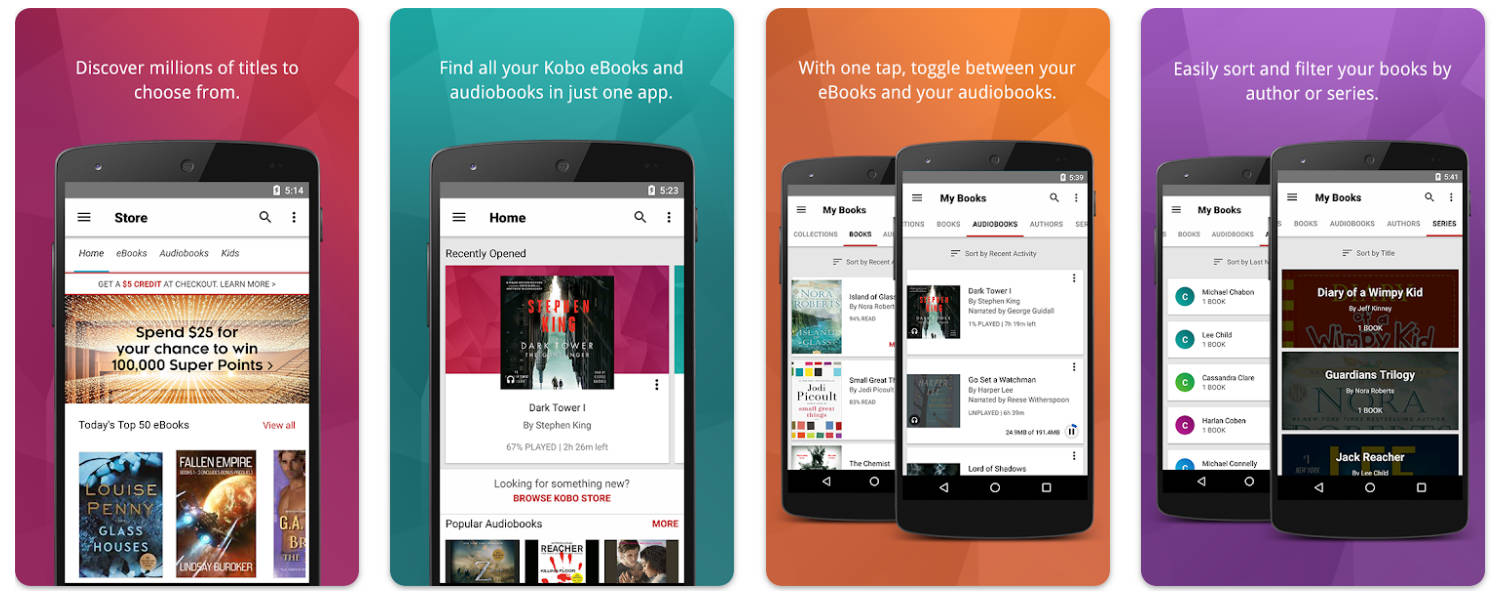
Kobo Books is a good fit if your ebooks are already in the Kobo ecosystem. The Android app also imports unprotected local EPUB files, but those imports stay on the device used.
Pros:
- Best for: Kobo customers.
- You can rate and review books you have read on Kobo or read the reviews before choosing one for yourself.
- Kobo Books offers eBooks in multiple languages, including English, Italian, German, French, Spanish, Japanese, and more.
- The app allows easy navigation for eBooks and timers for listening to audiobooks before going to sleep.
Cons:
- Skip if: You expect imported local files to sync throughout your Kobo library.
- Locally imported unprotected EPUBs do not sync to your other Kobo devices or apps.
9. PocketBook
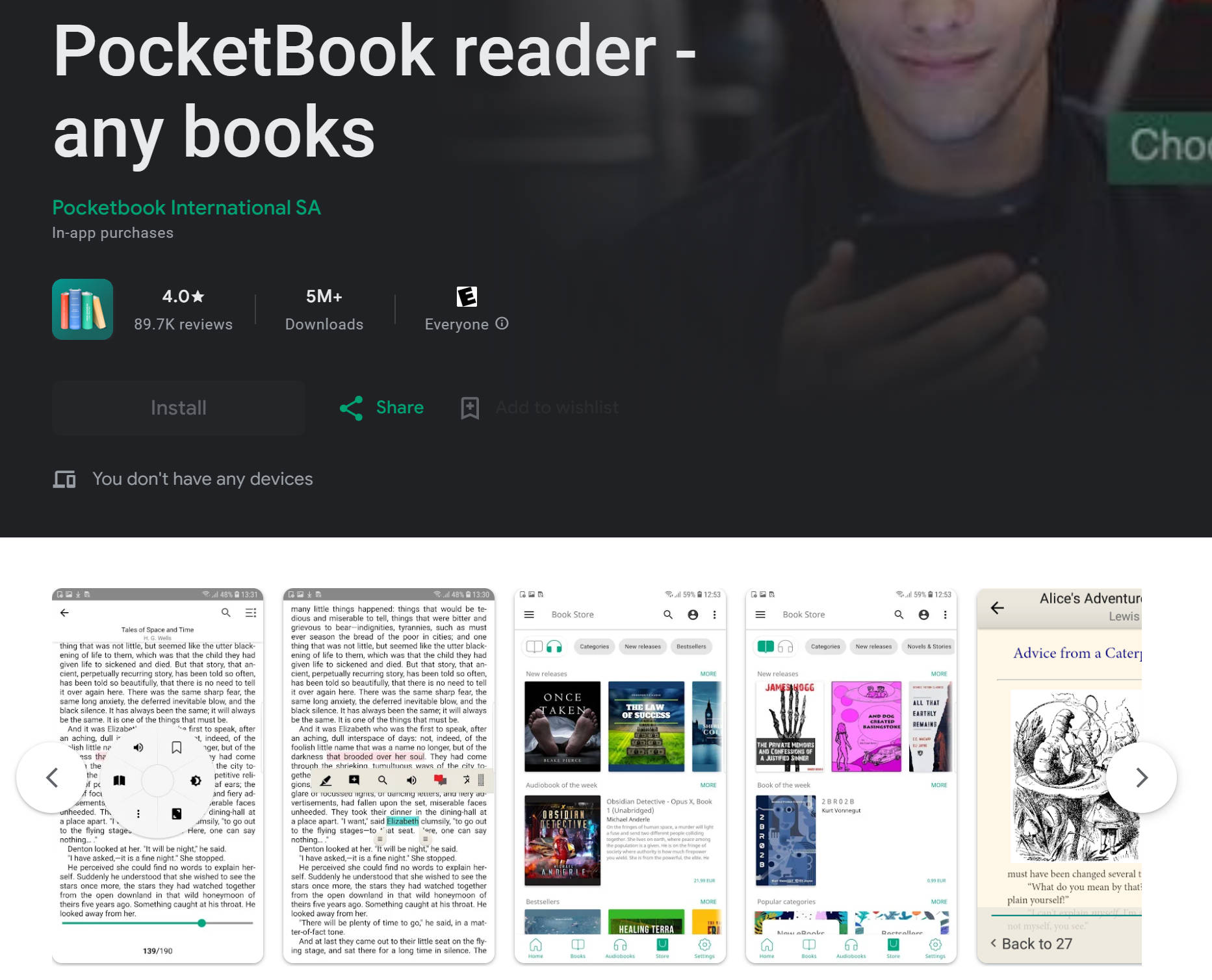
PocketBook Reader supports EPUB, PDF, and many other book formats, including certain protected formats.
Pros:
- Best for: Readers with mixed-format collections who value offline access.
- The app offers a PDF reflow text function which makes it easier to fit content on the screen so you can read it without much trouble.
- PocketBook supports integration with cloud services to help easily access and sync your files and data.
- It features an ISBN scanner that helps you search for eBooks using barcodes.
Cons:
- Skip if: You want a single-purpose, minimal EPUB interface.
- Its broad format support and library controls may be more than a local-EPUB-only reader needs.
10. Lithium
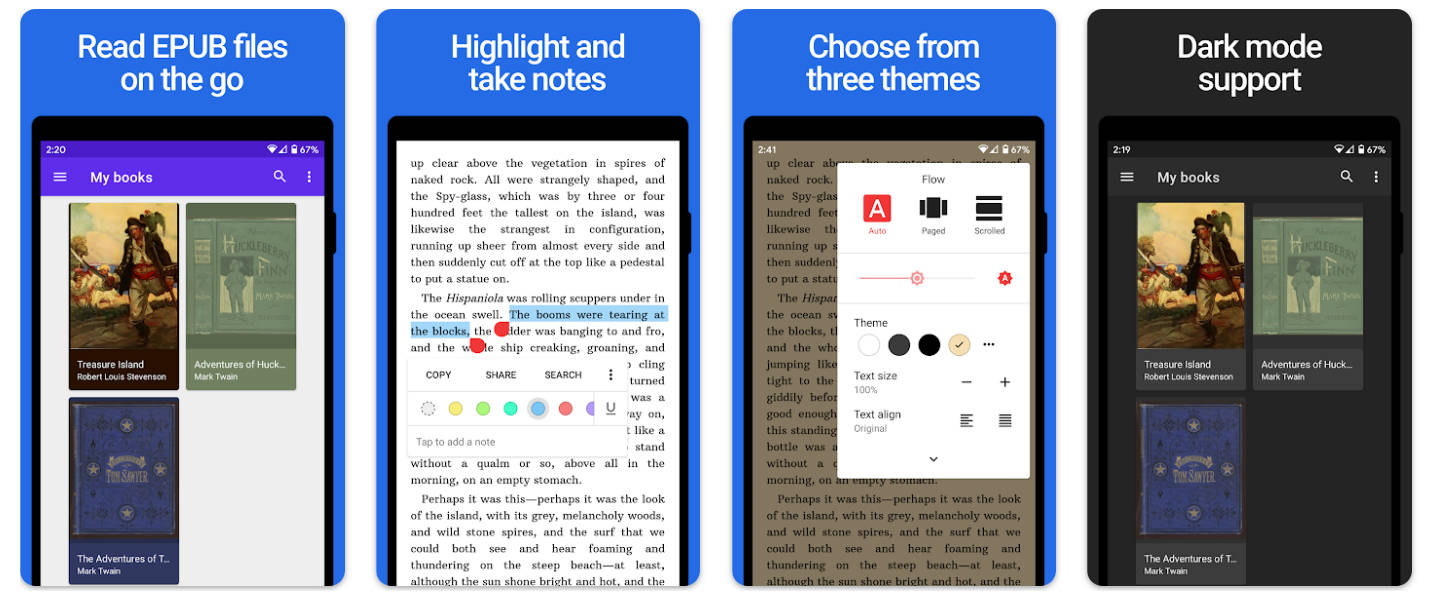
Lithium focuses on local EPUB reading with automatic book detection, highlighting, and built-in night and sepia themes.
Pros:
- Best for: Readers who want a simple EPUB-only library.
- The free app includes night and sepia themes, highlighting, and notes.
- The app features a minimalist interface that is user-friendly and very easy to use.
- Lithium’s lightweight toolset can automatically scan and detect your device for EPUB files, so you do not have to put in any extra effort.
Cons:
- Skip if: You also need to open PDFs or sync your actual book files through the app.
- Custom reading themes and cross-device syncing of reading position are Pro features; the book files themselves are not synced.
Part 2. Reading a PDF Book on Android Instead?
UPDF for Android is a PDF reader and editor, not a replacement for the EPUB readers above. If your book is already a PDF and you want to search its text, add bookmarks, highlight passages, or annotate pages, explore UPDF’s Android PDF reader. Its Android conversion guide lists PDF-to-Word, Excel, PowerPoint, and image options, but does not list PDF-to-EPUB conversion. If you specifically need to read an EPUB file, choose one of the EPUB apps above instead.
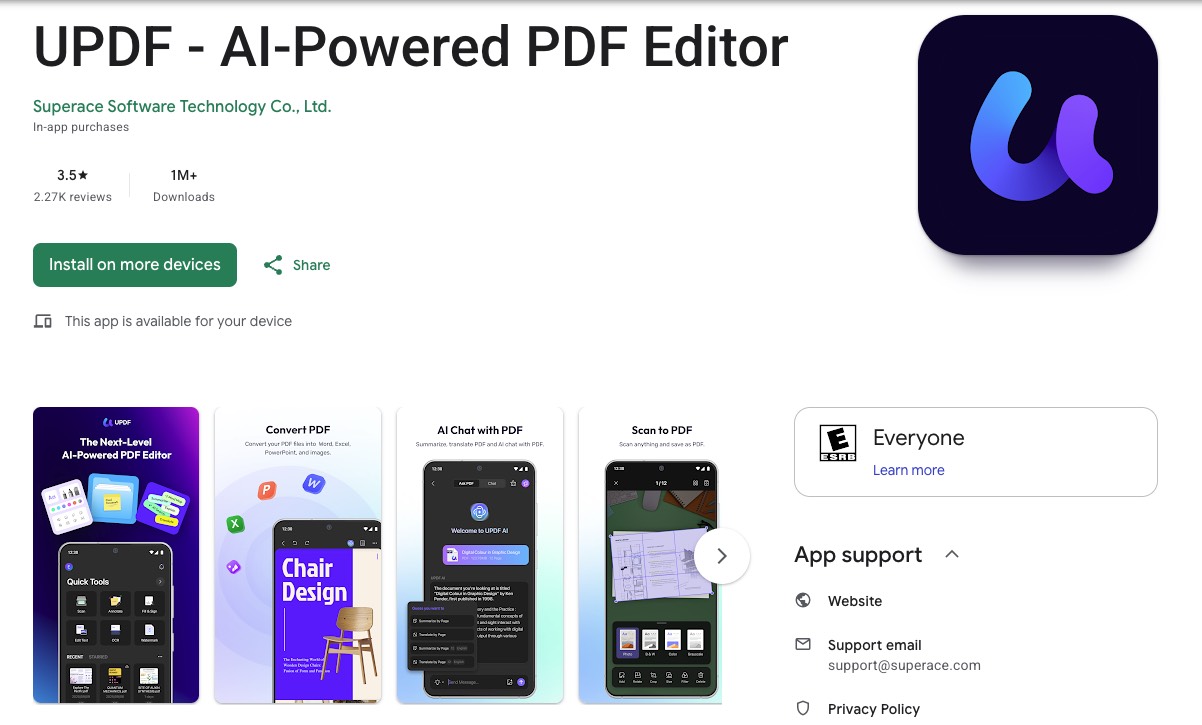
Have a PDF textbook or document to mark up on your Android device? Try UPDF after comparing its PDF reading and annotation features with your needs.
Windows • macOS • iOS • Android 100% secure
Part 3. FAQs
1. Why won’t an EPUB I bought open in another Android reader?
The file may be protected by DRM tied to a particular store or lending system. Check the seller’s or library’s supported apps before assuming that an EPUB-compatible reader can open it.
2. Can I read borrowed library books offline on Android?
Libby downloads book and audiobook loans in its mobile app by default when connected to Wi-Fi. Check the download status before traveling; a loan that has not been downloaded still needs an internet connection.
Conclusion
Choose by book source first: a local EPUB library, uploaded books across devices, store purchases, or library loans. Then compare reading controls and format support. If the file is a PDF, use a PDF reader like UPDF for that separate task rather than expecting an EPUB reader—or a PDF editor—to convert formats automatically.
Windows • macOS • iOS • Android 100% secure





 Engelbert White

 Enid Brown
 Lizzy Lozano