 UPDF
UPDF
 UPDF for Windows
 UPDF for Mac
 UPDF for iPhone/iPad
 UPDF for Android
 UPDF AI Online
 UPDF Sign
 Edit PDF
 Annotate PDF
 Create PDF
 PDF Form
 Edit links
 Convert PDF
 OCR
OCR PDF to Word
 PDF to Image
 PDF to Excel
 Organize PDF
 Merge PDF
 Split PDF
 Crop PDF
 Rotate PDF
 Protect PDF
 Sign PDF
 Redact PDF
 Sanitize PDF
 Remove Security
 Read PDF
 UPDF Cloud
 Compress PDF
 Print PDF
 Batch Process
 About UPDF AI
 UPDF AI Solutions
 AI User Guide
 FAQ about UPDF AI
 Summarize PDF
 Translate PDF
 Chat with PDF
 Chat with AI
 Chat with image
 PDF to Mind Map
 Explain PDF
 Scholar Research
 Paper Search
 AI Proofreader
 AI Writer
 AI Homework Helper
 AI Quiz Generator
 AI Math Solver
 PDF to Word
 PDF to Excel
 PDF to PowerPoint
 Enterprise Solution
 Enterprise Sign
 Enterprise AI
 Enterprise Plan
 Enterprise User Guide
 Enterprise Webinar
 Banking
 Healthcare
 Insurance
 Legal
Legal Manufacturing
 Government
 Education Solution
 Customer Stories
 User Guide
 UPDF Tricks
 FAQs
FAQs UPDF Reviews
 Download Center
 Blog
Blog Newsroom
 Tech Spec
 Updates
 UPDF vs. Adobe Acrobat
 UPDF vs. Foxit
 UPDF vs. PDF Expert


When you're studying, there isn't usually much spare cash to spend on buying software. A reliable tool for reading and editing PDF files makes a huge difference to your workflow though. It's so much easier to get things done when you're not scrabbling around the internet looking for free ways to complete simple tasks. Stick around to find out whether you can get an Adobe Acrobat Pro free student account, and to learn about an awesome alternative - UPDF you'll want to check out. You can click the button below to get a free download.
Windows • macOS • iOS • Android 100% secure
Part 1: Can You Get Adobe Pro free for students?
Many users wonder whether Adobe Acrobat Pro offers a free student version, but this is a misunderstanding. Adobe does not provide a free, standalone student edition of Acrobat Pro.
What Adobe offers instead is a student and teacher discount through its Creative Cloud plans. This means students can use Acrobat Pro at a lower price, but it is still part of a paid subscription.
According to Adobe's official student page:
- Acrobat Pro for students costs US$19.99 per month, billed annually on a monthly basis.
- Creative Cloud Pro for students costs US$24.99 per month for the first year and US$39.99 per month thereafter, billed annually on a monthly basis.
- This subscription includes Acrobat Pro along with many other Adobe applications.
- Verification of student or educator status is required.
- The discounted price is not free, and renewal terms may vary depending on eligibility.
In short: Acrobat Pro is not free for students — Adobe simply offers a discounted plan.
Part 2: A More Affordable Alternative: UPDF Student & Education Discount
UPDF is a great Adobe Acrobat alternative. Acrobat is prohibitively expensive for many people, and UPDF comes in at a fraction of the cost without compromising on features.
Windows • macOS • iOS • Android 100% secure
If you are looking for a more budget-friendly PDF solution, the UPDF education discount is significantly cheaper than Adobe's student pricing:
- UPDF Education Plan: Only $29.99/year, and one license works on 4 platforms (Windows, macOS, iOS, Android).
- UPDF Enterprise for Education: Includes an admin console for managing and assigning seats, just $59 per user/year.
- Adobe Student Pricing: Requires subscribing (US$24.99 per month for the first year and US$39.99 per month thereafter) to the Creative Cloud All Apps plan, which is significantly more expensive and includes many apps students may not need just to work with PDFs.
Check UPDF Students/Education Discount Now>>
If you want to try UPDF for free, you can simply register an account. Registered users can access most features at no cost, including many premium tools. Please note that the free version will save PDFs with a watermark. Just create an account and download the software — it's the easiest way to explore UPDF and see how it works for your needs.
Main features of UPDF
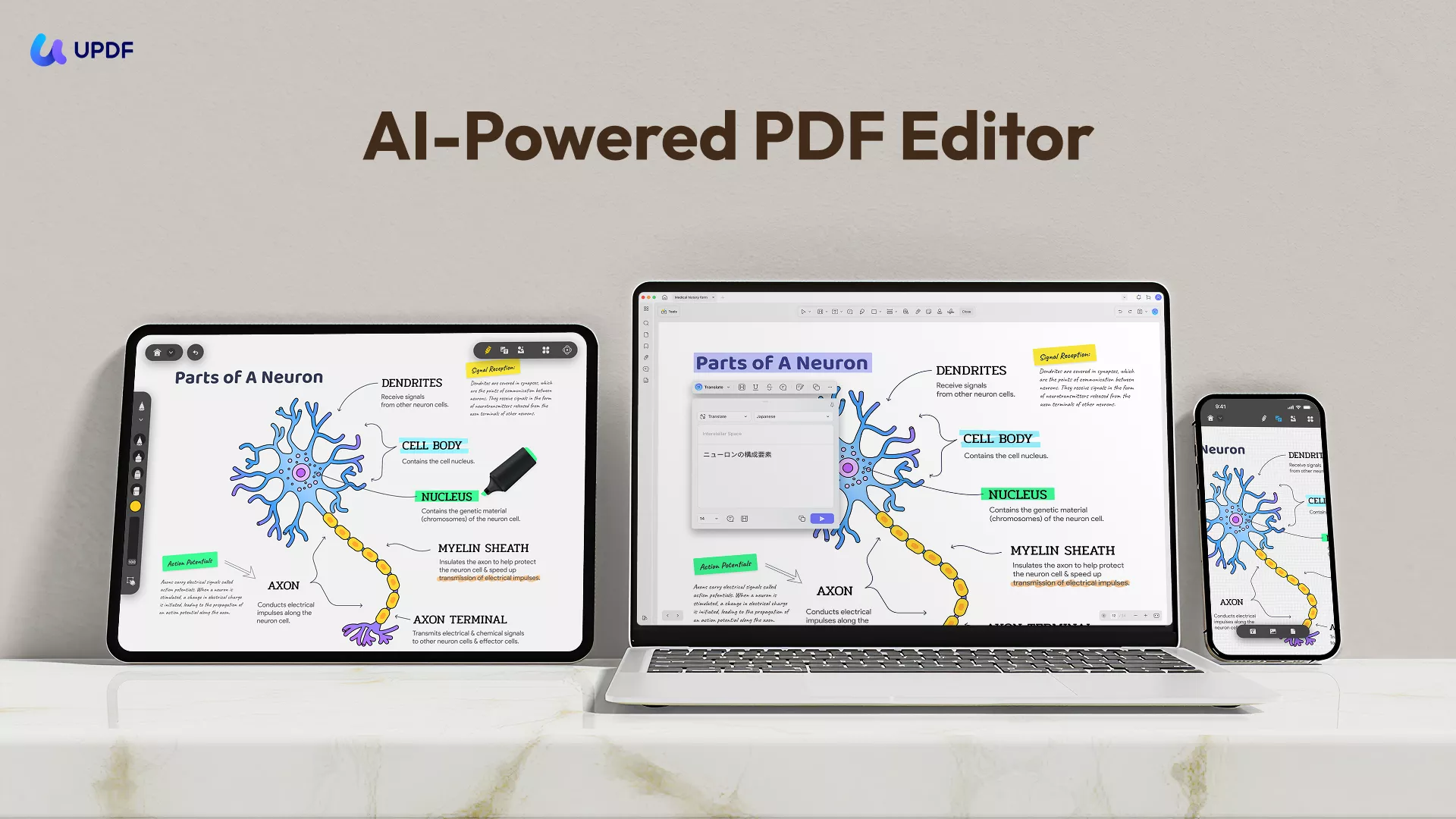
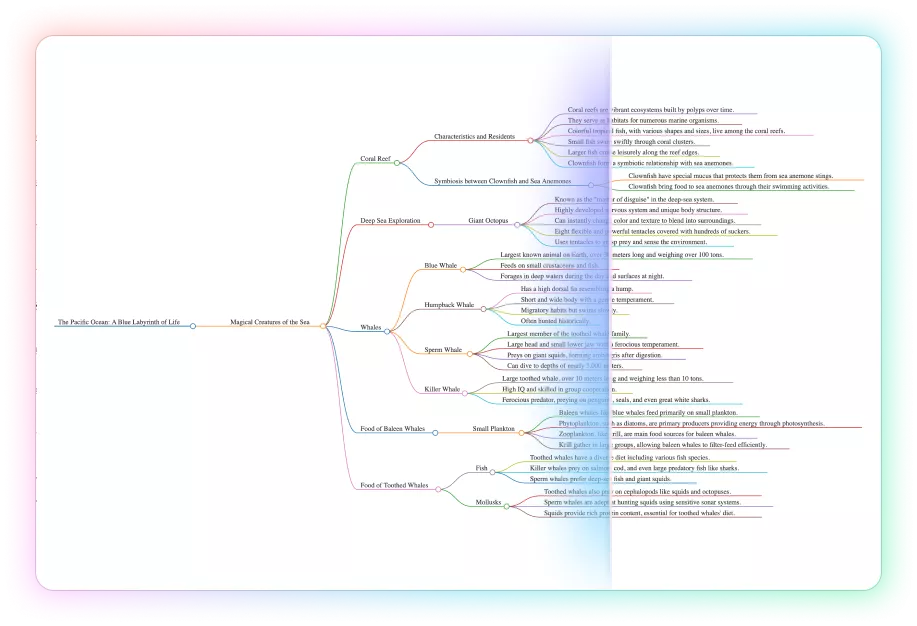
- UPDF delivers a satisfying reading experience thanks to its flexible viewing options — including single‑page or two‑page layouts, a variety of display themes, and a slideshow mode for presenting documents. It also comes with AI‑driven tools that can summarize, explain, translate entire files, or create a mind map from your content.
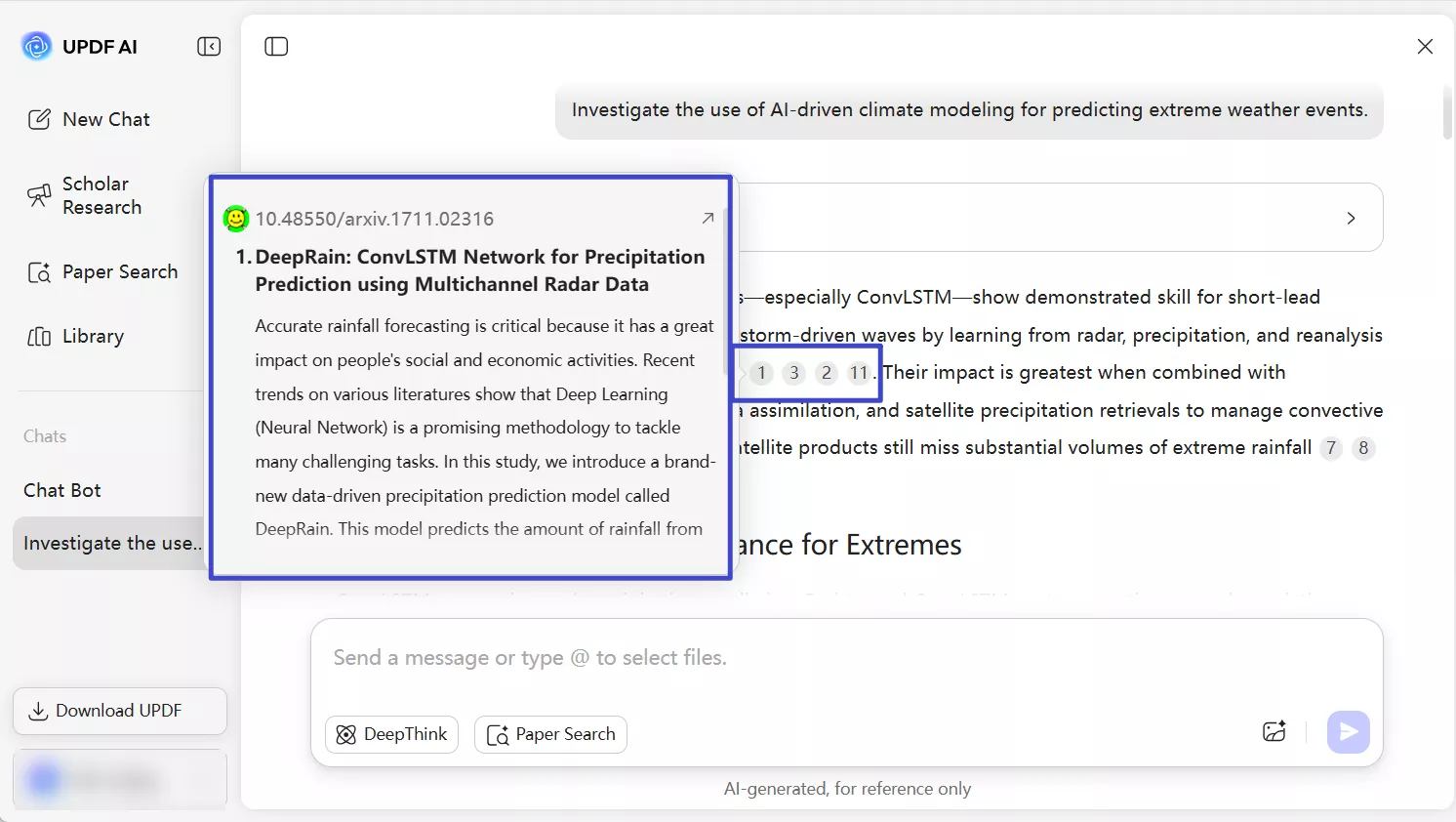
- For college students conducting academic research, UPDF AI Online also integrates Paper Search and Scholar Research features, letting you search through more than 220 million papers with citations and synthesize them into a structured literature review. Click the button below to give it a try — UPDF AI offers 100 free prompts for students.
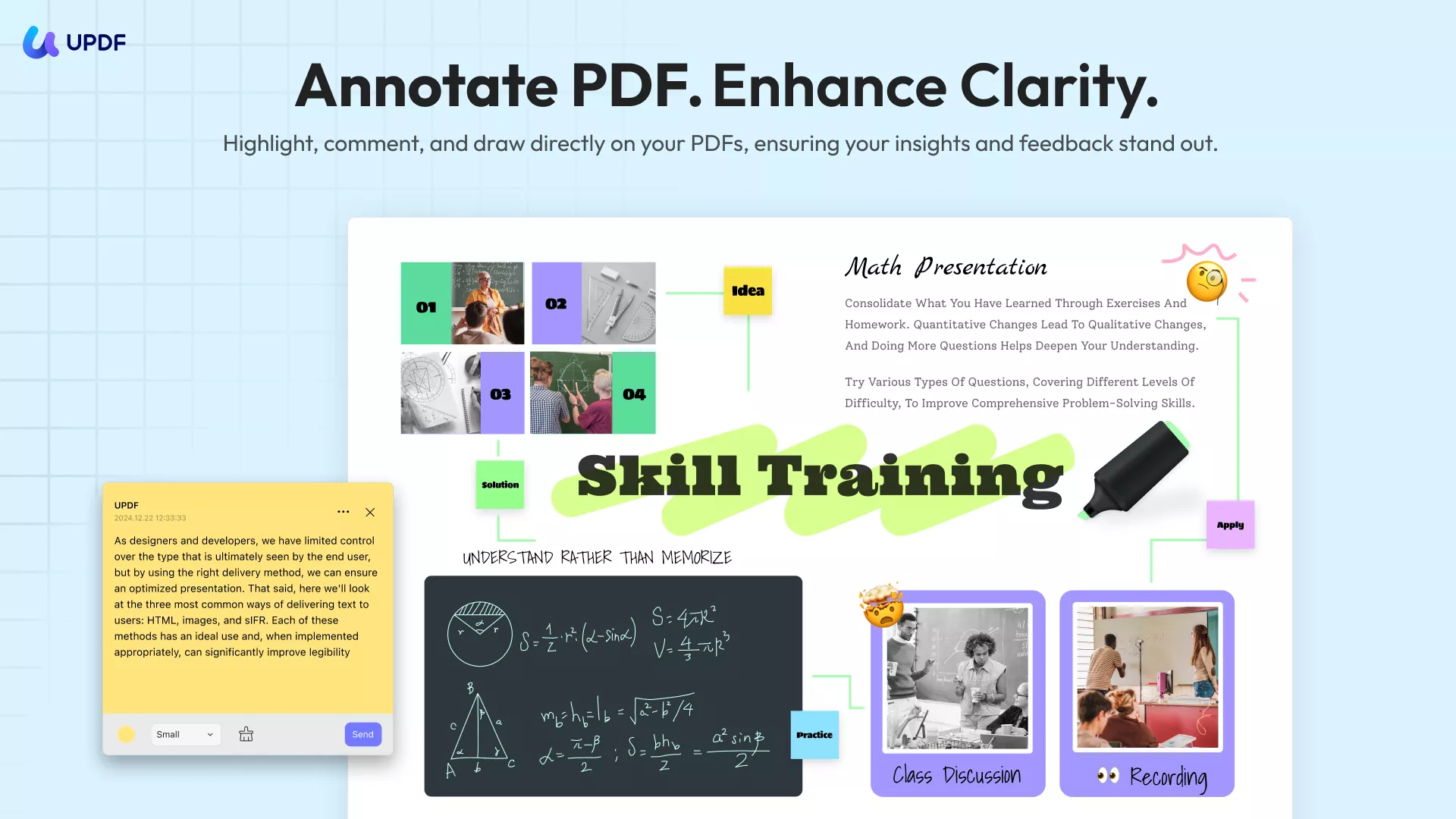
- UPDF can also function as a digital notebook, offering built‑in commenting tools like sticky notes, drawing, highlights, and comments. When you come across challenging content, you can highlight the text, query UPDF AI, and instantly insert the AI’s response into your document as a note — all with a single click.
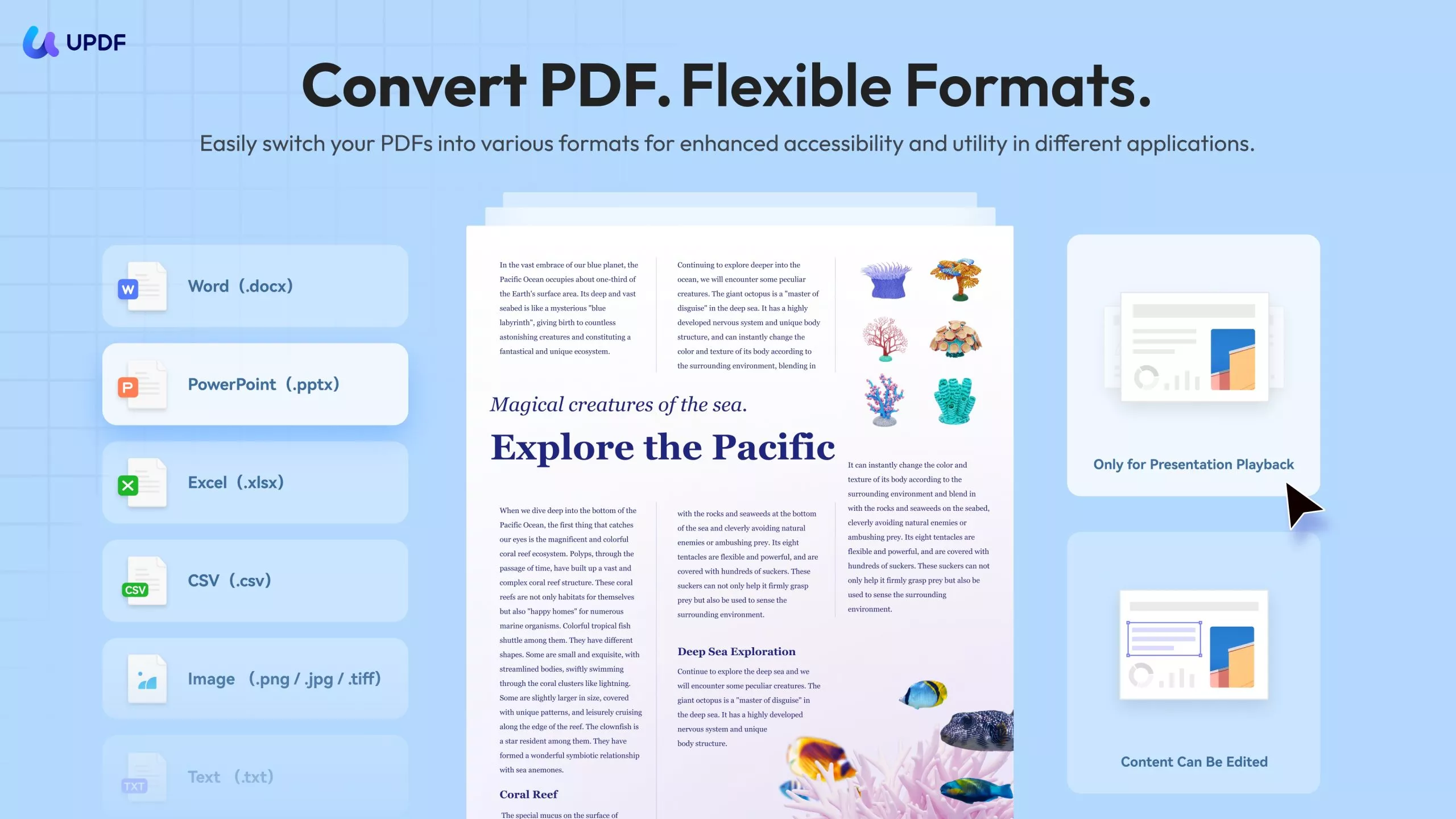
- Since students regularly use formats like Word, PowerPoint, and Excel, UPDF makes life easier by converting PDFs to those formats (and vice versa) with layout preserved, so there’s no need to juggle different apps — efficiency improves naturally.
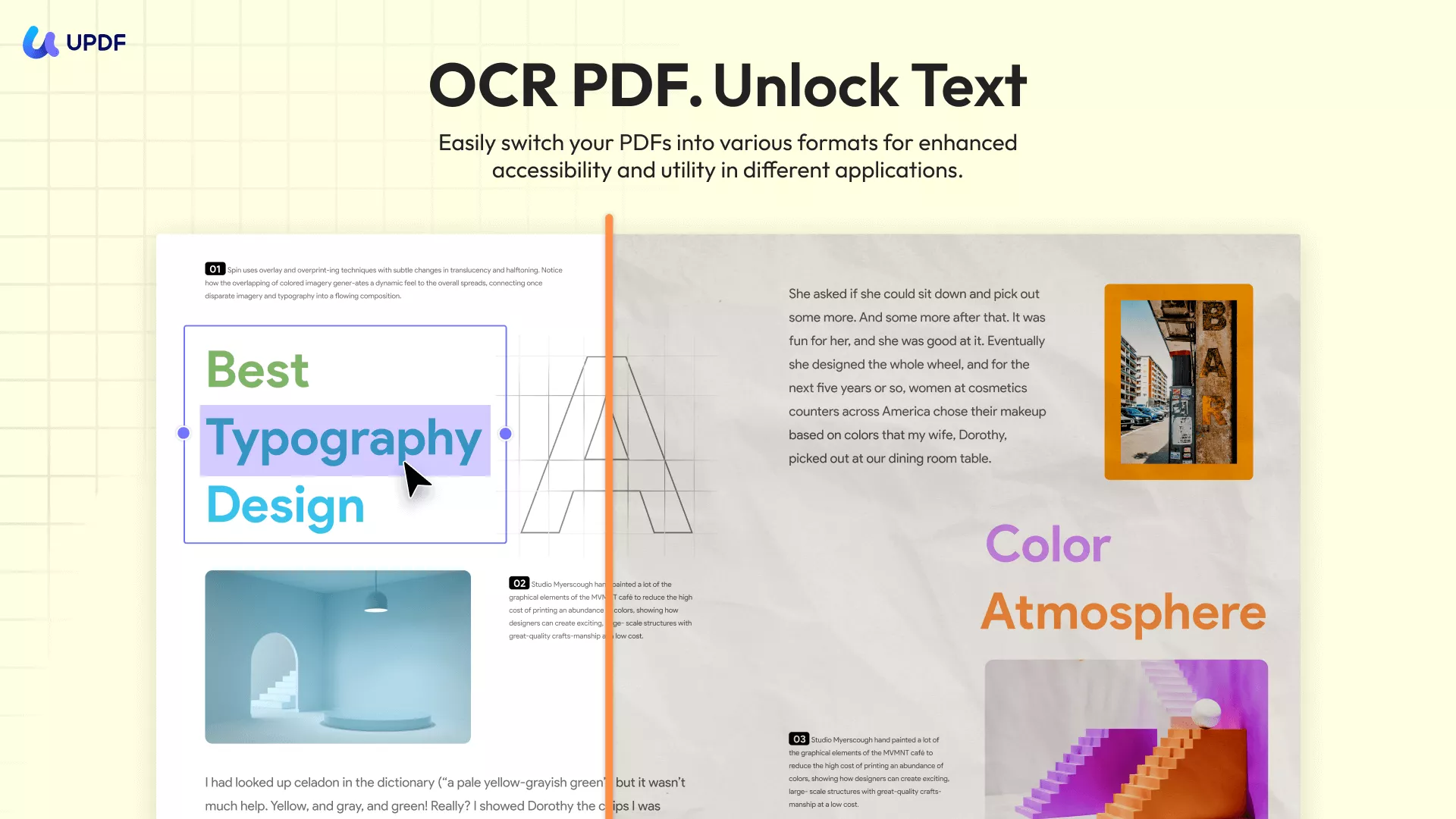
- Thanks to its OCR capability, UPDF can transform scanned or image‑based documents into editable text on both desktop (Windows/Mac) and mobile (iOS/Android). It supports over 38 languages and can detect multiple languages within a single multilingual file. Batch OCR is also available, letting you swiftly convert numerous scanned PDFs into searchable, editable documents. If you need to digitize paper files, simply scan them with the UPDF mobile app, then sync them to your other devices via UPDF Cloud—or store them directly in the cloud for easy access anytime.
Other Key Features:
- Edit All Elements on PDFs: UPDF makes editing PDFs as easy as editing in Word. It is easy to edit text, images, watermarks, links, backgrounds, headers and footers, forms, pages, and more in PDFs.
- Create, Fill, and Sign PDF Forms: Design interactive PDF forms, fill them out effortlessly using intelligent field recognition, duplicate fields across pages for precise alignment, and add electronic or digital signatures to complete your forms!
- Organize PDF: Rearrange PDF pages: add, delete, rotate, replace, extract, split, crop, and reorder.
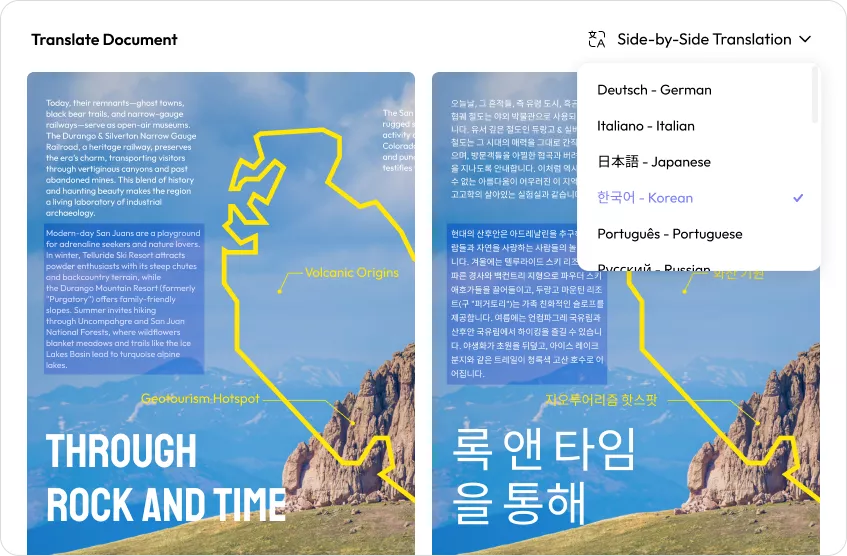
- Side-by-side Translation: On UPDF AI Online, view the original text and translated version side-by-side while keeping the document layout intact.
- Compress PDF: Reduce your large PDF size by choosing from six output quality options: original, lossless, maximum, high, medium, and low.
- Combine documents: Merge Word, Excel, PDF, and PowerPoint files all at once into a single PDF.
- PDF Portfolio: Combine multiple files of any format into a single organized PDF package for easy sharing and professional presentation.
Elevate your PDF experience – Download UPDF now!
Windows • macOS • iOS • Android 100% secure
Discover how UPDF empowers students with its comprehensive features, making PDF management and editing a breeze. Don't miss the chance to explore the possibilities - watch the video now!
Part 3: Adobe Acrobat Pro for Students vs UPDF for Students
So, which is the best option for students? Since you can't exactly get Adobe Acrobat student free, should you stick with Adobe's student discounts? Or is it best to spend some time getting to know UPDF?
We've got an article to help you choose between Adobe Acrobat and UPDF. We've also made a table below to compare the main features, for your convenience.
| Pricing, Systems & Features | The Details | Adobe Acrobat Pro for Students | UPDF for Students |
| Annual Pricing | Single-student pricing | $239.88 per student | With AI add-on: $88.99 / student |
| Educational organization pricing | Varies according to requirements | Without AI add-on: $29.99 / student | |
| Compatibility | Which operating systems can I use? | Windows, Mac | Windows, Mac, iOS, Android |
| AI Assistant | AI chat | ||
| AI explain | |||
| AI write | |||
| AI summarizing | |||
| AI translation | |||
| PDF to mind map, chat with images | |||
| Paper Search | |||
| Scholar Research | |||
| Edit PDF | Add text to PDFs | ||
| Edit existing text in PDFs | |||
| Add, delete, extract, rotate, crop, and replace images | |||
| Add and edit links, watermarks, backgrounds, headers and footers | |||
| Add rich tech by dragging and dropping | |||
| Read PDF | Open and read PDFs | ||
| Add and manage bookmarks | |||
| Search text inside PDFs | |||
| Display PDF in slideshow format | |||
| Annotate PDF | Highlight, strikethrough and underline | ||
| Text comments, text boxes, callouts, and sticky notes | |||
| Shapes, pencils, stamps, signatures | |||
| Manage a list of annotations | |||
| Squiggly lines | |||
| Stickers | |||
| OCR | Create searchable, editable PDFs from scanned documents and photos | ||
| Convert PDF | Convert between PDF, Word, Excel, PowerPoint, Text, RTF, HTML, and XML | ||
| Convert to and from image formats (PNG, JPEG, TIFF) | |||
| Save as PDF/A | |||
| Convert PDF to CSV | |||
| Convert PDF to BMP | |||
| Convert PDF to GIF | |||
| Organize PDF | Add, replace, extract, rotate, split and remove pages | ||
| Crop pages | |||
| Password-protect your PDFs | |||
| Redact sensitive information | |||
| Send PDFs as email attachments | |||
| Share PDFs as a link | |||
| Create PDF | Create a blank PDF | ||
| Create a PDF from Capture | |||
| Create a PDF from other file formats | |||
| Print PDFs | Print from PDF | ||
| Fill and Sign | Fill out forms within PDFs | ||
| Create PDF forms | |||
| Edit PDF forms | |||
| Digitally sign documents | |||
| Electronically sign documents | |||
| Other Features | Reduce file size by optimizing PDF | ||
| Combine multiple files into one PDF |
All things considered, UPDF offers almost similar features as Adobe Acrobat, but it is much cheaper. So, why pay more when you can get the best PDF editing experience at a much lower cost? Download UPDF and test its features yourself for free.
Windows • macOS • iOS • Android 100% secure
In Summary
Adobe Acrobat Pro offers a robust tool for working with PDFs, and provides a student discount to make the software more affordable. UPDF boasts an even more extensive range of tools, and for a significantly lower price, particularly when you take into account the discounts for students and educational organizations. If you're disappointed about the lack of Adobe Acrobat Pro free student accounts, UDPF could be the perfect tool for you. Even if you're not keen on paying, registered users can use almost all features completely free.
Download now so you can explore further.
Windows • macOS • iOS • Android 100% secure






 Enid Brown
 Enola Davis
 Enola Miller