 UPDF
UPDF
 UPDF for Windows
 UPDF for Mac
 UPDF for iPhone/iPad
 UPDF for Android
 UPDF AI Online
 UPDF Sign
 Edit PDF
 Annotate PDF
 Create PDF
 PDF Form
 Edit links
 Convert PDF
 OCR
OCR PDF to Word
 PDF to Image
 PDF to Excel
 Organize PDF
 Merge PDF
 Split PDF
 Crop PDF
 Rotate PDF
 Protect PDF
 Sign PDF
 Redact PDF
 Sanitize PDF
 Remove Security
 Read PDF
 UPDF Cloud
 Compress PDF
 Print PDF
 Batch Process
 About UPDF AI
 UPDF AI Solutions
 AI User Guide
 FAQ about UPDF AI
 Summarize PDF
 Translate PDF
 Chat with PDF
 Chat with AI
 Chat with image
 PDF to Mind Map
 Explain PDF
 PDF AI Tools
 Image AI Tools
 AI Chat Tools
 AI Writing Tools
 AI Study Tools
 AI Working Tools
 Other AI Tools
 AI Bookmark Generation
 AI Bookmark Summary
 AI Watermark Generation
 AI Background Generation
 AI Sticker Generation
 AI Stamp Generation
 AI Editing Suite
 UPDF Copilot
 AI Page Management
 AI Semantic Search
 PDF to Word
 PDF to Excel
 PDF to PowerPoint
 Enterprise Solution
 Enterprise Sign
 Enterprise AI
 Enterprise Plan
 Enterprise User Guide
 Enterprise Webinar
 Banking
 Healthcare
 Insurance
 Legal
Legal Manufacturing
 Government
 Education Solution
 Customer Stories
 User Guide
 UPDF Tricks
 FAQs
FAQs UPDF Reviews
 Download Center
 Blog
Blog Newsroom
 Tech Spec
 Updates
 UPDF vs. Adobe Acrobat
 UPDF vs. Foxit
 UPDF vs. PDF Expert

When I first saw Apple announce a MacBook Neo, I felt curious and unexpectedly excited all at once. I kept wondering, is the MacBook Neo good for someone who lives in documents and browsers? As I dug deeper, I realized this entry-level Mac targets everyone doing light office work.
That discovery made me want to test how far its budget-friendly hardware can go in document processing. In this article, I’ll share my honest experience, from first impressions to long writing sessions. I’ll also show how pairing MacBook Neo with UPDF turns simple document tasks into an organized workflow.
Windows • macOS • iOS • Android 100% secure
Part 1. What is MacBook Neo? Understanding Apple's Budget Powerhouse
When this MacBook Neo first appeared in my feed, the idea behind it felt affordable. From the moment setup finished, the question “What is MacBook Neo?” felt answered by its balance of price and macOS polish. It also fits neatly between the iPad and the MacBook Air in Apple’s lineup, both in price and capability.

Key Specs Overview of MacBook Neo
In the table below, I have listed the key performance specs for my MacBook Neo as clearly as possible:
| Specs | Details |
| Chip | A18 Pro, 8‑core CPU, 10‑core GPU |
| CPU Clocks | Up to 3.2 GHz (performance cores) |
| Performance | Similar to M1 |
| RAM | 8GB unified memory |
| Storage | 256GB SSD |
| Battery Life | Up to 16 hours web or video use |
| TDP | Low‑power, fanless design |
| Process | 3nm class fabrication |
| Neural Engine | 16‑core Neural Engine for AI tasks |
MacBook Neo Pricing Breakdown
| Buyer Type | Price | Notes |
| Regular Customer | $599 | Standard retail price |
| Student or Teacher | $499 | Education discount, if applicable |
Portability and Silent Operation
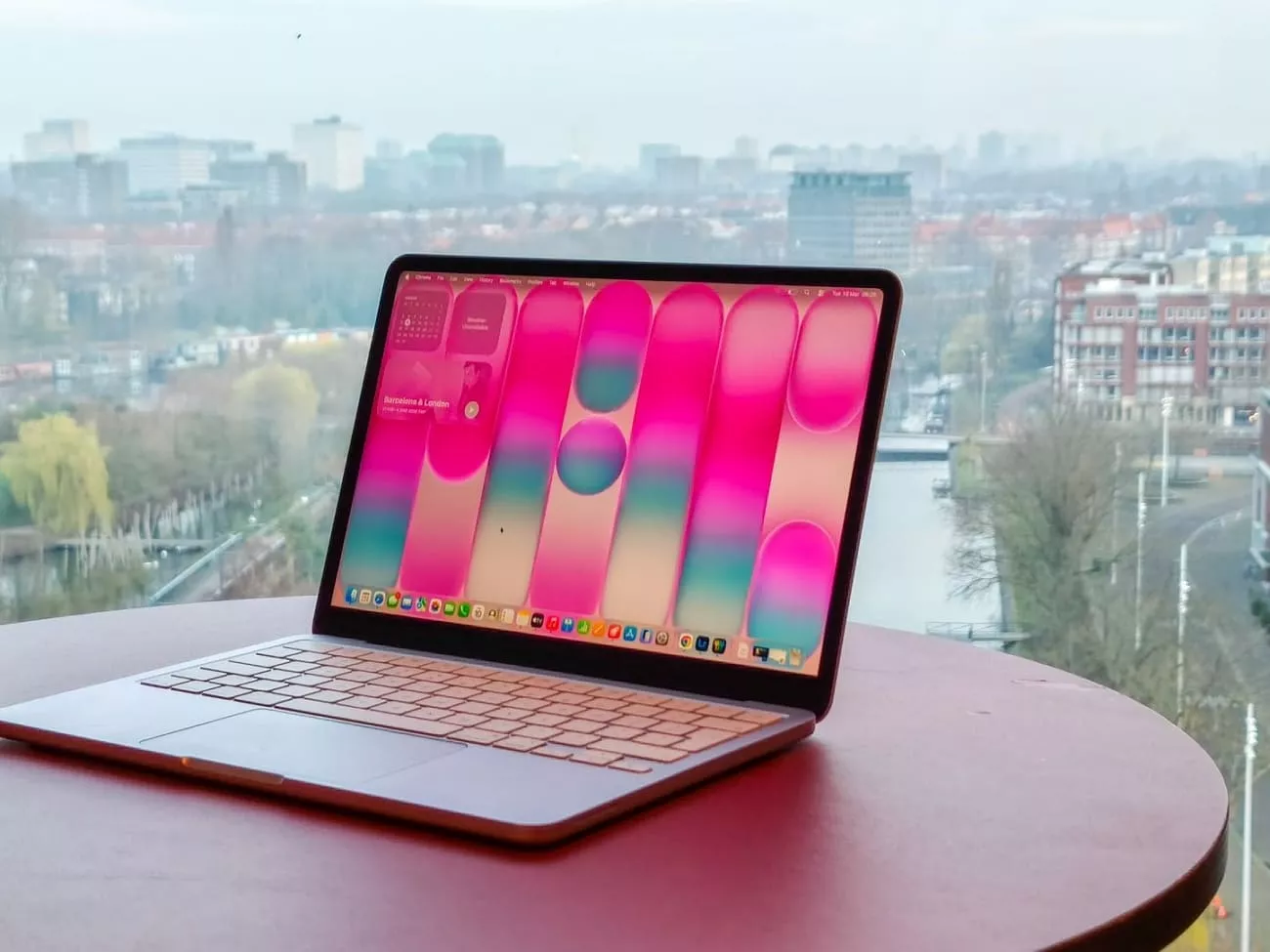
After I picked up the Apple MacBook Neo, the lightweight immediately made my usual backpack feel emptier. Carrying it between coffee shops and the library makes my daily routine feel less tiring. During quiet writing sessions, I notice the fanless design stays completely silent, so my focus stays on my work. When I rely on its portability and silence, my light office tasks feel smoother.
Part 2. Document Processing on MacBook Neo: Real-World Performance
After using this machine for a month, I realized it quietly handles my daily writing and study load. Many users ask, “What is MacBook Neo good for” when they only need smooth document work and browsing? For them, I will share my real experience with documents, tabs, and everyday tasks in simple language.
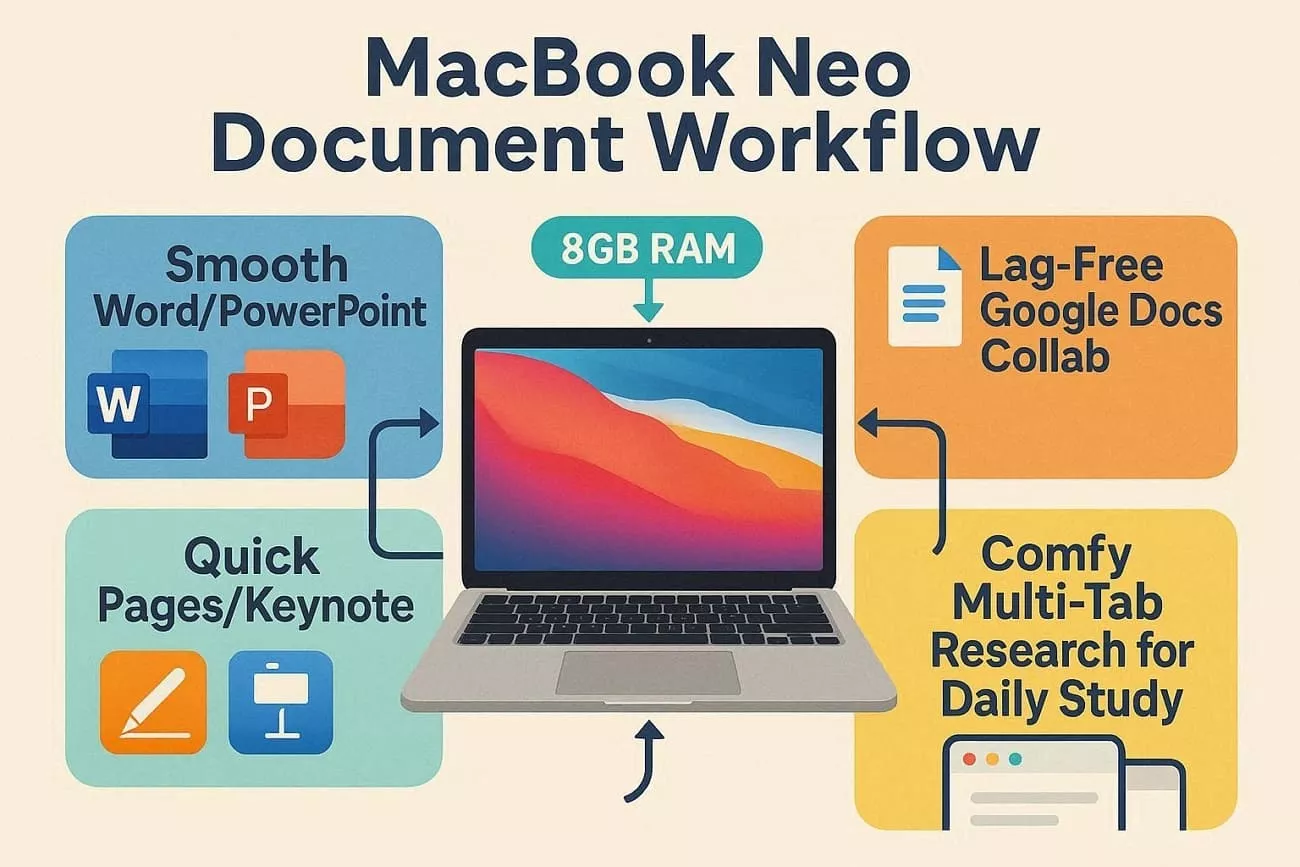
- RAM: On this MacBook Neo, 8GB RAM easily handles my daily writing and reading tasks. For normal documents and browsing, performance feels smooth, as long as heavy editing stays away.
- Microsoft Office: When working in Word and PowerPoint, everything responds to my everyday needs.
- Google Docs: During group projects, Google Docs lets me edit, comment, and review without annoying lag. With chat, email, and Docs open at the same time, my writing flow usually stays comfortable.
- Apple iWork Suite: Pages and Keynote handle my notes and simple plans without major problems. Opening and switching documents in iWork feels quick enough for my routine.
- Multi‑Tab Browser Use: Research sessions often involve many open tabs, filled with articles, PDFs, and online tools. While jumping between those tabs, my typing and scrolling stay smooth for normal workloads.
Limitations Of MacBook Neo
- Large video editing projects feel slow, so I avoid using this machine for serious editing.
- Heavy 3D apps or complex design tools do not feel comfortable during longer, demanding sessions.
- Running many big apps together sometimes makes the system feel less smooth than I prefer.
- Gaming with modern, graphics-heavy titles is not realistic on this laptop for me.
Part 3. The Perfect Match: Lightweight Mac + Lightweight Software
Traditional PDF tools always felt heavy on my laptops, slowing down simple document tasks and cluttering up my system. This is where UPDF comes in as a lighter, cleaner way to read, edit, and manage my PDFs. On my Apple MacBook Neo, UPDF aligns with the same philosophy of focusing on getting real work done.
Windows • macOS • iOS • Android 100% secure
The app stays lightweight while still giving me powerful tools like annotation and organization that look professional. Since it runs smoothly on 8GB of RAM, I can keep other apps open without feeling stuck. Using both together makes my whole workflow feel uncluttered.
UPDF AI Agents For MacBook Neo Users
Having explored the best PDF management tool, let me share some UPDF's AI features that make everyday work easier:
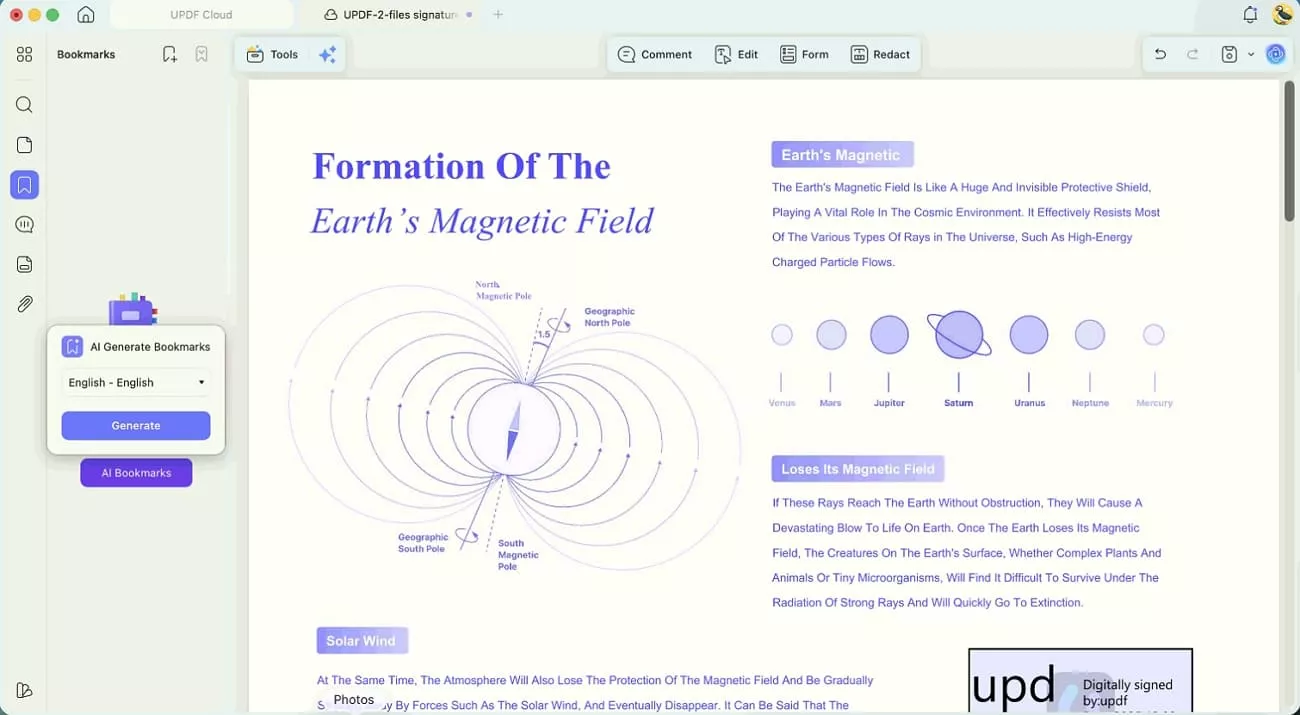
1. AI Bookmark Agent: This agent reads the document's structure and automatically creates smart bookmarks, so I can jump between sections instantly.
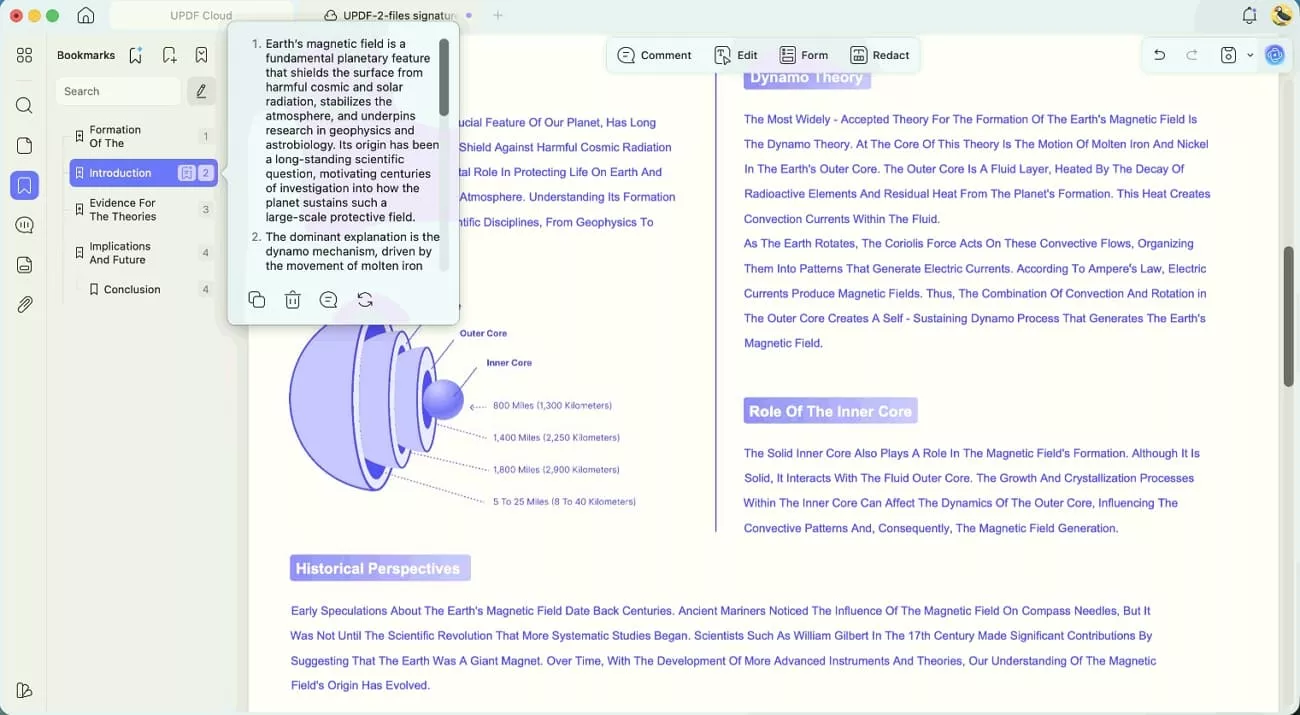
2. Bookmark Summary Agent: For each bookmarked part, this agent builds a summary, helping me review long PDFs much faster.
3. Semantic Search Agent: Instead of matching exact words, this search finds pages by meaning, which helps when I forget specific phrases.
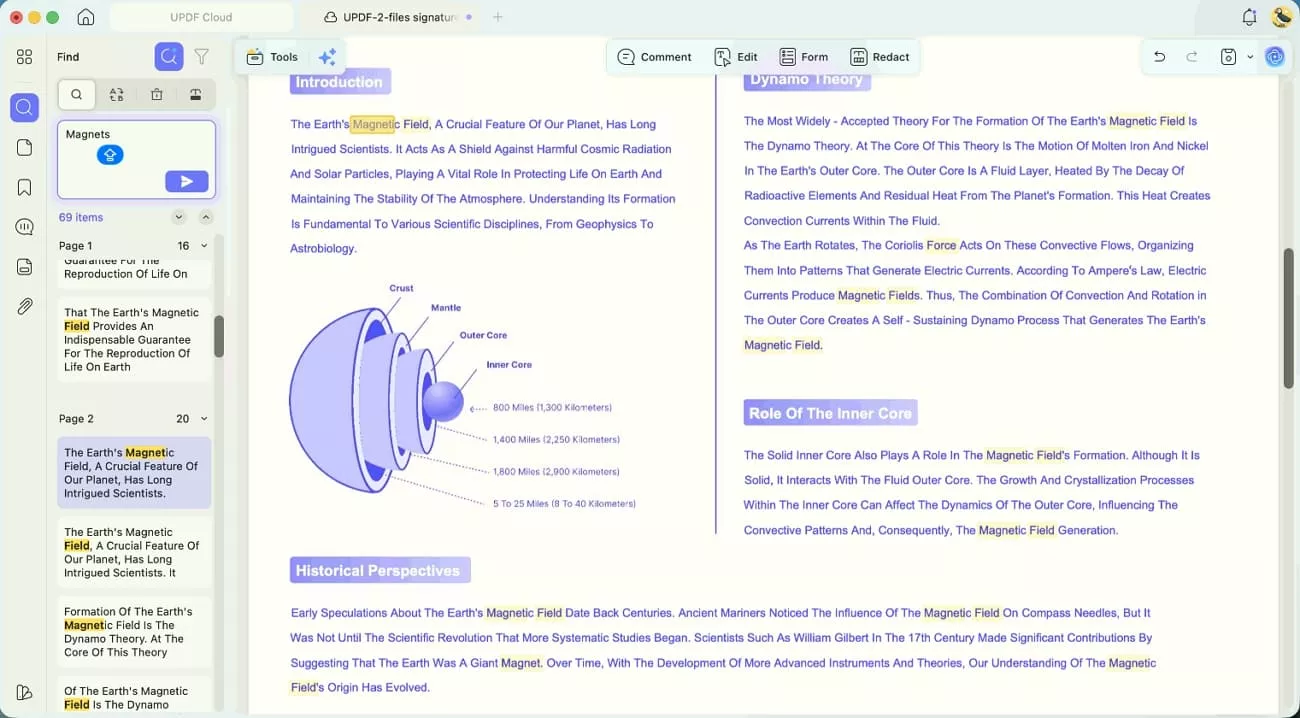
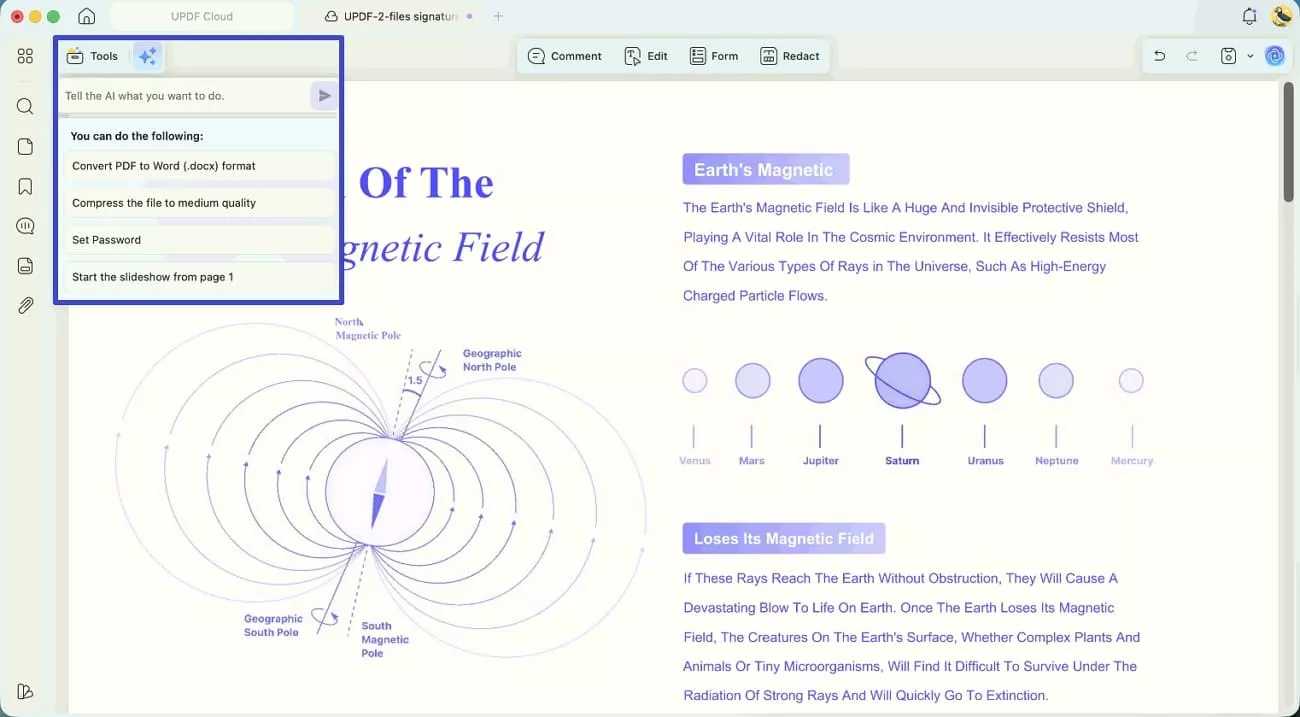
4. UPDF Copilot Agent: UPDF Copilot is an AI-powered assistant that lets you use natural language to instantly find and navigate the exact PDF tools you need, streamlining your workflow without manual menu searching.
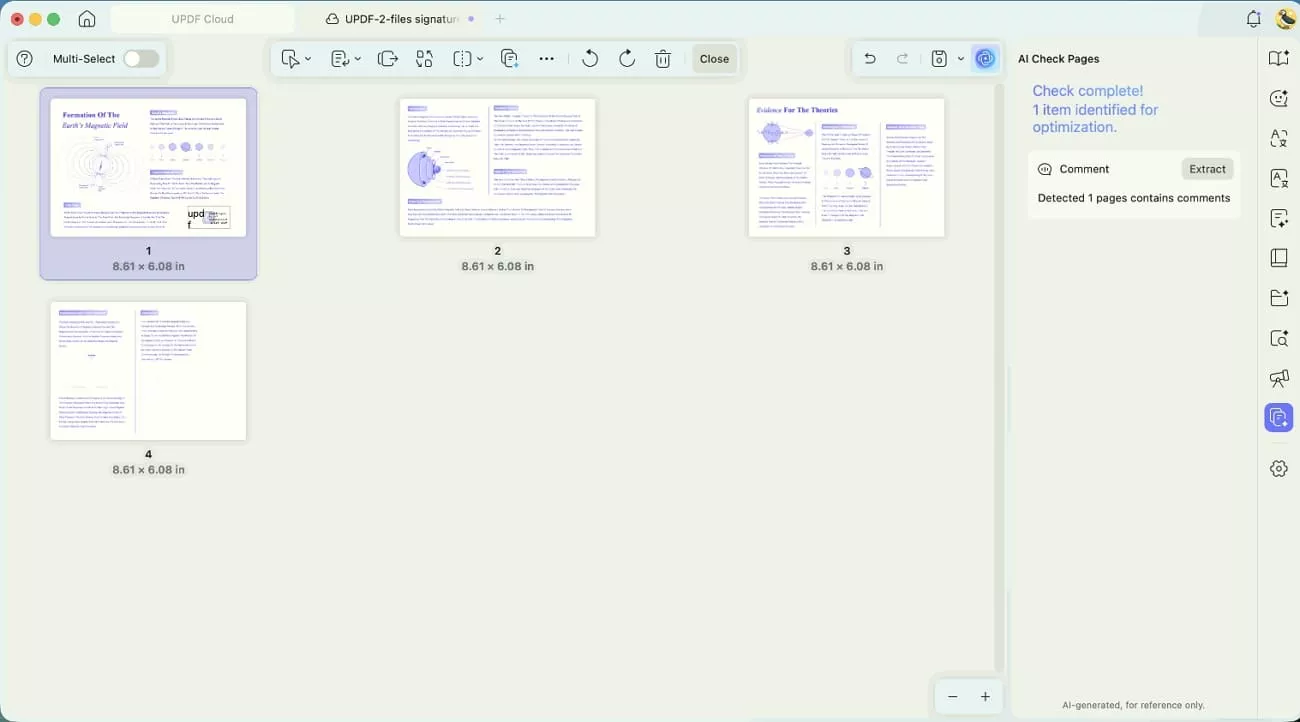
5. AI Page Management Agent: With this agent, I quickly recognize, delete, and rotate defective pages, keeping big documents organized without manual dragging.
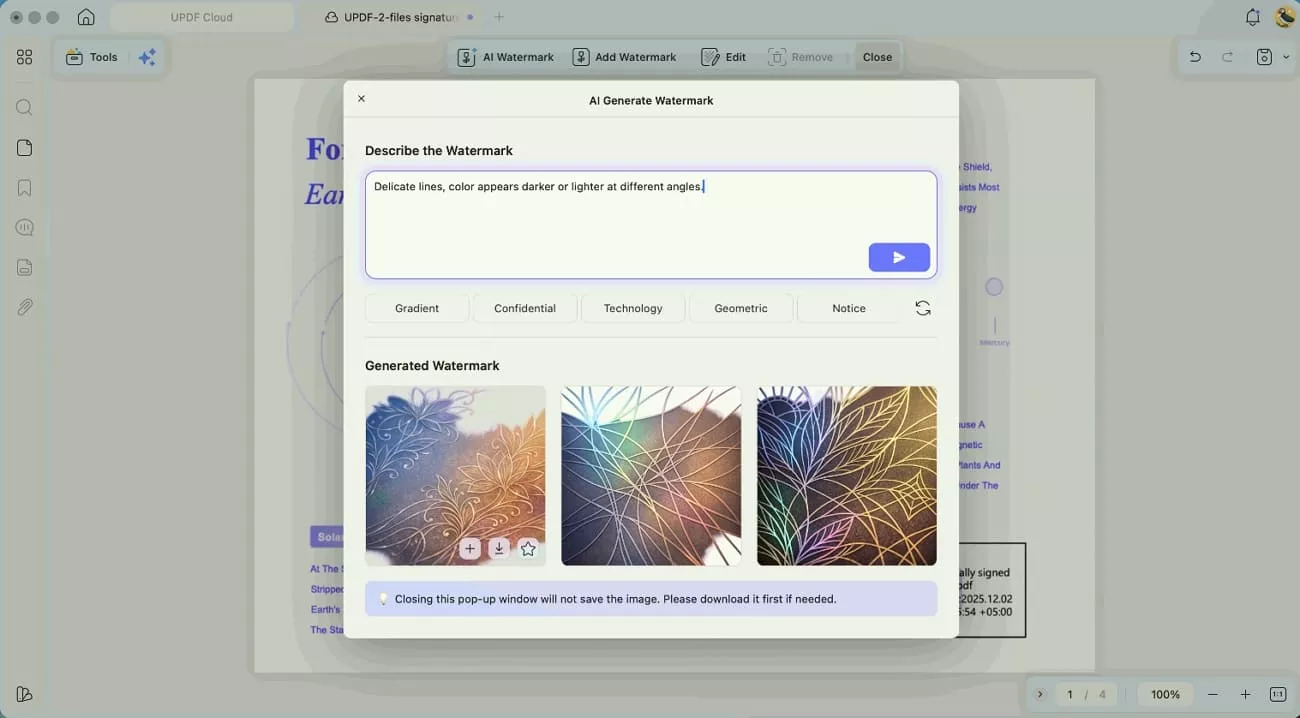
6. AI Watermark Agent: Watermarks are detected and then easily removed, updated, or reapplied, keeping my professional files properly branded.
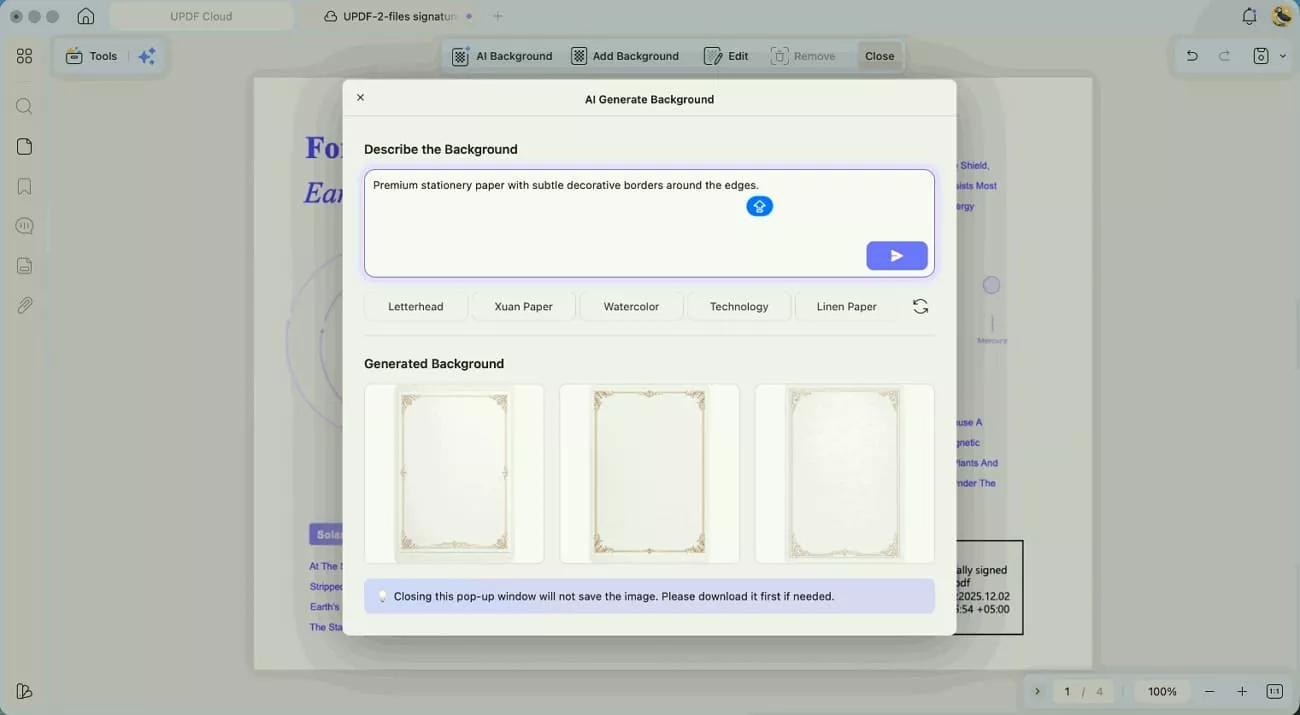
7. AI Background Agent: This feature removes or replaces busy backgrounds, making pages look cleaner and easier to read during long sessions.
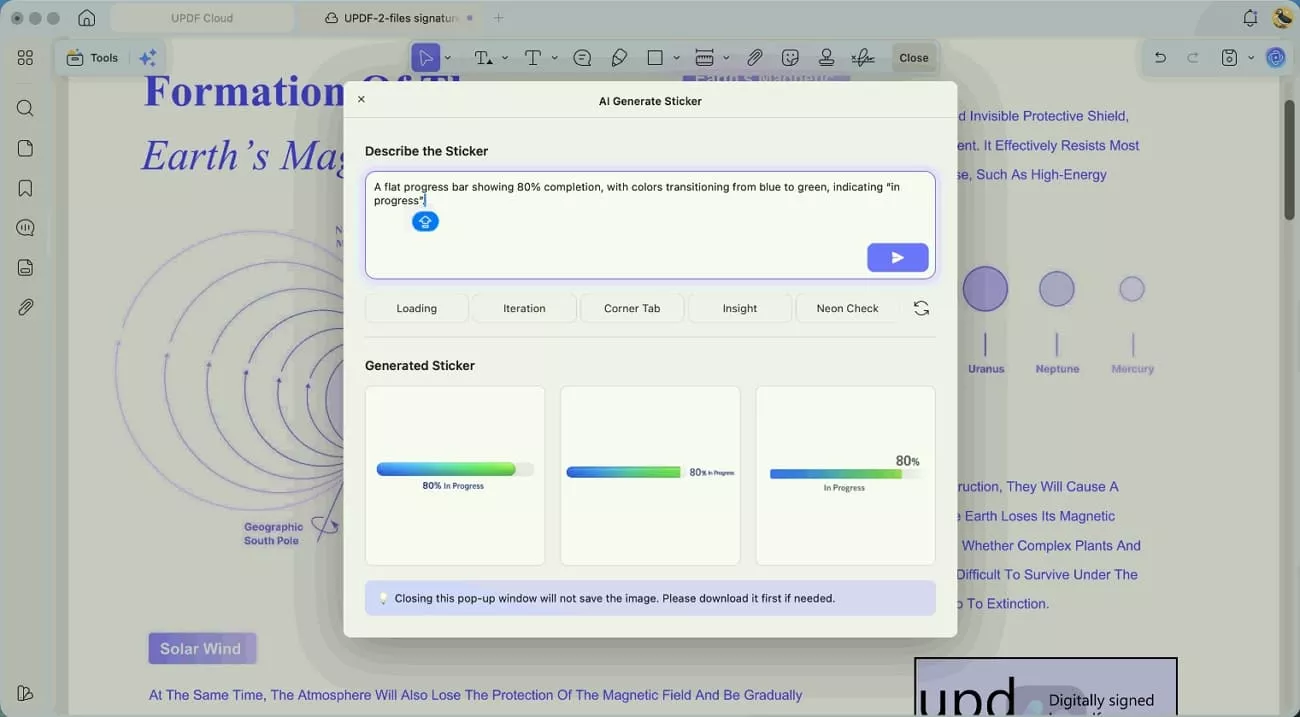
8. AI Sticker Agent: Visual stickers make notes stand out, letting me mark ideas, questions, and priorities more engagingly.
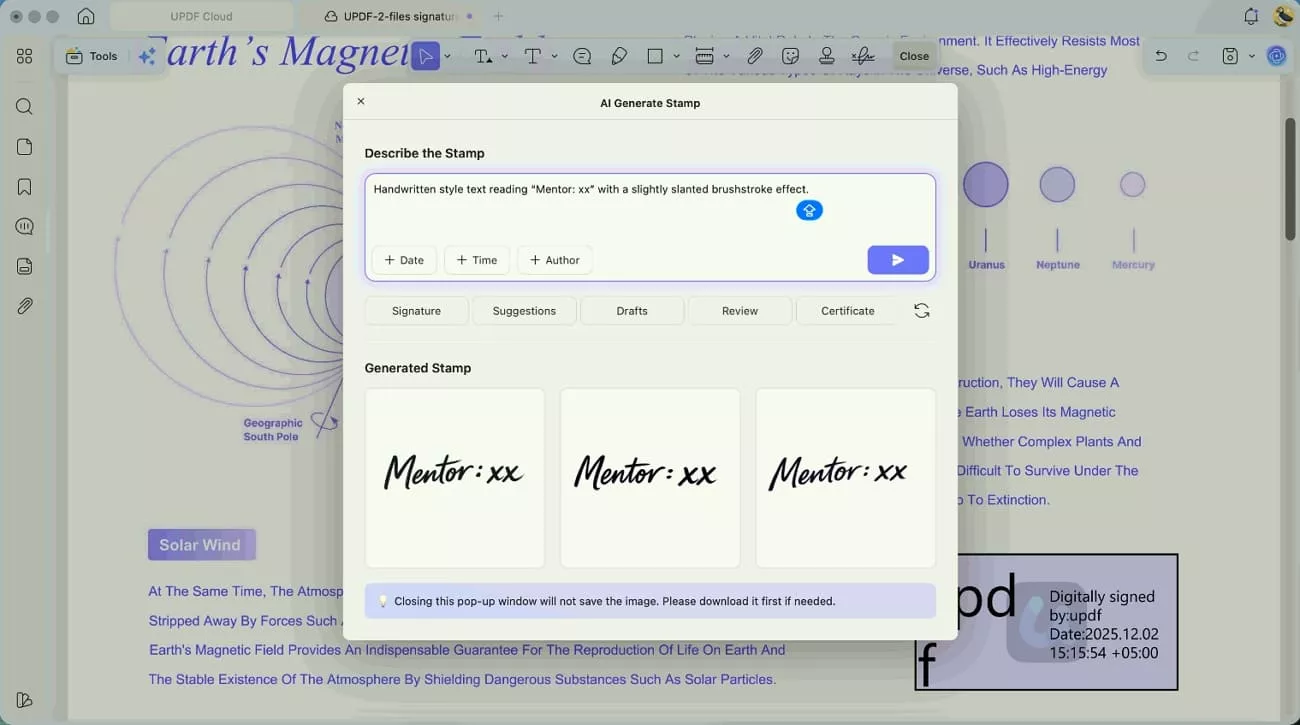
9. AI Stamp Agent: Approval, draft, and custom stamps are created and placed quickly, which keeps my review workflow consistent.
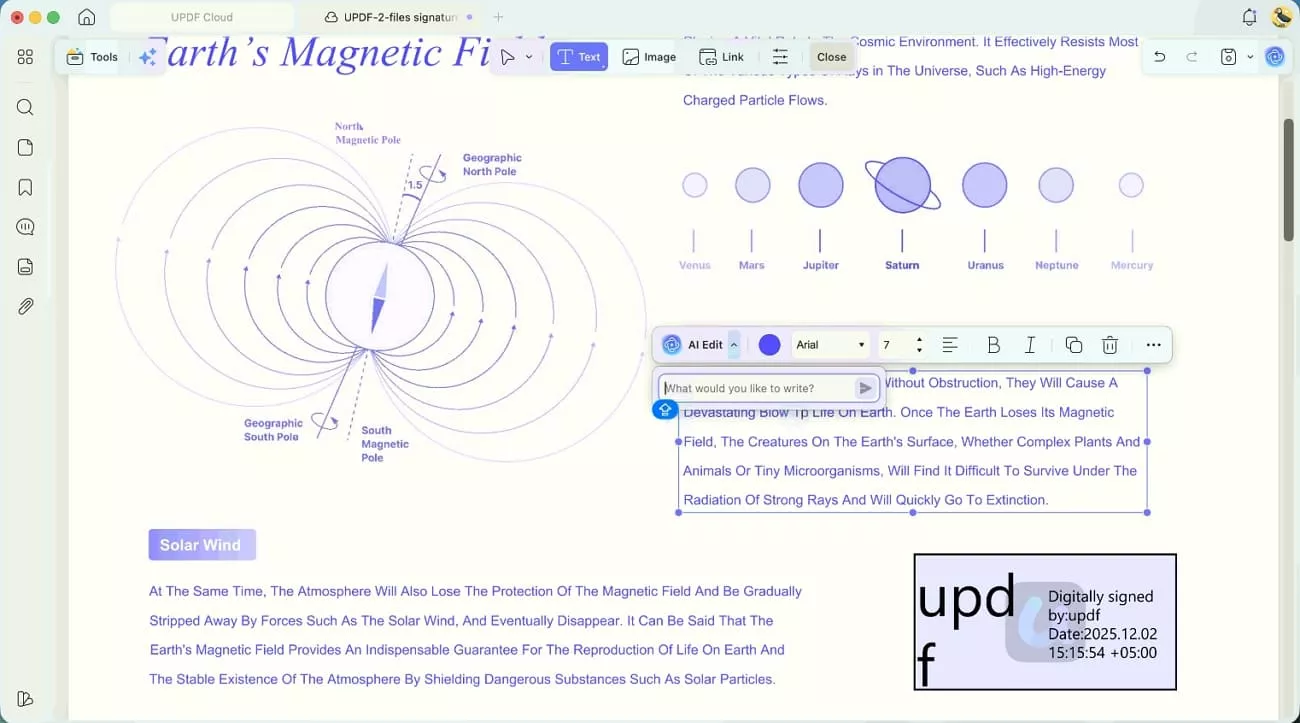
10. AI Editing Agent: Text inside PDFs becomes easier to adjust, so I can polish wording without breaking the document layout.
Windows • macOS • iOS • Android 100% secure
Part 4. What is MacBook Neo Good For? Ideal Use Cases
For my daily workflow, this laptop makes the most sense when I keep tasks light and focused. Now, let’s break down who it suits and who should probably look elsewhere instead:
Who It’s Perfect For
- Students: Students can handle note-taking, essay writing, research, and PDF textbook annotation with UPDF smoothly.
- Writers and Bloggers: They get distraction-free writing, easy content drafting, and simple manuscript management on this machine.
- Small Business Owners: Business owners handle invoices, sign contracts with UPDF, and schedule tasks straightforwardly.
- Remote Employees: These workers can manage email, Slack, Zoom calls, and shared documents without overloading the system.
Who Should Skip It
- 4K Video Editors: The ones who need stronger hardware, so this laptop will not meet serious editing expectations.
- Hardcore Gamers: Gamers expecting high frame rates and modern graphics will quickly feel disappointed with gaming performance.
- Heavy Data Scientists: Data scientists working with giant datasets or complex models should choose something designed for heavy computation.
- Heavy Software Developers: Developers running multiple virtual machines or emulators will find performance too limited for comfortable daily use.
Part 5. FAQs
What is MacBook Neo good for besides writing?
It’s good for email, online classes, spreadsheets, streaming, light photo edits, and everyday office tasks. UPDF then steps in to handle all my PDF reading, annotation, and editing on top of that.
Should I buy a MacBook Neo or a MacBook Air?
For light tasks and a smaller budget, MacBook Neo usually gives better value for most users. If you need more power, RAM options, and longevity for heavy work, MacBook Air makes more sense.
Why is the new MacBook Neo so cheap?
Apple keeps the Apple MacBook Neo price low by using an iPhone‑class chip and limiting high‑end extras. They also cut costs by choosing simpler hardware, making it easier for more people to enter the Mac ecosystem.
Conclusion
In conclusion, this review showed how a simple, focused setup answers the question, “Is the MacBook Neo good?” Study, writing, and light office work felt smoother once I stopped expecting pro-level performance from this budget Mac. Pairing it with the right tools also helped keep my workflow fast and distraction-free. For handling PDFs and notes without extra hassle, I recommend using UPDF as your main companion.
Windows • macOS • iOS • Android 100% secure






 Enrica Taylor
 Lizzy Lozano

- mount_sunrise