 UPDF
 UPDF for Windows
 UPDF for Mac
 UPDF for iPhone/iPad
 UPDF for Android
 Nomostar
 UPDF AI Online
 UPDF Sign
 IvyCraft
 Edit PDF
 Annotate PDF
 Create PDF
 PDF Form
 Edit links
 Convert PDF
 OCR
 PDF to Word
 PDF to Image
 PDF to Excel
 Organize PDF
 Merge PDF
 Split PDF
 Crop PDF
 Rotate PDF
 Protect PDF
 Sign PDF
 Redact PDF
 Sanitize PDF
 Remove Security
 Read PDF
 UPDF Cloud
 Compress PDF
 Print PDF
 Batch Process

 About UPDF AI
 UPDF AI Solutions
 AI User Guide
 FAQ about UPDF AI
 Summarize PDF
 Translate PDF
 Chat with PDF
 Chat with AI
 Chat with image
 PDF to Mind Map
 Explain PDF
 PDF AI Tools
 Image AI Tools
 AI Chat Tools
 AI Writing Tools
 AI Study Tools
 AI Working Tools
 Other AI Tools
 AI Bookmark Generation
 AI Bookmark Summary
 AI Watermark Generation
 AI Background Generation
 AI Sticker Generation
 AI Stamp Generation
 AI Editing Suite
 UPDF Copilot
 AI Page Management
 AI Semantic Search
 PDF to Word
 PDF to Excel
 PDF to PowerPoint
 Enterprise Solution
 Enterprise Sign
 Enterprise AI
 Enterprise Plan
 Enterprise User Guide
 Enterprise Webinar
 IT
 Education
 Construction
 Financial Service
 Healthcare
 Insurance
 Legal
 Manufacturing
 Government
 Researchers & PhDs
 Solopreneurs & Freelancers
 Lawyers & Legal Professionals
 Real Estate Agents & Brokers
 Education Solution
 Customer Stories
 User Guide
 UPDF Tricks
 FAQs
 UPDF Reviews
 Download Center
 Blog
 Newsroom
 Tech Spec
 Updates
 UPDF vs. Adobe Acrobat
 UPDF vs. Foxit
 UPDF vs. PDF Expert


Is UPDF worth choosing in 2026? Yes—especially if you want professional PDF editing, OCR, conversion, annotation, forms, signing, and AI-assisted document work without paying Adobe-level prices. UPDF brings these everyday workflows into one clean app for Windows, macOS, iOS, and Android, making it a compelling choice for students, professionals, and small businesses.
This UPDF review examines the product from the points that matter before buying: feature depth, ease of use, cross-platform workflow, AI capabilities, pricing, limitations, and long-term value. It also reviews the all-new UPDF 3.0, now available with a more connected workflow for understanding, editing, reviewing, and signing PDFs.
UPDF 3.0 and the Black Friday offer are live: save up to 48% off selected UPDF and AI plans for a limited time. See the official Black Friday deals or download UPDF free to try the new workflow first.
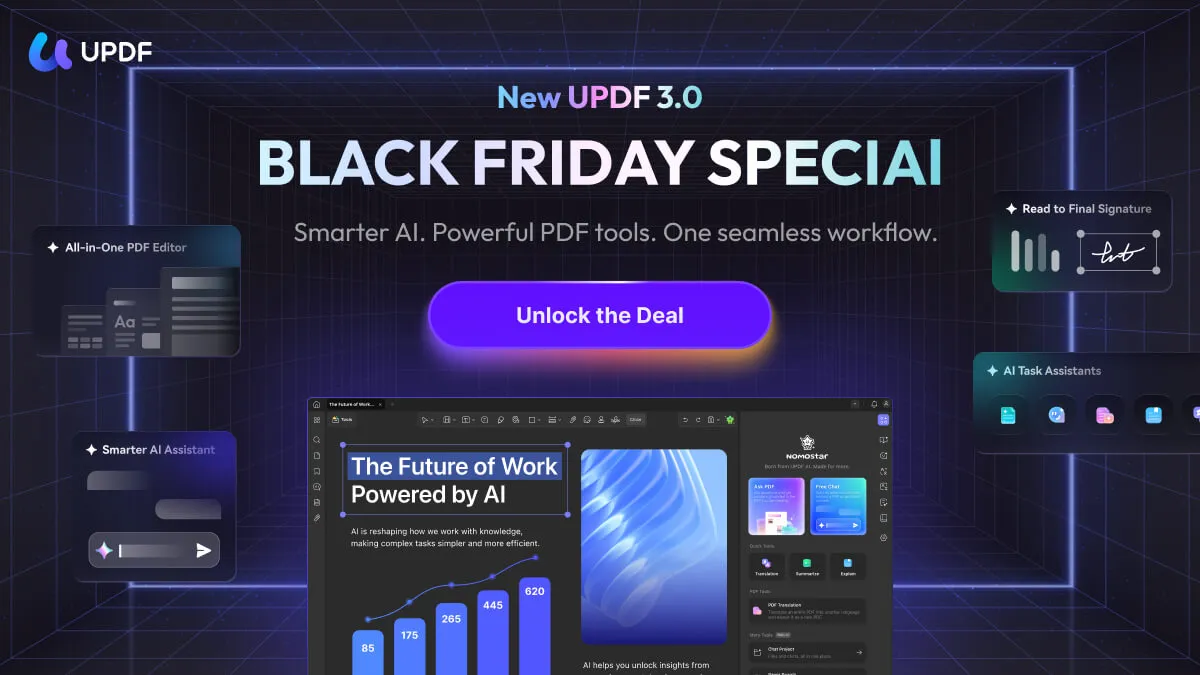
UPDF review verdict: UPDF stands out for combining a complete PDF toolkit, an approachable interface, useful AI workflows, cross-platform access, and strong pricing. For most individuals who work with PDFs regularly, it offers the best balance of capability, usability, and value—at around one-sixth of the price of Adobe Acrobat Pro in common plan comparisons.
Windows • macOS • iOS • Android 100% secure
UPDF Review at a Glance
| Best for | Students, professionals, freelancers, and small businesses that regularly edit, convert, review, organize, or sign PDFs |
|---|---|
| Key strengths | Complete PDF toolkit, intuitive design, cross-platform access, AI document tools, annual and Lifetime options |
| Platforms | Windows, macOS, iOS, and Android; feature availability varies by platform |
| Price advantage | Can cost around one-sixth of Adobe Acrobat Pro in common plan comparisons |
| Our verdict | A high-value all-in-one PDF solution that covers the workflows most individuals need |
The strongest reason to choose UPDF is not any single tool—it is how many useful PDF tasks it brings together. Instead of switching between separate apps for editing, OCR, conversion, page organization, signatures, and document analysis, users can complete the entire workflow in one place.
What Makes UPDF Stand Out?
1. A Complete PDF Toolkit Without the Legacy Complexity
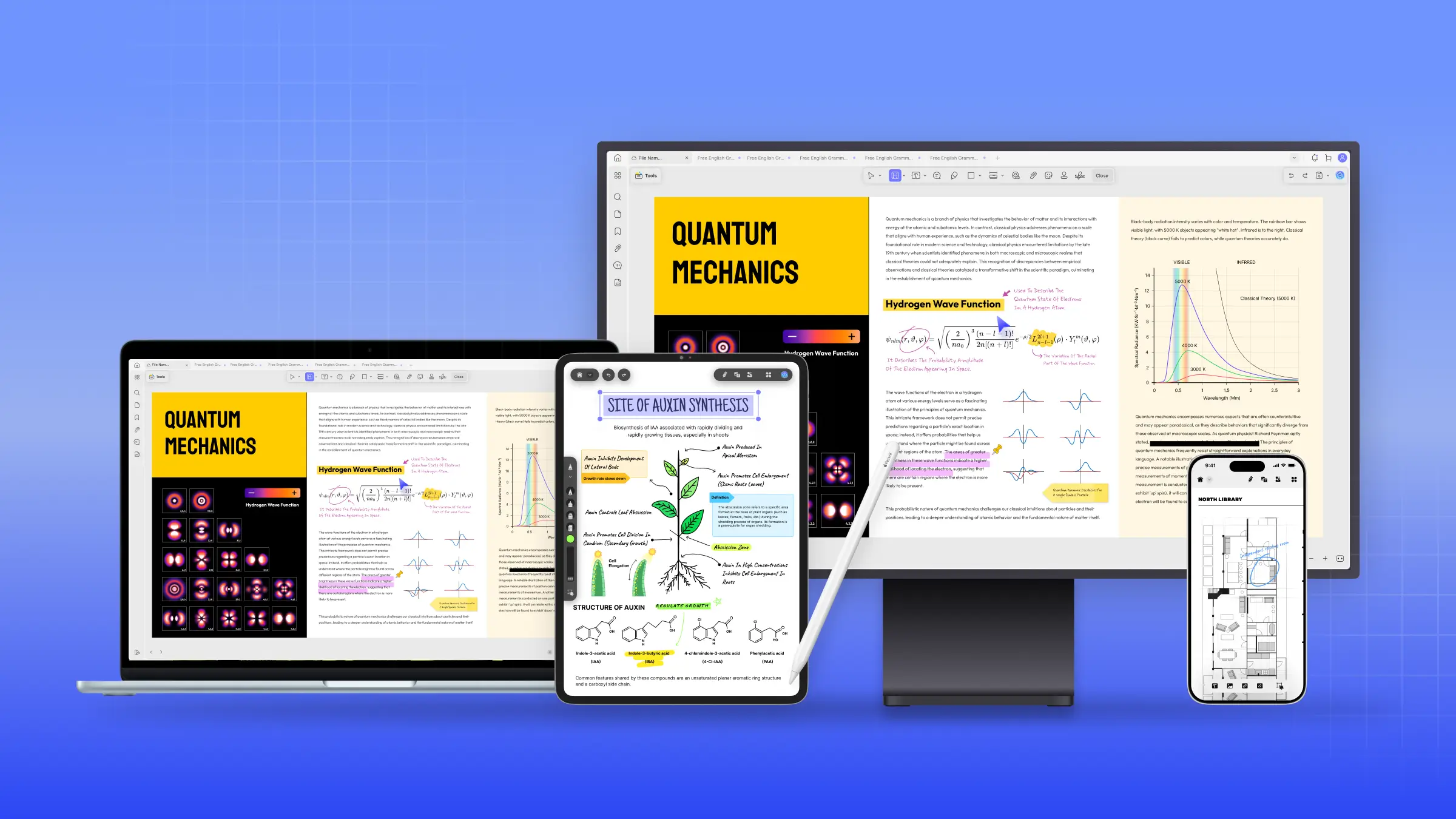
UPDF covers the core tasks buyers expect from a professional PDF editor: editing text and images, converting files, recognizing scanned text, annotating, organizing pages, creating and filling forms, protecting documents, comparing revisions, redacting information, and adding electronic or digital signatures. The interface keeps these tools easy to find, so new users can become productive without navigating a dense enterprise-style layout.
2. One License Across Desktop and Mobile
UPDF supports the major desktop and mobile platforms, which is valuable when a PDF workflow starts on one device and finishes on another. You can review a document on mobile, make detailed edits on desktop, and keep supported files available through UPDF Cloud. Check the UPDF technical specifications for the latest platform-by-platform availability.
3. Strong Value for Frequent PDF Users
UPDF provides both annual and Lifetime purchase options for the Pro editor. This gives buyers a choice between a lower upfront commitment and long-term ownership without annual Pro renewal. Compared with Adobe Acrobat Pro, UPDF can cost around one-sixth as much in common plan comparisons while still covering the tools most individuals use. See the detailed Adobe Acrobat vs. UPDF comparison for a closer feature and value breakdown.
Independent feedback supports this value proposition. In his hands-on review of Adobe Acrobat alternatives, author Nicholas C. Rossis names UPDF as a personal favorite and highlights its fast, lightweight performance, intuitive interface, broad PDF toolkit, AI options, and Lifetime plan value.
Watch UPDF vs. Adobe Acrobat in Action
For a visual comparison of the two products, watch the video below to see how UPDF and Adobe Acrobat compare in everyday PDF workflows, usability, and value.
UPDF Feature Review: How Good Are the Core PDF Tools?
PDF Editing
UPDF lets users edit existing PDF text rather than merely covering it with a text box. You can change wording, fonts, sizes, colors, alignment, and styles; add or replace images; crop and rotate graphics; and create or update links. Watermarks, backgrounds, headers, and footers can also be managed inside the same editor. For regular report, proposal, contract, or coursework updates, this makes UPDF feel closer to editing a familiar office document than working with a fixed PDF.
OCR and PDF Conversion
The OCR tool turns scanned documents and image-based PDFs into searchable and editable files, with support for 38 languages. After recognition, users can search, copy, edit, or translate the detected text. UPDF can also convert PDFs to Word, Excel, PowerPoint, images, and other supported formats. These capabilities are especially useful for digitizing paper records, reusing data, and updating older documents. Learn more about OCR for scanned PDFs and UPDF’s PDF conversion tools.
Annotation, Review, and Comparison
For review work, UPDF includes highlights, underlines, strikeouts, squiggly lines, sticky notes, text boxes, callouts, shapes, stamps, stickers, freehand drawing, and measurement tools. The Compare PDF feature helps identify changes between document versions, while redaction permanently removes sensitive information. Together, these tools make UPDF suitable for collaborative reviews, proofreading, compliance checks, and document approvals.
Page Organization, Forms, and Signatures
Users can insert, replace, extract, split, rotate, crop, delete, and reorder pages. UPDF also supports fillable form creation, form completion, handwritten or image signatures, e-signatures, and digital signatures where supported. This means a document can move from draft to final signature without leaving the app. Explore the dedicated fill and sign PDF workflow.
Ease of Use and Performance
UPDF’s interface is one of its biggest practical advantages. Major tools are grouped by workflow, and the document remains central rather than being crowded by menus. Common actions such as editing text, annotating a page, reorganizing pages, or exporting a file are easy to locate. This short learning curve matters because a feature-rich PDF editor only delivers value when users can reach the right tool quickly.
The app is well suited to both quick one-page changes and longer document workflows. Batch tools on supported desktop versions can reduce repetitive work across multiple files, while mobile apps make reading, scanning, annotating, and signing more convenient away from a desk. For evidence on the cost of fragmented document work, read the PDF Efficiency Report.
UPDF AI Review: More Than a PDF Chatbot
UPDF AI helps users summarize, translate, explain, rewrite, and ask questions about documents. It can also work with images, convert PDF content into mind maps, search by meaning, and generate bookmarks and section summaries. The real benefit is speed: long reports, research papers, manuals, and contracts can be understood faster before the user moves into editing or review.
UPDF Pro and UPDF AI are separate services, so buyers should choose the plan or bundle that matches their workflow. Users who mainly edit PDFs may only need Pro; users who frequently analyze long or complex documents gain more from adding AI. This separation keeps the core editor available without forcing every buyer into the same package.
UPDF 3.0 Review: What’s New
UPDF 3.0 is now available. The release brings document understanding, editing, reviewing, and signing into a more connected AI-powered PDF workflow instead of treating them as separate tasks.
- Focused PDF chat: ask about the whole PDF, the current page, or selected page ranges.
- Purpose-built AI assistants: start structured workflows for research papers, contracts, resumes, and financial documents, or create custom tasks.
- Smarter document navigation: use semantic search, generated bookmarks, and section summaries to work through long PDFs faster.
- Complete PDF production: edit, annotate, convert, OCR, organize, protect, batch-process, and prepare documents for signing in one app.
- From review to signature: move from understanding a file to editing, reviewing, sending, and signing it with fewer tool changes.
The update is most useful for people who work with long or information-heavy files and want fewer handoffs between PDF, AI, and signing tools. Read the UPDF 3.0 release overview, or download UPDF and test the new workflow with your own document.
UPDF Pricing and Value
| Plan | Current Price | Best For |
|---|---|---|
| UPDF Pro Annual | $64.99 | Regular PDF users who prefer a lower upfront cost |
| UPDF Pro Lifetime | $94.99 | Long-term users who want the Pro editor without annual Pro renewal |
| UPDF Yearly + AI Yearly | $128.99 | Frequent PDF editing and AI document analysis |
| UPDF Lifetime + AI Yearly | $158.99 | Lifetime Pro ownership with renewable AI access |
UPDF’s pricing is one of its strongest conversion points. Buyers receive a broad professional toolkit without the cost normally associated with legacy PDF software. The UPDF Lifetime plan is particularly appealing for users who expect to edit PDFs for years and prefer a one-time Pro purchase.
Pricing above uses live site variables so it remains current. Plan availability, billing terms, AI credits, and device limits should be confirmed on the official UPDF pricing page.
UPDF Pros and Considerations
Why We Recommend UPDF
- Complete editing, OCR, conversion, annotation, page, form, and signing toolkit.
- Clean interface with a shorter learning curve than many legacy PDF suites.
- Works across supported Windows, macOS, iOS, and Android devices.
- Useful AI features for understanding long and complex documents.
- Annual and Lifetime options for different budgets.
- Can cost around one-sixth of Adobe Acrobat Pro in common comparisons.
What to Know Before Buying
- UPDF AI requires an eligible AI plan or credits in addition to the Pro editor.
- Some features vary by platform, so check the technical specifications for your primary device.
- Cloud sync, AI, activation, and online services require an internet connection.
- UPDF AI and some online services follow separate plan, credit, and renewal terms; confirm the selected offer before buying.
These considerations are straightforward and do not change the central conclusion: UPDF delivers unusually broad capability for its price. For most individual buyers, the advantages substantially outweigh the limitations.
Who Should Choose UPDF?
- Students and researchers: annotate readings, OCR scans, summarize papers, translate content, and generate bookmarks.
- Office professionals: edit reports, convert files, compare revisions, redact information, and collect signatures.
- Freelancers: prepare proposals, contracts, invoices, portfolios, and client deliverables without maintaining several separate PDF tools.
- Small businesses: manage forms, agreements, records, and recurring document workflows at a lower software cost.
- Long-term PDF users: choose the Lifetime plan to own the Pro editor without annual Pro renewal.
If you only view an occasional PDF, a free reader may be enough. But if PDFs are part of your weekly work, UPDF’s time savings, complete toolkit, and pricing make it the more productive choice. Browse UPDF customer stories to see how different users apply it in real workflows.
UPDF Black Friday 2026: Save Up to 48% Now
The UPDF Black Friday 2026 sale is live, with savings of up to 48% off selected UPDF and AI plans. Promotional prices are shown on the campaign and checkout pages, so you can compare Yearly, Lifetime, and AI options before paying.
Choose UPDF Pro if you mainly need the complete PDF toolkit, or a Pro + AI option if document chat, research, summarization, translation, and AI-assisted workflows are part of your routine. Check the final plan, renewal terms, and total at checkout.
Ready to use UPDF 3.0? Download it free, then view the limited-time Black Friday prices when you are ready to upgrade.
Final Verdict: Is UPDF Worth It?
UPDF is worth it for anyone who regularly works with PDFs and wants a capable, easy-to-use alternative to expensive legacy software. Its editing, OCR, conversion, annotation, organization, form, signature, and AI tools cover the full document lifecycle, while cross-platform access keeps work flexible.
What ultimately makes UPDF easy to recommend is the combination of breadth and value. It handles professional PDF work without making the product feel complicated, and its annual, Lifetime, and AI bundle options let buyers choose the level that fits their needs. Download UPDF and try the new 3.0 workflow with your own documents. If it fits your needs, compare the live Black Friday offers and choose the plan that matches your PDF and AI usage.






 Enola Davis
 Engelbert White