 UPDF
UPDF
 UPDF for Windows
 UPDF for Mac
 UPDF for iPhone/iPad
 UPDF for Android
 Nomostar
 UPDF AI Online
 UPDF Sign
 IvyCraft
 Edit PDF
 Annotate PDF
 Create PDF
 PDF Form
 Edit links
 Convert PDF
 OCR
OCR PDF to Word
 PDF to Image
 PDF to Excel
 Organize PDF
 Merge PDF
 Split PDF
 Crop PDF
 Rotate PDF
 Protect PDF
 Sign PDF
 Redact PDF
 Sanitize PDF
 Remove Security
 Read PDF
 UPDF Cloud
 Compress PDF
 Print PDF
 Batch Process
 About UPDF AI
 UPDF AI Solutions
 AI User Guide
 FAQ about UPDF AI
 Summarize PDF
 Translate PDF
 Chat with PDF
 Chat with AI
 Chat with image
 PDF to Mind Map
 Explain PDF
 PDF AI Tools
 Image AI Tools
 AI Chat Tools
 AI Writing Tools
 AI Study Tools
 AI Working Tools
 Other AI Tools
 AI Bookmark Generation
 AI Bookmark Summary
 AI Watermark Generation
 AI Background Generation
 AI Sticker Generation
 AI Stamp Generation
 AI Editing Suite
 UPDF Copilot
 AI Page Management
 AI Semantic Search
 PDF to Word
 PDF to Excel
 PDF to PowerPoint
 Enterprise Solution
 Enterprise Sign
 Enterprise AI
 Enterprise Plan
 Enterprise User Guide
 Enterprise Webinar
 IT
IT Education
 Construction
 Financial Service
 Healthcare
 Insurance
 Legal
Legal Manufacturing
 Government
 Researchers & PhDs
 Solopreneurs & Freelancers
 Lawyers & Legal Professionals
 Real Estate Agents & Brokers
 Education Solution
 Customer Stories
 User Guide
 UPDF Tricks
 FAQs
FAQs UPDF Reviews
 Download Center
 Blog
Blog Newsroom
 Tech Spec
 Updates
 UPDF vs. Adobe Acrobat
 UPDF vs. Foxit
 UPDF vs. PDF Expert

Quick Answer:
ArtCraft's free applications have made that calculation harder to ignore. PhotoCraft targets Photoshop-style image editing, WordCraft takes on Word, and PdfCraft targets Acrobat Pro's offline PDF work. Their AI-assisted development has prompted a Reddit discussion about software value and competition: if familiar functions become easier to reproduce, what should users still pay for?
For someone reviewing a software bill, the useful answer starts with the work the tool needs to support. Five criteria make that decision concrete—and provide the same framework for evaluating UPDF later in this article.
Part 1. What Are the Craft Apps Recreating?
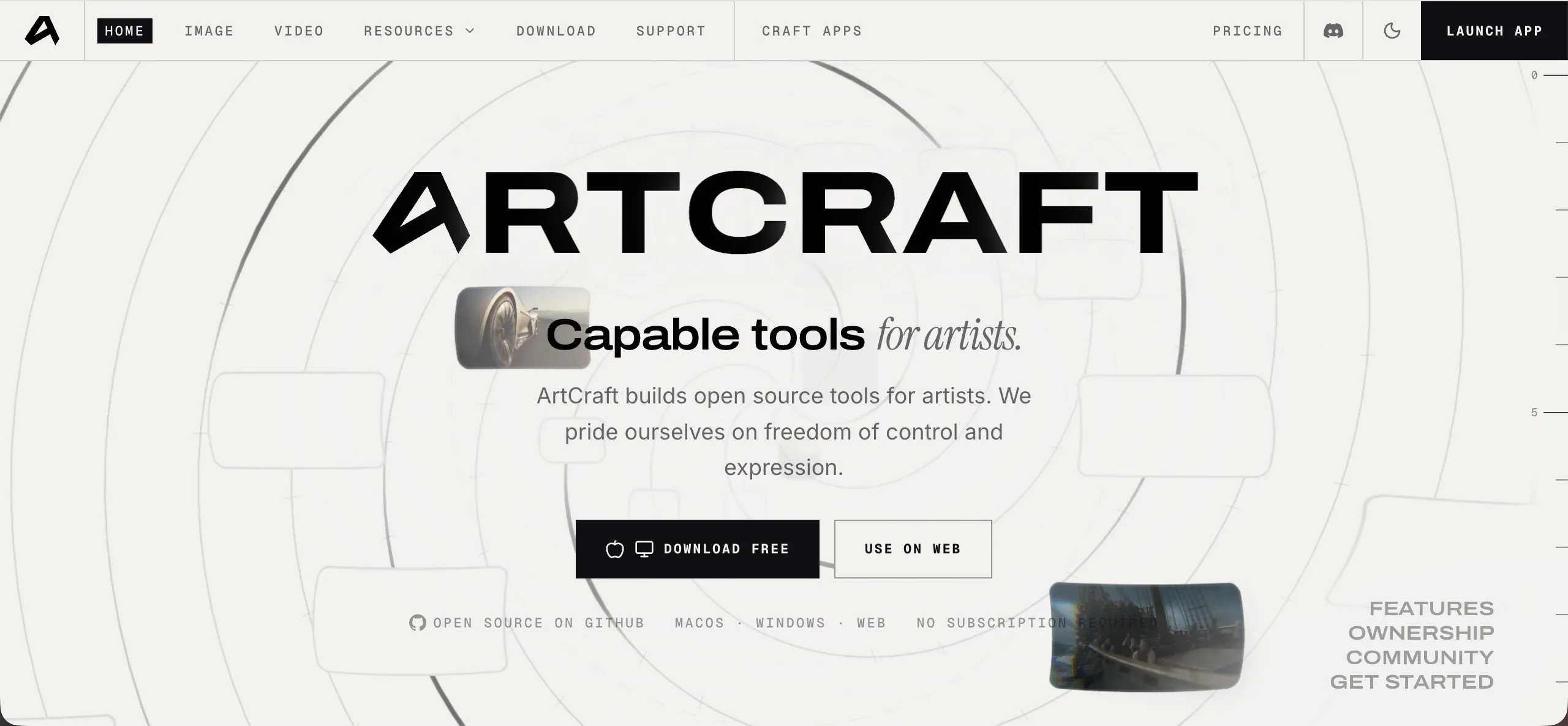
The Crafting Apps are standalone, free, open-source applications from the ArtCraft team, built in Rust. They cover familiar creative and office tasks, with layouts and workflows that invite comparison with Adobe and Microsoft products.
| Craft application | Established product it targets | Main task |
|---|---|---|
| PhotoCraft | Adobe Photoshop | Image editing with layers, masks, brushes, and PSD files |
| WordCraft | Microsoft Word | Word processing, document layout, and DOCX files |
| GridCraft | Microsoft Excel | Spreadsheets and data analysis |
| PdfCraft | Adobe Acrobat Pro's offline PDF tools | Reading, organizing, combining, splitting, and securing PDFs |
The appeal combines recognizable tools with free access. The debate extends from subscription fatigue to whether these applications can take over professional workflows.
That background explains the interest. The purchase decision is more specific: which of these tools can handle your work, and what will using it cost you?
Part 2. Use Five Criteria to Compare the Total Cost
A license price is only one part of software spending. Repairing an output, moving files between applications, managing access, and learning a replacement also consume time. Use the same five criteria for your current tool and any alternative.
| Criterion | Question to ask | Cost it helps you identify |
|---|---|---|
| Output quality | Do your files and the information in them stay accurate after editing, conversion, and extraction? | Repair and rework |
| Ecosystem | Does the tool fit your devices, connected services, and handoffs? | Transfers, duplicate tools, and extra subscriptions |
| User habits | How much existing skill and training transfers to the new tool? | Learning and migration |
| Enterprise services | Can your team manage access and obtain the support it needs? | Administration and interrupted work |
| Long-term maintenance | Is the product being updated to address the workflows you rely on? | Troubleshooting and workarounds |
Compare these costs over the same period, such as the coming year. Separate the one-time effort of switching from recurring work: rebuilding a template once is different from correcting its output every week.
The weight of each criterion depends on your use. An individual may have little need for enterprise administration. A department handling client documents may place substantial value on it. Pay for the capabilities your work actually uses.
Part 3. Output Quality: Can the Result Move Straight Into Your Work?
A familiar menu helps you find a command. Output quality determines whether its result fits the next task.
For a document tool, opening the file is the beginning. An edited paragraph needs to keep the intended font and spacing. A table exported to a spreadsheet needs usable values and structure. Information extracted from a report needs to retain its figures, units, and conditions. A file sent to a colleague needs to work in the application they use.
These requirements make feature coverage and working readiness different questions. PdfCraft's own comparison with Acrobat Pro assesses them separately, including rendering, editing, and conversion.
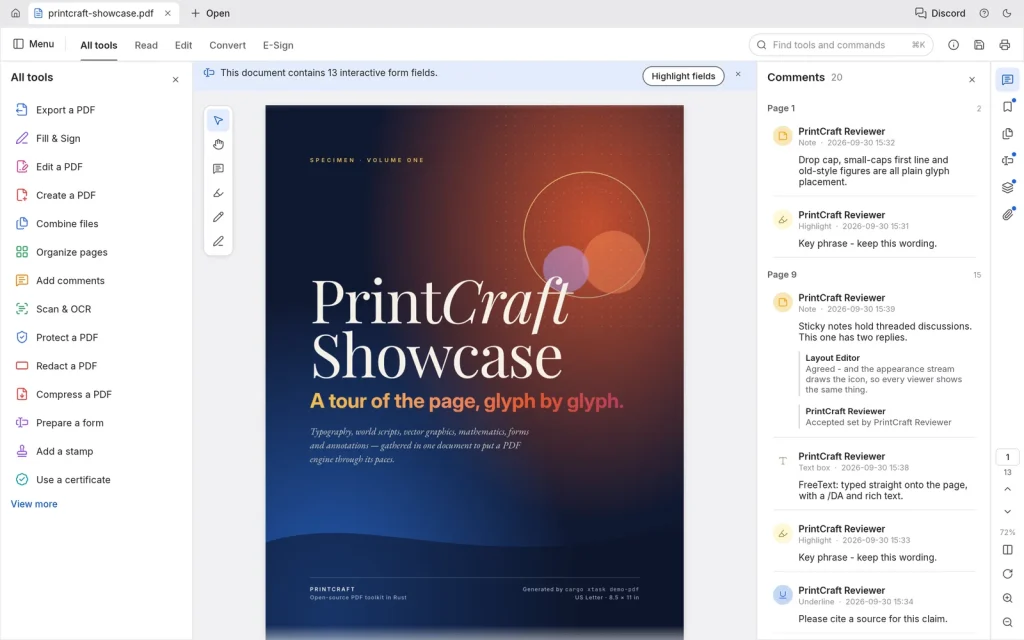
For your buying decision, identify the result you depend on most. A person making occasional text corrections may need very little beyond reliable editing. Someone reusing reports in Word and financial tables in Excel needs accurate results across several types of output.
The paid option earns its price when better handling of those files removes enough recurring repair work. An alternative that delivers the required result with comparable effort creates a reason to reconsider the bill.
Part 4. Ecosystem and User Habits: What Changes Around the Tool?
Once the output meets your needs, look at how the application fits the rest of your day.
Ecosystem concerns the connections around the task. You might prepare a document on a computer, read it on a tablet, and share it with a client. Account access, file synchronization, export formats, and sharing all affect how many separate steps or services that requires.
Count only the connections you use. A wider ecosystem adds value when it replaces transfers or duplicate tools in your existing work. An unused service adds little to the decision.
User habits concern the knowledge behind those steps. A familiar editing routine, a set of templates, or a team's internal instructions can make recurring work more efficient. Switching may involve learning commands and adapting those materials.
Treat that learning as an investment with a time horizon. A replacement may take effort to learn but save enough afterward to justify the move. Equally, a tool you already know may remain the economical choice because it continues to serve your needs well.
The comparison is the combined cost of access, handoffs, and learning—not familiarity alone.
Part 5. Enterprise Services and Maintenance: What Happens After Adoption?
For a team, software becomes an ongoing responsibility after it is installed.
Enterprise services address who can use it and how the organization manages that access. Adding an employee, removing an account, checking license usage, and finding a support contact are routine administrative tasks. A paid plan can be worth the cost when it gives the organization a workable way to handle them.
Long-term maintenance addresses what happens as files, operating systems, and work requirements change. Release notes can show whether the developer is improving relevant capabilities and fixing reported problems. Support channels provide a route for asking for help when a document workflow breaks.
These needs also explain why a free application can coexist with paid support or customization. For buyers, the question remains the same: who will handle the work after adoption, and what will that arrangement cost?
For an occasional personal task, self-support may be manageable. For a department that depends on the tool every day, administration, maintenance, and support belong in the purchase calculation from the start.
Part 6. Why UPDF Is Worth Paying For: The Same Five Criteria
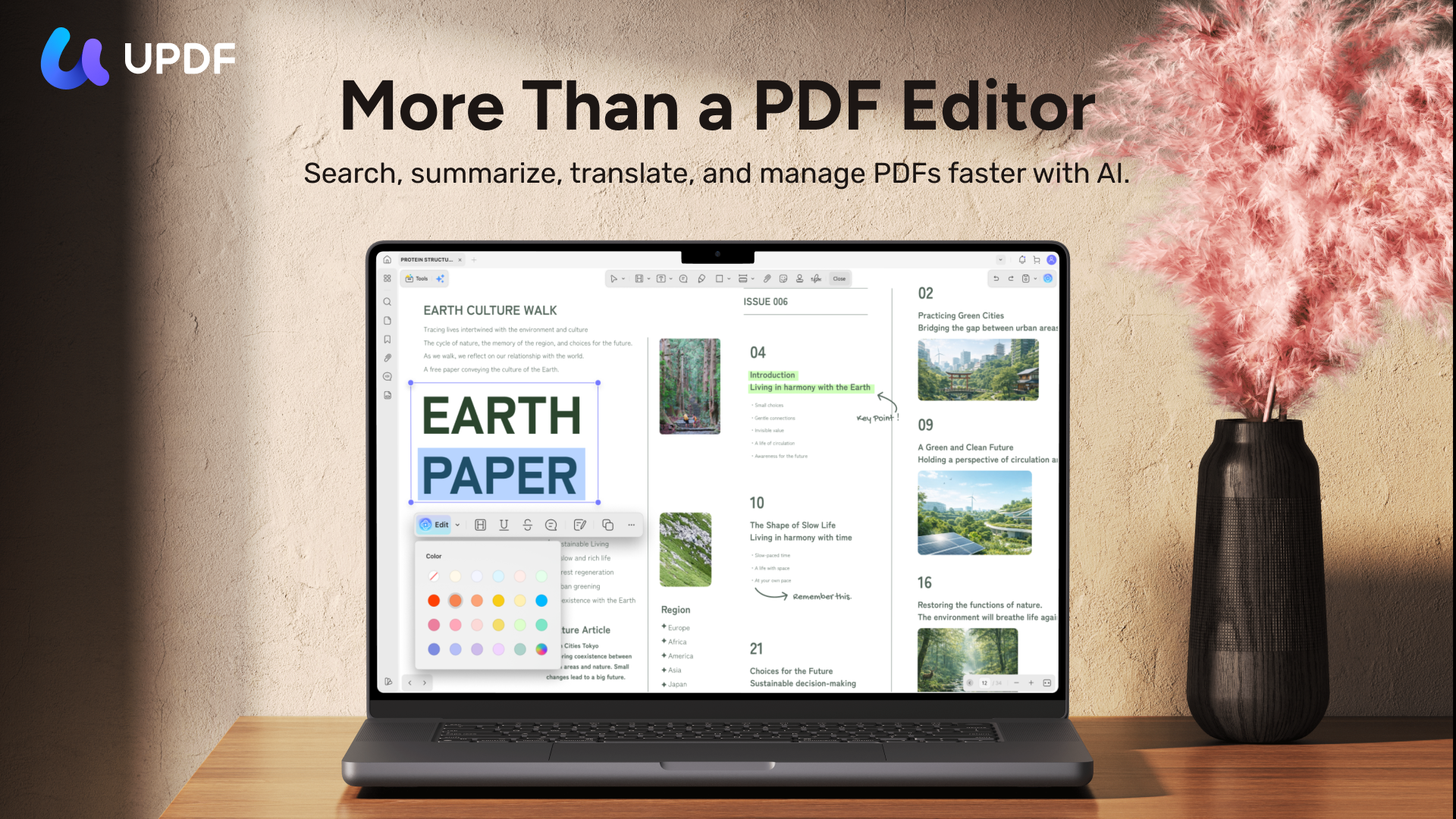
For people who regularly edit, review, convert, and deliver PDFs, UPDF offers a concrete combination of document tools and ongoing services. Its value can be evaluated against the five criteria above.
Windows • macOS • iOS • Android 100% secure
Output Quality: Edits That Keep Their Format, Answers That Keep Their Facts
UPDF combines editing, annotation, conversion, and page organization in one desktop application.
The editing results provide a specific reason to consider it. In the PDF text editing test, UPDF preserved the original font in all six digital-text PDFs and passed all six edits on the first attempt, including a longer number inserted into a narrow table cell. For reports and branded documents, preserving the font is part of getting a correction ready for delivery.
For buyers who also use AI to read documents, the same standard applies to information. The AI PDF accuracy test recorded 97.7% factual accuracy for UPDF AI against 95.5% for Acrobat AI, while Acrobat AI led on citation accuracy, 80.0% to 66.7%. UPDF AI kept qualifiers and exact table units that Acrobat AI sometimes normalized, which matters when extracting contract terms and financial figures. For work that depends on page references, check the cited passage against the source.
Converted files need to remain usable too. UPDF's conversion tools export PDFs to Word, Excel, and PowerPoint, so a report can return to a DOCX workflow and a table can move into a spreadsheet for analysis. The route also runs the other way: dragging a Word, Excel, PowerPoint, or image file into the desktop app converts it directly to PDF.
Ecosystem: One Account Across Devices and Connected PDF Tasks
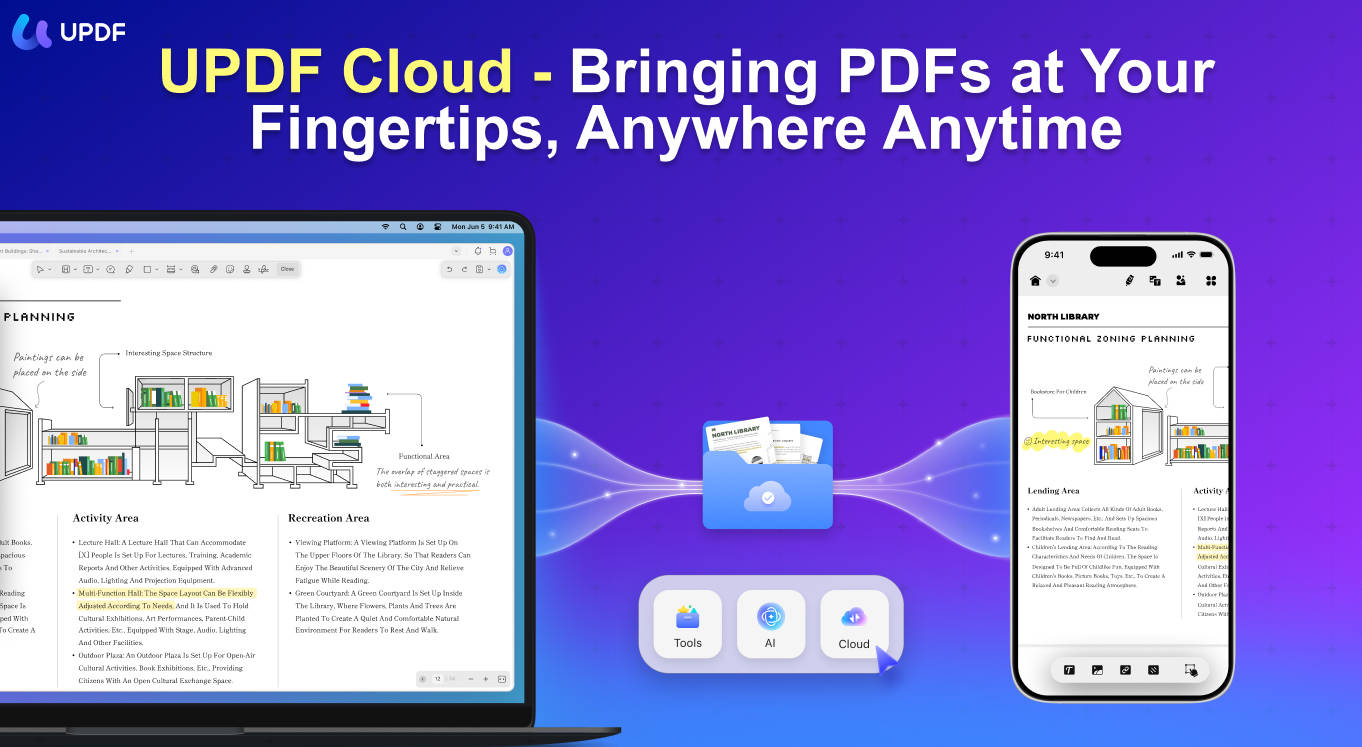
One UPDF account supports up to four devices, across Windows, Mac, iOS, and Android. Files uploaded to UPDF Cloud can be synchronized across devices and shared by link.
For someone preparing PDFs at a desk and reviewing them on a tablet, this connects the document work across their day. The toolkit also brings several recurring PDF tasks together, reducing the need to assemble an application for each one.
User Habits: An Asset for Existing Users, a Cost to Test for New Ones
For existing UPDF users, familiarity with editing, annotation, and page tools represents time already invested. Teams can also reuse their internal instructions when bringing colleagues into the same workflow.
For a new buyer, this criterion measures learning cost. The free version includes up to 100 AI questions and 5 OCR uses, with a trial watermark on saved or exported PDFs. Use those allowances on documents you know to assess both the results and the effort your usual tasks require before deciding whether to invest in a new routine.
Enterprise Services: Central Management for a Team
The UPDF Enterprise Management Dashboard lets administrators add and remove members, authorize and deauthorize licenses, and review license usage.
A business can give a new employee access and remove authorization when that person leaves. For organizations buying tools for multiple people, the enterprise plan adds centralized administration to the PDF capabilities employees need.
Long-Term Maintenance: Product Improvements, Upgrade Access, and Support
UPDF maintains its desktop and mobile applications through ongoing updates. Examples include an upgraded OCR plug-in on Windows, improved PDF-to-Excel conversion for borderless tables on Mac, and added SMB, SFTP, FTP, and WebDAV connections on iOS. These updates improve document recognition, make table data easier to reuse, and extend access to files on existing servers—practical improvements across the devices people use for PDF work.
For individual buyers, the UPDF lifetime license includes future major-version upgrades at no extra charge. UPDF also provides 24/6 customer service and an email support channel for product issues. The purchase therefore includes access to product improvements and a defined support service alongside the PDF tools themselves.
What It Costs
As of October 2026, individual buyers can choose UPDF Pro at US$49.99 per year or US$79.99 for a one-time lifetime license; both remove the trial watermark from exported files. Ongoing AI access is priced separately, with the standalone AI Assistant plan at US$79 per year for unlimited use.
The Pro purchase page also offers an optional 7-day unlimited AI trial, which automatically renews as a paid AI subscription unless canceled. See the current plans for pricing and trial terms, and choose the combination that matches the tasks and services you use.
UPDF fits best for frequent PDF work and for teams that need centrally managed access.
Windows • macOS • iOS • Android 100% secure
Conclusion
AI-assisted software gives users more reason to question an old bill. A familiar feature list starts the comparison; output quality, ecosystem, user habits, enterprise services, and maintenance determine what completing the work will cost.
Evaluate the price alongside the value you receive: dependable results, connected workflows, ongoing maintenance, and time saved on recurring tasks. For frequent PDF users, that value carries through everyday work and provides concrete reasons to choose UPDF Pro.
Start with the PDF task you handle most often.
Download UPDF for free to try editing your own document—installation is free, and Pro removes the trial watermark from exported files.
Windows • macOS • iOS • Android 100% secure
Disclaimer: This article was written in October 2026. Product features, pricing, licensing, and service terms may change over time.





 Engelbert White
 Enid Brown
 Grace Curry
