UPDF
UPDF
 UPDF for Windows
 UPDF for Mac
 UPDF for iPhone/iPad
 UPDF for Android
 UPDF AI Online
 UPDF Sign
 IvyCraft
 Edit PDF
 Annotate PDF
 Create PDF
 PDF Form
 Edit links
 Convert PDF
 OCR
OCR PDF to Word
 PDF to Image
 PDF to Excel
 Organize PDF
 Merge PDF
 Split PDF
 Crop PDF
 Rotate PDF
 Protect PDF
 Sign PDF
 Redact PDF
 Sanitize PDF
 Remove Security
 Read PDF
 UPDF Cloud
 Compress PDF
 Print PDF
 Batch Process
 About UPDF AI
 UPDF AI Solutions
 AI User Guide
 FAQ about UPDF AI
 Summarize PDF
 Translate PDF
 Chat with PDF
 Chat with AI
 Chat with image
 PDF to Mind Map
 Explain PDF
 PDF AI Tools
 Image AI Tools
 AI Chat Tools
 AI Writing Tools
 AI Study Tools
 AI Working Tools
 Other AI Tools
 AI Bookmark Generation
 AI Bookmark Summary
 AI Watermark Generation
 AI Background Generation
 AI Sticker Generation
 AI Stamp Generation
 AI Editing Suite
 UPDF Copilot
 AI Page Management
 AI Semantic Search
 PDF to Word
 PDF to Excel
 PDF to PowerPoint
 Enterprise Solution
 Enterprise Sign
 Enterprise AI
 Enterprise Plan
 Enterprise User Guide
 Enterprise Webinar
 Banking
 Healthcare
 Insurance
 Legal
Legal Manufacturing
 Government
 Education Solution
 Customer Stories
 User Guide
 UPDF Tricks
 FAQs
FAQs UPDF Reviews
 Download Center
 Blog
Blog Newsroom
 Tech Spec
 Updates
 UPDF vs. Adobe Acrobat
 UPDF vs. Foxit
 UPDF vs. PDF Expert

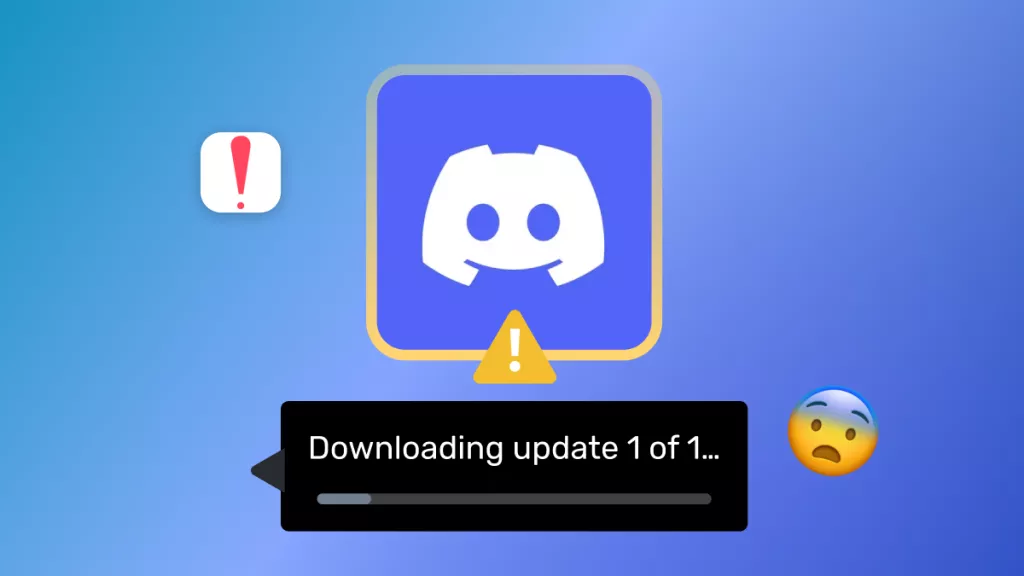
If you're seeing the "Your Unlicensed Adobe App Has Been Disabled" message, Adobe's Genuine Software Integrity Service has detected that the version you're running is not properly licensed — whether it's a cracked version, an expired trial with a bypass, an invalid serial key, or a tampered installer. In response, Adobe has remotely disabled your access.
The good news: you're not stuck. You have three options, depending on your situation:
Option 1 (Recommended): Switch to UPDF — a fully licensed, affordable PDF editor starting at $49.99/year that covers everything Acrobat does. No licensing headaches, ever.
Windows • macOS • iOS • Android 100% secure
Option 2: Purchase an official Adobe Acrobat license from Adobe's website.
Option 3: Download the free Adobe Acrobat Reader — limited to reading and basic annotation, but legitimate.
This guide explains what the error means, why it happens, and walks you through all three options.
The 3 Options at a Glance:
If you're seeing the “Your Unlicensed Adobe App Has Been Disabled” error, it means Adobe has found that your software is not officially licensed. To fix this issue, you have three main options:
- Switch to a Cheaper Adobe Alternative – UPDF
A legal and affordable solution at just $49.99/year. UPDF offers almost all the features of Adobe Acrobat, plus exclusive AI tools without Adobe's pricing.
Windows • macOS • iOS • Android 100% secure
- Buy the Official Adobe Acrobat License
Purchase a legitimate license (Pro: from $239.88/year) from Adobe to regain full functionality and avoid any future blocks.
- Download Adobe Acrobat Reader
If you only need basic features like reading and annotating PDFs, Adobe Reader is a safe and free option. Free Acrobat Reader does not include PDF editing, form creation, OCR, or most professional features. If you need those capabilities, it is not a substitute for Acrobat Pro or UPDF.
Part 1. What is Your Unlicensed Adobe App Has Been Disabled?
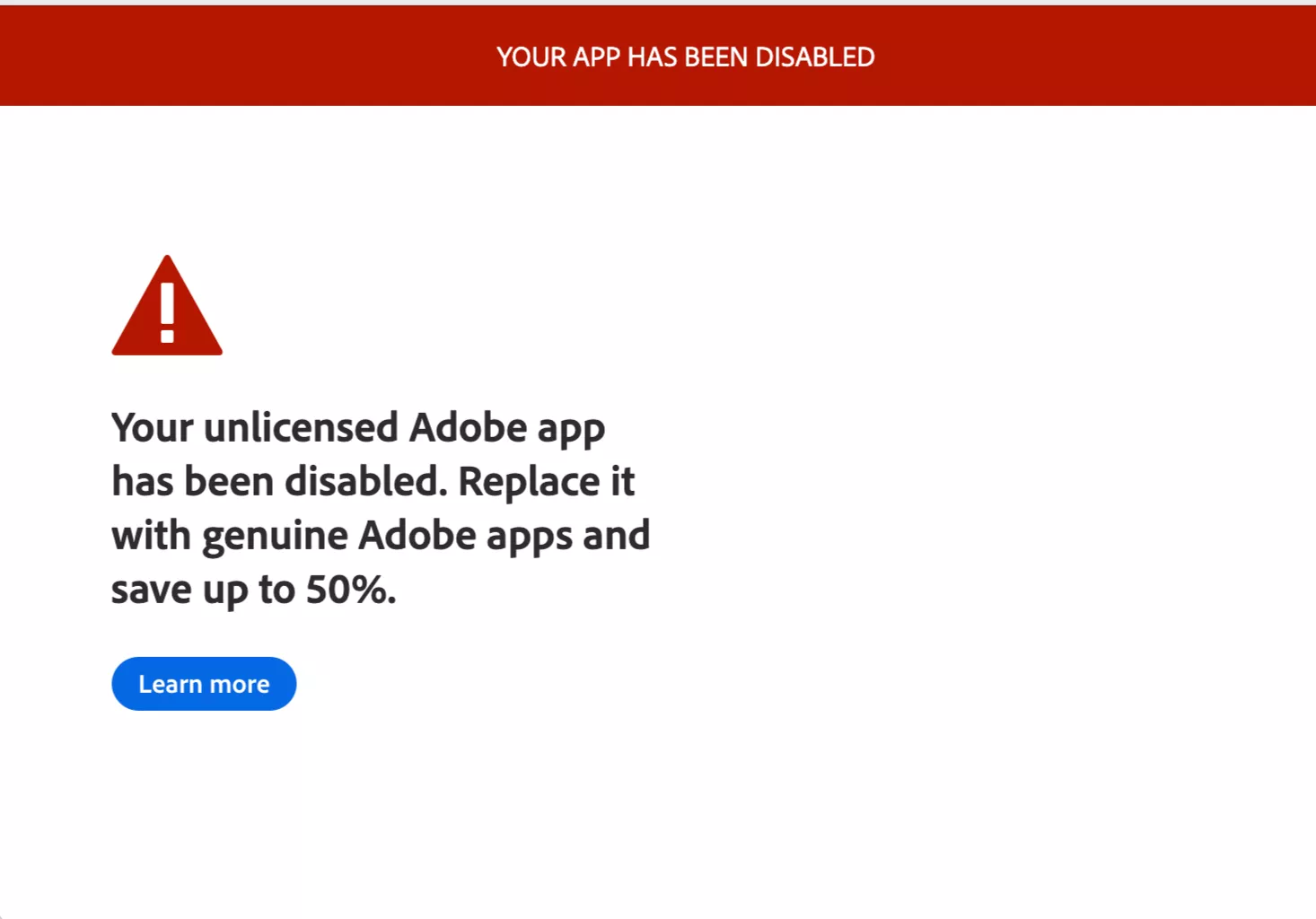
The "Your Unlicensed Adobe App Has Been Disabled" error is triggered by Adobe Genuine Software Integrity Service — a background process installed with most Adobe products that periodically checks whether the software has a valid license. When it cannot verify the license (for any reason), it remotely disables app functionality.
What you see when this happens:
- A persistent pop-up dialog that blocks access to the app
- The app launching but most tools grayed out or inaccessible
- A countdown notice indicating the app will be fully disabled
An important note for legitimate users:
Part 2. Why Do I Get Your Unlicensed Adobe App Has Been Disabled Error?
You may receive this error message if there is an issue with verifying your purchase. Below are the most common reasons why this can happen.
- Cracked or pirated Adobe software — Downloaded from a torrent site or unofficial source; the software has been modified to bypass licensing checks.
- Expired trial with a bypass patch — The free trial ended and a patch was used to extend it; Adobe's validation service detected the modification.
- Invalid or shared serial key — Using a key purchased from an unofficial reseller, shared on a forum, or generated by a keygen tool.
- Tampered installer — The original Adobe installer files were modified to unlock paid features; Adobe's integrity check detected the alterations.
- Unauthorized distribution — Downloaded from a third-party app store, file-sharing site, or torrent tracker rather than Adobe's official website.
Also possible:
Part 3. How to Fix “Your Unlicensed Adobe App Has Been Disabled”?
There are several workarounds to fix the error, “Your Unlicensed Adobe App Has Been Disabled.” Below are the three most effective solutions you can try.
Fix 1. Buy the Lowest Price Adobe Acrobat Alternative - UPDF
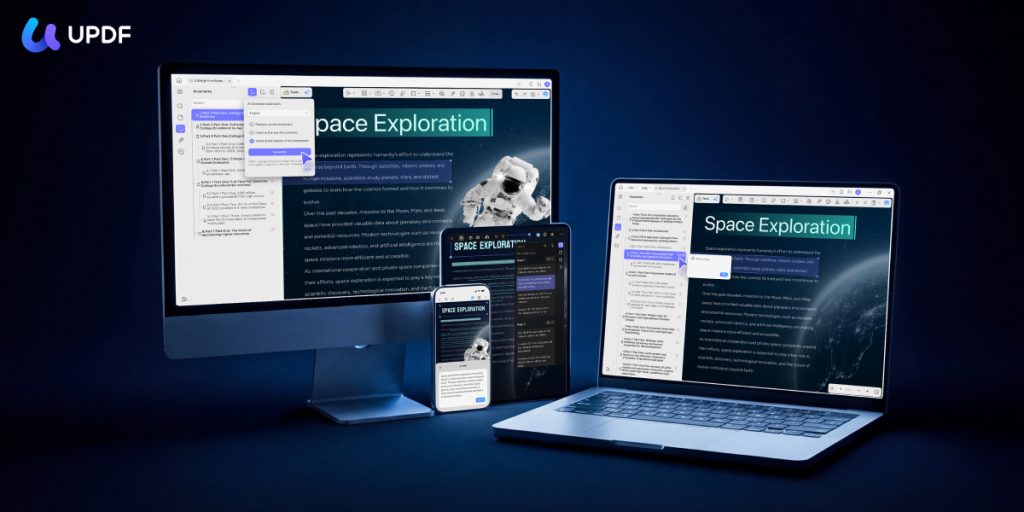
For most users seeing this error who were using Adobe for PDF editing, converting, or form work, UPDF is the most direct path back to full productivity. At $49.99/year — roughly 21% of Acrobat Pro's annual cost — it provides comparable PDF editing depth plus AI tools that Adobe charges extra for. You can also check the UPDF vs Adobe Acrobat comparison to make decision.
Why UPDF is the recommended choice over simply reinstating Adobe:
| Feature | Adobe Acrobat Pro | UPDF Pro |
|---|---|---|
| Annual Price | $239.88/year | $49.99/year |
| Lifetime License | ❌ | ✅ $79.99 (one-time) |
| Platforms per License | 2 Computers | 2 PCs + 2 mobile devices |
| AI Features Included | Add-on (extra cost) | Add-on (extra cost); 7-day free trial |
| No Licensing Errors | ✅ | ✅ |
Windows • macOS • iOS • Android 100% secure
Core PDF capabilities:
- Edit PDFs: Modify text, images, links, watermarks, headers, footers, and backgrounds directly within PDF files
- Annotate: Highlight, underline, strikethrough, shapes, stamps, stickers, and freehand drawing
- Read aloud: UPDF can read PDF content aloud — useful for long documents
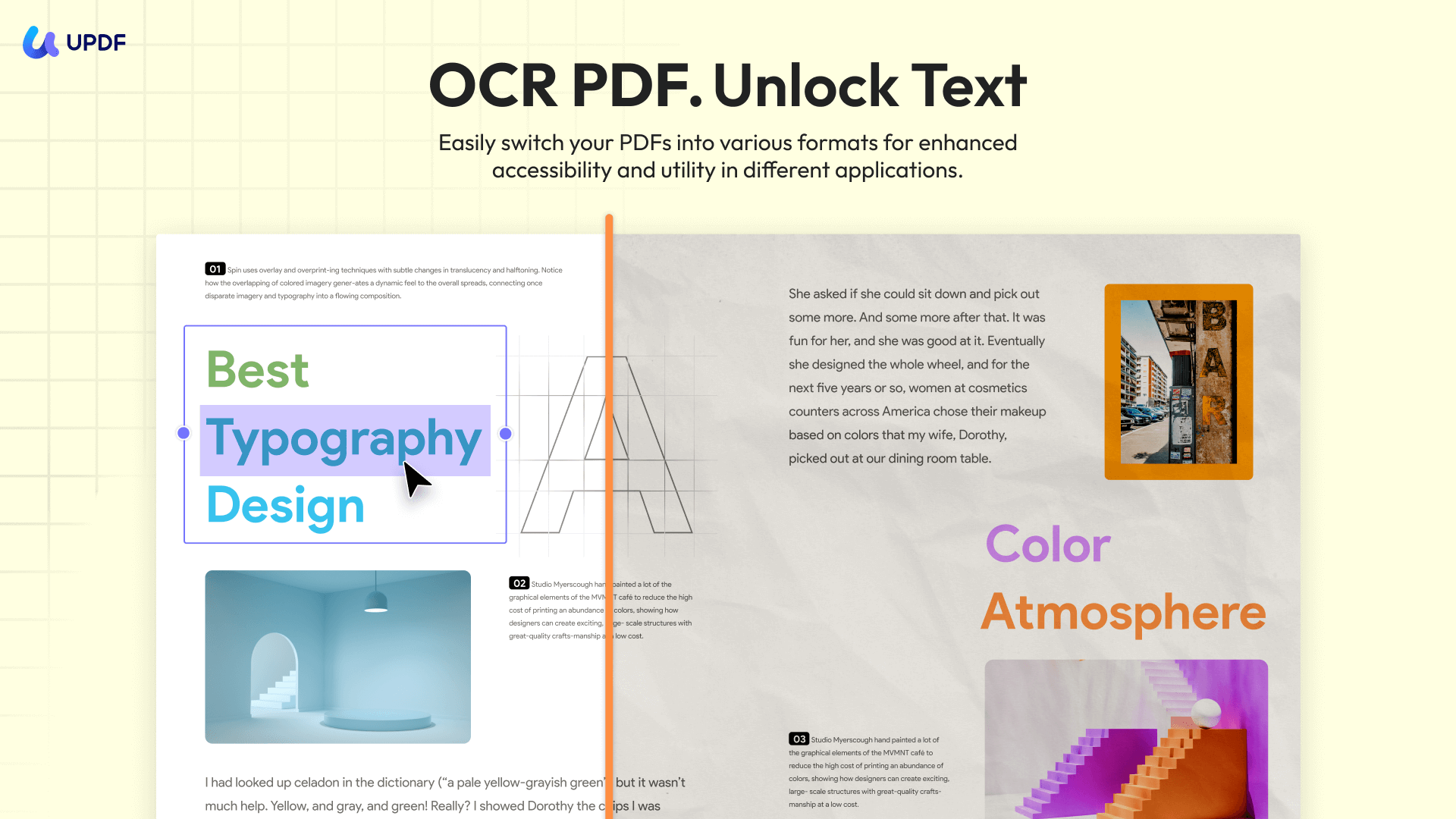
- OCR in 38 languages: Convert scanned PDFs into searchable, editable text with up to 99% accuracy
- Convert: Export to Word, Excel, PowerPoint, images; import from those formats to PDF
- Forms: Create fillable forms with all field types; auto-fill support; digital and handwritten signatures
- Batch processing: Batch-perform OCR, conversion, compression, and encryption across multiple files
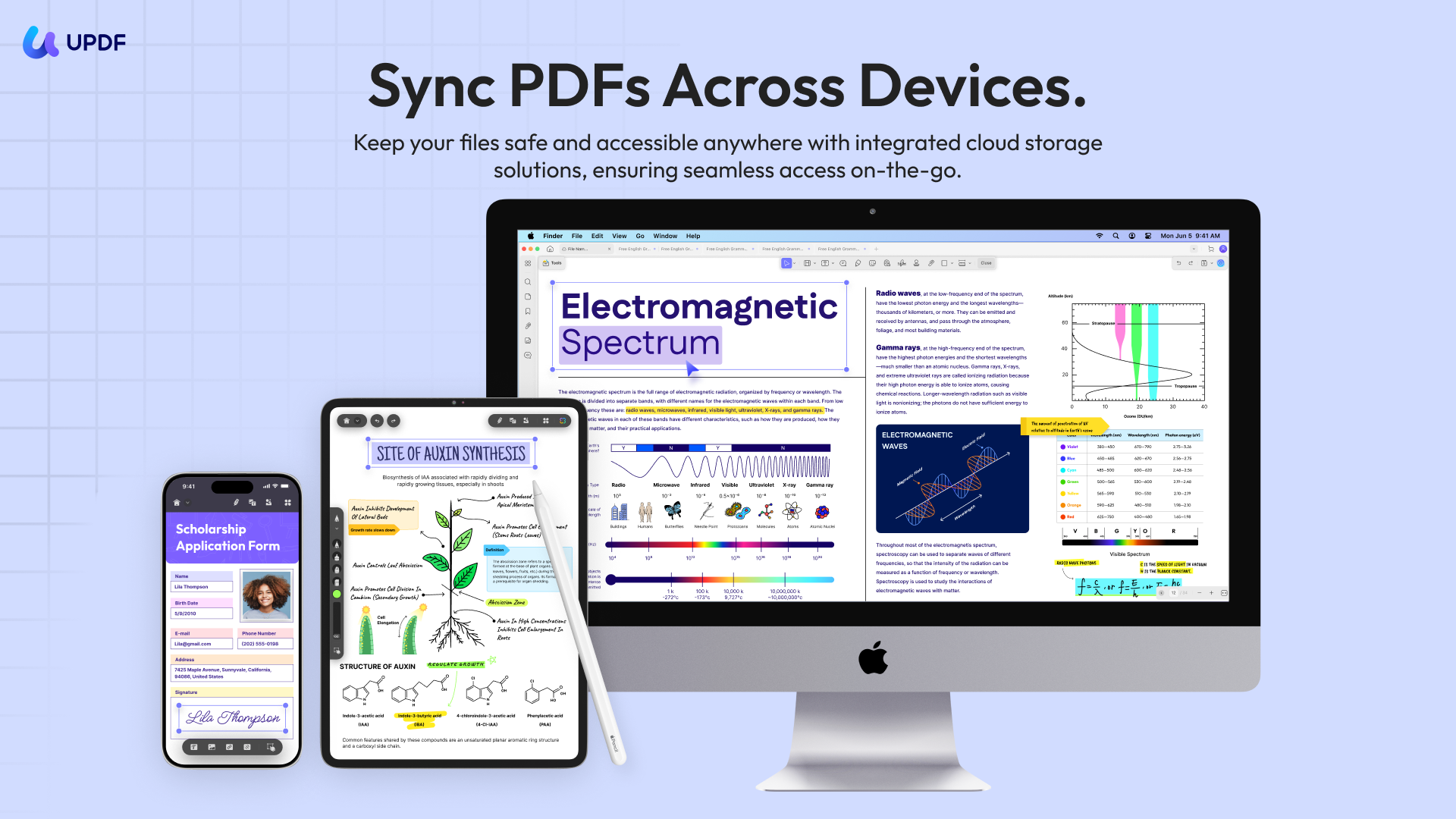
- UPDF Cloud: Sync PDFs across all your devices automatically
AI features — what makes UPDF more valuable than Acrobat, not just cheaper:
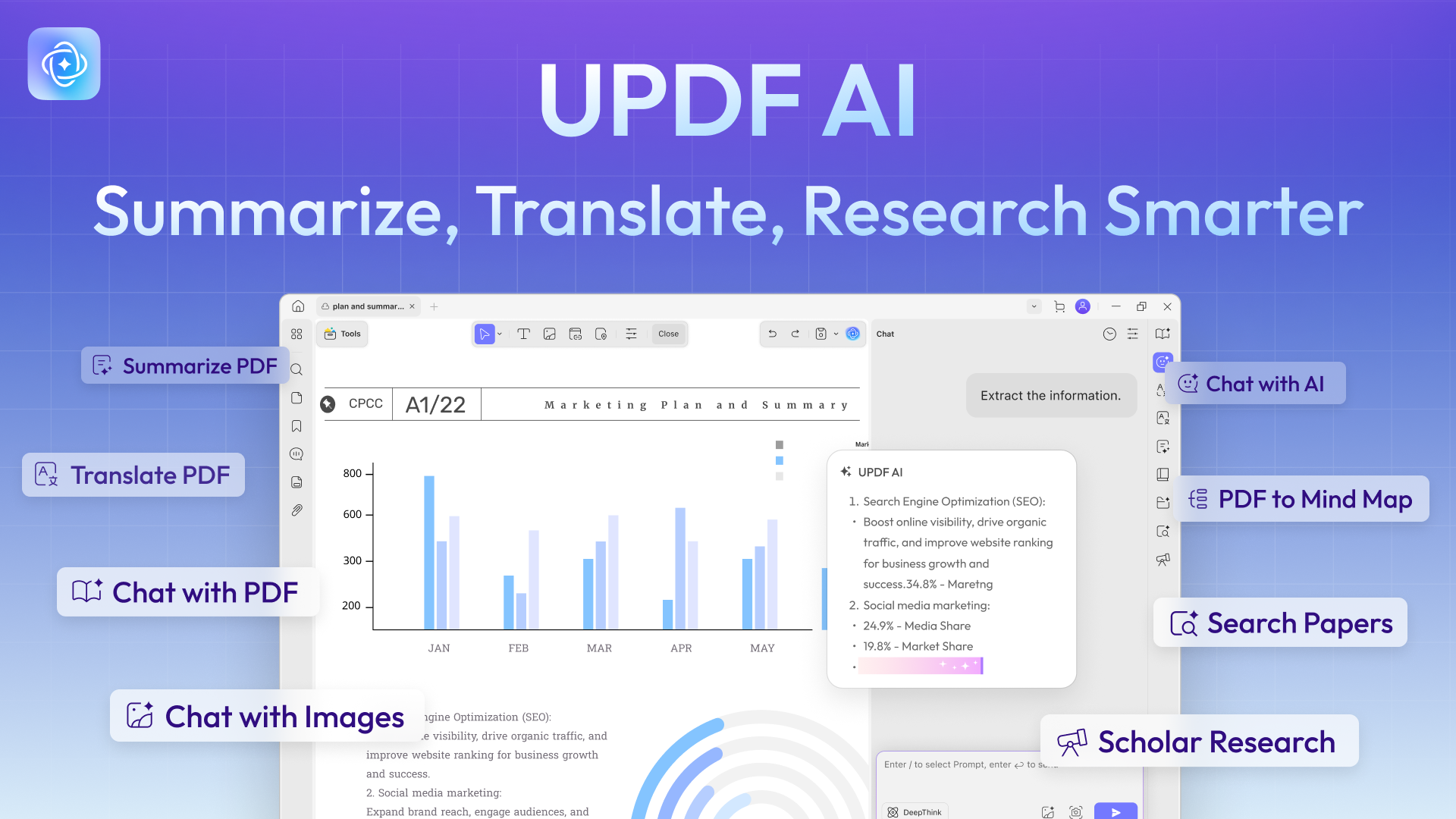
- Chat with PDF: Ask any document direct questions in plain language and get instant, context-aware answers with UPDF AI. For users switching from Adobe who regularly work with contracts, reports, or research papers, this replaces the need to manually read through entire documents to find specific information.
- AI Editing Suite: Rewrite, rephrase, or adjust the tone of any text block directly inside the PDF — without exporting to Word. For users who regularly edited document content in Acrobat, this eliminates the export-edit-reimport cycle that Adobe users know well.
- AI Page Organizer: Automatically scans multi-page documents for page-level issues — blank pages, reversed pages, misaligned scans — and presents one-click fixes. For users switching from Acrobat who frequently work with scanned documents or assembled PDFs, this removes a time-consuming manual review step.
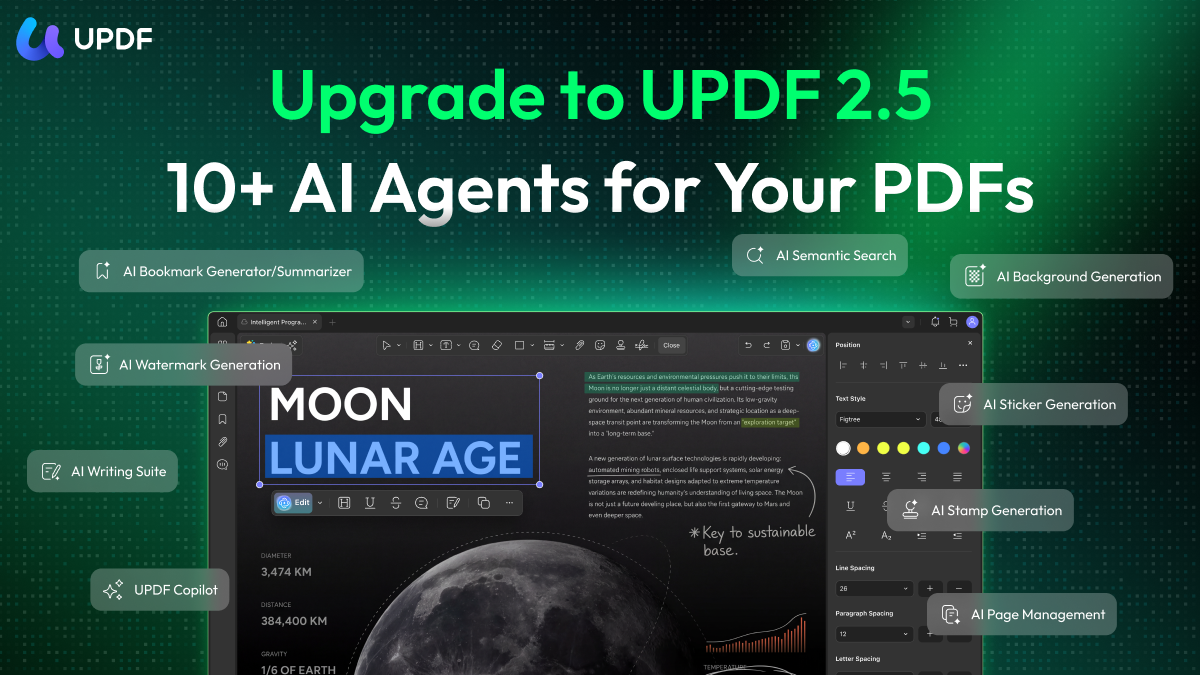
- AI Semantic Search: Search any PDF for a concept by meaning rather than exact keyword — UPDF surfaces synonyms alongside exact matches, making it significantly faster to locate relevant content in long documents.
Watch the video below to know more about UPDF's AI features:
How to Buy and Activate UPDF’s License
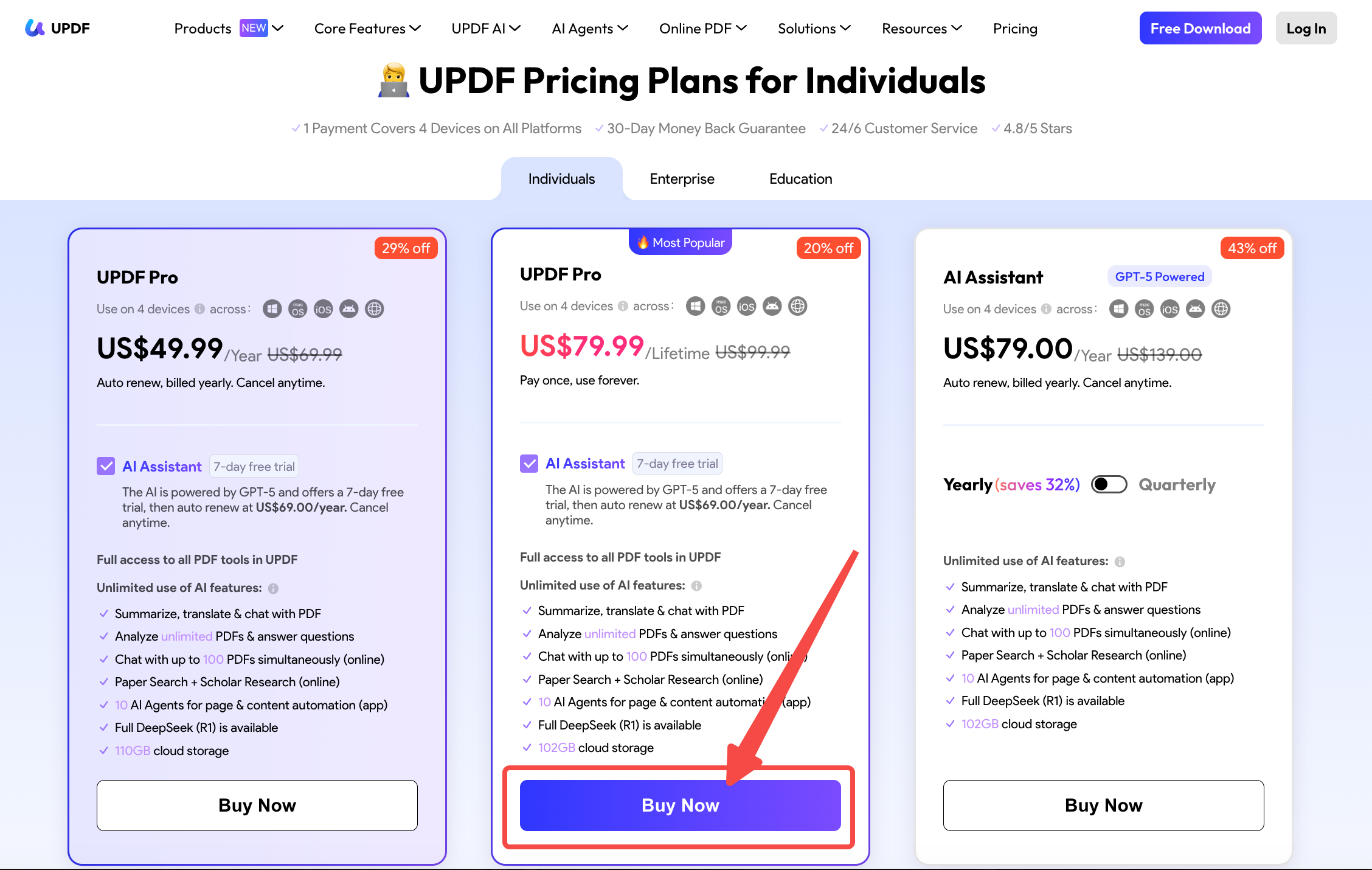
Step 1. Click this link to choose the plan that suits you best: https://updf.com/pricing-individuals/.
Step 2. Choose a yearly or lifetime plan for the full software, and optionally add the AI assistant. Then click “Buy Now.”
Discount Notice
Step 3. When checking out, click the “Log in to Purchase” option. Then enter your email address.
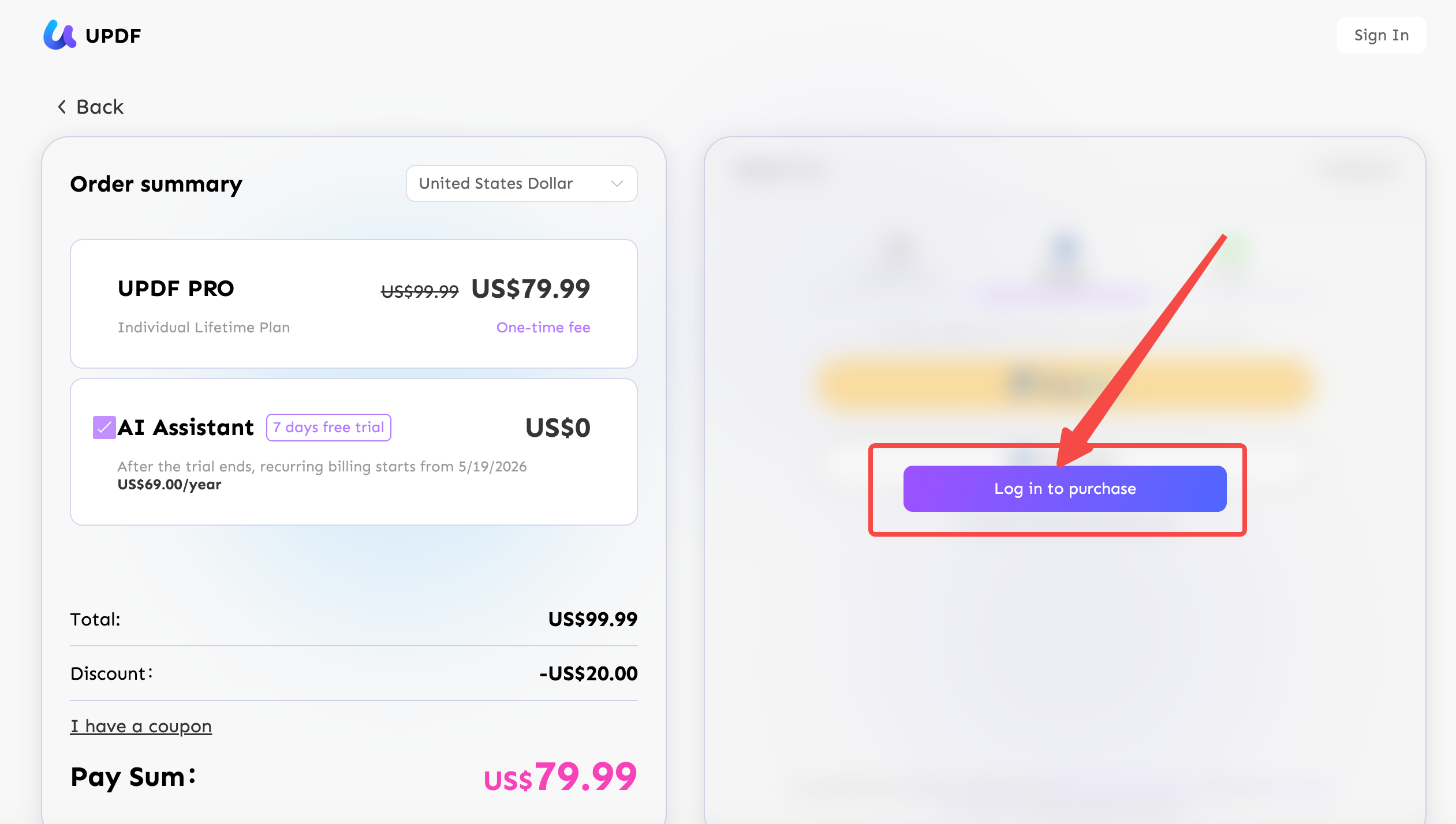
Step 4. Select whether to use your credit card or PayPal for the payment. Then, complete the transaction.
Step 5. Download and install UPDF on your device. Open it and click the "Login" button at the top right.
Windows • macOS • iOS • Android 100% secure
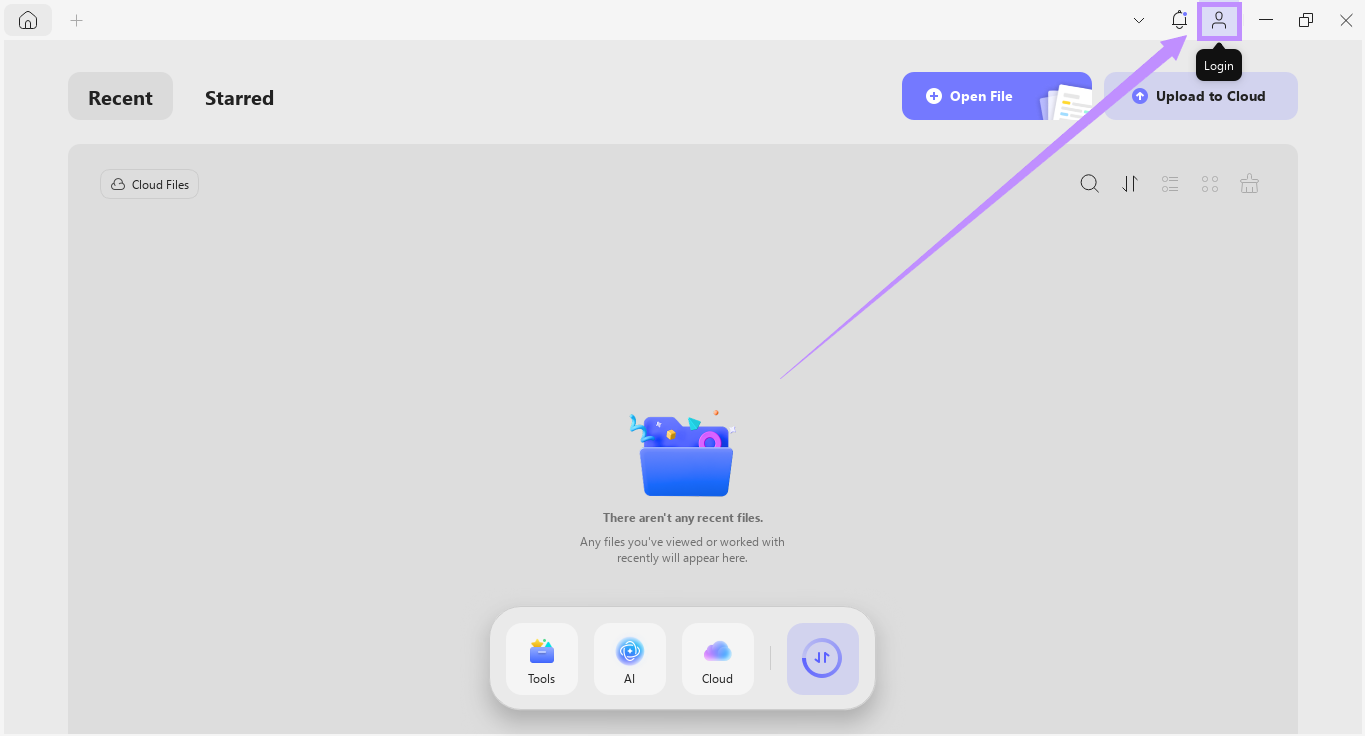
Step 6. Enter the same email address you used to purchase the license. Then follow the instructions to complete the login.
Once you are signed in, UPDF will be activated automatically. Now, you can use all pro features to manage your PDFs! If you want to learn more about what you can do with UPDF, you can read this review article or watch the video here.
Fix 2. Buy the Adobe Acrobat License
If you specifically need to continue using Adobe Acrobat — perhaps due to a workflow dependency or organizational policy — purchasing an official license removes the error permanently.
Before purchasing, note the current plan options (2026):
- Acrobat Standard: ~$179.88/year — editing, annotation, basic forms, and conversion; no advanced OCR batch or AI features
- Acrobat Pro: ~$239.88/year — full feature set including advanced OCR, form creation, digital signatures, and Adobe Acrobat AI Assistant (additional cost)
- Acrobat Studio: ~$299.88/year — complete set of PDF tools, PDF Spaces, Acrobat AI Assistant, and Adobe Express Premium
- Adobe Acrobat AI Assistant: Available as an add-on to paid Acrobat plans; billed separately
Both plans are subscription-only — Adobe no longer offers perpetual (one-time purchase) licensing for Acrobat. If perpetual licensing matters to you, UPDF's {{price.en.individuals.updflifetime}} one-time license is the better choice.
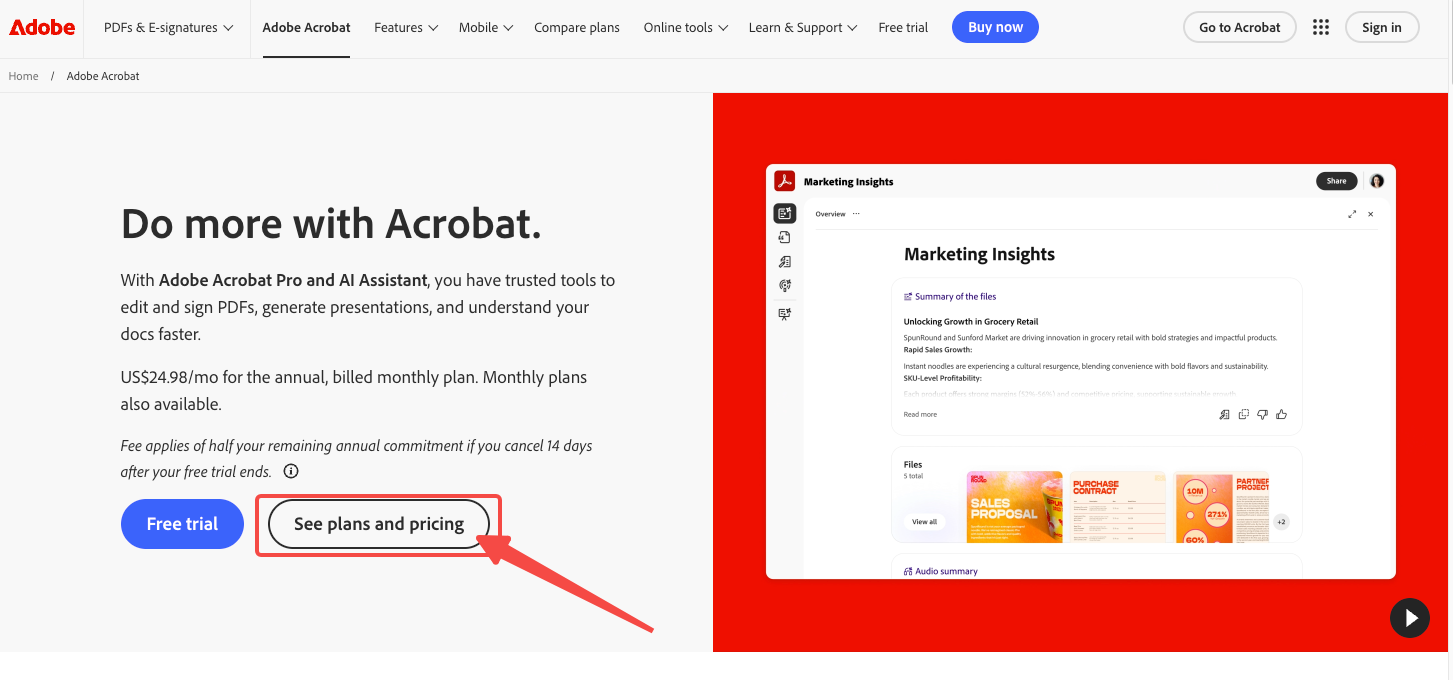
Step 1. Visit Adobe Acrobat's official website and click "See plans and pricing" from the main page.
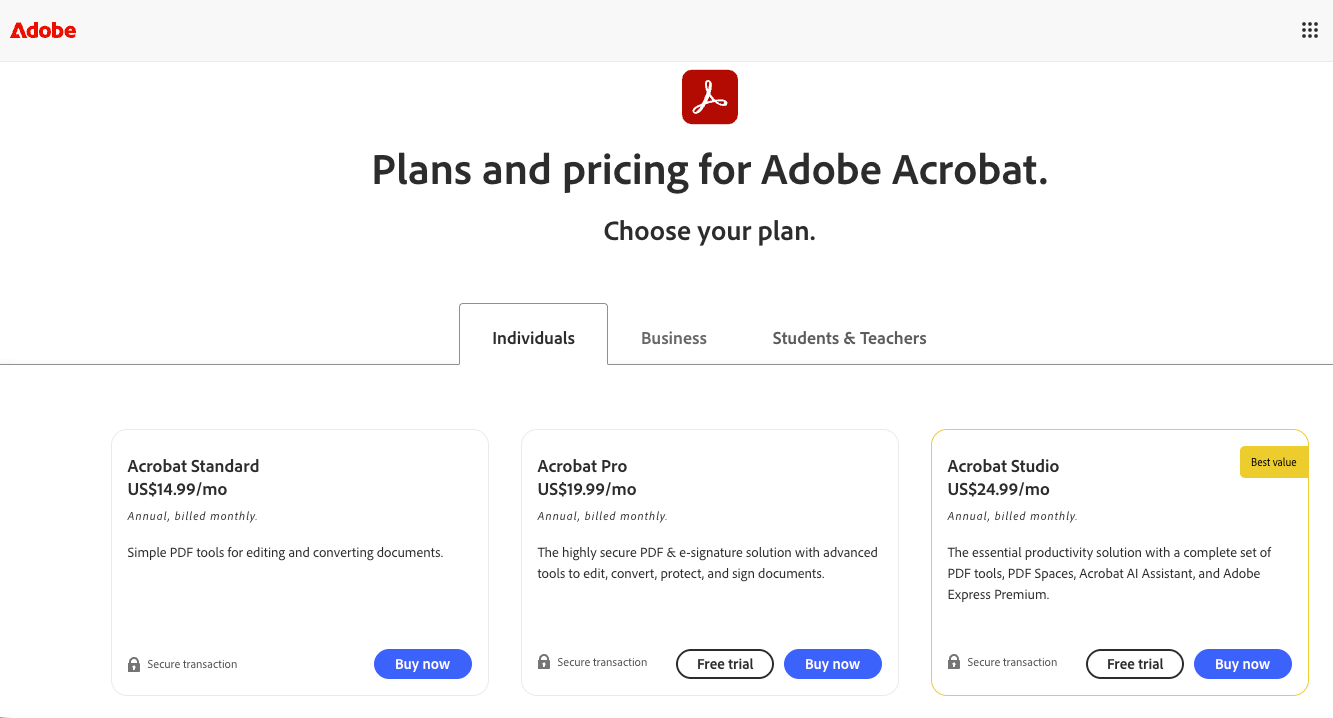
Step 2. Select between Acrobat Standard and Acrobat Pro. You can also choose to include the Acrobat AI assistant with your purchase. Then click “Buy Now.”
Step 3. From the pop-up window, choose your desired subscription plan and click “Continue.”
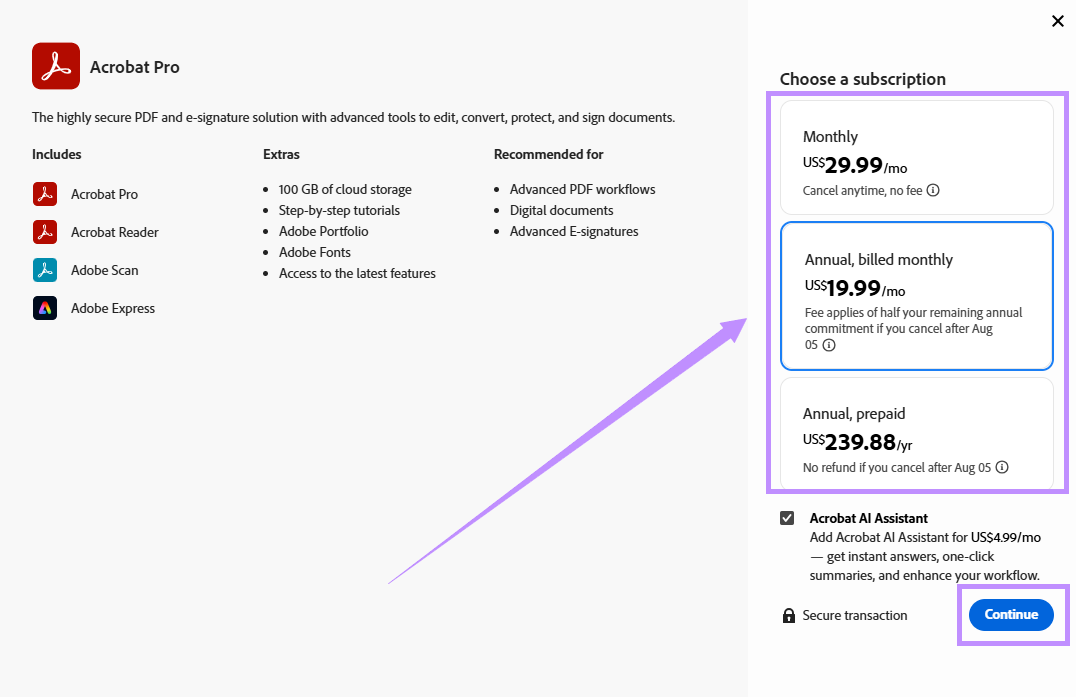
Step 4. Sign in to the Adobe website using your email ID. Select how you want to pay and enter your billing details. Then, click “Agree and subscribe” to complete the purchase.
Fix 3. Download the Official Software
Since Acrobat Pro comes with an extensive price tag, not everyone can afford it. However, instead of relying on the disabled version, you can download the official Acrobat Reader, which is free and legal to use. While it doesn’t have all the editing tools of Acrobat Pro, it still lets you read, view, and annotate PDFs without any cost.
Step 1. Go to Acrobat Reader’s official webpage. Deselect any extra downloads, like McAfee, if you don’t want to use them.
Step 2. Click “Download Acrobat Reader” to get the setup file for your device.
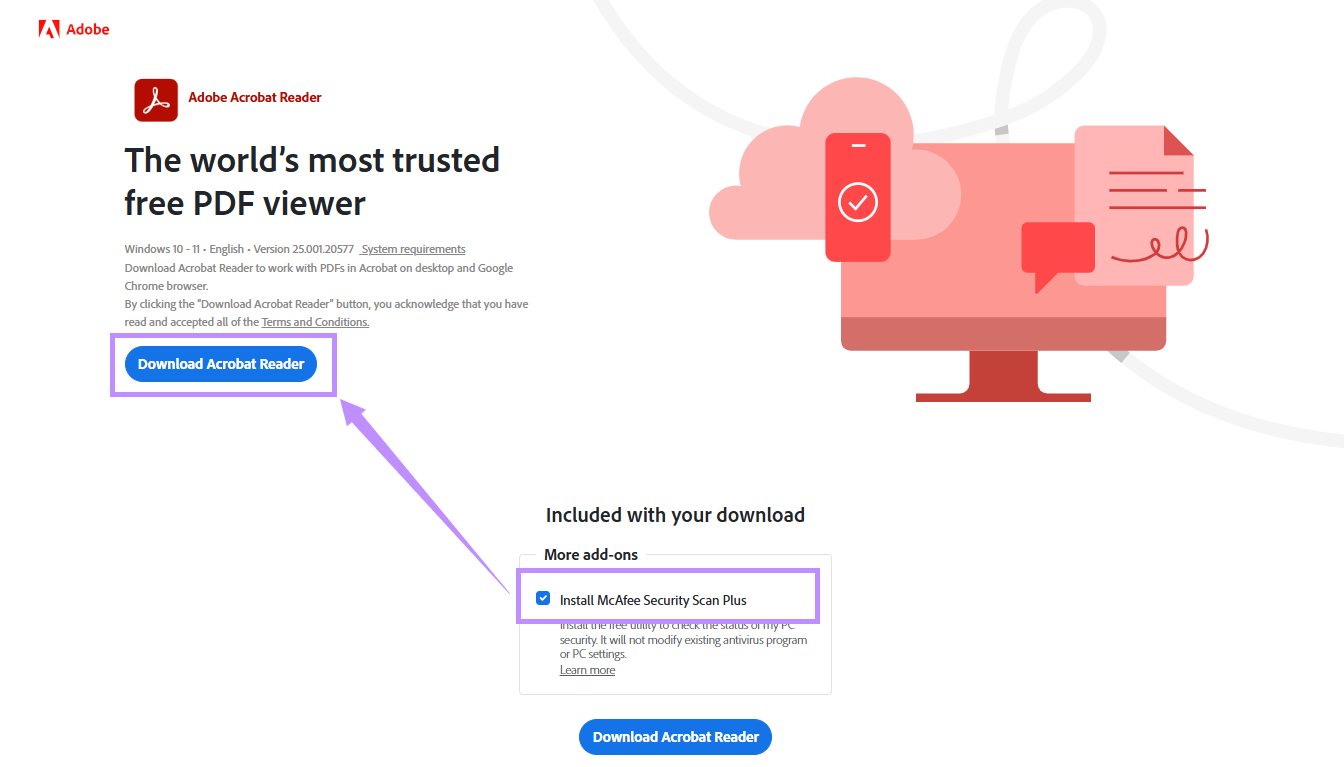
Step 3. Open the setup file and follow the instructions to install it on your computer. Then, launch Acrobat and you can view, print, and annotate PDFs for free.
Part 4. FAQS About Your Unlicensed Adobe App Has Been Disabled
Will my unlicensed Adobe app be permanently disabled after 10 days?
Yes. Adobe typically gives a 10-day grace period after detecting a licensing issue, during which the app continues to work with persistent warning pop-ups. After this period, the app is disabled entirely — you lose access to all features until the licensing issue is resolved. There is no way to extend the grace period.
How does Adobe detect that my software is unlicensed?
Adobe's Genuine Software Integrity Service (AGSIS) runs as a background process on your system. It periodically contacts Adobe's servers to validate the software's serial number, activation status, and digital signatures against Adobe's license database. If validation fails — due to a fake serial, a cracked file, or a server-side issue — AGSIS flags the installation and triggers the warning.
I purchased a legitimate Adobe license but still see this error. What should I do?
This can happen due to: (a) a payment processing failure that put your subscription in a suspended state; (b) signing in on more devices than your license covers; or (c) a sync error between your Adobe ID and the software's activation status. To resolve it: sign out of Adobe Creative Cloud on all devices, then sign back in. If the error persists, contact Adobe Support directly at https://helpx.adobe.com/support.html — they can manually reactivate your account.
Is UPDF a safe and legitimate alternative to Adobe Acrobat?
Yes. UPDF is developed by Superace Software Technology Co., Ltd., is ISO 27001 certified for information security, holds G2 Leader status for Spring and Winter 2026, and is a PDF Association member. It is fully licensed software with no usage restrictions or licensing errors. A single license covers Windows, Mac, iOS, and Android simultaneously.
Final Words
The "Your Unlicensed Adobe App Has Been Disabled" error has a straightforward resolution path. If you need read-only access, free Acrobat Reader resolves it immediately. If you want to continue with full PDF editing under a proper license but without Adobe's pricing, UPDF is the most direct switch — covering everything Acrobat does professionally, plus AI automation tools like AI Editing Suite (for in-place text refinement), AI Page Organizer (for automated page-level cleanup), and AI Semantic Search (for finding content by meaning across long documents).
The licensing model is also simpler: one UPDF license covers 2 desktops and 2 mobiles simultaneously, with no risk of "unlicensed" errors.
Download UPDF for free and activate your license — no subscription required to start, and no Adobe dependency ever again.
Windows • macOS • iOS • Android 100% secure





 Enola Davis
 Enya Moore