 UPDF
UPDF
 UPDF for Windows
 UPDF for Mac
 UPDF for iPhone/iPad
 UPDF for Android
 UPDF AI Online
 UPDF Sign
 Edit PDF
 Annotate PDF
 Create PDF
 PDF Form
 Edit links
 Convert PDF
 OCR
OCR PDF to Word
 PDF to Image
 PDF to Excel
 Organize PDF
 Merge PDF
 Split PDF
 Crop PDF
 Rotate PDF
 Protect PDF
 Sign PDF
 Redact PDF
 Sanitize PDF
 Remove Security
 Read PDF
 UPDF Cloud
 Compress PDF
 Print PDF
 Batch Process
 About UPDF AI
 UPDF AI Solutions
 AI User Guide
 FAQ about UPDF AI
 Summarize PDF
 Translate PDF
 Chat with PDF
 Chat with AI
 Chat with image
 PDF to Mind Map
 Explain PDF
 PDF AI Tools
 Image AI Tools
 AI Chat Tools
 AI Writing Tools
 AI Study Tools
 AI Working Tools
 Other AI Tools
 AI Bookmark Generation
 AI Bookmark Summary
 AI Watermark Generation
 AI Background Generation
 AI Sticker Generation
 AI Stamp Generation
 AI Editing Suite
 UPDF Copilot
 AI Page Management
 AI Semantic Search
 PDF to Word
 PDF to Excel
 PDF to PowerPoint
 Enterprise Solution
 Enterprise Sign
 Enterprise AI
 Enterprise Plan
 Enterprise User Guide
 Enterprise Webinar
 Banking
 Healthcare
 Insurance
 Legal
Legal Manufacturing
 Government
 Education Solution
 Customer Stories
 User Guide
 UPDF Tricks
 FAQs
FAQs UPDF Reviews
 Download Center
 Blog
Blog Newsroom
 Tech Spec
 Updates
 UPDF vs. Adobe Acrobat
 UPDF vs. Foxit
 UPDF vs. PDF Expert

PDF Drive has an amazing visit rate of 17.4M and a Bounce Rate of 32.52%. In addition, this online tool offers around 75 million eBooks, magazines, essays, and other publications to read. Yet, many users wonder, is it safe to use PDF Drive? Is it safe to download free PDF books? And, Is PDF Drive legal in the USA? Are you also struggling with the same questions?
Let us tell you, PDF Drive is one of the safest and most reliable online platforms to search, read, and download eBooks. However, a decrease in its global ranking (from 918 to 2,429) has increased online readers’ concerns. Well, apart from some minor issues (transferring viruses through files), the PDF Drive is all safe!
In this post, we have reviewed PDF Drive; you can read this post to understand PDF Drive's facts and figures. Eventually, you can better decide the reliability of pdfdrive.com books. In Part 6 of this article, we will also introduce you to the best PDF reader and annotator available in the market. So, after downloading your favorite eBook or PDF books from PDF Drive, you can enhance your reading experience through this multi-functional PDF reader. Try it now.
Windows • macOS • iOS • Android 100% secure
Part 1. What Is PDF Drive?
You will second me that reading PDF files without compatible software is an annoying task. Among hundreds of PDF reading platforms, PDF Drive is undoubtedly a reliable online platform to read and download files. This online platform also helps you preview PDF files - eBooks, articles, magazines, and more.
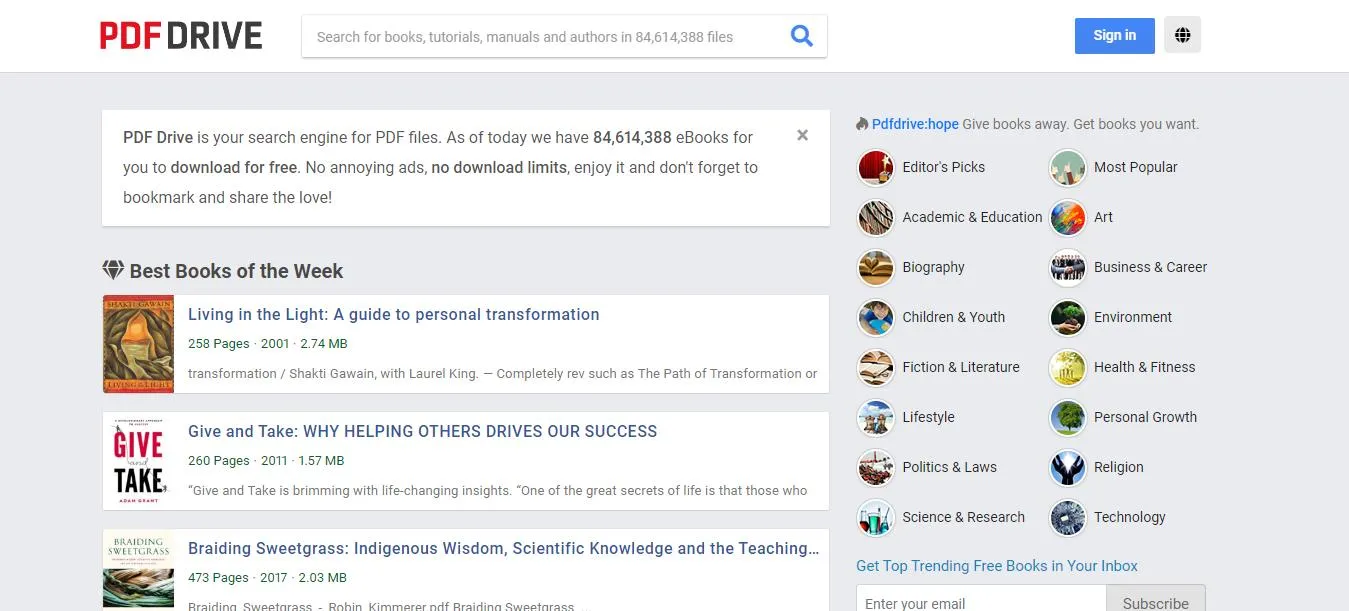
PDF Drive offers millions of titles for users to read - all in one place. If you need a PDF on any specific topic, you can search for it from the categories "Most Popular and Editor's Pick Option."
After observing the high price rates of different platforms, PDF Drive users often wonder, Is PDF Drive no longer free? Or how much do we have to pay to use it? Luckily, PDF Drive is still free for all eBook lovers. Despite being free, there is no download limit or annoying ads; you can enjoy your favorite eBook without any hassle.
Part 2. Is PDF Drive Safe?
If you are a regular PDF user, you might be confused Is it safe to use PDF Drive? Well, in the world of unreliable platforms, your concern is genuine! PDF Drive is a safe drive with millions of titles, educational material, and free eBooks but sometimes the PDF files can have malware or dangerous viruses.
These viruses are very dangerous for your PC and personal data. Still, there is no need to worry; you can protect your devices by installing a good antivirus program.
Is it safe to download free PDF books is another question that new PDF Drive users frequently ask. The same as above, it is also safe to download PDF Books from PSF Drive but sometimes you can also face an issue here. Actually, all original eBooks uploaded by real authors or publishers are safe to download. But, the problem arises when you try to download pirated versions.
Part 3. Is PDF Drive Legal In The USA?
PDF Drive is an amazing platform that is loved by people all around the world. The great news is, it is also legal in the USA. The problem may knock at your door when you try to read pirated versions of the books, as it is illegal in America.
Part 4. Why Can't I Download Books From PDF Drive?
Although PDF Drive allows you to easily download books on different topics, users sometimes get irritated when they face difficulties downloading the books. Did you ever fail to download PDF files and try to figure out the answer to Why can't I download books from PDF Drive?
Well, there could be multiple reasons behind this error, such as:
- Unstable internet connection
- Server issues
- Website maintenance
- Outdated browser
- Cache
- Device problems (such as outdated software and hardware)
- Corrupted or large-size files
So, to avoid issues while downloading pdfdive.com books, always keep the software and hardware updated on the devices. Moreover, you need to check the internet connection and the website server status using various tools available on the internet.
Part 5. Sites Like PDF Drive
There is a long list of sites like PDF Drive; all have different features and perks. We have mentioned the five best sites that are similar to PDF Drive.
Let's have a look at them!
1: Bookboon.Com
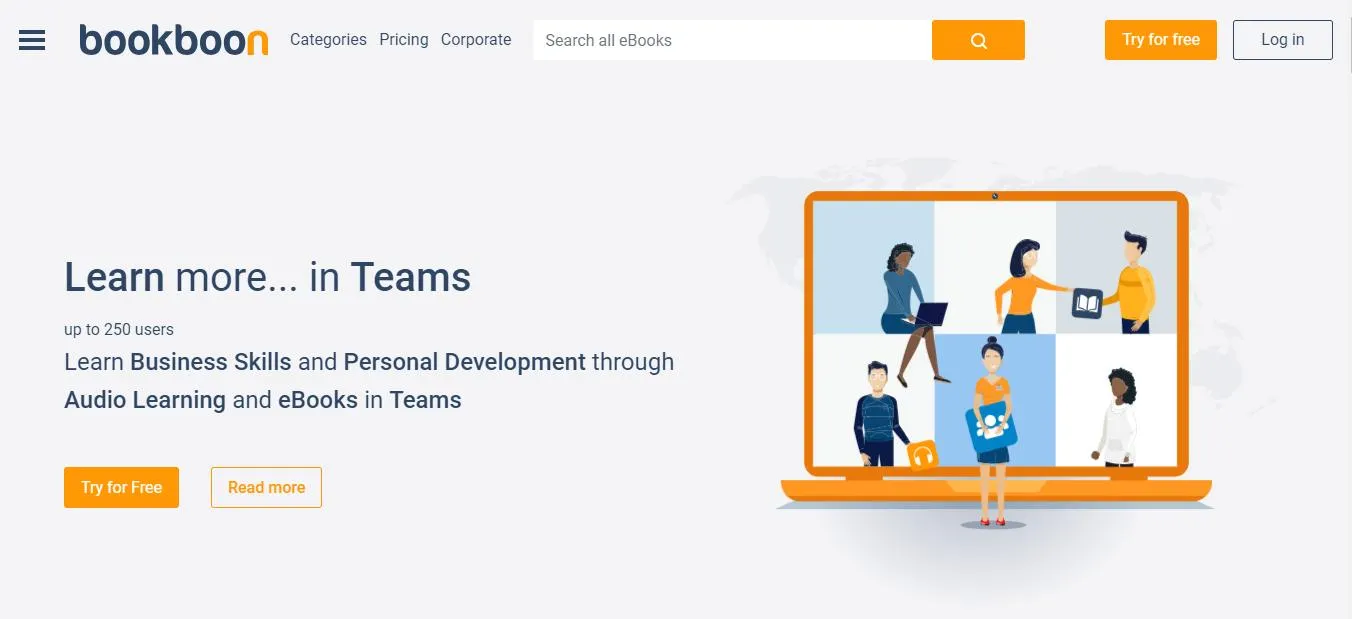
Bookboon.com is an excellent site with many similarities to PDF Drive. People who don't have time or money to handle physical books can visit Bookboon.com to fulfill their needs. Its vast range of book options makes it an unmatched option in the market. Above all, Bookboon.com keeps a wide range of book collections, around 10,000 titles.
Most of the books are written by renowned university teachers. The site also allows you to become an author write books for others and deliver comprehensive information on different topics. You can also get the site's newsletter by sharing your email ID.
2: Project Gutenberg
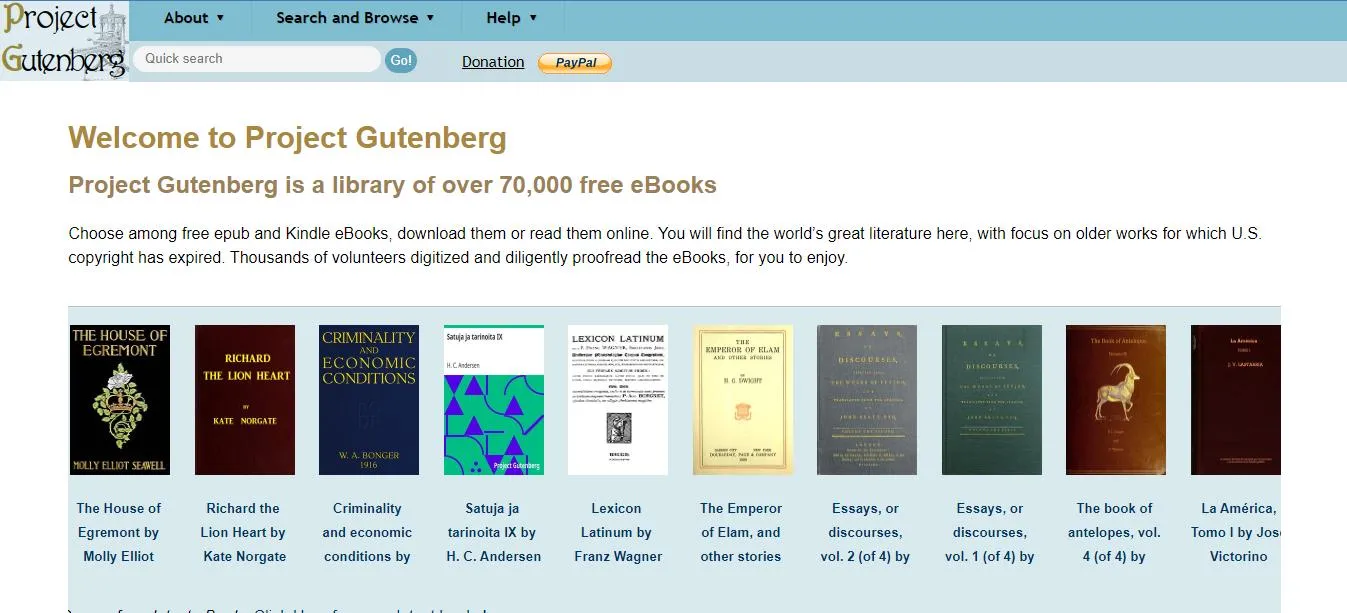
Project Gutenberg is another PDF-supported site that is similar to PDF Drive. This platform offers around 70,000 ebooks to read. It is a perfect digital library that offers books in different formats. Hence, you can download and read eBooks in any of your favorite formats.
This online platform has classical literature but you can find many other topics as well. Delightfully, you don't need to pay any registration fee to read ebooks on this website. The most adorable feature of Project Gutenberg is its ad-free interface. You can read books without receiving annoying advertisements.
3: Smashwords
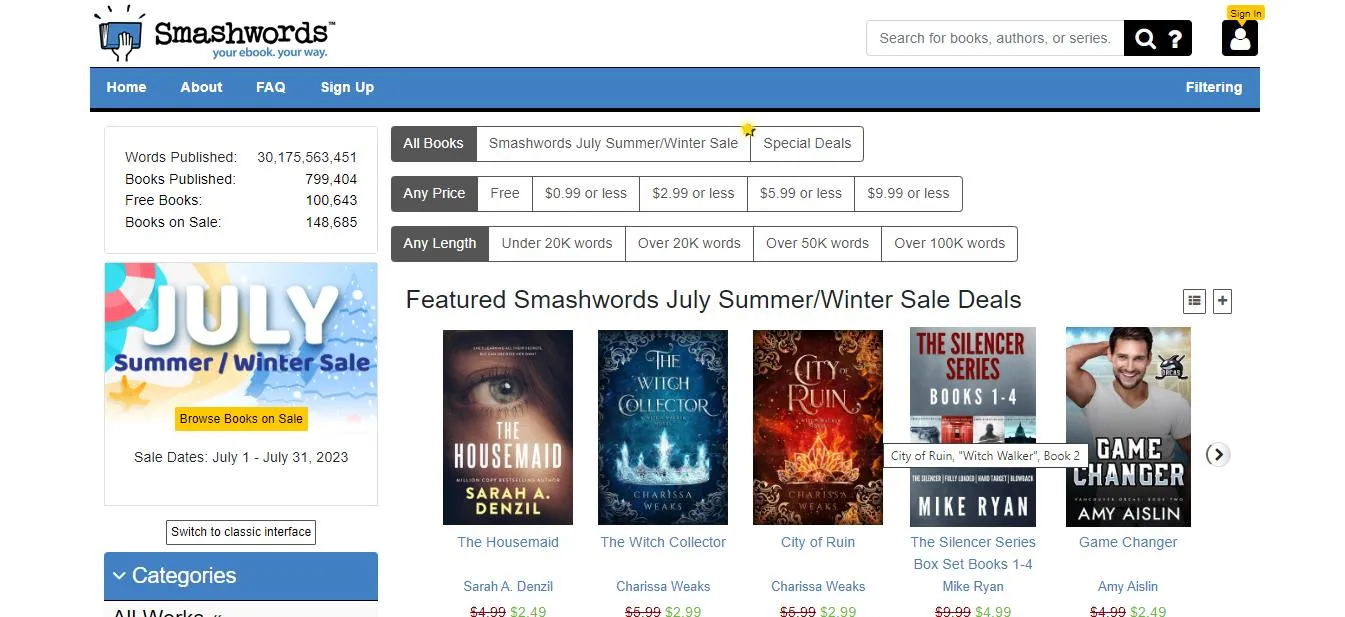
Smashwords has a collection of millions of ebooks for bookworms. It was launched in 2008 as an ebook publishing store. Later, in 2009, this platform became a distributor of ebooks to major retailers worldwide. The reader can download books in different formats such as EPUB, PDF, or RTF for free, but remember that Smashwords charges a fee for specific titles. Even in this competitive market, Smashwords performs extraordinarily.
4: Booksyards.com
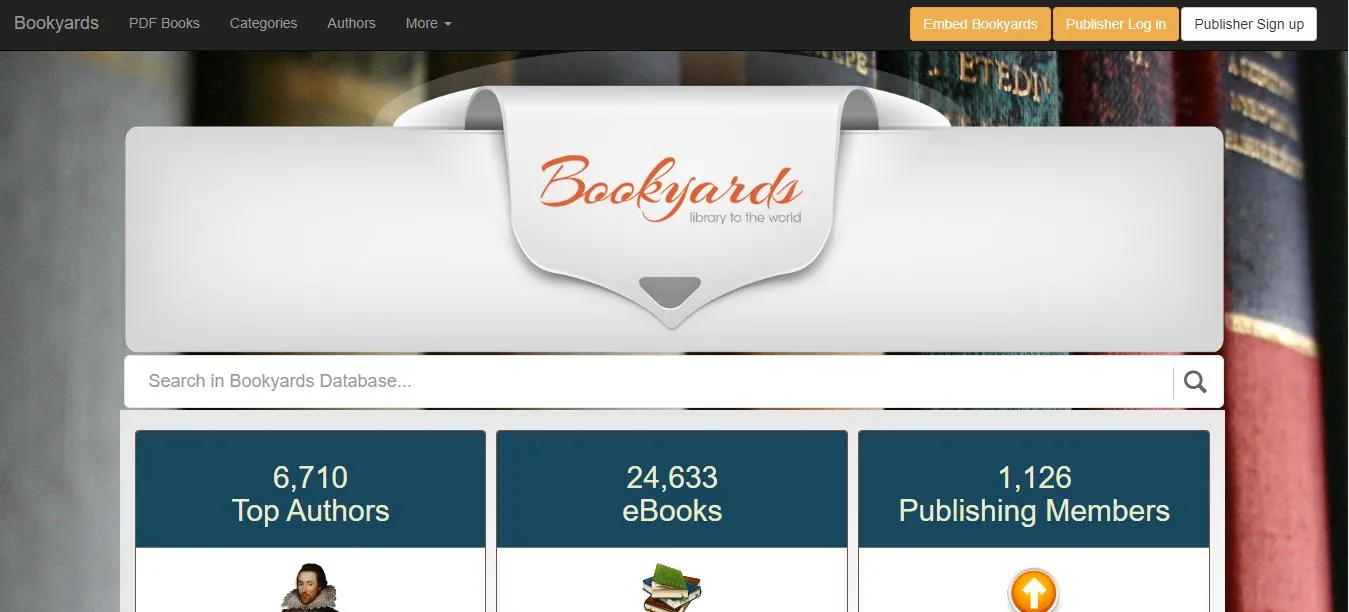
Bookyards has been in business for almost 12 years and has several eBooks in different categories worldwide The store allows you to download and share PDF books conveniently. Moreover, this platform also resolves the format issue, as readers can convert PDF books to the required formats in quick steps.
Besides downloading, you can also become an author or publisher on this amazing platform. It has books of different categories; you can browse fiction, art, children's books, war & military, education, games, and more. All in all, it is a great site, just like PDF Drive.
5: Internet Archive
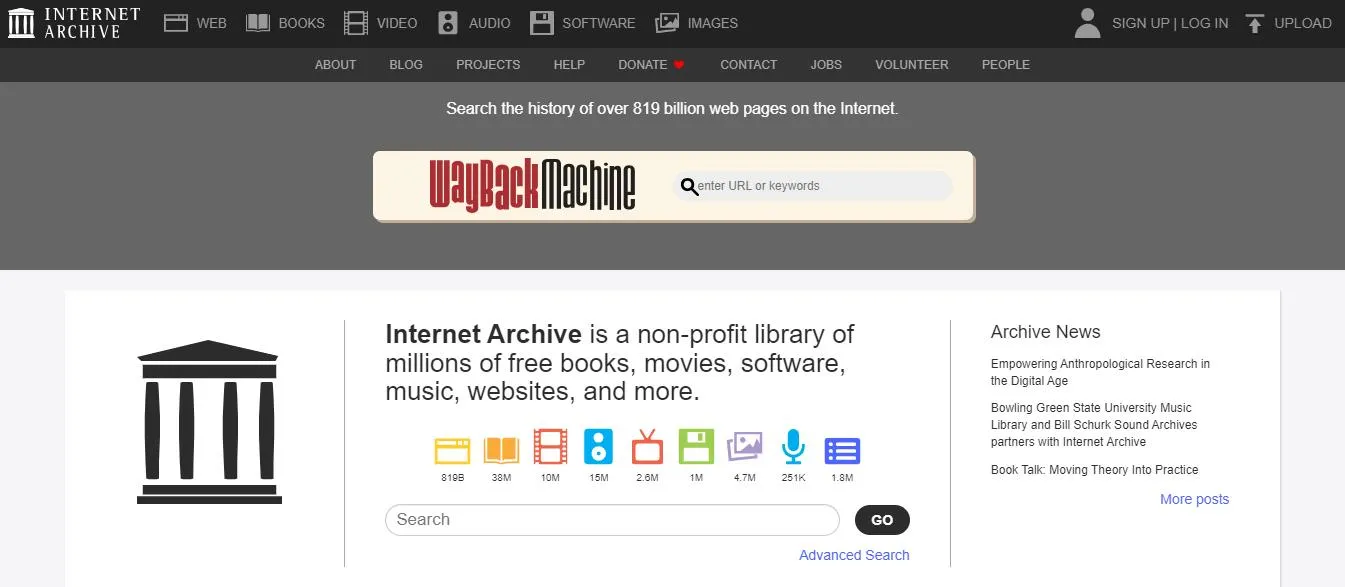
Internet Archive is home to millions of web pages, books, texts, audio recordings, videos, images, and software programs. Its huge collection allows users to read and download books in digital format for free.
The best thing about the Internet Archive is the presence of all kinds of eBooks. You can easily download books published before 1927 and likewise get access to books published in recent years. In short, the Internet Archive is the best buddy for book lovers as it allows them to read books in different languages.
Part 6. How To Read And Take Notes On PDF Books Downloaded From PDF Drive?
Once you've downloaded a book from PDF Drive, you need more than just a basic viewer to get the most out of it. UPDF is an AI-powered PDF editor and reader that works across Windows, Mac, iOS, and Android — and it's built for exactly this kind of reading workflow. Whether you want to annotate, understand, or organize your downloaded books, UPDF handles it all in one place.
Windows • macOS • iOS • Android 100% secure
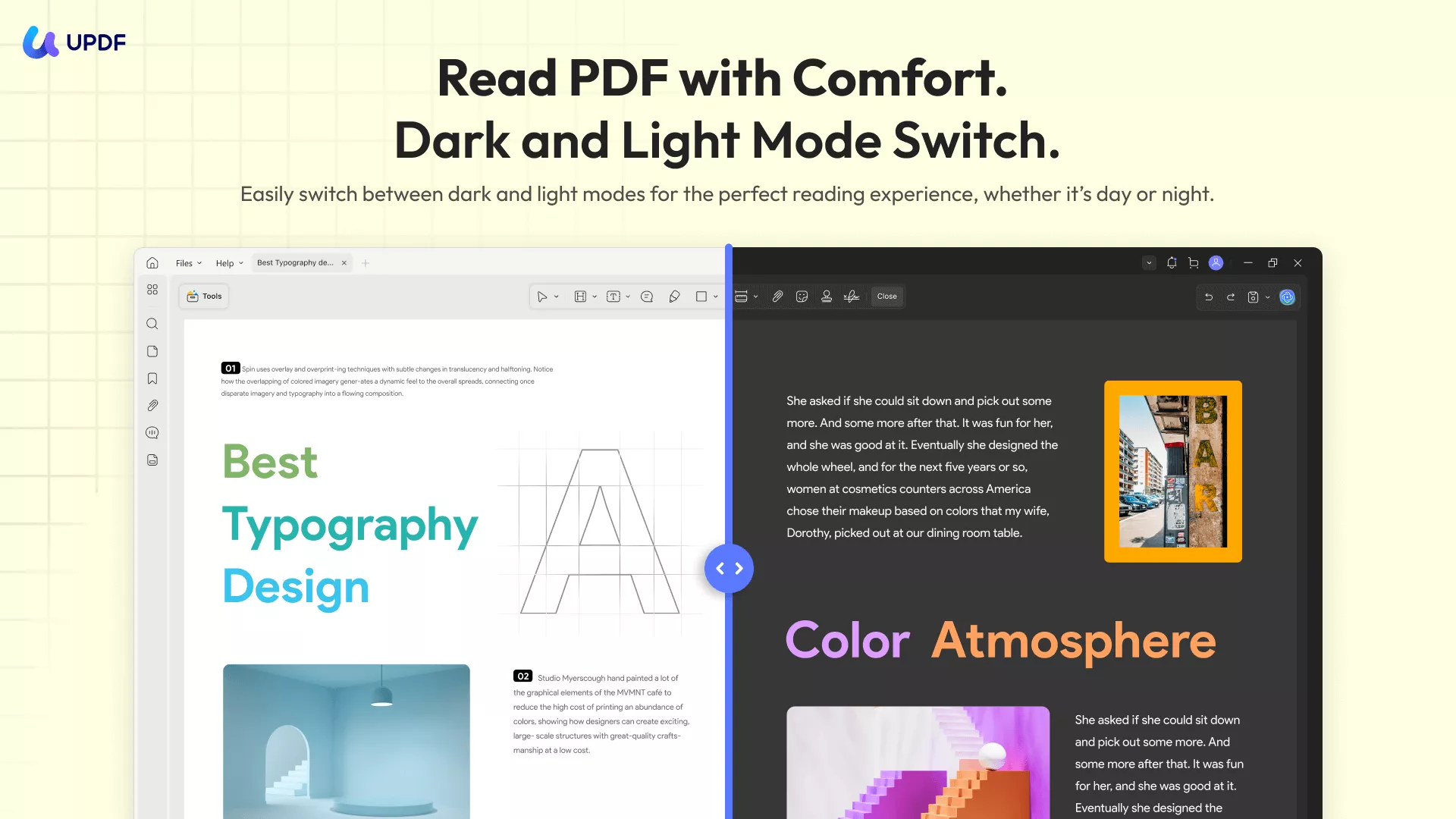
Reading Comfortably
UPDF gives you full control over how you read:
- Switch between light mode, dark mode, and eye protection mode to reduce eye strain during long reading sessions
- Zoom in or out, change page layout (single page, double page, continuous scroll), or use slideshow mode for a presentation-style experience
- Access your books from any device via UPDF Cloud — start on your laptop and continue on your phone with all annotations synced
Taking Notes and Annotating
UPDF offers everything you need for active reading:
- Highlight, underline, and strikethrough key passages
- Add sticky notes, text boxes, and text callouts for detailed comments
- Draw shapes or write freehand with the pencil tool
- Add stickers to mark interesting sections visually
Understanding Content with UPDF AI
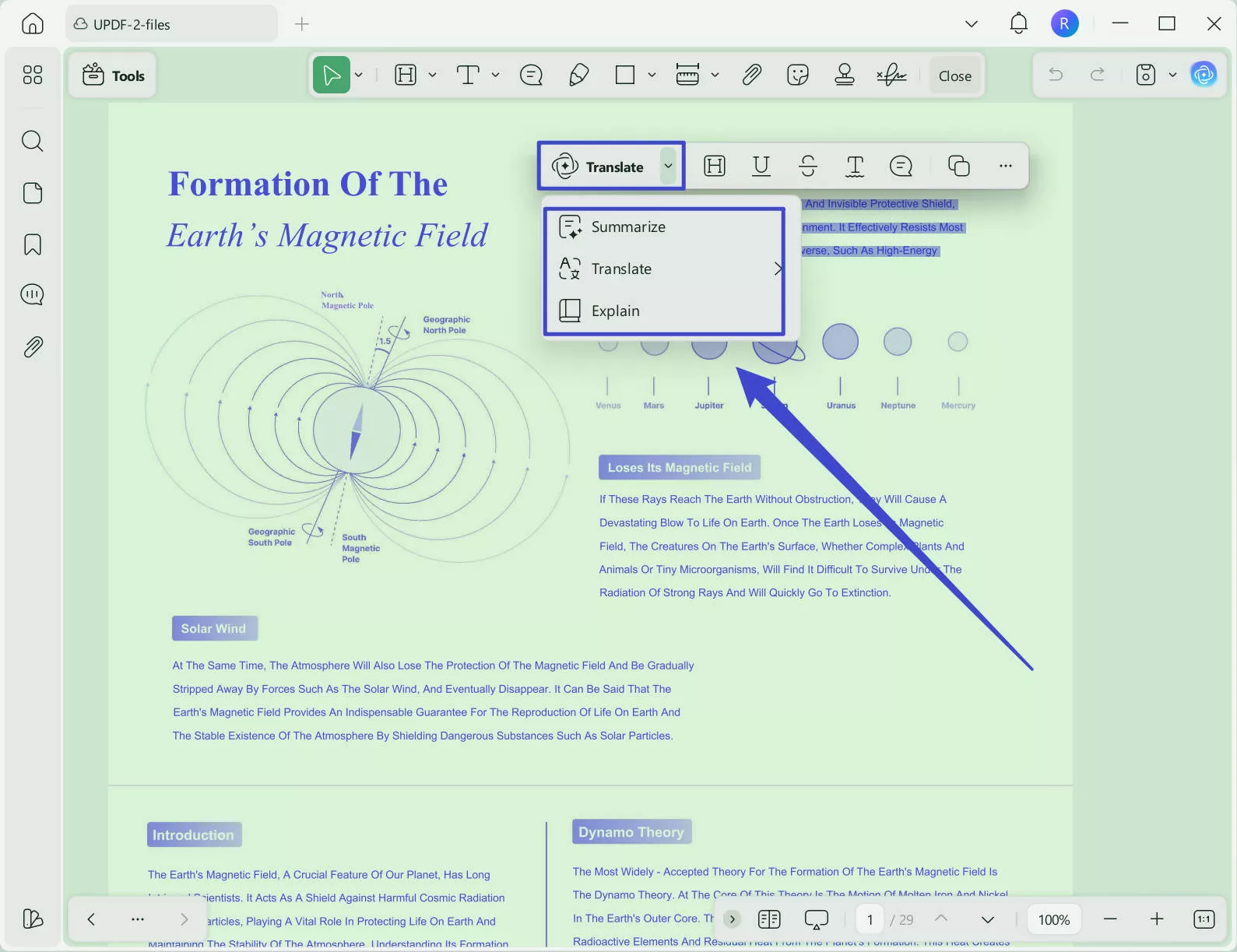
This is where UPDF goes beyond a standard reader. Select any passage and ask UPDF AI to summarize, explain, or translate it instantly. You can also translate the entire PDF while preserving its original layout — especially useful for books downloaded in a foreign language.
For deeper engagement with the content, UPDF 2.5 introduced 10 AI Agents that automate specific reading and document tasks. The most useful ones for PDF Drive readers are:
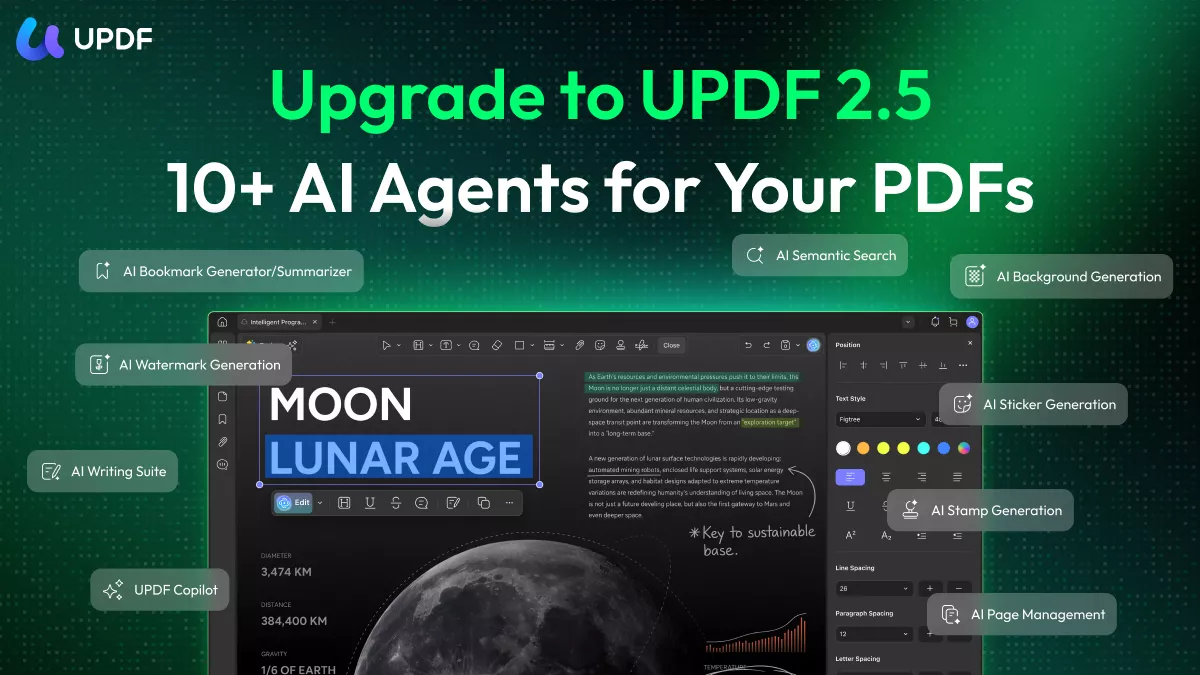
🔖 AI Bookmark Agent: Many books downloaded from PDF Drive arrive without a proper table of contents or navigation structure. This agent automatically reads the book's structure and generates intelligent bookmarks — so you can jump between chapters instantly instead of scrolling through hundreds of pages.
📋 Bookmark Summary Agent: Once bookmarks are generated, this agent creates a brief summary for each section. Perfect for deciding which chapters are worth reading in depth before committing your time.
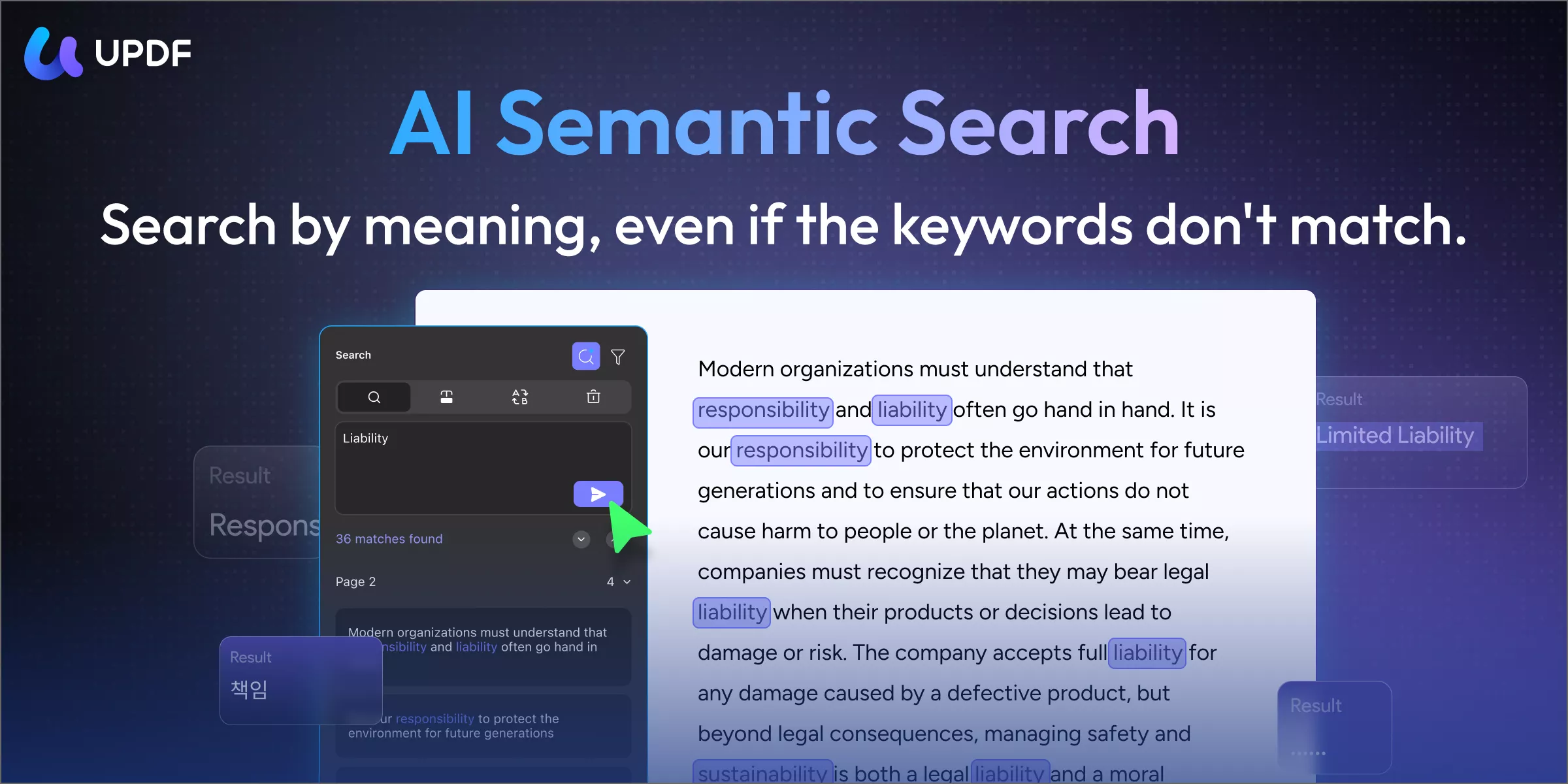
🔍 Semantic Search Agent: Looking for a specific concept in a long book? Semantic Search finds content by meaning, not just exact keywords — so you can locate an idea even when you don't remember the exact wording used in the text.
🤖 UPDF Copilot Agent: Your AI assistant for any PDF operation. Tell it what you want to do with the document and it will guide you or take action directly.
✏️ AI Editing Agent: Some books downloaded from PDF Drive are scanned copies where OCR may have introduced text errors. The AI Editing Agent lets you correct those errors directly inside the PDF without needing to export to another tool.
UPDF 2.5 also includes five additional AI Agents for document customization: AI Page Management, AI Watermark Agent, AI Background Agent, AI Sticker Agent, and AI Stamp Agent.
🔥 Limited-Time Offer — Ends May 7, 2026:
Steps to read and take notes effectively using UPDF
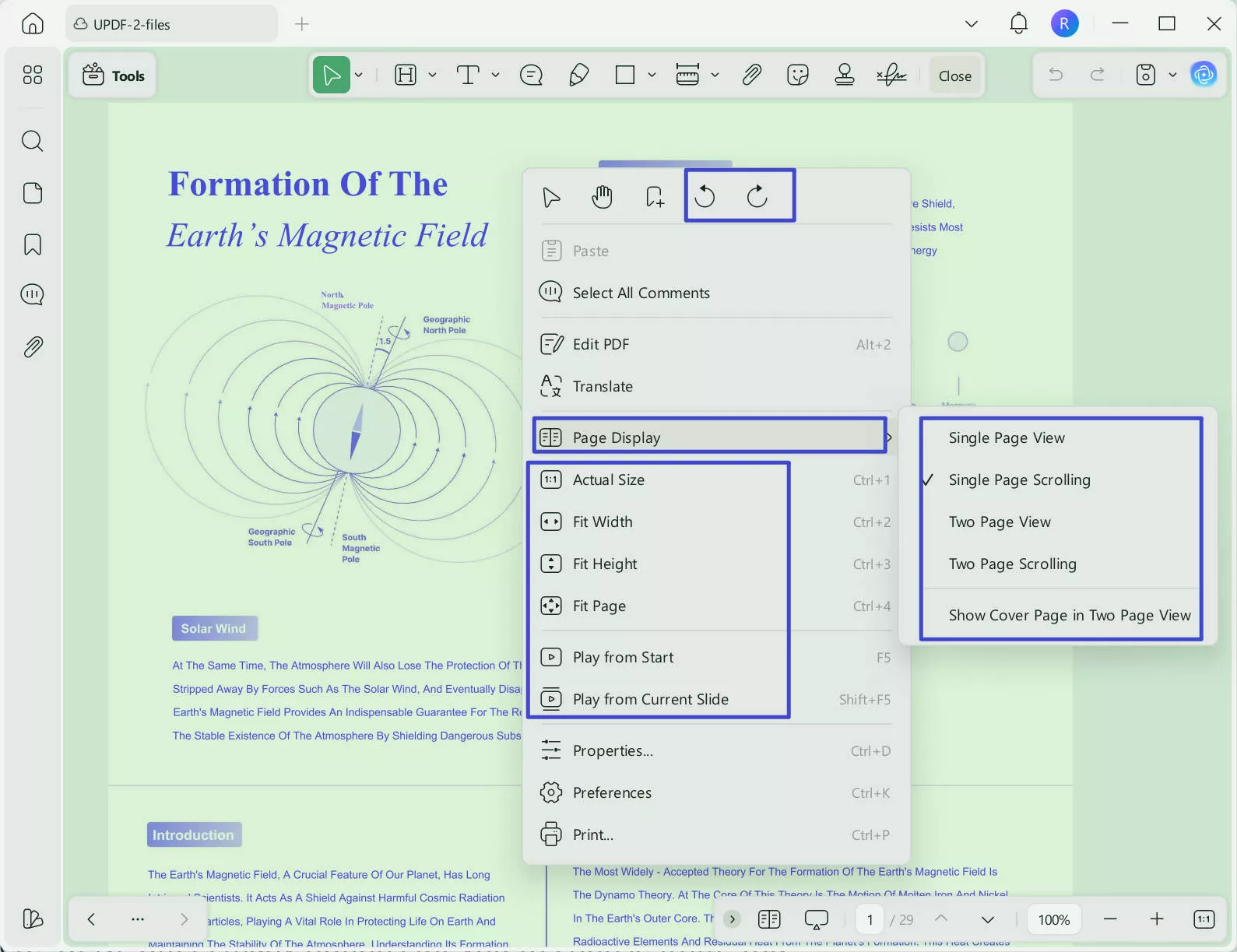
Launch UPDF and click Open File to import your downloaded PDF. Right-click anywhere on the page to access display options — layout, slideshow, rotation, and more.
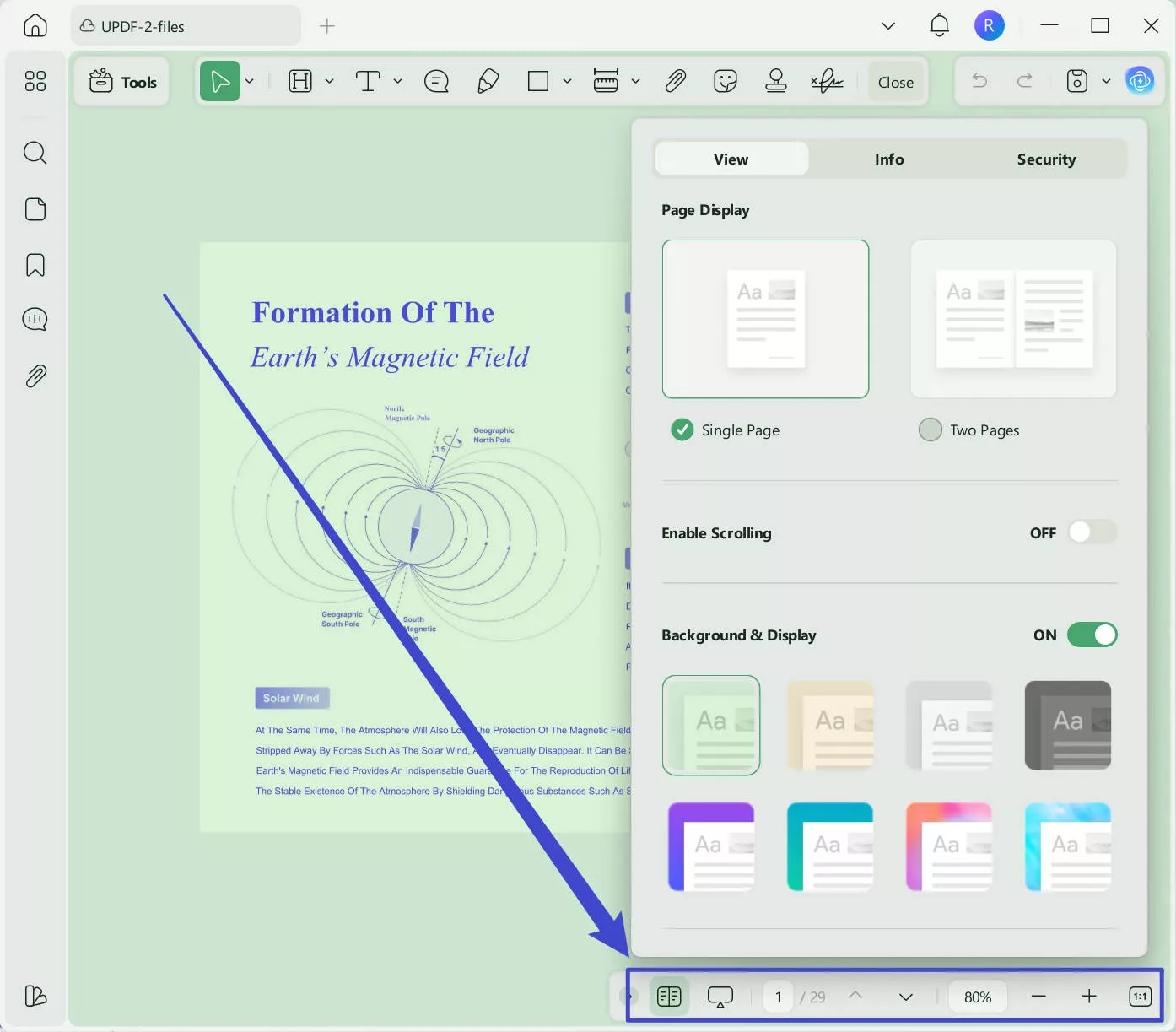
Use the bottom toolbar to adjust zoom level, appearance color, and reading mode.
Highlight any text and select Translate, Summarize, or Explain from the AI menu.
To translate the entire PDF with layout preserved, click the UPDF AI icon → PDF Translation.
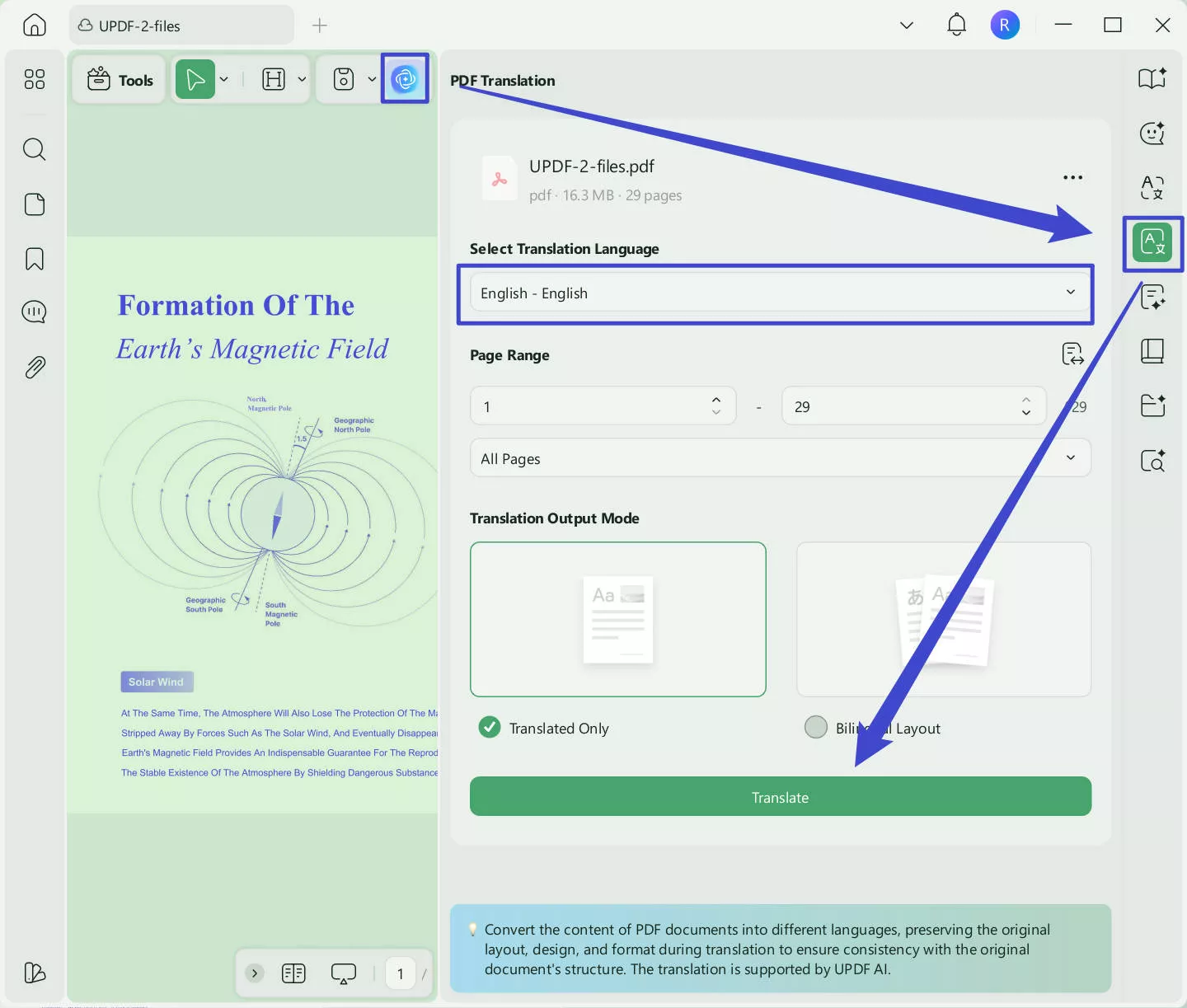
To ask AI any question, you can click on the "Chat" after clicking on the "UPDF AI". And for PDF-related questions, you can click on the "Ask PDF" option.
To annotate, go to Tools → Comment and choose your preferred annotation tool from the toolbar.
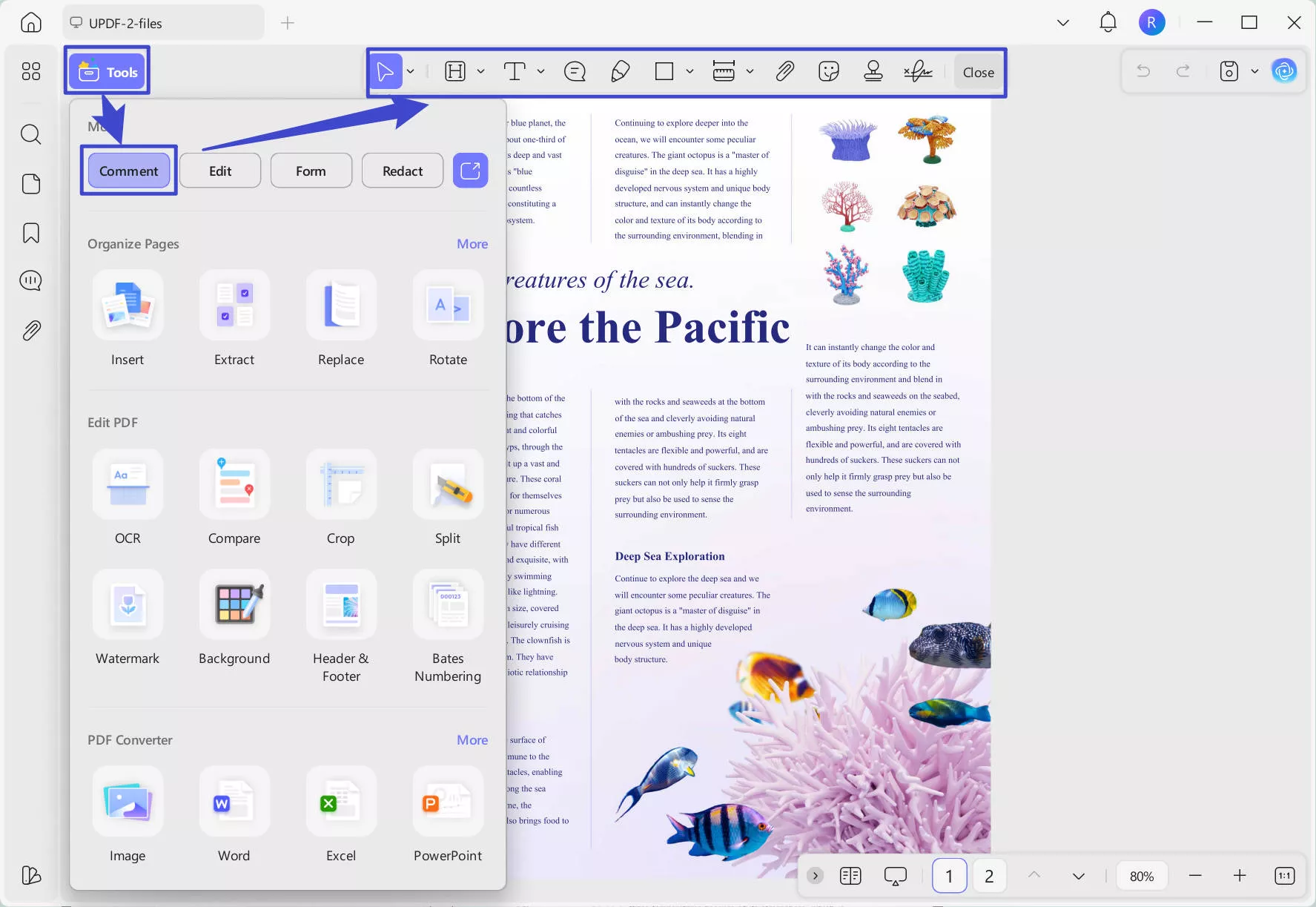
🔥 Get UPDF at the Best Price >>
Beyond reading and note-taking, UPDF also lets you:
- Edit PDF Content: Modify text, images, and links directly in your PDFs
- Create PDF Documents: Convert Word, Excel, PowerPoint, and images to PDF, or start from a blank page
- Redact Content: Permanently remove sensitive information with the Redact tool
- OCR Conversion: Turn scanned PDFs or image-only books into fully searchable, editable documents
- Protect PDFs: Add password protection before sharing
- Share via Link or Email: Send PDFs directly without file size headaches
Want to know more about other features? Watch the video below or read this review article.
Final Words
PDF Drive is a user-friendly platform with a straightforward interface - here, books are quick to search, easy to read, and smooth to download. Its vast and well-organized library increases its worth by a hundredfold. In addition to its diverse eBook collection, the happy news is its data reliability and legal safety.
If you want to read more effectively, take smart notes, and use AI to understand what you're reading, UPDF is the tool to use. With 10 AI Agents now built in, it turns a simple PDF download into a fully interactive reading experience. Download the free version below to get started, or grab the UPDF 2.5 launch discount of $10 off before it expires on May 7, 2026.
Windows • macOS • iOS • Android 100% secure






 Enya Moore
 Enrica Taylor

 Lizzy Lozano
 Engelbert White