UPDF
UPDF
 UPDF for Windows
 UPDF for Mac
 UPDF for iPhone/iPad
 UPDF for Android
 Nomostar
 UPDF AI Online
 UPDF Sign
 IvyCraft
 Edit PDF
 Annotate PDF
 Create PDF
 PDF Form
 Edit links
 Convert PDF
 OCR
OCR PDF to Word
 PDF to Image
 PDF to Excel
 Organize PDF
 Merge PDF
 Split PDF
 Crop PDF
 Rotate PDF
 Protect PDF
 Sign PDF
 Redact PDF
 Sanitize PDF
 Remove Security
 Read PDF
 UPDF Cloud
 Compress PDF
 Print PDF
 Batch Process
 About UPDF AI
 UPDF AI Solutions
 AI User Guide
 FAQ about UPDF AI
 Summarize PDF
 Translate PDF
 Chat with PDF
 Chat with AI
 Chat with image
 PDF to Mind Map
 Explain PDF
 PDF AI Tools
 Image AI Tools
 AI Chat Tools
 AI Writing Tools
 AI Study Tools
 AI Working Tools
 Other AI Tools
 AI Bookmark Generation
 AI Bookmark Summary
 AI Watermark Generation
 AI Background Generation
 AI Sticker Generation
 AI Stamp Generation
 AI Editing Suite
 UPDF Copilot
 AI Page Management
 AI Semantic Search
 PDF to Word
 PDF to Excel
 PDF to PowerPoint
 Enterprise Solution
 Enterprise Sign
 Enterprise AI
 Enterprise Plan
 Enterprise User Guide
 Enterprise Webinar
 IT
IT Education
 Construction
 Financial Service
 Healthcare
 Insurance
 Legal
Legal Manufacturing
 Government
 Researchers & PhDs
 Solopreneurs & Freelancers
 Lawyers & Legal Professionals
 Real Estate Agents & Brokers
 Education Solution
 Customer Stories
 User Guide
 UPDF Tricks
 FAQs
FAQs UPDF Reviews
 Download Center
 Blog
Blog Newsroom
 Tech Spec
 Updates
 UPDF vs. Adobe Acrobat
 UPDF vs. Foxit
 UPDF vs. PDF Expert

Quick Answer:
A PDF/A file can look identical to a normal PDF, but the difference is inside the file. Fonts, color information, metadata, and other resources must follow archival rules. Simply changing the filename or seeing "PDF/A" in a document property does not prove that the file passes the required conformance checks.
Part 1. Do You Need PDF/A?
| Your situation | Recommended format | Why |
|---|---|---|
| You are archiving contracts, invoices, case files, research, or public records | PDF/A | Designed to preserve a stable page-based representation over time |
| You are still editing, reviewing, encrypting, or collaborating on the document | Standard PDF first | PDF/A restrictions can conflict with an active working workflow |
| You must preserve XML, spreadsheets, source files, or other attachments with the PDF | PDF/A-3 or PDF/A-4f, if the receiving system allows it | These variants can retain embedded non-PDF files |
| You need multimedia, scripts, or rich interactivity | Standard PDF or another suitable format | Archival profiles restrict or control features that depend on software behavior |
| A court, regulator, archive, or client specifies a profile | The exact requested PDF/A version and conformance level | "PDF/A" alone may be too broad for an acceptance test |
PDF/A is a preservation container, not a complete records-management policy. A valid PDF/A file can still contain the wrong document, weak metadata, an incomplete scan, or text that is impossible to search. Retention rules, checksums, backups, access controls, and periodic integrity checks remain separate responsibilities.
Part 2: What is PDF/A?
So, what exactly is PDF/A (Portable Document Format Archivable?) And why so being fussy about it when we already have PDF? PDF A is the futuristic version of creating PDF content or documents. The purpose of PDF A is almost the same as it is supposed to be in Adobe's Portable Document Format. But it sets strict standards for those who use PDFs.
In other words, PDF/A is nothing but another modified version of PDF with more features and functionalities. But that doesn't mean it is superior to PDF format. Still, you can expect exceptions from it. Well, there's another story of advantages and disadvantages; we'll discuss that later in this article. But first, let's get back to our topic.
PDF/A is a new archiving document format that promises to view the same document format for an extended period. PDF/A has characteristics that differentiate it from other types of files. Below are some attributes of PDF/A that shares different values:
- Self-Contained: In self-contained attributes, it will display the text, images, fonts, colors, graphs, etc. - all this necessary information in your original document state. However, please remember that external references are not allowed in this file type.
- Self-Documented: In self-documented PDF format, you can add metadata to your document. Metadata helps to understand the concern of the document.
- Independent-Version: The independent version will make sure to use software chunks available on every standard device (RGB and specific CMYK colors side views), permitting the document to print or display on whatever device you use.
Part 3: Types of PDF/A
Like the different attributes, PDF/A comes in different types. Each type has its own features created by other standards and congruity levels. Each standard determines the number of features available and image compression technologies that helps in archiving the content of a file.
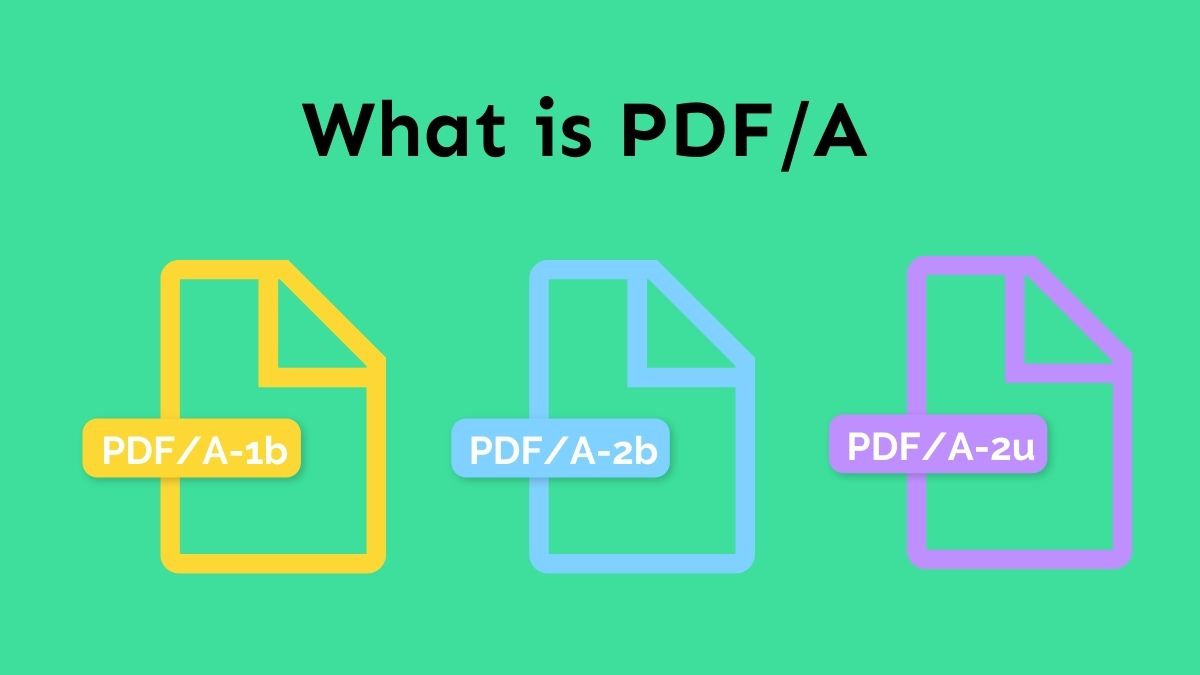
There are three levels of congruity or conformance levels: Level b, known as the Basic level; Level a, known as the Accessible Level; and Level u, known as the Unicode Level.
Below are the three types of PDF/A
1. PDF/A-1b
PDF/A-1b is a level B conformance that gives you the assurance to read and view on the computer screen. But it won't ensure the quality of the text, whether it's legible or not.
2. PDF/A-2b
PDF/A-2b is another Level B subset ISO PDF identification that is used to create archival documents version with the ability to render precisely the same as they were before.
3. PDF/A-2u
PDF/A-2u is slightly different from the previous ones. Its conformance level is different as "u" stands for Unicode, which gives you a reliable way to search and copy the Unicode text from digitally created PDF documents and others that were scanned with successive OCR (Optical Character Recognition.)
All the above ISO standards or conformance levels are basically used for the everlasting preservation of PDFs.
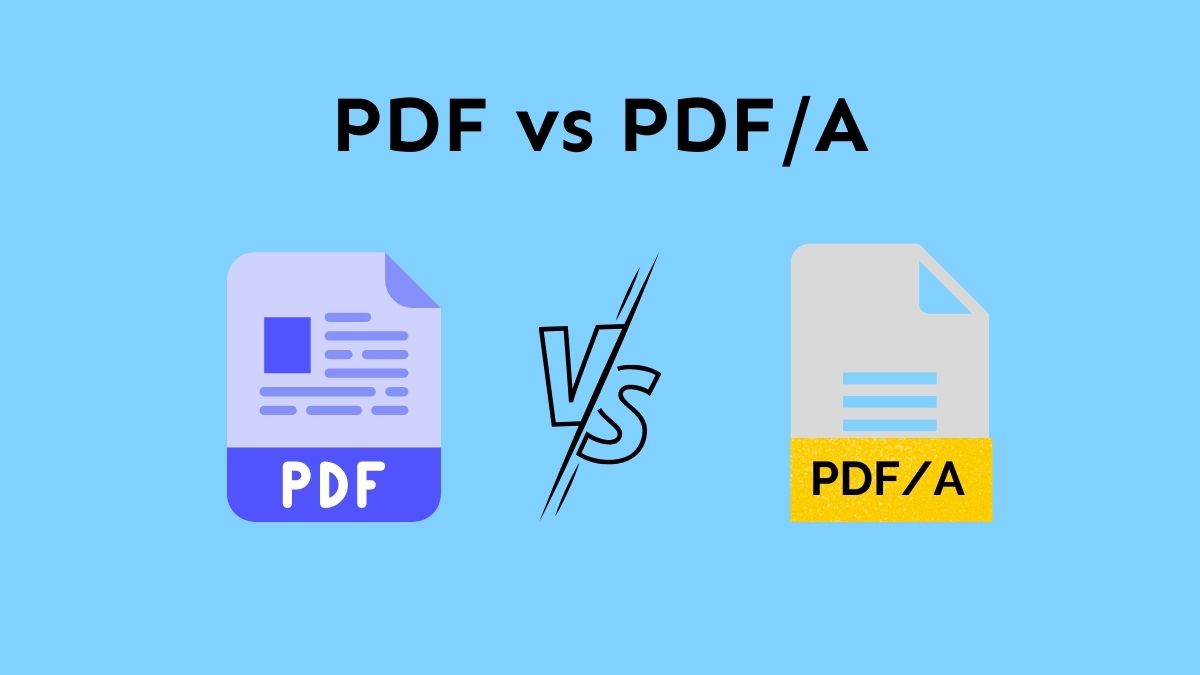
Part 4. PDF vs. PDF/A
| Capability | Standard PDF | PDF/A |
|---|---|---|
| Main purpose | Everyday viewing, sharing, editing, forms, and interactive documents | Long-term preservation of a stable page-based record |
| Fonts | May rely on fonts that are not embedded | Required fonts must be embedded and legally embeddable |
| Encryption and passwords | Supported | Encryption is not allowed because future custodians must be able to open the file |
| External dependencies | Can reference external resources | The archival document should be self-contained |
| Audio, video, and executable actions | Can be supported | Restricted or prohibited depending on the PDF/A part |
| Metadata | Optional in many ordinary PDFs | Standardized metadata is required |
| Attachments | Supported | Depends on the PDF/A version and profile |
| Compliance validation | Not applicable as a PDF/A test | A validator must check the file against the claimed profile |
PDF/A is usually the better final-delivery format when a record must remain readable for years. A normal PDF is usually more practical while people are still revising the file, applying password protection, or using interactive elements.
For a focused comparison, see PDF vs. PDF/A.
Part 5: Advantages of PDF/A
Doesn't seem to be a fan of PDF/A after covering the differences part. Well, don't disappoint, as PDF/A also has some advantages to play with.
PDF/A provides many advantages in areas of various applications;
- Long-Term Preservation: As you already know that the primary purpose of PDF/A is to archive digital information for an extended period of time. This can include archives, libraries, banks, insurance companies, etc.
- Binding Documents: You can also legally bind documents with the help of PDF/A format. The ISO standards already allowed electronic signatures and other facilities in this format. This means you can digitally sign your documents with this technology.
- Worldwide Integration: In this PDF format, you can store your content in any foreign language that supports any kind of writing system around the globe. PDF/A ensures that the stored information is correctly viewed and displayed on any device in the world.
- Independent Platform: PDF/A is not bound to any channel. Perhaps, documents stuck with this format can be accessed from various channels.
- Text Searching: You can find any particular text or information within the data set. You can also do this in scanned documents even though one conformance level supports this functionality.
- Reuse Content Easily: Level A makes it easier to reuse the content. These files can also be helpful while converting to Word, HTML, e-Books, and other formats.
- Collaborate with Other ISO Standards: PDF/A provides a variety of ISO standards. Each standard can collaborate with one another.
Part 6: How to Save PDF as PDF/A
UPDF - PDF editor is an all-in-one PDF editor, converter, annotator, and reader that can fulfill your every requirement with the help of advanced features. Some other tools might need some learning to use the tool. But not in UPDF's case. UPDF comes with an excellent intuitive user interface that can be helpful for beginners. The PDF/A feature is a plus for this tool. Just download the UPDF here and follow the below guide to save PDF as PDF/A.
Windows • macOS • iOS • Android 100% secure
Below are the steps to save PDF as PDF/A:
- Step 1. Open your PDF in UPDF by clicking the "Open File" button.
- Step 2. Click on the narrow next to "Save".
- Step 3. A new pop-up will appear and choose "Save as PDF/A...".
- Step 4. Choose a folder for the PDF/A file and click "Save".
After we introduce the steps of using UPDF to save PDF as PDF/A, you may be interested to know UPDF better. Below are the other features provided by UPDF:
- AI features: It can help you summarize, explain, translate, write, rewrite and chat for PDF.
- Annotate PDFs: Annotates always makes your PDF professional and stylish by adding stylish shapes, adding comments, highlighting or underlining text, and striking out the important text.
- Organize PDFs: UPDF can add new pages, reorder, rotate, extract, replace, and delete unwanted pages from the PDF. All these can be done in the page management feature.
- OCR: Turn scanned PDF into editable by using the advanced OCR technology.
- Share PDFs: After completing your editing, you can share your documents via email or real-time collaboration via a link.
- Complete PDF Editing: No need to worry if you are not a pro while editing PDF documents. UPDF will take care of everything. All you need is to select the PDF and start editing your document. You can edit text, change text properties, delete text, and change the font size, color, and style.
To have an overview of UPDF, you can read this review article from Laptopmedia.
FAQs
Q1: How can I tell whether a PDF is really PDF/A?
Use a PDF/A validator. A viewer banner or metadata field can indicate the claimed profile, but a validator checks the file against the corresponding technical rules and produces a report.
Q2: Can I edit a PDF/A file?
Yes, but validate it again afterward. Editing may change fonts, metadata, color information, attachments, signatures, or other objects. A safer workflow is to edit a working PDF and create a new PDF/A preservation copy when the content is final.
Q3: Can a PDF/A file contain a digital signature?
Yes, compatible signatures can be preserved. The correct signing order depends on the signature system and the repository's policy. Changes after signing can invalidate a signature, while conversion after signing may alter signed bytes, so follow the recipient's specified workflow.
Conclusion
PDF/A is the right choice when the goal is a stable, self-contained archival record. Use a normal PDF while the document is still changing; choose the PDF/A profile required by the receiving organization; then inspect and validate the final output. Keep source files and preservation controls outside the PDF whenever the archive's policy requires them.
If your PDF is final and you know which archival profile the recipient accepts, you can prepare the file and create a separate preservation copy with UPDF.
Download UPDF for free to convert the final document to PDF/A — installation is free, and Pro removes the trial watermark from exported files.
Windows • macOS • iOS • Android 100% secure






 Enola Miller
  Enola Davis
 Enid Brown
 Enya Moore