 UPDF
UPDF
 UPDF for Windows
 UPDF for Mac
 UPDF for iPhone/iPad
 UPDF for Android
 UPDF AI Online
 UPDF Sign
 Edit PDF
 Annotate PDF
 Create PDF
 PDF Form
 Edit links
 Convert PDF
 OCR
OCR PDF to Word
 PDF to Image
 PDF to Excel
 Organize PDF
 Merge PDF
 Split PDF
 Crop PDF
 Rotate PDF
 Protect PDF
 Sign PDF
 Redact PDF
 Sanitize PDF
 Remove Security
 Read PDF
 UPDF Cloud
 Compress PDF
 Print PDF
 Batch Process
 About UPDF AI
 UPDF AI Solutions
 AI User Guide
 FAQ about UPDF AI
 Summarize PDF
 Translate PDF
 Chat with PDF
 Chat with AI
 Chat with image
 PDF to Mind Map
 Explain PDF
 PDF AI Tools
 Image AI Tools
 AI Chat Tools
 AI Writing Tools
 AI Study Tools
 AI Working Tools
 Other AI Tools
 AI Bookmark Generation
 AI Bookmark Summary
 AI Watermark Generation
 AI Background Generation
 AI Sticker Generation
 AI Stamp Generation
 AI Editing Suite
 UPDF Copilot
 AI Page Management
 AI Semantic Search
 PDF to Word
 PDF to Excel
 PDF to PowerPoint
 Enterprise Solution
 Enterprise Sign
 Enterprise AI
 Enterprise Plan
 Enterprise User Guide
 Enterprise Webinar
 Banking
 Healthcare
 Insurance
 Legal
Legal Manufacturing
 Government
 Education Solution
 Customer Stories
 User Guide
 UPDF Tricks
 FAQs
FAQs UPDF Reviews
 Download Center
 Blog
Blog Newsroom
 Tech Spec
 Updates
 UPDF vs. Adobe Acrobat
 UPDF vs. Foxit
 UPDF vs. PDF Expert

Today, there's no better way to enjoy any occasion than with funny memes! With the upcoming New Year's night, you’ll enjoy this event with these 30 funny Happy New Year memes. You can share them with your friends and enjoy New Year’s Eve.
But why stop at sharing other people's memes? With UPDF's AI tools, you can create your own — whether that's generating a perfectly timed funny caption or designing a custom New Year sticker from scratch. Click below to explore UPDF AI.
Windows • macOS • iOS • Android 100% secure
Before we show you how to use UPDF AI to create your own memes, here are 30 pre-made Happy New Year memes.
Part 1. 30 Funniest Happy New Year Memes
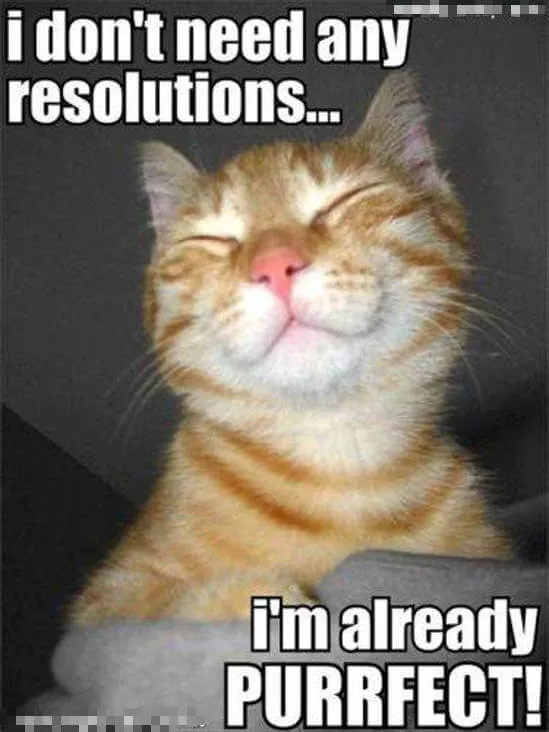
- I don’t need any resolutions… I’m already purrfect!
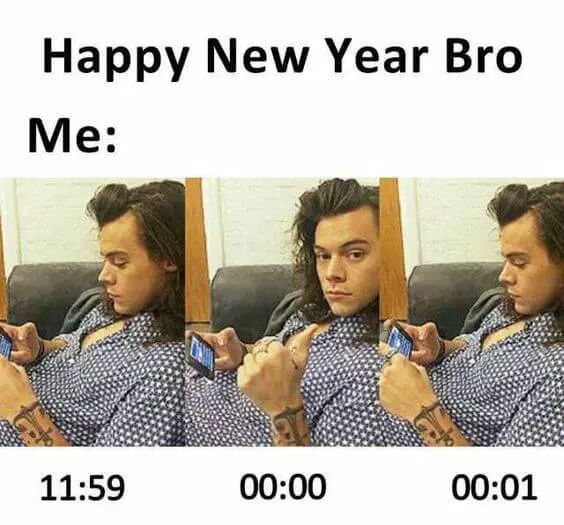
- Happy New Year Bro, Me:
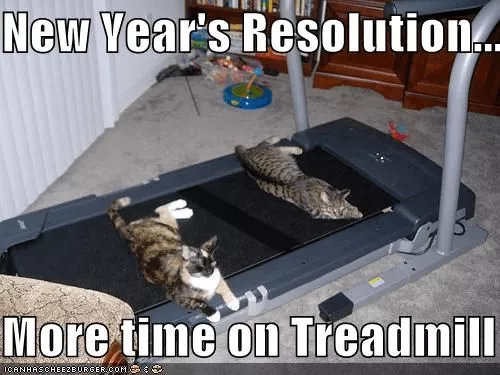
- New Year Resolution... More time on the treadmill.
- My friends tonight, me tonight

- EVERYONE'S EXCITED ABOUT GOING OUT TO PARTY ON NEW YEAR'S EVE AND I WILL BE SITTING AT HOME LIKE THIS

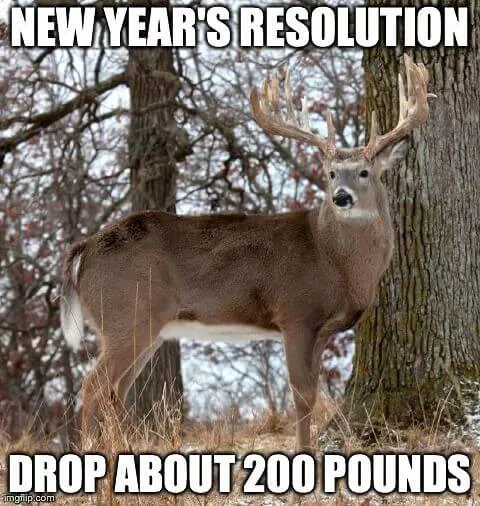
- New Year’s resolution. Drop about 200 pounds.
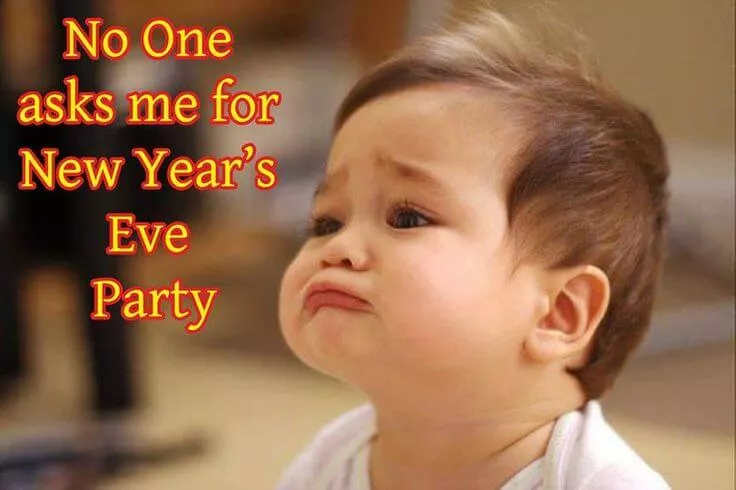
- No One asks me for New Year's Eve Party
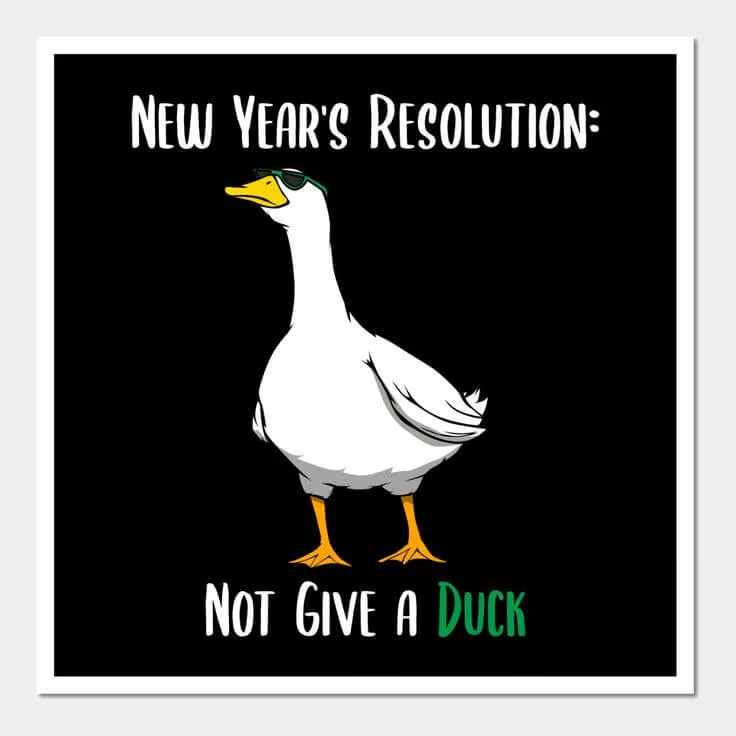
- New Year’s Resolution: Not Give a Duck
- New Years As a Kid. New Years As A Teen. New Years In My 20’. New Years Now.

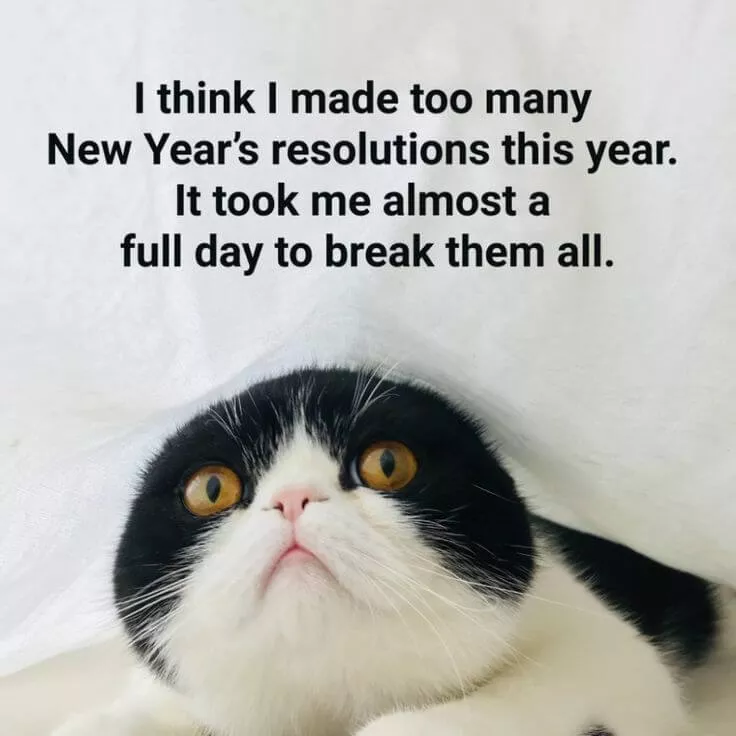
- I think I made too many New Year's resolutions this year. It took me almost a full day to break them all.
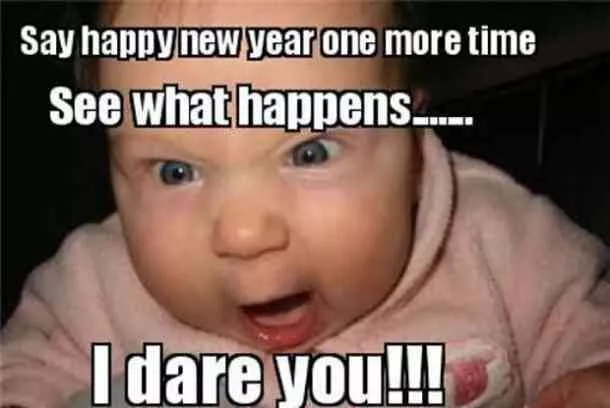
- Say happy new year one more time, see what happens… I Dare You!
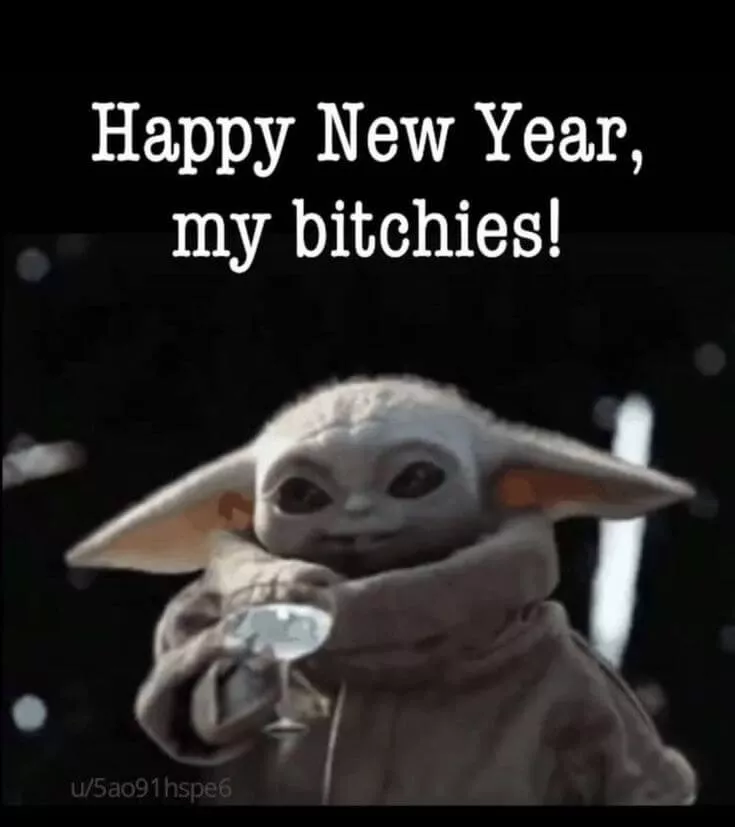
- Happy New Year, My Bitchies!
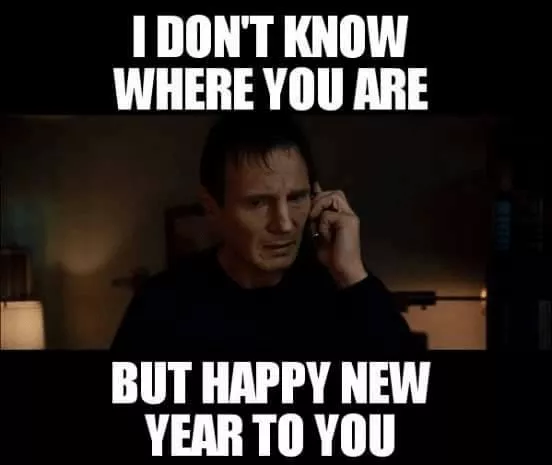
- I don’t know where you are but happy new year to you.
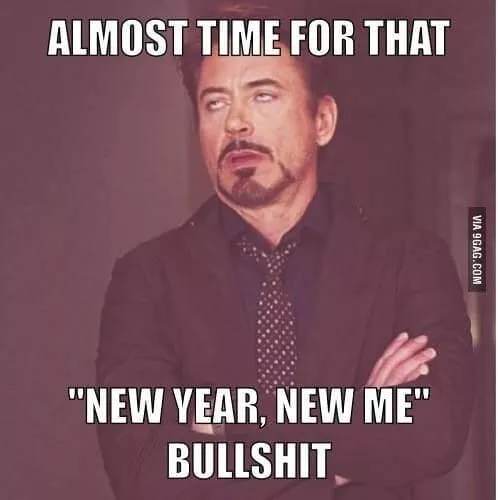
- Almost time for that, “New Year, New Me” Bullshit.
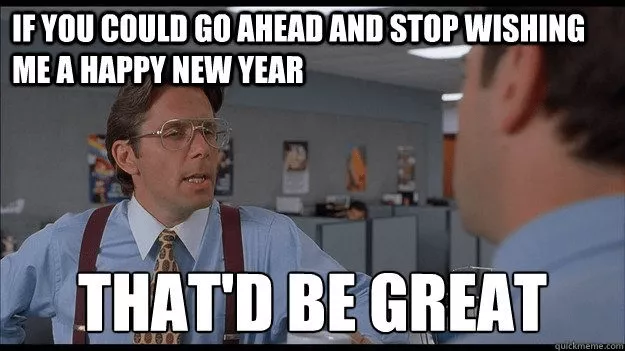
- If you could go ahead and stop wishing me a happy new year, that’d be great.
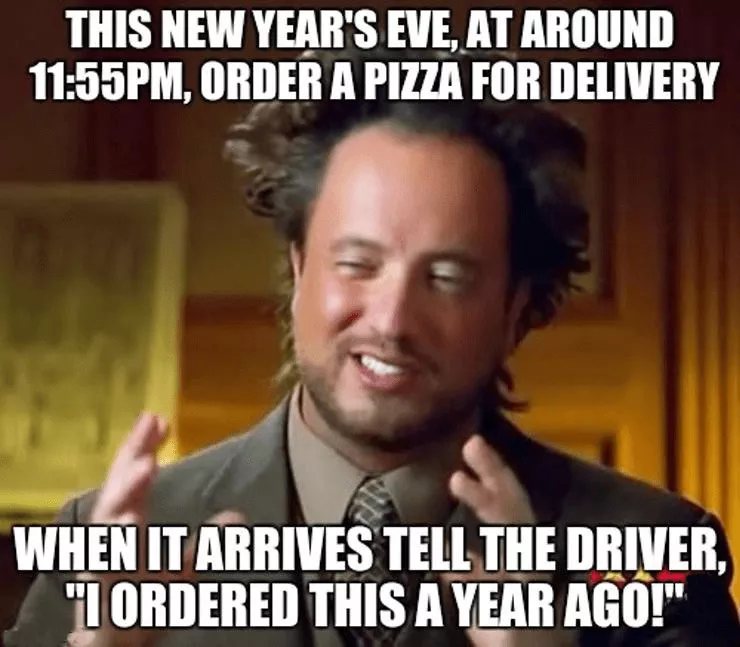
- This New years eve, at around 11:55 pm, order a pizza for delivery. When it arrives, tell the driver, “I ordered this a year ago!”
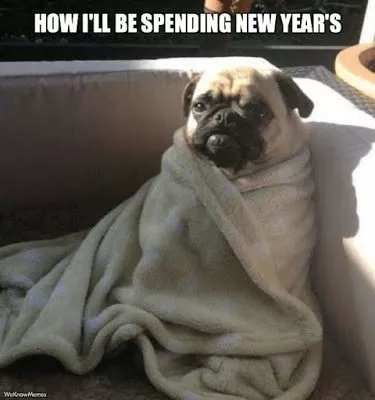
- How I’ll be spending new year’s.
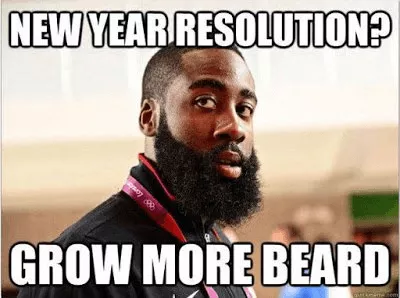
- New year resolution? Grow more beard.
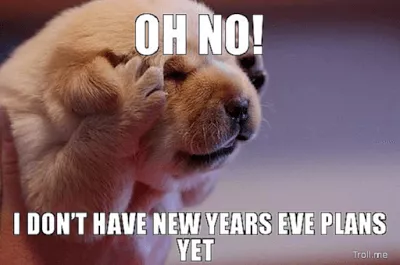
- Oh No! I don’t have new years eve plans yet!
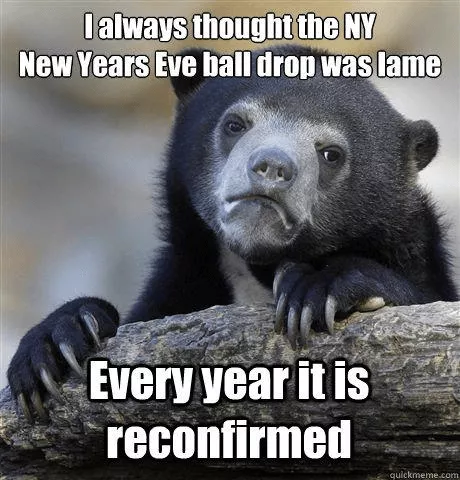
- I always thought that new year eve ball drop was lame. Every year, it is reconfirmed.
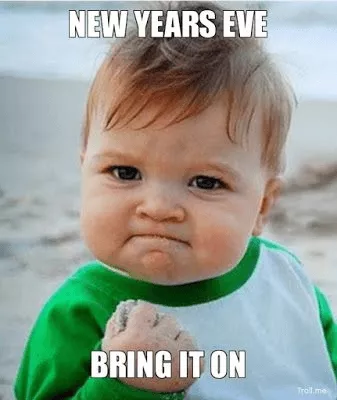
- New Years Eve - Bring It ON.
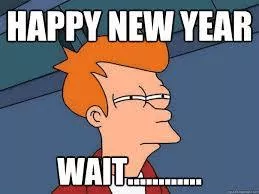
- Happy New Year - Wait…
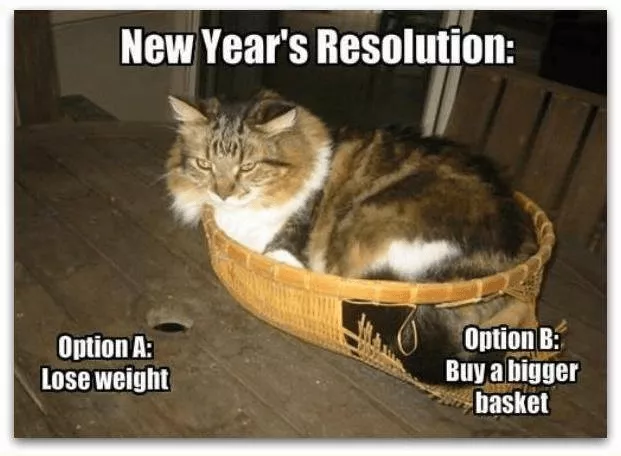
- New Year’s Resolution. Option A: Lose Weight. Option B: Buy A Bigger Basket.
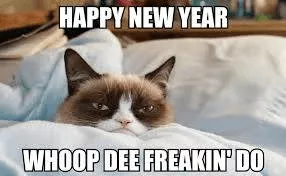
- Happy New Year. Whoop Dee Freakin’ Do.
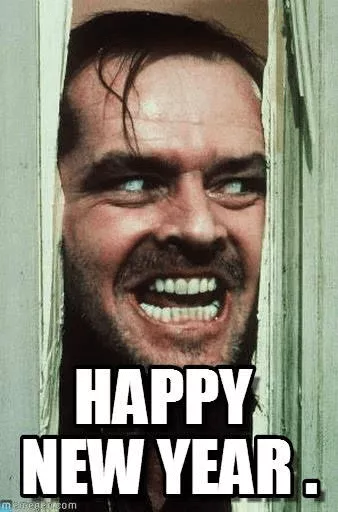
- Happy New Year.
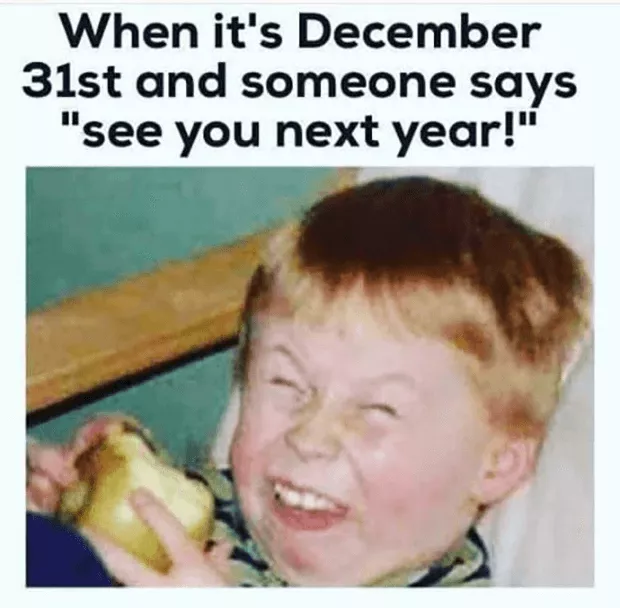
- When it’s December 31st and someone says, “See You Next Year!”
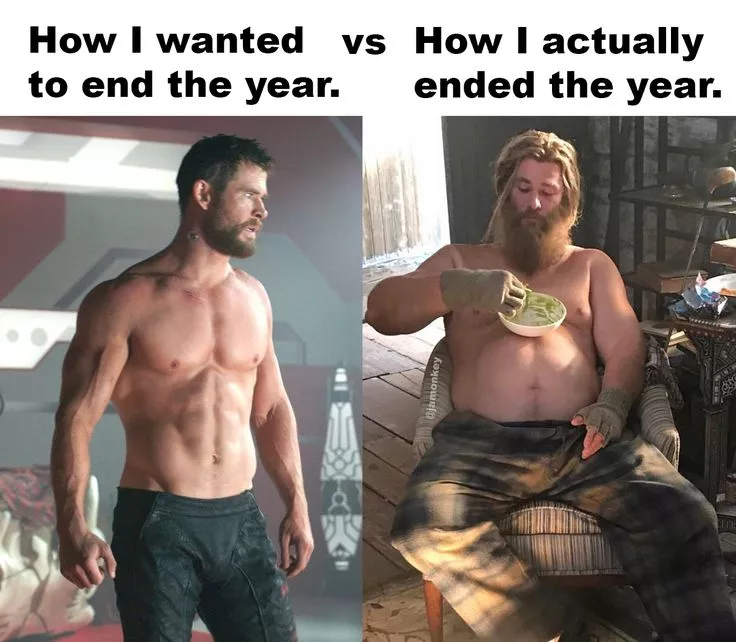
- How I wanted to end this year. Vs. How I actually ended this year.
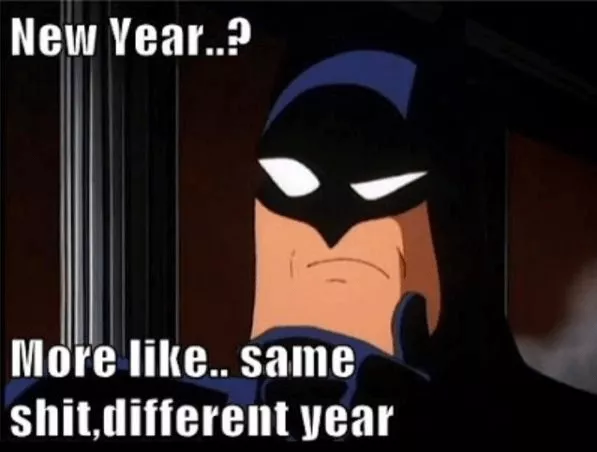
- New year? More like, same shit, different year.
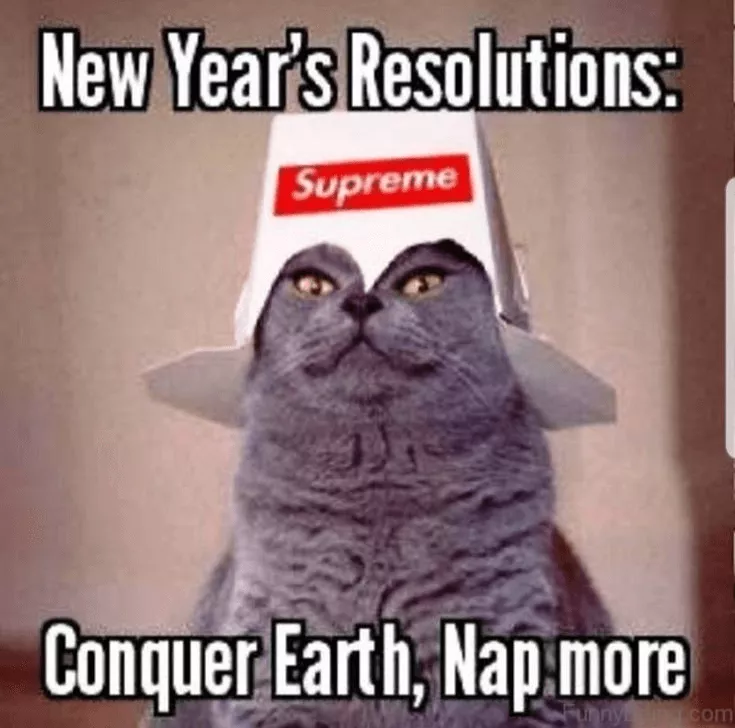
- New Year's Resolution: Conquer Earth, Nap More
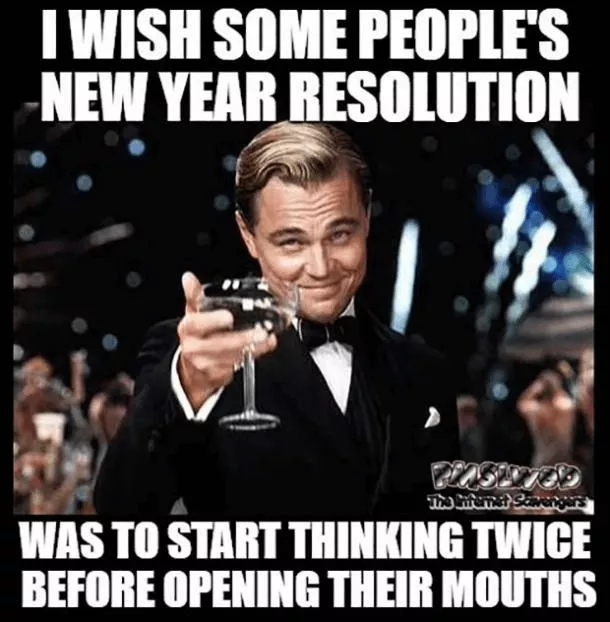
- I wish some people’s new year resolution was to start thinking twice before opening their mouths.
These are funny Happy New Year memes you can use for yourself. But if you don't want to feel bound to this list, there's another option. It's to make your unique memes.
Let's show you how to use UPDF AI to make funny Happy New Year memes.
Also Read: 15 Best Good Morning Memes and How to Create Your Own
Part 2. Use UPDF AI to Create Your Own Happy New Year Memes
There are two ways to make your own New Year memes with UPDF — depending on whether you want a text-based meme or a fully visual sticker you can use anywhere.
Method 1. Generate Custom New Year Stickers with UPDF AI Sticker Agent
UPDF's AI Sticker Agent lets you generate unique, high-resolution sticker images from a text prompt — no design skills needed. Think fireworks, party hats, countdown clocks, or a grumpy cat refusing to make resolutions. Just describe it, and UPDF AI generates it in seconds. You can download them as PNG files to use in any image editor or messaging app — or place them directly onto a PDF.
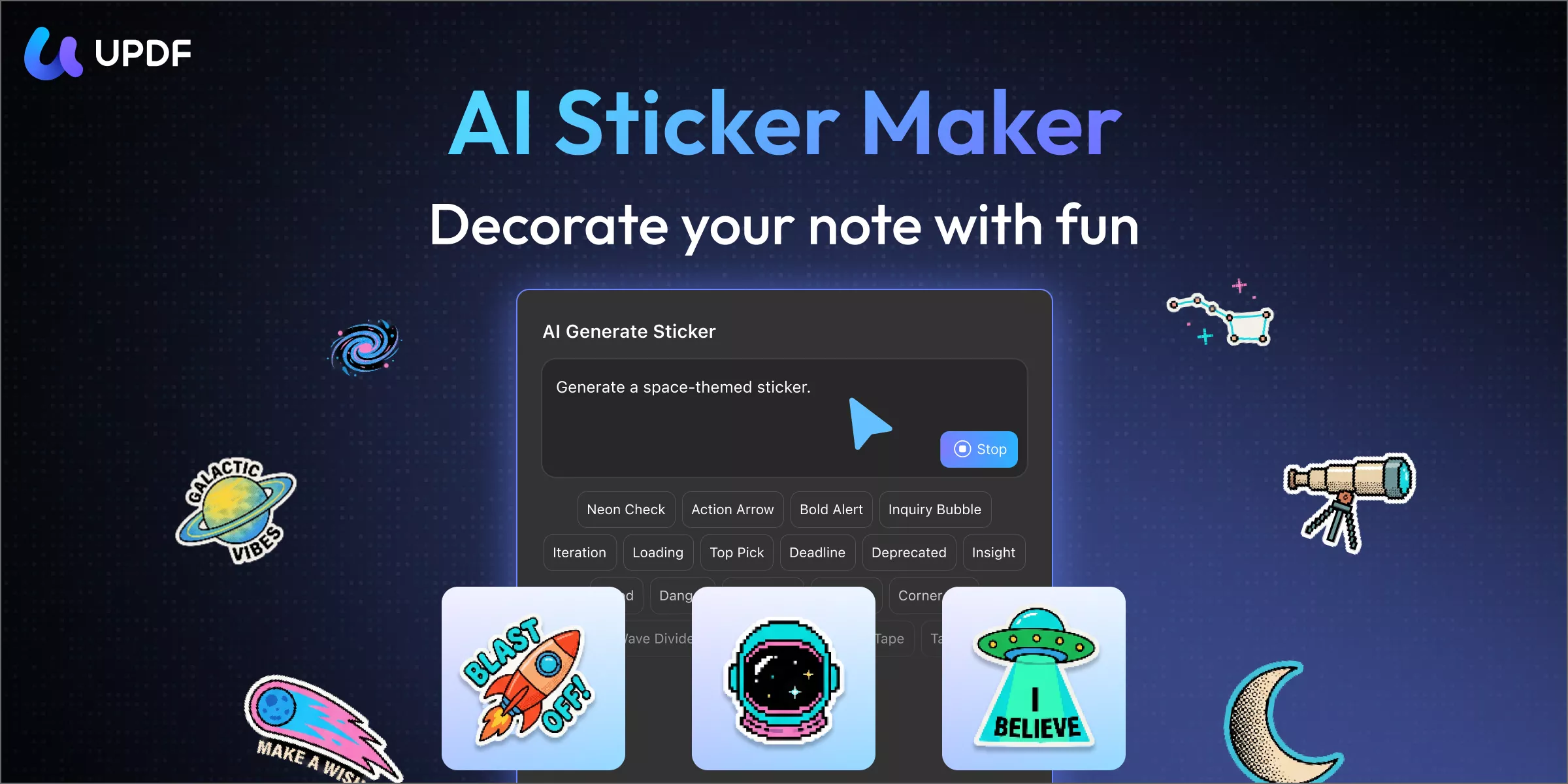
Steps:
Step 1. Download and open UPDF on your computer. Open any PDF file (or create a blank one to use as a canvas). Click Tools from the top menu and select Comment mode.
Windows • macOS • iOS • Android 100% secure
Step 2. Click Sticker from the top toolbar, then click the Generate button under the AI Generate Sticker section.
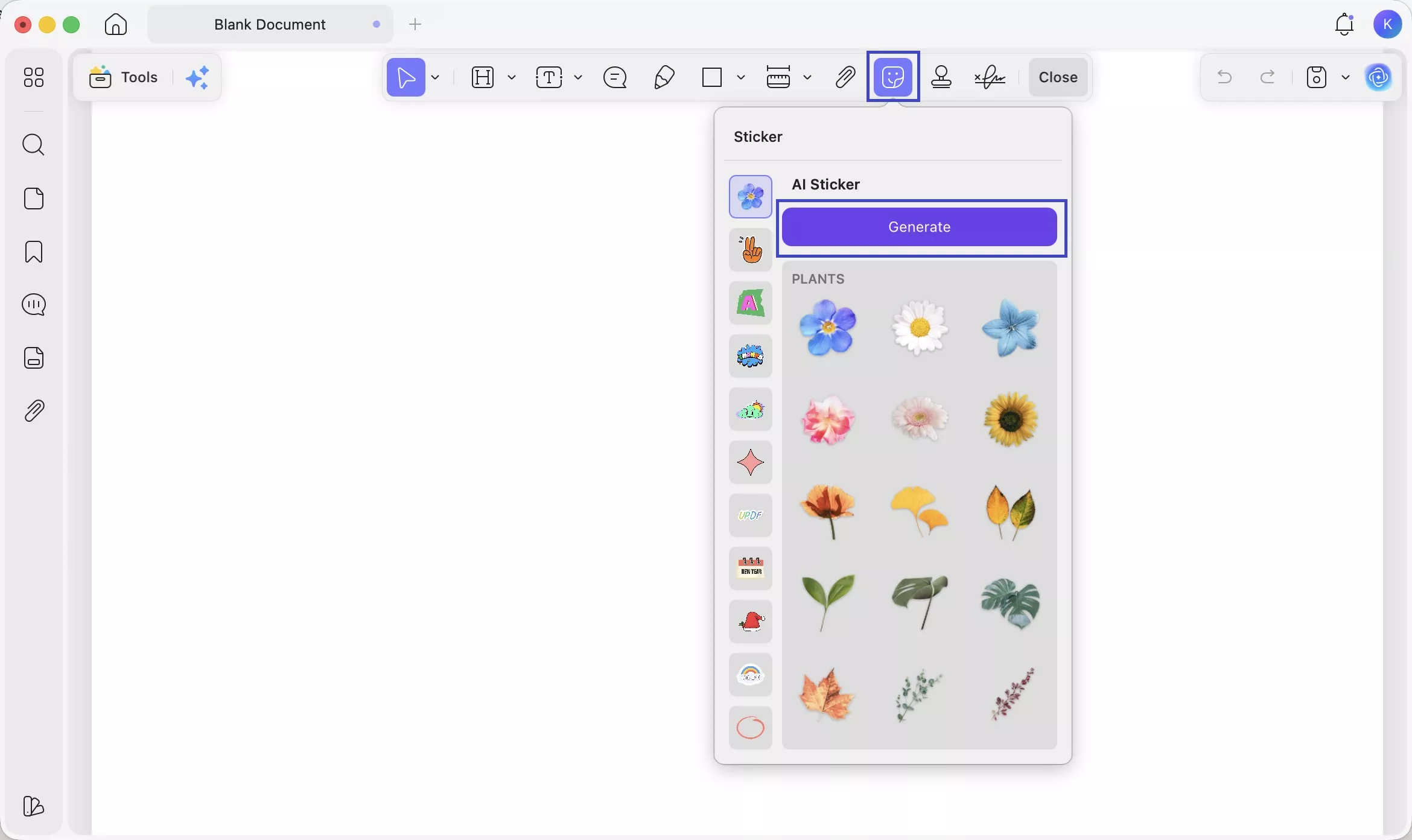
Step 3. In the Describe the Sticker box, type what you want. For New Year memes, try prompts like:
- "A cartoon firework exploding with confetti and stars, festive style"
- "Grumpy cat wearing a party hat, flat illustration style"
- "Countdown clock showing midnight, glowing neon"
- "Champagne glasses clinking with sparkles, cute sticker style"
Click Send when ready.
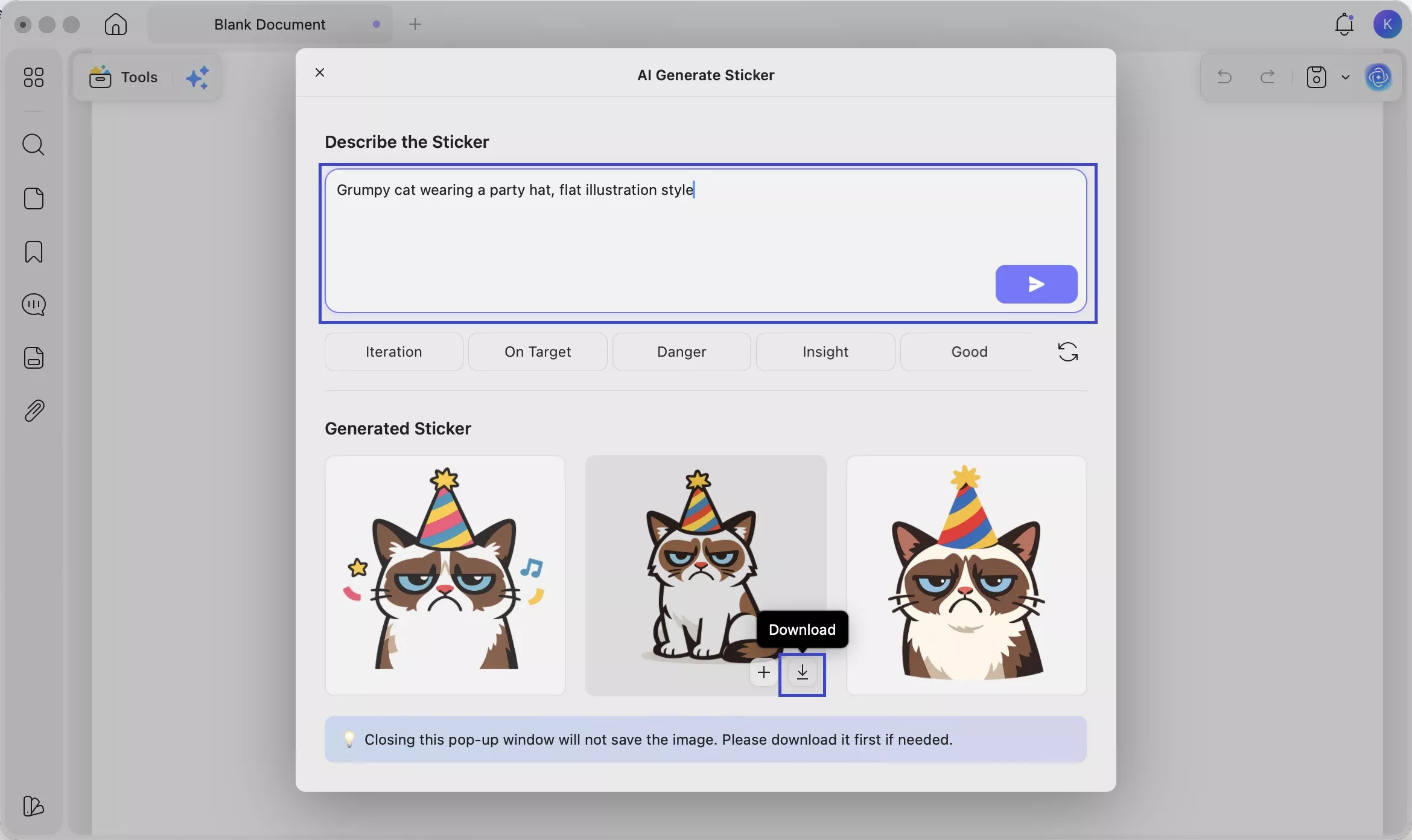
Step 4. UPDF AI will generate 3 sticker options. Preview them under the Generated Sticker section.
Step 5. Hover over the sticker you like. Click the Download icon to save it as a PNG to your device — ready to drop into any image editor, WhatsApp, or social media post.
Windows • macOS • iOS • Android 100% secure
Tips:
🔥 Get UPDF at the Best Price >>
Method 2. Generate Funny Captions with UPDF AI Online
The hardest part of making a meme isn't finding an image — it's coming up with a caption that actually lands. UPDF AI Online solves this instantly. It can generate funny, creative New Year captions on demand.
Why use UPDF AI Online?
- 100 free prompts with every account — no credit card needed
- Works on any device, in any browser
- You can upload a specific image and ask for a caption tailored to it
- Results are instant and easy to iterate on
Steps:
Step 1. Go to UPDF AI Online and log in with your email account.
Step 2. Enter a prompt to generate caption ideas. For example:
"Give me 5 funny New Year's resolutions that no one will actually keep."
"Write a sarcastic caption for someone who's been in bed since 10pm on New Year's Eve."
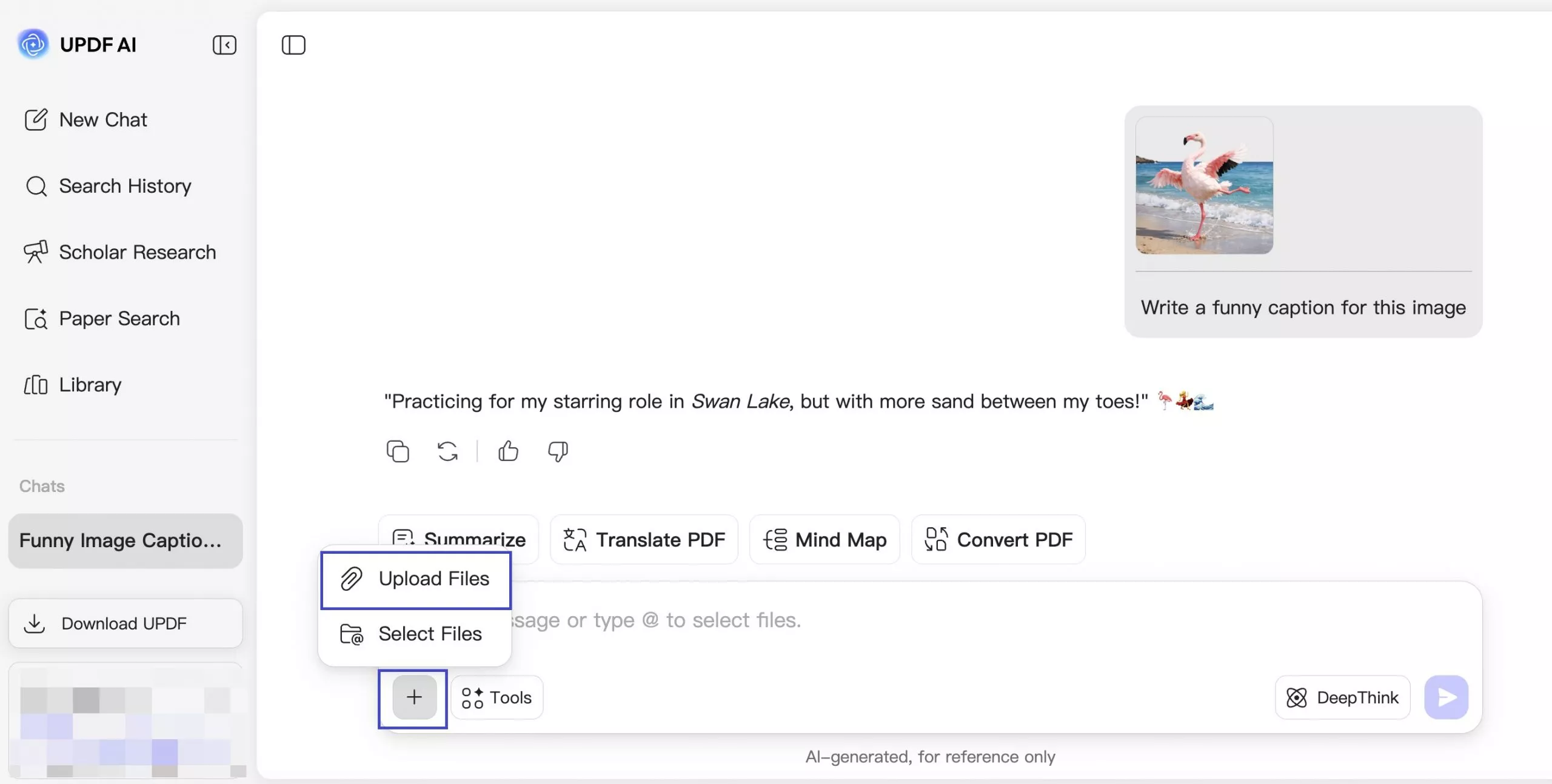
Step 3. Want a caption for a specific image? Click the "+" icon on the left of the prompt bar, upload your meme photo, and ask: "Write a funny caption for this image."
Step 4. Once you have your caption, use an image editor (like Paint on Windows) to add the text to your image.
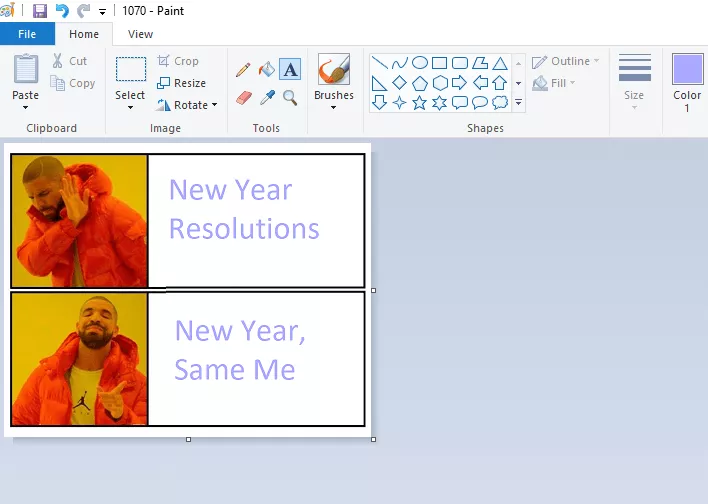
Step 5: Experiment with different font styles, colors, and sizes. Then, you can save this Happy New Year meme image.
That's it! For more information on UPDF online AI, check out this video tutorial and read this article.
Also Read: Top 15 Happy Birthday Memes To Brighten Their Special Day
Conclusion
As we welcome the New Year, funny memes are the perfect way to celebrate with friends and family. In this article, we've shared 30 ready-to-use memes — and shown you two ways to make your own with UPDF AI. Use UPDF AI Online to generate spot-on funny captions for any image, or use the AI Sticker Agent in UPDF to create custom New Year visuals from a text prompt — fireworks, party characters, countdown clocks, whatever fits your sense of humor. Both tools are free to try. Click below to get started.
Windows • macOS • iOS • Android 100% secure




 Enola Davis
 Enrica Taylor
 Engelbert White
