UPDF
UPDF
 UPDF for Windows
 UPDF for Mac
 UPDF for iPhone/iPad
 UPDF for Android
 UPDF AI Online
 UPDF Sign
 Edit PDF
 Annotate PDF
 Create PDF
 PDF Form
 Edit links
 Convert PDF
 OCR
OCR PDF to Word
 PDF to Image
 PDF to Excel
 Organize PDF
 Merge PDF
 Split PDF
 Crop PDF
 Rotate PDF
 Protect PDF
 Sign PDF
 Redact PDF
 Sanitize PDF
 Remove Security
 Read PDF
 UPDF Cloud
 Compress PDF
 Print PDF
 Batch Process
 About UPDF AI
 UPDF AI Solutions
 AI User Guide
 FAQ about UPDF AI
 Summarize PDF
 Translate PDF
 Chat with PDF
 Chat with AI
 Chat with image
 PDF to Mind Map
 Explain PDF
 PDF AI Tools
 Image AI Tools
 AI Chat Tools
 AI Writing Tools
 AI Study Tools
 AI Working Tools
 Other AI Tools
 AI Bookmark Generation
 AI Bookmark Summary
 AI Watermark Generation
 AI Background Generation
 AI Sticker Generation
 AI Stamp Generation
 AI Editing Suite
 UPDF Copilot
 AI Page Management
 AI Semantic Search
 PDF to Word
 PDF to Excel
 PDF to PowerPoint
 Enterprise Solution
 Enterprise Sign
 Enterprise AI
 Enterprise Plan
 Enterprise User Guide
 Enterprise Webinar
 Banking
 Healthcare
 Insurance
 Legal
Legal Manufacturing
 Government
 Education Solution
 Customer Stories
 User Guide
 UPDF Tricks
 FAQs
FAQs UPDF Reviews
 Download Center
 Blog
Blog Newsroom
 Tech Spec
 Updates
 UPDF vs. Adobe Acrobat
 UPDF vs. Foxit
 UPDF vs. PDF Expert

Automated invoice processing is the use of software to capture, validate, route, and post invoices without human intervention. It replaces a stack of paper or a crowded email inbox with an intelligent workflow. That workflow reads invoices, matches them against purchase orders, flags discrepancies, and pushes approved payments to your accounting system.
The efficiency gains are great. According to the American Productivity & Quality Center (APQC), organizations using best-in-class invoice processing software reduce their cost per invoice from over $10 to as low as $2.07. Similarly, the processing time drops from weeks to hours. Accounts payable teams also report reclaiming significant capacity for higher-value financial analysis.
That said, no automation is perfect. Scanned documents, handwritten notes, non-standard PDF layouts, and multi-currency invoices can all trip up even the most sophisticated platform. That's where a document management tool like UPDF earns its place in the AP toolkit, as it can handle the edge cases your automation software can't. Try UPDF free today and see how it fills the gaps.
Windows • macOS • iOS • Android 100% secure
Part 1. Top 5 Automated Invoice Processing Solutions for 2026
The selection of the right automated invoice processing software depends on your business size, AP complexity, ERP stack, and similar other factors. Below, we have handpicked the top five platforms earning the most trust in 2026:
Tool 1: BILL — Best for SMBs
BILL (formerly Bill.com) is the go-to solution for small and mid-sized businesses that live inside QuickBooks or Xero. Its two-way sync with QuickBooks Online means every approved invoice automatically posts to the general ledger without manual re-entry. This eliminates the double-data-entry problem that causes trouble for many SMB finance teams.
Key features include AI-powered data capture from emailed or uploaded invoices, a multi-level approval workflow, ACH and check payment disbursement, and a vendor portal for self-service status updates.

Pros:
- Near-instant QuickBooks sync reduces reconciliation time
- Intuitive interface with minimal training required for AP clerks
- Solid mobile app for approvals on the go
Cons:
- Per-transaction fees can accumulate at higher invoice volumes
- Limited customization for complex approval hierarchies
- International payment options are narrower than enterprise-tier competitors
- Some users report slow customer support response times
Real-World User Sentiment
According to users on Reddit and verified review platforms, BILL is praised for simplifying AP workflows, particularly for companies using QuickBooks Online. One Reddit user wrote, "110% worth it. We switched in January and it has saved us so much time." Another user added, "Pretty easy to use and I like the approval workflows and controls."
However, customer support occasionally draws criticism in community discussions. A Reddit commenter stated, "Bill.com has the worst customer support I've ever seen." Reviews on Capterra echo mixed feedback, with one user writing, "The best feature is its automation… it's very easy to use," while another noted support delays.
Overall, most feedback highlights strong automation and integrations, but pricing and support responsiveness remain common complaints.
Tool 2: AvidXchange — Best for Middle Market
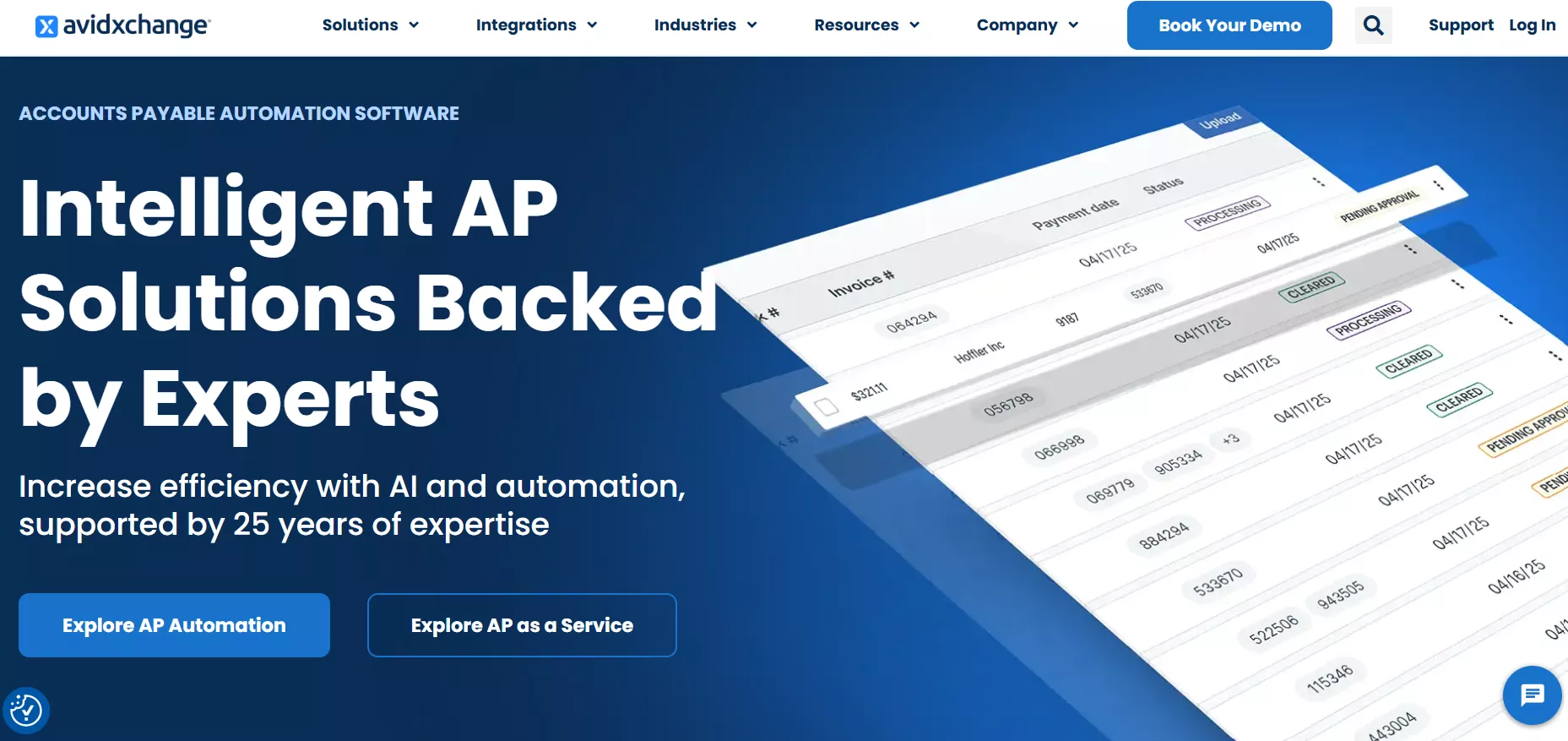
AvidXchange automated invoice processing software targets mid-market companies with complex approval workflows and multiple approvers. Its strength is the configurability of its routing rules. Invoices can be automatically directed based on GL code, cost center, dollar threshold, or vendor category.
The platform includes a dedicated supplier network, meaning many of your vendors are already enrolled and can submit e-invoices directly. This further reduces manual capture.
Pros:
- Highly configurable approval workflows that mirror real org structures
- Large pre-enrolled supplier network reduces onboarding friction
- Strong audit trail for compliance and internal controls
Cons:
- Implementation timelines can stretch to several months for complex setups
- Workflow routing may require careful configuration to avoid approval bottlenecks
- Struggle with reporting operations
Real-World User Sentiment
Feedback from verified users on Capterra suggests that AvidXchange is generally valued for simplifying invoice approvals and reducing manual paperwork. One reviewer wrote that "the workflow is excellent, once the invoices are registered the payments are made after a short time and the accounting is easier to manage with this tool."
However, some users reported operational frustrations, with one reviewer stating that "some of the most basic reports needed are non-existent and extremely disorganized." Another reviewer mentioned usability limitations, writing that "I'm not able to organize invoices by date or name even though the option is there."
Overall, most reviews emphasize strong workflow automation and ERP integrations, while pointing out that reporting flexibility and certain interface features could be improved.
Pro Tip: Optimize Your Workflow with UPDF Enterprise
Tool 3: Tipalti — Best for Global Payables
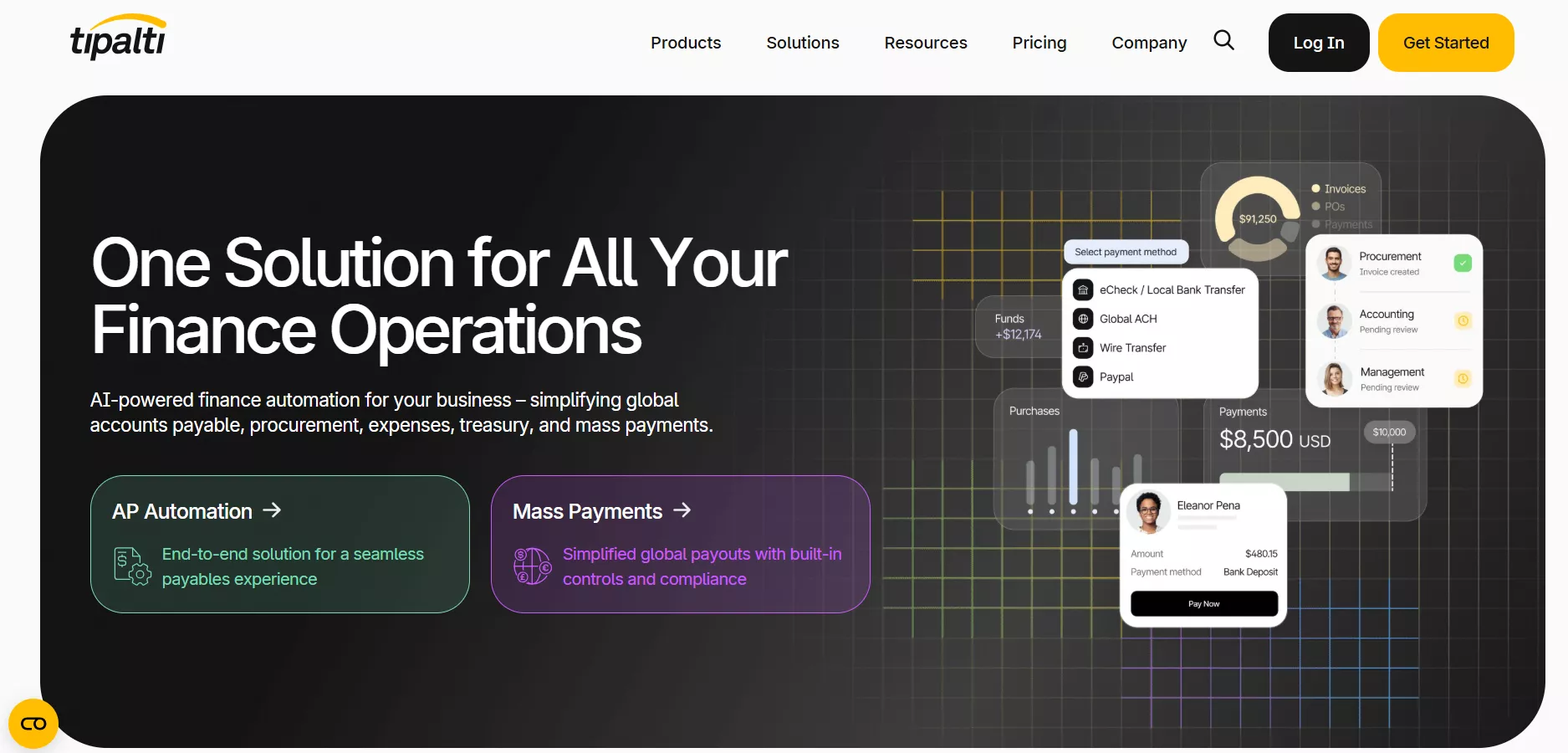
Tipalti is the specialist for companies managing supplier payments across multiple countries. It handles tax form collection (W-9, W-8BEN), validates payment details against OFAC and other sanction lists, manages currency conversion across 120+ currencies, and auto-generates 1099 and 1042-S tax reports. These are the capabilities that would otherwise require a dedicated team.
Pros:
- End-to-end global tax compliance is built into the core workflow
- Supports payments in 120+ currencies via multiple payment rails
- Self-service supplier portal reduces AP team workload dramatically
Cons:
- Premium pricing puts it out of reach for most small businesses
- Feature depth means a steeper learning curve during rollout
- Reporting customization and dashboard performance can feel limited for advanced analytics
Pro Tip:
Windows • macOS • iOS • Android 100% secure
Real-World User Sentiment
According to users on Reddit's r/Accounting thread discussing global payroll and payables tooling, Tipalti is considered the gold standard for international AP. One reviewer wrote, "Tipalti has AP automation capabilities where an invoice image/PDF can be sent to an email inbox, and that shows up in a review screen. This doesn't scan any additional attachments on the email, just the invoice." Another stated, "Tipalti is helping us centralize and streamline our accounts payable processes, which has improved visibility and reduced manual effort."
One common complaint found in community forums is the confusing reporting and payment scheduling. One says that, "the reporting of bills in the system … the payment process is not always reliable… many hoops to jump through to prove compliance."
Overall, sentiment trends toward strong automation and global payment support. However, tempered by occasional usability and reporting frustrations.
Tool 4: Stampli — Best for Collaboration
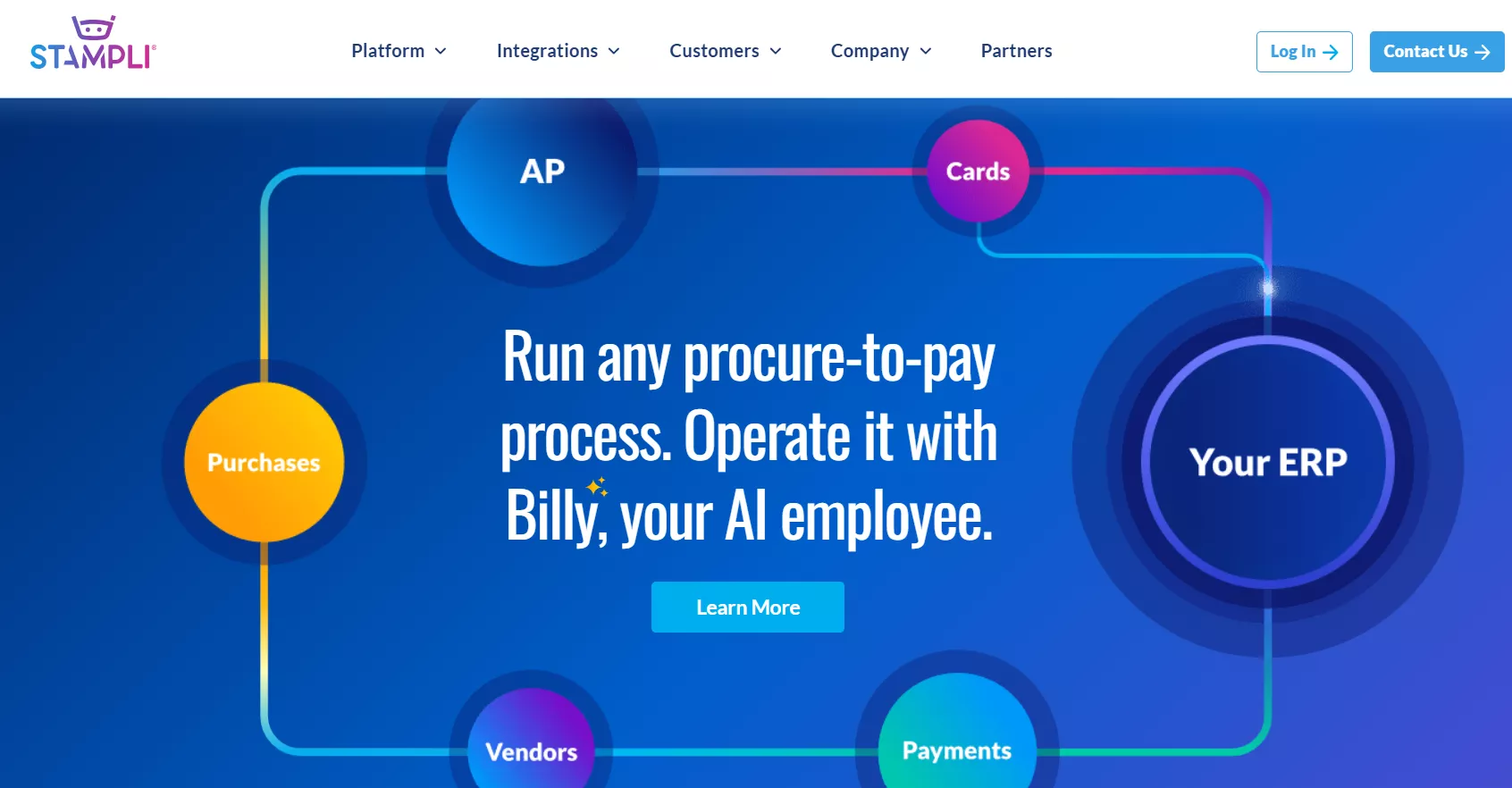
Stampli invoice processing software places communication at the center of invoice management. Each invoice has its own activity feed where AP staff and approvers/vendors can exchange comments and resolve disputes. All this is possible without leaving the platform or resorting to email chains. Its AI assistant, Billy, learns your GL coding patterns over time and suggests account codes automatically.
Pros:
- In-platform communication eliminates the email-invoice confusion loop
- AI-based GL coding suggestions improve accuracy and speed over time
- Minimal IT involvement required, as it deploys alongside existing ERPs without replacing them
Cons:
- AI sometimes struggles with multi-page invoices or complex layouts
- Payment processing can be slower than some AP platforms
- Pricing is not publicly listed and requires a sales call to evaluate
Real-World User Sentiment
Community forums praise Stampli for making invoice approvals and collaboration easier and more organized. Users are saying things like "Overall, Stampli has improved a tedious, manual process and brought all our invoice processing… into one place" and "Using Stampli for 3+ years and the AP process has got streamlined, ACH payment processing make an easy job than printing checks."
On the flip side, some users mention limitations, with one reviewer pointing out that "You cannot limit the GL accounts in Stampli… which can increase the review time," and others reporting issues like invoice view functionality or slower performance on certain devices.
Overall sentiment has a strong positive hold on automation and workflow efficiency, though a few practical usability and configuration challenges are noted.
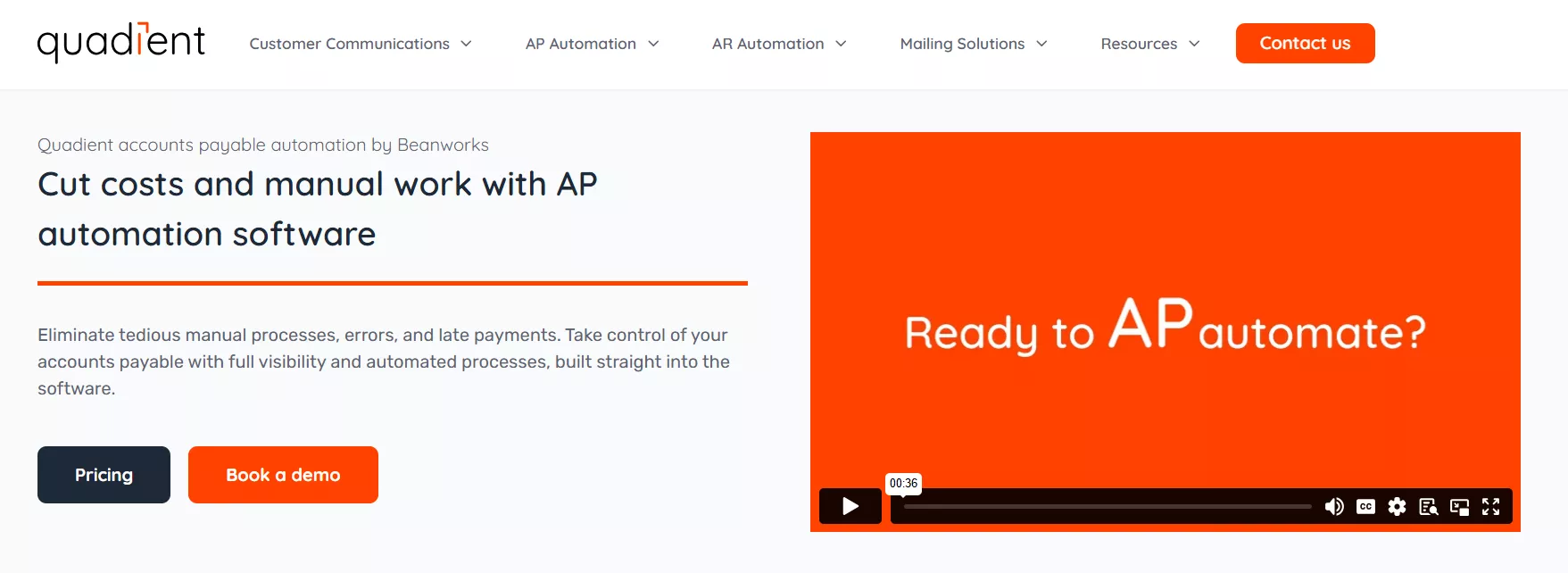
Tool 5: Quadient (Beanworks) — Best for Multi-Entity
Now operating under the Quadient umbrella, Beanworks was built specifically for organizations managing AP across multiple legal entities/subsidiaries or properties. Its inter-company coding and consolidated reporting dashboard, along with entity-level permission controls, make it a great choice for real estate groups and franchise operations. It is because a single invoice may need to be split over several cost centers.
Pros:
- Native multi-entity support with consolidated cross-entity reporting
- Strong inter-company transaction handling and coding
- The customer success team is often praised in user reviews
Cons:
- Smaller integration ecosystem than larger AP automation platforms
- Workflow configuration can require additional setup for complex organizations
- Mobile experience is functional but less polished
Real-World User Sentiment
Verified users offer a mixed but informative picture of Quadient Accounts Payable Automation by Beanworks. Many reviewers praised its ability to streamline invoice workflows and improve transparency. One user reported that "Quadient AP Automation has streamlined our invoice management and approval process, reduced manual work, and improved transparency across departments."
On G2, some users noted that the platform can reduce manual entry and ease approvals ("it has simplified our payables process… real‑time visibility into invoice status") but also mentioned that implementation can be lengthy.
One common complaint found in community forums is line‑item capture or payment execution issues, with a Reddit user stating that line‑item capture didn't work well and payment failures with third-party processors caused disruptions.
Overall, sentiment trends toward appreciation for workflow automation and usability, tempered by occasional implementation and payment‑execution frustrations.
Part 2. The "Exception" Gap: Why Automation Isn't Enough
The dark reality that no automation vendors like to put in their brochures is that every platform fails on some percentage of invoices. The average invoice exception rates run between 25-30% in manual AP environments and 10-15% even with automation in place. This means that human intervention is unavoidable on a significant share of invoices.
Some of the main culprits are:
- A vendor who emails a scanned handwritten receipt
- A multi-page statement from an overseas supplier with non-standard date formats
- A PDF with a creative layout that the OCR engine can't parse into structured fields
- A contract billing addendum buried in a 40-page document
When the automation breaks, the invoice parks in an exception queue, and someone on your AP team has to handle it manually. That's where UPDF functions as the AP team's Swiss Army knife for document exceptions.
UPDF is an AI-powered PDF editor that incorporates all the features finance teams need to handle document exceptions. It is not a replacement for your core automated invoice processing software, but the cleanup and remediation layer that keeps exceptions from becoming backlogs.

How UPDF solves the exception problem is evident from the following set of features:
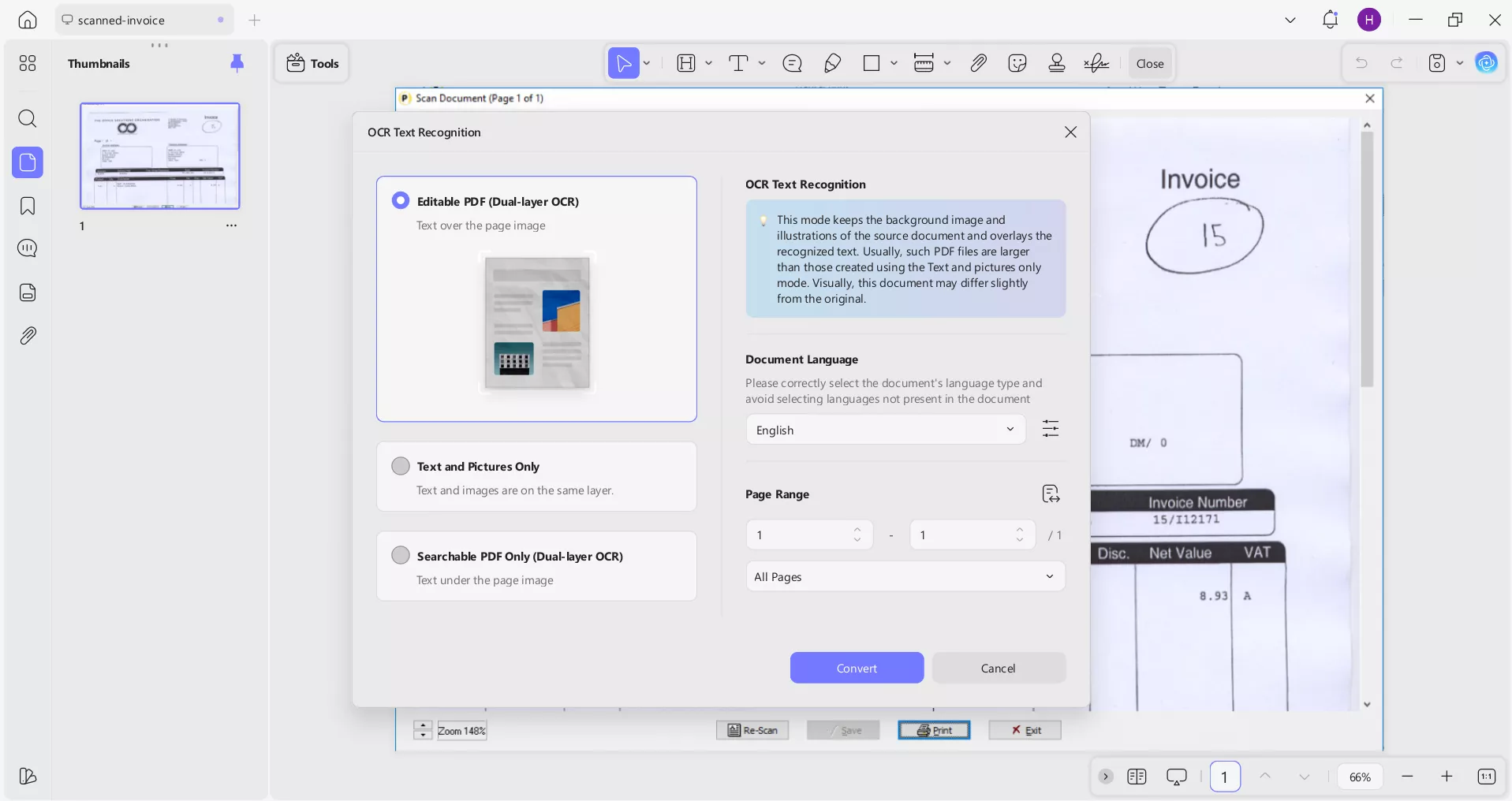
1. Advanced OCR
When automation fails to "read" an invoice, use UPDF's OCR to convert the image-based PDF into a searchable and structured document. You can then clean up the formatting and re-upload it to your AP platform in a form the software can actually process.
2. Manual Adjustments
Some of the common causes of invoice exceptions include wrong PO numbers, incorrect line item descriptions, misformatted totals, or other vendor typos. UPDF's built-in PDF editing feature lets your AP team correct these errors directly on the document before it enters the approval workflows. So the team won't have to chase the vendor for a revised copy and save a lot of time.

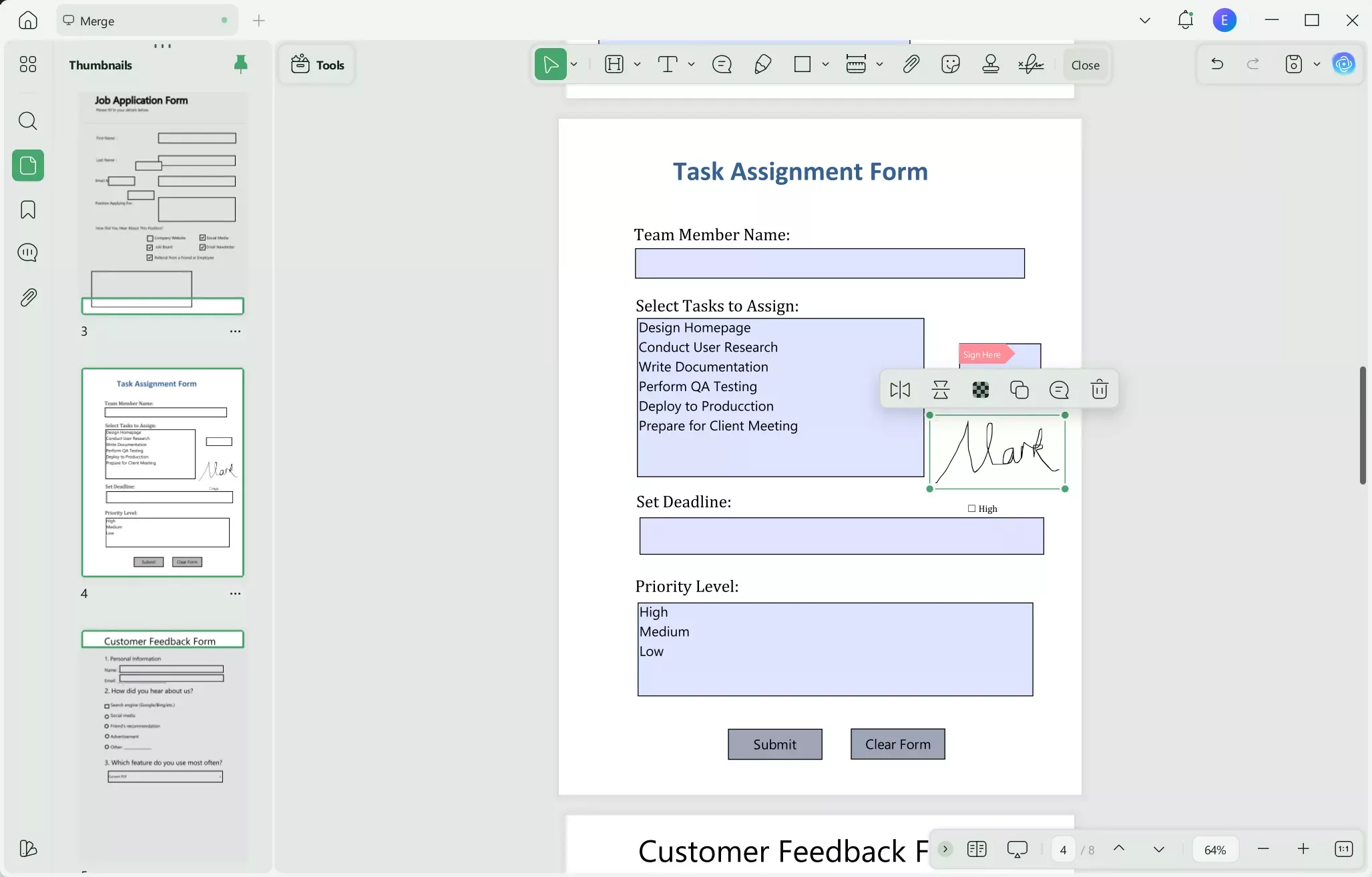
3. Security & Signature
Some invoices need executive sign-off before final disbursement. UPDF supports legally binding electronic signatures. You get a documented authorization chain directly on the payment document.
4. AI Insights
Long-term vendor contracts or complex multi-page billing statements are difficult to reconcile against individual invoices. UPDF AI assistant can summarize complex billing documents and extract key payment terms. It can also flag discrepancies between a current invoice and the underlying contract.
For example, the team can ask UPDF AI analyze cash flow statement to quickly review financial data patterns or rely on explain financial statement PDF to turn complicated financial documents into clear explanations.

Notably, UPDF capabilities are not limited to the above set of features. Read this UPDF review article or watch this YouTube video to learn more about UPDF's features.
Part 3. Critical Factors When Choosing Invoice Processing Software
Until now, we have learned about the best automated invoice processing software and UPDF's assistance with handling exceptions. Now, the next question is which software you should choose.
Before committing to a platform, evaluate these five dimensions:
- ERP and Accounting System Compatibility: Confirm native integration with your existing GL platform. A poor sync is often worse than no automation.
- Invoice Volume and Exception Rate: Request data on the vendor's OCR accuracy on documents that resemble yours. Ask what percentage of invoices require manual review in comparable deployments.
- Approval Workflow Configurability: Map your current approval routing logic before demos. If the software can't replicate it, implementation costs will escalate.
- Compliance and Audit Trail Requirements: For regulated industries, verify that the platform produces the audit trail documentation your auditors require.
- Total Cost of Ownership: Factor in per-transaction fees, implementation costs, training time, monthly subscription, and other costs. Several platforms appear inexpensive until invoice volume scales.
Run a short pilot of 100–200 real invoices, as recommended by accountants on Reddit, to measure true accuracy and exception rates before full deployment.
FAQ: Solving Common Billing Queries
Q1. What software is used to process invoices?
The most widely used platforms for invoice processing are BILL, AvidXchange, Tipalti, Stampli, and Quadient (Beanworks). Each of them suits different business sizes and use cases. For managing document exceptions and PDF remediation that automation systems miss, UPDF is a supplementary tool for AP teams handling complex or malformed invoices.
Q2. Is QuickBooks invoice free?
No, QuickBooks invoicing is not free for ongoing use. It offers a 30-day free trial, after which you need a paid subscription starting at around $20/month for Simple Start. Basic invoicing features are included in all tiers, but automation capabilities such as recurring invoices and payment reminders require the Essentials plan or above.
Q3. Is Zoho Invoice actually free?
Yes, but there are limitations. Zoho Invoice is free for a single user managing up to five customers. This option only suits freelancers or very early-stage businesses. You have to upgrade to a paid Zoho Invoice plan for multi-user access and advanced automation.
Q4. Is Google invoice free?
Yes, Google Docs and Sheets offer free invoice templates that you can use to create and send invoices at no cost. However, these templates provide zero invoice processing automation. There is no OCR capture, no approval routing, no ERP sync, and no payment disbursement.
Conclusion
The strategic approach of AI in 2026 should be a two-layer stack. The first layer should be of a dedicated automated invoice processing software for the 80% of invoices that arrive clean and structured. The second layer should be of a document remediation tool like UPDF for the 20% that don't. Automation handles volume and velocity, while UPDF handles complexity and exceptions.
Choose your core platform based on business size and workflow complexity using the guide above. Then add UPDF as the document pre-processing and PDF remediation layer that ensures every invoice makes it through the workflow without creating a backlog. Start your free UPDF trial and close the exception gap today.
Windows • macOS • iOS • Android 100% secure







 Lizzy Lozano
 Enola Davis