UPDF
UPDF
 UPDF for Windows
 UPDF for Mac
 UPDF for iPhone/iPad
 UPDF for Android
 UPDF AI Online
 UPDF Sign
 Edit PDF
 Annotate PDF
 Create PDF
 PDF Form
 Edit links
 Convert PDF
 OCR
OCR PDF to Word
 PDF to Image
 PDF to Excel
 Organize PDF
 Merge PDF
 Split PDF
 Crop PDF
 Rotate PDF
 Protect PDF
 Sign PDF
 Redact PDF
 Sanitize PDF
 Remove Security
 Read PDF
 UPDF Cloud
 Compress PDF
 Print PDF
 Batch Process
 About UPDF AI
 UPDF AI Solutions
 AI User Guide
 FAQ about UPDF AI
 Summarize PDF
 Translate PDF
 Chat with PDF
 Chat with AI
 Chat with image
 PDF to Mind Map
 Explain PDF
 PDF AI Tools
 Image AI Tools
 AI Chat Tools
 AI Writing Tools
 AI Study Tools
 AI Working Tools
 Other AI Tools
 PDF to Word
 PDF to Excel
 PDF to PowerPoint
 Enterprise Solution
 Enterprise Sign
 Enterprise AI
 Enterprise Plan
 Enterprise User Guide
 Enterprise Webinar
 Banking
 Healthcare
 Insurance
 Legal
Legal Manufacturing
 Government
 Education Solution
 Customer Stories
 User Guide
 UPDF Tricks
 FAQs
FAQs UPDF Reviews
 Download Center
 Blog
Blog Newsroom
 Tech Spec
 Updates
 UPDF vs. Adobe Acrobat
 UPDF vs. Foxit
 UPDF vs. PDF Expert

Have you ever purchased an eBook only to find it downloaded as a tiny .acsm file that your standard PDF reader can’t open? Unlike traditional document formats, an ACSM file is an "Adobe Content Server Message"—essentially a digital ticket used by Adobe to authorize the purchase and download of your actual book. This system is particularly helpful in protecting copyright content using Adobe's Digital Right Management technology while ensuring only authorized users can access the content.
To read these files on any device or manage them effectively, you first need to convert them into a standard PDF format. In this guide, we will introduce the top 6 ACSM to PDF converters with their limitations and strengths. We’ll also show you how to use UPDF to take full control of your converted eBooks on your mobile and desktop, allowing you to annotate, edit, and summarize your reading with AI-powered efficiency. You can click the button below to have a free download.
Windows • macOS • iOS • Android 100% secure
Part 1. Convert ACSM to PDF Using Adobe Digital Editions (ADE)
As of 2026, Adobe Digital Editions (ADE) remains the industry-standard software for fulfilling ACSM licenses. Since these files are protected by Adobe’s ecosystem, this is the most secure and official method.
- Install ADE: Download the latest version of Adobe Digital Editions for Windows or macOS.
- Authorize Your Device: Open ADE, navigate to Help > Authorize Computer, and enter your Adobe ID. This step is crucial; without authorization, you won't be able to open the file on other devices later.
- Download the eBook: Then, drag your .acsm file into the ADE window. The software will automatically connect to the server and download the book as a PDF.
Part 2. Top 5 Online ACSM to PDF Converters
However, for users who prefer not to install heavy software, several online converters can handle non-DRM or specifically formatted ACSM links. If you use an online converter, simply upload the .acsm file, wait for the processing, and download the resulting PDF.
1. AnyConv
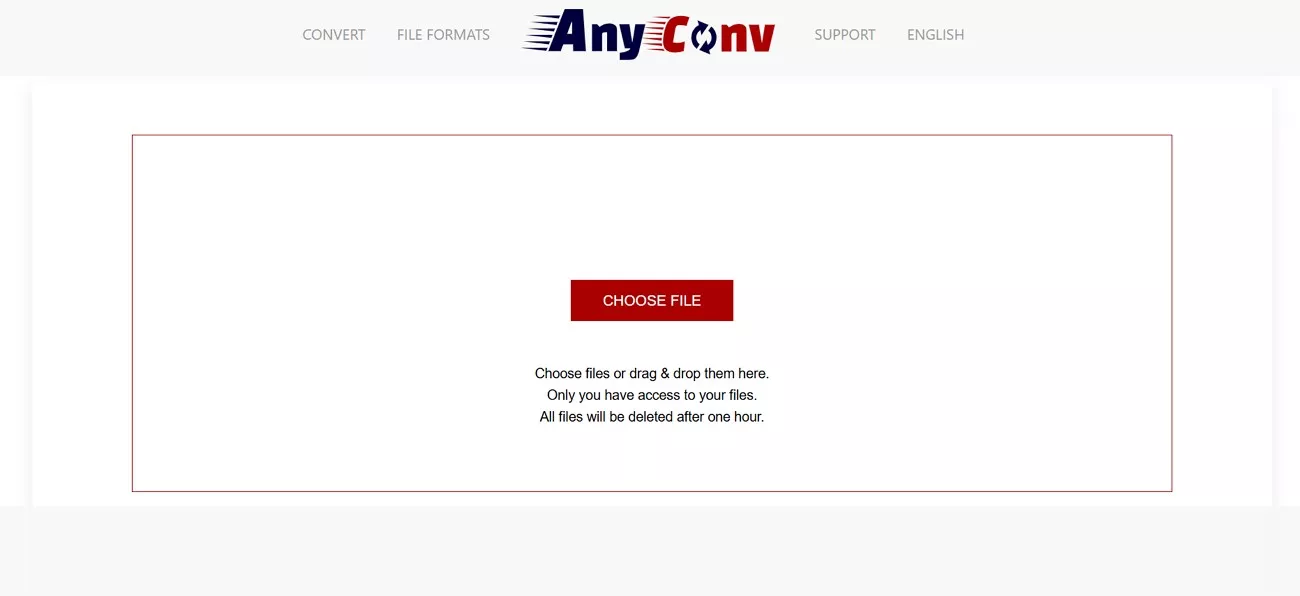
This platform is a web-based file converter that supports over 400 file formats, including eBooks, images, audio, and archives. It works well on all operating systems that have a web browser and requires no software installation. Furthermore, the conversion is simplified with its drag-and-drop feature or requires only file uploading. Once your file is converted, it is automatically deleted by the platform after an hour for security purposes.
Cons:
- However, it restricts users with a file size limitation, with errors occurring in between the conversion.
- The overall conversion is also slow, with many disturbing ad pop-ups on the main interface.
Pricing Plans
- Free (100MB file size limit)
2. ACSMConverter
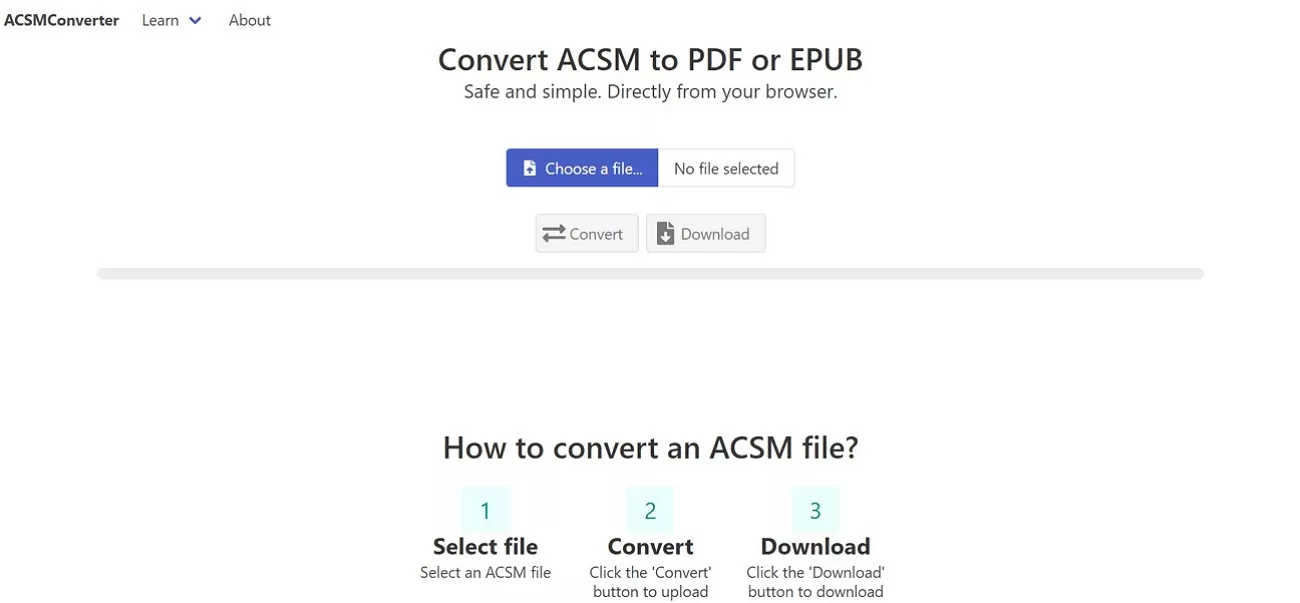
It is an online tool that simplifies the conversion process of ACSM files directly from the browser. It processes the files through ADE to unlock and export them as PDFs while maintaining their original formatting. The platform provides a simple 3-step process of conversion, which includes file selection, conversion, and download. In addition, all the files uploaded and converted through this tool are safe and kept private for security reasons.
Cons:
- This platform does not support other file formats and is particularly made for ACSM conversion.
- Not only this but there are no editing or organization features offered by the platform after conversion.
Pricing Plans
- Free (No file size limit)
3. Online2PDF
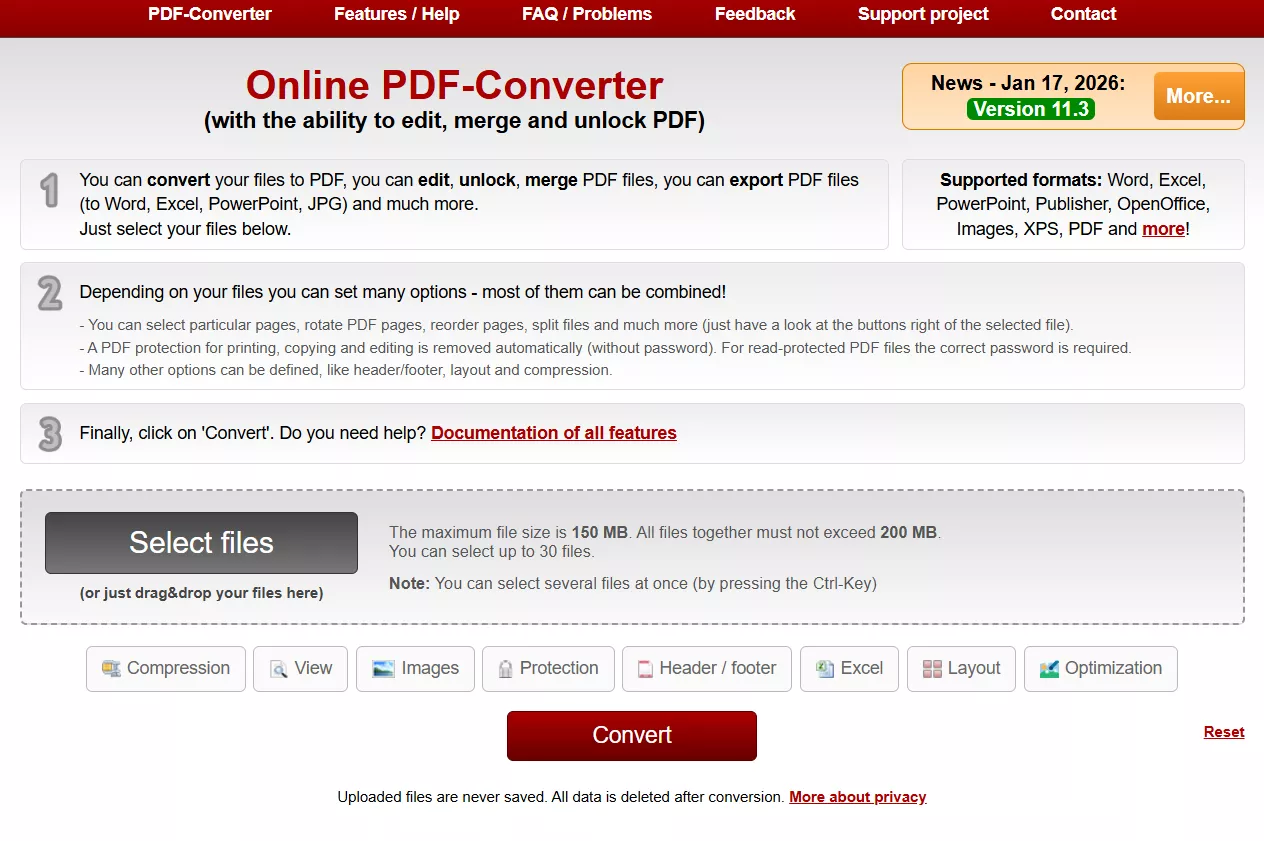
It is another fast and easy-to-use addition to the ACSM file converters that offers a click solution for conversion. This tool supports batch conversion while enabling you to process multiple files at once to save handling time. After conversion, you can select any particular page to rotate, split, and reorder. Moreover, it allows users to protect PDFs with a password to keep their information intact.
Cons:
- This platform can upload only 30 files per day with a size limitation.
- Its main interface can be distracting for many users due to unnecessary ads.
Pricing Plans
- Free (150 MB minimum file size)
Once you've converted your ACSM files to PDF, UPDF is the perfect tool for managing them. Through this, you can read, annotate, edit, and organize your PDFs. Therefore, download UPDF today, avail its free trial, and discover how easy it is to keep your PDFs organized with its user-friendly interface.
Windows • macOS • iOS • Android 100% secure
4. 2PDF
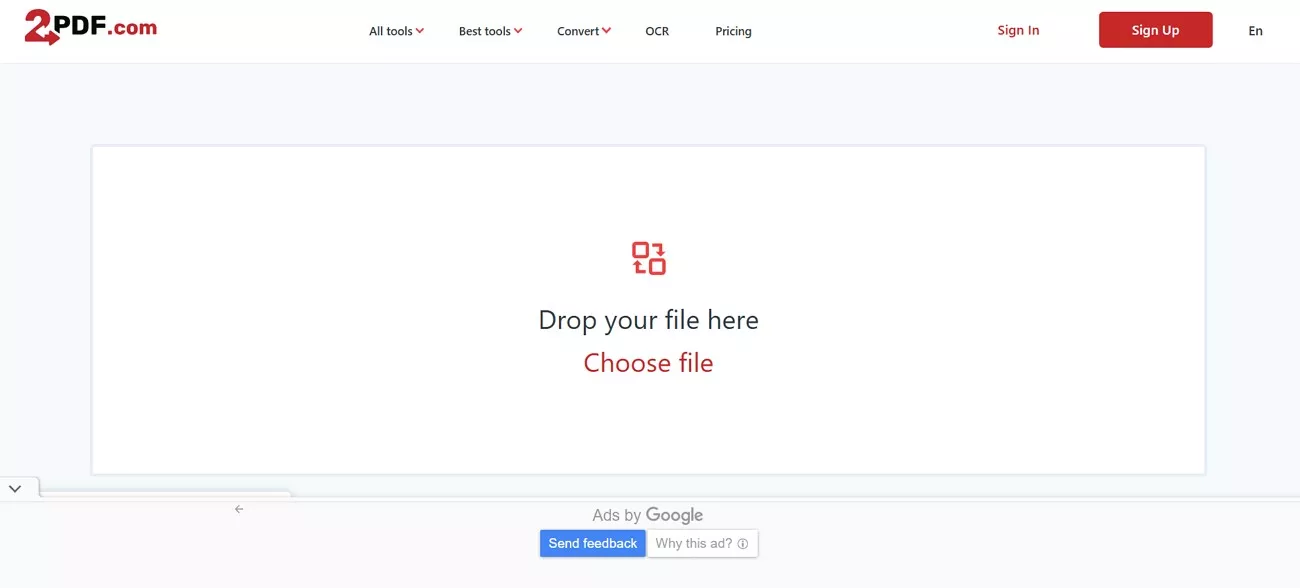
2PDF is a versatile online converter that supports over 50+ formats, including eBooks. On this tool, only dropping or uploading your file is required for conversion. You can select the orientation, page size, and other conversion options before converting. After transforming, it facilitates users to download or export their files to Dropbox or Google Drive. All files are protected from access by third parties, and no one except you can open them.
Cons:
- Although it's easy to convert, some minor errors might occur unexpectedly while interrupting the conversion process.
- Despite paying a high amount for the standard plan, you can only convert a 300MB file size.
Pricing Plans
| Free | Standard ($5.99/month) | Professional ($9.99/month) |
| 100 MB file size | 300 MB file size | 500 MB file size |
| Low priority | Middle priority | High priority |
| Ads | No ads | No ads |
5. Convert.Guru
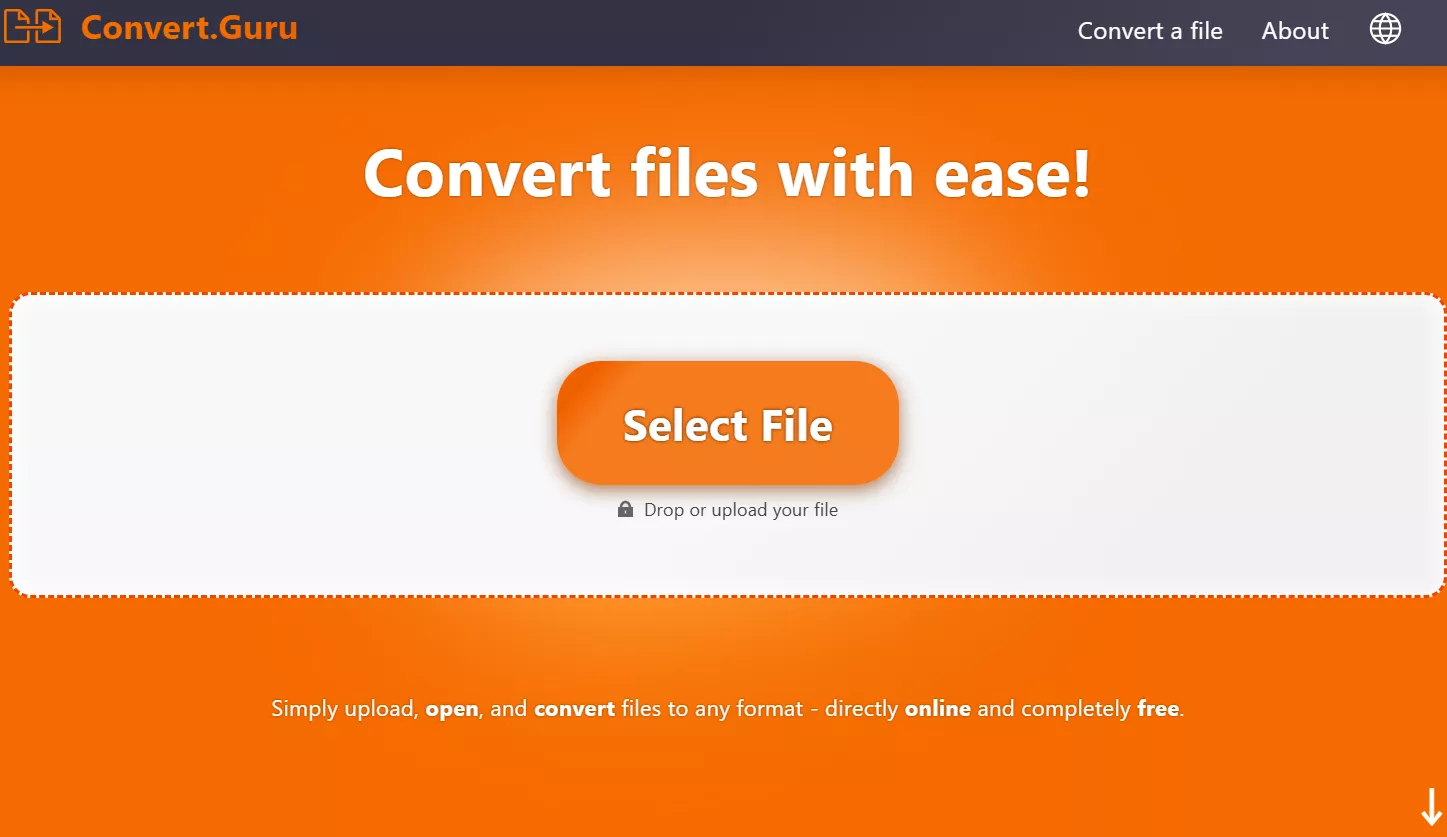
This is a free eBook converter that offers an ad-free interface and provides a smooth user experience without any distractions. Through its drag-and-drop feature, users can instantly convert various files on the go. Additionally, it supports the top 20 Office files, such as XML, ADOC, PMD, and MSO files for conversion. The automatic AI format recognition technology analyzes the internal structure of data even if the files are damaged.
Cons:
- At times, the converted file layout may not match the original document structure accurately.
- Plus, the platform does not provide any notification after completing the conversion process.
Pricing Plans
- Free (No file size limit)
Warning:
Windows • macOS • iOS • Android 100% secure
Part 3. How to Manage and Edit Your Converted PDF with UPDF
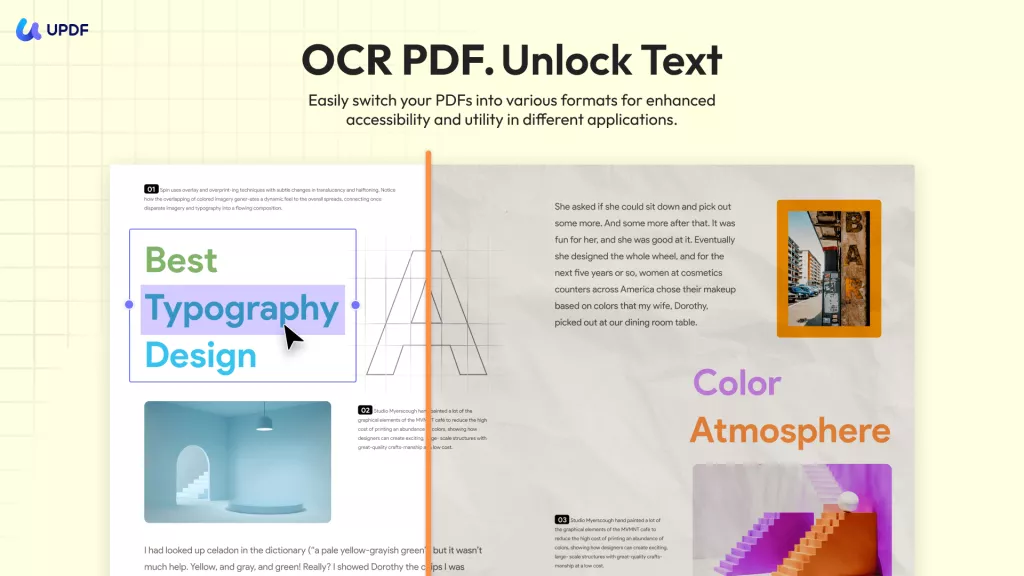
Converting ACSM files to PDF is handy—but to truly work with your PDFs, you need more than just a basic reader. Imagine a tool that runs smoothly on Windows, Mac, iOS, and Android, and even comes with smart AI features. Meet UPDF!
Windows • macOS • iOS • Android 100% secure
About UPDF:
Why UPDF is the Best Companion for Your eBooks:
AI Reading Assistant: Don't have time to read 400 pages? Ask UPDF AI to summarize the entire book, generate a mind map, explain complex terms, or translate the whole book while keeping layout intact. You can also chat directly with your book for quick answers.
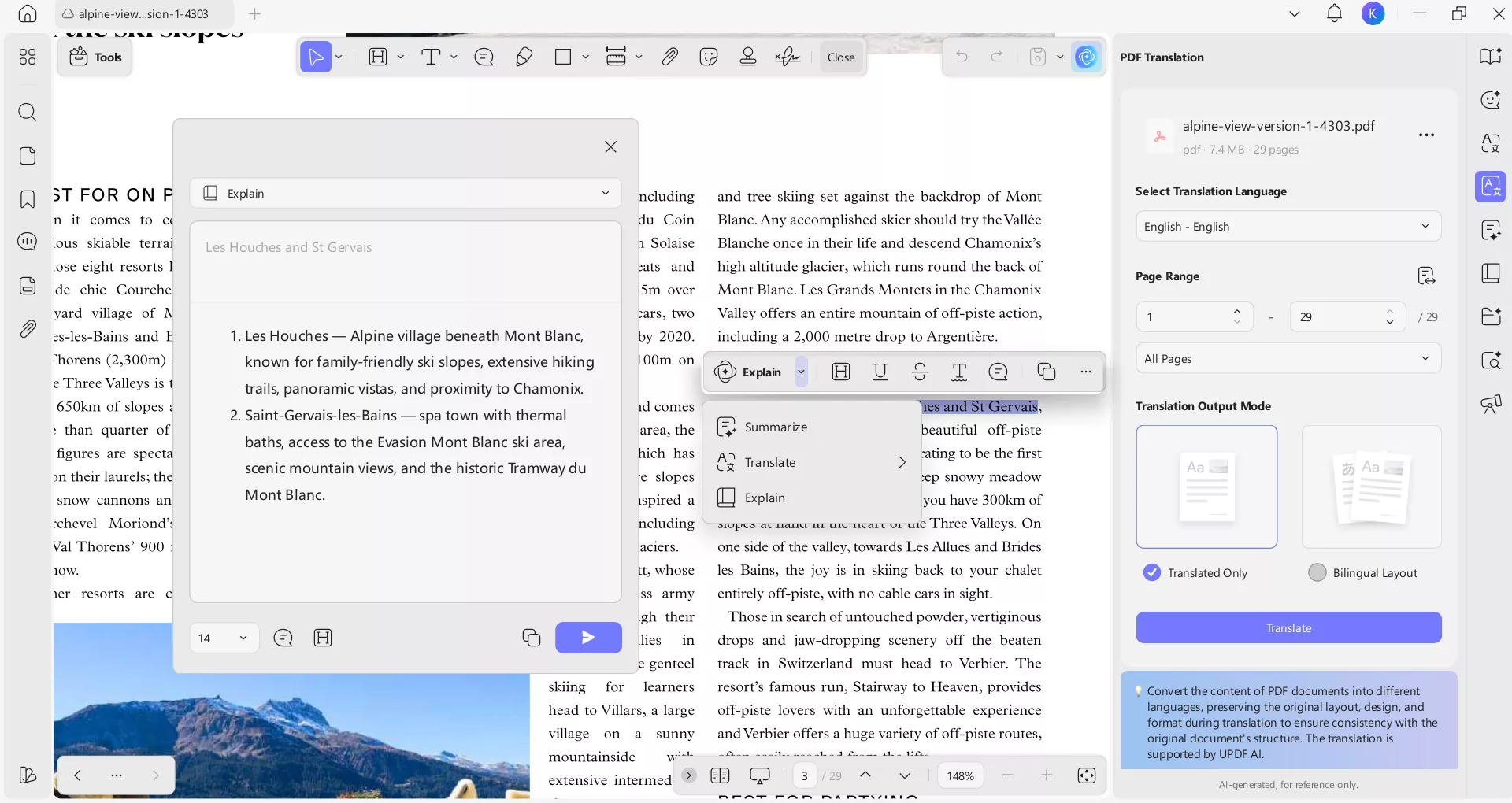
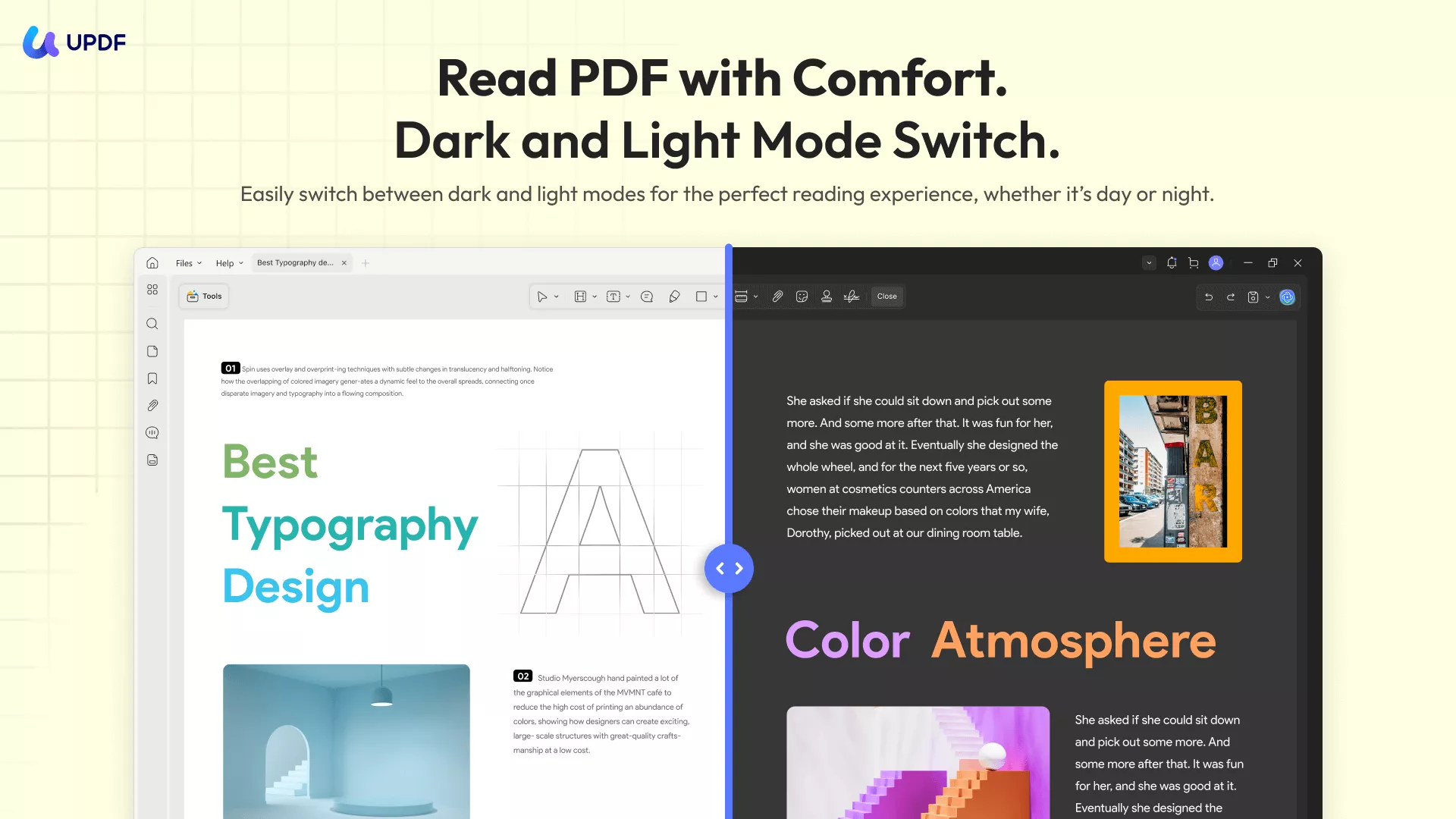
Advanced Reading Experience: UPDF isn’t just for viewing PDFs. You get customizable reading modes, dark mode for eye comfort, and easy navigation with bookmarks and search tools. Annotate freely with highlights, comments, shapes, and stickers—all in a click.
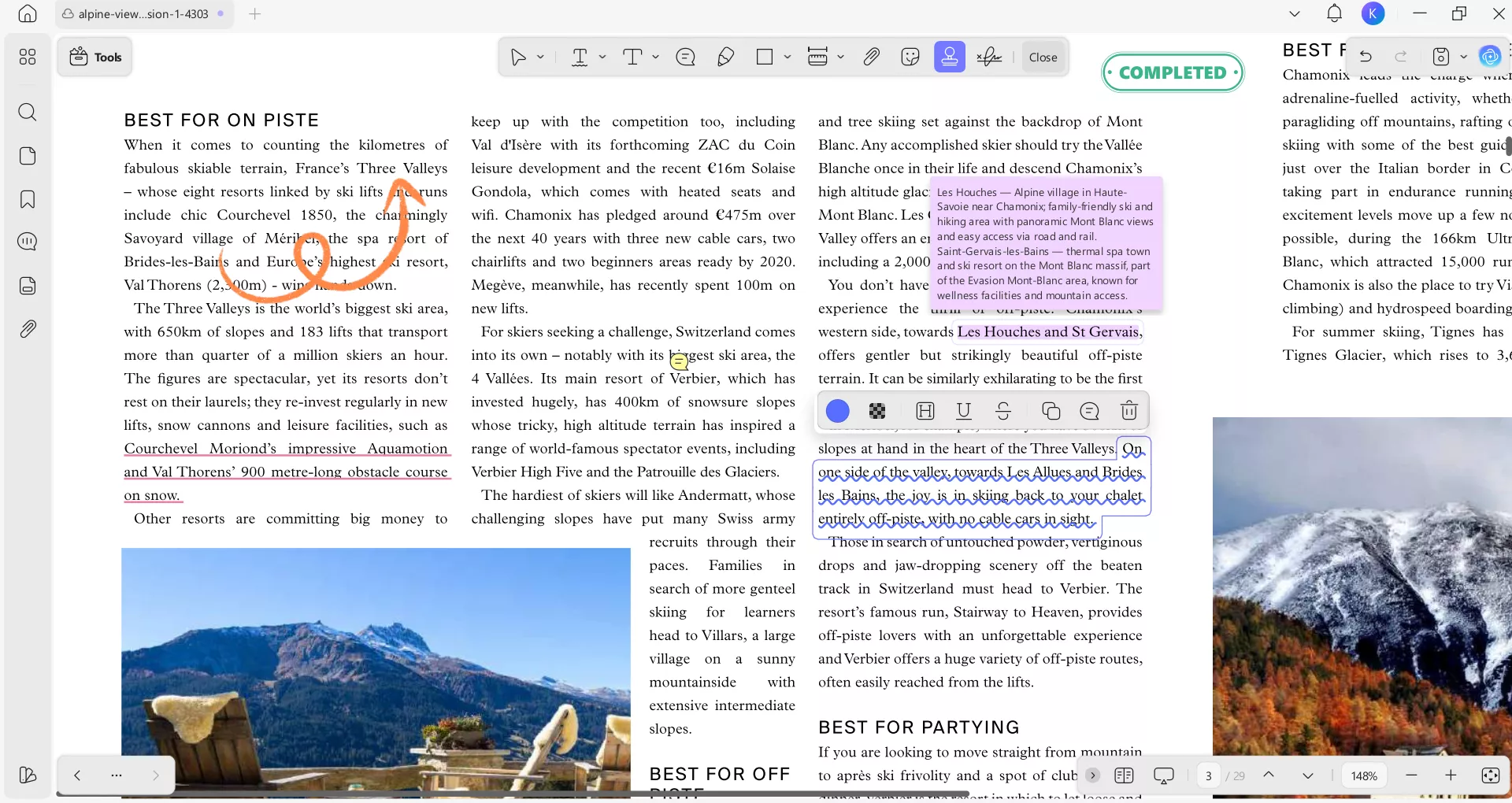
Interactive Annotations: Unlike basic readers, UPDF lets you add colorful highlights, sticky notes, and more to your books—perfect for students and researchers.
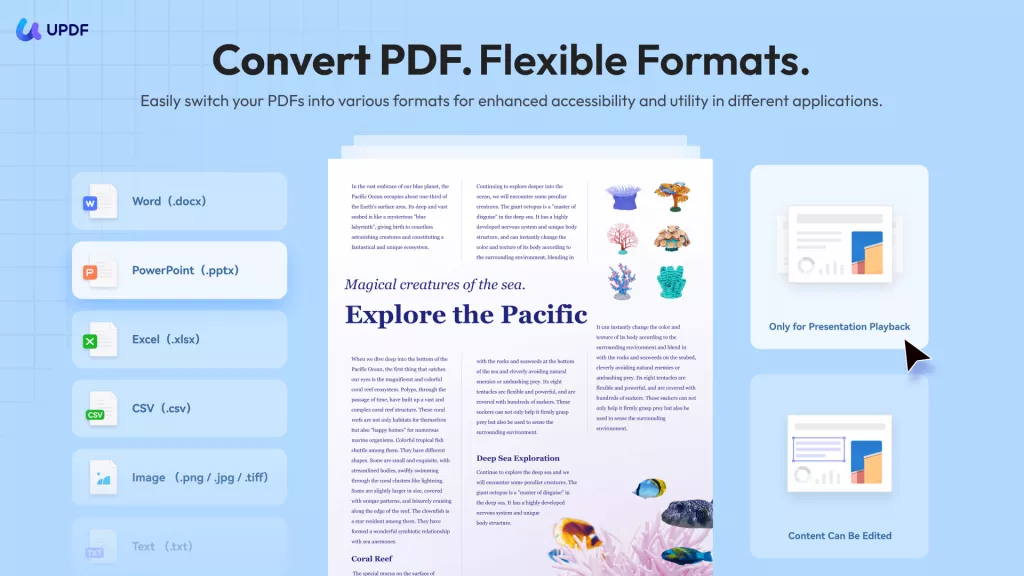
Beyond reading and annotating, UPDF is a full PDF toolkit: edit text and images, convert PDFs to Word or Excel and more formats, compress large files, organize pages, secure documents with passwords, and more.
Multi-Platform Sync: Start reading on your PC and continue on your other devices, e.g. iPad exactly where you left off using UPDF Cloud.
In short, UPDF turns your converted ACSM files into fully editable, searchable, and shareable PDFs—accessible anytime, on any device. Give it a try and see the difference!
Windows • macOS • iOS • Android 100% secure
Part 4. Frequently Asked Questions
Can I convert ACSM to PDF on Android or iPhone?
Yes. You can install the Adobe Digital Editions app on mobile to fulfill the license. Once the PDF is downloaded, you can open it directly in the UPDF mobile app to enjoy a superior reading interface with "Liquid Mode" for better text flow.
Why can't I edit the PDF after converting from ACSM?
Most ACSM conversions result in a DRM-protected PDF. While you can read it, editing is often restricted. Using UPDF, you can at least add your own layer of annotations and comments without damaging the original file structure.
Is it legal to convert ACSM to PDF?
Yes, as long as you have legally purchased the book and are converting it for personal use on your own devices.
Conclusion
Converting an ACSM file to PDF is a necessary hurdle to truly owning your digital content. By using Adobe Digital Editions for the initial download and UPDF for the subsequent reading and editing, you ensure that your eBooks are not just stored, but utilized to their full potential.
Ready to revolutionize your digital library? Download UPDF for Free today and experience the smartest way to read, edit, and summarize your converted PDFs.
Windows • macOS • iOS • Android 100% secure





 Enola Miller
 Enola Davis
  Trkan Aydin
 Enrica Taylor