UPDF
UPDF
- ProductsNEW
- Core Features
- UPDF AIHOT
- Online PDF
- Solutions
- Resources
- Pricing
Feedback
Effortlessly rearrange PDF pages: add, delete, rotate, replace, extract, split, crop, and change PDF page order with ease!
Support: Windows · macOS · iOS · Android



Organizing bulky PDFs is now simpler than ever. Add pages from files, insert blanks, import pages from clipboard, or perform interleaving insertion. Then, rotate or delete as needed.
How to Add Pages to PDF Free Download

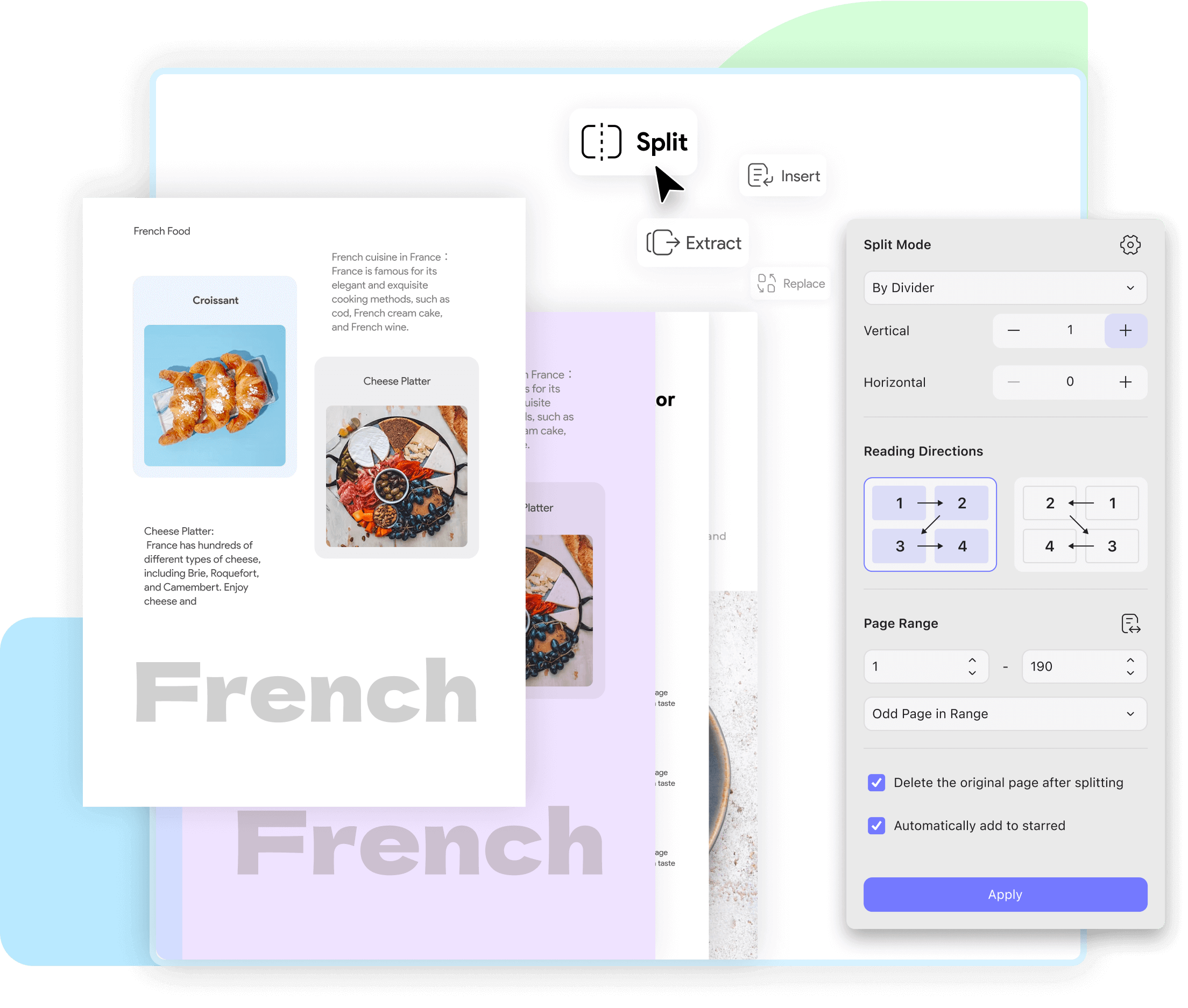
Effortlessly break down lengthy PDFs using UPDF PDF Organizier's Extract and Split tools. From selecting specific pages to splitting by page count, UPDF empowers the way to arrange PDF pages.
How to Extract Pages from PDF How to Split PDF Buy Now
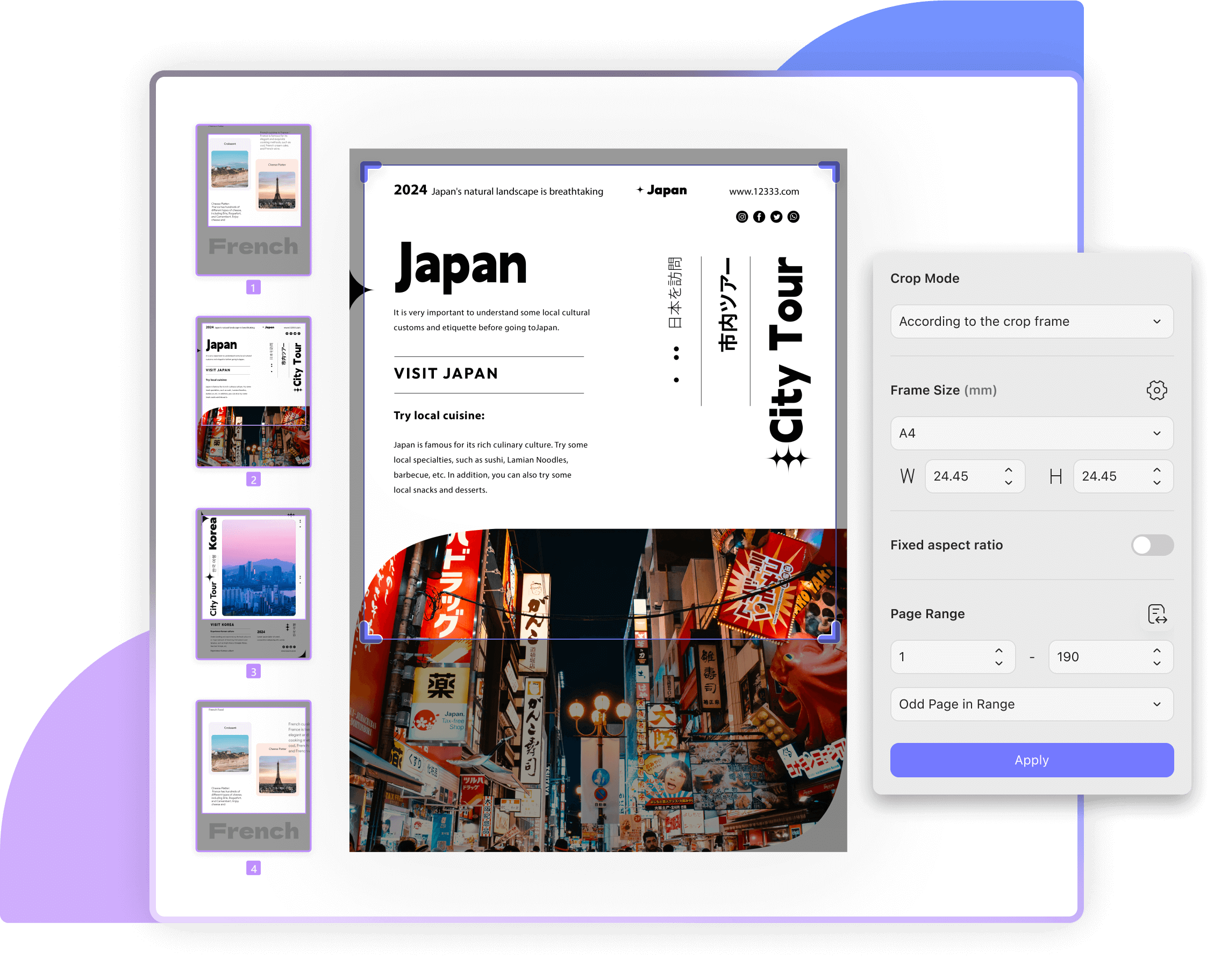
Easily crop by dragging corners or input dimensions for automatic cropping with custom margins. Crop multiple pages simultaneously for a streamlined and tailored workflow. Revert changes as needed to effortlessly refine your document.
How to Crop a PDF Free Download
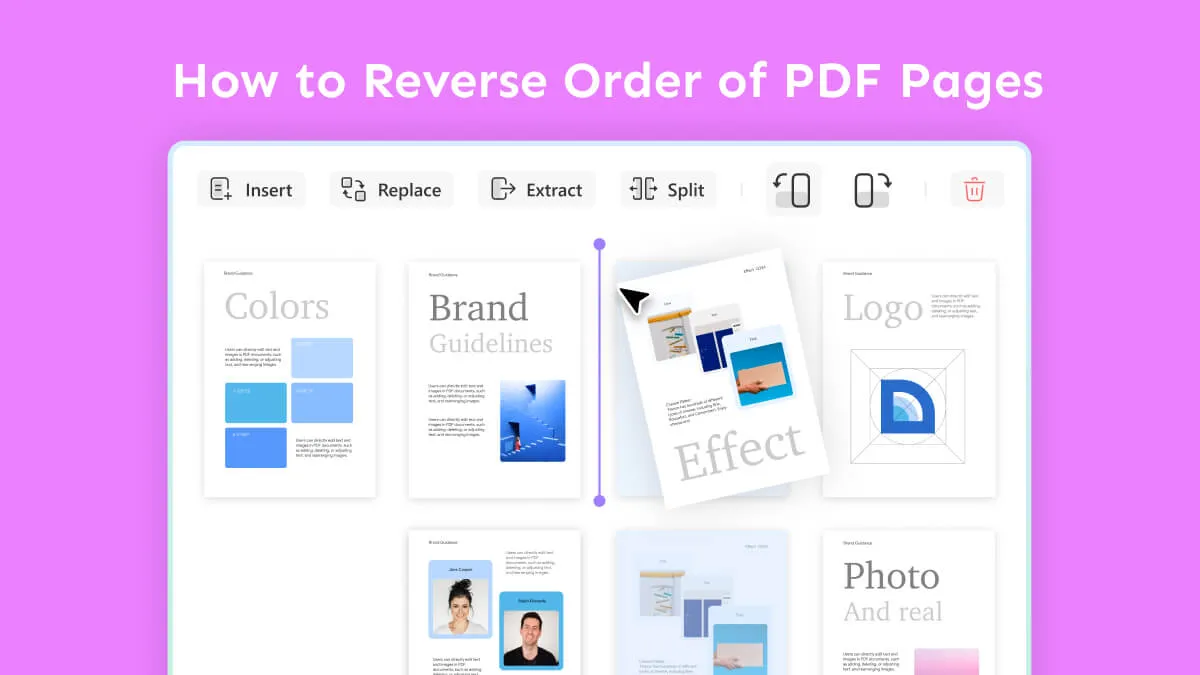
Experience seamless, tailored document management with UPDF: effortlessly change PDF pages order, replace, copy, and duplicate pages per your needs.
How to Rearrange PDF Pages Buy Now


Tips and Tricks for How to Organize PDFs Explore More
UPDF is an all-in-one PDF solution - here are some other great features:
 UPDF Pro
 / Year
Access to all PDF tools for editing, converting, annotating PDFs.
 AI Assistant
 / Year
Unlimited usage of AI to summarize, translate, convert PDF to mind maps etc.
 UPDF Sign
 / Year
300 signature requests per year.
UPDF Pro / one-time fee
Number of users
{{ companyUPDFSelectedNumber }} user
{{ companyUPDFSelectedNumber > 10 ? '>10' : companyUPDFSelectedNumber }} users
Access to all PDF tools for editing, converting, annotating PDFs.
AI Assistant / Year
Number of users
{{ companyAISelectedNumber }} user
{{ companyAISelectedNumber > 10 ? '>10' : companyAISelectedNumber }} users
Unlimited usage of AI to summarize, translate, convert PDF to mind maps etc.
UPDF Sign / Year
Number of users
{{ companySignSelectedNumber }} user
{{ companySignSelectedNumber > 10 ? '>10' : companySignSelectedNumber }} users
unlimited signature requests per year.
*The pricing and available features are based on the specific plans you decide on.
 UPDF for Windows
 UPDF for Mac
 UPDF for iPhone/iPad
 UPDF for Android
 UPDF AI Online
 UPDF Sign
 Edit PDF
 Annotate PDF
 Create PDF
 PDF Form
 Edit links
 Convert PDF
 OCR
OCR PDF to Word
 PDF to Image
 PDF to Excel
 Organize PDF
 Merge PDF
 Split PDF
 Crop PDF
 Rotate PDF
 Protect PDF
 Sign PDF
 Redact PDF
 Sanitize PDF
 Remove Security
 Read PDF
 UPDF Cloud
 Compress PDF
 Print PDF
 Batch Process
 About UPDF AI
 UPDF AI Solutions
 AI User Guide
 FAQ about UPDF AI
 Summarize PDF
 Translate PDF
 Chat with PDF
 Chat with AI
 Chat with image
 PDF to Mind Map
 Explain PDF
 Scholar Research
 Paper Search
 AI Proofreader
 AI Writer
 AI Homework Helper
 AI Quiz Generator
 AI Math Solver
 PDF to Word
 PDF to Excel
 PDF to PowerPoint
 Enterprise Solution
 Enterprise Sign
 Enterprise AI
 Enterprise Plan
 Enterprise User Guide
 Enterprise Webinar
 Banking
 Healthcare
 Insurance
 Legal
Legal Manufacturing
 Government
 Education Solution
 Customer Stories
 User Guide
 UPDF Tricks
 FAQs
FAQs UPDF Reviews
 Download Center
 Blog
Blog Newsroom
 Tech Spec
 Updates
 UPDF vs. Adobe Acrobat
 UPDF vs. Foxit
 UPDF vs. PDF Expert