 UPDF
UPDF
 UPDF for Windows
 UPDF for Mac
 UPDF for iPhone/iPad
 UPDF for Android
 UPDF AI Online
 UPDF Sign
 Edit PDF
 Annotate PDF
 Create PDF
 PDF Form
 Edit links
 Convert PDF
 OCR
OCR PDF to Word
 PDF to Image
 PDF to Excel
 Organize PDF
 Merge PDF
 Split PDF
 Crop PDF
 Rotate PDF
 Protect PDF
 Sign PDF
 Redact PDF
 Sanitize PDF
 Remove Security
 Read PDF
 UPDF Cloud
 Compress PDF
 Print PDF
 Batch Process
 About UPDF AI
 UPDF AI Solutions
 AI User Guide
 FAQ about UPDF AI
 Summarize PDF
 Translate PDF
 Chat with PDF
 Chat with AI
 Chat with image
 PDF to Mind Map
 Explain PDF
 PDF AI Tools
 Image AI Tools
 AI Chat Tools
 AI Writing Tools
 AI Study Tools
 AI Working Tools
 Other AI Tools
 AI Bookmark Generation
 AI Bookmark Summary
 AI Watermark Generation
 AI Background Generation
 AI Sticker Generation
 AI Stamp Generation
 AI Editing Suite
 UPDF Copilot
 AI Page Management
 AI Semantic Search
 PDF to Word
 PDF to Excel
 PDF to PowerPoint
 Enterprise Solution
 Enterprise Sign
 Enterprise AI
 Enterprise Plan
 Enterprise User Guide
 Enterprise Webinar
 Banking
 Healthcare
 Insurance
 Legal
Legal Manufacturing
 Government
 Education Solution
 Customer Stories
 User Guide
 UPDF Tricks
 FAQs
FAQs UPDF Reviews
 Download Center
 Blog
Blog Newsroom
 Tech Spec
 Updates
 UPDF vs. Adobe Acrobat
 UPDF vs. Foxit
 UPDF vs. PDF Expert

I have been using medRxiv, OSF Preprints, Preprints.org, and other preprint platforms for some time, but recently I came across a new open-access preprint server, bioRxiv. Like other platforms, it provides a wide range of options for quickly sharing research findings in the biological sciences. If you don’t know anything about bioRxiv and how it works, this article is for you.
In this blog, I will briefly explain what bioRxiv is and how I personally use it in my daily research tasks. Moreover, I will also compare bioRxiv with other research tools, such as UPDF AI Paper Search, to explore which one works better and why. Let’s get started! You can click the button below to try the UPDF AI Paper Search feature for free.
Part 1. What bioRxiv Means to Me
bioRxiv is an open-access preprint server that was created for biology and other science-related tasks. On this platform, researchers share their research papers online before other scientists officially check and review them. For me, it is one of the best places to explore different topics, find early research results, and come up with new questions.
However,it is not a peer-reviewed journal, which means other scientists have not fully checked the work yet. It also does not have a regular impact factor, like official science journals do, as it works differently. So, you can call it a discovery hub where you can find new research ideas.
I have been testing this platform for a long time, and here is how I used it to find different topics. First visit bioRxiv official website to find your required topics. When you open bioRxiv, you will see the following options.
- A Search Bar
- A Menu Bar with buttons like Search, Browse, and About
- A list of Recent Research Papers in the center of the page, such as Biochemistry, Cancer Biology, and so on
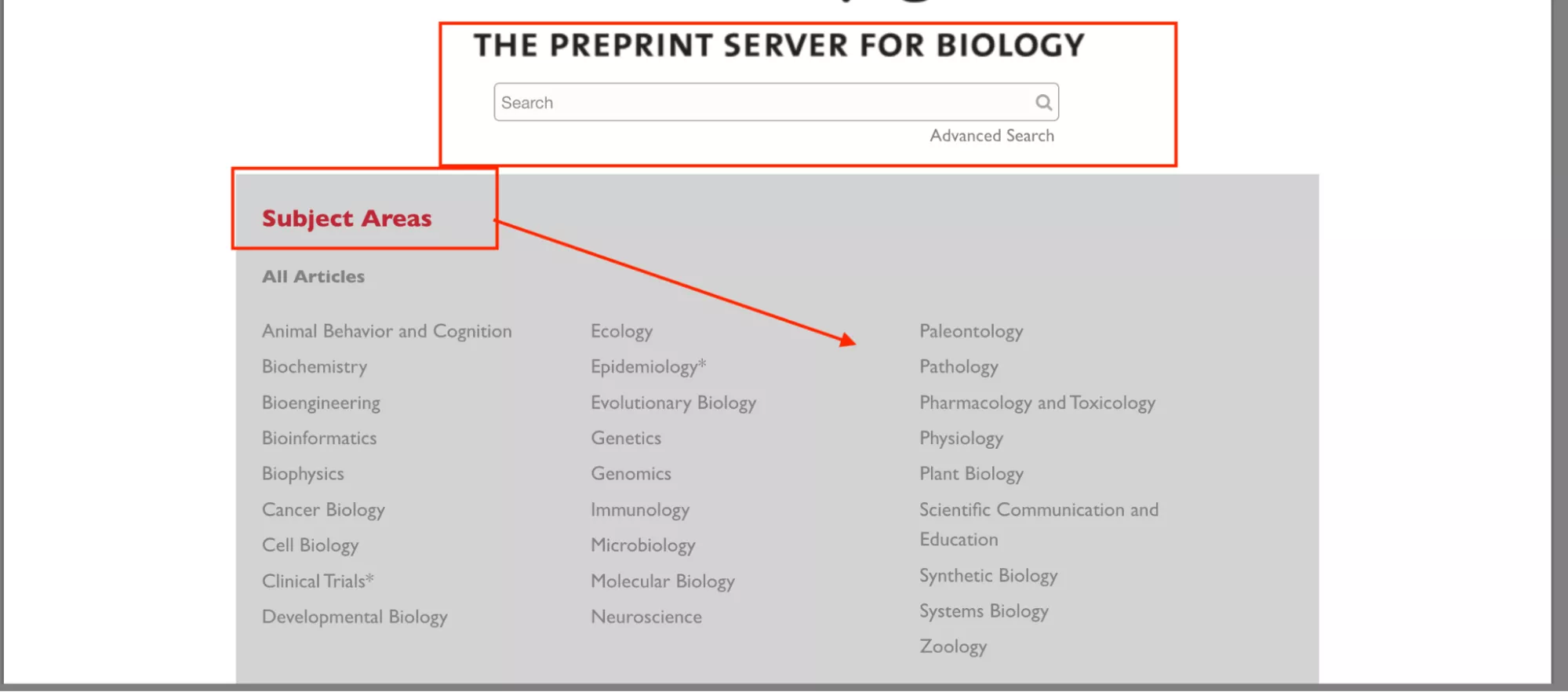
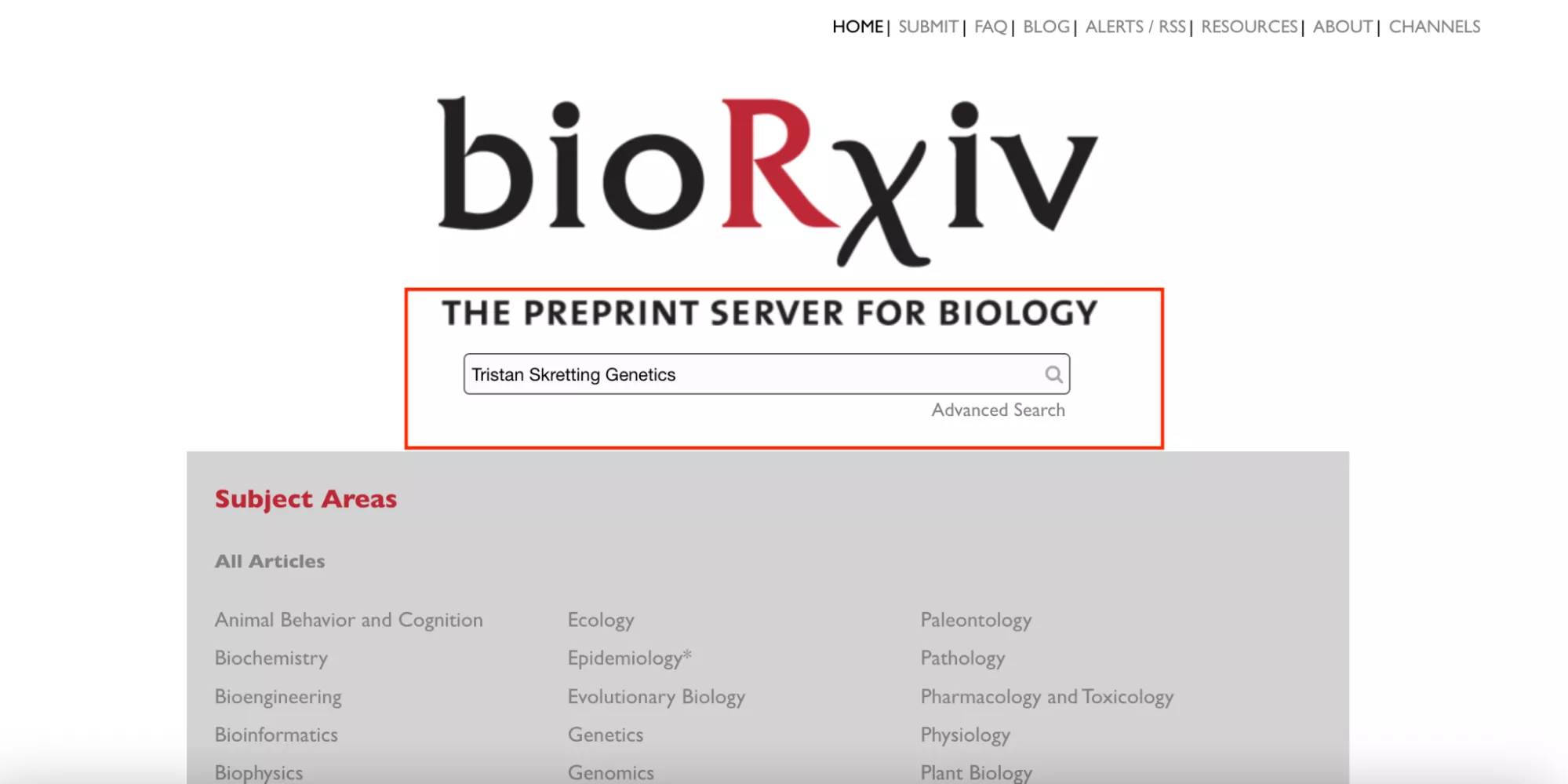
You can now use the “Search Box” to find your required topic. You can type keywords, a topic, or an author’s name as shown in the image below.
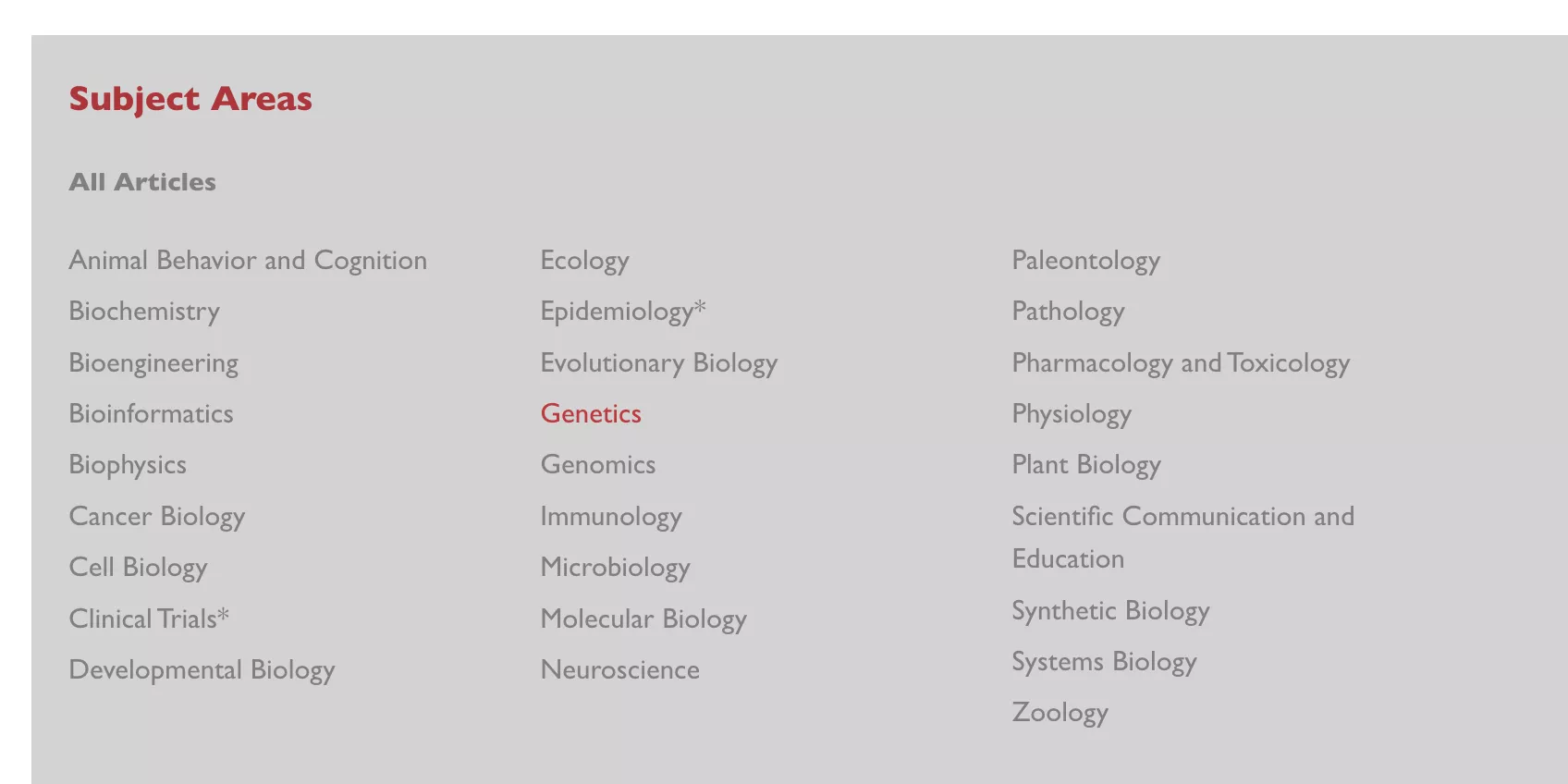
Instead of just typing a keyword, you can also click “Subjects” on the screen. This lets you pick topics like Neuroscience, Genetics, or Bioinformatics.
Now, let’s explore the other options available on the Home Screen, such as:
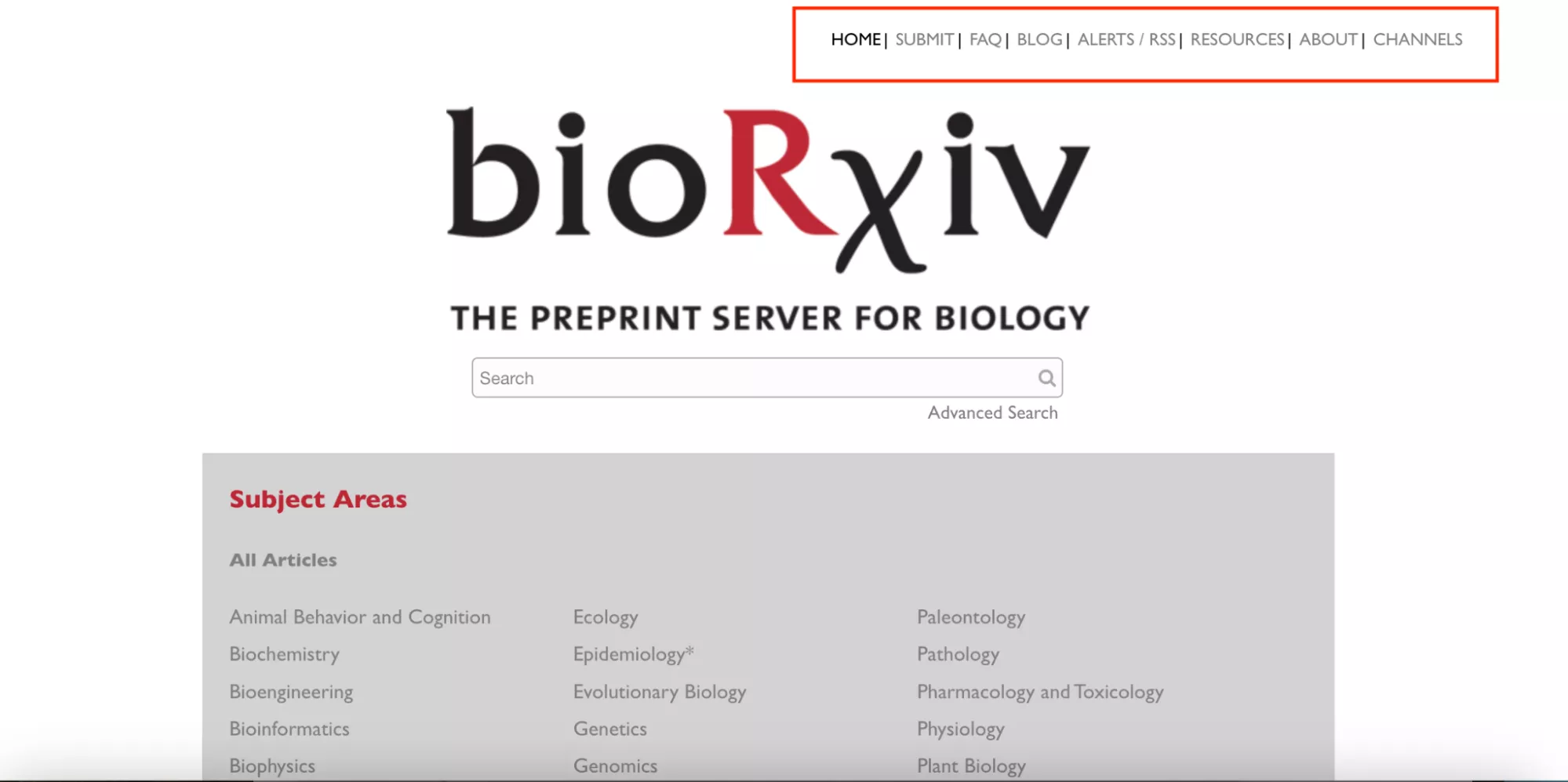
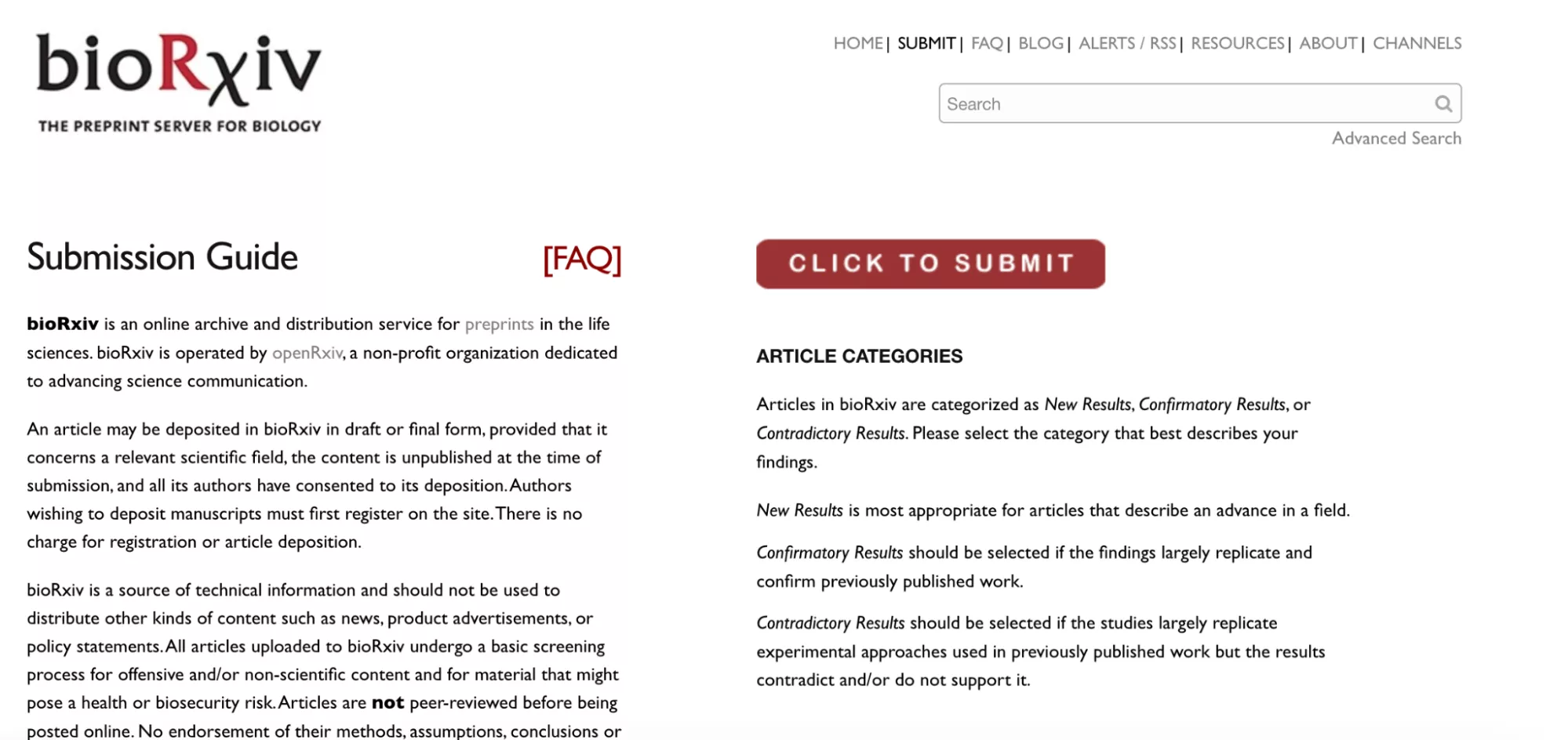
- SUBMIT: This option allows you to submit your research papers. After clicking the option, I was redirected to a new page which has a “Click to Submit” button.
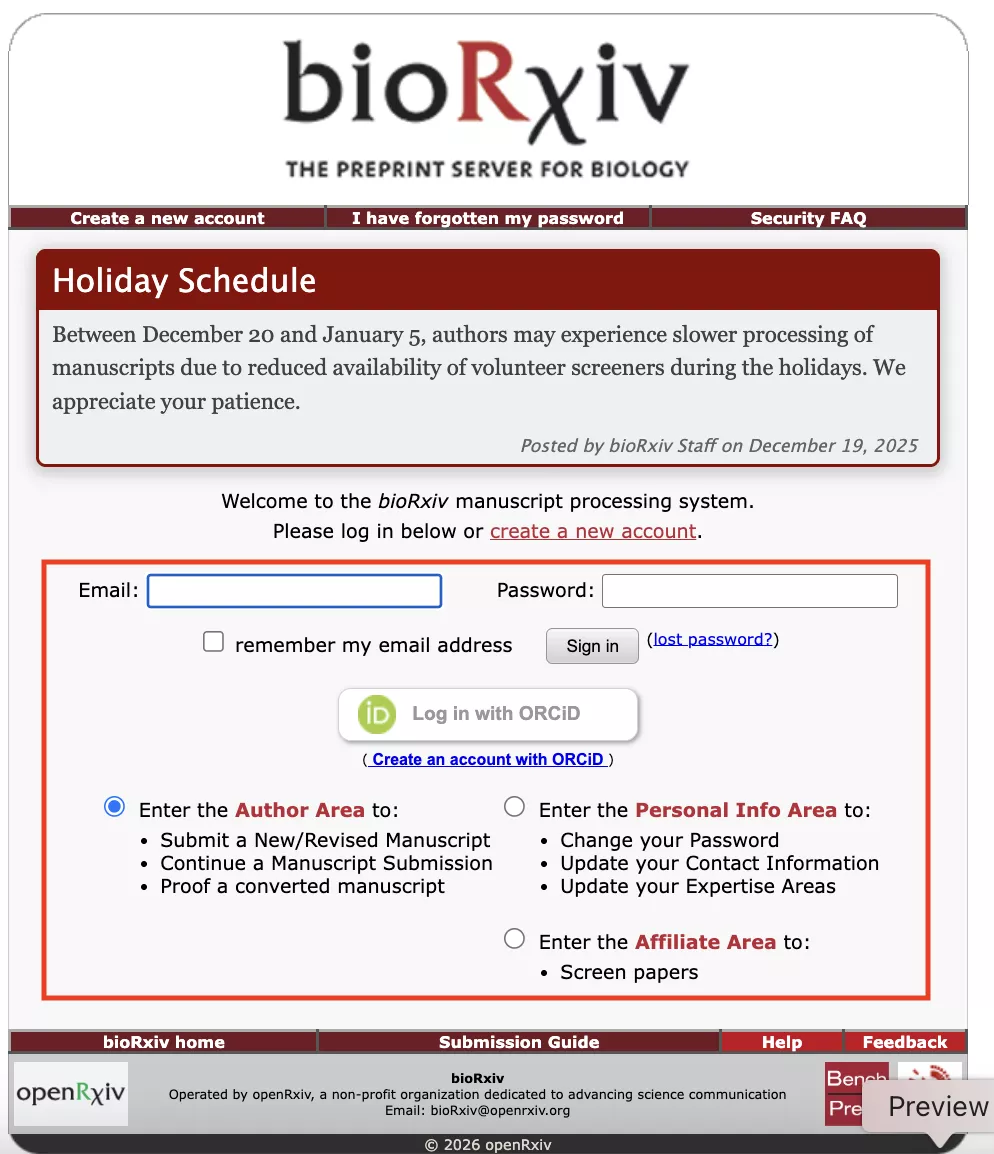
After clicking the option a new page was opened where I was asked to enter my login credentials, such as email and password. The page has some other options too, like Author Area, Personal Area, and Affiliate Area, as shown in the image below.
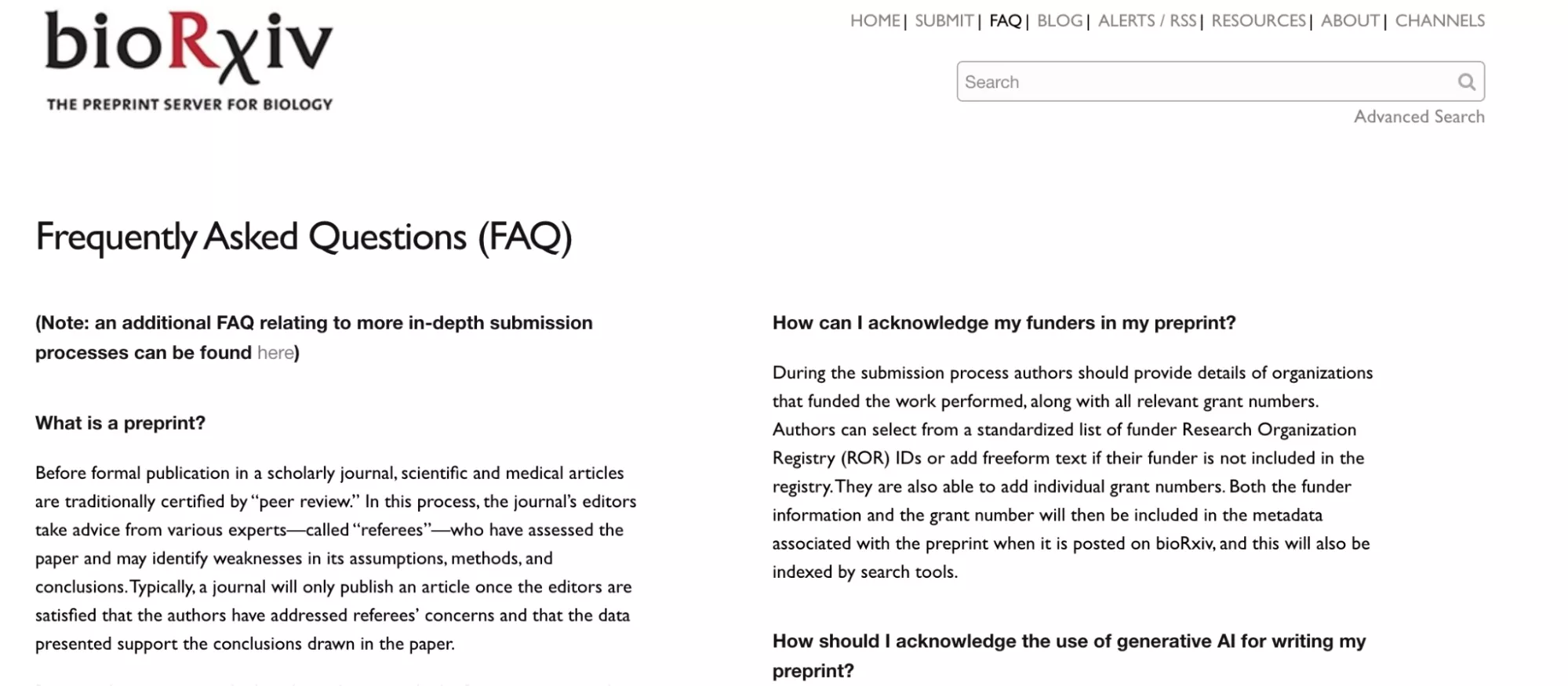
- FAQ: This is where you can find answers to common questions about using bioRxiv.
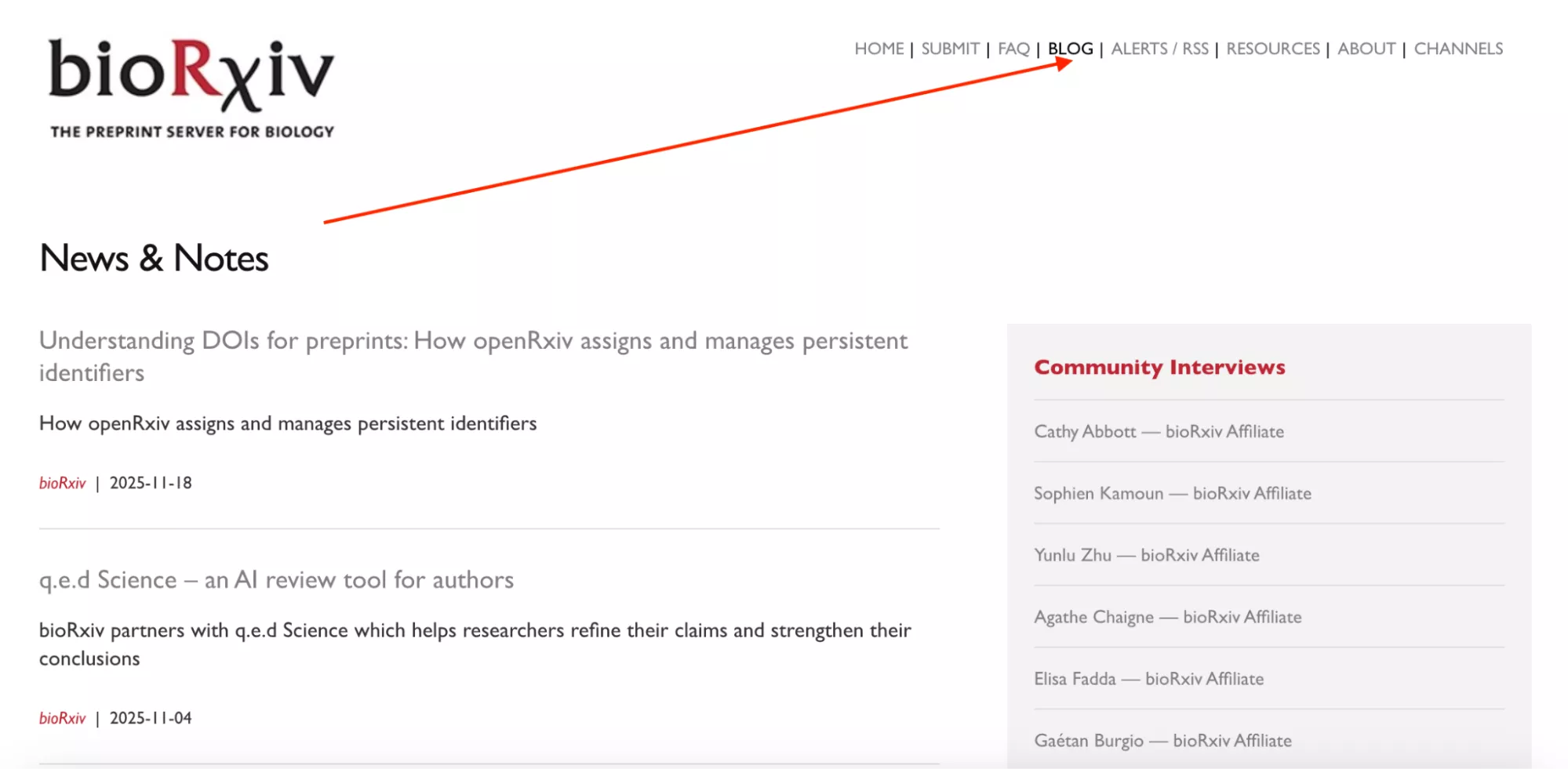
- BLOG:This button takes you to news, updates, and stories about science and bioRxiv. Here, I was able to find interesting science-related topics.
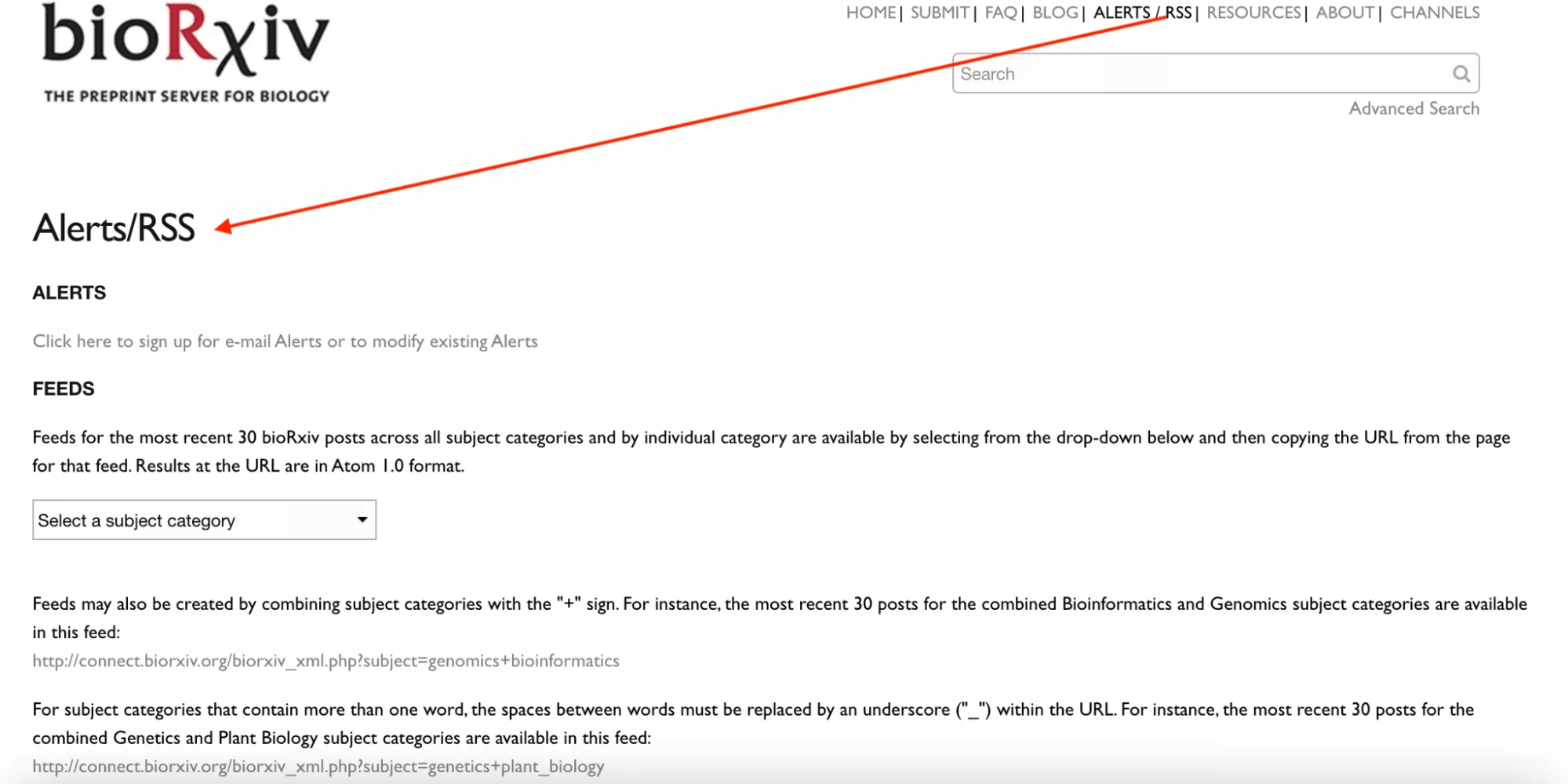
- ALERTS/RSS: Lets you subscribe to updates, such as the latest articles, news, and more.
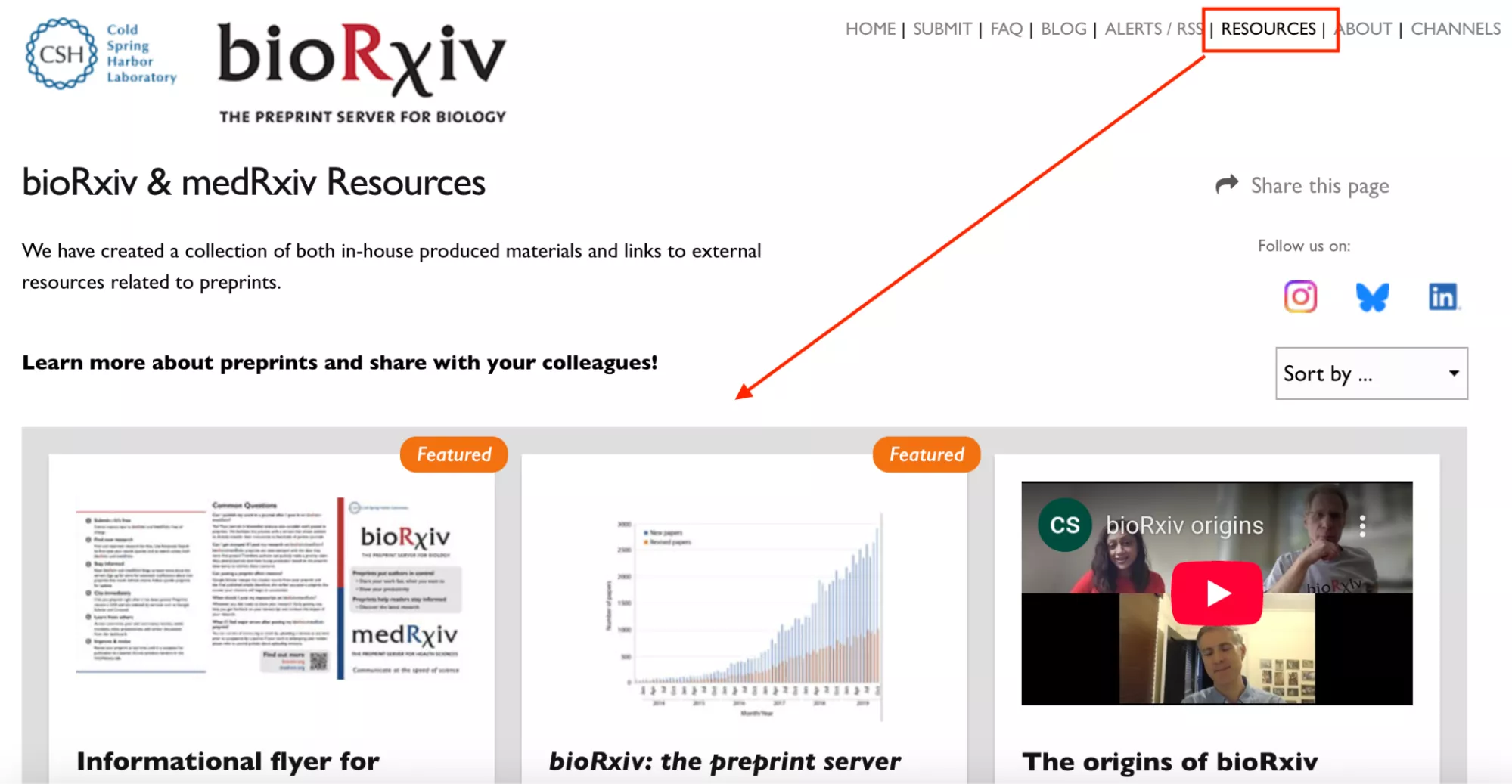
- RESOURCES: If you don’t know how to use this platform, this section is for you. This section has helpful videos and tools for scientists and readers. For example, I was able to find guidelines for submitting papers, links to other research websites,and other data tools.
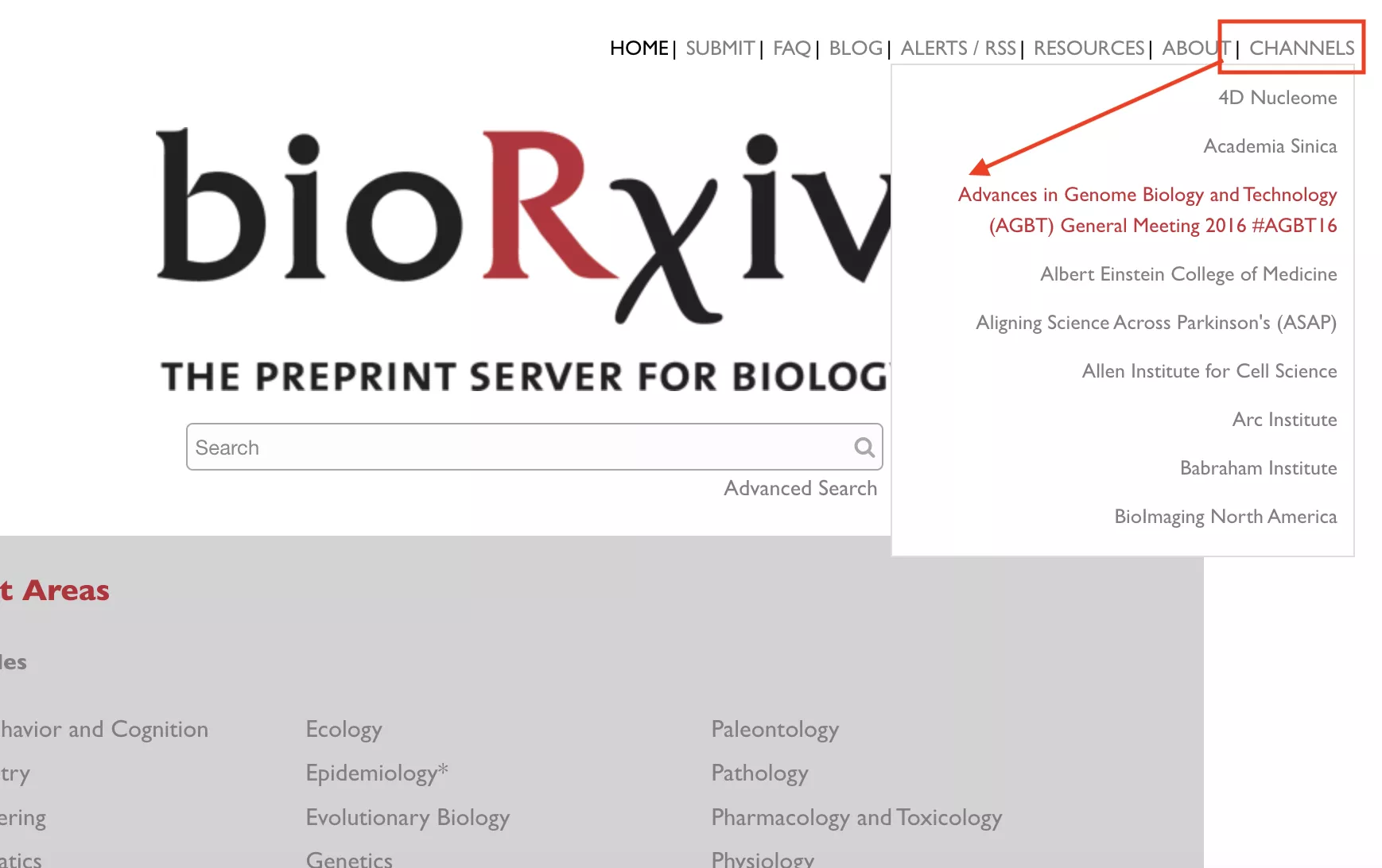
- CHANNELS: Here you will find a wide range of papers grouped by a theme or topic, such as 4D Nucleome, Academia Sinica, and more.
Part 2. The Impact Factor Question I Kept Asking
When I first tried to look up the bioRxiv impact factor, I got really confused. Usually, journals have an Impact Factor (IF), which is a number that tells us how many times papers in that journal are mentioned or used by other scientists. A higher number means the journal is more important.
At first I thought bioRxiv would work the same, but it didn’t. So the main question is, “If it doesn’t have an impact factor, how do I know if the papers are important?” The answer is simple: for bioRxiv, the impact factor doesn’t matter. It is a preprint server, where scientists share early versions of their papers before they are officially published. What really matters is:
- Where the Papers End Up: After scientists post their papers on bioRxiv, many of them are later published in official journals. You can later check those papers to see how authentic the research is.
- How Often the Papers are Cited: Even if a paper was first published on bioRxiv, it becomes important when other scientists read it and use it in their own research. The more it is cited, the more people pay attention to it.
From using this platform, I learned that it’s not the biorxiv Impact Factor that matters. What’s more important is the quality of the research and how many other scientists use it after it’s published in official journals.
Part 3. How I Judge Quality on bioRxiv Without an Impact Factor
As mentioned above, bioRxiv does not have a traditional impact factor; I use other factors to judge the quality of the research. Let’s discuss them one by one.
- I check the authors' affiliations, including where they work and whether they have published good research. Don’t forget to check their universities and job experiences.
- I also look at whether the paper has complete methods or not. Good preprints usually have clear methods and explain how the study was done step by step.
- On bioRxiv, I also check the preprint updated versions along with previous work, and when the data was shared. This sign is important to know if the authors are improving their work or not.
- Another thing I pay attention to is community response. If there are comments or discussions under the paper, it means other scientists are reading and thinking about the work.
- The last thing that I noticed was the published journal’s impact factor. If it is high, it means that people are interested in this topic.
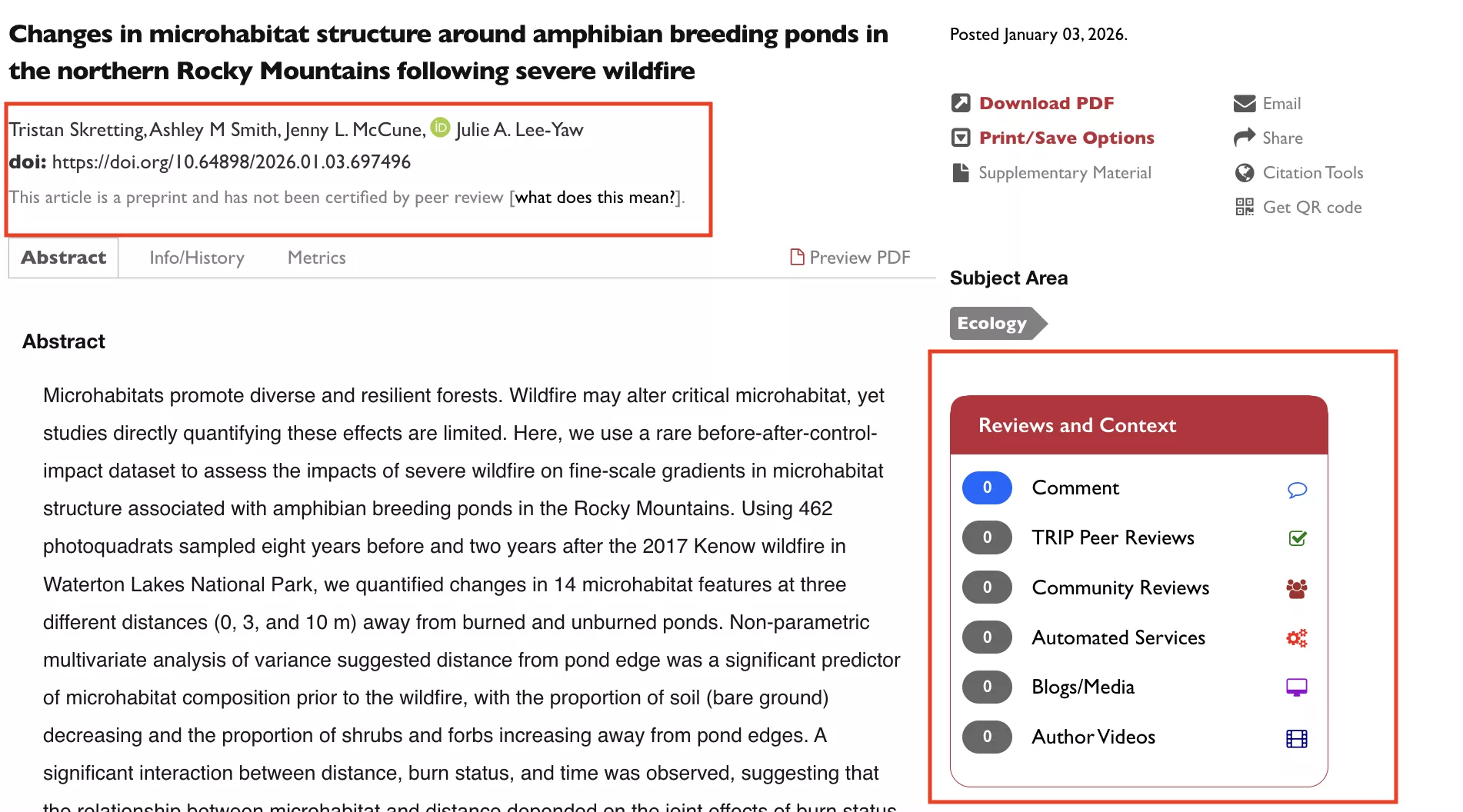
These are some important factors that you should also look at before choosing a journal on bioRxiv. However, preprints are not fully checked yet, so you should read them carefully. For important topics like medical or clinical claims, ensure to cross-check the preprint with a peer-reviewed version if available.
Part 4. My Dual Research Lifeline
When it comes to staying ahead of the curve, it is important to choose the right research tools. bioRxiv is my go-to source for the latest developments in biology. This platform gives me immediate access to preprints before they are actually published.
On the other hand, UPDF AI Paper Search acts as my smart research assistant. I use this tool to ask research-related questions, find relevant keywords, see rich paper metadata, and more. Let’s discuss the main features of this software.
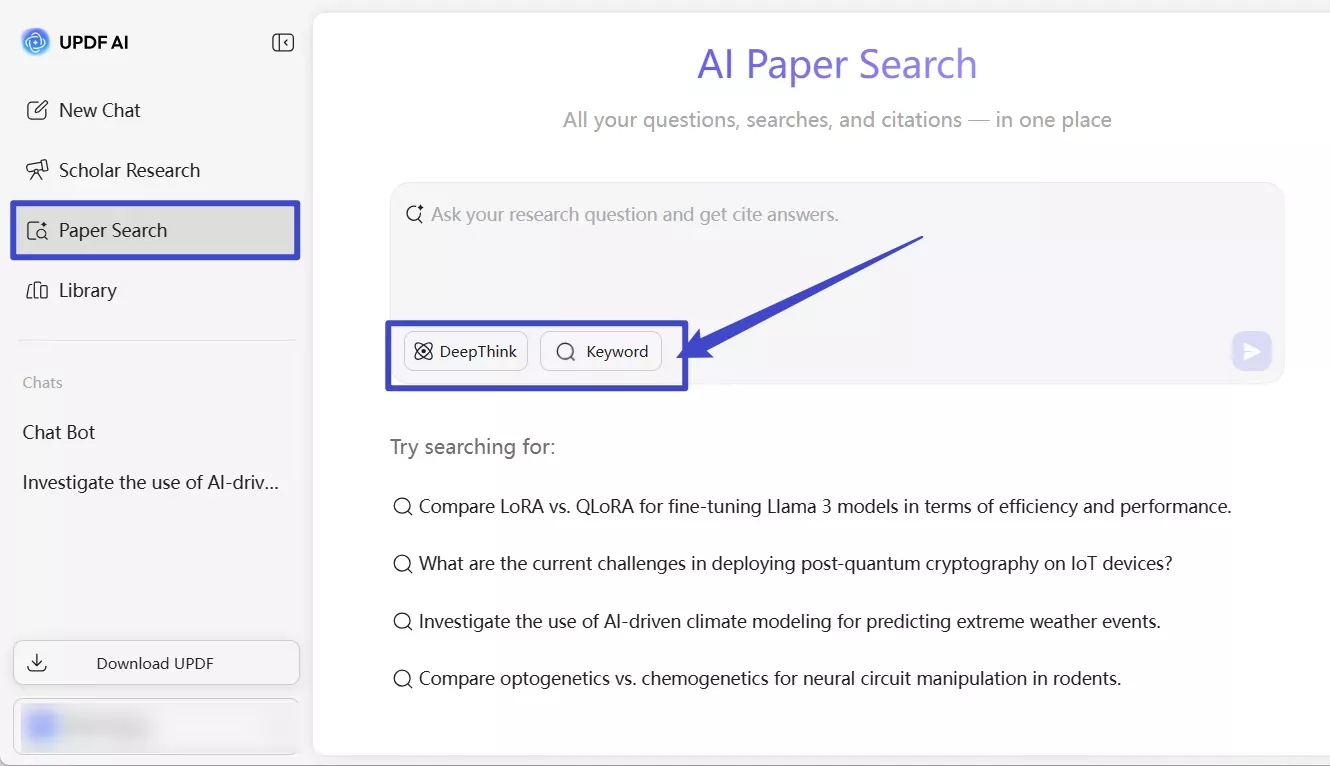
1. Two Paper Search Mode:
On the dashboard, you will see two options: DeepThink and Keyword. You can use the DeepThink option to directly ask research questions. On the other hand, the keyword option helps you find the relevant papers.
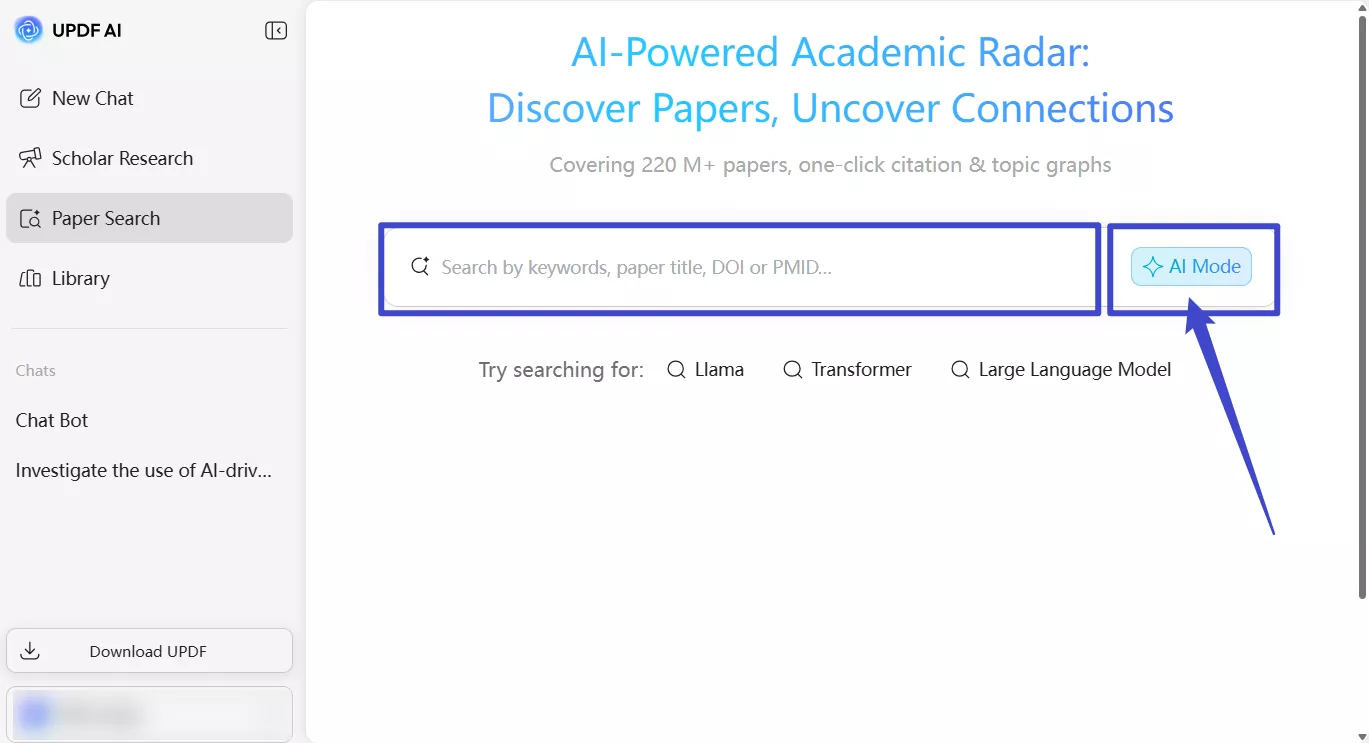
2. 220M+ Academic Papers:
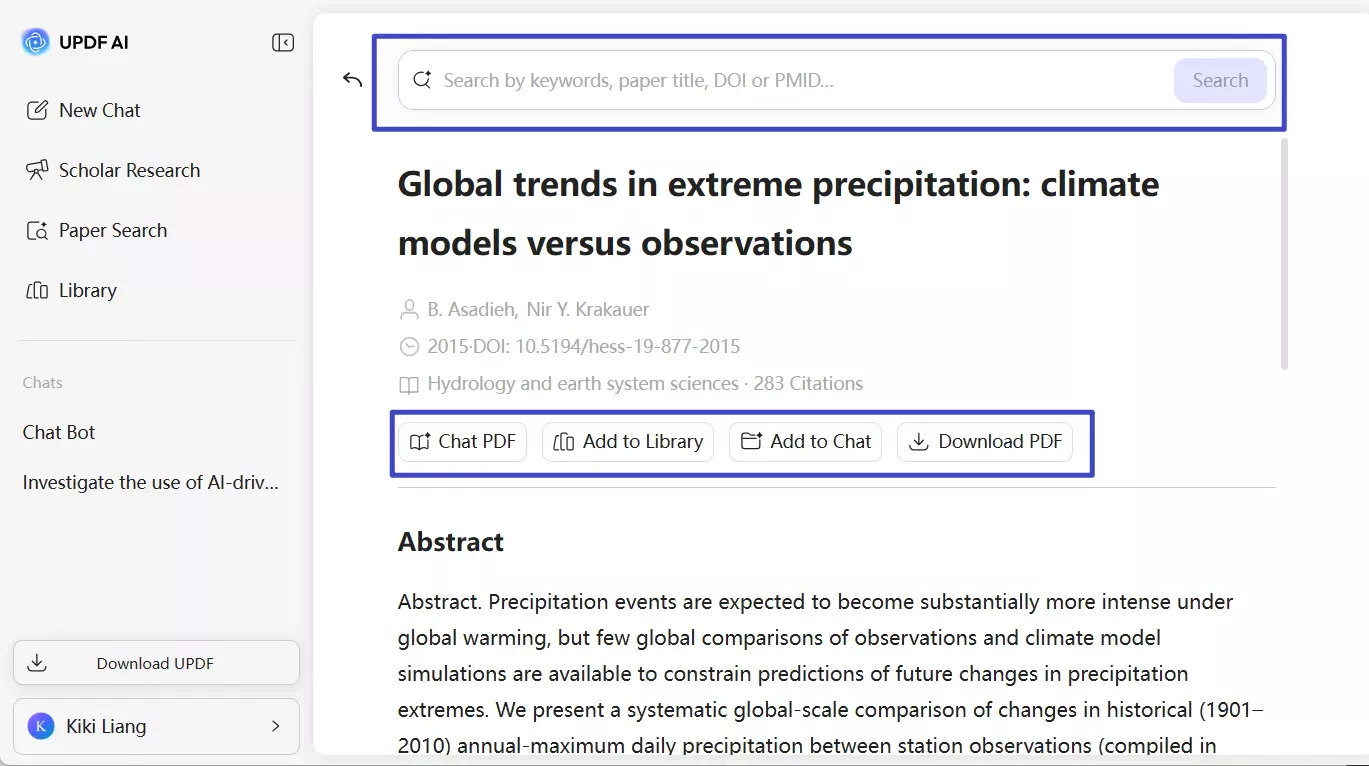
You can easily search through over 220 million research papers by typing in simple keywords, a paper’s title, or special codes like DOI or PMID.
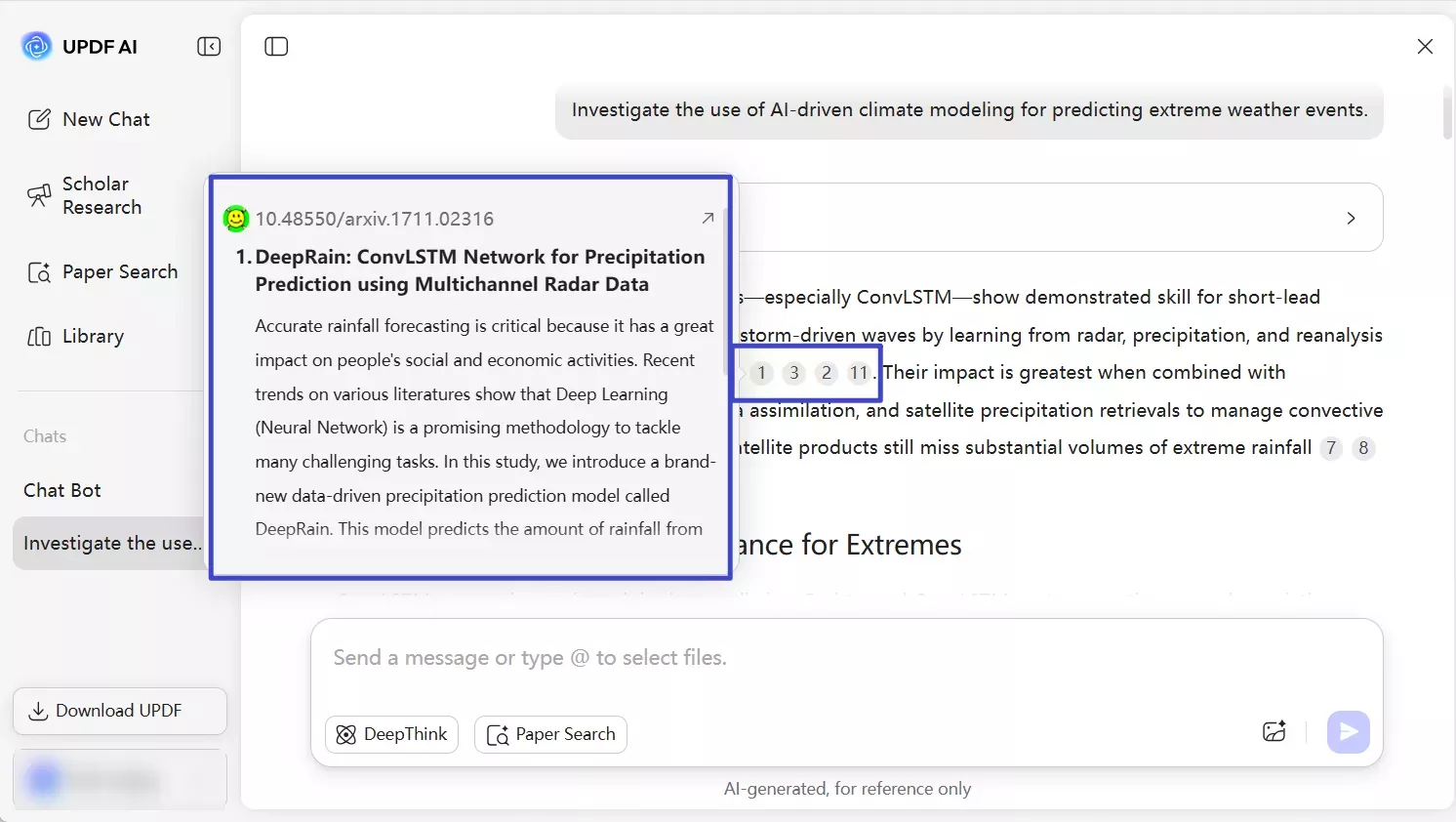
3. MetaData:
You can quickly view detailed information about each paper, along with metadata and short summaries, so you can quickly understand what the paper is about and decide if it’s useful for you or not.
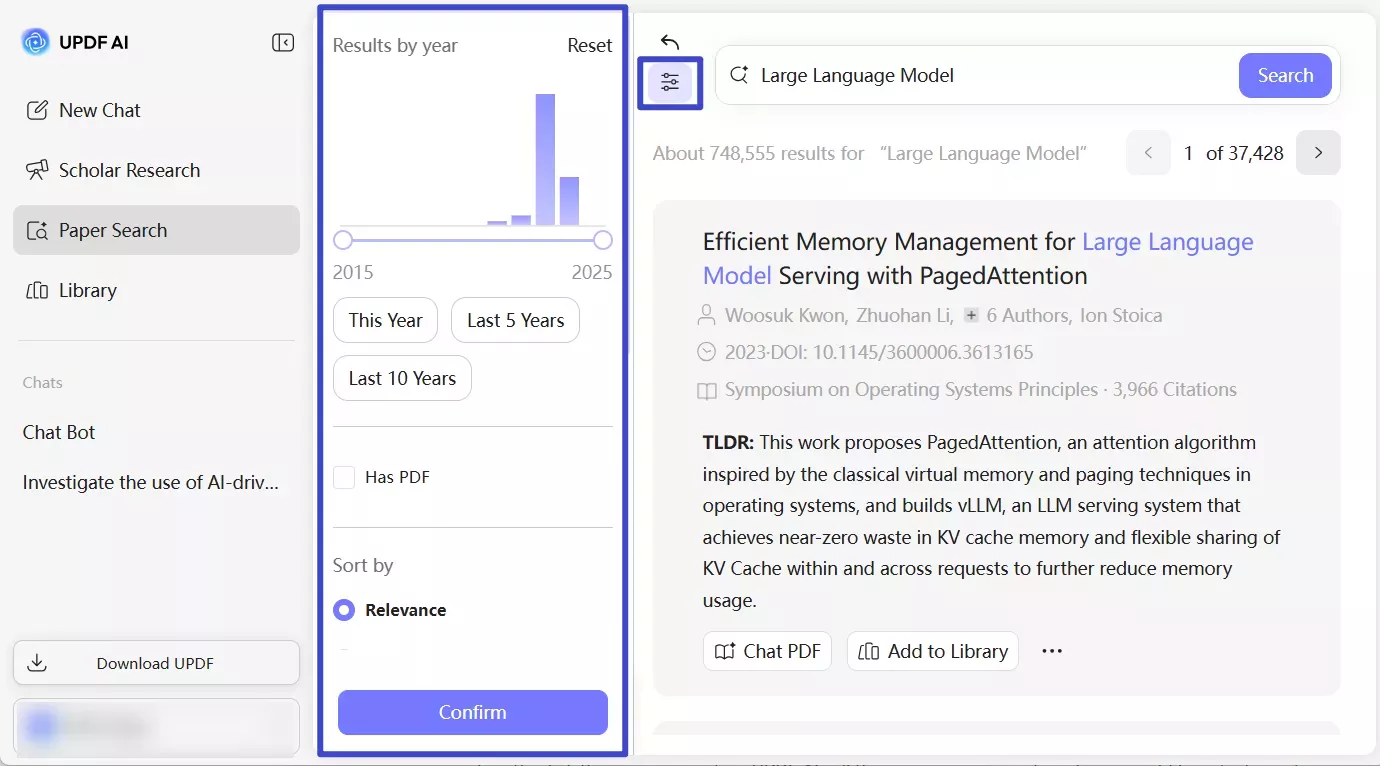
4. Use Different Filters:
Click the “Filter” icon to narrow results by year, field of study, open-access PDFs, and more. You can also use citation graphs to see how papers are connected and focus on the most relevant research.
5. Add, View, and Chat:
Once you find the papers, you can add them to your library to keep everything organized. You can also add papers to chat and view relation graphs to see how different studies are connected. Moreover, you can use the chat with PDF button to ask deeper questions related to papers.
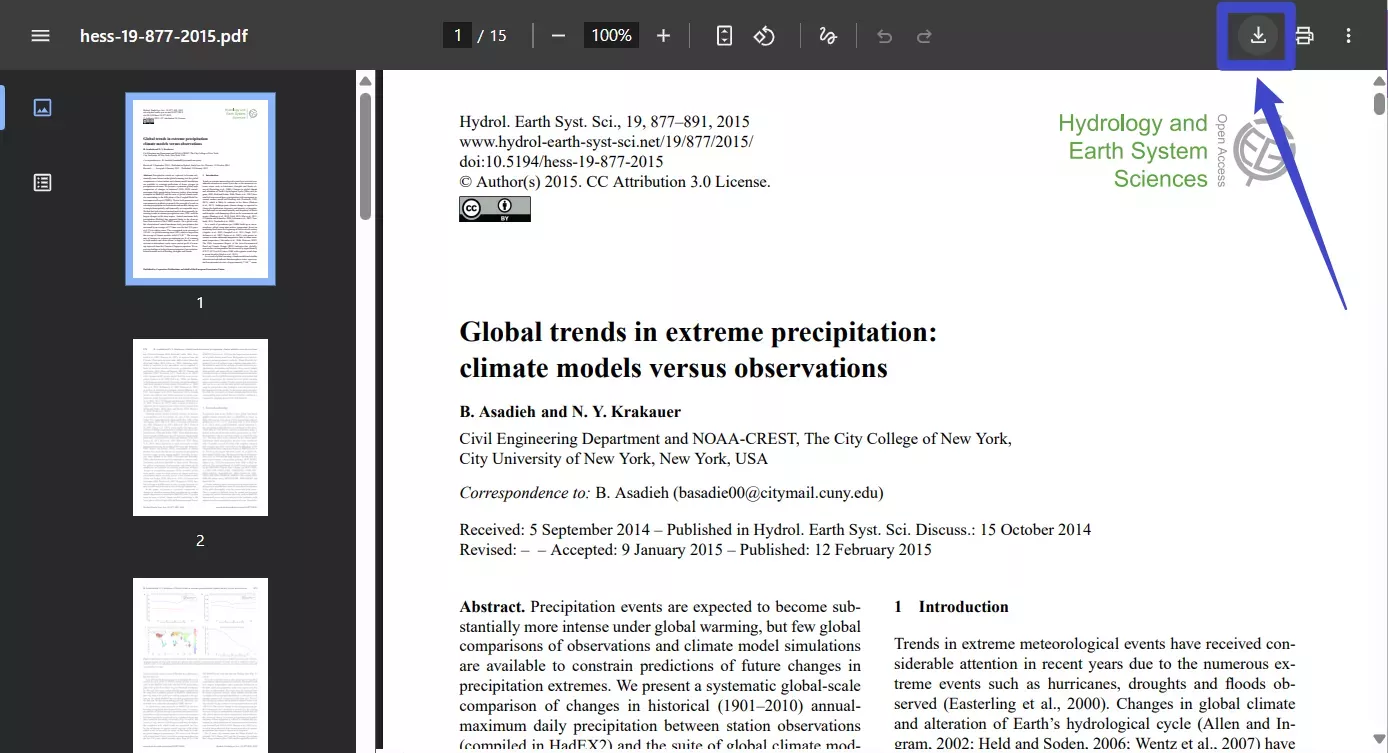
6. Download PDF:
Head-to-Head Comparison
| Aspect | bioRxiv | UPDF AI Paper Search |
| Core Focus | Open-source platform, Access and share Preprints for free in biology | Use AI to find all kind of topics related to academic literature |
| Search & Discovery | Keyword & title search, Basic filters (e.g., subject area, date). | Keyword / paper title / DOI / PMID queries, filters (date, open-access), TLDRs, and citation networks. |
| Quality Signals | Author track record; later journal pubs provide indirect biorxiv journal impact factor context. | AI summaries, citation counts, relation graphs; handles peer-reviewed and preprints alike. |
| Document Interaction | View and download full preprint PDFs directly, Shows references and links where available | View and download PDFs (when available), check summaries for individual papers, chat with PDF to ask questions, Save to libraries |
| Cost | Free to submit, search, read, and download all preprints and metadata. No subscription is needed. | Free tier (100 prompts) with limits plus paid options for heavier research use. |
Note
Conclusion
If you want to read or submit preprints, bioRxiv is a great choice because it is free and lets you see new research before it is published in journals. Scientists use this platform to share their work. However, bioRxiv does not have its own impact factor, so you have to look at that journal’s impact factor once it is published on other platforms.
To make your work easier, I would recommend using UPDF AI Paper Search, as it helps you find journals within seconds. Yes, that is right. You can easily find papers, check summaries, explore paper connections with the relation graph, and more. Apart from that, you can chat with PDF, use UPD AI Deep Research feature to help you write literature reviews, and more.








 Enola Davis
 Enya Moore

 Lizzy Lozano