UPDF
UPDF
 UPDF for Windows
 UPDF for Mac
 UPDF for iPhone/iPad
 UPDF for Android
 Nomostar
 UPDF AI Online
 UPDF Sign
 IvyCraft
 Edit PDF
 Annotate PDF
 Create PDF
 PDF Form
 Edit links
 Convert PDF
 OCR
OCR PDF to Word
 PDF to Image
 PDF to Excel
 Organize PDF
 Merge PDF
 Split PDF
 Crop PDF
 Rotate PDF
 Protect PDF
 Sign PDF
 Redact PDF
 Sanitize PDF
 Remove Security
 Read PDF
 UPDF Cloud
 Compress PDF
 Print PDF
 Batch Process
 About UPDF AI
 UPDF AI Solutions
 AI User Guide
 FAQ about UPDF AI
 Summarize PDF
 Translate PDF
 Chat with PDF
 Chat with AI
 Chat with image
 PDF to Mind Map
 Explain PDF
 PDF AI Tools
 Image AI Tools
 AI Chat Tools
 AI Writing Tools
 AI Study Tools
 AI Working Tools
 Other AI Tools
 AI Bookmark Generation
 AI Bookmark Summary
 AI Watermark Generation
 AI Background Generation
 AI Sticker Generation
 AI Stamp Generation
 AI Editing Suite
 UPDF Copilot
 AI Page Management
 AI Semantic Search
 PDF to Word
 PDF to Excel
 PDF to PowerPoint
 Enterprise Solution
 Enterprise Sign
 Enterprise AI
 Enterprise Plan
 Enterprise User Guide
 Enterprise Webinar
 Banking
 Healthcare
 Insurance
 Legal
Legal Manufacturing
 Government
 Education Solution
 Customer Stories
 User Guide
 UPDF Tricks
 FAQs
FAQs UPDF Reviews
 Download Center
 Blog
Blog Newsroom
 Tech Spec
 Updates
 UPDF vs. Adobe Acrobat
 UPDF vs. Foxit
 UPDF vs. PDF Expert

Are you looking for the best Mac apps for students to increase your academic grades? Well, you’re in safe hands!
In today's digital age, students need the right Mac apps. These tools manage tasks, enhance study efficiency, and facilitate collaboration, organize your notes, conduct research, or improve your writing skills.
The right apps can significantly improve your academic journey. But what if you want to get needs in just one app? We’ve got you!
This article will give the five must-have Mac apps for students. It features accessible and affordable options. We’ll dive into the benefits to help you make the best choice!
1. UPDF - Best AI Mac APP for Students to Improve Study Efficiency
If you’re a student and want to boost your study efficiency, UPDF is the go-to app you need on your Mac. This AI-powered (ChatGPT-5 and Deepseek R1) PDF editor has features that make your academic documents a breeze. Let’s dive into why UPDF stands out. You can click the button below to get a free download.
Windows • macOS • iOS • Android 100% secure
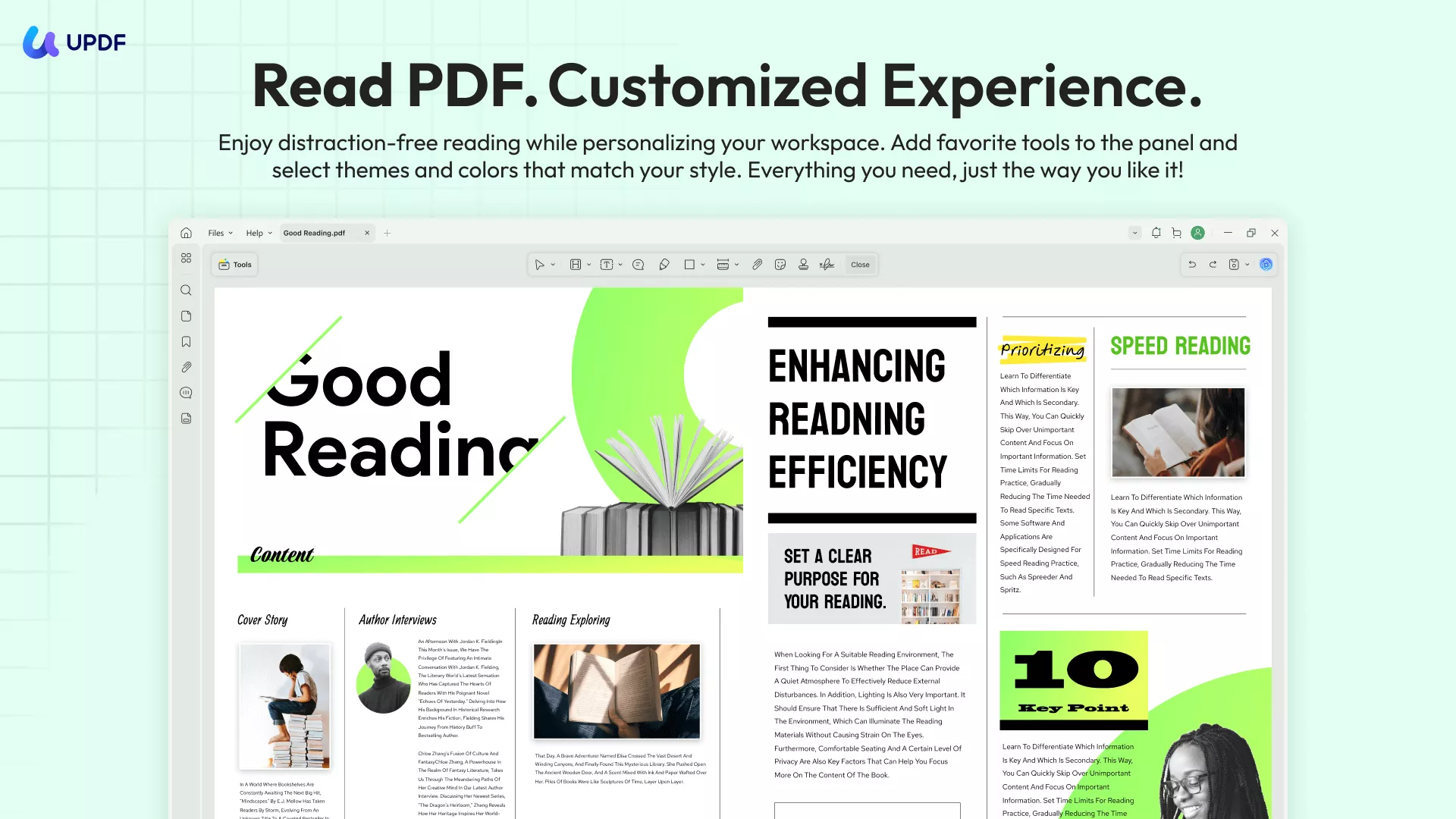
UPDF offers a good reading experience with an adjustable display mode (Single Page or Two Pages), multiple display themes, the ability to display your documents as a slideshow, and AI‑powered features for summarizing, explaining, translating your entire document, or generating a mind map.
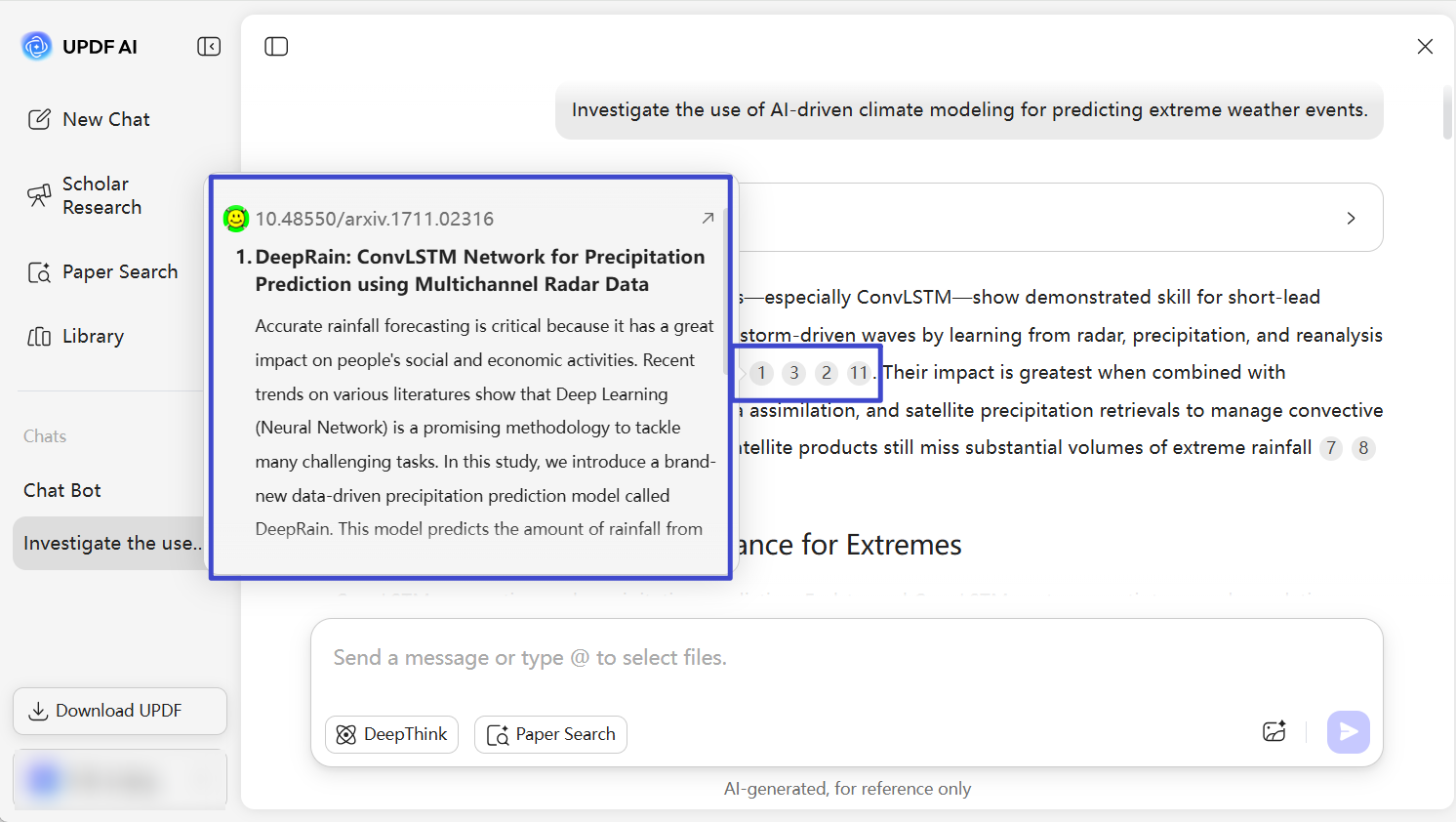
For college students conducting academic research, UPDF AI Online also integrates Paper Search and Scholar Research features, letting you search through more than 220 million papers with citations and synthesize them into a structured literature review. Click the button below to give it a try — UPDF AI offers 100 free prompts for students.
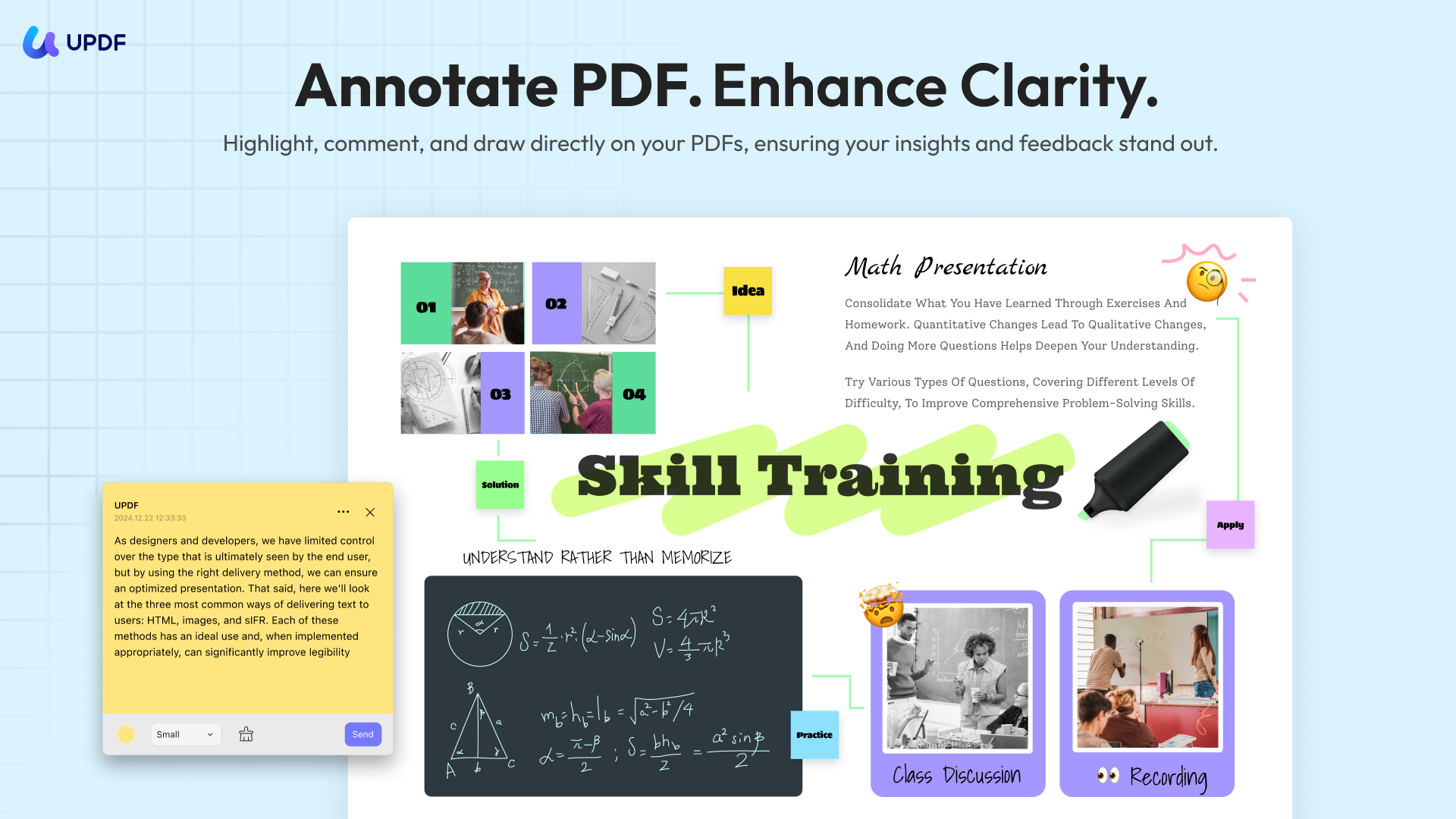
It can also serve as a note-taking tool with comment features such as sticky notes, drawings, highlights, comments, and more. For difficult points, UPDF lets you select text and ask UPDF AI, then add the AI-generated results as notes to your document with just one click.
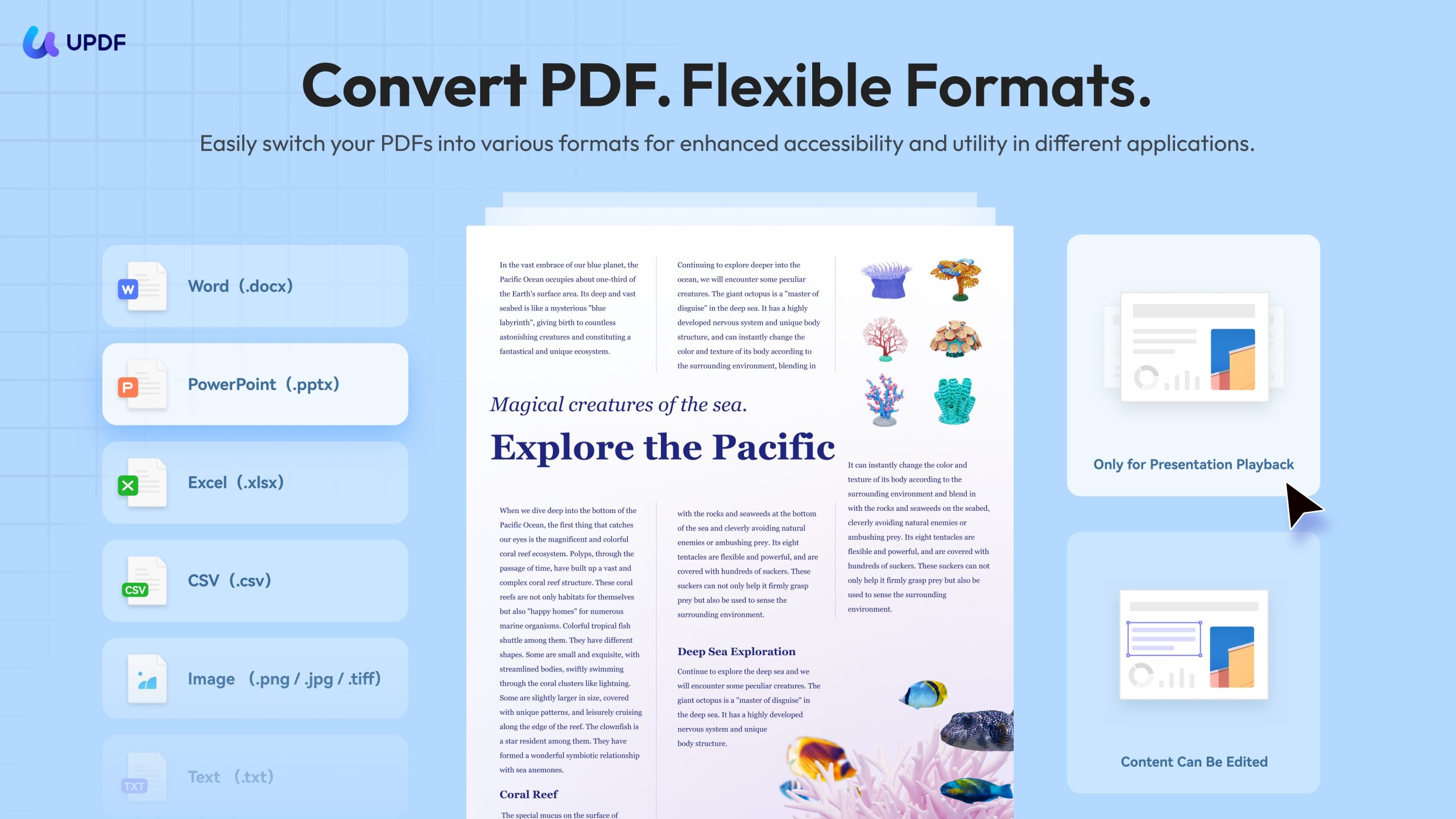
In addition, students usually need to work with different file types such as Word, PowerPoint, and Excel. UPDF can help convert PDFs to Word, Excel, PPT, images, HTML, XML, and more, as well as convert Word, Excel, PPT, images, and others into PDF while preserving format and layout. This means students don’t need to switch between different apps, improving their efficiency.
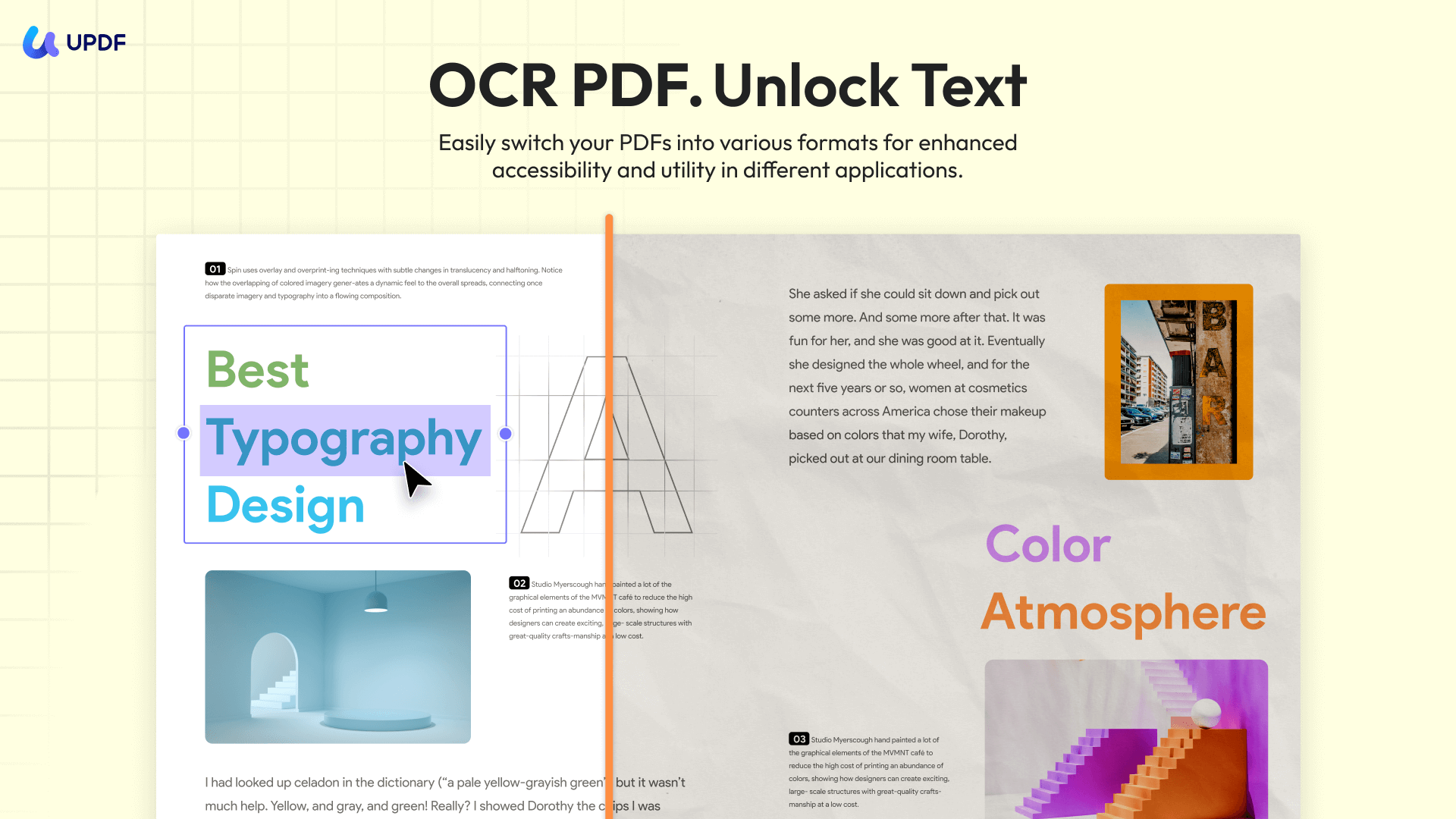
With its OCR, it can convert your scanned or image-based documents into an editable format on desktop (Windows/Mac) and mobile (iOS/Android). UPDF OCR supports 38+ languages and can recognize multiple languages within a single multilingual document. It also supports batch OCR, letting you quickly turn multiple scanned PDFs into searchable and editable files. If you want to convert your paper files into digital one, you can use UPDF mobile to scan them, then, use UPDF Cloud to sync them to your Mac computer or other devices or just store it on the UPDF Cloud for better access.
More importantly, as students with limited budgets, UPDF also offers cost-effective pricing plans that are much cheaper than Adobe Acrobat, while still providing most of the features Adobe Acrobat has. One license can be used on all devices. UPDF AI also offers a 7-day free trial. You can cancel it anytime.
Ready to make your study easily with UPDF? Download UPDF and use it now!
Windows • macOS • iOS • Android 100% secure
Other Key Features:
- Edit All Elements on PDFs: UPDF makes editing PDFs as easy as editing in Word. It is easy to edit text, images, watermarks, links, backgrounds, headers and footers, forms, pages, and more in PDFs.
- Create, Fill, and Sign PDF Forms: Design interactive PDF forms, fill them out effortlessly using intelligent field recognition, duplicate fields across pages for precise alignment, and add electronic or digital signatures to complete your forms!
- Organize PDF: Rearrange PDF pages: add, delete, rotate, replace, extract, split, crop, and reorder.
- Side-by-side Translation: On UPDF AI Online, view the original text and translated version side-by-side while keeping the document layout intact.
- Compress PDF: Reduce your large PDF size by choosing from six output quality options: original, lossless, maximum, high, medium, and low.
- Combine documents: Merge Word, Excel, PDF, and PowerPoint files all at once into a single PDF.
- PDF Portfolio: Combine multiple files of any format into a single organized PDF package for easy sharing and professional presentation.
UPDF has many other features that enhance your study experience. Watch this video to explore more:
When to Use:
If you are a student who does not want to switch from one app to another, then, you can use UPDF as it is not only a digital book reader but also a digital book note taker and AI Assistant. Moreover, it can also work as a writing app.
Excited about UPDF now? You can click the below button to give it a try now.
Windows • macOS • iOS • Android 100% secure
2. Notion - Best Task Management APP on Mac
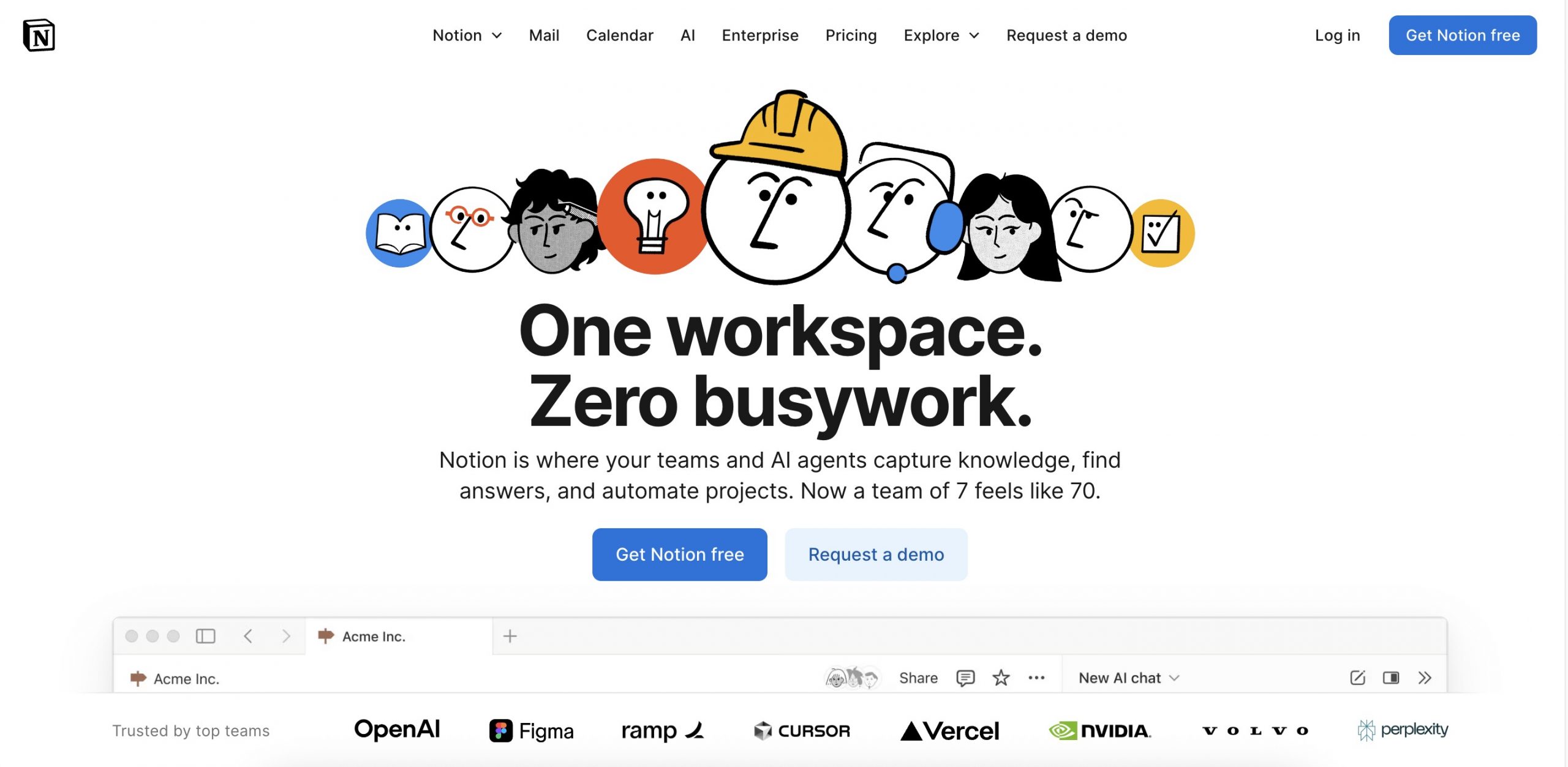
If you want to keep track of your study tasks, Notion is the ideal option. This all-in-one task management tool is innovative for students. It is highly flexible and user-friendly. It can easily make to-do lists, set reminders, and manage deadlines. It's a personal assistant and ensures you never miss a deadline again. Moreover, it allows you take notes and write.
Key Features:
- Task Management: Create to-do lists, set reminders, and track deadlines.
- Note-taking: Use customizable templates. It can organize lecture notes and study materials.
- Collaboration: Share workspaces with classmates and work on group projects with real-time collaboration.
- Databases: Build relational databases to manage reading lists, research data, and more.
When to Use:
If you are a student who want to track your study task and take notes frequently, you can use this tool.
Give Notion a try to streamline your academic life. It’s a must-have app for every student to stay organized and productive.
Also Read: 5 Best Notion AI Alternatives (True Reviews)
3. Zotero - The Best Research Assistant on Mac
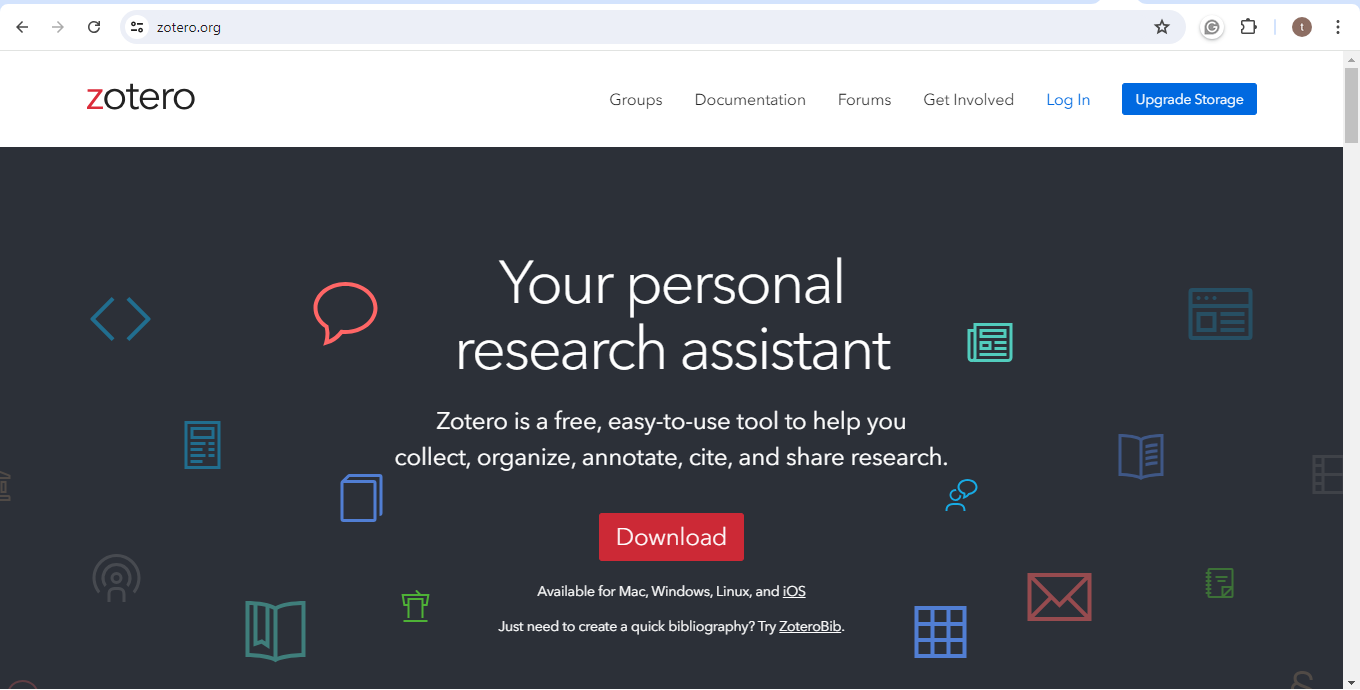
If you are a young learner fully engaged in books for research, Zotero is for you. This enables you to admit, accommodate, cite, and distribute all your research sources. It's as if you have an AI assistant who is always available.
You can save references from web pages directly into your Zotero library with just a click. No more manually typing out citations! Zotero even integrates with your word processor. You can insert citations and generate bibliographies with ease.
Plus, it supports various citation styles. It ensures your references are consistently formatted correctly.
Key Features:
- Reference Management: Save and organize references from multiple sources with ease.
- Citation Integration: Insert citations and generate bibliographies in your word processor.
- PDF Management: Attach and annotate PDFs to keep your research materials organized.
- Collaboration: Share your Zotero library with classmates and collaborate on research projects.
- Tagging and Notes: Tag references and add notes to track important details.
When to Use:
Those students who need to write essay should use this tool as it can help you organize your research contents easily.
Are you ready to take your research management to the next level? Try Zotero and discover how it can help you with your academic work!
4. Hemingway Editor - The Best Essay Assistant on Mac
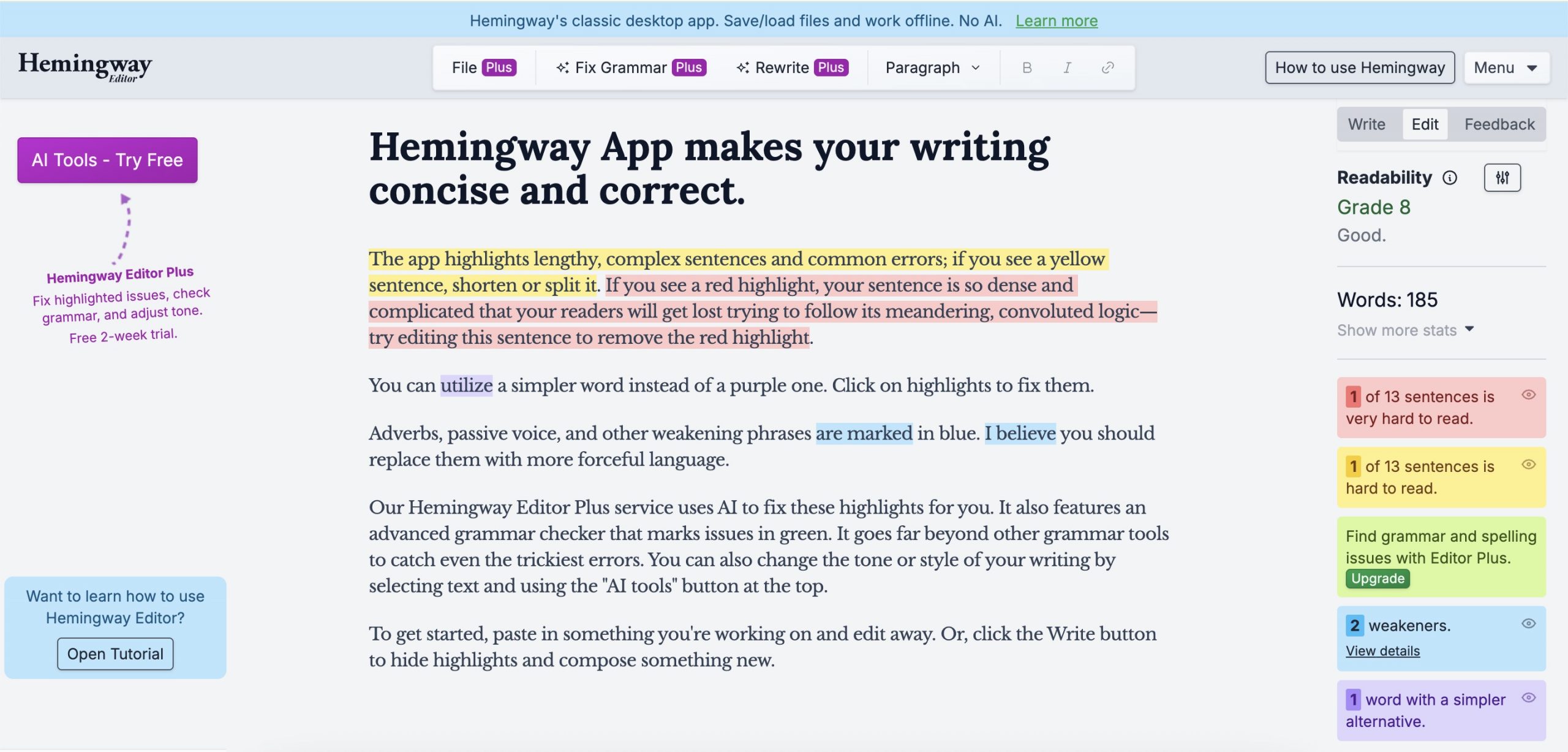
Writing essays can be tricky, but not with Hemingway's Editor. With it, your essay writing becomes effortless. This app can grade your writing based on readability and it will emphasize phrases, adverbs, and passive voice, so that you can get them imporved.
Key Features:
- Readability Analysis: Highlights complex sentences. It suggests simpler alternatives for better readability.
- Grammar and Style Checks: Identifies grammar errors, adverbs, and passive voice. It helps you write with more clarity.
- Word Count and Readability Score: Tracks word count and provides a readability score.
When to Use:
When you need to write the essays, you can use this tool to help you write better.
Whether you're an experienced writer or just getting started, Hemingway Editor is for you. It takes your work to the next level. Try it and see how it improves your essays!
Also Read: 6 Best Creative Writing Apps to Ease Your Writing
5. Kindle - The Best Book App on Mac
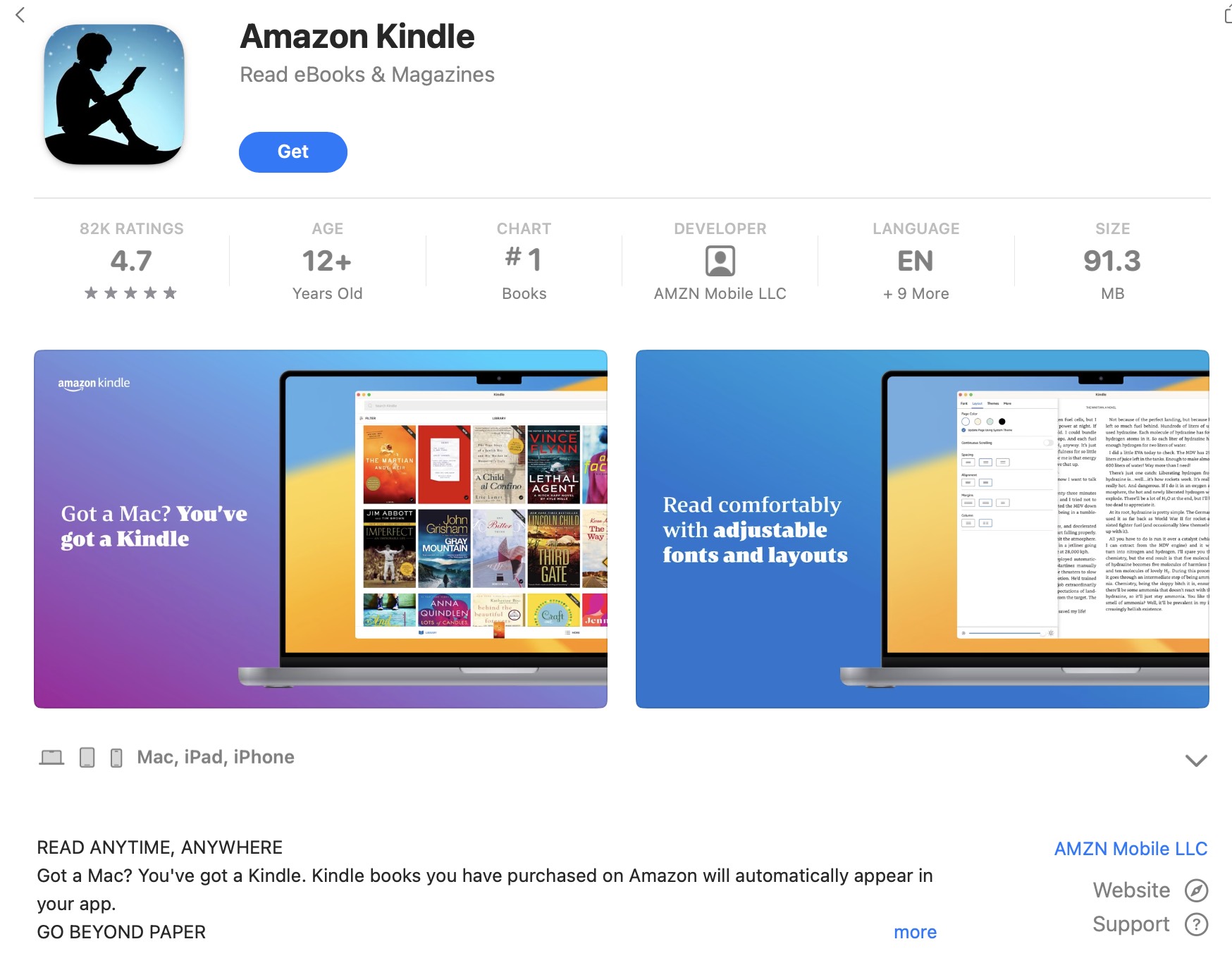
For students who love reading, Kindle is the ultimate book app for your Mac. It can access to a vast library of books and magazines. Kindle offers a reading experience like no other.
Kindle gives access to a range of academic books and reference materials. It allows you to adjust font size and color for a comfortable reading experience.
Key Features:
- Vast Library: Access books, magazines, and newspapers.
- Customizable Reading Experience: Adjust font size, background color, and brightness for comfortable reading.
- Annotation and Highlighting: Highlight important sections and take notes for future reference.
- Sync Across Devices: Access your library and bookmarks on any device. It ensures you can read on the go.
When to Use:
If you are a student who love reading, this tool is the best Mac app for you.
Kindle is perfect for every student who loves to read. Start exploring the world of books with Kindle on your Mac today!
Final Thoughts
Now, you know what are the best Mac apps for students. You may want to know which one is the most recommended one. It is UPDF. It has its AI-powered features and can improve study efficiency and organization. And it also can help you take notes and edit the digital content. It has one free trial version, we recommend you to Download UPDF now and test it. If it is what you need, then, you can upgrade to UPDF pro version at a low price.
Windows • macOS • iOS • Android 100% secure



 Delia Meyer
 Enrica Taylor