UPDF
UPDF
 UPDF for Windows
 UPDF for Mac
 UPDF for iPhone/iPad
 UPDF for Android
 Nomostar
 UPDF AI Online
 UPDF Sign
 IvyCraft
 Edit PDF
 Annotate PDF
 Create PDF
 PDF Form
 Edit links
 Convert PDF
 OCR
OCR PDF to Word
 PDF to Image
 PDF to Excel
 Organize PDF
 Merge PDF
 Split PDF
 Crop PDF
 Rotate PDF
 Protect PDF
 Sign PDF
 Redact PDF
 Sanitize PDF
 Remove Security
 Read PDF
 UPDF Cloud
 Compress PDF
 Print PDF
 Batch Process
 About UPDF AI
 UPDF AI Solutions
 AI User Guide
 FAQ about UPDF AI
 Summarize PDF
 Translate PDF
 Chat with PDF
 Chat with AI
 Chat with image
 PDF to Mind Map
 Explain PDF
 PDF AI Tools
 Image AI Tools
 AI Chat Tools
 AI Writing Tools
 AI Study Tools
 AI Working Tools
 Other AI Tools
 AI Bookmark Generation
 AI Bookmark Summary
 AI Watermark Generation
 AI Background Generation
 AI Sticker Generation
 AI Stamp Generation
 AI Editing Suite
 UPDF Copilot
 AI Page Management
 AI Semantic Search
 PDF to Word
 PDF to Excel
 PDF to PowerPoint
 Enterprise Solution
 Enterprise Sign
 Enterprise AI
 Enterprise Plan
 Enterprise User Guide
 Enterprise Webinar
 Banking
 Healthcare
 Insurance
 Legal
Legal Manufacturing
 Government
 Researchers & PhDs
 Solopreneurs & Freelancers
 Education Solution
 Customer Stories
 User Guide
 UPDF Tricks
 FAQs
FAQs UPDF Reviews
 Download Center
 Blog
Blog Newsroom
 Tech Spec
 Updates
 UPDF vs. Adobe Acrobat
 UPDF vs. Foxit
 UPDF vs. PDF Expert

Have you ever noticed an online ad for the exact product you viewed a day earlier? That's because your search engine is tracking your online activity. Sounds alarming, right?
Brave Search helps you avoid this issue with its privacy-first approach. It uses its own independent search index that does not track your online behavior or personal data.
But how does it work exactly? And what makes it different from Google or Bing? In this guide, I will explain how the Brave search engine works, its features, practical uses, and more. So, make sure to read till the end to learn all about it.
Part 1. How Brave Search Works
Brave Search operates on an entirely different process compared to traditional search engines. It sends all its user queries into its independent search index. This is a database of web pages, which Brave regularly updates using its own web crawler. This means it doesn't rely on external indexes like Google or Bing.
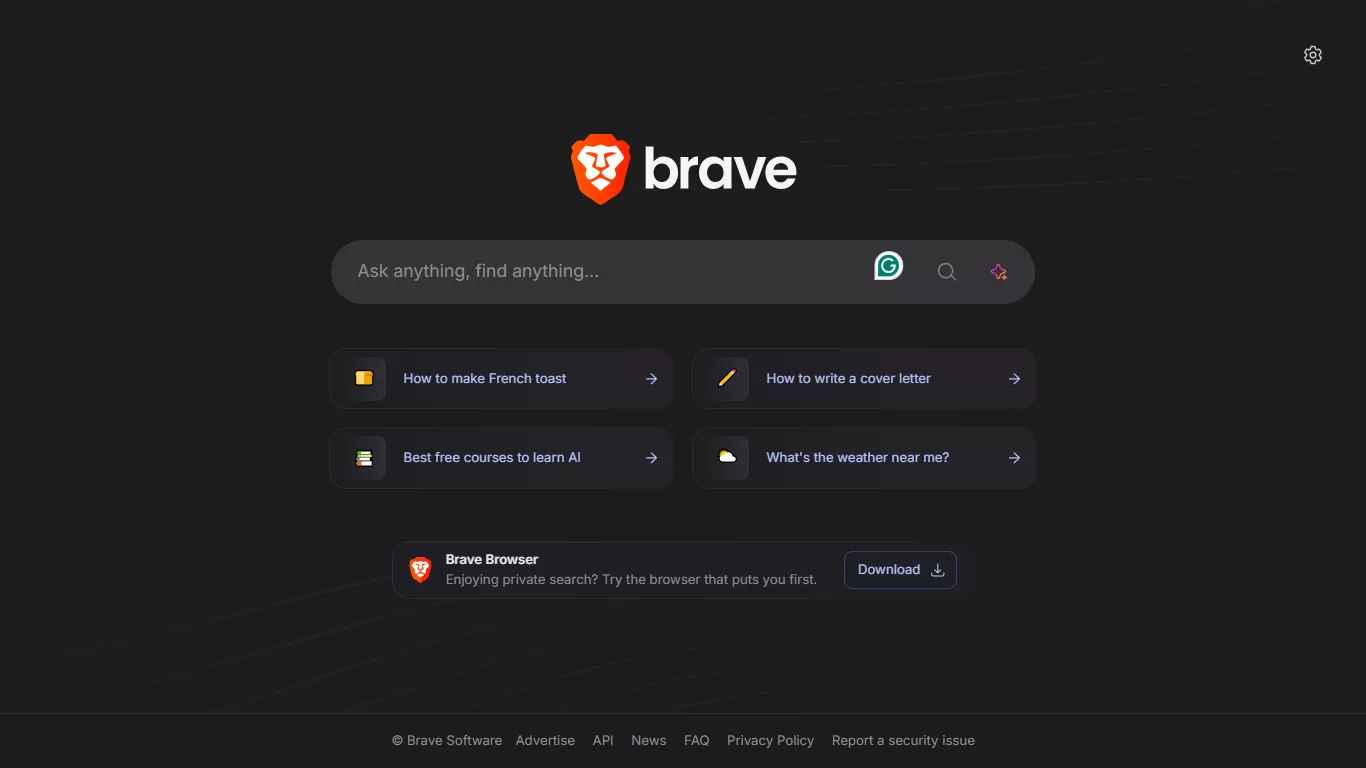
As for ranking results, Brave uses its own proprietary ranking algorithm. In addition, it also allows you to modify the rankings using tools like Goggles and Rerank. Throughout this process, the Brave search engine keeps your online behavior private and secure.
Unlike Google, which tracks your activity and builds detailed profiles, Brave relies only on anonymous cookies. And everyone with the same settings receives the same cookie names and values. This way, it eliminates the risk of individual profiling or tracking.
Part 2. Key Features of Brave Search
Brave Search has several unique capabilities as a private search engine. Below, I have listed some features that set it apart from standard search engines.
1. Privacy Protection
Brave search engine does not track you across sites or create your behavioural profiles. It uses anonymous local processes that keep your identity separate from your searches. This way, it keeps your activity private while still delivering relevant results.
2. Ad-Free or Privacy-Respecting Ads
Brave Search offers an ad-free paid plan and a free ad-supported mode. These ads are based on your searches, location, and device type rather than personal profiles. So, you can see ads without being followed or targeted later on.
3. Independent Indexing
Brave Search has developed its own independent index. So, it does not rely on major search engines or large data suppliers to rank and show results. This means your search results remain free of influence from external biases.
4. Community-Driven Ranking
Tools like Goggles and Rerank allow you to customize your search results rankings. With Goggles, you can apply ranking frameworks created by the community or yourself. Rerank allows you to vote up or down websites in search results to improve ranking models.
5. Brave Search Bangs
Bangs are quick shortcuts you can use in your search queries to go straight to the results from a specific website. For example, if you're looking for the best movies thread on Reddit, you can type “!r best movies of 2025” to find results directly on Reddit.
6. Brave Search AI
Brave search results are also driven by AI. The AI Summarizer offers a concise answer to a query at the top of the results, much like Google's AI Overviews. The AI also plays a role in generating Snippets by extracting the most relevant text to answer search queries.
Part 3. When to Use the Brave Search Engine
Given its useful features, there are many ways you can use Brave search engine. Here's a list of some use cases where it can help you.
- For Complete Privacy: Brave Search is ideal for users who want privacy with complete control over their search data. These can be journalists or legal professionals handling sensitive queries.
- Research Without Tracking: If you're a student or researcher, Brave can help you explore topics without worrying about personalized tracking. This will keep your search results free of any biases.
- Independent Result Comparisons: Since Brave uses its own search index, you can compare search results without Big Tech filters interfering with your results. This is great for educators or analysts comparing multiple viewpoints.
- Evaluating Results Without Past Activity: When you're searching online, search engines can use your past activity to influence what you see. Being private, Brave shows you the actual results, so you can evaluate options better when shopping or simply browsing.
Part 4. Bonus: How to Handle Search Results or Data
When researching a topic on the Brave search engine, it can be difficult to organize all your findings for quick access later. A simple way to manage this information is to save it as web clippings or manually created notes in a standard PDF.
To keep these PDFs organized, you need a tool that lets you view and edit them seamlessly. UPDF is the perfect tool for this purpose. It is an AI-driven PDF editor that makes it effortless to organize, edit, and analyze your research data. With UPDF, you can edit all elements of your PDF, markup and annotate for feedback, and rearrange pages to maintain a clear flow. In addition, its AI assistant can summarize your findings, clarify complex ideas, translate content, and more.
Windows • macOS • iOS • Android 100% secure
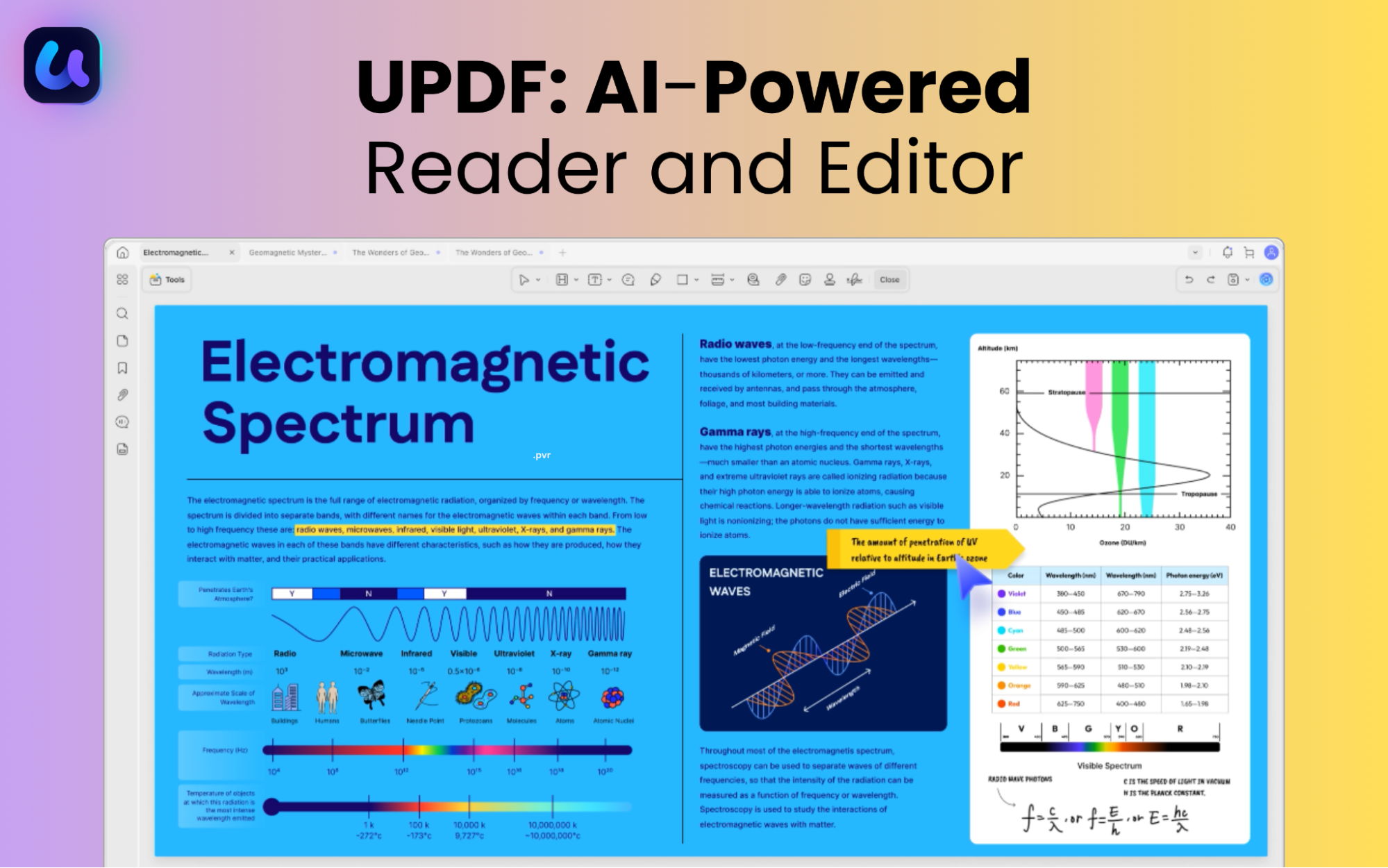
Here's a quick look at some of its key features.
- Edit PDF text, images, links, header, footer, and background.
- Markup text and add comments, sticky notes, shapes, and more.
- Take notes effortlessly with the pencil tool, text boxes, callouts, and other annotations.
- Organize pages by adding, deleting, cropping, rotating, splitting, and more.
- Use UPDF AI to summarize, translate, convert PDF to mindmaps, and more.
- Analyze data charts, tables, and images in your PDF directly with AI.
These features are just a glimpse at what you can do with UPDF. It's a complete PDF toolkit to help you work smarter with your PDF documents. You can explore all its features with a free trial. Download it now to get started.
Windows • macOS • iOS • Android 100% secure
Part 5. Tips for Privacy-First Searching
If you're concerned about your privacy, here are a few tips to minimize your digital footprint and protect your data while searching online.
- Keep Your Browser Updated: Outdated browsers are more vulnerable to cyberattacks. Updating your browser regularly will protect you against the latest security threats.
- Prefer HTTPS Sites: Sites with HTTPS in their URL ensure that the communication between your device and the site remains safe. So, always visit HTTPS sites and not HTTP.
- Use a Password Manager: Instead of storing passwords in your browser, use a reputable password manager to save important credentials.
- Get a VPN Extension: A reliable VPN will mask your IP address. So, your location is not exposed to advertisers or online attackers.
- Use an Ad Blocker: Ad blockers will prevent advertisers from tracking your online activities and building profiles. This will keep your searches more private and safe.
Conclusion
In a world where your online activity is constantly tracked, the Brave search engine keeps you private and secure. At the same time, it eliminates ranking bias, so your search results remain accurate. And when you're done searching, UPDF can help you manage your findings and data more productively. It offers more than just PDF editing. It's an AI-powered toolkit to help you handle your documents smarter. You can try it free, and upgrade anytime with affordable price plans. So, don't wait. Download and start today!
Windows • macOS • iOS • Android 100% secure






 Enola Miller
 Enrica Taylor

 Enya Moore