UPDF
UPDF
 UPDF for Windows
 UPDF for Mac
 UPDF for iPhone/iPad
 UPDF for Android
 Nomostar
 UPDF AI Online
 UPDF Sign
 IvyCraft
 Edit PDF
 Annotate PDF
 Create PDF
 PDF Form
 Edit links
 Convert PDF
 OCR
OCR PDF to Word
 PDF to Image
 PDF to Excel
 Organize PDF
 Merge PDF
 Split PDF
 Crop PDF
 Rotate PDF
 Protect PDF
 Sign PDF
 Redact PDF
 Sanitize PDF
 Remove Security
 Read PDF
 UPDF Cloud
 Compress PDF
 Print PDF
 Batch Process
 About UPDF AI
 UPDF AI Solutions
 AI User Guide
 FAQ about UPDF AI
 Summarize PDF
 Translate PDF
 Chat with PDF
 Chat with AI
 Chat with image
 PDF to Mind Map
 Explain PDF
 PDF AI Tools
 Image AI Tools
 AI Chat Tools
 AI Writing Tools
 AI Study Tools
 AI Working Tools
 Other AI Tools
 AI Bookmark Generation
 AI Bookmark Summary
 AI Watermark Generation
 AI Background Generation
 AI Sticker Generation
 AI Stamp Generation
 AI Editing Suite
 UPDF Copilot
 AI Page Management
 AI Semantic Search
 PDF to Word
 PDF to Excel
 PDF to PowerPoint
 Enterprise Solution
 Enterprise Sign
 Enterprise AI
 Enterprise Plan
 Enterprise User Guide
 Enterprise Webinar
 IT
IT Education
 Construction
 Financial Service
 Healthcare
 Insurance
 Legal
Legal Manufacturing
 Government
 Researchers & PhDs
 Solopreneurs & Freelancers
 Lawyers & Legal Professionals
 Real Estate Agents & Brokers
 Education Solution
 Customer Stories
 User Guide
 UPDF Tricks
 FAQs
FAQs UPDF Reviews
 Download Center
 Blog
Blog Newsroom
 Tech Spec
 Updates
 UPDF vs. Adobe Acrobat
 UPDF vs. Foxit
 UPDF vs. PDF Expert

Looking for a PDF editor you can buy once and keep using? The UPDF Lifetime Plan gives individuals ongoing access to UPDF Pro with a one-time purchase. It covers everyday PDF work across desktop and mobile, including editing, OCR, conversion, annotation, page organization, forms, protection, and signing.
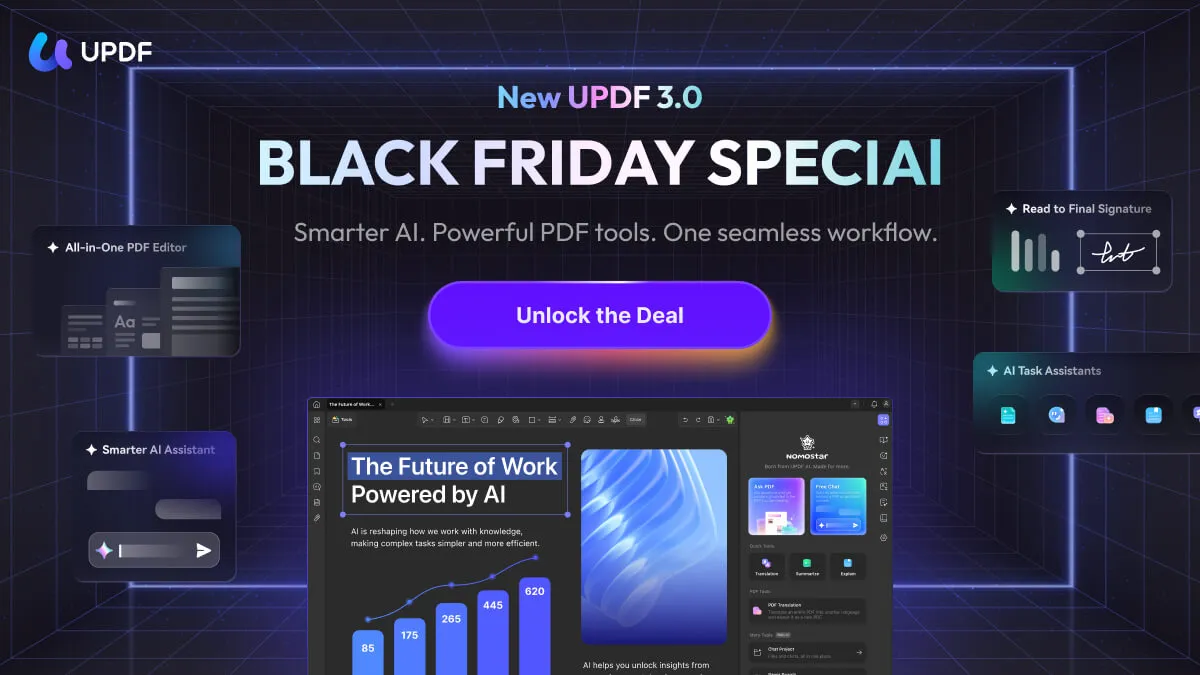
UPDF Black Friday 2026 is coming soon: save $10 on the UPDF Pro Lifetime Plan and be among the first to experience the all-new UPDF 3.0 when both launch together. The offer and new version are not live yet—stay tuned for the official Black Friday debut.
Quick answer: Choose UPDF Lifetime to pay once and keep the complete Pro PDF toolkit without annual Pro renewal. The current price is US$79.99. Buy the standalone Lifetime plan for professional PDF tools, or choose a Pro + AI option to add smarter document workflows.
Windows • macOS • iOS • Android 100% secure
What Is the UPDF Lifetime Plan?
The UPDF Lifetime Plan is a one-time license for UPDF Pro. Unlike the annual plan, it does not renew every year. It is designed for people who regularly edit, convert, organize, review, or sign PDFs and prefer predictable long-term ownership.
The Lifetime plan covers the core PDF editor. UPDF AI has its own plan and usage terms. If you need both, review the current Pro + AI bundle options on the official pricing page rather than assuming AI is permanently included with the standalone Lifetime license.
UPDF Black Friday 2026: $10 Off Lifetime Is Coming Soon
UPDF's 2026 Black Friday promotion is coming soon. The UPDF Pro Lifetime Plan will be $10 off during the event. The promotion is not live yet, so stay tuned; final eligibility and checkout details will be shown at launch.
Make Black Friday your moment to unlock long-term PDF productivity. Choose the Lifetime plan for a one-time Pro purchase, or select a Pro + AI option to combine professional PDF editing with advanced AI document workflows.
What Is Included in UPDF Lifetime?
- Edit PDFs: change text, images, links, watermarks, backgrounds, headers, and footers.
- OCR and conversion: turn scans into searchable PDFs and convert PDFs to Word, Excel, PowerPoint, images, and other formats.
- Review tools: highlight, comment, draw, add stamps, compare files, and redact sensitive content.
- Organize and create: insert, replace, extract, split, rotate, crop, merge, and create PDFs.
- Forms and signatures: create or fill forms, add e-signatures, and use digital signatures where supported.
- Cross-platform access: use UPDF across supported Windows, macOS, iOS, and Android devices under the license terms shown at checkout.
For a complete feature list, see the UPDF technical specifications. Some features vary by platform, so check the device you plan to use most.
Explore more UPDF workflows: edit PDFs, OCR scanned PDFs, and fill and sign PDFs.
The All-New UPDF 3.0 Launches with Black Friday
Black Friday is bringing more than a Lifetime saving. The all-new UPDF 3.0 will launch with the event, connecting AI-powered document understanding with editing, reviewing, and signing in one streamlined workspace. It is not available yet—stay tuned for the Black Friday launch and get ready to work faster from the first page.
- Focused AI chat: ask questions about an entire PDF, the current page, or selected page ranges.
- Task-based AI assistants: use focused workflows for academic papers, contracts, resumes, and financial documents.
- Semantic search and AI bookmarks: find ideas by meaning and generate navigable bookmarks and section summaries.
- End-to-end document work: move from understanding to editing, reviewing, and signing in one workspace.
UPDF Pro Lifetime unlocks the complete professional PDF toolkit, while an eligible UPDF AI plan or credits adds the new AI-powered experiences. Choose the combination that gives you the workflow you want.
See the productivity gains behind better document workflows in the PDF Efficiency Report, then explore UPDF customer stories for real-world results. Stay tuned for the Black Friday debut of UPDF 3.0.
UPDF Annual vs. Lifetime
| Plan | Current Price | Best For |
|---|---|---|
| UPDF Pro Annual | $49.99 | Shorter-term use and lower upfront cost |
| UPDF Pro Lifetime | $79.99 | Long-term use without annual renewal |
| UPDF Yearly + AI Yearly | $118.99 | PDF editing plus frequent AI use |
| UPDF Lifetime + AI Yearly | $148.99 | Lifetime PDF tools with renewable AI access |
Prices above use site variables so they stay current. For comparison, Adobe Acrobat Pro is typically much more expensive over time; depending on the plan and region, UPDF can cost around one-sixth as much while covering the core PDF workflows most individuals need.
Who Should Buy UPDF Lifetime?
- Best for: students, professionals, freelancers, and home users who work with PDFs regularly and dislike recurring software bills.
- Also a smart choice for: anyone who wants one PDF editor across supported desktop and mobile platforms with no annual Pro renewal.
Download UPDF today and experience its editing, OCR, conversion, annotation, and signing tools with your own files. Then visit the official individual plans and unlock the Lifetime option that fits your workflow.
Windows • macOS • iOS • Android 100% secure
Frequently Asked Questions
Does UPDF Lifetime include UPDF AI forever?
No. UPDF Pro Lifetime covers the PDF editor. UPDF AI is a separate service with its own plan or credit terms. Check the current bundle options before purchase.
Will the Black Friday 2026 offer include the Lifetime plan?
The promotion is coming soon, and the UPDF Pro Lifetime Plan will be $10 off when it launches. Stay tuned for the official event and final eligibility details.
Can I use one UPDF license across platforms?
UPDF supports Windows, macOS, iOS, and Android. Device limits and platform-specific features follow the current license terms shown at checkout.
Is UPDF Lifetime better than the annual plan?
Lifetime is usually better for long-term, recurring PDF work; annual is better when you want a lower upfront cost or only need the software temporarily.







 Enya Moore
 Enid Brown