 UPDF
UPDF
 UPDF for Windows
 UPDF for Mac
 UPDF for iPhone/iPad
 UPDF for Android
 Nomostar
 UPDF AI Online
 UPDF Sign
 IvyCraft
 Edit PDF
 Annotate PDF
 Create PDF
 PDF Form
 Edit links
 Convert PDF
 OCR
OCR PDF to Word
 PDF to Image
 PDF to Excel
 Organize PDF
 Merge PDF
 Split PDF
 Crop PDF
 Rotate PDF
 Protect PDF
 Sign PDF
 Redact PDF
 Sanitize PDF
 Remove Security
 Read PDF
 UPDF Cloud
 Compress PDF
 Print PDF
 Batch Process
 About UPDF AI
 UPDF AI Solutions
 AI User Guide
 FAQ about UPDF AI
 Summarize PDF
 Translate PDF
 Chat with PDF
 Chat with AI
 Chat with image
 PDF to Mind Map
 Explain PDF
 PDF AI Tools
 Image AI Tools
 AI Chat Tools
 AI Writing Tools
 AI Study Tools
 AI Working Tools
 Other AI Tools
 AI Bookmark Generation
 AI Bookmark Summary
 AI Watermark Generation
 AI Background Generation
 AI Sticker Generation
 AI Stamp Generation
 AI Editing Suite
 UPDF Copilot
 AI Page Management
 AI Semantic Search
 PDF to Word
 PDF to Excel
 PDF to PowerPoint
 Enterprise Solution
 Enterprise Sign
 Enterprise AI
 Enterprise Plan
 Enterprise User Guide
 Enterprise Webinar
 IT
IT Education
 Construction
 Financial Service
 Healthcare
 Insurance
 Legal
Legal Manufacturing
 Government
 Researchers & PhDs
 Solopreneurs & Freelancers
 Lawyers & Legal Professionals
 Real Estate Agents & Brokers
 Education Solution
 Customer Stories
 User Guide
 UPDF Tricks
 FAQs
FAQs UPDF Reviews
 Download Center
 Blog
Blog Newsroom
 Tech Spec
 Updates
 UPDF vs. Adobe Acrobat
 UPDF vs. Foxit
 UPDF vs. PDF Expert

Scribd is facing big change that may influence you! Once known as a "go-to destination" for ebooks and audiobooks with legacy plan, but now, Scribe states itself as the world's library of ideas hosting a large number of documents, which covers colorful topics: from academic papers and legal documents to niche hobby guides and DIY manuals.
So, do you want to discover how to make the most of the new Scribd? This guide covers everything you need from membership details to alternative platforms and essential tools like UPDF. Read on to explore Scribd and enhance your reading experience!
Part 1. Scribd Library: What Is It?
Different from "the digital library", Scribd now is a digital document platform with over 300 million files, from academic papers and legal documents to hobbyist guides and instruction manuals. And the previous features like eBooks, audibooks and more have been transferred into Everand. Founded in 2007, Scribd has grown to become one of the largest subscription-based reading platforms, providing users with unlimited access to a vast array of content across various genres and subjects. Whether you're interested in professional, art, academic papers, or personal growth, Scribd always be the ideal place for everyone.
For those who frequently deal with PDFs or documents from Scribd, UPDF makes managing and editing documents significantly easier. UPDF is a powerful online tool that allows you to read, annotate, and edit your PDFs seamlessly. Also, UPDF AI provides you with many powerful functions to assist you in reading and comprehension. By integrating UPDF into your workflow, you can enhance your document management experience, making it easier to organize and utilize the vast resources available on Scribd.
Ready to explore the limitless possibilities within the Scribd library? Start your journey today and use UPDF to optimize your reading and document management experience!
Windows • macOS • iOS • Android 100% secure
Part 2. FAQs about Scribd Membership and Subscriptions
Understanding Scribd's membership and subscription options is essential for getting the most out of this digital library. In this section, we'll cover the basics, including membership costs, the value of a subscription, available discounts, and whether a Scribd membership is worth it for avid readers and learners.
Do users need to pay for a Scridb Membership?
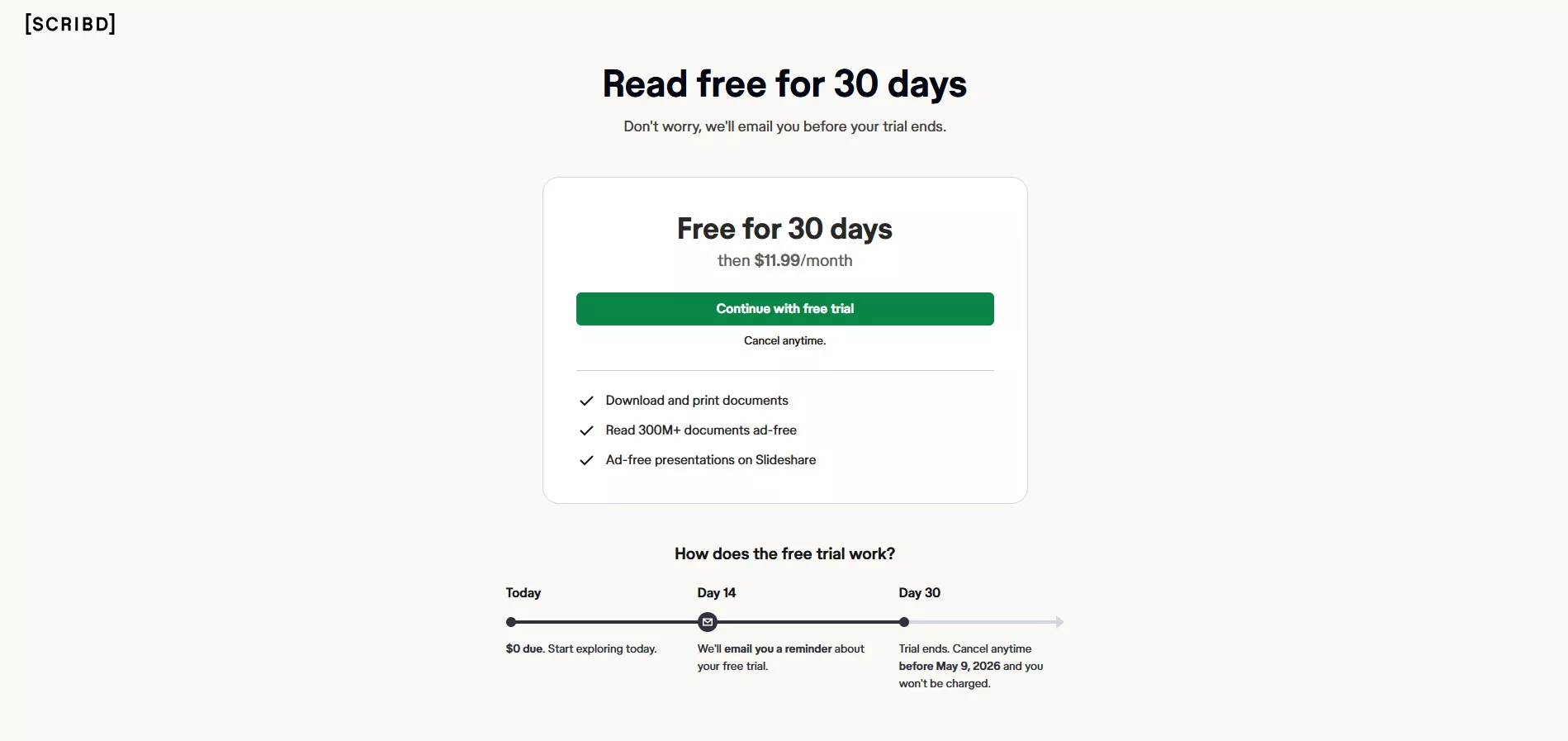
That Depends. With a subscription, you can download & print documents, enjoy an ad-free experience in both Scribd and Slideshare, while without a subscription, you can merely read and upload documents. This article provides a detailed guide on how to have the membership on Scridb.
How much does a Scribd Membership cost per month?
Scribd's monthly subscription costs $11.99/month. With this membership, you may:
1. enjoy ad-free when exploring, downloading and printing more than 300M+documents from Scribd.
2. download documents to read offline
3. complimentary access to millions of community-uploaded presentations through Slideshare
Is it worth paying for Scribd?
That depends. With virtually unlimited access to a vast library of colorful documents with various topics and themes, Scribd offers excellent value for its monthly fee without annoying ad. The diverse content and convenience make it a valuable resource for any user who loves to read. So, paying for Scribd is worthy for the readers and learners needed.
Are there any discounts especially for students?
Scribd offers discounts for students, including special rates or extended trial periods. Students can utilize these discounts to access Scribd's vast library at a lower cost. It is recommended to visit Scribd's website or reach out to their support team for the most current information on student discount offers and eligibility requirements. Additionally, there are coupon websites that offer discounts to students for Scribd as well, such as WorthePenny.

Why can't I cancel my Scribd subscription?
If you're unable to cancel your Scribd subscription, it might be due to account issues or incomplete cancellation steps. Ensure you're logged in, follow the correct cancellation process on the website, and check for any outstanding payments. Contact Scribd's customer support for further assistance if problems persist.

Can I access Scribd documents for free?
Absolutely! You can read and upload the documents from Scribd for free, but as for other features, it may need Scribd membership.
When working with PDFs you've legally obtained from Scribd or other sources, I recommend you to use UPDF to enhance your experience. UPDF is a versatile tool for reading, annotating, and editing PDFs, making document management effortless. Take advantage of UPDF's powerful features to optimize your reading and editing tasks. Try UPDF today and elevate your PDF experience!
Windows • macOS • iOS • Android 100% secure
Part 3. 5 Popular Alternatives to Scribd
If you're looking for alternatives to Scribd, there are several other popular sites offer extensive libraries of documents. In this section, we'll explore five noteworthy platforms that provide similar services, ensuring you have plenty of choices for your reading and learning needs.
1. Issuu
Issuu is a commonly used digital publishing platform that offers a vast collection of magazines, eBooks, and other publications. Designed for both readers and content creators, Issuu allows users to discover, read, and share high-quality publications across various genres. With its user-friendly interface and mobile-friendly design, Issuu provides a seamless reading experience. Content creators can easily upload and distribute their work to a global audience, making it a valuable tool for publishers and marketers. While Issuu offers free access to many publications, a premium subscription unlocks additional features and content, providing an enhanced reading experience for avid readers. Users can also download PDFs from Issuu.
2. Google Books
Google Books is a comprehensive digital library and eBook store that provides access to millions of books across various genres and subjects. Users can search, preview, and read a vast array of books online, with many available for free. For books not available in full, Google Books often provides extensive previews, allowing readers to explore content before purchasing. Additionally, the platform integrates seamlessly with Google Play Books, enabling users to buy, download, and read books on their devices. Google Books is an excellent and reliable resource for finding both contemporary and classic literature, making it a versatile alternative to Scribd.

3. Audible
Audible, a company by Amazon, is a leading provider of audiobooks, offering an extensive library of titles across various genres and categories. With a monthly subscription, users gain access to a selection of audiobooks, including bestsellers, new releases, and exclusive content. Audible also provides features like offline listening, customizable narration speed, and seamless integration with Amazon's ecosystem.
Members receive credits to purchase audiobooks each month and enjoy discounts on additional titles. Audible's user-friendly app enhances the listening experience, making it a great alternative for those who prefer consuming books through audio rather than traditional reading formats.

4. SlideShare
SlideShare, a LinkedIn company, is a popular platform for sharing professional content, including presentations, infographics, documents, and videos. It caters to a range of topics, from business and technology to education and creative arts. Users can upload and browse content, making it a valuable and reliable resource for professionals and students alike.
SlideShare's extensive library allows users to access and download presentations and documents for free, with an emphasis on knowledge sharing and learning. The platform's integration with LinkedIn enables easy sharing and networking, making SlideShare a powerful tool for discovering and distributing high-quality professional content.

5. Bookmate
Bookmate is a versatile digital library offering a vast collection of eBooks, audiobooks, and comics. With a subscription, users gain unlimited access to a range of titles across various genres and languages. Bookmate's social features allow users to follow friends, share recommendations, and join book clubs, enhancing the reading experience through community engagement.
The app's intuitive interface and personalized recommendations make discovering new content easy and enjoyable. Available on multiple devices, Bookmate ensures a seamless reading experience whether online or offline, making it a strong alternative to Scribd for avid readers seeking variety and social interaction.
Part 4. Extended Reading: Discover a Versatile PDF Tool
In this section, we introduce UPDF, a versatile PDF tool designed to enhance your reading and document management experience. UPDF offers a range of powerful features, making it an essential tool for anyone dealing with PDFs regularly. Discover how UPDF can streamline your workflow and improve productivity.
Reading with UPDF
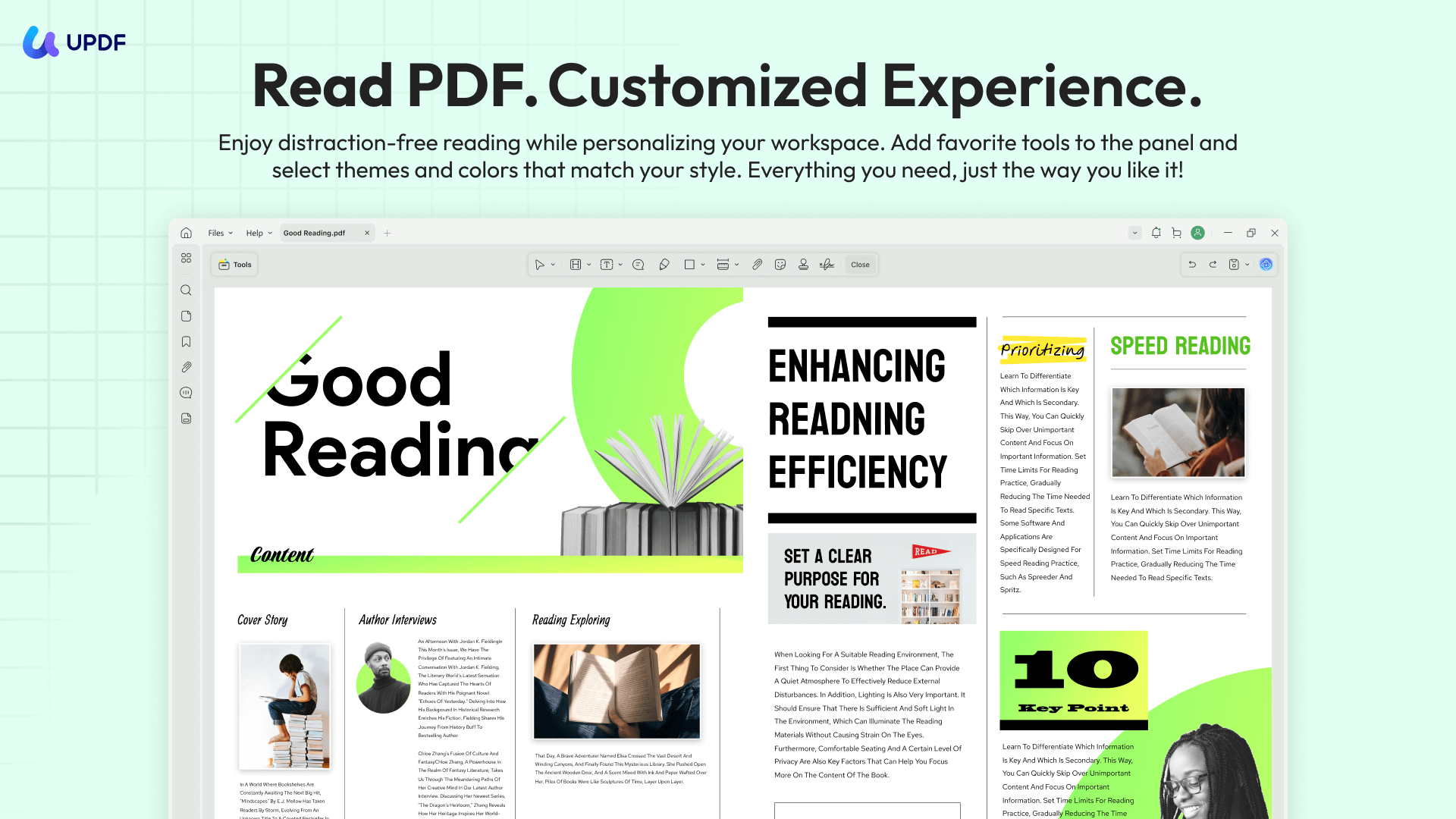
UPDF provides an exceptional reading experience with its intuitive interface and customizable viewing options. Whether you're reading eBooks, documents, or research papers, UPDF supports various file formats and offers features like text reflow, night mode, and bookmarking. This ensures a comfortable and efficient reading experience tailored to your preferences.
Annotating with UPDF
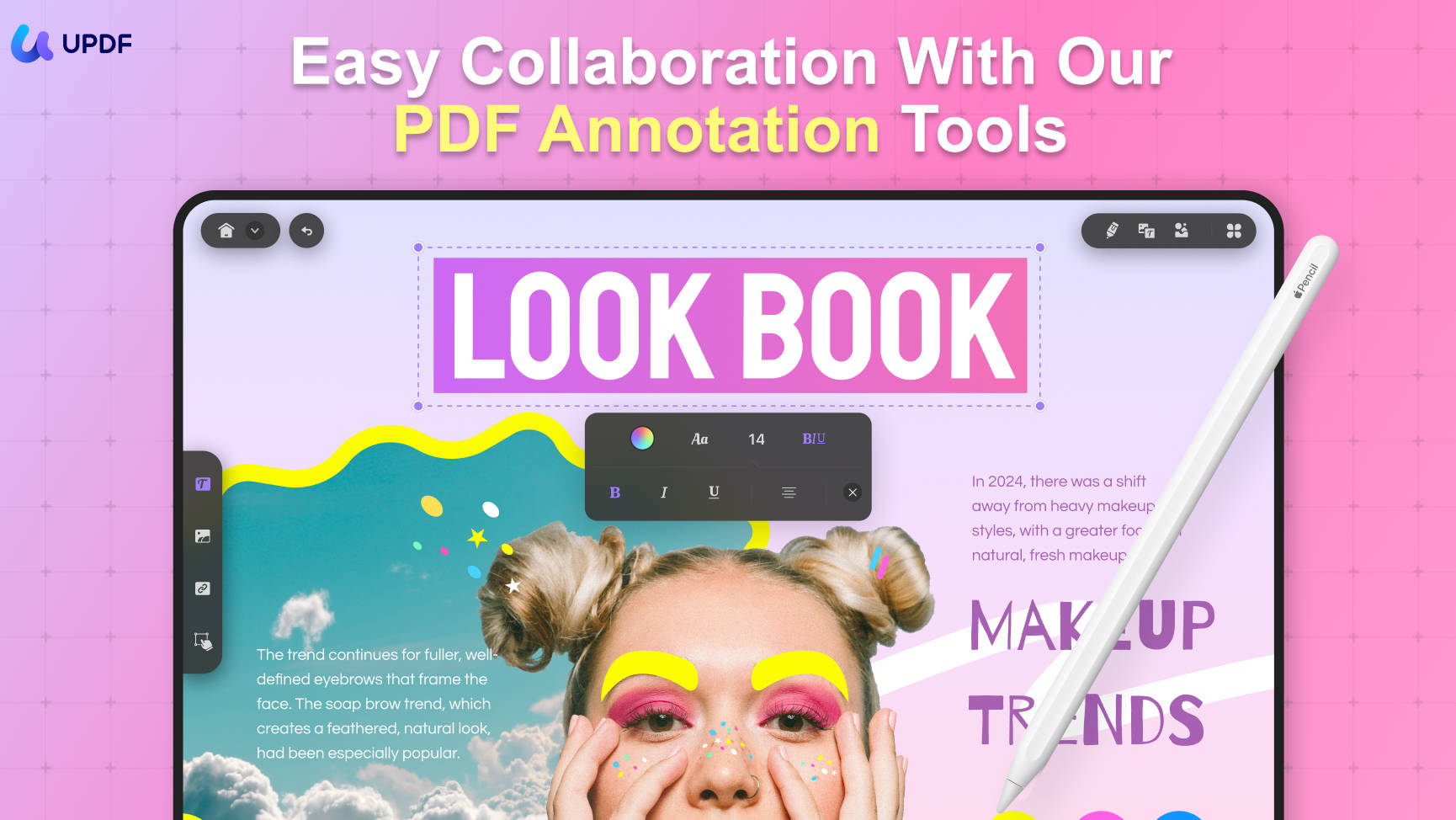
Annotating documents is seamless with UPDF. It offers a set of annotation tools, including highlights, comments, sticky notes, and drawing tools. These features make it easy to mark up your PDFs, add insights, and collaborate with others, improving your ability to interact with and understand the content.
Printing with UPDF
UPDF simplifies the printing process with its straightforward print options. You can customize print settings to suit your needs, such as selecting specific pages, adjusting page orientation, and choosing print quality. This ensures your documents are printed accurately and efficiently, whether for personal use or professional presentations.
AI Features in UPDF (Powered by GPT-5 and DeepSeek R1)
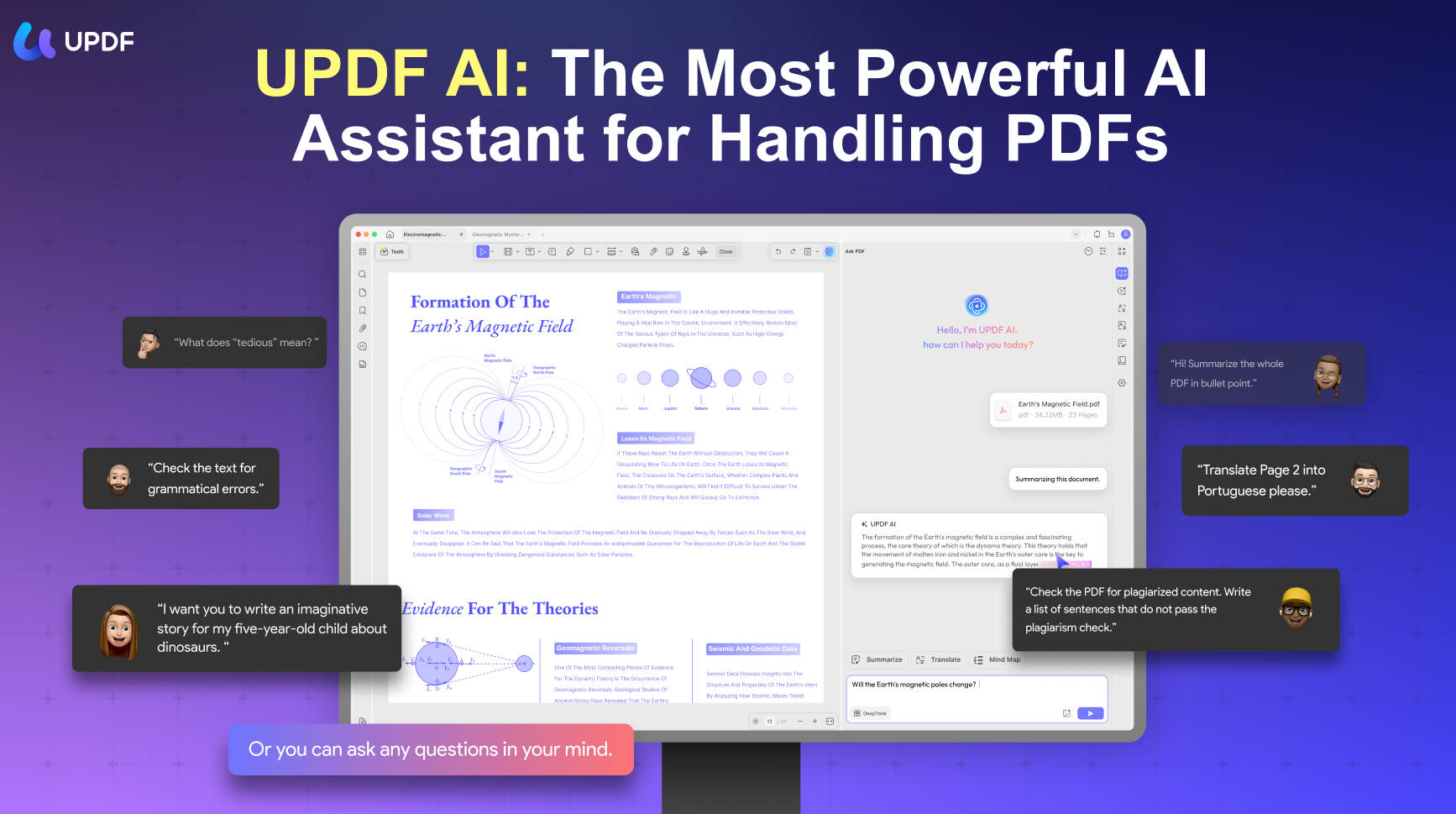
UPDF AI 2.5 comes with a range of tools designed to make working with documents faster and less tedious. You can use AI bookmark summary to help you grasp the main idea and map out complex documents, use AI Semantic Search to match the relevant information beyond basic keyword across large files, and use the AI Check Page to check and detect the pages of your document. Besides, there are many other powerful tools worth trying.
Conclusion
In conclusion, Scribd offers a wealth of resources for readers and learners. By understanding its features, exploring alternatives, and utilizing tools like UPDF, you can maximize your reading experience. UPDF's robust features for reading, annotating, and editing PDFs make it an indispensable companion for all your document needs.
Windows • macOS • iOS • Android 100% secure
Note: This article is for informational purposes only and does not encourage bypassing Scribd’s access controls or copyright protections. Availability of downloads depends on content owner permissions.





 Delia Meyer
 Enrica Taylor
 Enola Davis
 Lizzy Lozano