 UPDF
UPDF
 UPDF for Windows
 UPDF for Mac
 UPDF for iPhone/iPad
 UPDF for Android
 Nomostar
 UPDF AI Online
 UPDF Sign
 IvyCraft
 Edit PDF
 Annotate PDF
 Create PDF
 PDF Form
 Edit links
 Convert PDF
 OCR
OCR PDF to Word
 PDF to Image
 PDF to Excel
 Organize PDF
 Merge PDF
 Split PDF
 Crop PDF
 Rotate PDF
 Protect PDF
 Sign PDF
 Redact PDF
 Sanitize PDF
 Remove Security
 Read PDF
 UPDF Cloud
 Compress PDF
 Print PDF
 Batch Process
 About UPDF AI
 UPDF AI Solutions
 AI User Guide
 FAQ about UPDF AI
 Summarize PDF
 Translate PDF
 Chat with PDF
 Chat with AI
 Chat with image
 PDF to Mind Map
 Explain PDF
 PDF AI Tools
 Image AI Tools
 AI Chat Tools
 AI Writing Tools
 AI Study Tools
 AI Working Tools
 Other AI Tools
 AI Bookmark Generation
 AI Bookmark Summary
 AI Watermark Generation
 AI Background Generation
 AI Sticker Generation
 AI Stamp Generation
 AI Editing Suite
 UPDF Copilot
 AI Page Management
 AI Semantic Search
 PDF to Word
 PDF to Excel
 PDF to PowerPoint
 Enterprise Solution
 Enterprise Sign
 Enterprise AI
 Enterprise Plan
 Enterprise User Guide
 Enterprise Webinar
 IT
IT Education
 Construction
 Financial Service
 Healthcare
 Insurance
 Legal
Legal Manufacturing
 Government
 Researchers & PhDs
 Solopreneurs & Freelancers
 Lawyers & Legal Professionals
 Real Estate Agents & Brokers
 Education Solution
 Customer Stories
 User Guide
 UPDF Tricks
 FAQs
FAQs UPDF Reviews
 Download Center
 Blog
Blog Newsroom
 Tech Spec
 Updates
 UPDF vs. Adobe Acrobat
 UPDF vs. Foxit
 UPDF vs. PDF Expert

Perplexity is excellent for quick, cited answers from the web. However, it may not be the best fit when your work involves long PDFs, academic papers, structured research outputs, or productivity tasks across different platforms. That is why many users look for alternatives that are more specialized for their workflow.
In this guide, we will list the top four Perplexity AI alternatives and highlight their distinguishing functions and pros/cons. So, let's jump right to it!
Part 1. Quick Comparison of the 4 Perplexity Alternatives
| Alternative | Main Strength | Suitable For | Main Limitation |
|---|---|---|---|
| UPDF AI Online | PDF and document-based research | Summarizing PDFs, analyzing academic papers, translating documents, creating structured outputs | Less focused on casual web browsing |
| Elicit | Academic paper discovery | Finding and reviewing research papers | Limited for full PDF workflows |
| You.com | Flexible AI search and writing | General search, brainstorming, content generation | Less specialized for academic research |
| Microsoft Copilot | Everyday AI web search | Quick answers, web search, Microsoft productivity tasks | Limited advanced document research features |
Part 2. Top 4 Perplexity Alternatives
There are many Perplexity alternatives you can try, but it would take a lot of time. So, we have performed the digging for you and shortlisted the following best alternatives to Perplexity AI:
1. UPDF AI Online
UPDF AI Online is an AI assistant for PDFs and an AI search engine for learning and research. It's designed not just for quick answers but also for deep document understanding, literature searches, and long‑term research workflows. Interested users can give it a try by clicking the button below or read on to learn more.
Why UPDF AI Online is one of the best Perplexity AI alternatives is because it offers key functions that Perplexity does not, or handles them less effectively. These include:
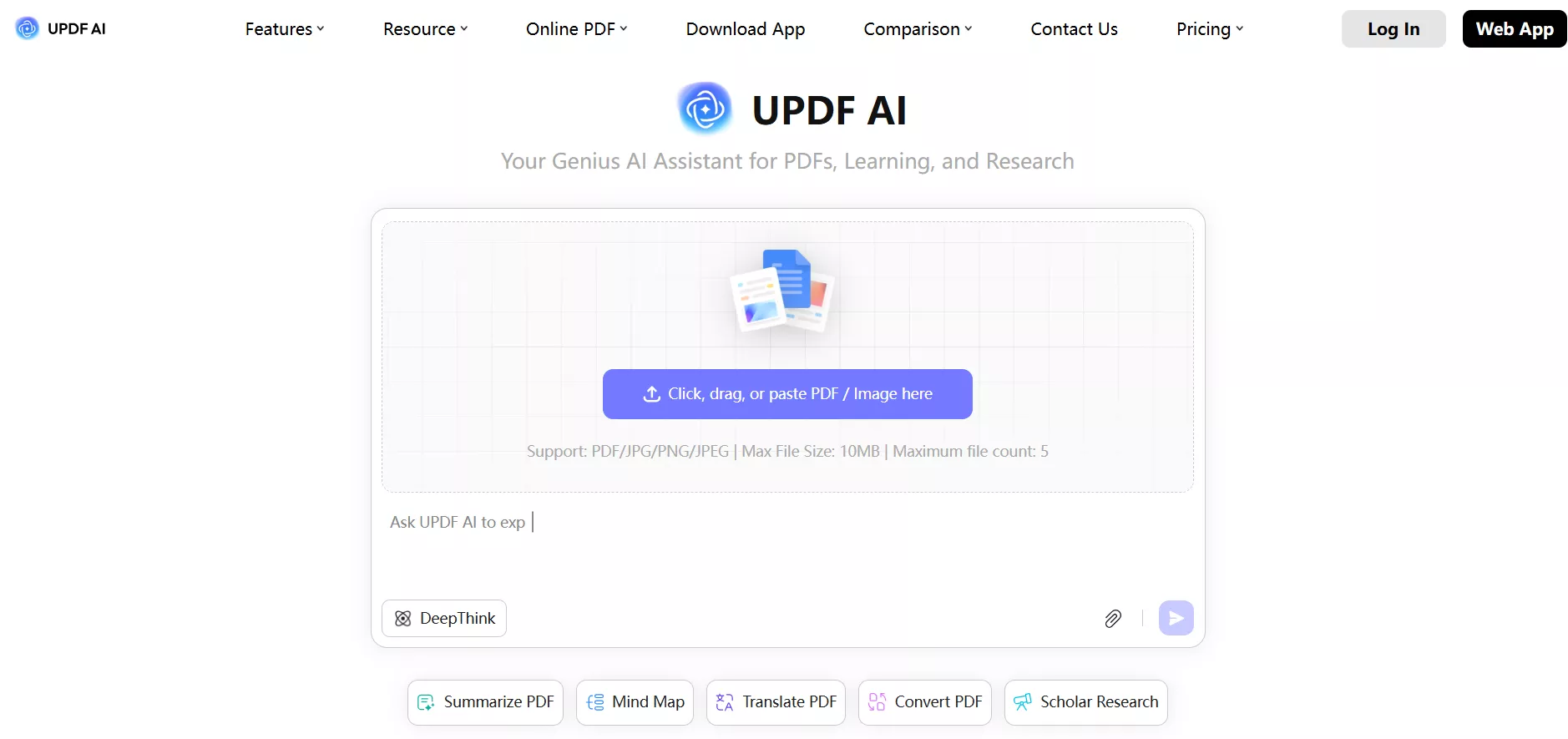
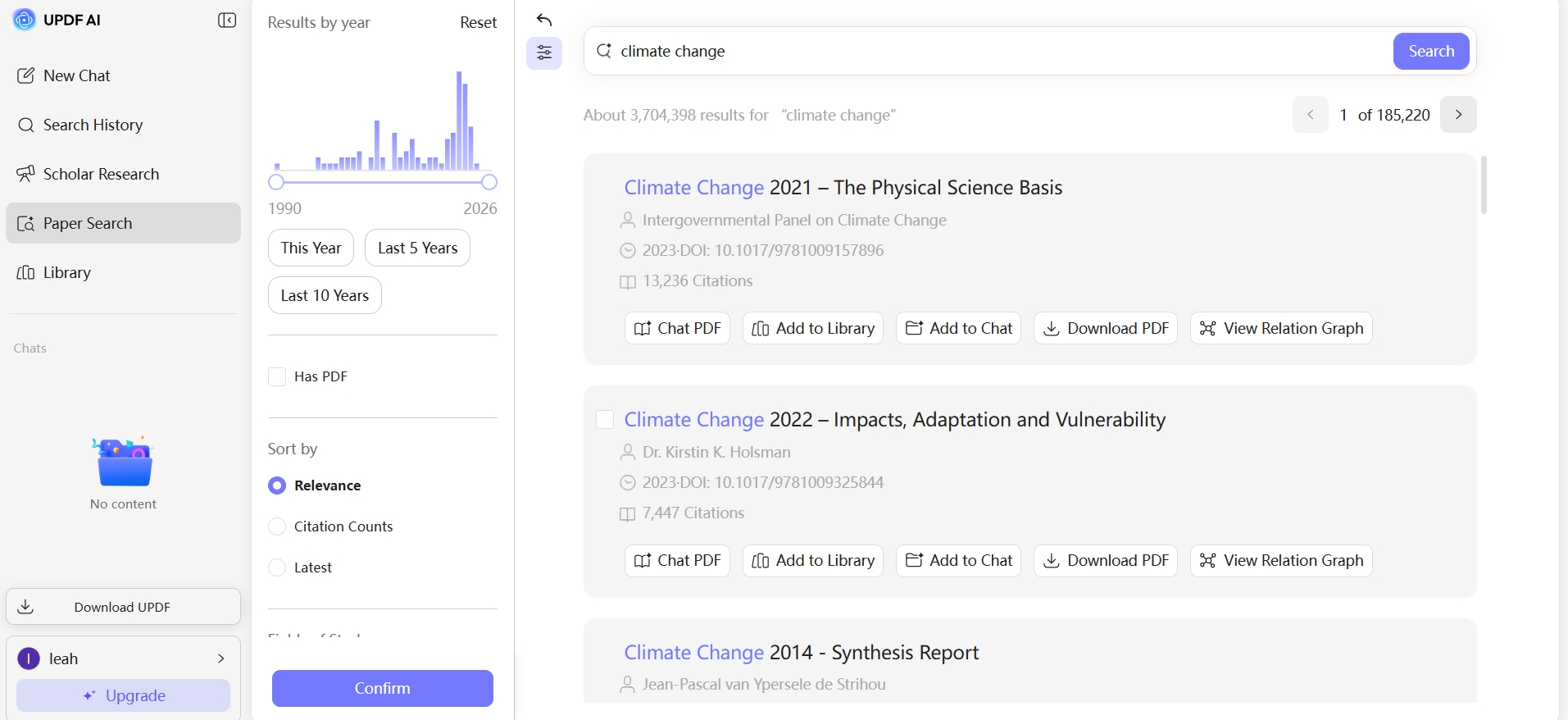
- Paper Search: An intelligent paper search engine to find the most relevant scholarly papers using keywords, paper title, DOI, or PMID. It presents the papers with brief insights for quick review. You can also use filters to shortlist more relevant papers.
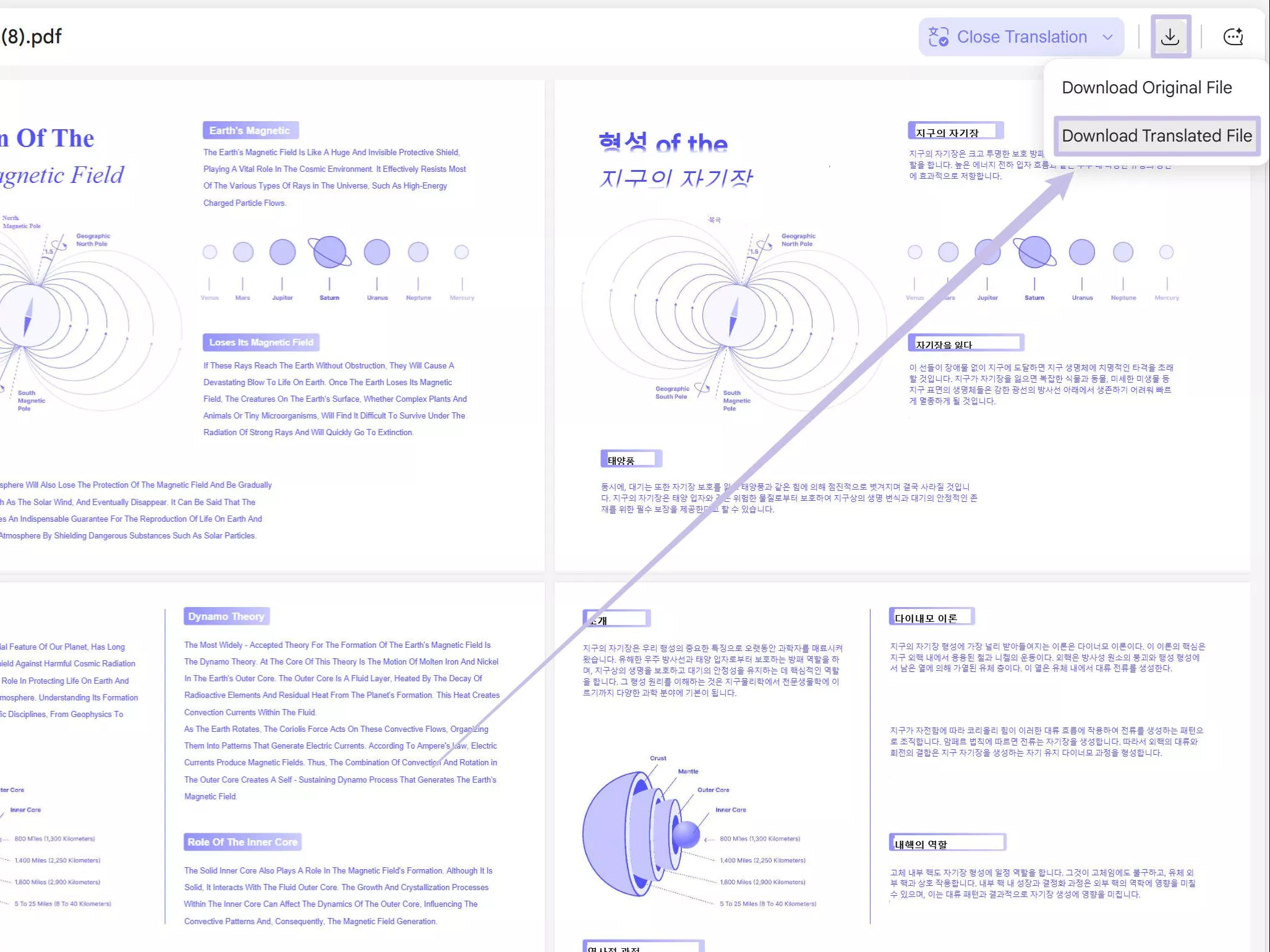
- Document Chat/PDF Understanding: Upload PDFs (or multiple documents) and ask questions, get summaries, translations, or explanations. You even get side-by-side translation of documents.
- Scholar Research: A deep research feature for academics that automatically searches, gathers, downloads, and synthesizes papers into a structured literature review.
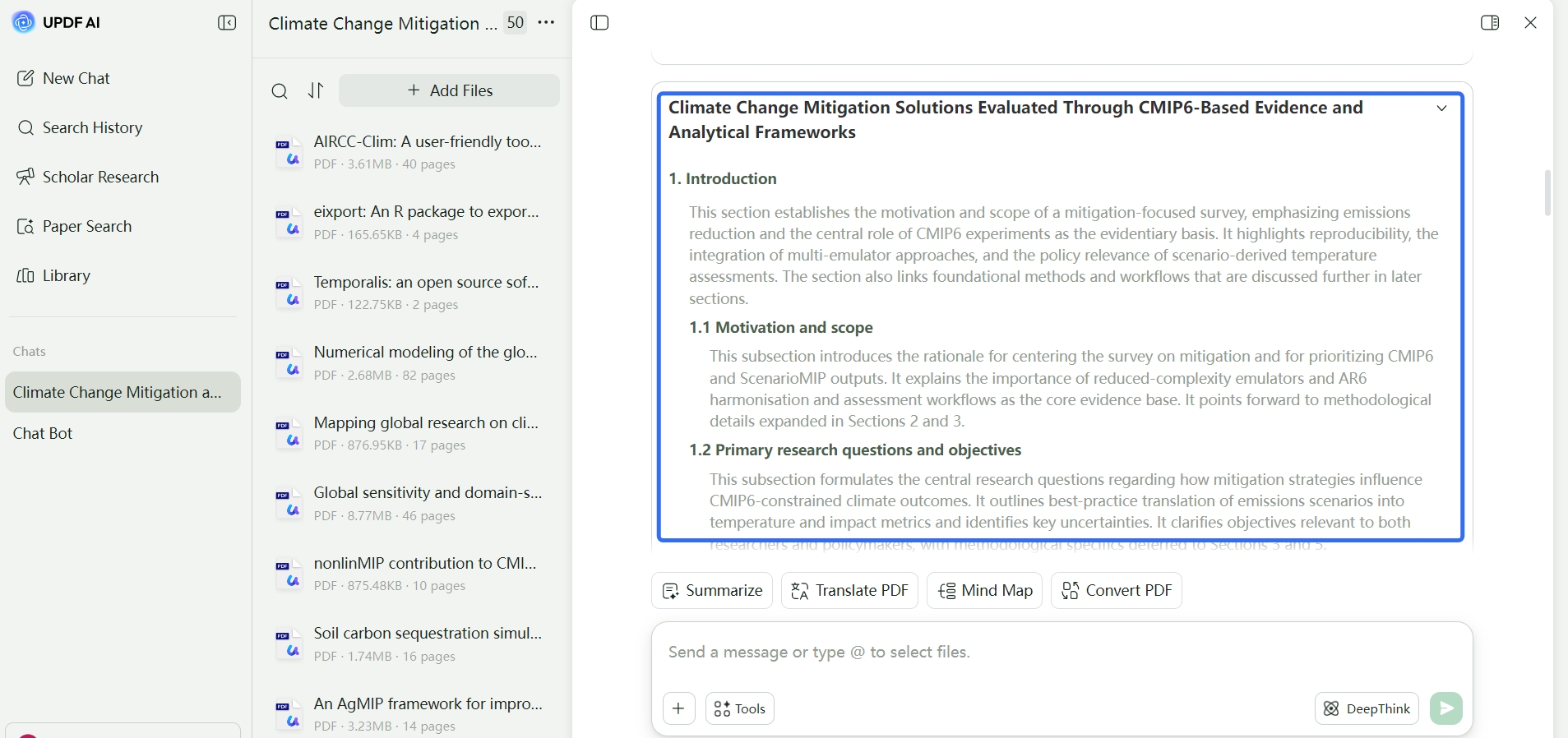
- Structured Outputs: Generate organized literature reviews, mind maps, summaries, and other required outputs.
- Research Library: A secure cloud storage to save, manage, and share documents, research papers, and other work files.
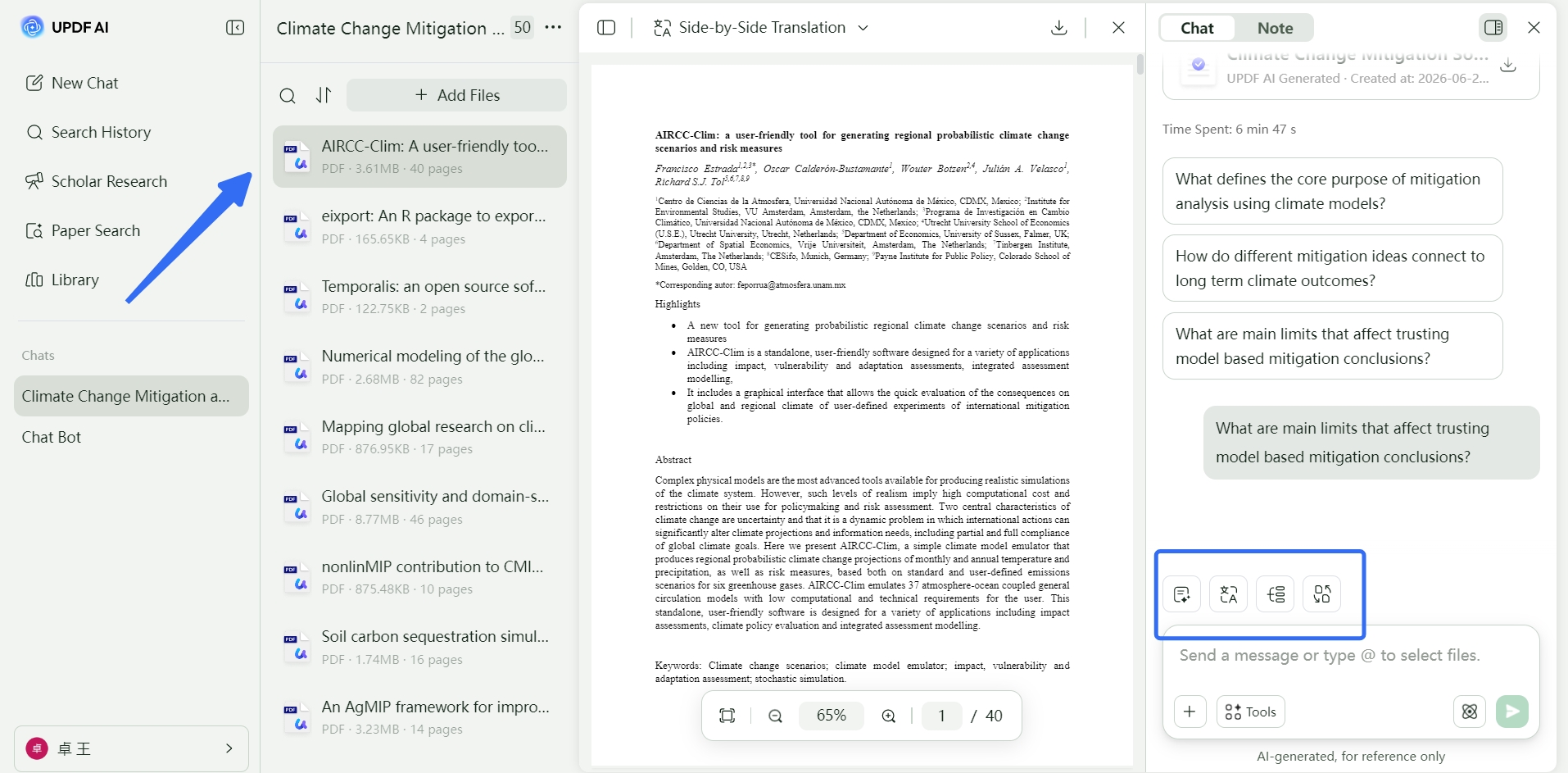
Simply put, UPDF AI Online is the best AI tool to conduct academic research, analyze documents, get detailed outputs, and save dozens of hours.
Feel impressed? Try our UPDF AI Online for free and taste its advanced AI search and assistant features yourself.
Pros:
- Strong PDF analysis and document chat features
- Useful for academic papers, reports, and long documents
- Supports summaries, translations, and structured outputs
- Helps users move from reading to understanding faster
- Practical for students, researchers, and professionals
Cons:
- Not the first choice for casual web browsing
- Most valuable when users work with PDFs or research documents
2. Elicit
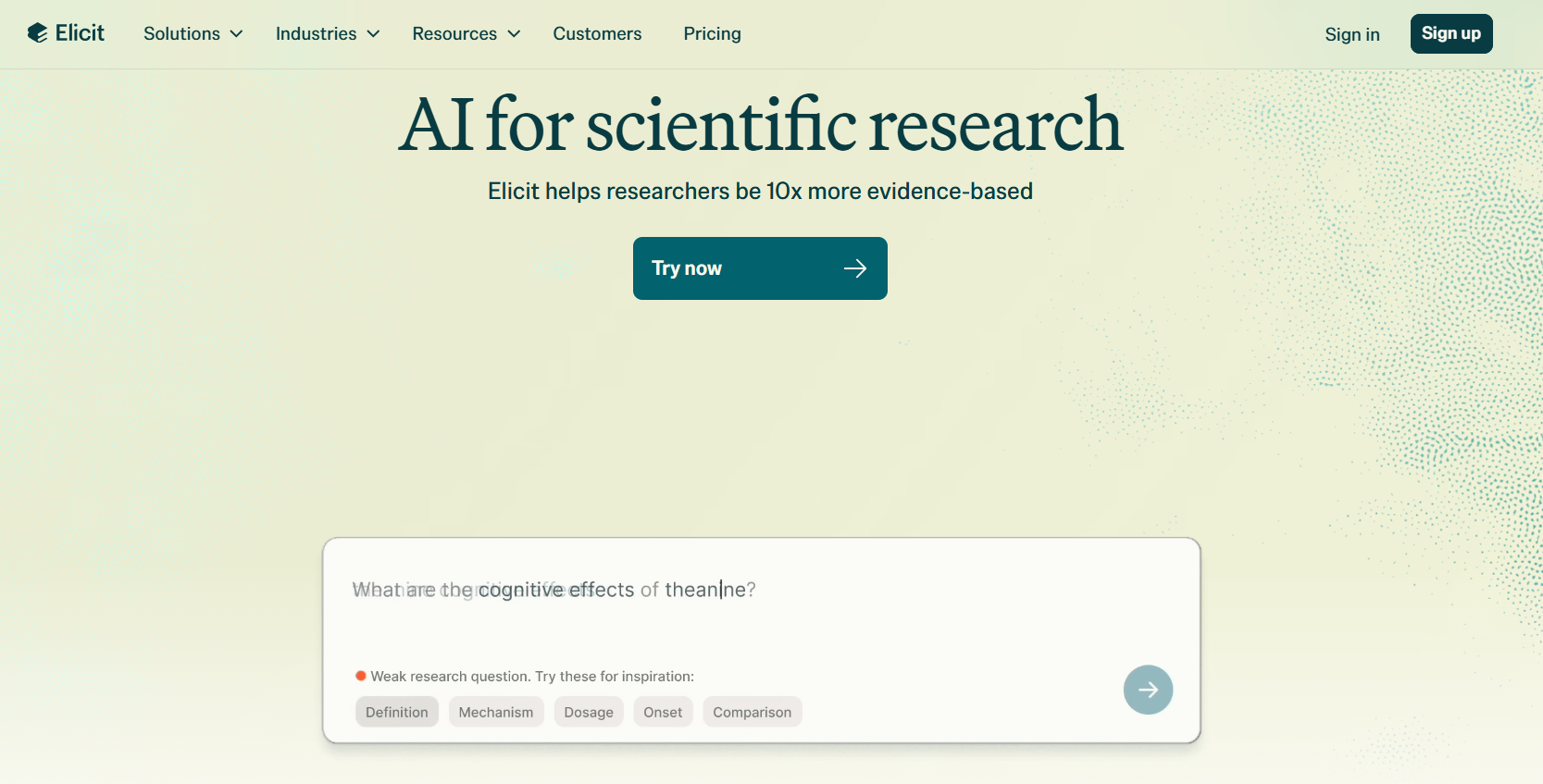
Elicit is an AI search engine for researchers. It helps them perform research with 10x more evidence-based. It can search over 138 million academic papers and 545,000 clinical trials against your provided keywords.
Elicit can also generate high-quality research reports based on your selected papers. Moreover, you can store and organize sources in its built-in library.
Pros:
- Powerful academic search engine
- Customized research report generation
- Built-in library to organize the sources
- User-friendly interface
Cons:
- Less suitable for casual web search
- Limited for full PDF reading, translation, and document management workflows
- May not be ideal for users who need broader writing or productivity support
3. You.com
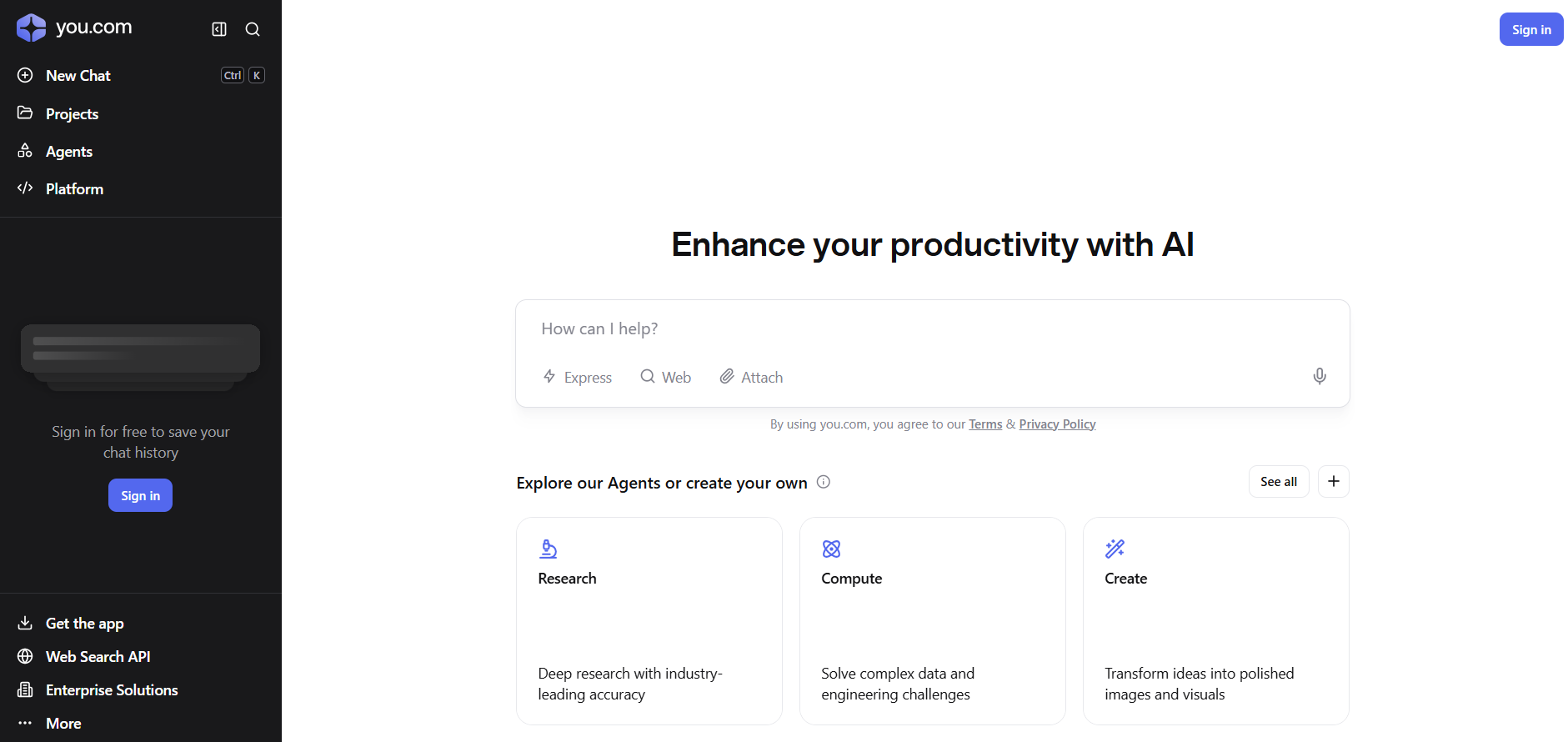
You.com is another best alternative to Perplexity AI that combines web search and conversational AI under its chat feature. It lets you search research papers, brainstorm ideas, translate text, summarize articles, write code, and much more. It can also generate visuals.
Pros:
- AI tool for general search, creativity, and research
- Multimodel outputs, including text, code, and visuals
- Real-time web search
- User-friendly chat interface
Cons:
- Not specialized for academic-level research
- Lacks advanced PDF/document analysis features
- Can produce generalized outputs for complex topics
4. Microsoft Copilot
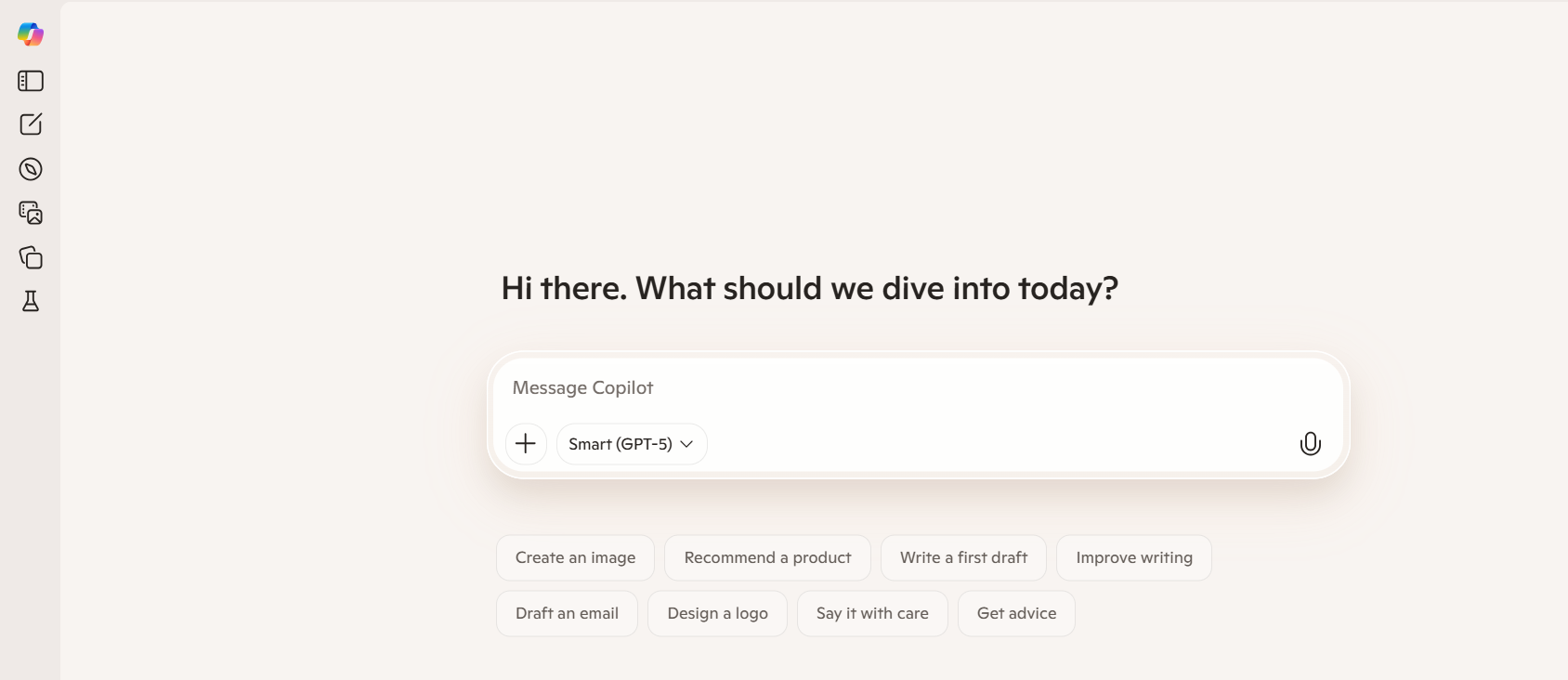
Microsoft Copilot (formerly Bing Copilot) is Microsoft's AI assistant built into Windows, Edge, and Bing. It offers real-time web search, brainstorming ideas, generating visuals, assisting in deeper research, writing drafts, and more. It can also process images and files for quick analysis.
Pros:
- Reliable real-time web search with cited sources
- Good for everyday tasks, such as drafting, summarizing, and quick queries
- Easy to use directly from the desktop or browser
Cons:
- Limited research depth compared to academic-focused tools
- Structured outputs are basic and lack academic formatting
- Less suitable for advanced research workflows or complex document understanding
Also Read: Perplexity VS ChatGPT >>
Part 3. Which Perplexity Alternative Should You Try?
The right choice depends on what you need.
If you work with PDFs, academic papers, reports, or long documents, UPDF AI Online is the most practical option.
If you need to discover scholarly papers, Elicit is a useful research-focused tool.
If you want a flexible AI search assistant for writing, brainstorming, and general tasks, You.com is worth trying.
If you already use Microsoft tools and want everyday AI search support, Microsoft Copilot is a convenient choice.
FAQs About Perplexity Alternative
Q1. Which is better than Perplexity?
There are many alternatives to Perplexity AI you can consider, depending on your specific needs. For example, you can use UPDF AI Online if you want an AI search engine explicitly designed for doing academic research. Similarly, you can use Microsoft Copilot for real-time web search to address general queries, creative tasks, productivity needs, and quick information lookups.
Q2. What is better, Perplexity or Claude?
Choosing between Perplexity and Claude depends on your needs. If you want real-time web search and cited answers from multiple sources, use Perplexity. Alternatively, Claude is better when you need deeper reasoning, creative outputs, or complete multi-step tasks.
Q3. Is Perplexity different from Anthropic?
Yes, Perplexity and Anthropic are different companies with different focuses. Perplexity is a search engine/service platform. Anthropic is the company that builds AI models such as Claude. These models power some of Perplexity's functionality, but Perplexity and Anthropic are separate entities.
Conclusion
Perplexity is still a powerful AI search tool, especially for quick web answers with sources. But it is not always the best option for every research or document workflow.
If you need general AI search, You.com and Microsoft Copilot are useful alternatives. If you focus on academic paper discovery, Elicit is a strong option.
But if your work involves PDFs, long documents, academic papers, translations, summaries, or structured research outputs, UPDF AI Online is one of the most practical Perplexity alternatives to try.
Instead of replacing Perplexity in every situation, UPDF AI Online fills an important gap: it helps you move from searching for information to actually understanding and working with your documents.







 Enrica Taylor

 Enya Moore
 Delia Meyer