UPDF
UPDF
 UPDF for Windows
 UPDF for Mac
 UPDF for iPhone/iPad
 UPDF for Android
 Nomostar
 UPDF AI Online
 UPDF Sign
 IvyCraft
 Edit PDF
 Annotate PDF
 Create PDF
 PDF Form
 Edit links
 Convert PDF
 OCR
OCR PDF to Word
 PDF to Image
 PDF to Excel
 Organize PDF
 Merge PDF
 Split PDF
 Crop PDF
 Rotate PDF
 Protect PDF
 Sign PDF
 Redact PDF
 Sanitize PDF
 Remove Security
 Read PDF
 UPDF Cloud
 Compress PDF
 Print PDF
 Batch Process
 About UPDF AI
 UPDF AI Solutions
 AI User Guide
 FAQ about UPDF AI
 Summarize PDF
 Translate PDF
 Chat with PDF
 Chat with AI
 Chat with image
 PDF to Mind Map
 Explain PDF
 PDF AI Tools
 Image AI Tools
 AI Chat Tools
 AI Writing Tools
 AI Study Tools
 AI Working Tools
 Other AI Tools
 AI Bookmark Generation
 AI Bookmark Summary
 AI Watermark Generation
 AI Background Generation
 AI Sticker Generation
 AI Stamp Generation
 AI Editing Suite
 UPDF Copilot
 AI Page Management
 AI Semantic Search
 PDF to Word
 PDF to Excel
 PDF to PowerPoint
 Enterprise Solution
 Enterprise Sign
 Enterprise AI
 Enterprise Plan
 Enterprise User Guide
 Enterprise Webinar
 Banking
 Healthcare
 Insurance
 Legal
Legal Manufacturing
 Government
 Researchers & PhDs
 Solopreneurs & Freelancers
 Lawyers & Legal Professionals
 Real Estate Agents & Brokers
 Education Solution
 Customer Stories
 User Guide
 UPDF Tricks
 FAQs
FAQs UPDF Reviews
 Download Center
 Blog
Blog Newsroom
 Tech Spec
 Updates
 UPDF vs. Adobe Acrobat
 UPDF vs. Foxit
 UPDF vs. PDF Expert

Sign Up and Log In to UPDF Sign
1. Account Explanation
- Head to the official website of UPDF Sign and hit the Login button.
- Enter your registered UPDF account and press the Continue button to proceed.
- Add your UPDF account's Password and tap Log In to enter the main interface.
Note: If you already have a UPDF account, you can log in to UPDF Sign with the same credentials since they share accounts. Otherwise, you must register to UPDF from scratch and activate an account to proceed.
2. Change or Link Email
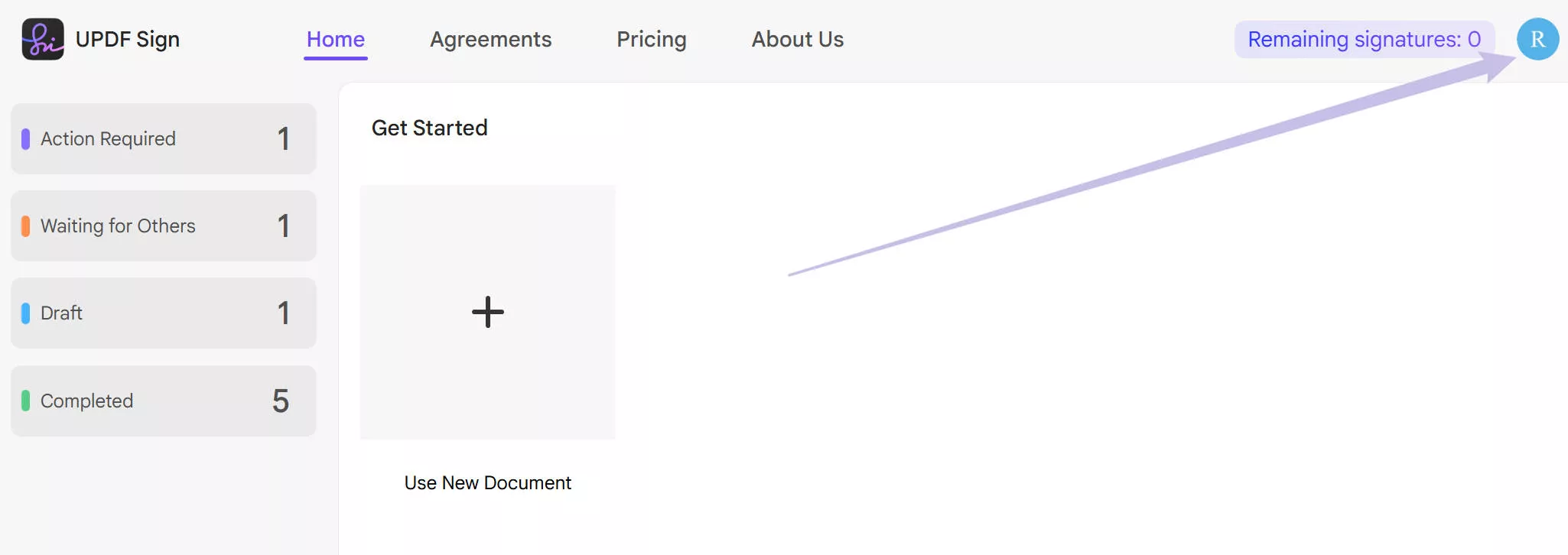
- Access your UPDF Sign Profile using the top-right corner icon. It will direct you to the account center.
- Find the Linked Account part. Here, you can click on "Change" to change the email or "Link" to link to a new account.

3. Redeem
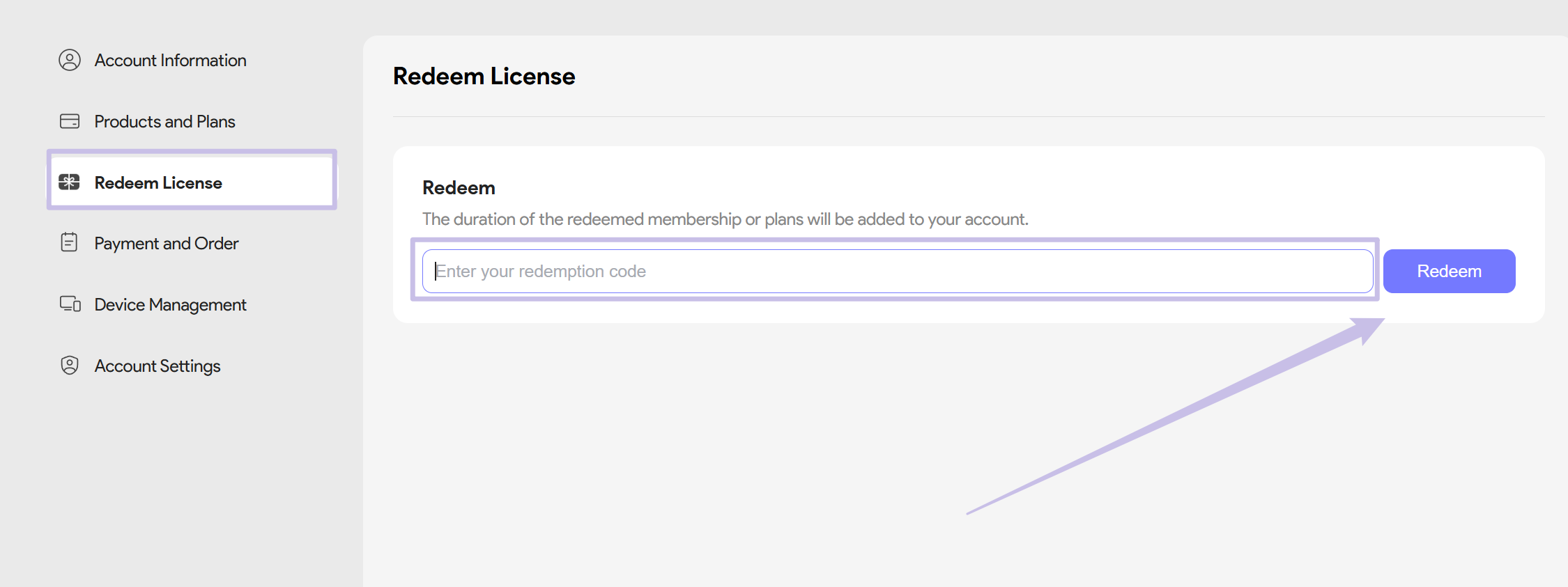
Normally, your UPDF Sign account will automatically receive the associated benefits after purchase. However, if you receive a redeem code, you'll need to manually redeem it to activate the UPDF Sign benefits in your account. Follow the steps below to redeem it:
- Go to the Redeem License section after clicking on your Profile and enter the code to redeem.