 UPDF
UPDF
 UPDF for Windows
 UPDF for Mac
 UPDF for iPhone/iPad
 UPDF for Android
 UPDF AI Online
 UPDF Sign
 Edit PDF
 Annotate PDF
 Create PDF
 PDF Form
 Edit links
 Convert PDF
 OCR
OCR PDF to Word
 PDF to Image
 PDF to Excel
 Organize PDF
 Merge PDF
 Split PDF
 Crop PDF
 Rotate PDF
 Protect PDF
 Sign PDF
 Redact PDF
 Sanitize PDF
 Remove Security
 Read PDF
 UPDF Cloud
 Compress PDF
 Print PDF
 Batch Process
 About UPDF AI
 UPDF AI Solutions
 AI User Guide
 FAQ about UPDF AI
 Summarize PDF
 Translate PDF
 Chat with PDF
 Chat with AI
 Chat with image
 PDF to Mind Map
 Explain PDF
 Scholar Research
 Paper Search
 AI Proofreader
 AI Writer
 AI Homework Helper
 AI Quiz Generator
 AI Math Solver
 PDF to Word
 PDF to Excel
 PDF to PowerPoint
 Enterprise Solution
 Enterprise Sign
 Enterprise AI
 Enterprise Plan
 Enterprise User Guide
 Enterprise Webinar
 Banking
 Healthcare
 Insurance
 Legal
Legal Manufacturing
 Government
 Education Solution
 Customer Stories
 User Guide
 UPDF Tricks
 FAQs
FAQs UPDF Reviews
 Download Center
 Blog
Blog Newsroom
 Tech Spec
 Updates
 UPDF vs. Adobe Acrobat
 UPDF vs. Foxit
 UPDF vs. PDF Expert


UPDF AI Introduction
UPDF's AI assistant is an all-in-one assistant for PDFs, seamlessly integrated into the UPDF app across Windows, Mac, iOS, Android, and even available as a dedicated web version.
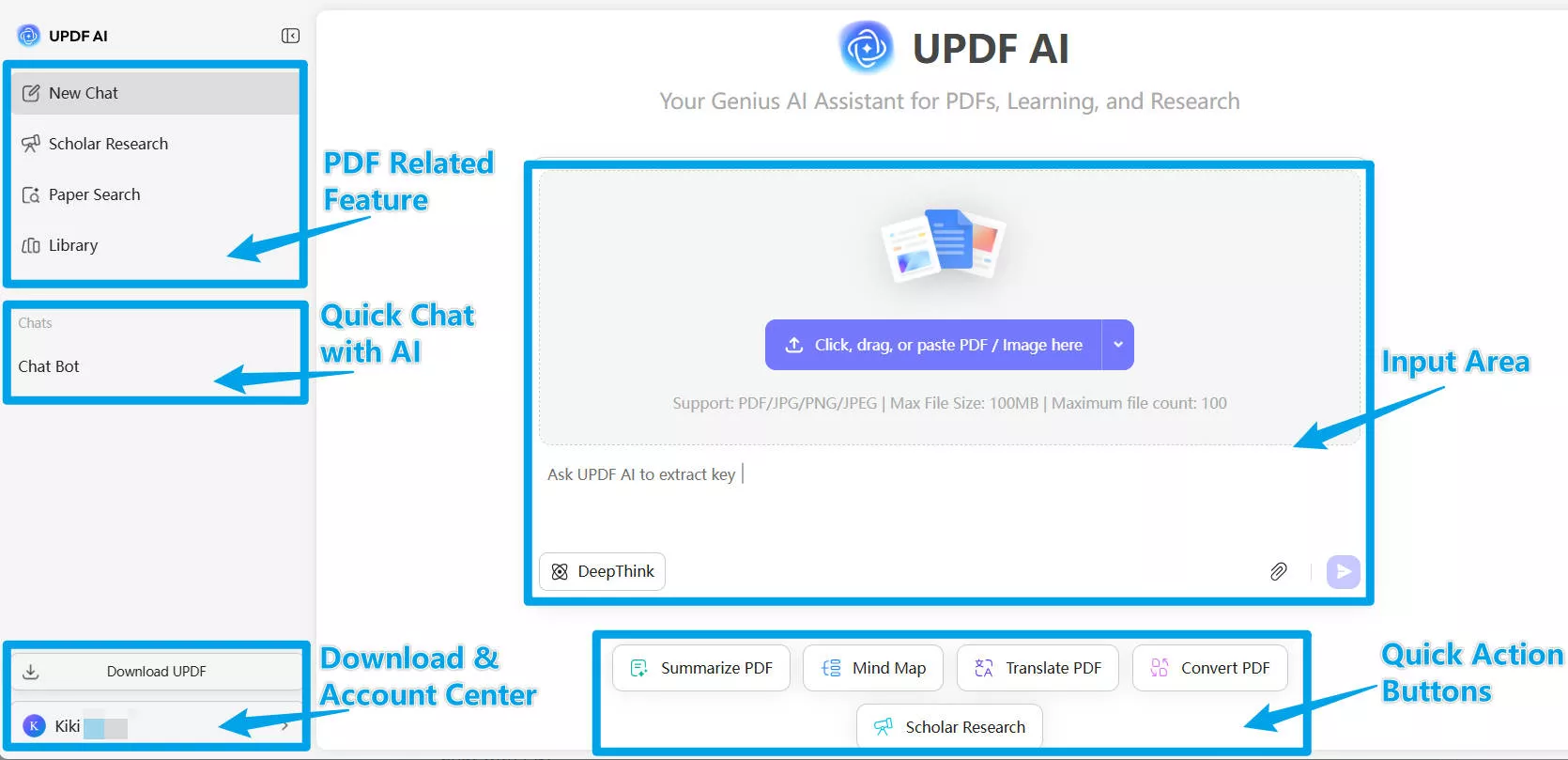
This powerful AI tool streamlines your workflow by enabling advanced interactions, such as:
- Paper Search
- Scholar Research
- PDF to Mind Map
- Summarize PDF
- Translate PDF
- Explain PDF
- Chat with PDF
- Chat with AI
- Chat with Image
- Convert PDF
UPDF AI Features at a Glance
Paper Search
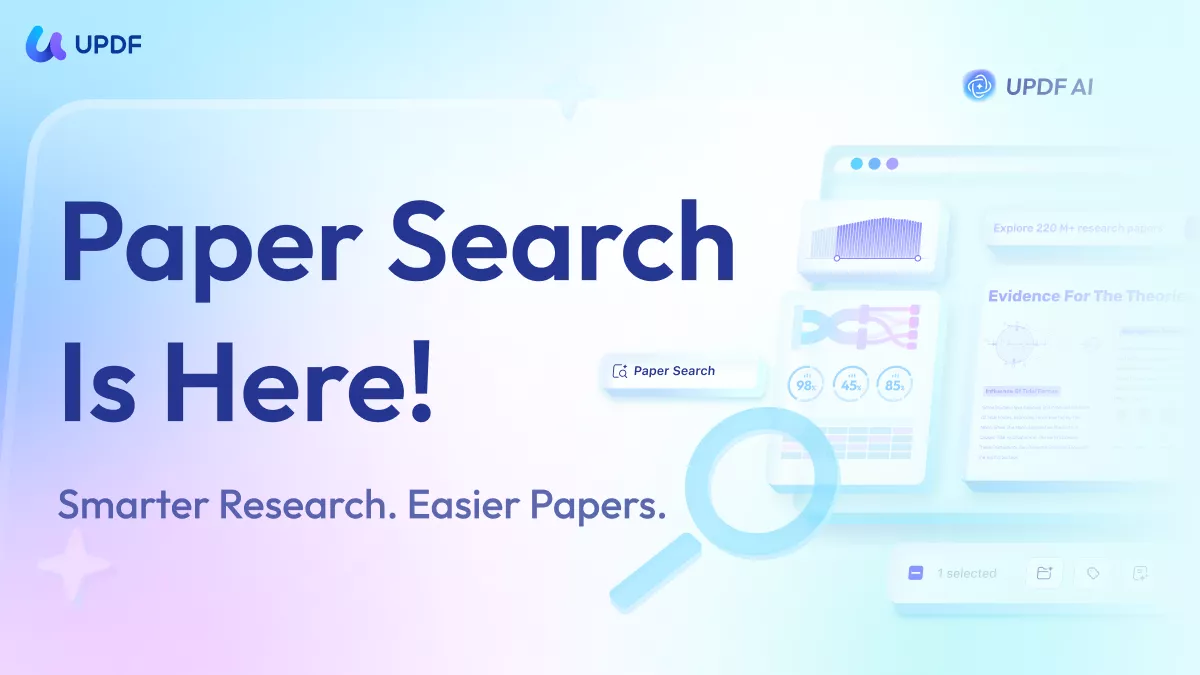
UPDF AI Paper Search is a research-focused tool built to simplify how you discover and understand academic literature. It searches across 220M+ papers, helping you quickly locate relevant articles including peer-reviewed journal papers and patents. With just one search, you can view detailed metadata such as authors, publication year, citations, and fields of study, along with concise AI-generated summaries that highlight the core findings.
Its interface is designed for deep exploration and clarity. You can filter results by year, availability of PDF, fields of study, or sort by relevance and citation count. UPDF AI also enables direct paper downloads when PDFs are available and supports one-click citation graphs and topic relationship graphs. Powered by models like GPT-5 and DeepSeek R1, Paper Search transforms large-scale academic data into actionable insights
UPDF AI Scholar Research
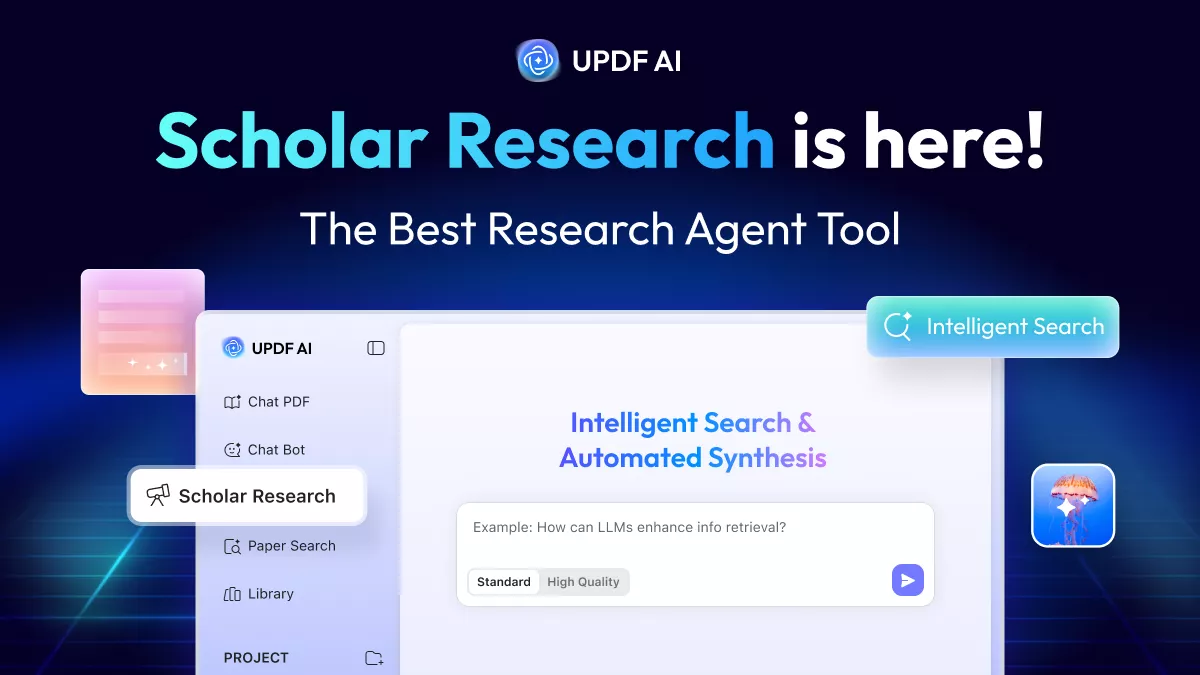
UPDF AI Scholar Research is an advanced research automation feature designed to take you from a simple idea to a structured literature review with minimal effort. You begin by entering a topic or keyword and selecting one of two modes: Standard or High Quality. Standard mode is optimized for speed, delivering reliable summaries quickly, while High Quality mode performs deeper analysis across more sources, prioritizing academic depth.
Once started, UPDF AI Scholar Research intelligently explores academic sources through its built-in paper search, scanning large volumes of peer-reviewed journals and authoritative publications. It then extracts the most credible findings, compiles detailed metadata, and automatically builds a well-structured literature review, organized by themes and research questions.
PDF to Mind Map
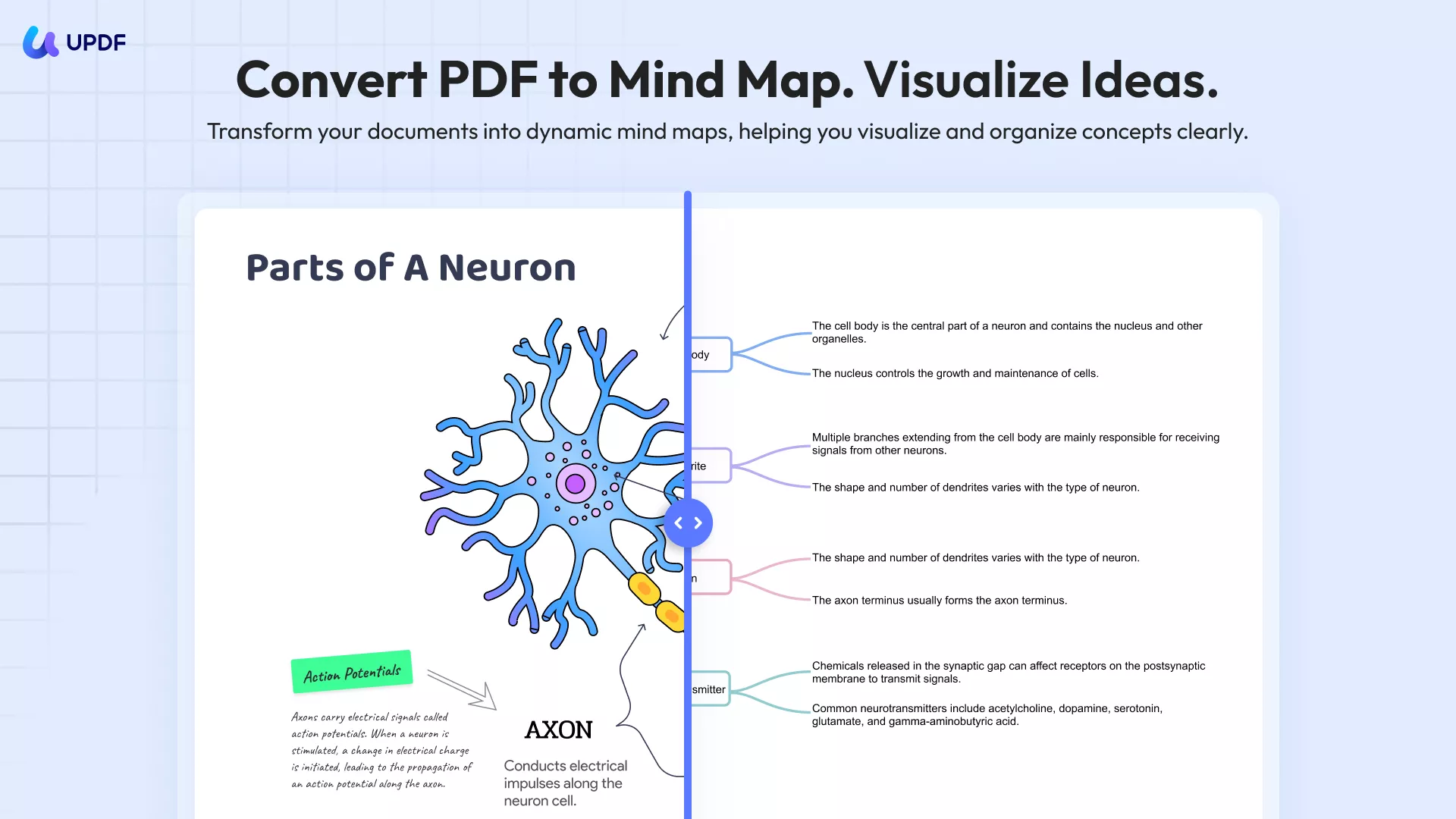
UPDF’s PDF to Mind Map feature works both online and on desktop, giving you flexible ways to turn long PDFs into easy-to-understand visuals. In the online version, you simply upload a PDF in your browser and generate a mind map in seconds. The online tool focuses on quick understanding, so it breaks down large documents into clear visual branches. You can zoom in and out, view the mind map in full screen, or open it in a new tab for easier reading while multitasking.
The desktop version goes further for deeper work. In addition to all the viewing options, you can share the mind map with a browser link, download it as a PDF or Markdown file, and even convert the visual map into clean text bullet points. You can also insert the mind map directly into the PDF itself, either on the home page or sized to match the original page.
Summarize PDF
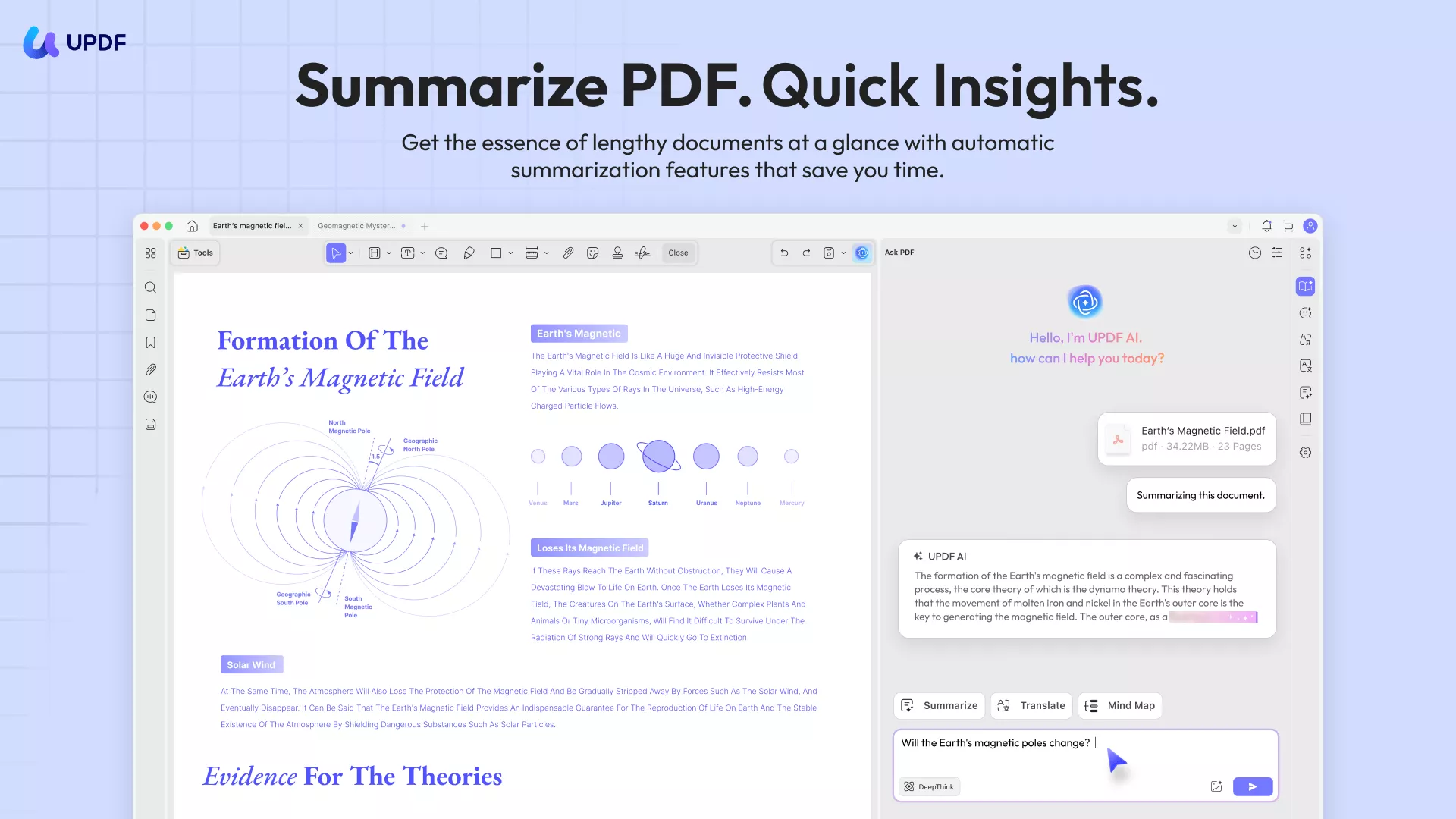
UPDF AI PDF Summarizer is designed for people who need to understand PDFs quickly without losing important details. In the online version, you can upload one or multiple PDFs directly in your browser and get clear summaries within seconds. You can summarize an entire document, a specific page, or a custom page range, which is especially useful when you only need certain sections from a long file. The online summarizer also supports multiple languages and even summarizes scanned PDFs.
For research paper PDFs, UPDF AI goes beyond simple shortening. It can generate a structured, article-style summary, organized into sections such as Abstract, Introduction, Methodology, Research Gaps, and more. The desktop version adds more flexibility and depth. Along with all online features, it allows you to summarize by selecting text directly on the page and combine summaries with PDF editing, annotation, and conversion tools in one place.
Translate PDF
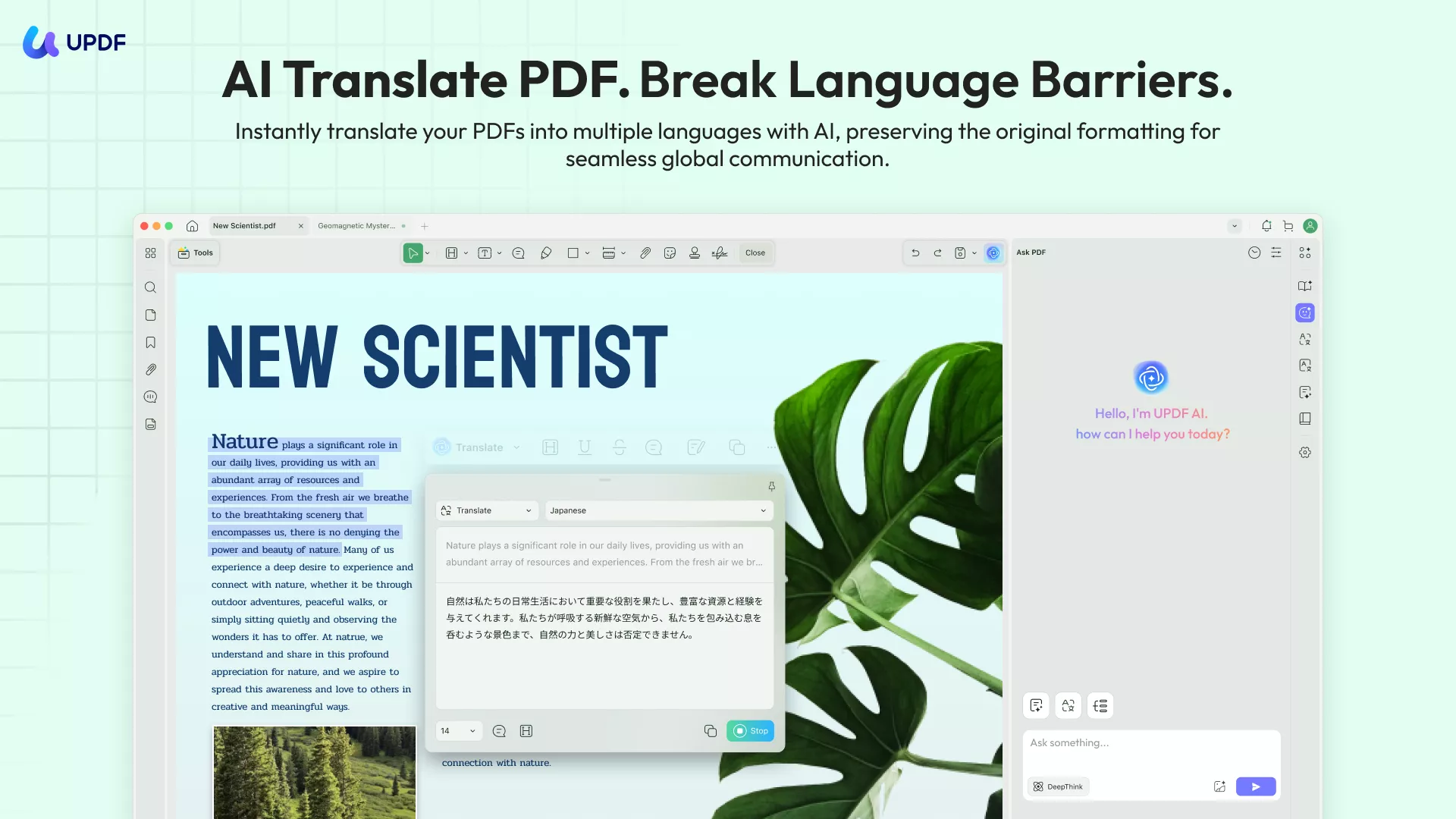
UPDF AI PDF Translator is built to handle PDF translation tasks with precision, both online and in the desktop app. In the online version, you can upload one or multiple PDFs and translate them with the original layout preserved, including text alignment, tables, images, and page structure. You can translate an entire document, select a specific page range, or copy and paste text into the chat box for targeted translation.
The desktop version adds more hands-on translation options. For full PDF translation, it offers two output modes: Translated Only, which creates a clean translated file, and Bilingual Layout, which keeps the original and translated text together for easy comparison. You can select text directly on the page to translate it instantly using this tool in the application. It even lets you translate images and scanned PDFs, including screenshots and image-based documents.
Explain PDF
UPDF’s Explain PDF feature helps users quickly understand complex documents across desktop, mobile, and web platforms. On the desktop app, you can select a term, phrase, paragraph, or section in a PDF to get a clear explanation. Alternatively, you can copy and paste content into the AI chat to receive explanations, adjusting the level of detail or style as needed. The mobile app mirrors these features, letting you clarify content on the go and save or copy explanations in Markdown or text format.
In the web version, you can upload PDFs to get immediate insights, ask follow-up questions, or paste text for customized clarifications. UPDF Explain supports quick comprehension and flexible note-taking for research papers, legal documents, or technical reports.
Chat with PDF
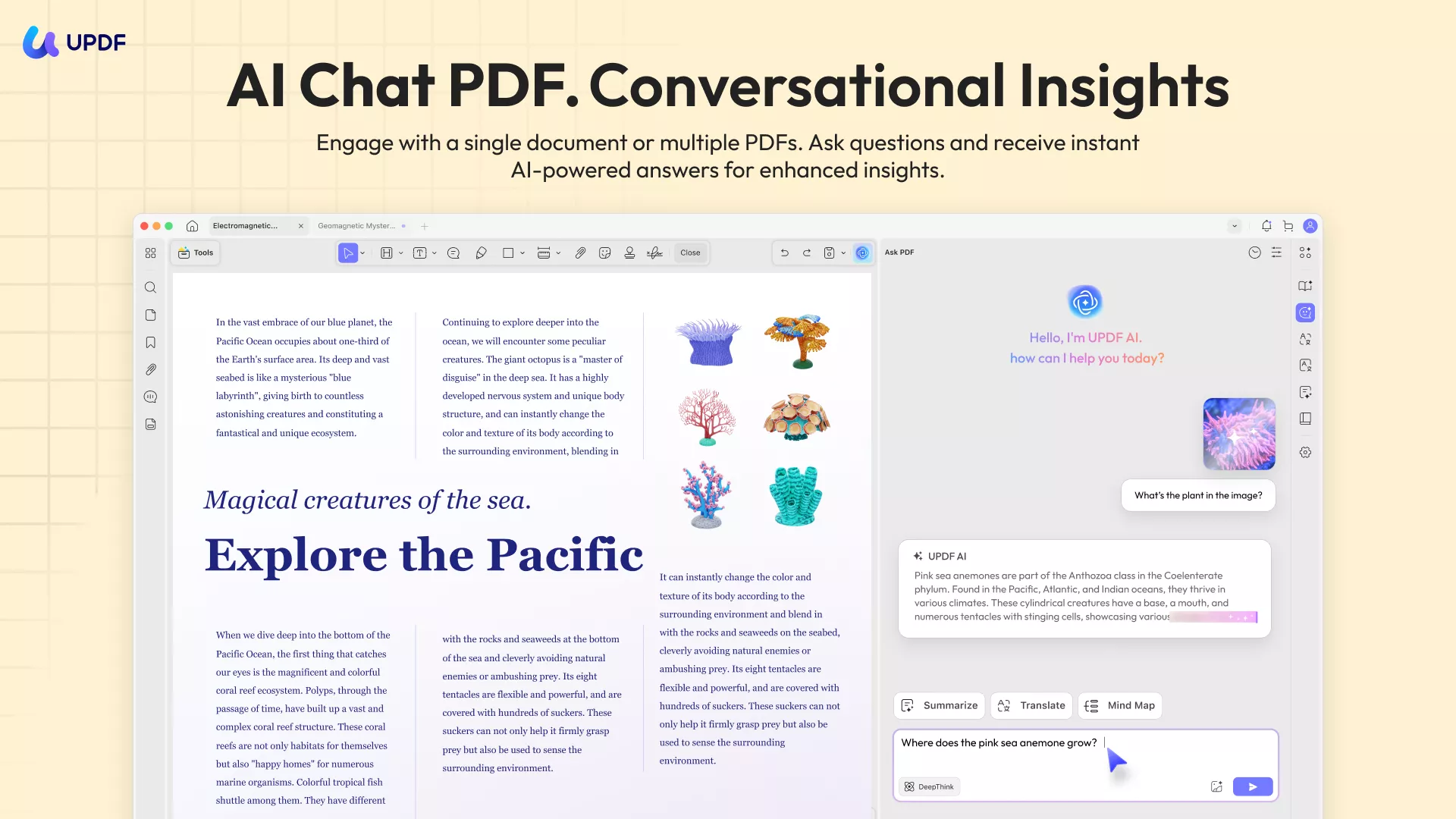
Using UPDF Chat with PDF feature, you can interact with your documents in a more productive way. It allows you to ask questions, summarize, translate, explain, or convert PDFs into mind maps, all within a single interface. On the online version, you can upload a single PDF or multiple PDFs and start chatting immediately. The AI understands documents in any language and responds in your preferred language. You can also analyze tables, graphs, and structured data directly.
Features like translation maintain the original layout, while explanations clarify complex terms or concepts. The desktop app extends these capabilities, allowing multi-document chat projects and integration with other UPDF tools such as annotation, editing, and conversion.
Chat with AI
UPDF’s AI Chat feature is designed to make idea generation, research, and content creation fast and interactive. It allows you to ask questions, brainstorm ideas, summarize content, translate text, and get explanations, all in one conversational interface. In the online version, users can chat with the AI directly in any browser, asking up to 100 free questions. The AI can process text-based prompts and support multilingual responses, making it ideal for research. You can also upload images (PNG/JPG) for analysis, including charts, diagrams, and foreign-language text.
The desktop app offers the same capabilities plus full integration with UPDF PDF tools. Users can switch between two advanced AI models, including GPT-5 for creativity and DeepSeek R1 for logic-intensive tasks. You can even refine responses instantly, request rephrasing or expanded explanations, and analyze images or charts in detail.
Chat with Image
With this Chat with Images, users can interact intelligently with visual content across platforms. This tool goes beyond simple image viewing, enabling you to extract, translate, and analyze text directly from images and generate insights from visual data. On both desktop and mobile apps, users can upload images (JPG, JPEG, PNG, BMP, WEBP, up to 50 MB) to extract text instantly, translate it into multiple languages, and ask questions about the content.
The AI can also interpret diagrams, infographics, maps, screenshots, and charts, making it ideal for project analysis and professional tasks. Follow-up questions can be asked to dig deeper into the image content. The online version works in any browser with no download required.
Convert PDF
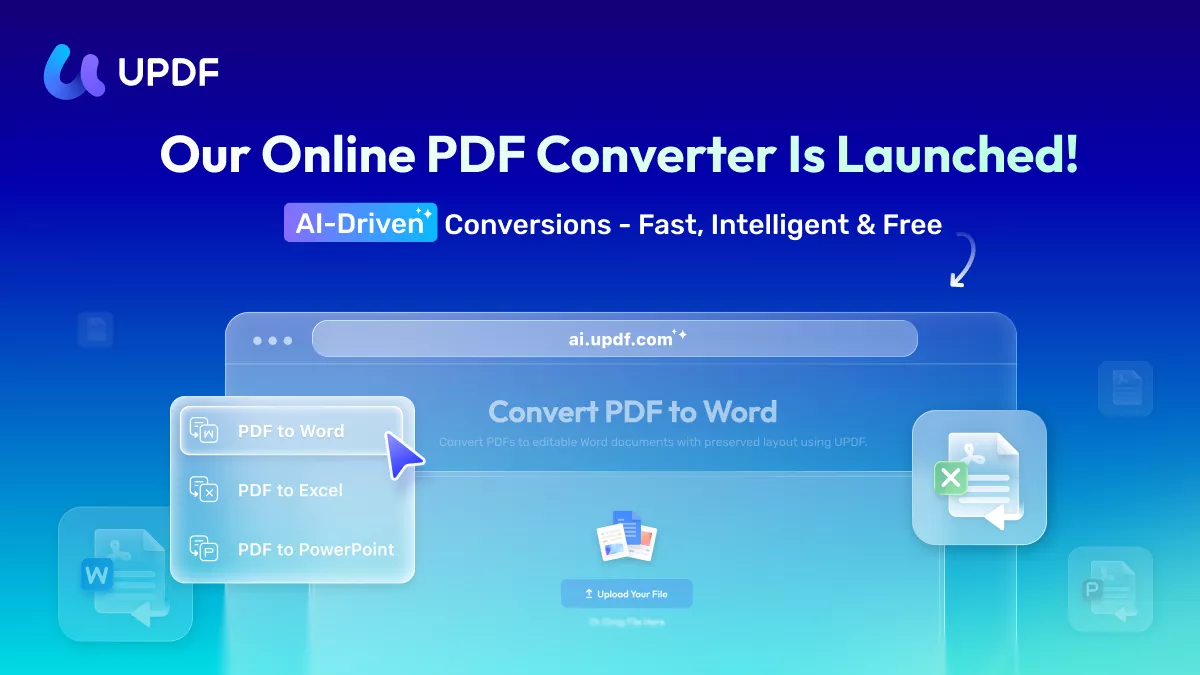
UPDF AI’s PDF converter goes beyond simple text extraction by analyzing a document’s design, structure, and meaning to preserve the original logic and flow. It allows users to convert PDFs into fully editable Word, Excel, and PowerPoint documents while maintaining layouts and images. Both the online and desktop versions support batch conversion, OCR for scanned files, and fast processing for large documents.
Users can work with SSL-encrypted uploads for an added privacy. With its deep understanding of document structure, UPDF AI ensures that the resulting file mirrors the original PDF’s formatting.
Advanced AI Models for a Smarter Experience
UPDF AI is powered by two large language models (LLMs):
- GPT-5 – The default model for both Ask PDF and Chat Mode, delivering advanced reasoning and highly accurate responses.
- DeepSeek R1 (Full-Size) – An alternative model available in Chat Mode, offering a different conversational experience.
Your Privacy is Fully Protected
When using DeepSeek R1, rest assured that our servers are located in the United States, ensuring that no user data or private information is leaked or transferred. Your privacy and security remain our top priority.
With a UPDF AI subscription, you can utilize your AI credits across all four major platforms—Windows, Mac, iOS, Android—and the web, ensuring access to all the features wherever you are.
Also Read:
- Best AI Prompts for Using UPDF AI >>
- Learn to Maximize UPDF AI with Our How-to Videos >>