 UPDF
UPDF
 UPDF for Windows
 UPDF for Mac
 UPDF for iPhone/iPad
 UPDF for Android
 Nomostar
 UPDF AI Online
 UPDF Sign
 IvyCraft
 Edit PDF
 Annotate PDF
 Create PDF
 PDF Form
 Edit links
 Convert PDF
 OCR
OCR PDF to Word
 PDF to Image
 PDF to Excel
 Organize PDF
 Merge PDF
 Split PDF
 Crop PDF
 Rotate PDF
 Protect PDF
 Sign PDF
 Redact PDF
 Sanitize PDF
 Remove Security
 Read PDF
 UPDF Cloud
 Compress PDF
 Print PDF
 Batch Process
 About UPDF AI
 UPDF AI Solutions
 AI User Guide
 FAQ about UPDF AI
 Summarize PDF
 Translate PDF
 Chat with PDF
 Chat with AI
 Chat with image
 PDF to Mind Map
 Explain PDF
 PDF AI Tools
 Image AI Tools
 AI Chat Tools
 AI Writing Tools
 AI Study Tools
 AI Working Tools
 Other AI Tools
 AI Bookmark Generation
 AI Bookmark Summary
 AI Watermark Generation
 AI Background Generation
 AI Sticker Generation
 AI Stamp Generation
 AI Editing Suite
 UPDF Copilot
 AI Page Management
 AI Semantic Search
 PDF to Word
 PDF to Excel
 PDF to PowerPoint
 Enterprise Solution
 Enterprise Sign
 Enterprise AI
 Enterprise Plan
 Enterprise User Guide
 Enterprise Webinar
 Banking
 Healthcare
 Insurance
 Legal
Legal Manufacturing
 Government
 Researchers & PhDs
 Solopreneurs & Freelancers
 Lawyers & Legal Professionals
 Real Estate Agents & Brokers
 Education Solution
 Customer Stories
 User Guide
 UPDF Tricks
 FAQs
FAQs UPDF Reviews
 Download Center
 Blog
Blog Newsroom
 Tech Spec
 Updates
 UPDF vs. Adobe Acrobat
 UPDF vs. Foxit
 UPDF vs. PDF Expert

AI-integrated
Champion PDF Editor for Windows
An all-in-one AI PDF editor on Windows that allows you to efficiently and easily edit, annotate, summarize, translate, and convert PDFs.

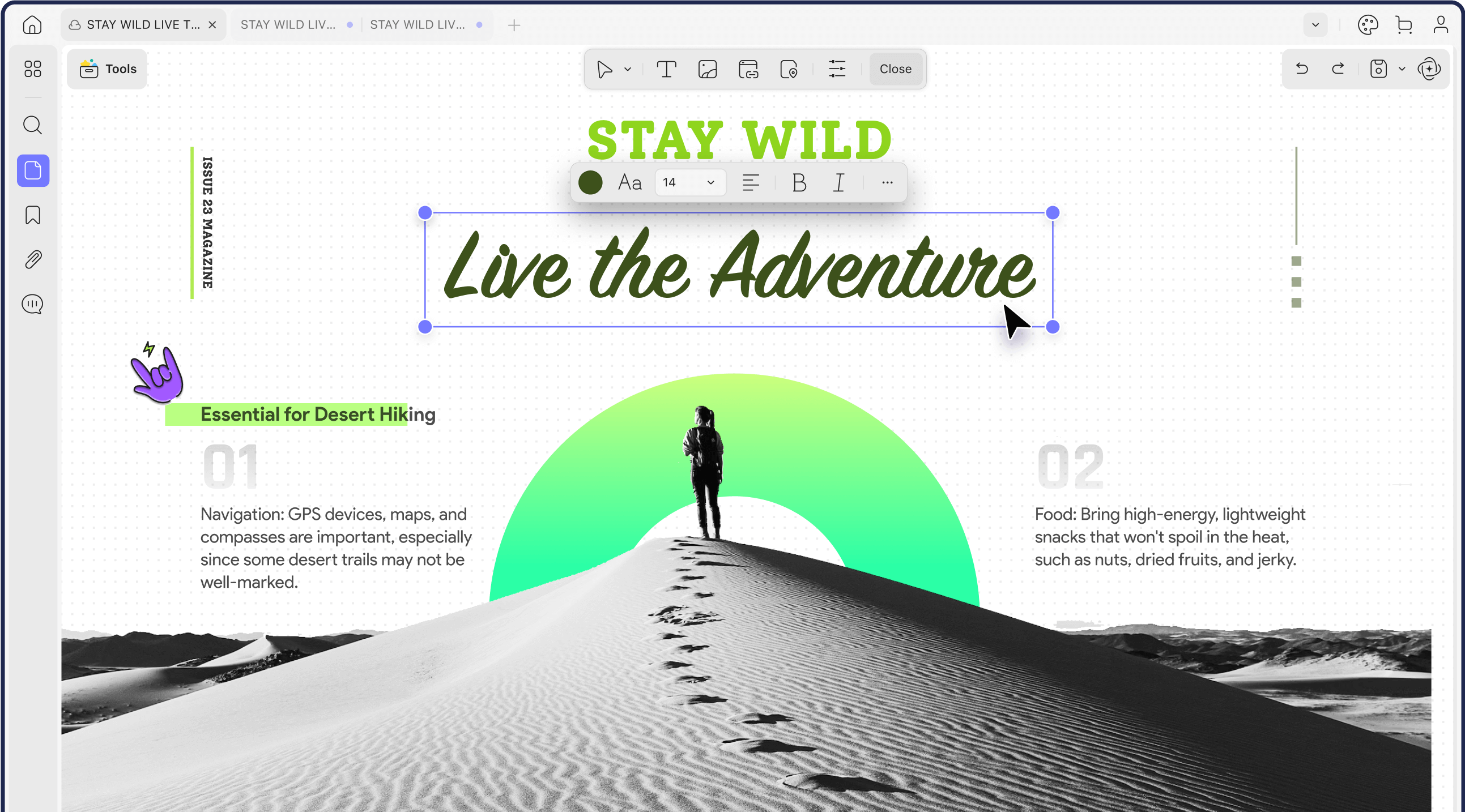
Edit PDF Text, Images, and Links on Windows
Edit existing text, images, and links directly in your PDF. You can also update backgrounds and watermarks or use AI Editing to polish, proofread, and rewrite content.
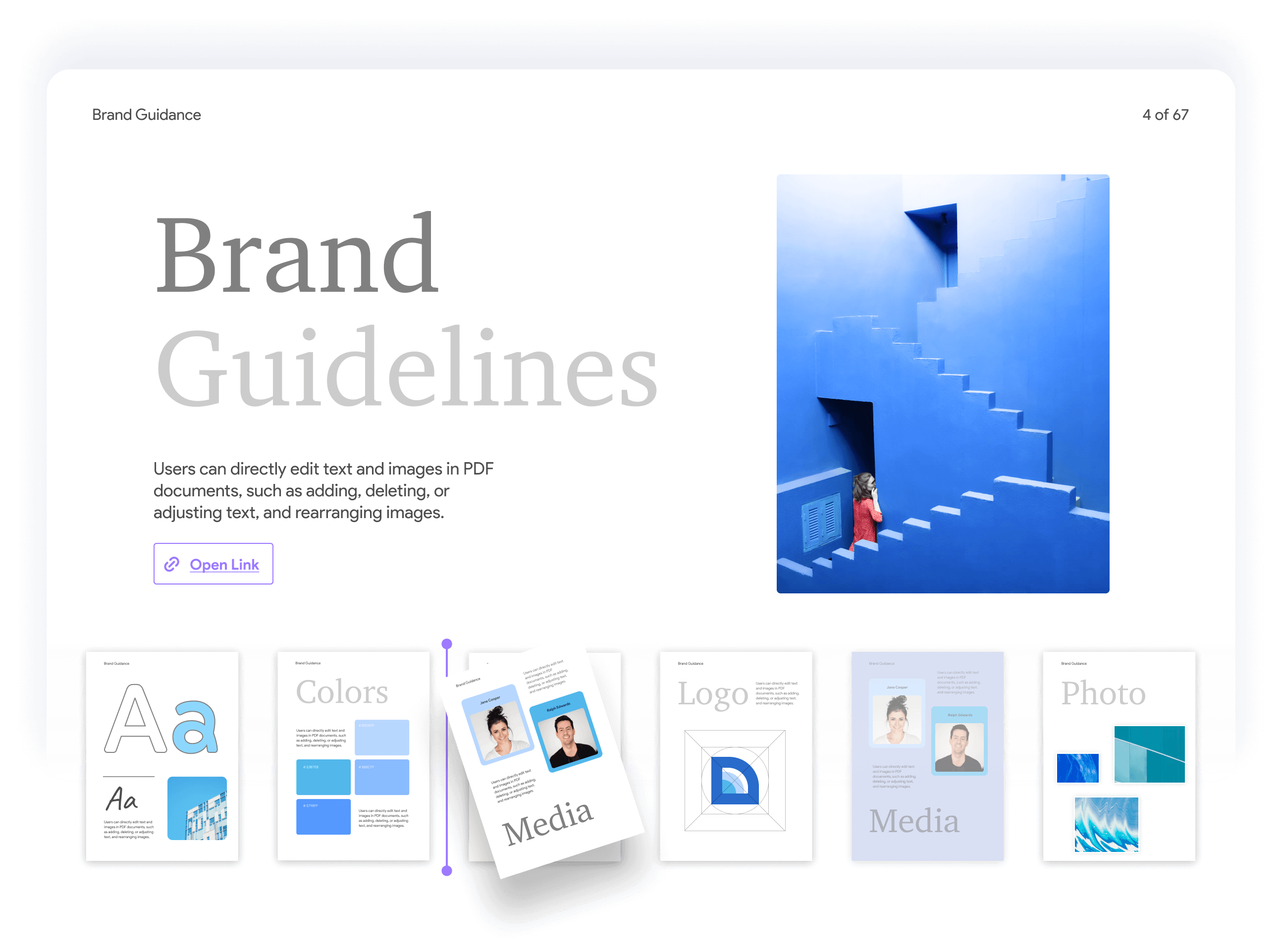
Summarize, Translate, and Explain PDFs with AI
Work through long PDFs faster with AI-powered summaries, translations, explanations, and document chat. Ask questions and find important information without reading every page manually.


“What does “tedious” mean? ”
“Hi! Summarize the whole PDF in bullet points.”


“Check the text for grammatical errors.”
“Translate Page 2 into Portuguese please.”


“Write a fun dinosaur story for a five-year-old.”
“Review this PDF and list passages that may need citations.”


Generate & Summarize Bookmarks
Smarter PDF Navigation
Generate Structured Bookmarks & Get Quick Summaries with AI.

Al Semantic Search
Understands Intent Beyond Keyword Matching
AI PDF Editing
Auto Polish/Proofread/Change Tone, etc.
Generate PDF Visuals
Watermarks / Stickers/ Backgrounds / Stamps
Page Management
AI-powered Detection & Display
UPDF Copilot
AI Assistant For Smarter PDF Navigation
Summarize PDF
Papers, Books, Reports, and More
Translate PDF
Work Across Languages
Translate PDF content and understand documents in other languages with UPDF AI.
Chat with AI
Your AI Assistant for PDF Work
Chat With PDF/AI
Find Answers in Your Documents
Ask questions about your PDFs to uncover key points and extract important information.
Read and Annotate PDFs, All in UPDF for Windows
Read PDFs comfortably with flexible page views and zoom options. Highlight, underline, add sticky notes, stickers, and stamps, and use other annotation tools to review documents on Windows.
4 PDF Viewing Modes
for a comfortable reading experience
15 Annotation Tools
to highlight, comment, and review
PDFs with 1000+ Pages
Generate and summarize bookmarks with AI for faster navigation
∞AI-Generated Images
Enhance your PDFs with stickers, stamps, watermarks and backgrounds.
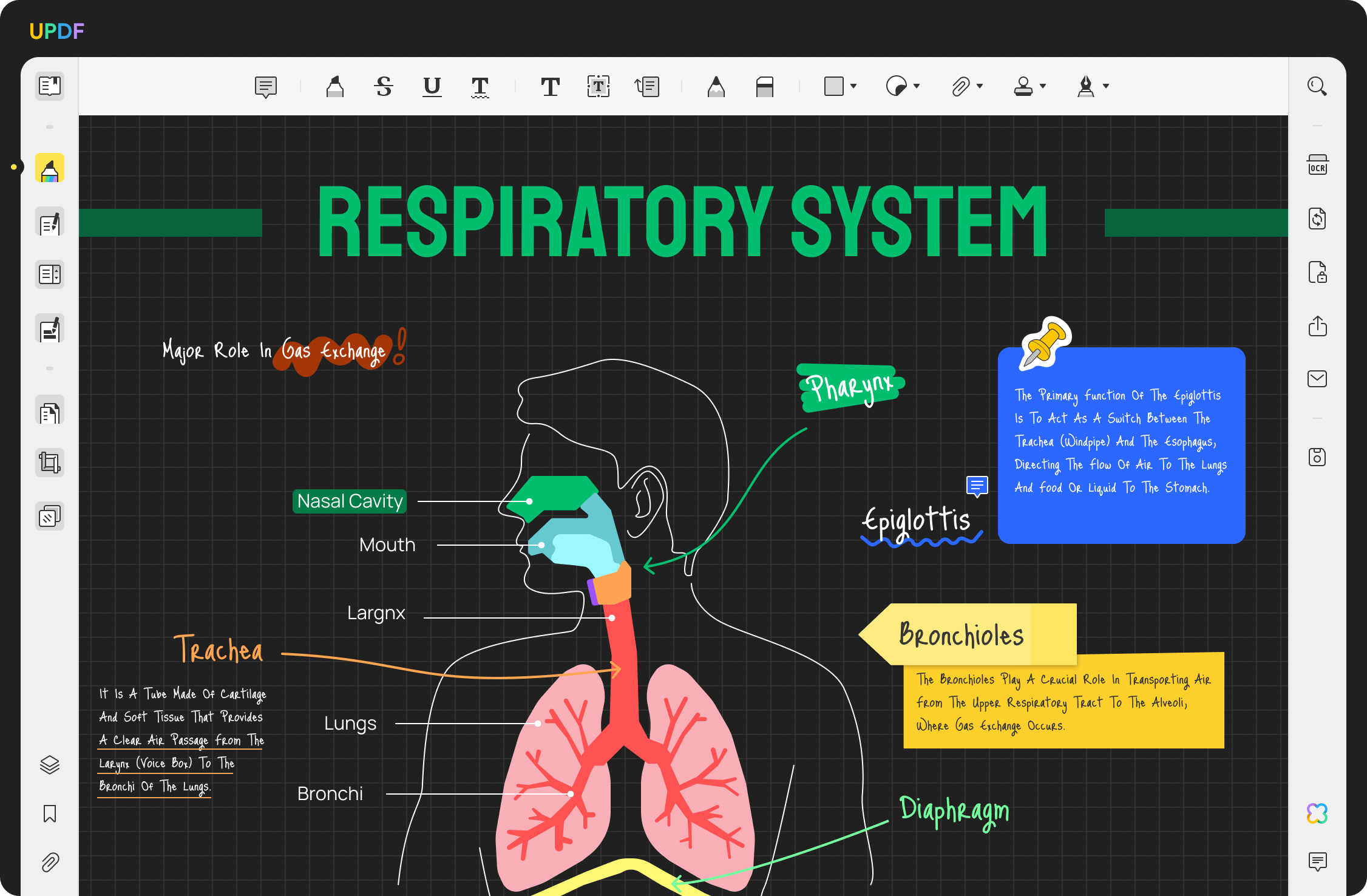
Create and Convert PDFs on Windows
Create PDFs in 7 ways and convert them to 14 formats, including Word, Excel, PowerPoint, images, PDF/A, and more—all with UPDF for Windows.

Convert PDFs to 14 formats
7 ways to create PDF


PDF/A

TXT
Word
PPT
Excel
CSV

XML

HTML

RTF

Image

7 waysto create PDF
Convert PDFsto 14 formats

OCR, Forms, and Signatures in One PDF Editor
Use OCR to turn scanned documents into editable PDFs, create and fill PDF forms, share documents for completion, and add signatures—all with UPDF for Windows.
OCR Scanned PDFs
Turn scanned documents into editable PDFs
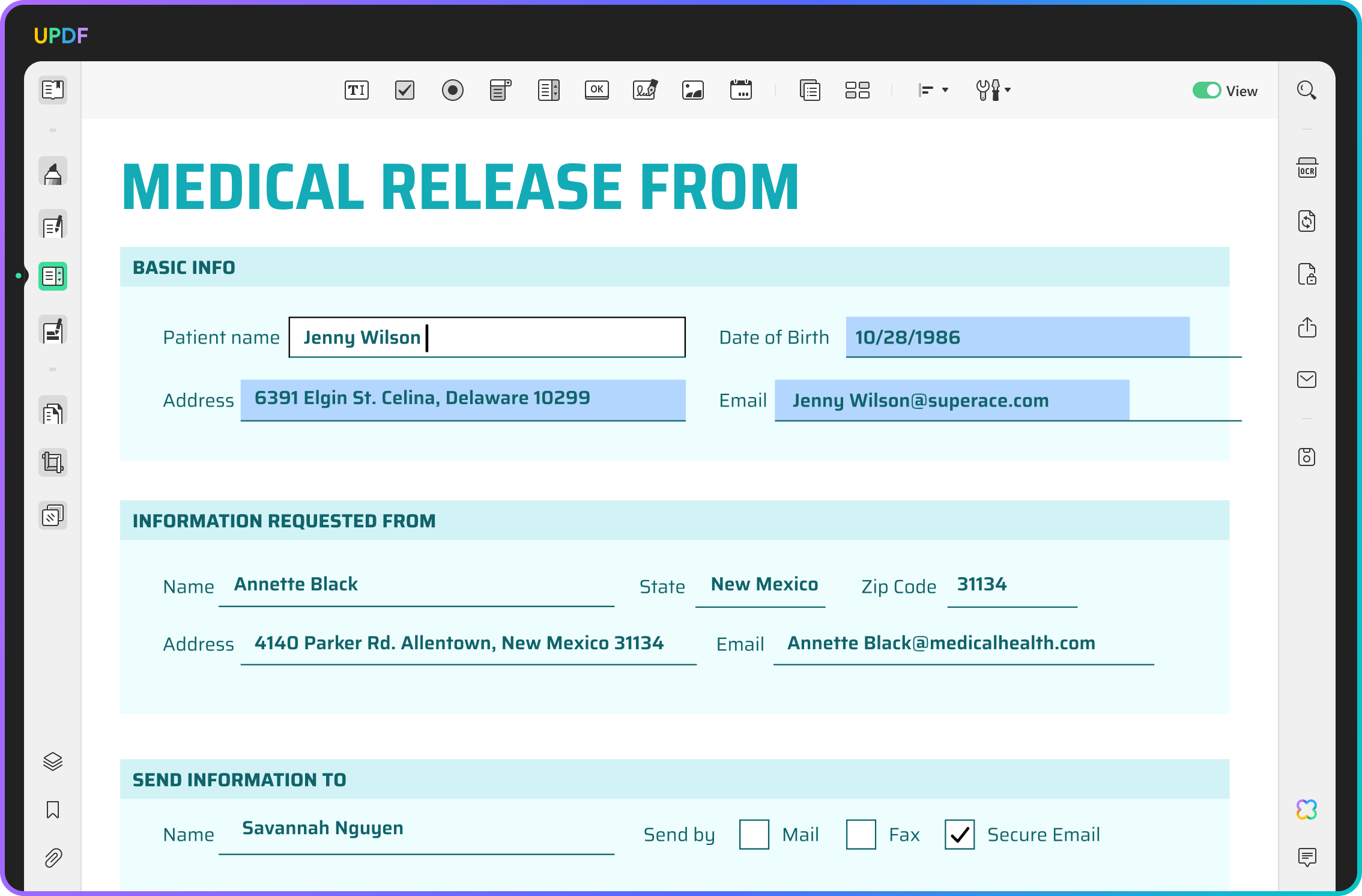
Create and Fill PDF Forms
Create, share, and fill PDF forms in one place
Add Signatures to PDFs
Create signatures with your mouse or keyboard and add them directly to PDFs
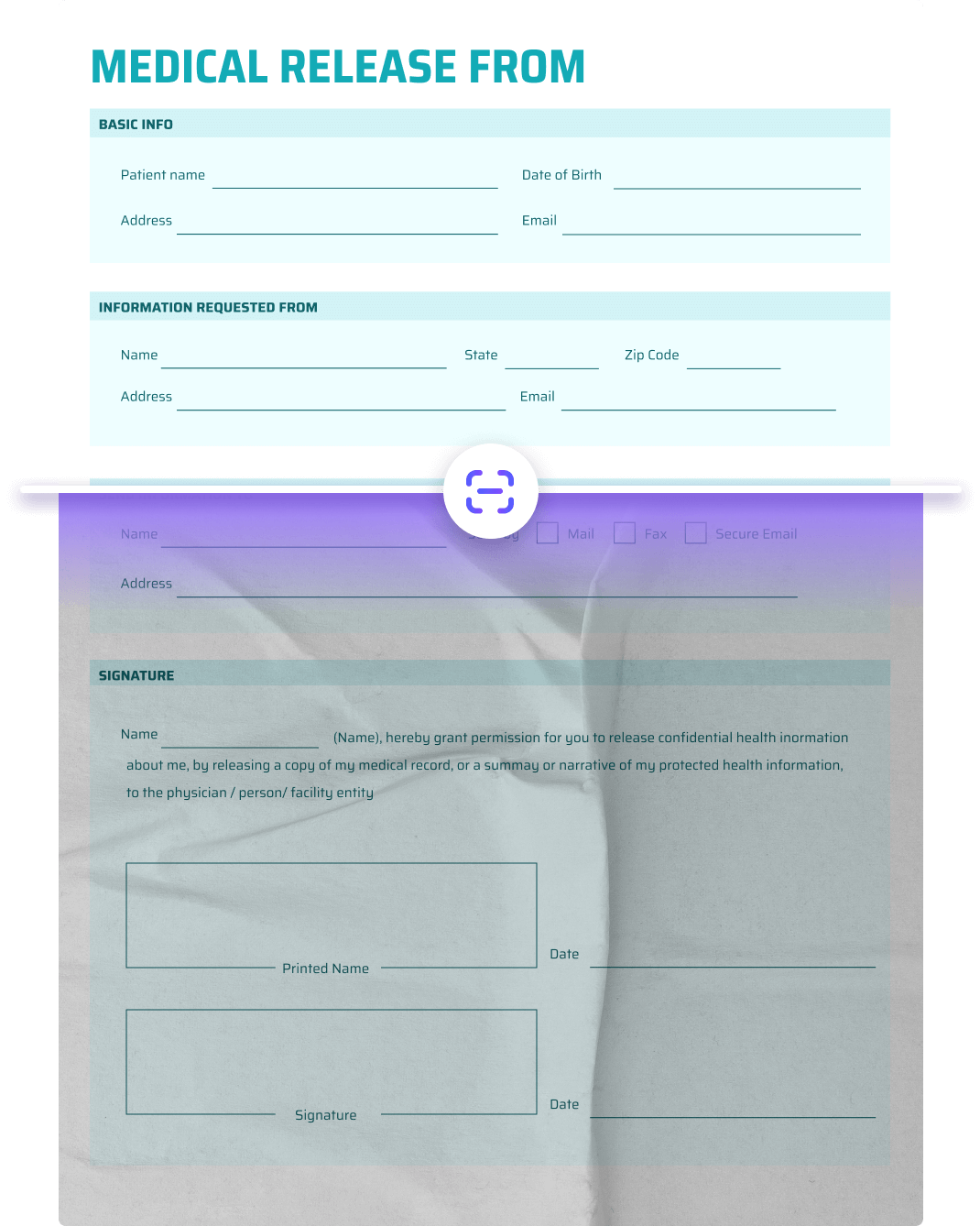

OCR Scanned PDFs
Turn scanned documents into editable PDFs
Create and Fill PDF Forms
Create, share, and fill PDF forms in one place
Add Signatures to PDFs
Create signatures with your mouse or keyboard and add them directly to PDFs
We're always available to assist.


Products and Plans
 UPDF Pro
  AI Assistant
  UPDF Sign
UPDF Pro
UPDF Sign
UPDF Pro / one-time fee
Number of users
{{ companyUPDFSelectedNumber }} user
{{ companyUPDFSelectedNumber > 30 ? '>30' : companyUPDFSelectedNumber }} users
- {{ item.label }}
Access to all PDF tools for editing, converting, annotating PDFs.
Free trial
AI Assistant / Year
Number of users
{{ companyAISelectedNumber }} user
{{ companyAISelectedNumber > 30 ? '>30' : companyAISelectedNumber }} users
- {{ item.label }}
Unlimited usage of AI to summarize, translate, convert PDF to mind maps etc.
Free trial
UPDF Sign / Year
Number of users
{{ companySignSelectedNumber }} user
{{ companySignSelectedNumber > 30 ? '>30' : companySignSelectedNumber }} users
- {{ item.label }}
unlimited signature requests per year.
Free trial*The pricing and available features are based on the specific plans you decide on.