UPDF
UPDF
 UPDF for Windows
 UPDF for Mac
 UPDF for iPhone/iPad
 UPDF for Android
 Nomostar
 UPDF AI Online
 UPDF Sign
 IvyCraft
 Edit PDF
 Annotate PDF
 Create PDF
 PDF Form
 Edit links
 Convert PDF
 OCR
OCR PDF to Word
 PDF to Image
 PDF to Excel
 Organize PDF
 Merge PDF
 Split PDF
 Crop PDF
 Rotate PDF
 Protect PDF
 Sign PDF
 Redact PDF
 Sanitize PDF
 Remove Security
 Read PDF
 UPDF Cloud
 Compress PDF
 Print PDF
 Batch Process
 About UPDF AI
 UPDF AI Solutions
 AI User Guide
 FAQ about UPDF AI
 Summarize PDF
 Translate PDF
 Chat with PDF
 Chat with AI
 Chat with image
 PDF to Mind Map
 Explain PDF
 PDF AI Tools
 Image AI Tools
 AI Chat Tools
 AI Writing Tools
 AI Study Tools
 AI Working Tools
 Other AI Tools
 AI Bookmark Generation
 AI Bookmark Summary
 AI Watermark Generation
 AI Background Generation
 AI Sticker Generation
 AI Stamp Generation
 AI Editing Suite
 UPDF Copilot
 AI Page Management
 AI Semantic Search
 PDF to Word
 PDF to Excel
 PDF to PowerPoint
 Enterprise Solution
 Enterprise Sign
 Enterprise AI
 Enterprise Plan
 Enterprise User Guide
 Enterprise Webinar
 IT
IT Education
 Construction
 Financial Service
 Healthcare
 Insurance
 Legal
Legal Manufacturing
 Government
 Researchers & PhDs
 Solopreneurs & Freelancers
 Lawyers & Legal Professionals
 Real Estate Agents & Brokers
 Education Solution
 Customer Stories
 User Guide
 UPDF Tricks
 FAQs
FAQs UPDF Reviews
 Download Center
 Blog
Blog Newsroom
 Tech Spec
 Updates
 UPDF vs. Adobe Acrobat
 UPDF vs. Foxit
 UPDF vs. PDF Expert

 UPDF AI
Free Online Image to Text Converter
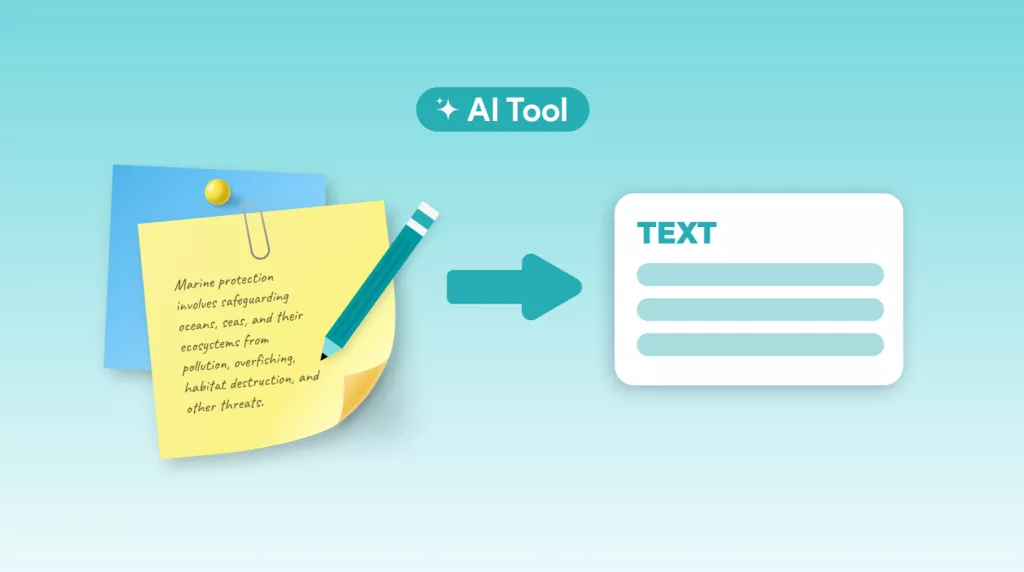
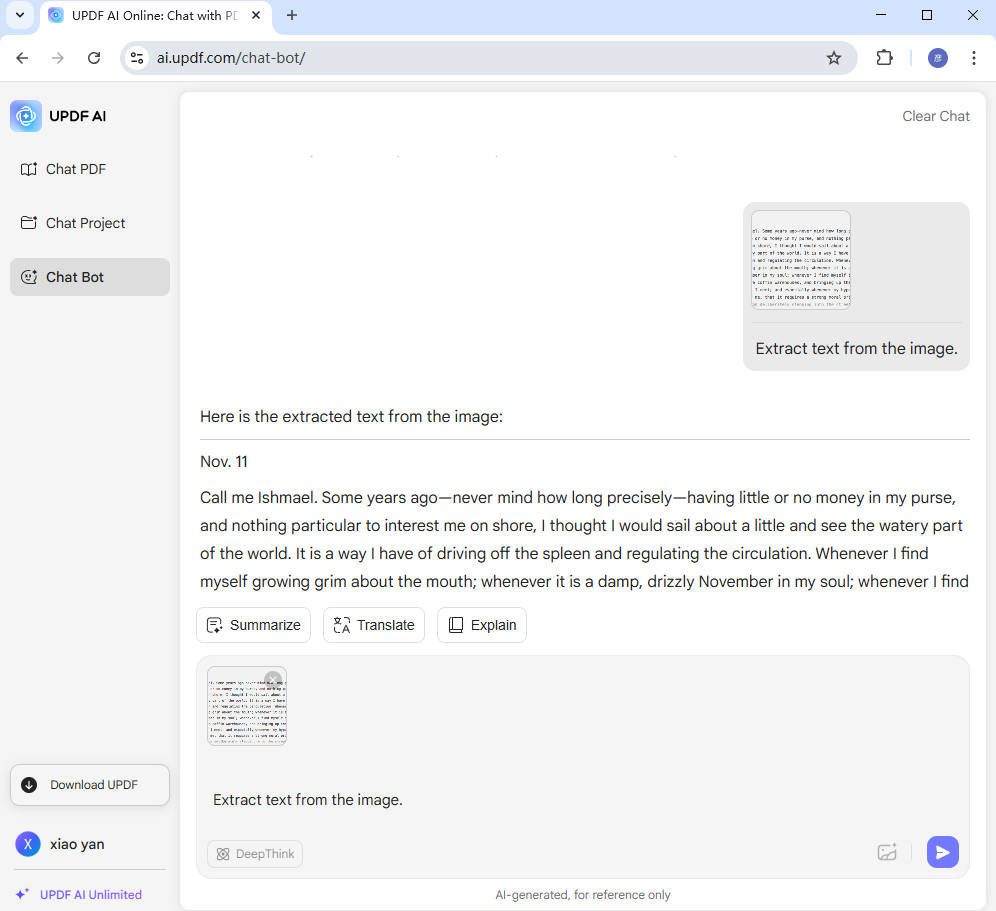
Whether your image is blurry, handwritten, or scanned, UPDF AI Image to Text Converter can accurately extract the text. Simply upload your image, enter the prompt “Extract text from the image,” and press enter—the text will be extracted in seconds.
Powered by
 GPT-5 |
 DeepSeek R1
5000+ Reviews
 4.8
4.8
UPDF AI available on


 Desktop & mobile app

4M+ Users, 76M+Text Extractions from Images, Trusted by Leading Medias:






How to Use UPDF AI Image to Text Converter?
-
To extract text from an image, start by clicking the “Image” icon in the chatbox and uploading your image—whether it’s scanned, handwritten, or blurry. Then, enter a prompt such as “Extract text from the image.”
-
Next, click “Send,” and within seconds, UPDF AI will process the image and provide you with the extracted text. It’s fast, accurate, and works with almost any type of image content, helping you save time on manual transcription.
-
Copy the text to the place you need.

Who Should Use Image to Text Converter?
Business Professionals
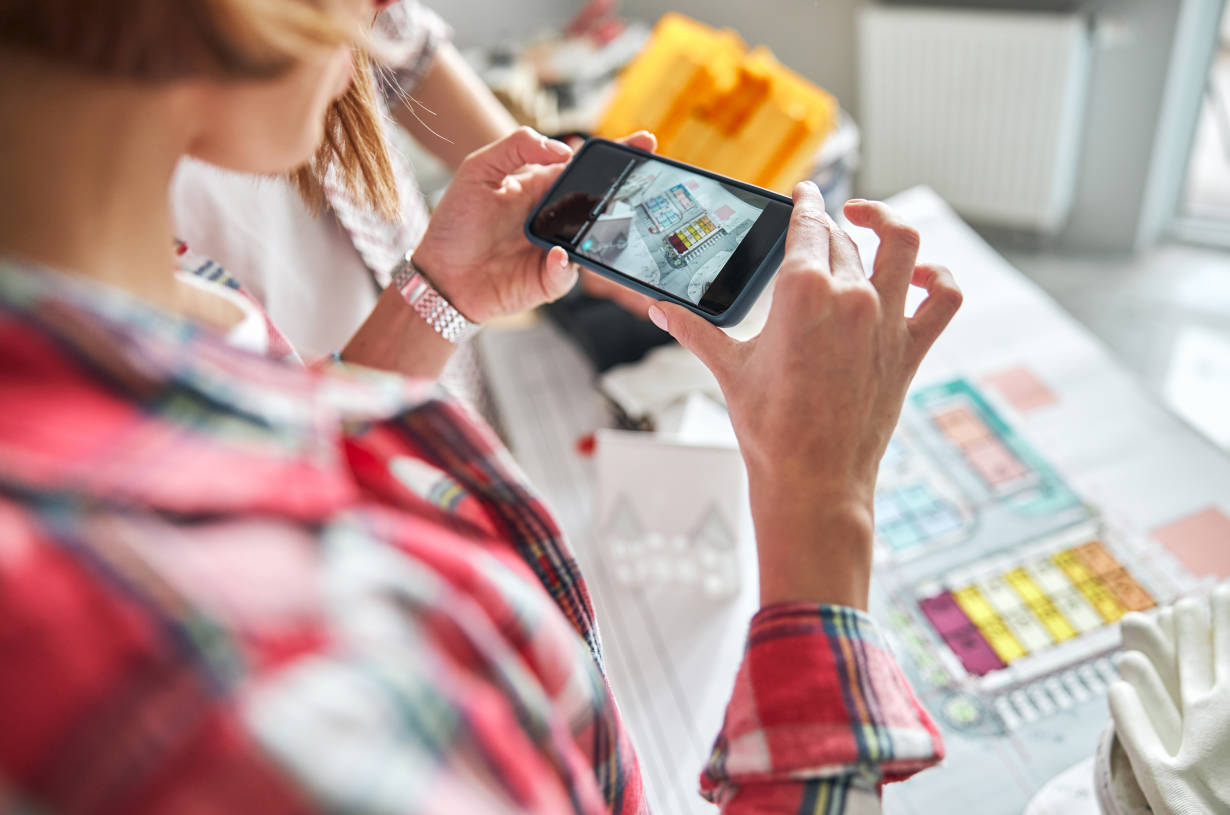
When handling business documents, professionals often need to extract text from paper contracts, printed receipts, handwritten notes, or business cards. Converting this information into digital text helps with better organization, accurate data storage, and faster processing—ultimately improving work efficiency and saving valuable time in daily business operations.

Students
Students often take photos of textbooks, notes, or classroom whiteboards. Extracting text from these images allows to convert content into editable formats for easier studying, summarizing, and sharing. It saves time, improves note organization, and helps with translating or repurposing study materials for better learning and exam preparation.

Individuals
Individuals often need to extract text from images like recipes, flyers, manuals, or signs to save, edit, or translate the content. It simplifies daily tasks such as copying information from labels, digitizing handwritten notes, or organizing important details—making everyday life more efficient, accessible, and convenient.
Why Use UPDF AI Image to Text Converter?
Multiple File Formats Supported
UPDF AI Image to Text Converter supports a wide range of image formats, including JPG, JPEG, PNG, BMP, and WEBP. Simply upload your image in any of these formats, and the AI will accurately extract the text—quickly and effortlessly.
Handles Low-Res & Handwriting
UPDF AI Image to Text Converter can accurately extract text from low-resolution images and handwritten content. Powered by ChatGPT 5, it ensures high precision even with challenging inputs—making it easy to digitize notes, forms, or scanned documents with speed and reliability.
More than Text Extraction
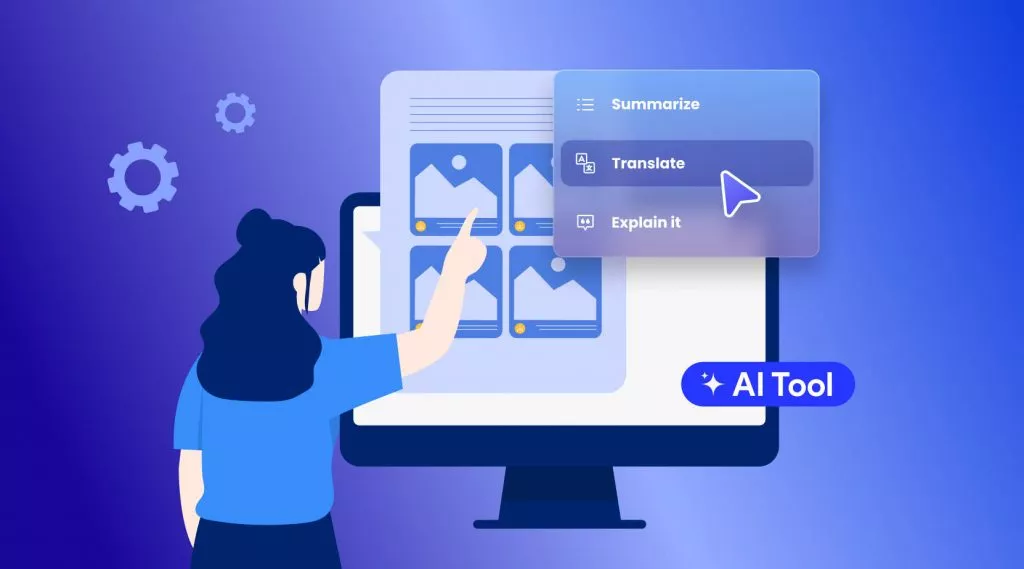
After extracting text from images, UPDF AI can do more than just display it. You can ask it to translate the content, explain complex parts, rewrite for clarity, or even summarize—making it a powerful all-in-one tool for understanding and reusing image-based text.
UPDF AI Image to Text Converter
vs. Other Converters
UPDF AI
Image to Text Converter
Other Converters
Free

Accuracy
99%
80%
No Sign Up
Low resolution Image Supported

Handwritten Image Supported
Language Supported
100+
Less than 20
Platform Supported
Online, Windows, Mac, iOS, Android
Online
FAQs About Using UPDF AI Image to Text Converter
1. Can I Extract Text from an Image on Mobile with UPDF AI?
2. How Can I Extract Text from Multiple Images at Once with UPDF AI?
3. Is this Image to Text Converter Free?
Other Popular UPDF AI Tools