 UPDF
 UPDF for Windows
 UPDF for Mac
 UPDF for iPhone/iPad
 UPDF for Android
 Nomostar
 UPDF AI Online
 UPDF Sign
 IvyCraft
 Edit PDF
 Annotate PDF
 Create PDF
 PDF Form
 Edit links
 Convert PDF
 OCR
 PDF to Word
 PDF to Image
 PDF to Excel
 Organize PDF
 Merge PDF
 Split PDF
 Crop PDF
 Rotate PDF
 Protect PDF
 Sign PDF
 Redact PDF
 Sanitize PDF
 Remove Security
 Read PDF
 UPDF Cloud
 Compress PDF
 Print PDF
 Batch Process

 About UPDF AI
 UPDF AI Solutions
 AI User Guide
 FAQ about UPDF AI
 Summarize PDF
 Translate PDF
 Chat with PDF
 Chat with AI
 Chat with image
 PDF to Mind Map
 Explain PDF
 PDF AI Tools
 Image AI Tools
 AI Chat Tools
 AI Writing Tools
 AI Study Tools
 AI Working Tools
 Other AI Tools
 AI Bookmark Generation
 AI Bookmark Summary
 AI Watermark Generation
 AI Background Generation
 AI Sticker Generation
 AI Stamp Generation
 AI Editing Suite
 UPDF Copilot
 AI Page Management
 AI Semantic Search
 PDF to Word
 PDF to Excel
 PDF to PowerPoint
 Enterprise Solution
 Enterprise Sign
 Enterprise AI
 Enterprise Plan
 Enterprise User Guide
 Enterprise Webinar
 IT
 Education
 Construction
 Financial Service
 Healthcare
 Insurance
 Legal
 Manufacturing
 Government
 Researchers & PhDs
 Solopreneurs & Freelancers
 Lawyers & Legal Professionals
 Real Estate Agents & Brokers
 Education Solution
 Customer Stories
 User Guide
 UPDF Tricks
 FAQs
 UPDF Reviews
 Download Center
 Blog
 Newsroom
 Tech Spec
 Updates
 UPDF vs. Adobe Acrobat
 UPDF vs. Foxit
 UPDF vs. PDF Expert


 UPDF AI
Turn Product Details into a Persuasive Sales Pitch
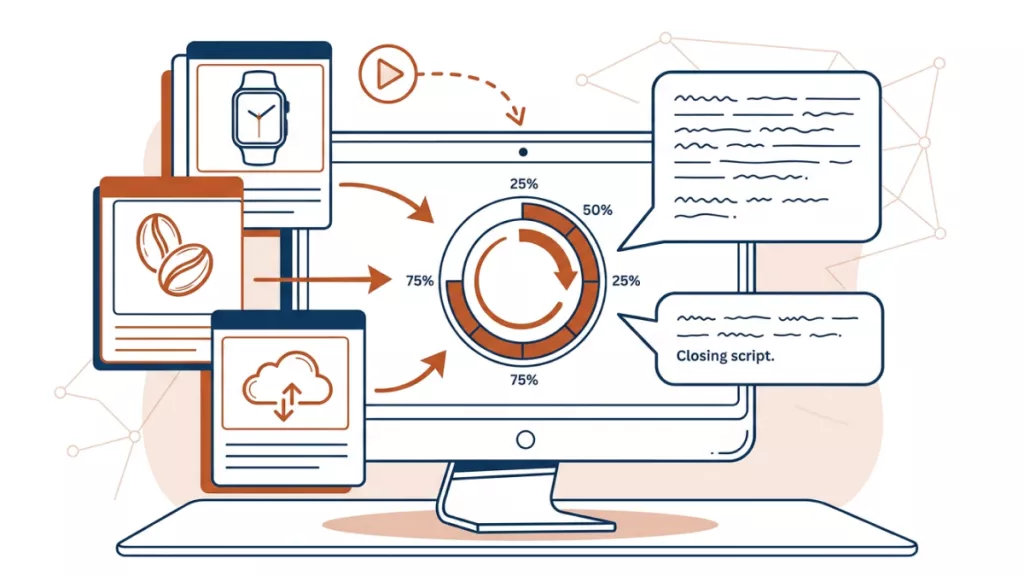
Transform product information, brochures, proposals, or images into focused sales pitches for prospects, clients, and investors. UPDF AI helps you highlight value, address customer needs, and adapt every pitch to the right audience and channel.
Powered by
 ChatGPT |
 DeepSeek
5000+ Reviews
 4.8
UPDF AI available on


 Desktop & mobile app

4M+ Users, 10M+ Sales Pitches Generated. Trusted by Leading Media:






How to Create an Effective Sales Pitch with UPDF AI
1. Add Your Product and Audience
Describe your product, service, or idea, or upload a PDF or image such as a brochure, proposal, product sheet, or pricing document. Include the target customer and their main needs.
Example Prompt: “Generate three sales pitch angles from this product brochure.”2. Choose an Angle and Format
Select the strongest direction and specify where the pitch will be used, such as an investor pitch, sales call, email, or social post. You can also ask for a second version for a different decision-maker.
Example Prompt: “Use the second angle to create a 60-second pitch for decision-makers.”3. Refine the Message
Use UPDF AI to strengthen the value proposition, adjust the tone, address objections, or add a clearer call to action.
Example Prompt: “Make it more concise, emphasize cost savings, and end with a clear next step.”


Why Choose UPDF AI Sales Pitch Generator
Document-Based Pitching
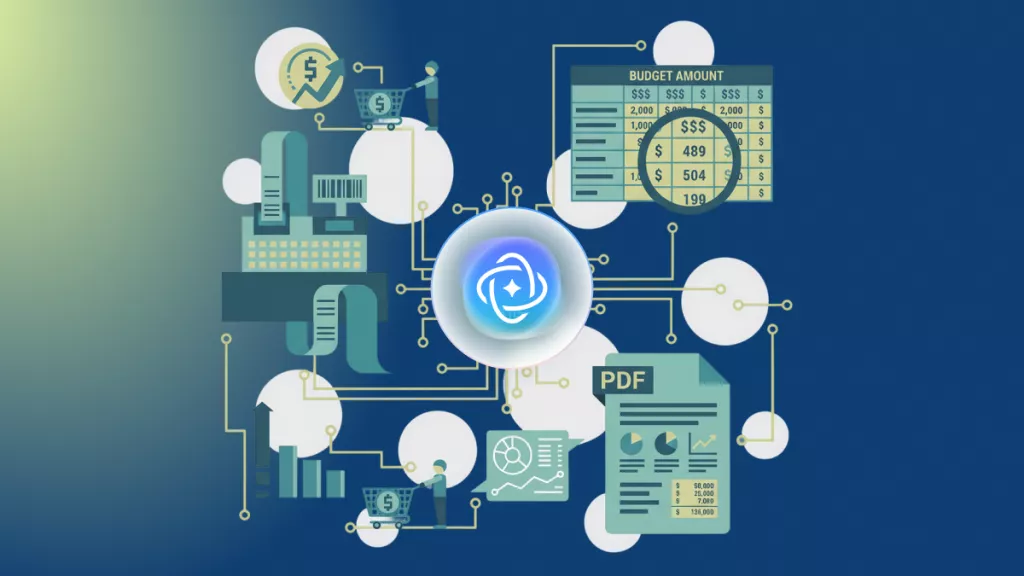
Turn product brochures, sales sheets, pricing documents, and proposals into persuasive pitches grounded in your real materials. UPDF AI extracts key product facts and helps you organize them into a clear, buyer-focused message.

Audience-Focused Messaging
For more practical context, see how to use AI in sales. Shape each pitch for investors, clients, executives, technical buyers, or procurement teams. The generator adapts the tone, benefits, proof points, and level of detail to the audience and channel.

Flexible Pitch Formats
Create elevator pitches, sales-call openers, email introductions, presentation scripts, client proposals, and investor pitches. Ask UPDF AI for shorter, longer, or channel-specific versions without starting over.

Easy Pitch Refinement
Improve an existing draft by sharpening the value proposition, clarifying benefits, handling objections, or strengthening the call to action. Refine each version until it fits the moment and your sales goal.

Input Sources
Prompts, PDFs, and images
Usually text prompts
Pitch Formats
Calls, emails, meetings, presentations, and more
Limited formats
Audience Targeting
Adapts to specific buyer needs
Often generic
Document Analysis
Extracts details from sales materials
Usually unavailable
Value Proposition
Connects features with customer benefits
May list features only
Follow-Up Refinement
Supports continuous improvement
Often one-time output
Free to Try
Free Plan Benefits: 100 questions, 5 PDF uploads

No Word Limits

AI Model Options
ChatGPT | DeepSeek
Limited to one AI model
Platform Supported
Online, Windows, Mac, Android, iOS
Online
FAQs About UPDF AI Sales Pitch Generator
1. What information should I provide for a stronger sales pitch?
2. Can it create a pitch from a product brochure or pricing PDF?
3. Can I adapt one sales pitch for different decision-makers?
4. Can UPDF AI help me prepare for customer objections?
5. Can I generate multiple pitches for A/B testing?
Other Popular UPDF AI Tools