UPDF
UPDF
 UPDF for Windows
 UPDF for Mac
 UPDF for iPhone/iPad
 UPDF for Android
 Nomostar
 UPDF AI Online
 UPDF Sign
 IvyCraft
 Edit PDF
 Annotate PDF
 Create PDF
 PDF Form
 Edit links
 Convert PDF
 OCR
OCR PDF to Word
 PDF to Image
 PDF to Excel
 Organize PDF
 Merge PDF
 Split PDF
 Crop PDF
 Rotate PDF
 Protect PDF
 Sign PDF
 Redact PDF
 Sanitize PDF
 Remove Security
 Read PDF
 UPDF Cloud
 Compress PDF
 Print PDF
 Batch Process
 About UPDF AI
 UPDF AI Solutions
 AI User Guide
 FAQ about UPDF AI
 Summarize PDF
 Translate PDF
 Chat with PDF
 Chat with AI
 Chat with image
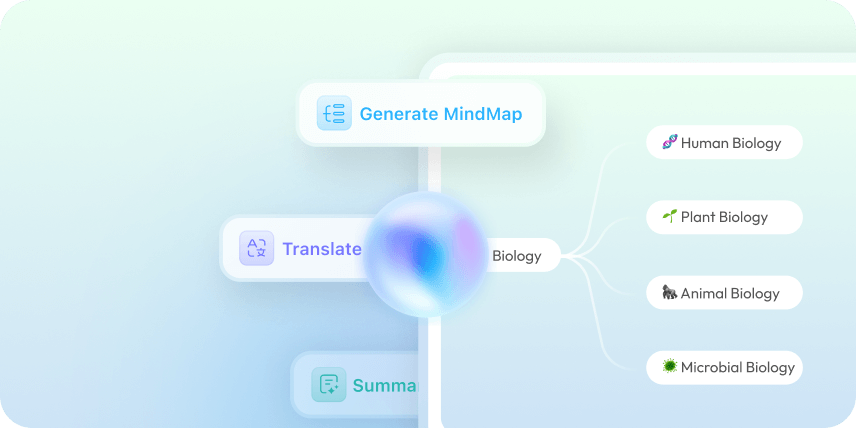
 PDF to Mind Map
 Explain PDF
 PDF AI Tools
 Image AI Tools
 AI Chat Tools
 AI Writing Tools
 AI Study Tools
 AI Working Tools
 Other AI Tools
 AI Bookmark Generation
 AI Bookmark Summary
 AI Watermark Generation
 AI Background Generation
 AI Sticker Generation
 AI Stamp Generation
 AI Editing Suite
 UPDF Copilot
 AI Page Management
 AI Semantic Search
 PDF to Word
 PDF to Excel
 PDF to PowerPoint
 Enterprise Solution
 Enterprise Sign
 Enterprise AI
 Enterprise Plan
 Enterprise User Guide
 Enterprise Webinar
 IT
IT Education
 Construction
 Financial Service
 Healthcare
 Insurance
 Legal
Legal Manufacturing
 Government
 Researchers & PhDs
 Solopreneurs & Freelancers
 Lawyers & Legal Professionals
 Real Estate Agents & Brokers
 Education Solution
 Customer Stories
 User Guide
 UPDF Tricks
 FAQs
FAQs UPDF Reviews
 Download Center
 Blog
Blog Newsroom
 Tech Spec
 Updates
 UPDF vs. Adobe Acrobat
 UPDF vs. Foxit
 UPDF vs. PDF Expert

 UPDF AI
AI Document Analyzer for Smarter Reading
Turn long, complex documents into clear insights in seconds. With UPDF AI Document Analyzer, you can summarize reports, extract key information, explain difficult sections, compare ideas, and ask questions about your documents without reading every page manually.
Powered by
 GPT-5 |
 DeepSeek R1
5000+ Reviews
 4.8
4.8
UPDF AI available on


 Desktop & mobile app

4M+ Users, 15M+ Documents Analyzed, Trusted by Leading Media:






How to Analyze Documents Online with UPDF AI
-
Upload or Open Your Document
Upload a PDF or image to UPDF AI. For Word, Excel, PowerPoint, or other file formats, simply convert them to PDF first. Whether it’s a research paper, report, contract, study material, user manual, scanned page, chart, or screenshot, UPDF AI quickly analyzes your content and delivers actionable insights. -
Choose What You Want to Understand
Ask UPDF AI to summarize the document, extract key data, explain difficult paragraphs, identify risks, list action items, create questions, or compare sections. For PDF-specific workflows, you can also use the dedicated AI PDF Analyzer. -
Ask Follow-up Questions
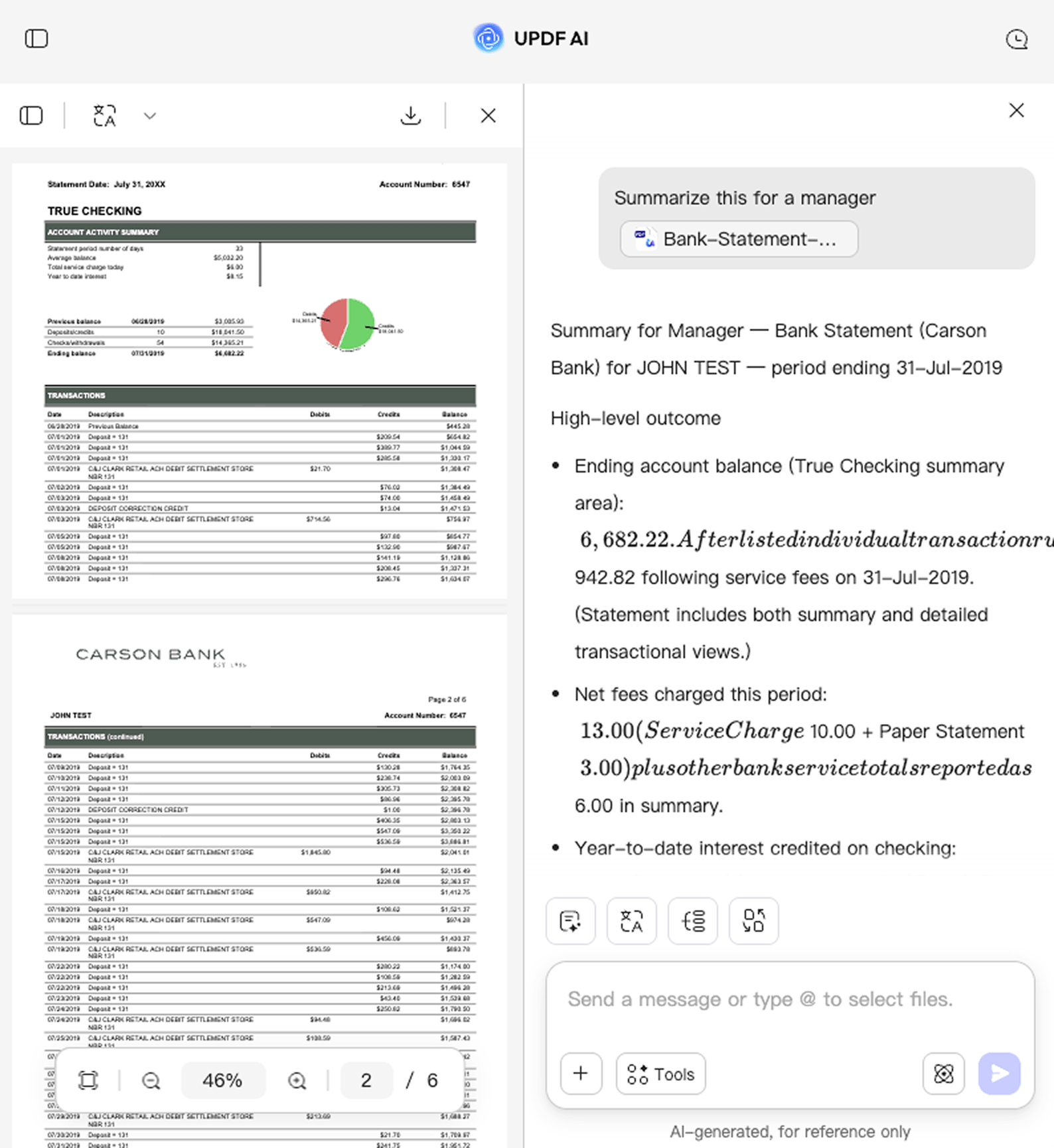
Go deeper with natural questions like “What are the main risks?”, “What does this clause mean?”, “Summarize this for a manager,” or “Extract all deadlines and responsibilities.” -
Save, Share, or Continue Working
Use the results for study notes, business reports, meeting preparation, contract review, research summaries, and knowledge organization. For more AI workflows, visit the UPDF AI overview.

Why Choose UPDF AI Document Analyzer
Intelligent Document Understanding
“Long documents are full of useful information, but finding it takes too much time.”
UPDF AI understands PDFs and images beyond surface-level text. It helps identify main ideas, important details, relationships, and context, so you can understand documents faster without reading every line manually.

Clear, Structured Insights
“I don’t just need a summary. I need real insights from my documents.”
UPDF AI goes beyond summarization. It analyzes complex PDFs—including tables, charts, graphs, and scanned documents—to extract key insights, generate structured summaries, identify trends, explain data, answer questions, and turn dense content into clear, actionable outputs.

Faster Research and Review
“Reading one document is manageable. Reviewing many is where the workload grows.”
Whether you are checking research papers, business reports, contracts, manuals, or study materials, UPDF AI helps reduce repetitive reading and speeds up document review workflows.

Smarter Follow-up Questions
“The first answer is helpful, but I often need to dig deeper.”
UPDF AI supports conversational follow-up questions. You can ask it to explain a section, locate important details, compare ideas, simplify language, or focus on specific information inside your document.

UPDF AI Document Analyzer vs. Other AI Tools
UPDF AI Document Analyzer
Other AI Tools
Document Understanding
Understands document context, not just text
Often limited to basic text extraction
Insight Extraction
Extracts key points, risks, facts, and action items
May require manual prompting
Follow-up Q&A
Supports document-based conversations
Often gives one-time answers
Structured Output
Summaries, bullet points, FAQs, notes, and checklists
Output may need cleanup
Use Cases
Study, research, business, legal, and technical review
Usually focused on general summaries
Data Privacy
Secure processing
Varies
Free to Try
Free Plan Benefits: 100 questions, 5 PDF uploads

No Word Limits

AI Model Options
ChatGPT-5 & DeepSeek R1
Limited to one AI model
Platform Supported
Online, Windows, Mac, Android, iOS
Online
FAQs About Using UPDF AI Document Analyzer
Q1. What can UPDF AI Document Analyzer do?
Q2. Can I use it for research papers, contracts, and reports?
Q3. Is my document data secure?
Q4. How is it different from a normal AI summarizer?
Other Popular UPDF AI Tools