UPDF
UPDF
 UPDF for Windows
 UPDF for Mac
 UPDF for iPhone/iPad
 UPDF for Android
 Nomostar
 UPDF AI Online
 UPDF Sign
 IvyCraft
 Edit PDF
 Annotate PDF
 Create PDF
 PDF Form
 Edit links
 Convert PDF
 OCR
OCR PDF to Word
 PDF to Image
 PDF to Excel
 Organize PDF
 Merge PDF
 Split PDF
 Crop PDF
 Rotate PDF
 Protect PDF
 Sign PDF
 Redact PDF
 Sanitize PDF
 Remove Security
 Read PDF
 UPDF Cloud
 Compress PDF
 Print PDF
 Batch Process
 About UPDF AI
 UPDF AI Solutions
 AI User Guide
 FAQ about UPDF AI
 Summarize PDF
 Translate PDF
 Chat with PDF
 Chat with AI
 Chat with image
 PDF to Mind Map
 Explain PDF
 PDF AI Tools
 Image AI Tools
 AI Chat Tools
 AI Writing Tools
 AI Study Tools
 AI Working Tools
 Other AI Tools
 AI Bookmark Generation
 AI Bookmark Summary
 AI Watermark Generation
 AI Background Generation
 AI Sticker Generation
 AI Stamp Generation
 AI Editing Suite
 UPDF Copilot
 AI Page Management
 AI Semantic Search
 PDF to Word
 PDF to Excel
 PDF to PowerPoint
 Enterprise Solution
 Enterprise Sign
 Enterprise AI
 Enterprise Plan
 Enterprise User Guide
 Enterprise Webinar
 IT
IT Education
 Construction
 Financial Service
 Healthcare
 Insurance
 Legal
Legal Manufacturing
 Government
 Researchers & PhDs
 Solopreneurs & Freelancers
 Lawyers & Legal Professionals
 Real Estate Agents & Brokers
 Education Solution
 Customer Stories
 User Guide
 UPDF Tricks
 FAQs
FAQs UPDF Reviews
 Download Center
 Blog
Blog Newsroom
 Tech Spec
 Updates
 UPDF vs. Adobe Acrobat
 UPDF vs. Foxit
 UPDF vs. PDF Expert

 UPDF AI
Free Online AI Invoice Data Extraction Tool
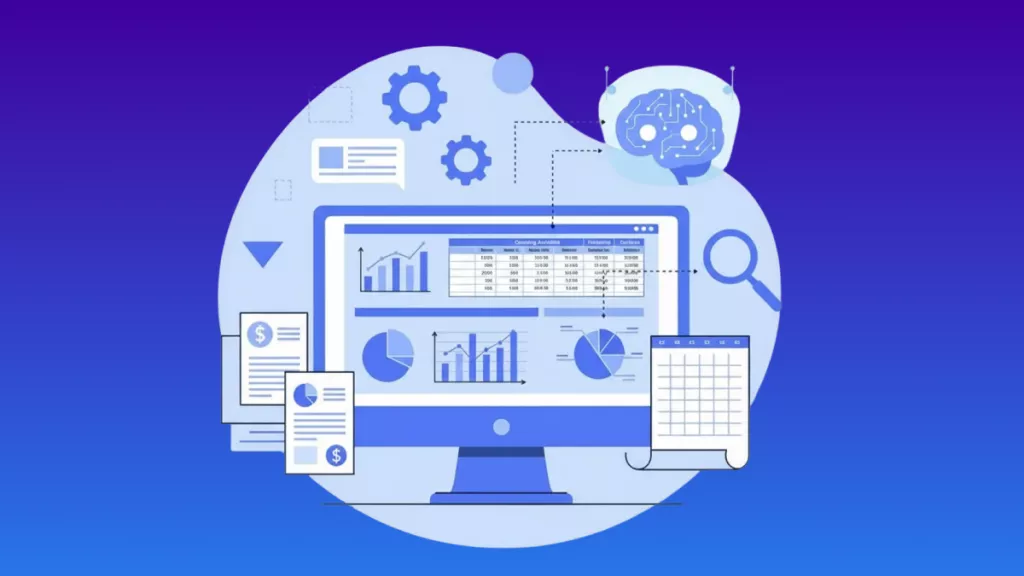
Powered by ChatGPT-5 and DeepSeek R1, UPDF AI helps you extract invoice data quickly and accurately. Upload your invoices or documents, and UPDF AI automatically captures key details such as invoice numbers, dates, totals, and vendor information in seconds.
Powered by
 GPT-5 |
 DeepSeek R1
5000+ Reviews
 4.8
4.8
UPDF AI available on


 Desktop & mobile app

4M+ Users, 1M+ Invoices Extracted, Trusted by Leading Media:






How to Use UPDF AI Invoice Data Extraction Online for Free?
-
Upload invoices or enter data
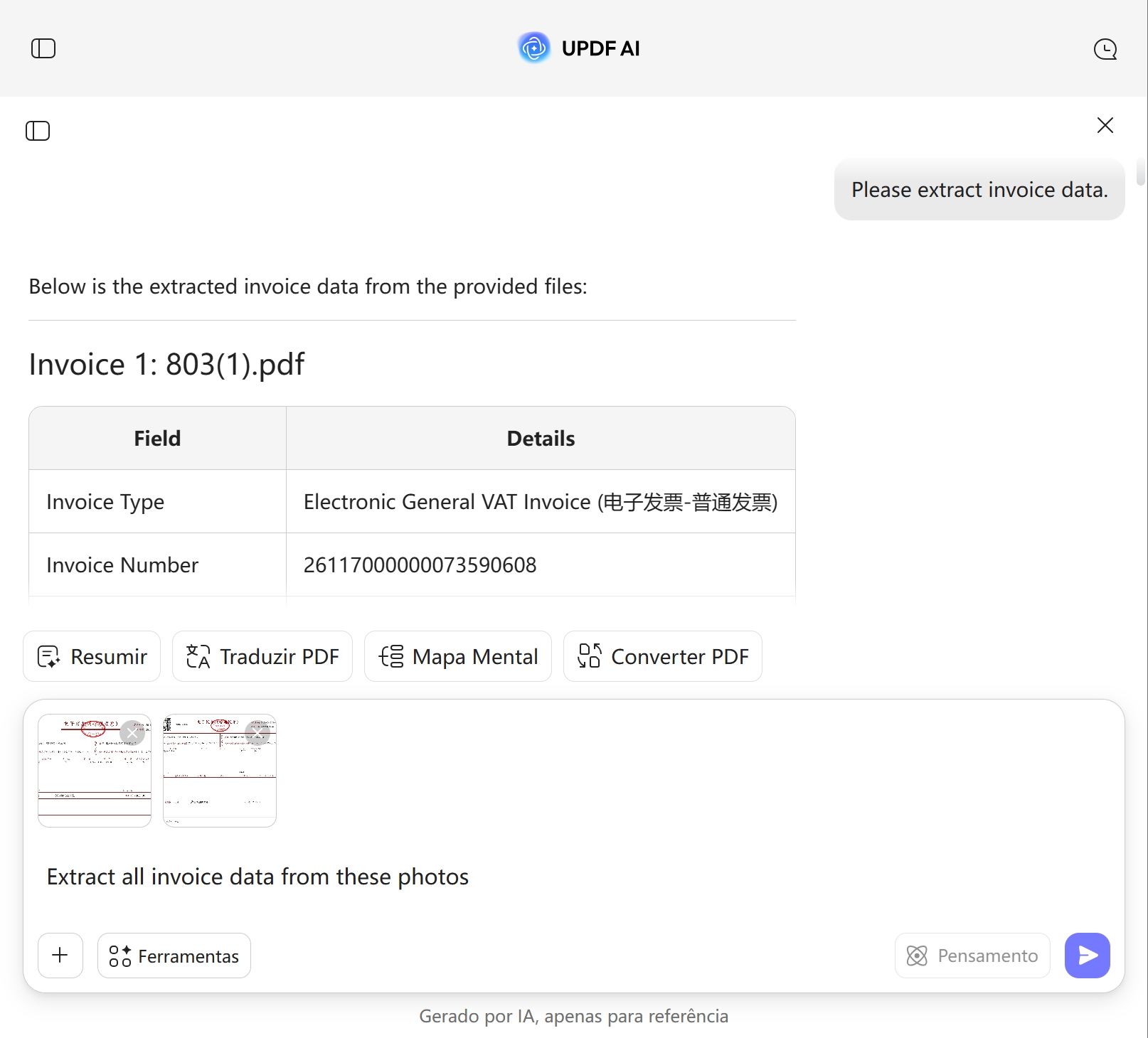
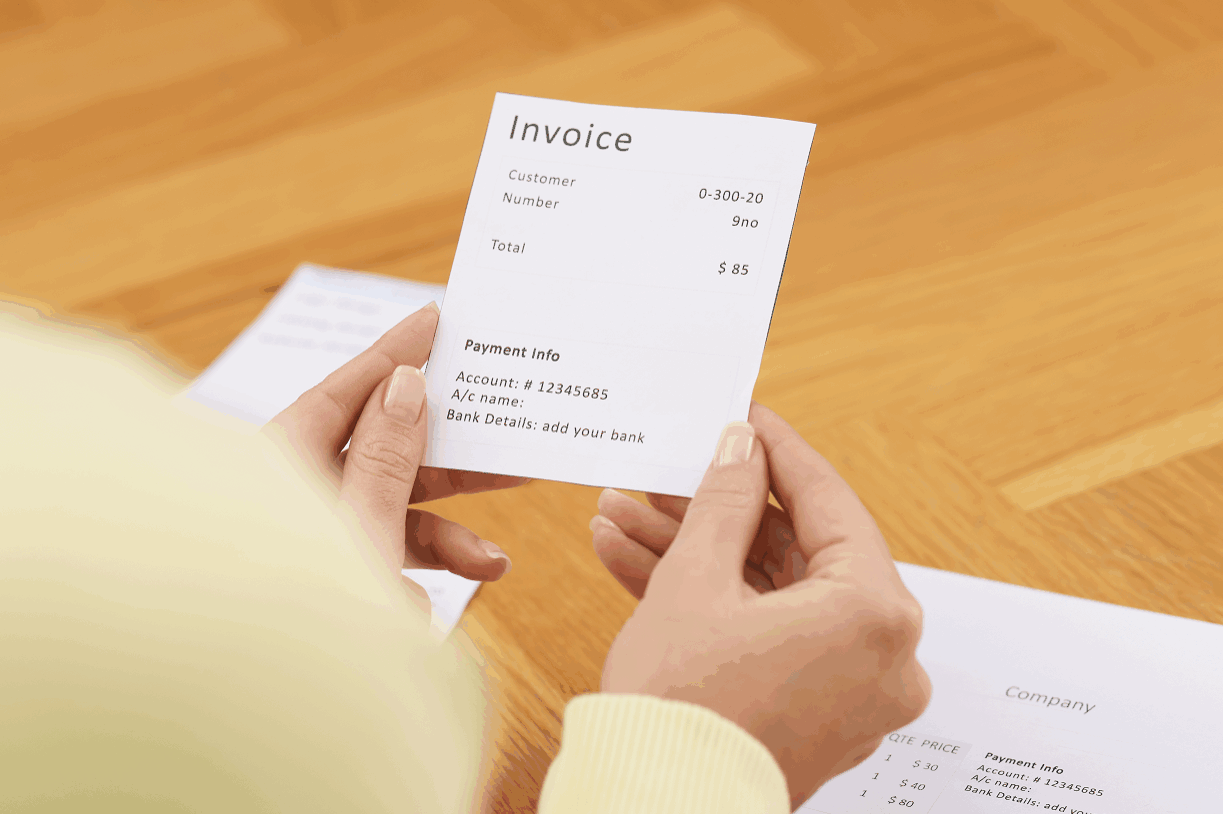
PDF: Upload PDF invoices, receipts, or billing documents and enter a prompt like "Please extract invoice data." UPDF AI will automatically identify key info such as invoice number, date, amount, and vendor.
Text/Images: You can also upload images or paste text and use prompts like “Extract invoice data from these photos.” -
Select AI model
ChatGPT-5 is default. Switch to DeepSeek R1 for more detailed structured results. -
Extract invoice data
Click “Send” to extract and organize invoice info into a clear table, including invoice number, date, total amount, and line items. -
Review, refine, and export
Check the AI-extracted invoice data, regenerate or edit if needed, then copy to a blank UPDF document for reporting or processing.

Why Choose UPDF AI Invoice Data Extraction?
Efficient, Paperless Workflow
UPDF AI makes invoice processing fully digital, eliminating the need for printing or manual entry. This not only saves time and paper, but also makes your office workflow more efficient and stress-free.
Turn Routine Tasks into Insights
UPDF AI doesn’t just extract invoice data—it organizes it into clear tables so you can quickly see spending patterns, track vendor performance, and easily spot opportunities to save costs or optimize processes.
Your Data, Fully Protected
Your documents remain entirely under your control and will never be shared for any reason. UPDF AI encrypts all documents during transfer and storage, rigorously protecting your information in compliance with the highest security standards.
UPDF AI Invoice Data Extraction vs. Other AI Tools
UPDF AI
Other AI Tools
Extraction Quality
Clear, structured, and accurate invoice data
Often text-heavy, may require manual edits
Table parsing accuracy
Good (built-in OCR)
High (configurable)
Input Formats
PDF, text, images
Limited formats
Invoice field recognition
Auto common fields (amount, tax, invoice no., date)
Strong enterprise integration
Free to Try
 , 100 prompts

User level
Very user-friendly
Enterprise setup required
Data Security
AI Model Options
ChatGPT-5 & DeepSeek R1
Limited to one AI model
Language Supported
100+
Only in English
Platform Supported
Online, Windows, Mac, Android, iOS
Online Only
FAQs About Using UPDF AI Invoice Data Extraction
Q1. Can UPDF AI handle professional or complex invoices?
Q2. What invoice information can UPDF AI extract?
Q3. Who is UPDF AI Invoice Data Extraction suitable for?
Q4. Where can I learn more or try UPDF AI Invoice Parser?
Other Popular UPDF AI Tools