UPDF
UPDF
 UPDF for Windows
 UPDF for Mac
 UPDF for iPhone/iPad
 UPDF for Android
 UPDF AI Online
 UPDF Sign
 Edit PDF
 Annotate PDF
 Create PDF
 PDF Form
 Edit links
 Convert PDF
 OCR
OCR PDF to Word
 PDF to Image
 PDF to Excel
 Organize PDF
 Merge PDF
 Split PDF
 Crop PDF
 Rotate PDF
 Protect PDF
 Sign PDF
 Redact PDF
 Sanitize PDF
 Remove Security
 Read PDF
 UPDF Cloud
 Compress PDF
 Print PDF
 Batch Process
 About UPDF AI
 UPDF AI Solutions
 AI User Guide
 FAQ about UPDF AI
 Summarize PDF
 Translate PDF
 Chat with PDF
 Chat with AI
 Chat with image
 PDF to Mind Map
 Explain PDF
 PDF AI Tools
 Image AI Tools
 AI Chat Tools
 AI Writing Tools
 AI Study Tools
 AI Working Tools
 Other AI Tools
 PDF to Word
 PDF to Excel
 PDF to PowerPoint
 Enterprise Solution
 Enterprise Sign
 Enterprise AI
 Enterprise Plan
 Enterprise User Guide
 Enterprise Webinar
 Banking
 Healthcare
 Insurance
 Legal
Legal Manufacturing
 Government
 Education Solution
 Customer Stories
 User Guide
 UPDF Tricks
 FAQs
FAQs UPDF Reviews
 Download Center
 Blog
Blog Newsroom
 Tech Spec
 Updates
 UPDF vs. Adobe Acrobat
 UPDF vs. Foxit
 UPDF vs. PDF Expert


Adobe Systems is a world-famous name for PDF tools, and when we look for Adobe PDF tools, Adobe Acrobat and Adobe Reader make the two most popular names. Since today most documents are edited and shared digitally, both are essential, but the similarities and differences in these make selecting one a little confusing.
Understanding the fundamental differences between these two is the first step toward document efficiency. So, if you are also confused about which one to select between the two, our Adobe Reader vs Adobe Acrobat comparison will help you along with way with all the details, including basics, features, prices, and more.
We will also introduce you to UPDF—the AI-powered alternative that bridges the gap between these two by offering pro-level features at a fraction of the cost. You can click the button below to have a free download.
Windows • macOS • iOS • Android 100% secure
Part 1. What is Adobe Reader?
Adobe Acrobat Reader (often simply called Adobe Reader) is the free global standard for viewing, printing, and sharing PDFs. In 2026, it remains an essential tool for those who only need to consume information. You can use it to open any PDF, fill out basic forms, and add simple comments or "sticky notes."
However, the "free" experience is increasingly limited. While Adobe has added a basic AI Assistant to Reader for simple queries, most "active" features—like editing text, converting files to Word, or organizing pages—are locked behind a paywall.
Also Read: Can Adobe Acrobat Reader Edit PDF?
Part 2. What is Adobe Acrobat (Standard, Pro, and Studio)?
Adobe Acrobat is the paid, professional version of the software. As of 2026, Adobe has expanded its lineup into three main tiers: Acrobat Standard, Acrobat Pro, and the new Acrobat Studio. These versions allow you to create, edit, export, and protect PDFs with advanced encryption.
While Acrobat is powerful, it has become notoriously expensive, with Pro and Studio subscriptions reaching new highs this year. For many individuals and small businesses, paying over $200–$300 annually for a single license is a significant burden. This is why UPDF has become the go-to alternative; it offers the same "Pro" capabilities but with a much more intuitive interface and a budget-friendly lifetime license option that Adobe lacks.
Bonus
Windows • macOS • iOS • Android 100% secure
Part 3. Adobe Reader Vs Adobe Acrobat Features
Adobe Reader comes with the most basic features for PDF documents, while Adobe Acrobat brings an in-depth experience for its users. There are 2 Acrobat versions where Standard has fewer features than the Pro version. Below is a detailed feature comparison between the three Adobe tools.
| Features | Adobe Reader | Adobe Acrobat Standard | Adobe Acrobat Pro |
| View, Print, Fill, Sign PDF | View, share, store, fill, sign PDF documents | Basic PDF viewing features with additional functionalities | All basic features with advanced capabilities |
| Take Notes in PDF | Highlighting, sticky notes | Text commenting, annotation, etc. | Same as Adobe Acrobat Standard |
| Online PDF Storage | Adobe Direct Cloud | Adobe Direct Cloud | Adobe Direct Cloud |
| Convert PDF Documents | Not possible | Convert different formats to PDF | Convert different formats to PDF |
| Edit PDF Documents | Not possible | Edit text, images, contents | Edit text, images, contents |
| Combine PDF Documents | Impossible | Possible | Possible |
| Add Objects in PDF | Cannot add logos, images, audio, etc. | Cannot add logos, images, audio, etc. | Add images, audio, logos, etc. |
| Automatic PDF Optimization | No automatic size optimization | No automatic size optimization | Automatic size optimization |
| Built-in OCR Support | Not available | Not available | Convert images, scanned docs to editable, searchable text |
From this table, we can conclude that Adobe Reader is only good for people who want to view PDF documents, study them, or print them. On the other hand, Standard Adobe Acrobat is good for light editing features, while Pro Adobe Acrobat gives you complete control over your PDF documents.
Part 4. Adobe Acrobat Vs Reader: Price
When selecting one between Adobe Acrobat and Adobe Reader, price is the decisive factor for many people. If that's the case with you, here are the prices for these two tools and all their plans. Adobe Reader has no versions, while Adobe Acrobat has Standard and Pro versions.
| Pricing | Adobe Reader | Adobe Acrobat Standard | Adobe Acrobat Pro |
| Annual subscription with monthly payments | You can download it for free from the Adobe Systems website and use it for a lifetime. | $12.99 per month with a yearly subscription commitment. | $19.99 per month with a yearly subscription commitment. |
| Annual subscription with annual payments | You can download it for free from the Adobe Systems website and use it for a lifetime. | $155.88 annual payment making a monthly cost of $12.99 with an annual commitment. | $239.88 annual payment making a monthly cost of $19.99 with an annual commitment. |
| One month subscription | You can download it for free from the Adobe Systems website and use it for a lifetime. | $22.99 per month with a one-month subscription with no other commitments. | $29.99 per month with a one-month subscription with no other commitments. |
| Lifetime subscription | It is free for lifetime usage. | No lifetime subscription option is available with Adobe Acrobat Standard. | No lifetime subscription option is available with Adobe Acrobat Pro. |
Also Read: Adobe Acrobat Standard Vs Pro: What Are Differences?
Since Adobe Reader is free, it does not need trial periods or refund policies. Adobe Acrobat is paid no matter which version you choose. So, it offers a 14-day refund policy without deductions for both the Standard and Pro plans. However, when it comes to the trial period, that is only available with the Pro plan for a limited time of 7 days.
Tip
Windows • macOS • iOS • Android 100% secure
Part 5. Acrobat Reader vs Acrobat: Which One Is Better?
Acrobat Reader lets you read, print, and annotate PDF documents. Most people who need to read or print PDF files can get by with this, the most basic PDF viewer currently available for free.
Using the premium Acrobat PDF editor, you may generate, edit, sign, and share PDF files. Additionally, it has tools for handling forms, converting PDFs to various formats, and getting text out of PDFs. Although Acrobat is more costly than Acrobat Reader, it is a more powerful tool.
Part 6. FAQS About Adobe Reader and Adobe Acrobat
Since these tools are famous for their capabilities, people frequently ask questions about them. Here you can find answers to some of your queries as well.
1. Do I need Adobe Acrobat if I have Adobe Reader?
Yes, Adobe Reader does not come with editing capabilities. So, if you ever need to edit anything, you need Adobe Acrobat.
2. Can I have both Adobe Reader and Adobe Acrobat?
Yes, you can have both simultaneously. Adobe Reader can be acquired and used for free, while Adobe Acrobat will require you to either get a trial version or a subscription.
3. How do I install Adobe Reader and Acrobat?
You can download the setup from the official Adobe website or any other source compliant with Adobe. Then you can install the tools using that setup.
4. How Do I Get Adobe Reader to Open PDF Instead of Acrobat?
Right-click your file icon. Then select "open with". You can select Adobe Reader; the file will open with Reader instead of Acrobat.
Also Read: Top 5 Adobe Acrobat Alternatives Worth Trying
Part7. UPDF: The Best Alternative to Adobe Acrobat and Adobe Reader
If you feel that Adobe Reader is too weak and Adobe Acrobat is too expensive, UPDF is the perfect middle ground. It is designed for the modern user who needs high-end features without the steep learning curve or the recurring bills.
Windows • macOS • iOS • Android 100% secure
Why switch to UPDF today?
It is a good tool for everyone with basic to professional PDF editing, annotating and viewing requirements.
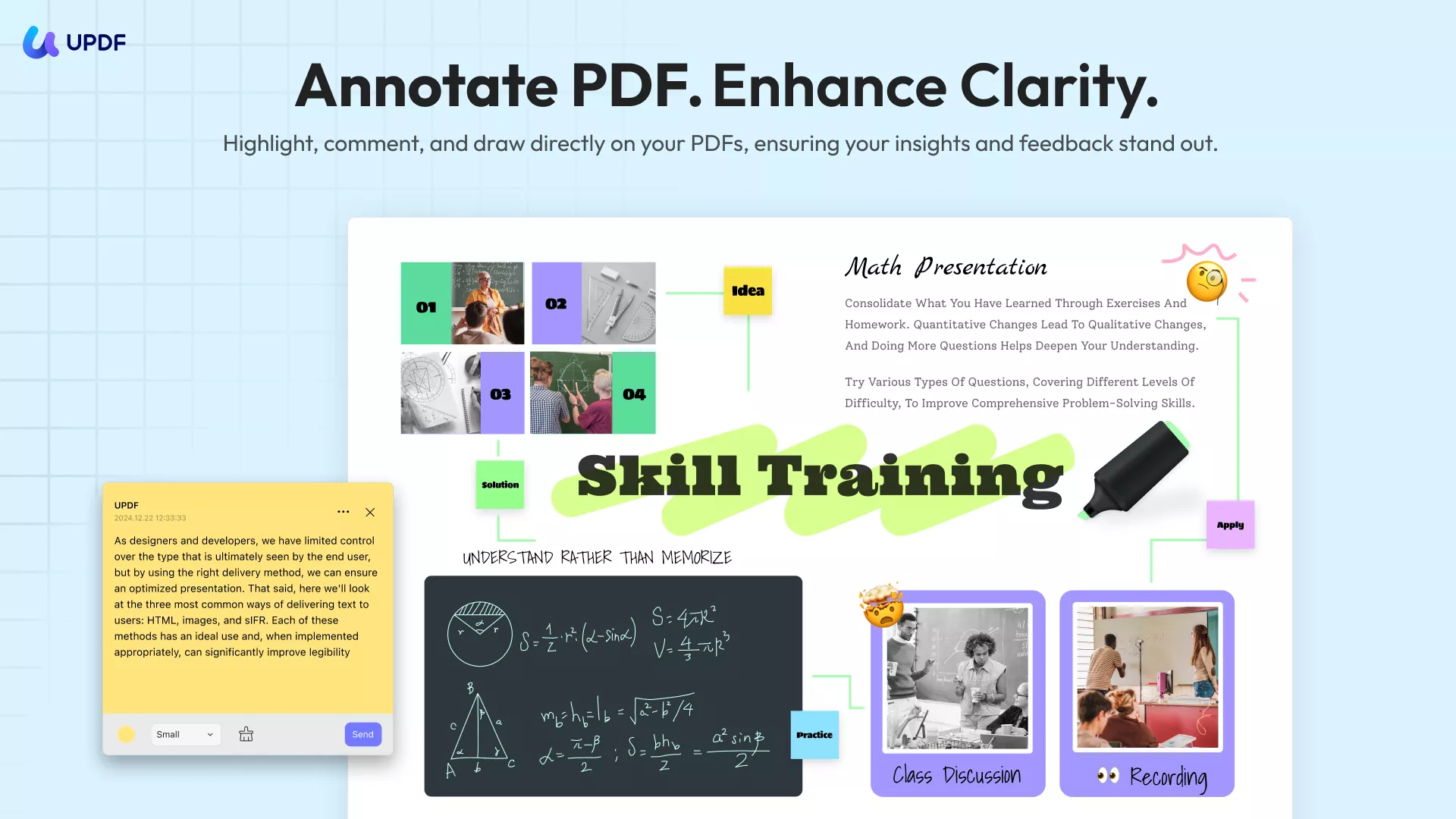
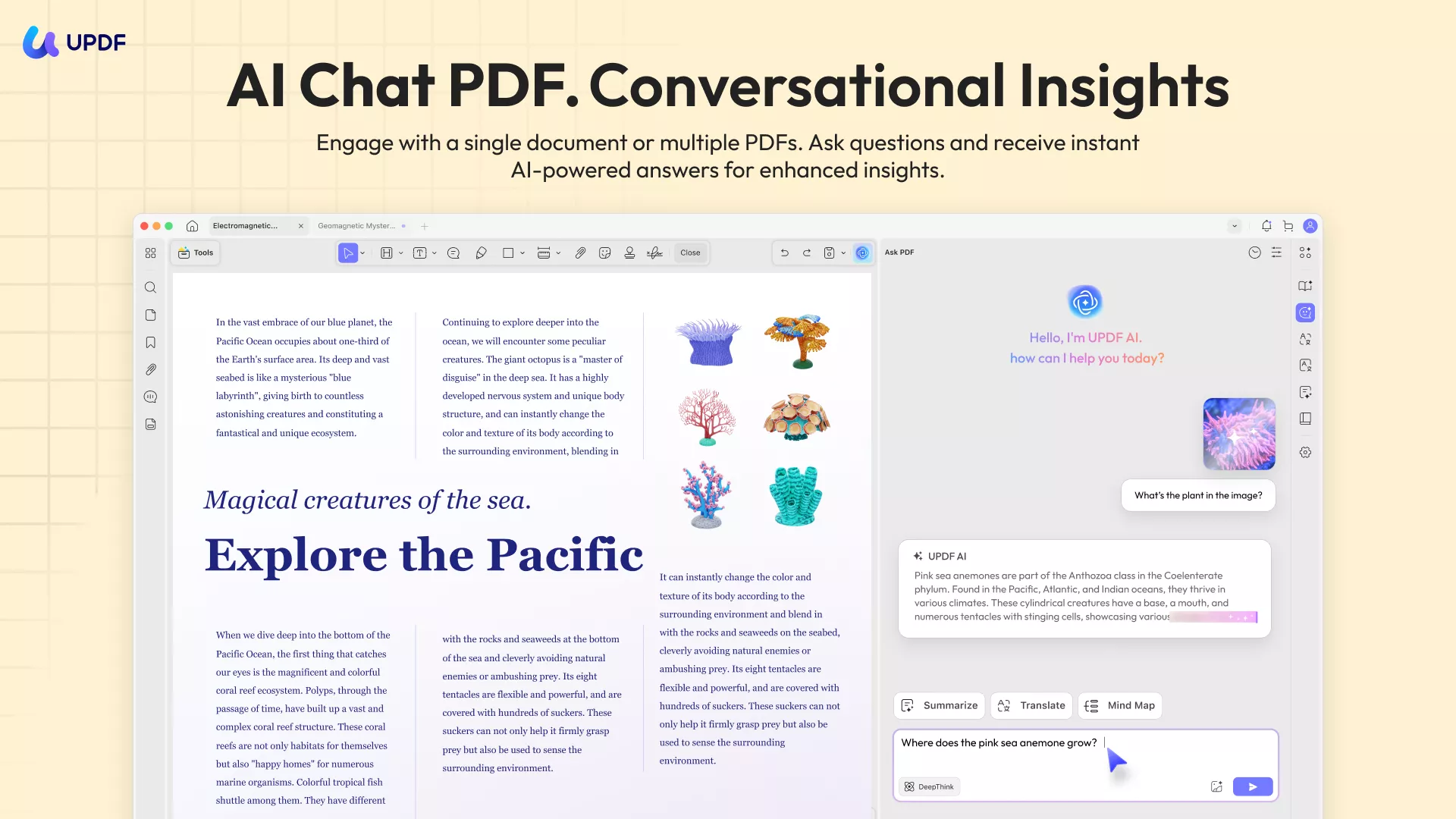
UPDF AI doesn't just summarize; it can explain complex charts, translate foreign documents in real-time, and help you brainstorm content for your next draft.
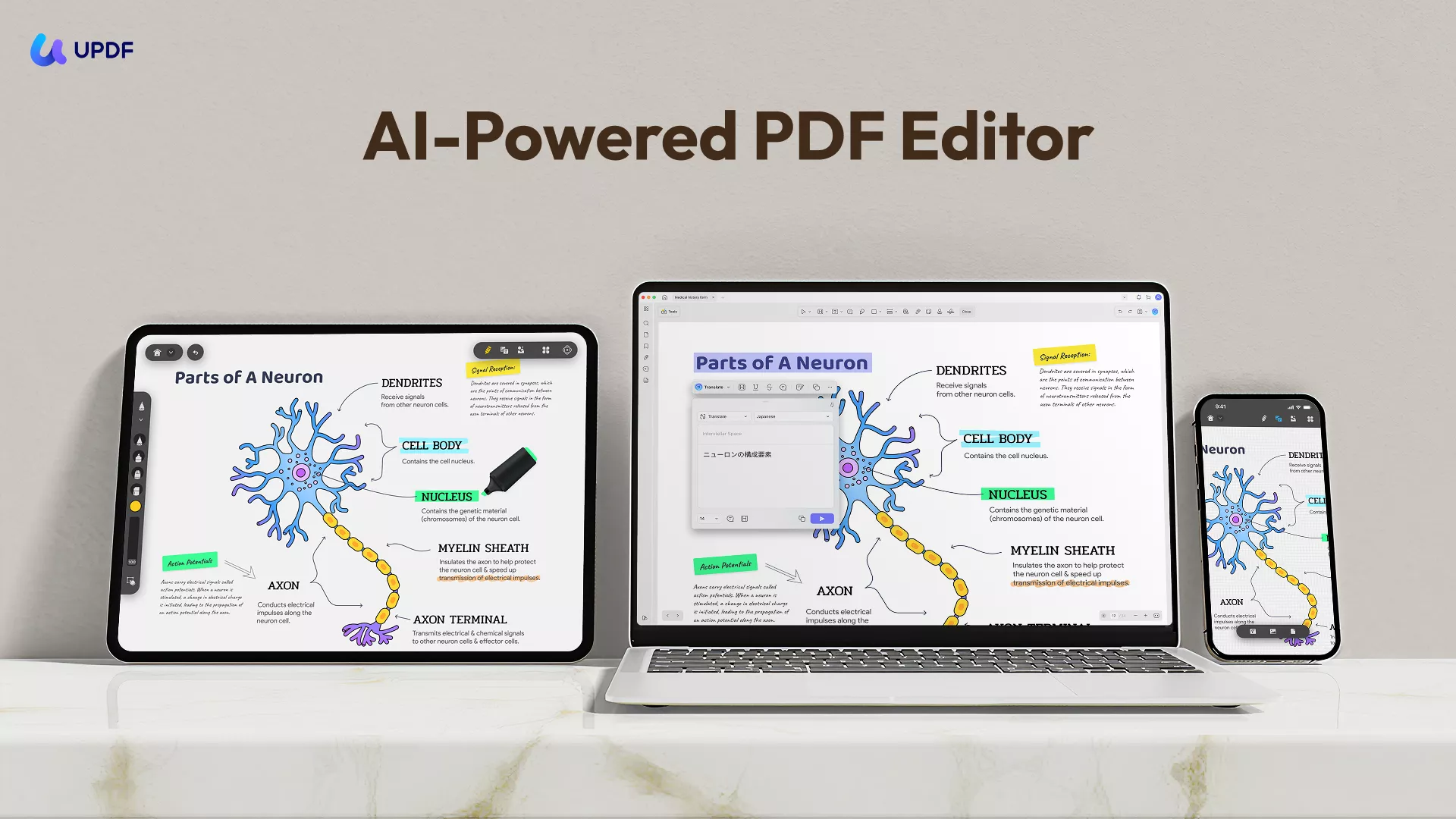
The best part about UPDF is its cloud document syncing across all your devices, including Macs, Windows PCs, Android smartphones or tablets, iPhones, and iPads. One UPDF license covers your devices. No more paying twice for mobile access.
Above all, it brings an intuitively designed interface that makes working with PDF documents much easier.
You can download UPDF here to check its interface and features.
Windows • macOS • iOS • Android 100% secure
Moreover, If you only need to view PDF files, it is completely free. And it is very cheap for the Pro version as it only costs $49.99 for a yearly license and $79.99 for a lifetime license.
Also Read: Adobe Acrobat vs. UPDF, Which One is Better
Final Words
If you have basic PDF requirements like printing and viewing those documents, Adobe Reader and Adobe Acrobat will offer you the same experience. However, selecting the right tool is essential if you need advanced features. We hope this Adobe Reader vs Adobe Acrobat comparison is helpful enough for you to choose one that fits your needs perfectly.
Adobe Acrobat is a more feature-rich and advanced PDF tool with some in-depth features. On the other hand, Adobe Reader brings basics only. Since Adobe Reader is basic, saying that Adobe Acrobat can do everything Adobe Reader does won't be wrong. So, with all the details shared above, you can choose one easily.
And if you need to get advanced features for Adobe Acrobat, but feel the price is too expensive, you can try UPDF which offers the same features at a much lower price. You can check the price here. And before making the decision to buy UPDF, it is better to download the UPDF via the below button to test all features on your own.
Windows • macOS • iOS • Android 100% secure
Note: The information on this page is based on UPDF writers’ testing and publicly available product details at the time of writing. Features and pricing may change over time. If you notice any inaccuracies, please contact us at [email protected]


 Enrica Taylor
 Engelbert White