UPDF
UPDF
 UPDF for Windows
 UPDF for Mac
 UPDF for iPhone/iPad
 UPDF for Android
 Nomostar
 UPDF AI Online
 UPDF Sign
 IvyCraft
 Edit PDF
 Annotate PDF
 Create PDF
 PDF Form
 Edit links
 Convert PDF
 OCR
OCR PDF to Word
 PDF to Image
 PDF to Excel
 Organize PDF
 Merge PDF
 Split PDF
 Crop PDF
 Rotate PDF
 Protect PDF
 Sign PDF
 Redact PDF
 Sanitize PDF
 Remove Security
 Read PDF
 UPDF Cloud
 Compress PDF
 Print PDF
 Batch Process
 About UPDF AI
 UPDF AI Solutions
 AI User Guide
 FAQ about UPDF AI
 Summarize PDF
 Translate PDF
 Chat with PDF
 Chat with AI
 Chat with image
 PDF to Mind Map
 Explain PDF
 PDF AI Tools
 Image AI Tools
 AI Chat Tools
 AI Writing Tools
 AI Study Tools
 AI Working Tools
 Other AI Tools
 AI Bookmark Generation
 AI Bookmark Summary
 AI Watermark Generation
 AI Background Generation
 AI Sticker Generation
 AI Stamp Generation
 AI Editing Suite
 UPDF Copilot
 AI Page Management
 AI Semantic Search
 PDF to Word
 PDF to Excel
 PDF to PowerPoint
 Enterprise Solution
 Enterprise Sign
 Enterprise AI
 Enterprise Plan
 Enterprise User Guide
 Enterprise Webinar
 IT
IT Education
 Construction
 Financial Service
 Healthcare
 Insurance
 Legal
Legal Manufacturing
 Government
 Researchers & PhDs
 Solopreneurs & Freelancers
 Lawyers & Legal Professionals
 Real Estate Agents & Brokers
 Education Solution
 Customer Stories
 User Guide
 UPDF Tricks
 FAQs
FAQs UPDF Reviews
 Download Center
 Blog
Blog Newsroom
 Tech Spec
 Updates
 UPDF vs. Adobe Acrobat
 UPDF vs. Foxit
 UPDF vs. PDF Expert

 UPDF AI
AI Invoice Parser for Smarter Processing
Most tools simply convert invoices into spreadsheets. UPDF AI Invoice Parser goes further by extracting, validating, and organizing invoice data across different formats. Turn invoices into structured, review-ready records while reducing manual work and processing errors.
Powered by
 GPT-5 |
 DeepSeek R1
5000+ Reviews
 4.8
4.8
UPDF AI available on


 Desktop & mobile app

4M+ Users, 8M+ Invoices Parsed, Trusted by Leading Media:






How to Use UPDF AI Invoice Parser
-
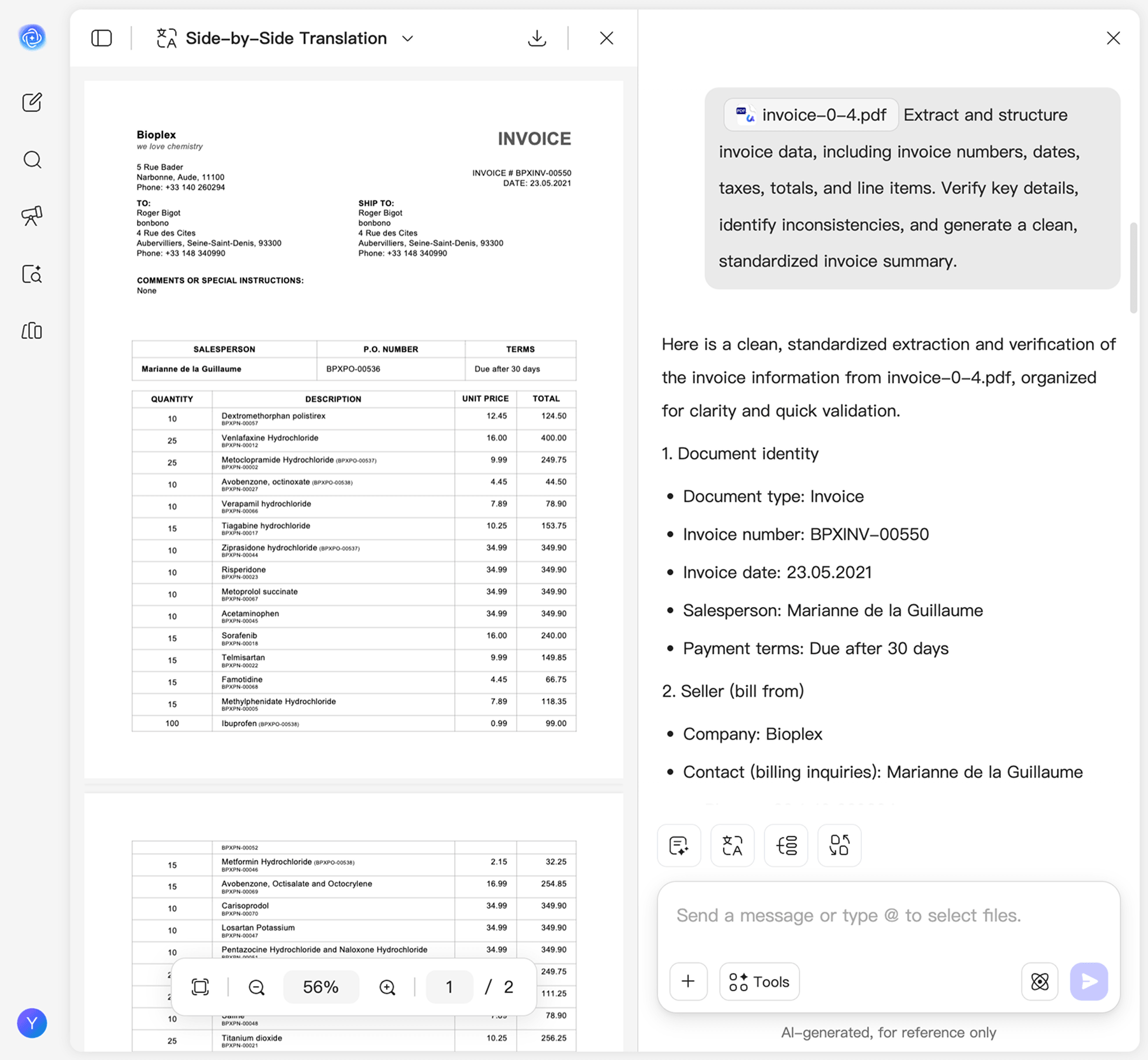
Upload Your Invoices
Upload invoice PDFs, scanned invoices, or invoice images from different vendors. UPDF AI automatically reads the documents and identifies key invoice information, even when layouts vary significantly. -
Parse, Organize & Verify Data
UPDF AI extracts invoice fields, organizes them into a consistent structure, and helps verify critical details such as invoice numbers, dates, taxes, totals, and line items. -
Review, Standardize & Use
Review the structured results and refine your instructions if needed. Once verified, use the standardized invoice data for accounting, audits, expense tracking, or invoice processing workflows.

Why Choose UPDF AI Invoice Parser
Intelligent Invoice Understanding
"Every vendor sends invoices in a different format."
UPDF AI understands invoice layouts automatically and identifies critical fields across PDFs, scans, and images. No templates or manual mapping required.
Structured & Audit-Ready Data
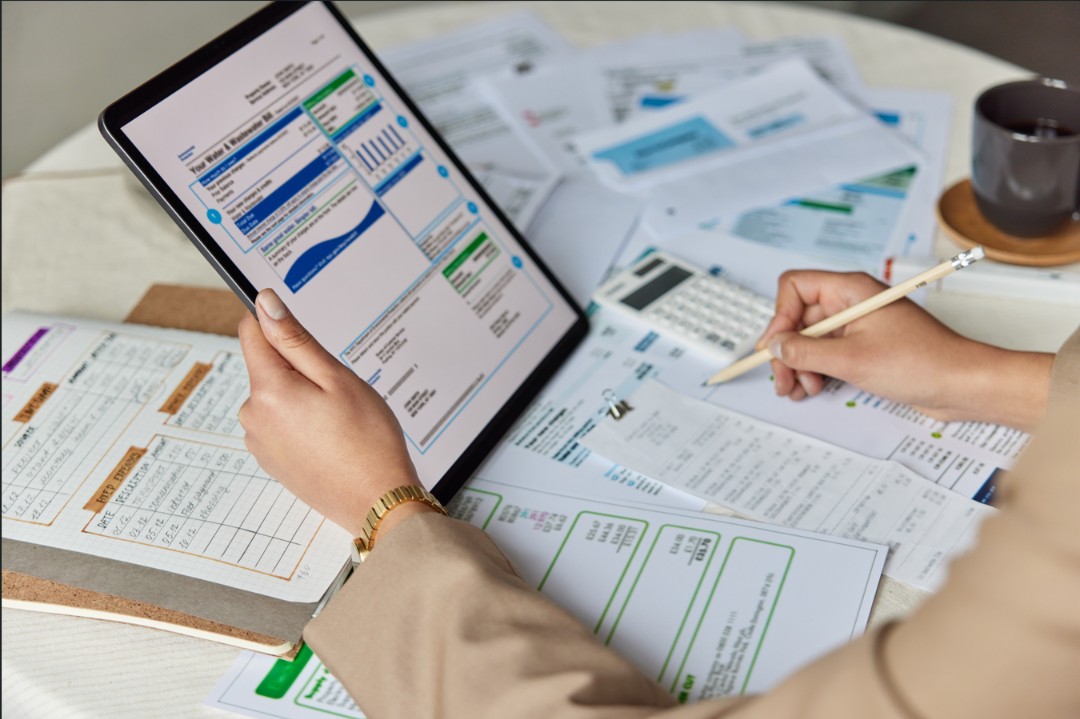
"The total looks right, but where did that tax amount come from?"
UPDF AI extracts and organizes invoice numbers, dates, vendors, taxes, totals, and line items into a consistent structure, making reviews and audits faster and more reliable.
Reduced Manual Processing
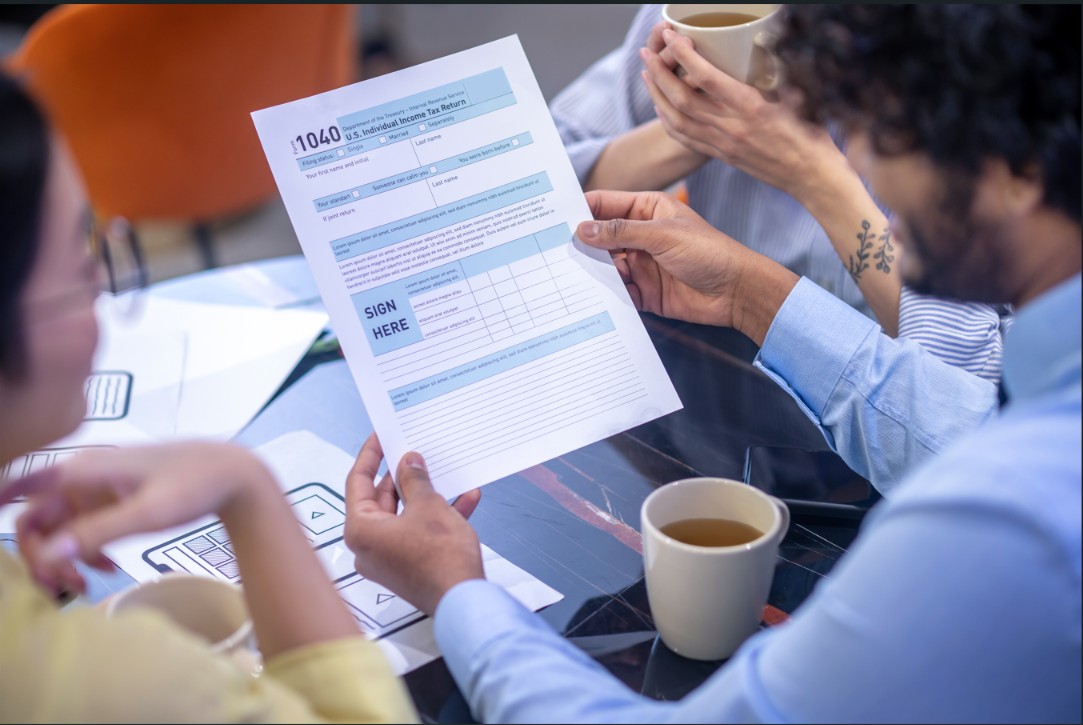
"We spend more time entering invoice data than reviewing it."
Eliminate repetitive data entry by automatically extracting key invoice information. Finance teams can focus on verification and decision-making instead of manual transcription.

Smarter Invoice Validation
"Something doesn't add up, but finding it takes forever."
UPDF AI helps surface missing, inconsistent, or unclear invoice details, enabling faster validation and reducing costly processing errors before they reach accounting systems.
UPDF AI Invoice Parser vs. Other AI Tools
UPDF AI
Other AI Tools
Invoice Understanding
Understands invoices,
not just text
Generic document
analysis
Data Validation
Flags missing or
inconsistent details
Limited validation
support
Structured Output
Consistent, audit-
ready invoice data
Often requires
manual cleanup
Line Item Recognition
Extracts detailed
invoice line items
Frequently misses
table details
Cross-Vendor Processing
Handles diverse
invoice formats
Results vary by
layout
Review Efficiency
Built for invoice
review workflows
Primarily focused
on extraction
Data Privacy
Secure
processing
Varies
Free to Try
 100 questions

No Word Limits
AI Model Options
ChatGPT-5 &
DeepSeek R1
Limited to one
AI model
Platform Supported
Online,
Windows, Mac,
Android, iOS
Online
FAQs About Using UPDF AI Invoice Parser
1. How is an AI invoice parser different from OCR?
2. Can UPDF AI parse invoices from different vendors?
3. Can UPDF AI help verify invoice information?
4. Is my invoice data secure when using UPDF AI?
5. Can UPDF AI support invoice reviews and audits?
Other Popular UPDF AI Tools