UPDF
UPDF
 UPDF for Windows
 UPDF for Mac
 UPDF for iPhone/iPad
 UPDF for Android
 Nomostar
 UPDF AI Online
 UPDF Sign
 IvyCraft
 Edit PDF
 Annotate PDF
 Create PDF
 PDF Form
 Edit links
 Convert PDF
 OCR
OCR PDF to Word
 PDF to Image
 PDF to Excel
 Organize PDF
 Merge PDF
 Split PDF
 Crop PDF
 Rotate PDF
 Protect PDF
 Sign PDF
 Redact PDF
 Sanitize PDF
 Remove Security
 Read PDF
 UPDF Cloud
 Compress PDF
 Print PDF
 Batch Process
 About UPDF AI
 UPDF AI Solutions
 AI User Guide
 FAQ about UPDF AI
 Summarize PDF
 Translate PDF
 Chat with PDF
 Chat with AI
 Chat with image
 PDF to Mind Map
 Explain PDF
 PDF AI Tools
 Image AI Tools
 AI Chat Tools
 AI Writing Tools
 AI Study Tools
 AI Working Tools
 Other AI Tools
 AI Bookmark Generation
 AI Bookmark Summary
 AI Watermark Generation
 AI Background Generation
 AI Sticker Generation
 AI Stamp Generation
 AI Editing Suite
 UPDF Copilot
 AI Page Management
 AI Semantic Search
 PDF to Word
 PDF to Excel
 PDF to PowerPoint
 Enterprise Solution
 Enterprise Sign
 Enterprise AI
 Enterprise Plan
 Enterprise User Guide
 Enterprise Webinar
 IT
IT Education
 Construction
 Financial Service
 Healthcare
 Insurance
 Legal
Legal Manufacturing
 Government
 Researchers & PhDs
 Solopreneurs & Freelancers
 Lawyers & Legal Professionals
 Real Estate Agents & Brokers
 Education Solution
 Customer Stories
 User Guide
 UPDF Tricks
 FAQs
FAQs UPDF Reviews
 Download Center
 Blog
Blog Newsroom
 Tech Spec
 Updates
 UPDF vs. Adobe Acrobat
 UPDF vs. Foxit
 UPDF vs. PDF Expert

 UPDF AI
Smarter ChatPDF Alternative for Effortless Analysis
Meet the smarter ChatPDF alternative — UPDF AI. It helps you understand PDFs, extract insights, and get answers instantly for faster, clearer document work.
Powered by
 GPT-5 |
 DeepSeek R1
5000+ Reviews
 4.8
4.8
UPDF AI available on


 Desktop & mobile app

4M+ Users, 300M+ PDFs Analyzed, Trusted by Leading Medias:






How to Use UPDF AI ChatPDF Alternative?
-
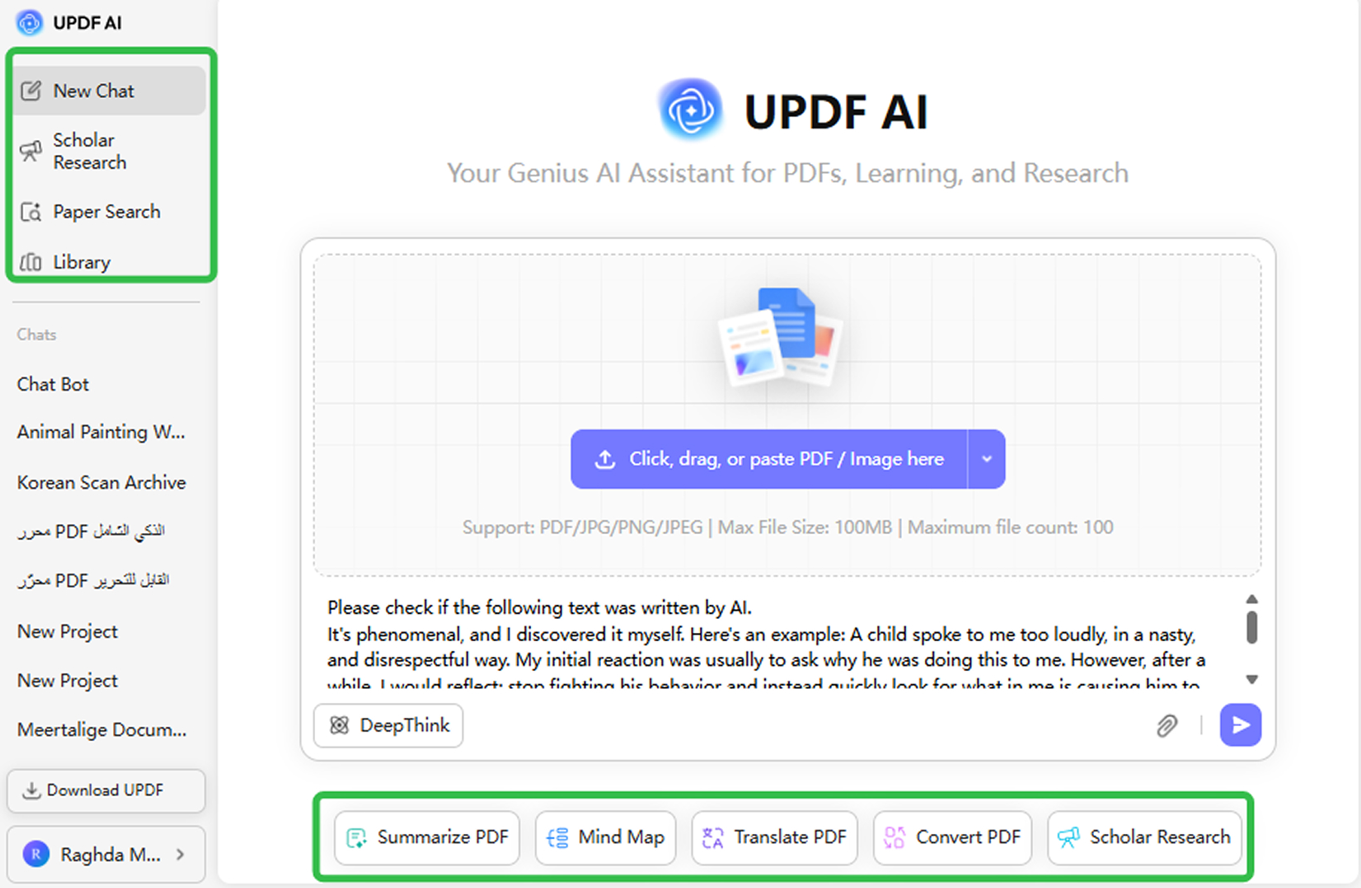
Academic Tools: Use Scholar Research or Paper Search for quick access to papers, summaries, and reliable academic info. Just enter your topic or keywords in the search box.
-
File Chat: Click the File icon to upload your PDF or image, and UPDF AI will instantly analyze it. You can then ask tasks like “Summarize page 1,” “Translate this part,” “Create a mind map,” or “Extract text from this image.”
-
Text Chat: Just type your question and hit Enter—such as: “Can you verify if this paragraph was written by AI?” UPDF AI will respond instantly with clear, actionable insights. For a deeper breakdown, click DeepThink in the lower-left corner.

Who Should Use UPDF AI ChatPDF Alternative?
Students and Researchers
UPDF AI is ideal for those who need fast summaries, clear explanations, and instant answers from long academic PDFs—powered by smarter search, multilingual support, and PDF-native analysis.

Professionals Working with Reports
Perfect for anyone dealing with contracts, proposals, or technical documents. UPDF AI delivers precise insights, quick section navigation, and intelligent PDF understanding far beyond basic chat tools.

Users Handling Multiple or Complex PDFs
If you manage large volumes of documents, UPDF AI’s batch processing, accurate text extraction, and cross-document querying make your workflow faster and more efficient.

Benefits of UPDF AI As ChatPDF Alternative?
Smarter and More Versatile AI Chat
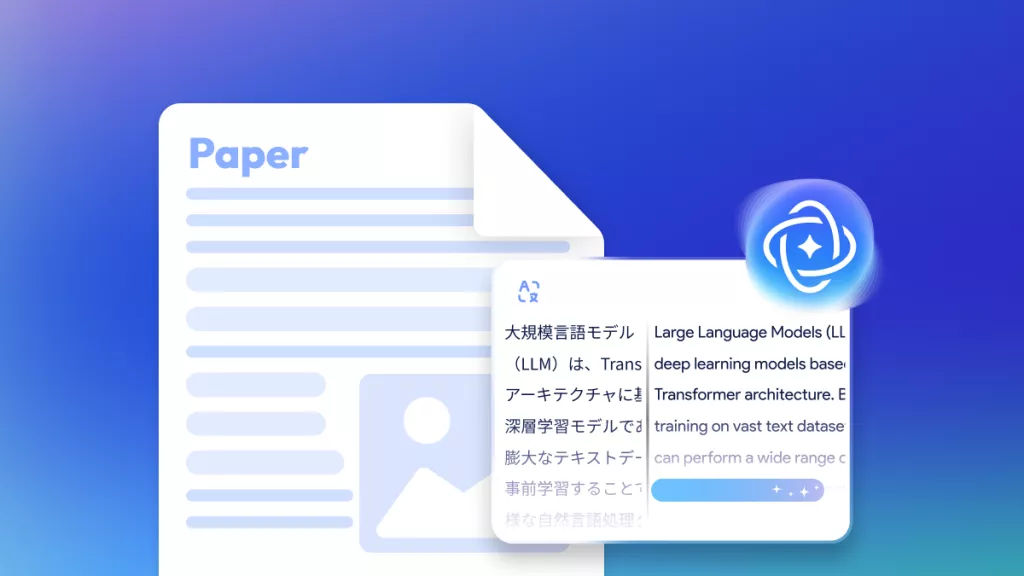
UPDF AI lets you chat with PDFs, translate entire documents instantly, convert content into mind maps, and handle PDFs more comprehensively—making it a powerful alternative for study, work, and daily tasks.
Flexible Multilingual Support
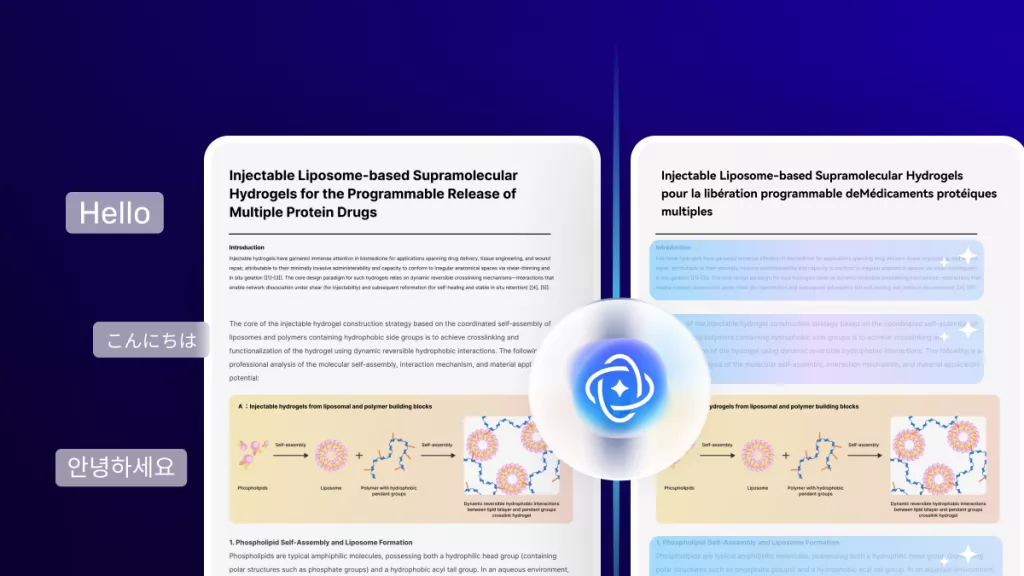
UPDF AI can process PDFs in multiple languages and lets you adjust the output language freely, ensuring accurate, context-aware results tailored to your preferred language.
All-in-One AI PDF Workspace
UPDF AI works inside the UPDF platform, letting you edit, annotate, sign, and manage PDFs without switching apps. Everything happens in one seamless, efficient workspace—no copy-paste required.
UPDF AI vs. ChatPDF
UPDF AI
ChatPDF
Free PDF Uploads
5 PDFs for Free
2 PDFs/Day for Free
Support Multiple Languages

Chat with Images (JPG, PNG, JPEG)
Chat with PDFs
Summarize PDF
Translate PDF (Full document Translation & Side-by-Side Translation)

PDF to Mind Map
PDF to Word, Excel, PowerPoint
AI Model
GPT-5
GPT-4o and GPT-4o-mini
UPDF AI ChatPDF Alternative FAQs
1. How is UPDF AI different from ChatPDF?
2. Can I use UPDF AI as a free ChatPDF alternative?
3. Is my data safe with a ChatPDF Alternative?
4. Are the features described up-to-date?
Other Popular UPDF AI Tools