UPDF
UPDF
 UPDF for Windows
 UPDF for Mac
 UPDF for iPhone/iPad
 UPDF for Android
 Nomostar
 UPDF AI Online
 UPDF Sign
 IvyCraft
 Edit PDF
 Annotate PDF
 Create PDF
 PDF Form
 Edit links
 Convert PDF
 OCR
OCR PDF to Word
 PDF to Image
 PDF to Excel
 Organize PDF
 Merge PDF
 Split PDF
 Crop PDF
 Rotate PDF
 Protect PDF
 Sign PDF
 Redact PDF
 Sanitize PDF
 Remove Security
 Read PDF
 UPDF Cloud
 Compress PDF
 Print PDF
 Batch Process
 About UPDF AI
 UPDF AI Solutions
 AI User Guide
 FAQ about UPDF AI
 Summarize PDF
 Translate PDF
 Chat with PDF
 Chat with AI
 Chat with image
 PDF to Mind Map
 Explain PDF
 PDF AI Tools
 Image AI Tools
 AI Chat Tools
 AI Writing Tools
 AI Study Tools
 AI Working Tools
 Other AI Tools
 AI Bookmark Generation
 AI Bookmark Summary
 AI Watermark Generation
 AI Background Generation
 AI Sticker Generation
 AI Stamp Generation
 AI Editing Suite
 UPDF Copilot
 AI Page Management
 AI Semantic Search
 PDF to Word
 PDF to Excel
 PDF to PowerPoint
 Enterprise Solution
 Enterprise Sign
 Enterprise AI
 Enterprise Plan
 Enterprise User Guide
 Enterprise Webinar
 Banking
 Healthcare
 Insurance
 Legal
Legal Manufacturing
 Government
 Researchers & PhDs
 Solopreneurs & Freelancers
 Lawyers & Legal Professionals
 Real Estate Agents & Brokers
 Education Solution
 Customer Stories
 User Guide
 UPDF Tricks
 FAQs
FAQs UPDF Reviews
 Download Center
 Blog
Blog Newsroom
 Tech Spec
 Updates
 UPDF vs. Adobe Acrobat
 UPDF vs. Foxit
 UPDF vs. PDF Expert

 UPDF AI
AI Syllabus Generator for Structured Course Design
Use UPDF AI to turn any topic, document, or idea into a complete, structured syllabus with weekly lesson plans, learning outcomes, and assessments in seconds.
Powered by
 GPT-5 |
 DeepSeek R1
5000+ Reviews
 4.8
4.8
UPDF AI available on


 Desktop & mobile app

4M+ Users, 29M+ Syllabus Generated, Trusted by Leading Medias:






How to Use UPDF AI for AI Syllabus Generator?
-
Input your course content
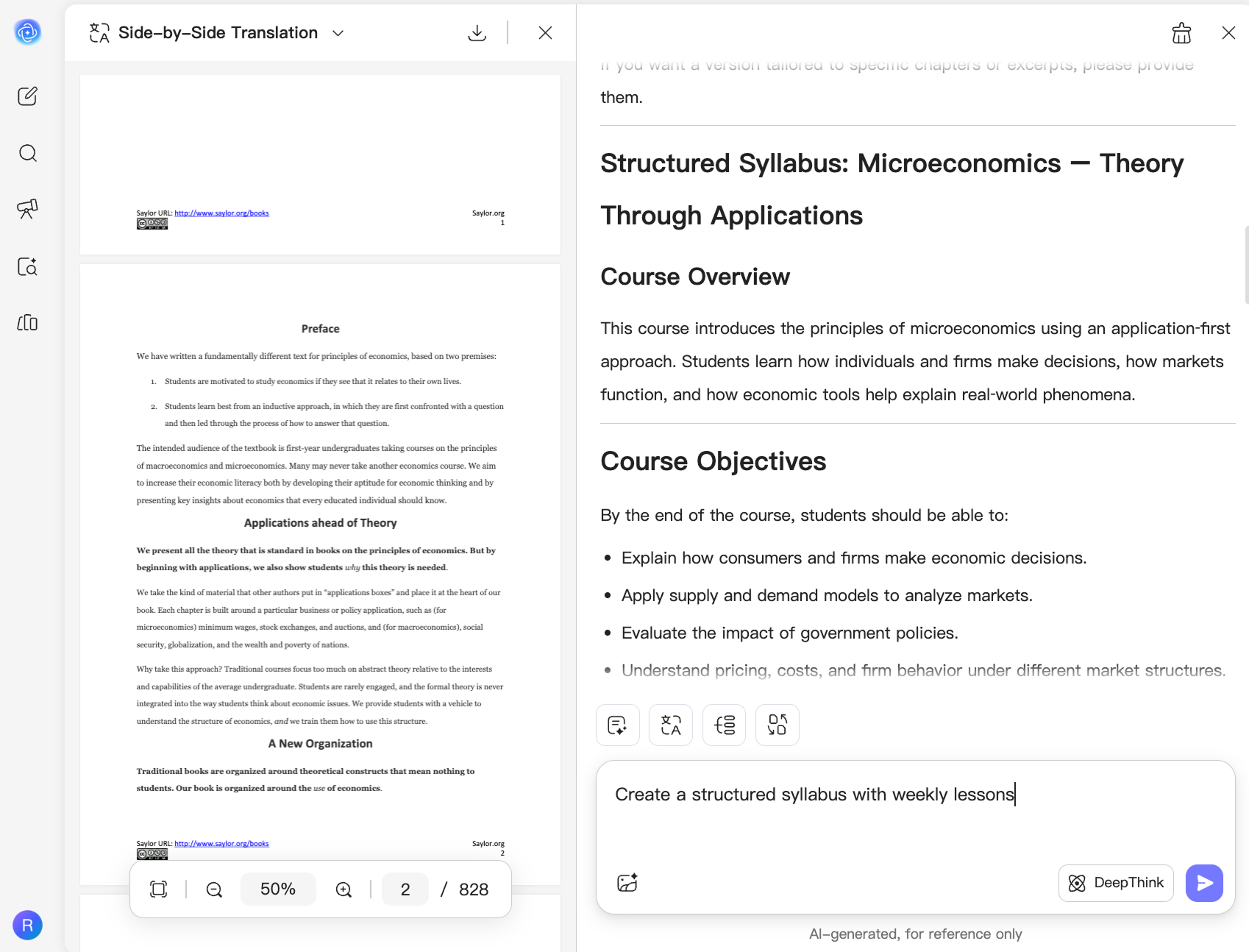
Upload a PDF, image, or folder of files, or simply describe your course. UPDF AI will analyze your input and generate a structured syllabus. -
AI understands and extracts structure
UPDF AI analyzes your materials or prompt, and extracts key topics, learning goals, and course structure. -
Generate structured syllabus
Create a structured syllabus with weekly lessons, learning outcomes, and course progression. Mind map is optional.

Why UPDF AI for AI Syllabus Generator
Build Syllabi from Knowledge, Not Just Prompts
Most AI tools rely on prompts alone. UPDF AI lets you generate syllabi from existing PDFs or folders of course materials, creating outlines grounded in your own teaching resources.

Design Courses from Multiple Sources
Creating a syllabus often requires textbooks, lecture notes, research papers, and previous syllabi. UPDF AI analyzes them together, helping you build one cohesive course instead of switching between documents.

Go Beyond Outlines with AI Learning Tools
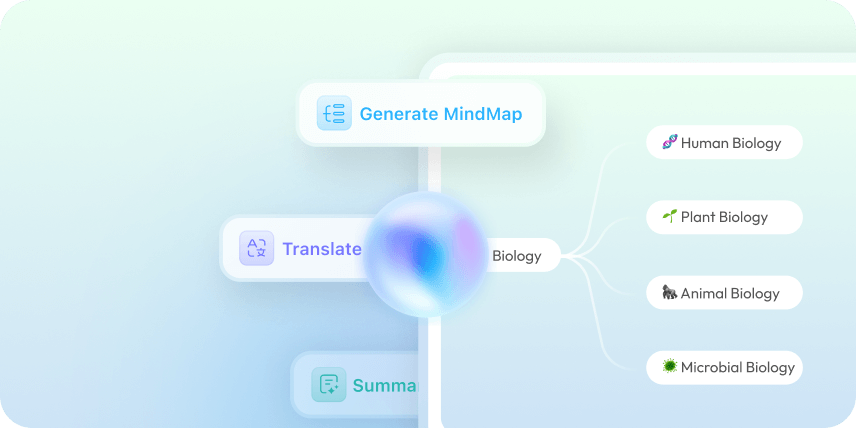
After generating a syllabus, continue exploring your materials with AI summaries, optional mind maps, and multilingual translation--all within the same workspace.

Keep Every Teaching Resource in One Place
Instead of juggling different AI tools, PDFs, and web pages, UPDF AI lets you analyze, organize, and reuse teaching materials in one document-focused environment.

UPDF AI vs. Other AI Tools
UPDF AI
Other AI Tools
Free

Upload course PDFs
Analyze Scanned Course Files

Review Multiple Course Files
Convert Course Content To Mind Maps
Platform Supported
Online, Windows, macOS, iOS, Android
Online
UPDF AI For AI Syllabus FAQs
1. How can I create a syllabus if I only have course notes and PDFs?
2. What should I include in my prompt to get a better syllabus?
3. Can UPDF AI turn course materials into a syllabus outline?
4. Can I update an old syllabus for a new semester with UPDF AI?
Other Popular UPDF AI Tools