UPDF
UPDF
 UPDF for Windows
 UPDF for Mac
 UPDF for iPhone/iPad
 UPDF for Android
 Nomostar
 UPDF AI Online
 UPDF Sign
 IvyCraft
 Edit PDF
 Annotate PDF
 Create PDF
 PDF Form
 Edit links
 Convert PDF
 OCR
OCR PDF to Word
 PDF to Image
 PDF to Excel
 Organize PDF
 Merge PDF
 Split PDF
 Crop PDF
 Rotate PDF
 Protect PDF
 Sign PDF
 Redact PDF
 Sanitize PDF
 Remove Security
 Read PDF
 UPDF Cloud
 Compress PDF
 Print PDF
 Batch Process
 About UPDF AI
 UPDF AI Solutions
 AI User Guide
 FAQ about UPDF AI
 Summarize PDF
 Translate PDF
 Chat with PDF
 Chat with AI
 Chat with image
 PDF to Mind Map
 Explain PDF
 PDF AI Tools
 Image AI Tools
 AI Chat Tools
 AI Writing Tools
 AI Study Tools
 AI Working Tools
 Other AI Tools
 AI Bookmark Generation
 AI Bookmark Summary
 AI Watermark Generation
 AI Background Generation
 AI Sticker Generation
 AI Stamp Generation
 AI Editing Suite
 UPDF Copilot
 AI Page Management
 AI Semantic Search
 PDF to Word
 PDF to Excel
 PDF to PowerPoint
 Enterprise Solution
 Enterprise Sign
 Enterprise AI
 Enterprise Plan
 Enterprise User Guide
 Enterprise Webinar
 Banking
 Healthcare
 Insurance
 Legal
Legal Manufacturing
 Government
 Researchers & PhDs
 Solopreneurs & Freelancers
 Education Solution
 Customer Stories
 User Guide
 UPDF Tricks
 FAQs
FAQs UPDF Reviews
 Download Center
 Blog
Blog Newsroom
 Tech Spec
 Updates
 UPDF vs. Adobe Acrobat
 UPDF vs. Foxit
 UPDF vs. PDF Expert

 UPDF AI
OCR with AI for Free Online
UPDF AI lets you extract text from scanned PDFs or images, translate documents without extra steps, and convert files to editable Word, Excel, or PowerPoint formats in one click—perfect for fast, cross-team collaboration.
Powered by
 GPT-5 |
 DeepSeek R1
5000+ Reviews
 4.8
4.8
UPDF AI available on


 Desktop & mobile app

4M+ Users, 50M+OCR Tasks Executed, Trusted by Leading Medias:






How to OCR with UPDF AI?
-
Extract Text from Scanned PDFs
Click the “OCR Now” button to upload your scanned PDF. UPDF AI will automatically extract key points for quick reading. Need the full text? Just enter a prompt like “Extract all text” to get everything editable. -
Extract Text from Images
Upload any image containing text using the “OCR Now” button. Enter a prompt to extract the text for copying, editing, or sharing—perfect for digitizing notes or printed documents. -
Convert Scanned PDFs to Editable Documents
Need editable Word, Excel, or PowerPoint files? Click the corresponding link to go to the conversion page, upload your scanned PDF, and UPDF AI will automatically perform OCR and generate a ready-to-download editable document.

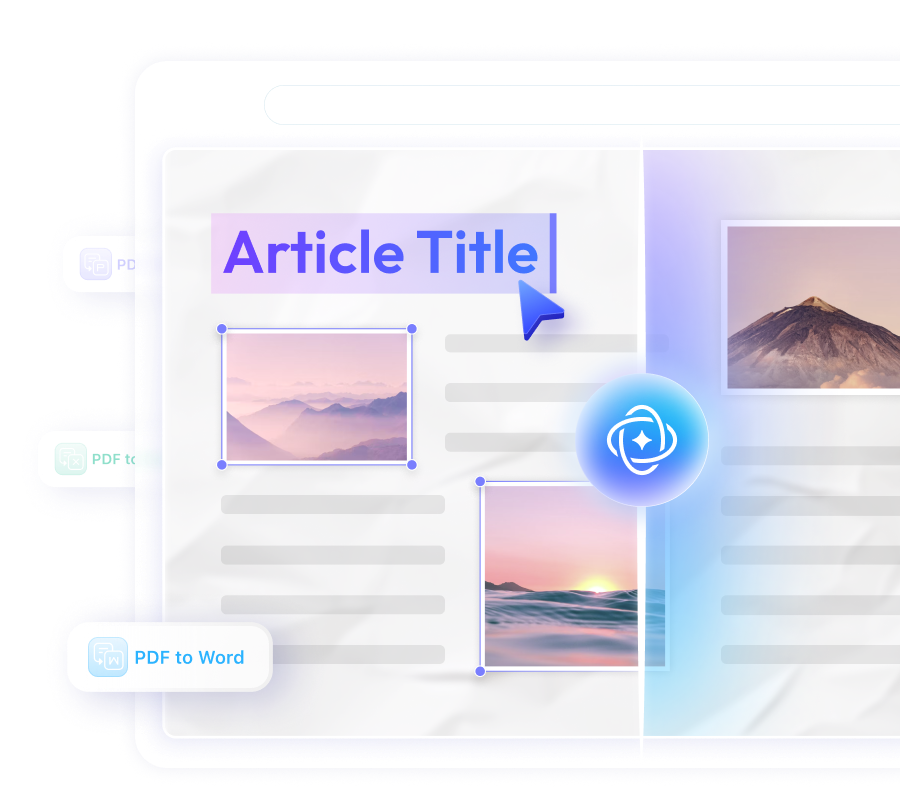
OCR with AI for Work, Study, and Everyday Use
Students & Researchers – Digitize and Summarize Materials
Scan PDFs or photos of notes and articles, extract key points, and convert them into editable files for faster studying or research.

Professionals – Convert and Edit Work Documents
Turn scanned contracts, reports, or financial statements into Word, Excel, or PowerPoint instantly, saving time for meetings and presentations.

Multinational Teams – Translate and Share Documents
Upload scanned PDFs for OCR and instant translation, making cross-border collaboration smooth and efficient.

Everyday Users – Capture Text from Images
Extract text from receipts, handwritten notes, or images for archiving, sharing, or editing.

3 Reasons UPDF AI Excels at OCR
Scanned PDFs & Images Supported
Extract text from both scanned PDFs and images effortlessly. Perfect for digitizing notes, receipts, or any printed materials.
One-Step Conversion to Editable Files
Turn scanned PDFs into Word, Excel, or PowerPoint instantly. UPDF AI performs OCR and conversion in a single click.
Instant Translation for Global Teams
Upload scanned documents and translate them immediately—no extra OCR or third-party tools needed, ideal for cross-border collaboration.
UPDF AI vs. Other OCR Tools
UPDF AI
Other OCR Tools
Supports Both Scanned PDFs and Images


One-Step Conversion to Word, Excel, PPT
Instant Translation of Scanned Documents
Automatic Key Points Extraction
Cross-Platform Browser Access + App Integration
Preserves Layout & Formatting
Free Usage & Guest Mode
FAQs About OCR with UPDF AI
1. Can I extract text from both PDFs and images?
2. Is the extracted text editable?
3. Can I convert scanned PDFs to Word, Excel, or PowerPoint directly?
4. Can I translate scanned documents directly?
5. Which devices and platforms are supported?
6. Is there a free version or trial available?
Other Popular UPDF AI Tools