UPDF
UPDF
 UPDF for Windows
 UPDF for Mac
 UPDF for iPhone/iPad
 UPDF for Android
 Nomostar
 UPDF AI Online
 UPDF Sign
 IvyCraft
 Edit PDF
 Annotate PDF
 Create PDF
 PDF Form
 Edit links
 Convert PDF
 OCR
OCR PDF to Word
 PDF to Image
 PDF to Excel
 Organize PDF
 Merge PDF
 Split PDF
 Crop PDF
 Rotate PDF
 Protect PDF
 Sign PDF
 Redact PDF
 Sanitize PDF
 Remove Security
 Read PDF
 UPDF Cloud
 Compress PDF
 Print PDF
 Batch Process
 About UPDF AI
 UPDF AI Solutions
 AI User Guide
 FAQ about UPDF AI
 Summarize PDF
 Translate PDF
 Chat with PDF
 Chat with AI
 Chat with image
 PDF to Mind Map
 Explain PDF
 PDF AI Tools
 Image AI Tools
 AI Chat Tools
 AI Writing Tools
 AI Study Tools
 AI Working Tools
 Other AI Tools
 AI Bookmark Generation
 AI Bookmark Summary
 AI Watermark Generation
 AI Background Generation
 AI Sticker Generation
 AI Stamp Generation
 AI Editing Suite
 UPDF Copilot
 AI Page Management
 AI Semantic Search
 PDF to Word
 PDF to Excel
 PDF to PowerPoint
 Enterprise Solution
 Enterprise Sign
 Enterprise AI
 Enterprise Plan
 Enterprise User Guide
 Enterprise Webinar
 Banking
 Healthcare
 Insurance
 Legal
Legal Manufacturing
 Government
 Researchers & PhDs
 Solopreneurs & Freelancers
 Lawyers & Legal Professionals
 Real Estate Agents & Brokers
 Education Solution
 Customer Stories
 User Guide
 UPDF Tricks
 FAQs
FAQs UPDF Reviews
 Download Center
 Blog
Blog Newsroom
 Tech Spec
 Updates
 UPDF vs. Adobe Acrobat
 UPDF vs. Foxit
 UPDF vs. PDF Expert

 UPDF AI
A Smart All-in-One AI PDF Reader
UPDF AI Online is a powerful PDF AI reader that can open normal and scanned PDFs, auto-extract text and key points, summarize, translate with page or side-by-side modes, create mind maps, and convert PDFs to Word, Excel, or PowerPoint. Work faster with one intelligent tool.
Powered by
 GPT-5 |
 DeepSeek R1
5000+ Reviews
 4.8
4.8
UPDF AI available on


 Desktop & mobile app

4M+ Users, 50M+ PDFs Opened, Trusted by Leading Medias:






How to Read PDF with UPDF AI?
-
Extract Information/Text: When reading long or scanned PDFs, UPDF AI helps you skip manual scanning. Upload your file, and it auto-extracts key points from both standard and scanned PDFs. Need the full text? Enter a prompt like “Extract all text” to read everything clearly.
-
Summarize: For dense reports or academic papers, UPDF AI gives you instant clarity. Upload the PDF to receive an automatic, structured summary. You can summarize selected pages, the entire file with one click, or paste text for a custom summary—perfect for faster, easier reading.
-
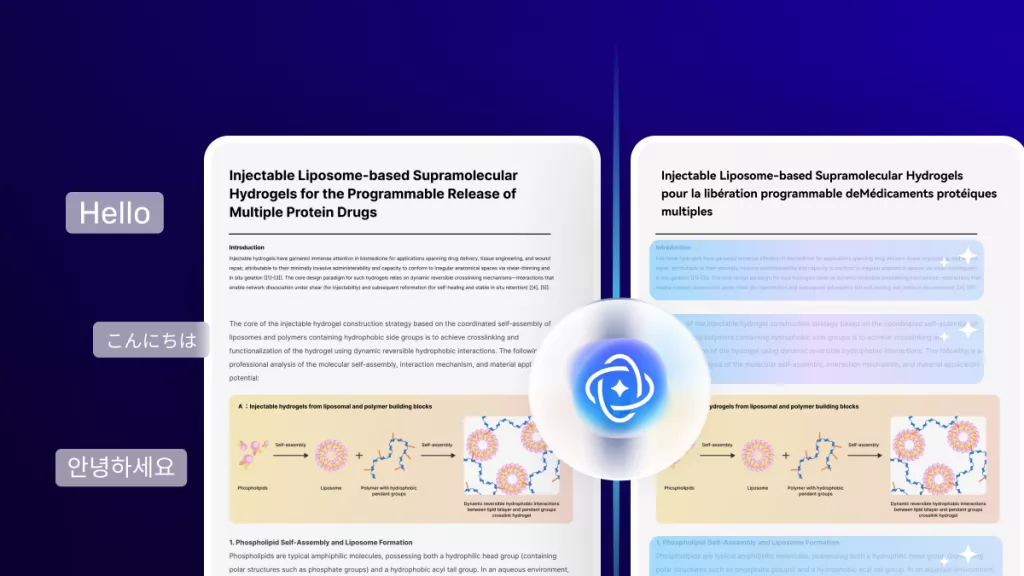
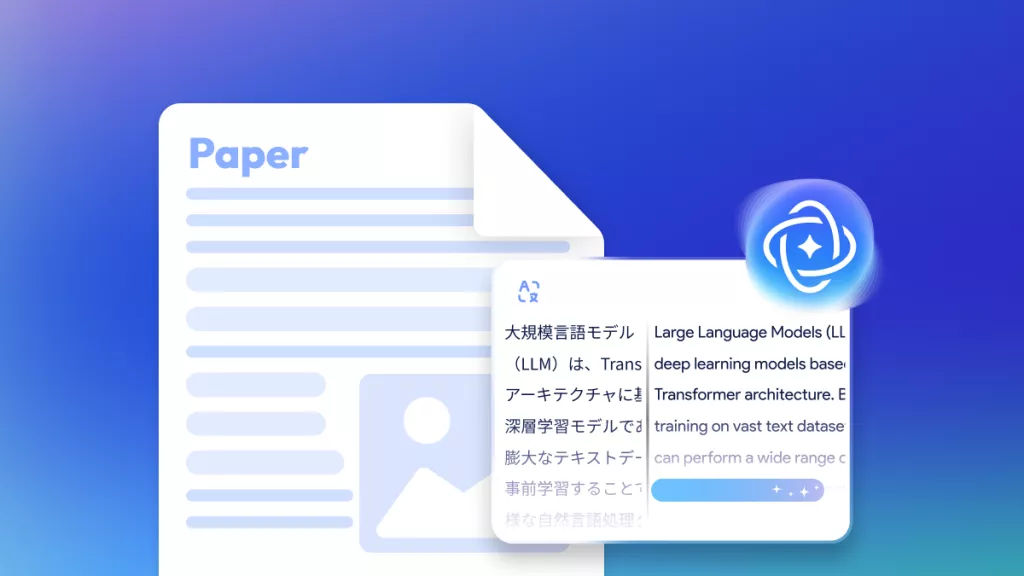
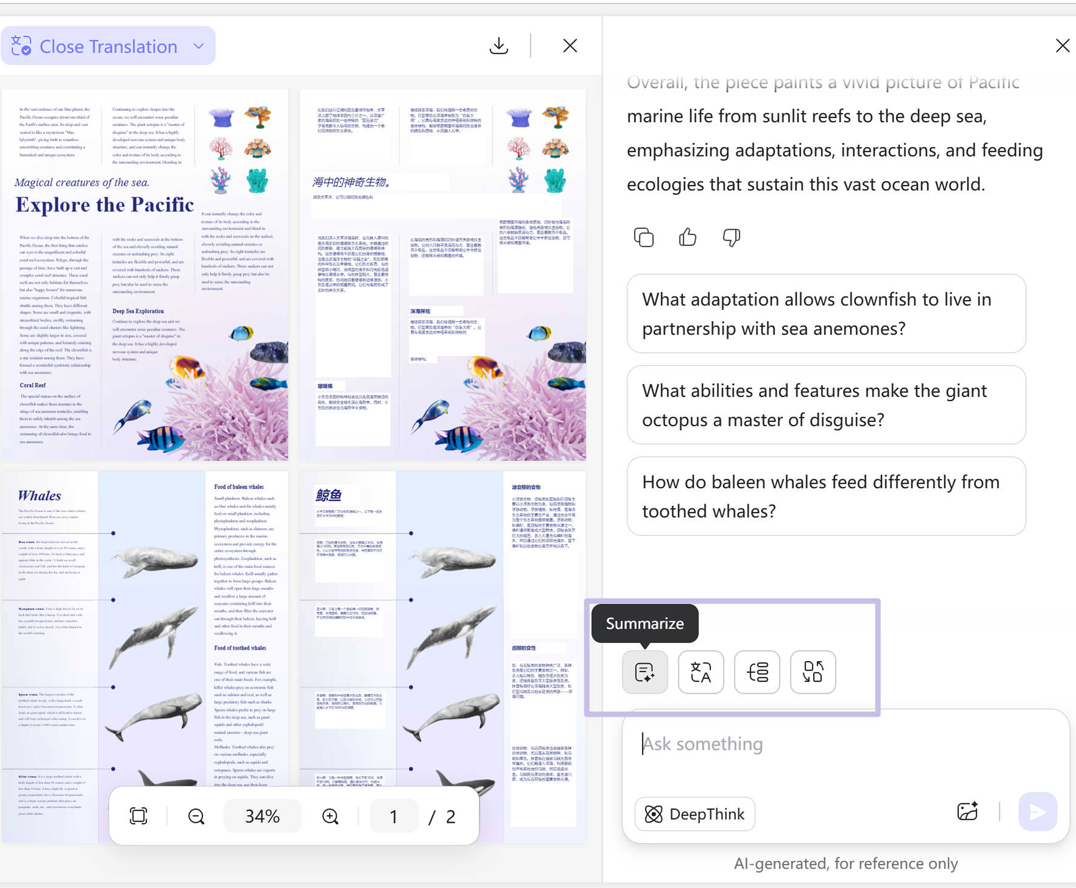
Translate: When encountering foreign-language documents, UPDF AI removes the friction. After uploading, open the Translate tool and choose Page-by-Page or Side-by-Side translation. View original and translated content together to read smoothly without switching tools.
-
PDF to Mind Map: For extremely long PDFs, UPDF AI helps you grasp the structure at a glance. After uploading, click Mind Map above the input box and select the page range to convert. You’ll get a clear, visual mind map that makes reviewing and understanding lengthy content much easier.

UPDF AI Fits Every PDF Reading Need
Reading Long Reports or Research Papers
When documents are too long to digest, UPDF AI helps you extract key points, summarize chapters, and even build mind maps for faster understanding.

Reviewing Foreign-Language PDFs
Whether it's academic literature or work files, UPDF AI’s page-by-page and side-by-side translation features make cross-language reading effortless.

Working with Scanned or Image-Based PDFs
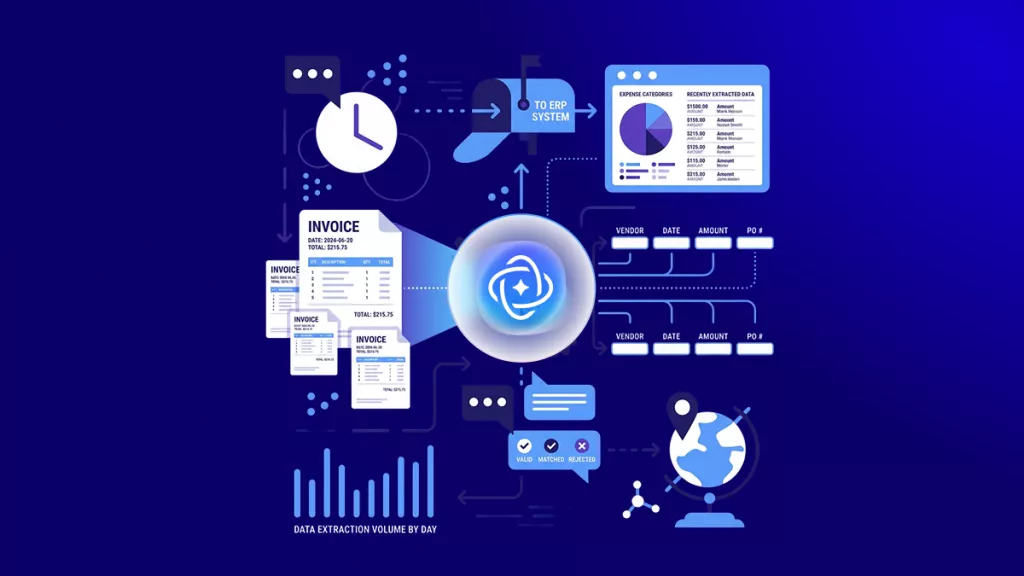
For scanned contracts, invoices, or old documents, UPDF AI auto-reads the content and extracts key information so you can read them just like normal text PDFs.

Preparing for Meetings, Assignments, or Reports
Quickly turn dense PDFs into clear summaries or converted formats like Word and PowerPoint—perfect for saving time before presentations or submissions.

Understanding Complex Technical or Financial Documents
UPDF AI helps break down technical manuals, financial statements, and data-heavy documents, making them easier to read and interpret.

Why UPDF AI Makes PDF Reading Easier
All-in-One Reader
Read, summarize, translate, extract text, create mind maps, and convert PDF—all on one platform. No switching tools, no wasted time.
Free to Start
Upload up to 5 PDFs for free, or use Guest Mode to read PDFs without logging in. Start instantly at no cost.
Smarter Dual AI
Enjoy higher accuracy and deeper understanding with two leading AI models (GPT-5 & DeepSeek R1). Switch freely based on your task for the best reading experience.
UPDF AI PDF Reader vs. AI PDF Readers
UPDF AI PDF Reader
Other AI PDF Readers
Reads Scanned PDFs Automatically


Auto Key Points Extraction
Structured Thesis Paper Summaries
Advanced Translation Modes (Side-by-Side)
Mind Map Generation
Full PDF Conversion (Word/Excel/PPT)
Guest Mode + Free Uploads
Use without login; 5 free uploads
Dual AI Models (GPT-5 + DeepSeek R1)
FAQs for UPDF AI PDF Reader
1. Can I edit the text extracted from UPDF AI PDF Reader?
2. Is UPDF AI PDF Reader compatible with all devices?
3. How secure is my data when using UPDF AI PDF Reader?
4. Can I use UPDF AI PDF Reader for scanned PDFs?
5. Are there any limits on file size or number of PDFs?
Other Popular UPDF AI Tools