 UPDF
 UPDF for Windows
 UPDF for Mac
 UPDF for iPhone/iPad
 UPDF for Android
 Nomostar
 UPDF AI Online
 UPDF Sign
 IvyCraft
 Edit PDF
 Annotate PDF
 Create PDF
 PDF Form
 Edit links
 Convert PDF
 OCR
 PDF to Word
 PDF to Image
 PDF to Excel
 Organize PDF
 Merge PDF
 Split PDF
 Crop PDF
 Rotate PDF
 Protect PDF
 Sign PDF
 Redact PDF
 Sanitize PDF
 Remove Security
 Read PDF
 UPDF Cloud
 Compress PDF
 Print PDF
 Batch Process

 About UPDF AI
 UPDF AI Solutions
 AI User Guide
 FAQ about UPDF AI
 Summarize PDF
 Translate PDF
 Chat with PDF
 Chat with AI
 Chat with image
 PDF to Mind Map
 Explain PDF
 PDF AI Tools
 Image AI Tools
 AI Chat Tools
 AI Writing Tools
 AI Study Tools
 AI Working Tools
 Other AI Tools
 AI Bookmark Generation
 AI Bookmark Summary
 AI Watermark Generation
 AI Background Generation
 AI Sticker Generation
 AI Stamp Generation
 AI Editing Suite
 UPDF Copilot
 AI Page Management
 AI Semantic Search
 PDF to Word
 PDF to Excel
 PDF to PowerPoint
 Enterprise Solution
 Enterprise Sign
 Enterprise AI
 Enterprise Plan
 Enterprise User Guide
 Enterprise Webinar
 IT
 Education
 Construction
 Financial Service
 Healthcare
 Insurance
 Legal
 Manufacturing
 Government
 Researchers & PhDs
 Solopreneurs & Freelancers
 Lawyers & Legal Professionals
 Real Estate Agents & Brokers
 Education Solution
 Customer Stories
 User Guide
 UPDF Tricks
 FAQs
 UPDF Reviews
 Download Center
 Blog
 Newsroom
 Tech Spec
 Updates
 UPDF vs. Adobe Acrobat
 UPDF vs. Foxit
 UPDF vs. PDF Expert


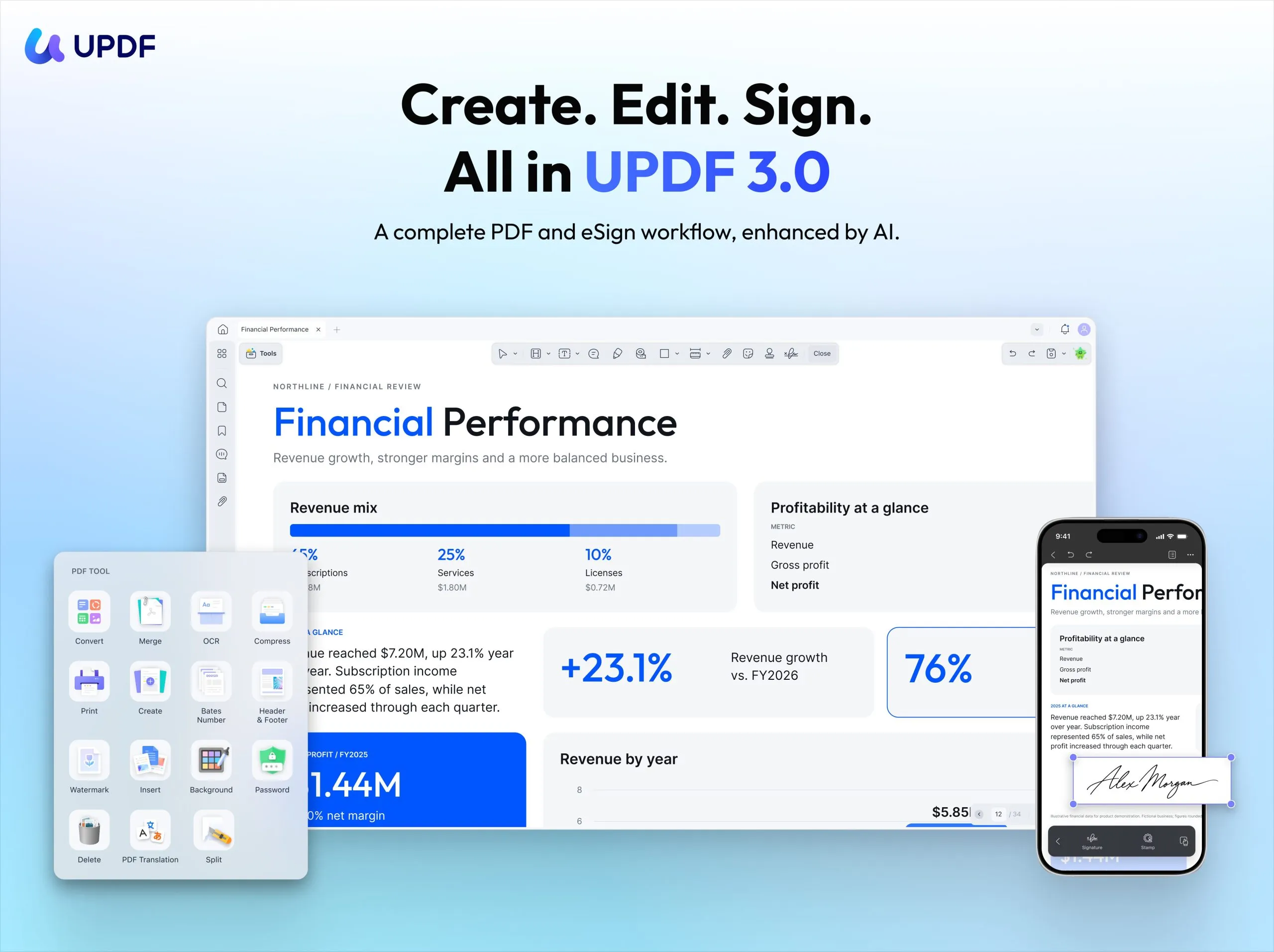
A contract’s journey rarely ends with the last edit. Before it becomes a signed agreement, someone needs to review the terms, make revisions, collect signatures, and keep track of the completed document. Moving between separate tools can make that process harder to follow.
UPDF today announced UPDF 3.0, bringing specialized AI assistants and signature requests into its PDF workspace. The update helps users move from editing and understanding a document to sending it for signature, following its progress, and managing the final agreement.
Beyond contracts, UPDF 3.0 introduces focused AI assistance for academic papers, resumes, and financial documents. These assistants organize common tasks into ready-to-use quick actions, giving users a clearer starting point for the work in front of them.
Specialized AI Assistants for Everyday Document Tasks
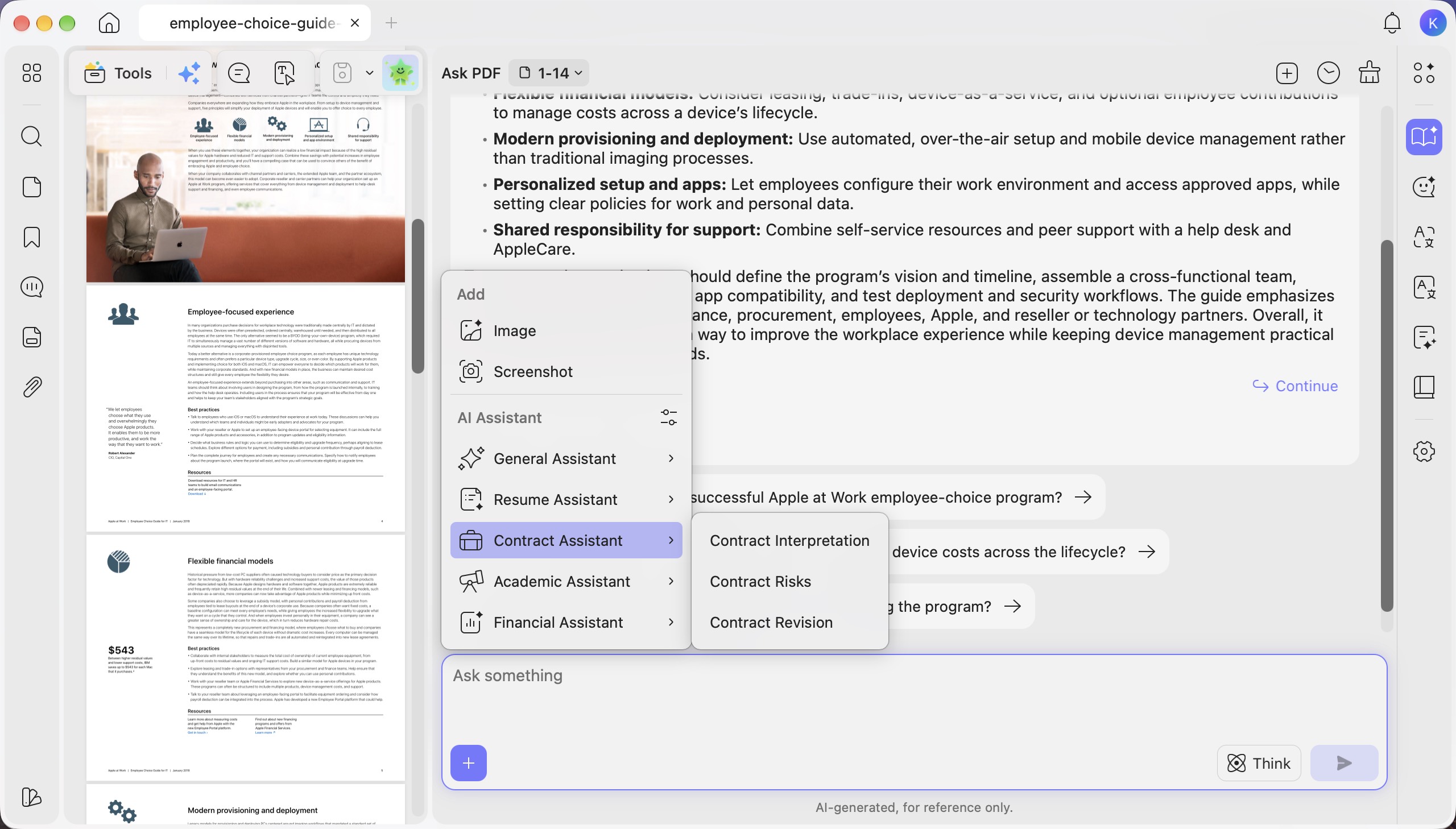
Different documents call for different questions. A researcher may want to understand a paper’s methodology, while a job seeker needs help improving a resume. Someone reviewing a contract needs to examine obligations, deadlines, and clauses that deserve closer attention.
UPDF 3.0 brings these needs together through specialized AI assistants. Built-in quick actions help users begin common tasks without writing a detailed prompt each time, while follow-up questions allow them to explore the results further.
Contract Assistant: Understand Terms and Prepare Revisions
The Contract Assistant supports quick contract reviews, risk identification, and suggestions for revising clauses. It helps users understand an agreement’s main terms and identify sections that need closer review.
For example, a user receiving a service agreement can first get an overview, then ask more specific questions about payment terms, deliverables, or termination conditions. They can review the suggestions against the original text and use UPDF’s PDF editing tools to make the necessary changes before sharing the agreement.
Academic Assistant: Read Beyond the Abstract
The Academic Assistant helps users review papers, examine their contributions and limitations, and understand research methods and technical approaches.
Users can start with the research question and main findings, then explore how the study was conducted and where its limitations lie. This gives students and researchers a more focused way to approach lengthy or unfamiliar material.
Resume Assistant: Refine Applications and Prepare for Interviews
The Resume Assistant combines resume analysis, wording improvements, and potential interview questions.
Job seekers can use it to review how they present their experience, refine descriptions of their achievements, and prepare for questions based on their resume. These tasks connect application preparation with the next stage of the hiring process.
Financial Assistant: Make Reports Easier to Review
The Financial Assistant helps users explore financial information, identify points that require attention, and ask follow-up questions about a report.
It provides a starting point for closer reading, helping users return to the relevant figures and explanations with a clearer sense of what to examine.
General tools for summarizing, translating, and creating mind maps remain available alongside these specialized assistants. Users can focus document questions on the current page, the entire PDF, or a selected page range.
Reusable Quick Actions for Recurring Work
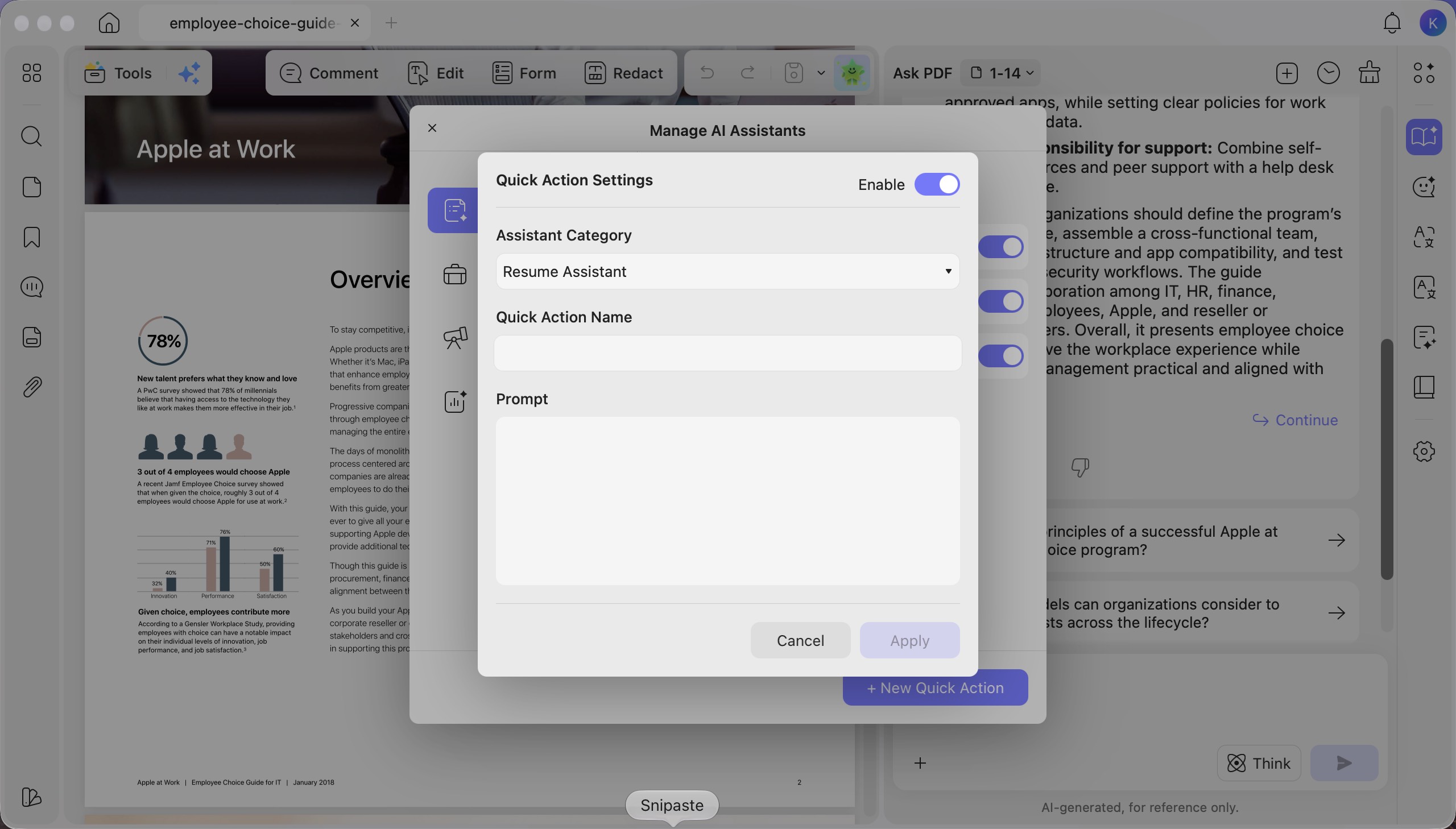
UPDF 3.0 also lets users create and manage their own quick actions, including custom categories and prompts. Actions can be edited, reordered, enabled, or disabled to suit individual workflows.
A user who regularly extracts payment obligations from contracts or summarizes reports in a consistent format can save those instructions for future use, reducing repetitive setup.
From PDF Editing to the Final Signature
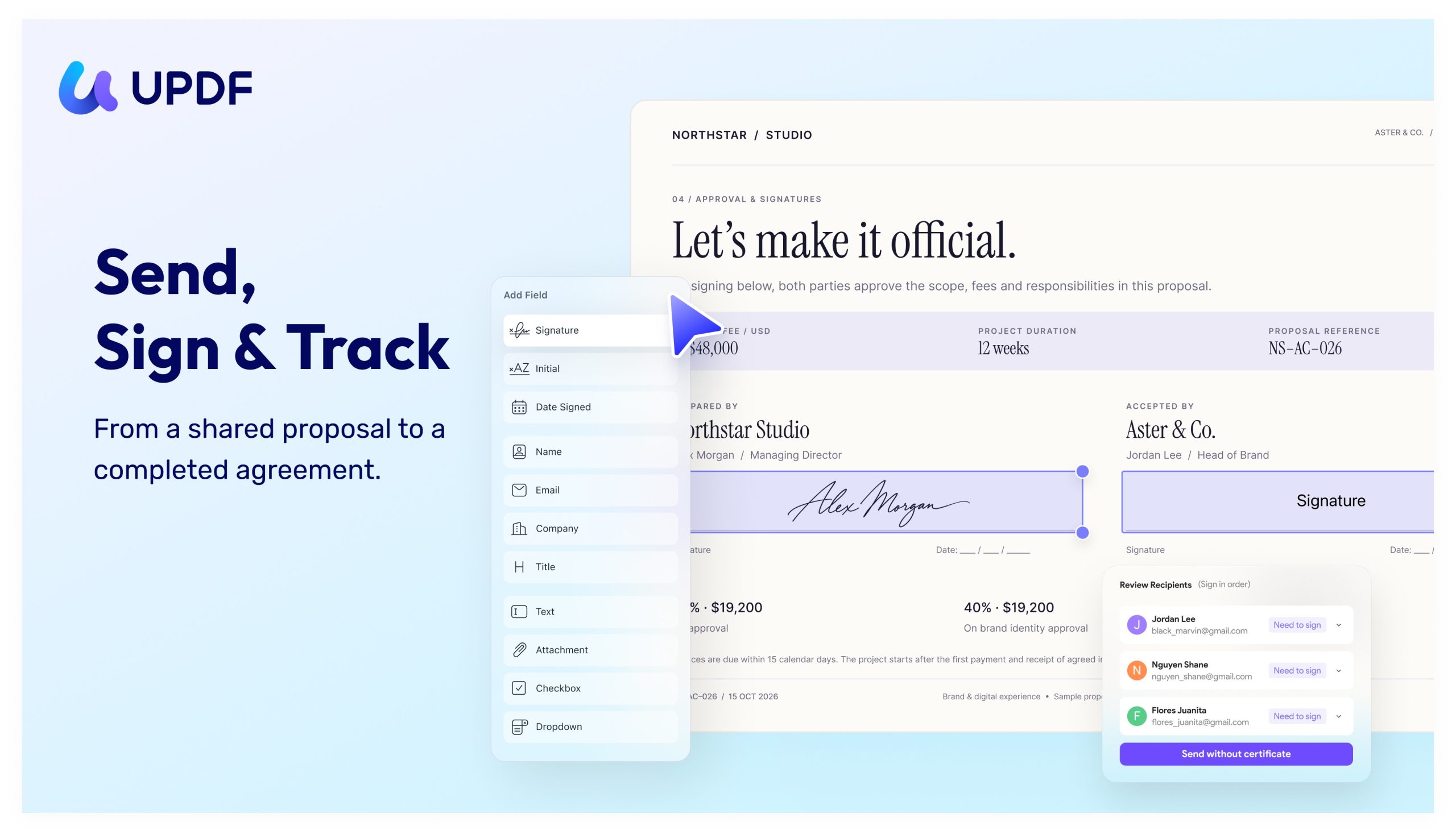
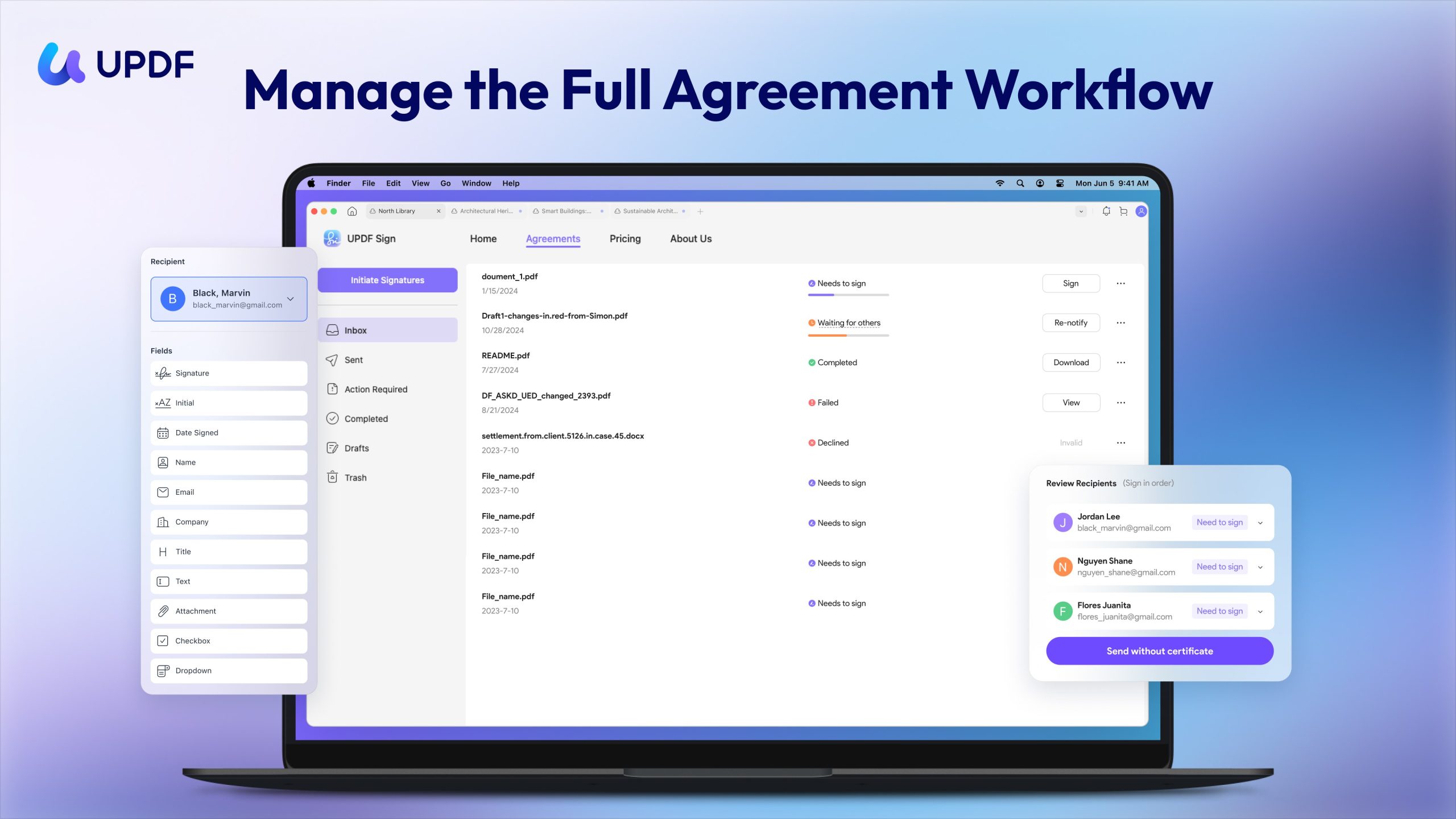
Once a document has been reviewed and revised, it often needs approval or a signature. UPDF 3.0 introduces Request Sign on Windows and Mac, extending the PDF workflow to include preparing, sending, signing, tracking, and managing agreements.
Prepare the Document for Signing
Users can edit text, organize pages, and add annotations in UPDF before sending a document. AI assistants provide additional support for understanding content and considering revisions.
For a client contract, this means users can review the terms with the Contract Assistant, make agreed changes in the PDF, and then prepare the same document for signatures.
Assign Fields to the Right People
Users can add recipients and assign signature, initial, date, and other required fields to the appropriate person.
Before sending, they can check the document and fields, include a message explaining the request, and set a signing order when an agreement needs to move through a sequence. This helps each recipient understand what they need to complete.
Sign Agreements and Follow Their Progress
UPDF supports basic eSignatures for signing contracts and agreements, as well as certificate-based eSignature requests for collecting signatures from others and tracking their progress.
Users can create their own signature by typing, drawing, or uploading a signature image. After sending a request, they can check whether recipients have viewed or signed the document and send reminders when follow-up is needed.
Both senders and recipients can follow signing progress in UPDF, reducing the need to exchange emails simply to confirm an agreement’s status.
Download Agreements and Reuse Saved Signatures
After signing is complete, users can download the final agreement and keep it organized for future reference.
Search, filters, and status categories help users find documents and distinguish drafts, requests awaiting action, agreements waiting for others, and completed files. Saved personal signatures can also be reused in future documents, supporting ongoing signing needs.
AI Vision Adds Practical Tools for Mobile Tasks
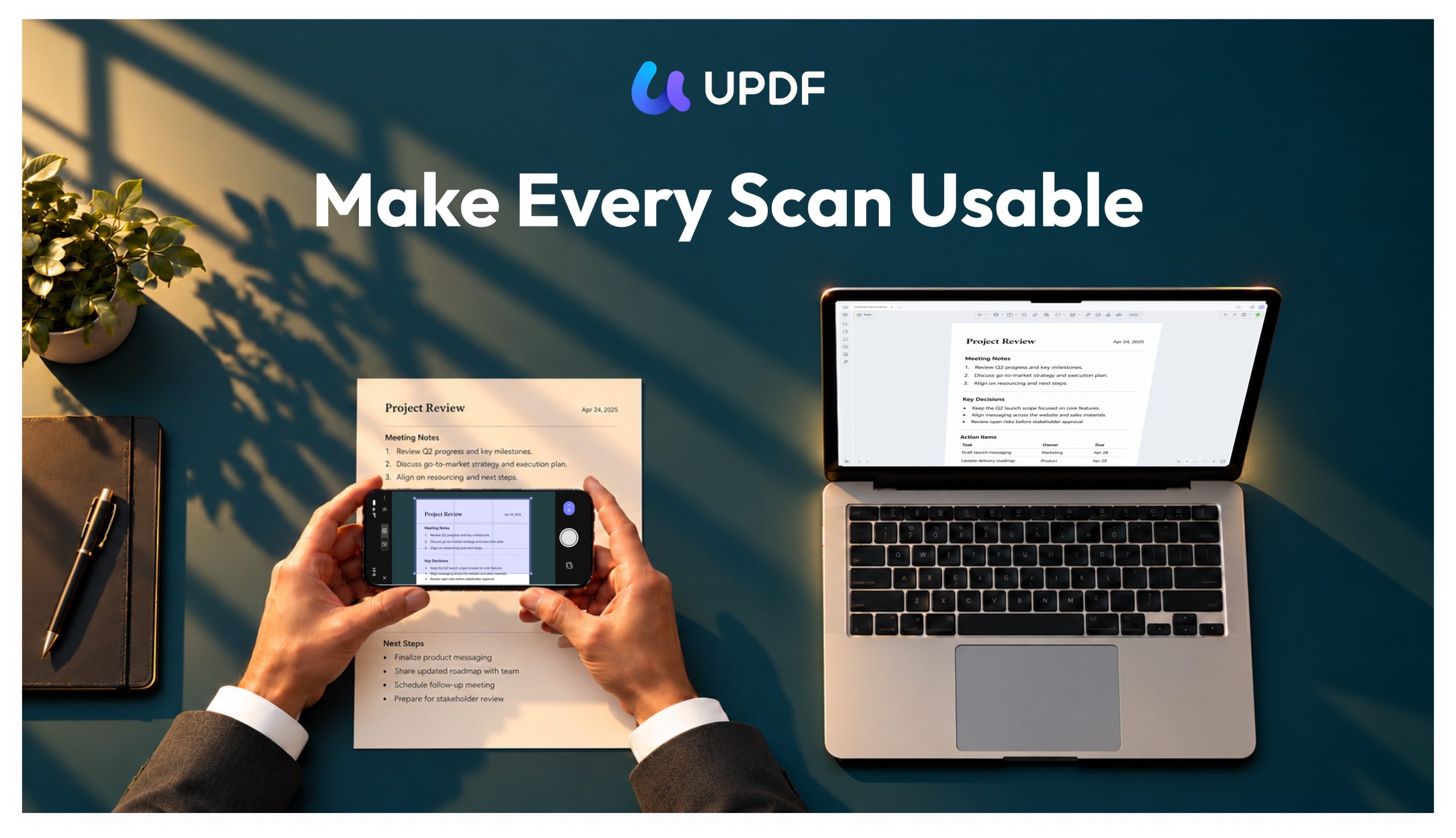
UPDF 3.0 also introduces AI Vision on mobile, providing dedicated tools for extracting and translating text from images, recognizing details from business cards and receipts, and counting objects in photos.
These tools help users work with information captured away from their desks, whether they need text from a printed page, details from a receipt, or a count they can check against the original image.
Experience UPDF 3.0
UPDF 3.0 connects more of the work that happens around a document. Specialized AI assistants help users approach content with a specific purpose, while signature requests carry prepared agreements through signing and into ongoing management.
Whether reviewing a contract, studying a paper, or preparing career materials, users can choose the assistance that fits their task and continue working in UPDF.
Visit the UPDF Download Center to explore UPDF 3.0 and its workflow from PDF editing to the final signature.
Windows • macOS • iOS • Android 100% secure