UPDF
UPDF
 UPDF for Windows
 UPDF for Mac
 UPDF for iPhone/iPad
 UPDF for Android
 UPDF AI Online
 UPDF Sign
 Edit PDF
 Annotate PDF
 Create PDF
 PDF Form
 Edit links
 Convert PDF
 OCR
OCR PDF to Word
 PDF to Image
 PDF to Excel
 Organize PDF
 Merge PDF
 Split PDF
 Crop PDF
 Rotate PDF
 Protect PDF
 Sign PDF
 Redact PDF
 Sanitize PDF
 Remove Security
 Read PDF
 UPDF Cloud
 Compress PDF
 Print PDF
 Batch Process
 About UPDF AI
 UPDF AI Solutions
 AI User Guide
 FAQ about UPDF AI
 Summarize PDF
 Translate PDF
 Chat with PDF
 Chat with AI
 Chat with image
 PDF to Mind Map
 Explain PDF
 PDF AI Tools
 Image AI Tools
 AI Chat Tools
 AI Writing Tools
 AI Study Tools
 AI Working Tools
 Other AI Tools
 AI Bookmark Generation
 AI Bookmark Summary
 AI Watermark Generation
 AI Background Generation
 AI Sticker Generation
 AI Stamp Generation
 AI Editing Suite
 UPDF Copilot
 AI Page Management
 AI Semantic Search
 PDF to Word
 PDF to Excel
 PDF to PowerPoint
 Enterprise Solution
 Enterprise Sign
 Enterprise AI
 Enterprise Plan
 Enterprise User Guide
 Enterprise Webinar
 Banking
 Healthcare
 Insurance
 Legal
Legal Manufacturing
 Government
 Education Solution
 Customer Stories
 User Guide
 UPDF Tricks
 FAQs
FAQs UPDF Reviews
 Download Center
 Blog
Blog Newsroom
 Tech Spec
 Updates
 UPDF vs. Adobe Acrobat
 UPDF vs. Foxit
 UPDF vs. PDF Expert


PDF editors are designed to cater to different professional needs. Many users struggle to choose the right PDF editor due to unclear feature differences. Some of them find Bluebeam Revu ideal for architecture and construction projects, yet complex for general professional tasks. Conversely, UPDF offers an intuitive platform for editing and organizing PDFs without requiring specialized training.
This guide compares UPDF vs. Bluebeam Revu and highlights their features for a good understanding of both tools. In the end, you can select the right PDF editing tool that best fits your business operations and necessities.
Part 1. Quick Comparison of UPDF and Bluebeam Revu
First off, let's take a quick look at UPDF vs. Bluebeam Revu to see their main differences.
| Feature | UPDF | Bluebeam Revu |
| Core Focus | PDF editor with AI for documents, forms, and scans | AEC‑focused PDF tool for drawings and project markups |
| AI Assistant | Built‑in AI for summaries, Q&A, and translation | No native AI assistant |
| Markup & Annotation | Strong for comments and review on documents | Industry‑grade tools for construction drawings |
| Cross‑Platform Support | Windows, macOS, iOS, Android | Mainly Windows desktop plus web/mobile |
| Best For | Regular and academic PDFs, office workflows | Construction documentation and AEC project sets |
| PDF Editing | Full text and image editing for everyday PDFs | Limited text editing |
Part 2. Getting To Know UPDF And Bluebeam Revu
Having compared both tools side by side, it is important to look at each product individually. The following overview explains UPDF vs. Bluebeam Revu in terms of purpose, core features, and intended users.
What is UPDF?
UPDF is a cross-platform, AI-powered PDF solution designed for modern workflows. Unlike traditional PDF software, UPDF provides a unified experience across Windows, macOS, iOS, and Android with a single license. It bridges the gap between simple readers and complex industrial tools, offering a sleek, intuitive interface that requires zero learning curve. Whether you are handling business contracts or academic research, UPDF integrates editing, cloud syncing, and advanced AI into one seamless ecosystem.
Try UPDF for Free – Experience smarter PDF editing on any device today!
Windows • macOS • iOS • Android 100% secure
Key Features of UPDF
Now, we will explore the core features that make UPDF practical for everyday PDF tasks.
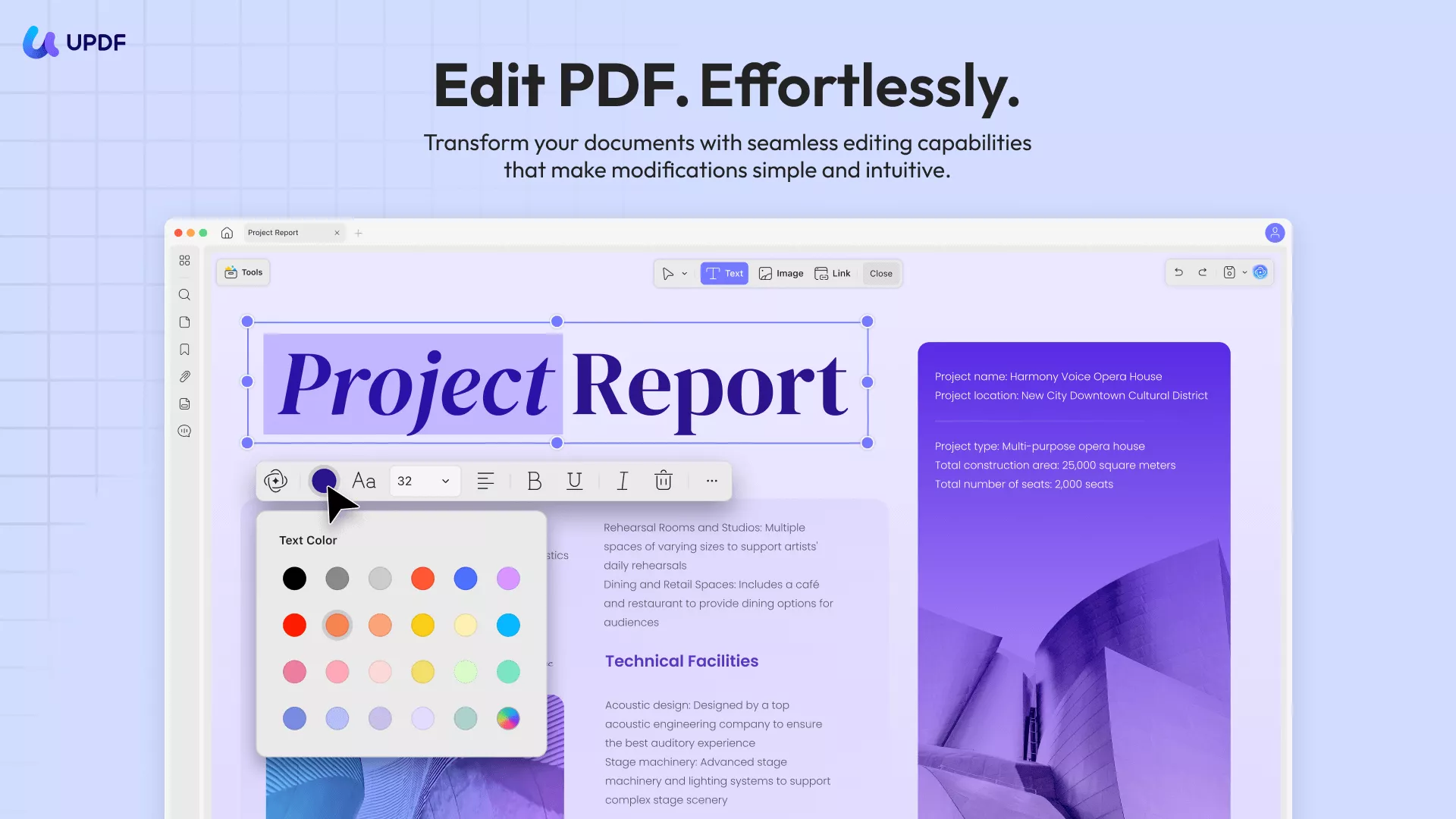
1. Universal PDF Editing & Organizing: Edit text, images, and links as easily as in a Word document. Crop, split, or reorder pages across all devices to keep your files perfectly structured.
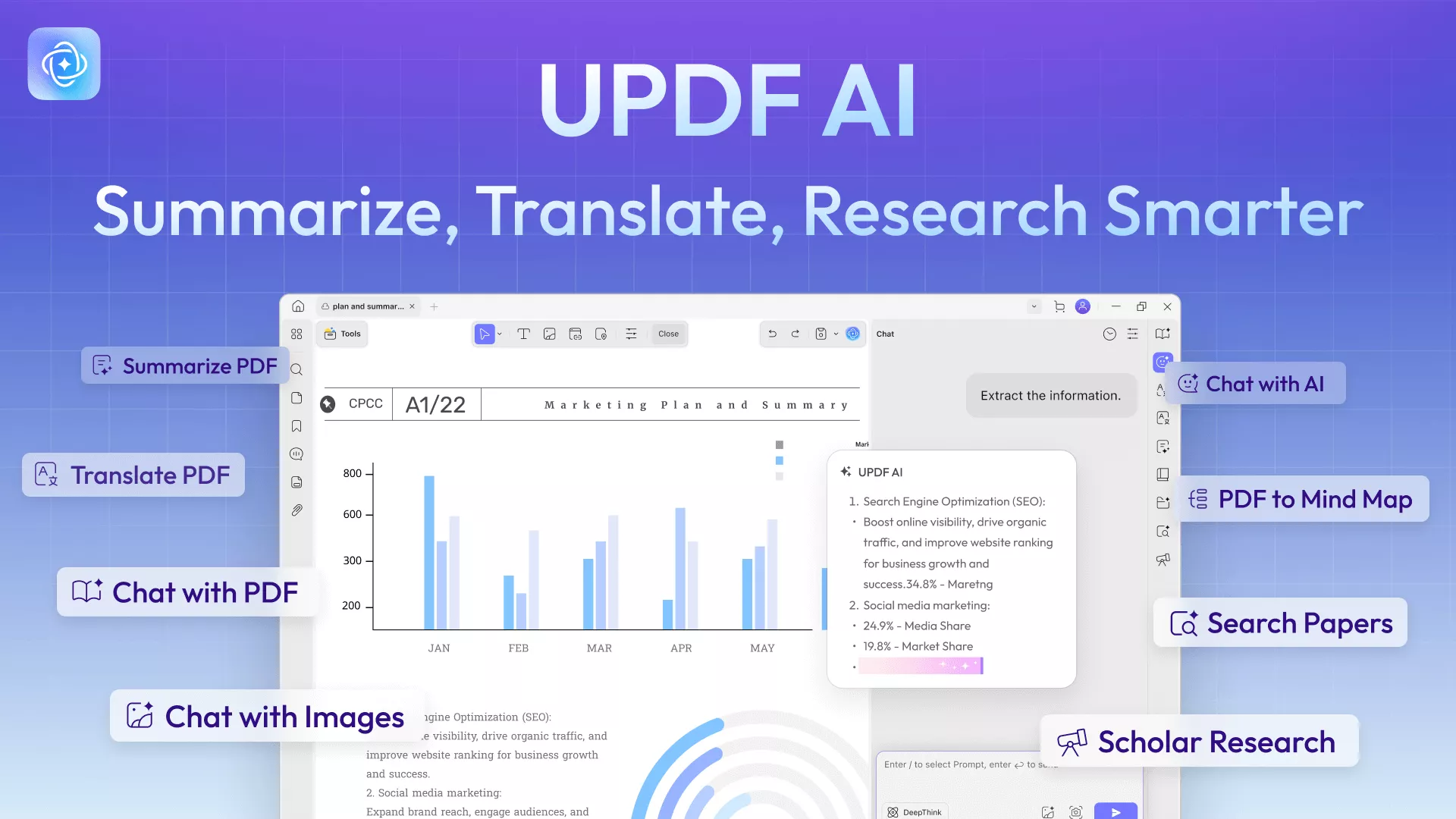
2. Advanced UPDF AI: Beyond simple summaries, the built-in AI can explain complex terms, write or polish content, and chat with your PDF to extract deep insights in seconds.
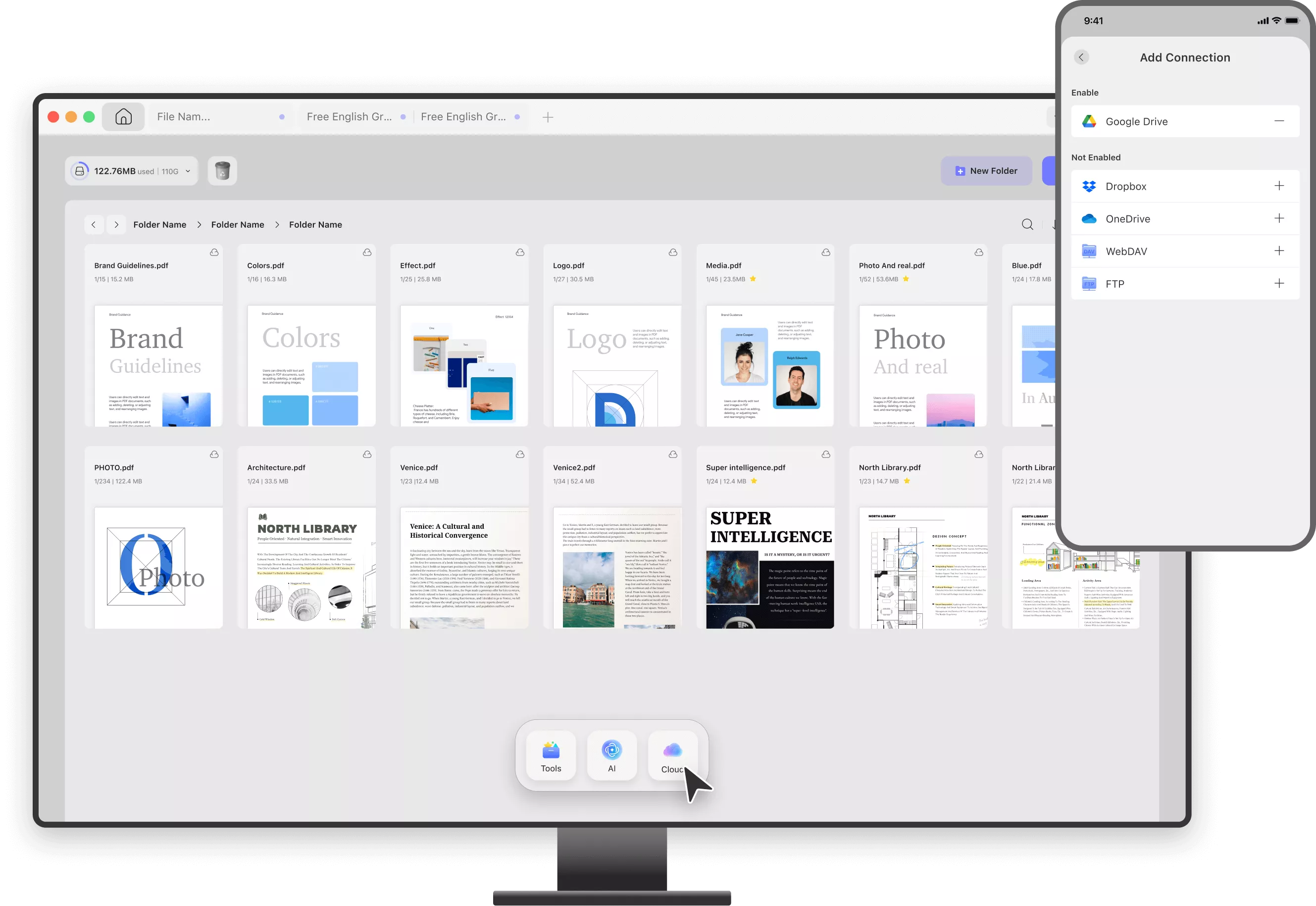
3. Seamless Cloud Synchronization: Use UPDF Cloud to upload files and access them anywhere. Any annotation or edit made on your desktop reflects instantly on your mobile device.
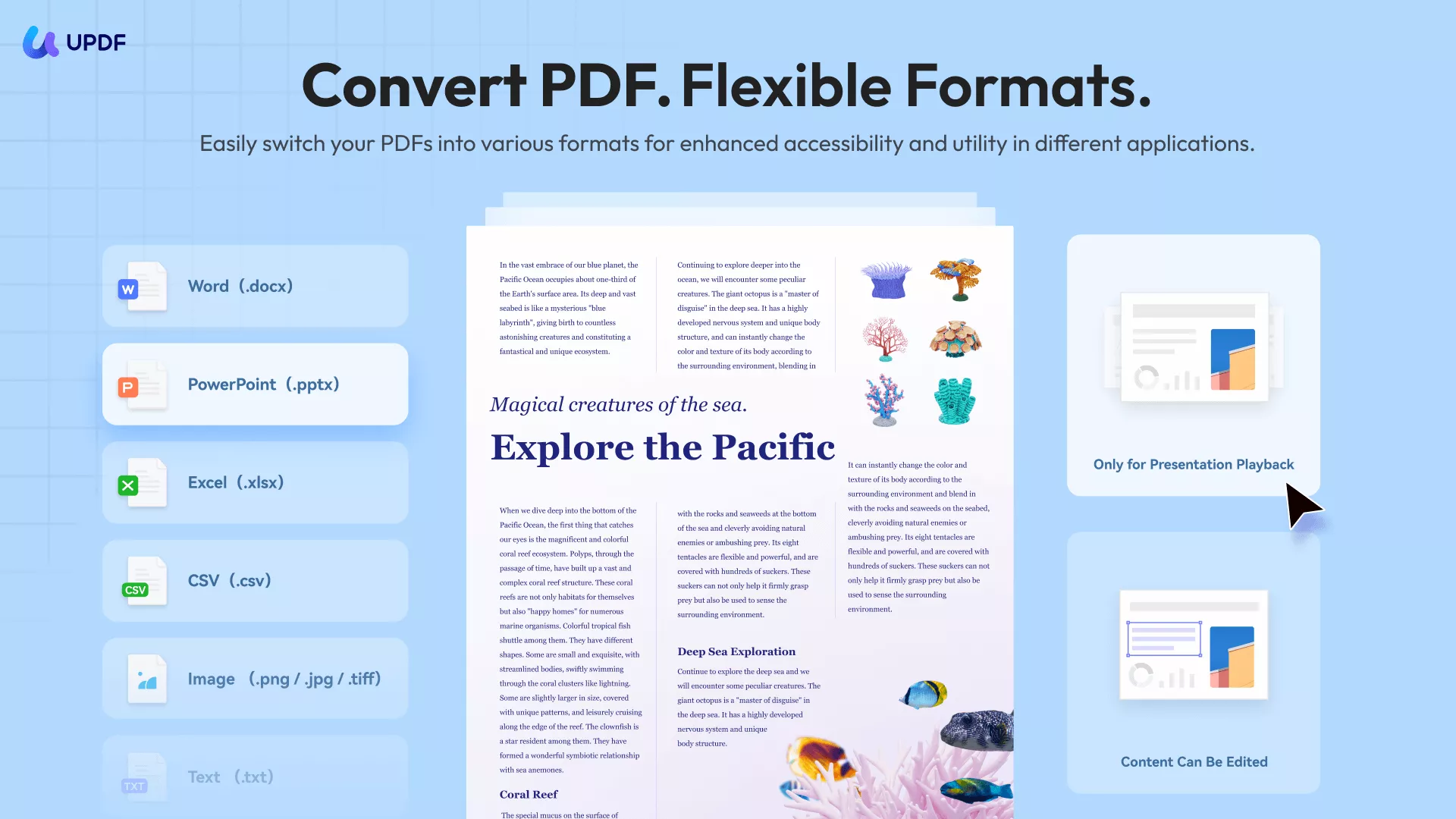
4. High-Speed OCR & Conversion: Convert scanned documents into searchable, editable PDFs with industry-leading accuracy in 38 languages, or export them to Office formats without losing layout integrity.

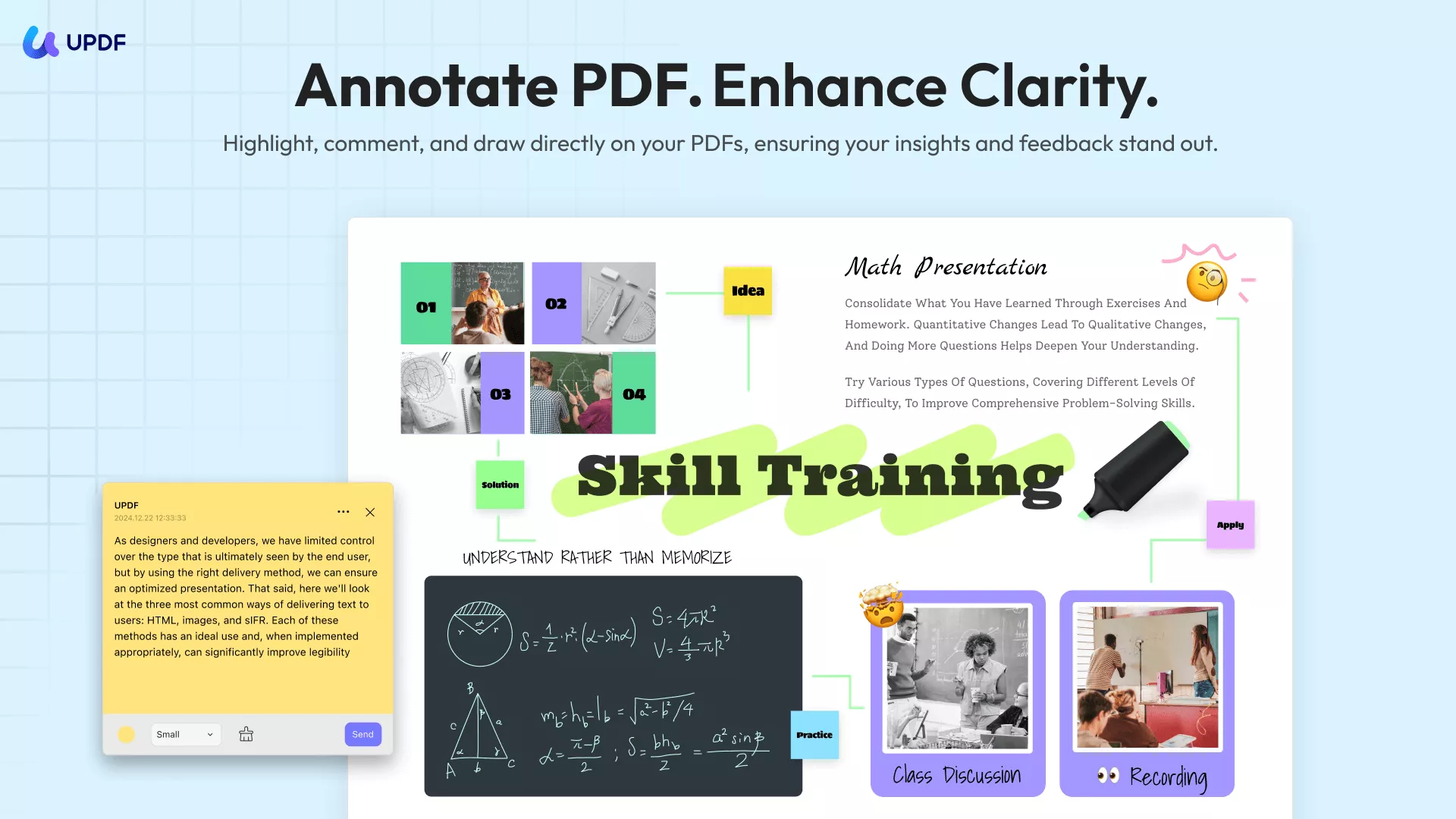
5. Professional Annotation & Forms: Use a rich toolkit of highlights, stamps, and stickers for feedback. Effortlessly create, fill, and digitally sign PDF forms to streamline your paperless office.
Best For
- Multi-device Users: Professionals who switch between office desktops and mobile tablets and need their work to follow them.
- Efficiency Seekers: Users who want to leverage AI to process long documents and translate international files instantly.
- Budget-Conscious Teams: Businesses looking for a high-performance, cost-effective alternative to expensive, legacy PDF software.
What is Bluebeam Revu?
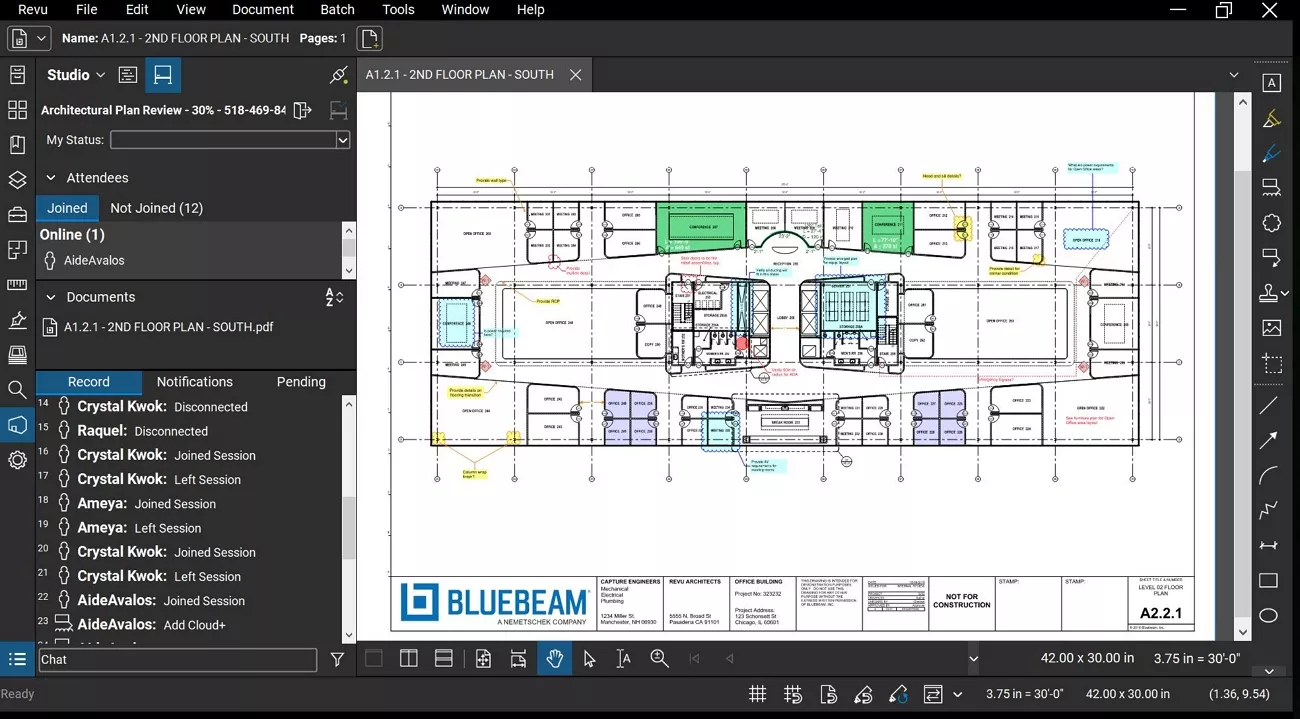
Bluebeam Revu is PDF‑based software for construction and design teams to review and manage drawings. It lets architects and contractors collaborate on shared plans in real time in order to reduce confusion and rework. The program offers specialized tools for measurements and comparisons, helping track design changes and quantities on complex projects.
Other than that, users can organize large sets of project documents, keep revisions aligned, and generate clear reports from detailed markups. As it is tailored to AECO workflows, Bluebeam Revu is a daily standard on global construction projects.
Key Features of Bluebeam Revu
- "Studio Sessions" for real‑time collaboration, so many users can work on one drawing together.
- Advanced measurement and digital takeoff tools such as "Dynamic Fill," "Quantity Link," and "Excel live‑link."
- "Tool Chest" with customizable markup symbols so teams keep annotations consistent on every sheet.
- "Markups List" that tracks every comment and measurement and exports detailed PDF or CSV reports.
Best For
- Limited to construction and design teams that review drawings and technical PDFs together.
- Engineers and contractors who need takeoffs and trackable markups on project documents.
Part 3. Feature Comparison and Real-World Use Scenarios (UPDF vs Bluebeam Revu)
To understand how UPDF vs. Bluebeam Revu perform in daily tasks, let's explore key features through practical user scenarios.
Scenario 1: Editing PDF Content
Upon receiving a PDF report from a client who needs urgent updates before a meeting. You need to change text and adjust images without breaking the formatting. Here's how both tools work in this scenario.
- UPDF: Lets you edit text, images, and links in PDFs without losing formatting and converting files.
- Bluebeam Revu: Focuses on technical drawings and makes standard report edits slow and unintuitive for regular tasks.
Scenario 2: Markup & Review Workflows
Teams often need to mark-up project documents and agree on changes under tight deadlines. Here's how each tool behaves in that situation.
- UPDF: Allows you to highlight text and add comments or notes for fast team collaboration.
Windows • macOS • iOS • Android 100% secure
- Bluebeam Revu: It provides advanced markup tools for project drawings but makes simple review tasks more complicated.
Scenario 3: Document Understanding & AI Assistance
You have a long contract or report and need to quickly identify key clauses, figures, and important information. Let's see how UPDF vs. Bluebeam Revu handles document analysis.
- UPDF: AI tools in UPDF summarize sections, highlight key points, and extract important information instantly.
- Bluebeam Revu: Users have to rely on manual reading and interpretation as the tool offers minimal AI support.
Scenario 4: Learning Curve & Daily Productivity
New users often need to start working immediately without spending hours learning complex features. Let's highlight how each tool affects workflow and daily productivity.
- UPDF: Uses a clear interface so most PDF jobs happen quickly with little or no prior training.
- Bluebeam Revu: Demands a learning period to understand its advanced tools, which slows down general daily tasks for new or casual users.

Part 4. Compare Pricing and Value: UPDF vs. Bluebeam Revu
Pricing plays a key role when choosing the right PDF tool for your needs. Let's examine UPDF vs. Bluebeam Revu to see how they compare in cost and overall value for professionals.
| Aspect | UPDF Pro | Bluebeam Revu |
| Price | Pro plan: $49.99/year or $79.99/lifetime, 4 devices. See pricing >> | Basic plan starting from $260/year/user |
| PDF Editing | Full text and image editing for general documents and forms | Strong editing aimed at drawings and technical PDFs, less focused on office‑style copy edits |
| Batch Processing | Batch convert, combine, and encrypt in Pro plans | Batch tools in higher Revu tiers, focused on project sets and markups |
| AI Features | Optional +AI plan with summarize, Q&A, translation, and "Chat with PDF" tools | No native AI assistant: users rely on search, markups, and manual reading |
Part 5. UPDF vs. Bluebeam Revu: Key Advantages and Drawbacks
After examining features and pricing, let's summarize the key advantages and drawbacks of UPDF vs. Bluebeam Revu.
Pros and Cons of UPDF
To help you make an informed decision, here is a summary of the main advantages and drawbacks of UPDF.
Pros:
- Affordable pricing and flexible plans suitable for individuals and teams.
- Helps non-technical users handle PDFs without extensive training.
- Improves productivity with AI-assisted summarization and quick document processing.
- Reduces dependency on multiple tools for editing, annotating, and signing.
Cons:
- Occasional slowdowns when handling very large or complex PDF files.
- Mobile version has fewer functions compared to the desktop.
Pros and Cons of Bluebeam Revu
Next, let's explore the key advantages and limitations of Bluebeam Revu.
Pros:
- Offers powerful markup and measurement tools for architecture and engineering projects.
- Provides robust collaboration features ideal for large AEC teams.
- Includes customizable toolsets designed specifically for specialized professional workflows.
Cons:
- Comes with higher pricing, often justified only for AEC professionals.
- Has a steeper learning curve for general users handling PDFs.
- Less suitable for everyday PDF editing or non-technical document usage.
Part 6. Which One Should You Choose?
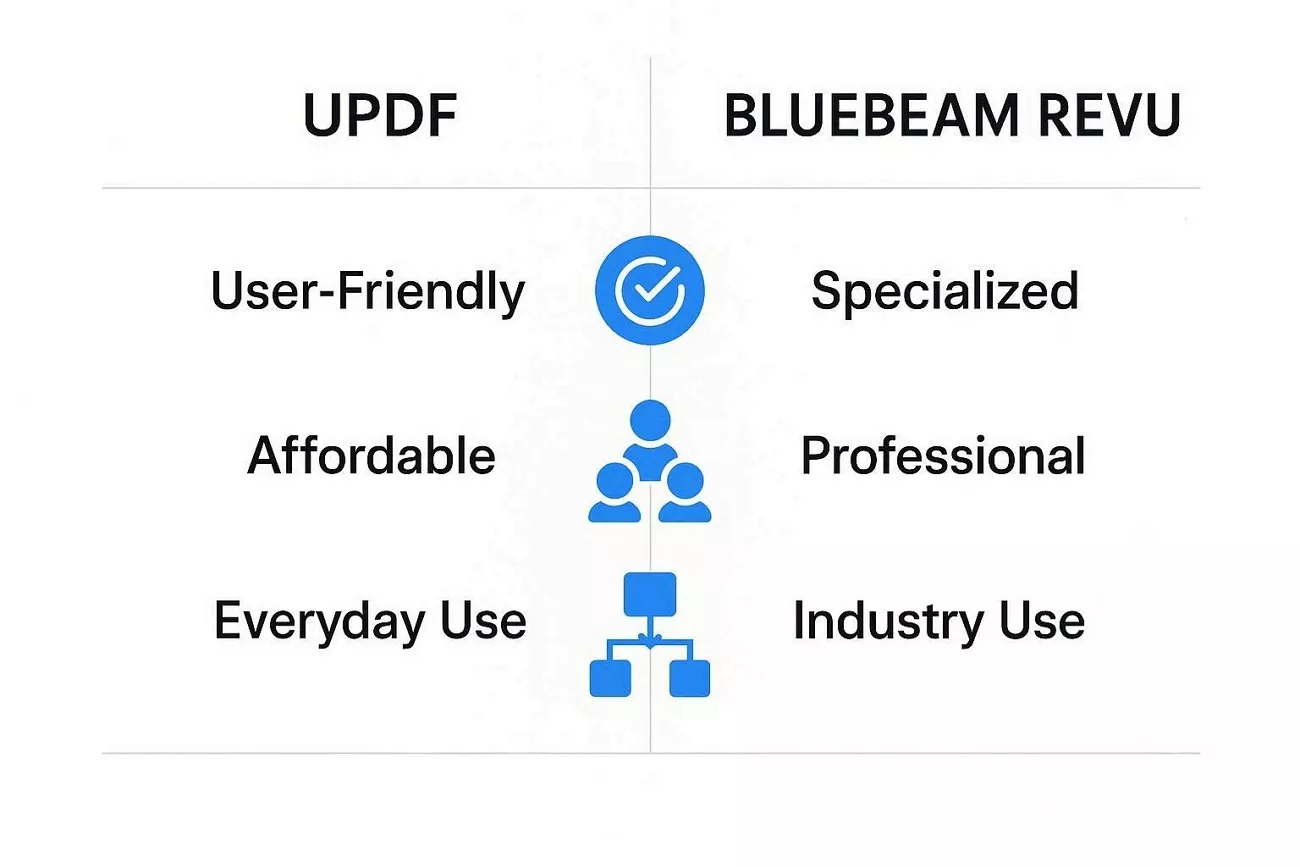
When comparing UPDF vs. Bluebeam Revu, it is obvious that both tools address dissimilar professional requirements. Bluebeam Revu offers precise measurement tools and strong collaboration features for large teams. While powerful for AEC professionals, its higher pricing and specialized focus make it less practical for general PDF tasks.
On the other hand, UPDF serves most professionals, freelancers, and students with practical PDF tools. It combines editing and AI-assisted document understanding in one platform. This tool works perfectly for professionals who handle PDFs every day.
Conclusion
In conclusion, this guide compared UPDF vs. Bluebeam Revu to highlight how each tool serves different workflows. Bluebeam Revu excels in architecture and construction projects, while UPDF provides versatile PDF editing, translation, and AI-assisted features. For professionals and teams handling general-purpose PDFs, UPDF proves to be the more practical choice - give it a try for free!
Windows • macOS • iOS • Android 100% secure
Disclaimer
The information on this page is based on our testing and publicly available product details, currently. Features and pricing may change over time. If you notice any inaccuracies, please contact us at [email protected].


 Engelbert White
 Enrica Taylor