UPDF
UPDF
 UPDF for Windows
 UPDF for Mac
 UPDF for iPhone/iPad
 UPDF for Android
 Nomostar
 UPDF AI Online
 UPDF Sign
 IvyCraft
 Edit PDF
 Annotate PDF
 Create PDF
 PDF Form
 Edit links
 Convert PDF
 OCR
OCR PDF to Word
 PDF to Image
 PDF to Excel
 Organize PDF
 Merge PDF
 Split PDF
 Crop PDF
 Rotate PDF
 Protect PDF
 Sign PDF
 Redact PDF
 Sanitize PDF
 Remove Security
 Read PDF
 UPDF Cloud
 Compress PDF
 Print PDF
 Batch Process
 About UPDF AI
 UPDF AI Solutions
 AI User Guide
 FAQ about UPDF AI
 Summarize PDF
 Translate PDF
 Chat with PDF
 Chat with AI
 Chat with image
 PDF to Mind Map
 Explain PDF
 PDF AI Tools
 Image AI Tools
 AI Chat Tools
 AI Writing Tools
 AI Study Tools
 AI Working Tools
 Other AI Tools
 AI Bookmark Generation
 AI Bookmark Summary
 AI Watermark Generation
 AI Background Generation
 AI Sticker Generation
 AI Stamp Generation
 AI Editing Suite
 UPDF Copilot
 AI Page Management
 AI Semantic Search
 PDF to Word
 PDF to Excel
 PDF to PowerPoint
 Enterprise Solution
 Enterprise Sign
 Enterprise AI
 Enterprise Plan
 Enterprise User Guide
 Enterprise Webinar
 IT
IT Education
 Construction
 Financial Service
 Healthcare
 Insurance
 Legal
Legal Manufacturing
 Government
 Researchers & PhDs
 Solopreneurs & Freelancers
 Lawyers & Legal Professionals
 Real Estate Agents & Brokers
 Education Solution
 Customer Stories
 User Guide
 UPDF Tricks
 FAQs
FAQs UPDF Reviews
 Download Center
 Blog
Blog Newsroom
 Tech Spec
 Updates
 UPDF vs. Adobe Acrobat
 UPDF vs. Foxit
 UPDF vs. PDF Expert












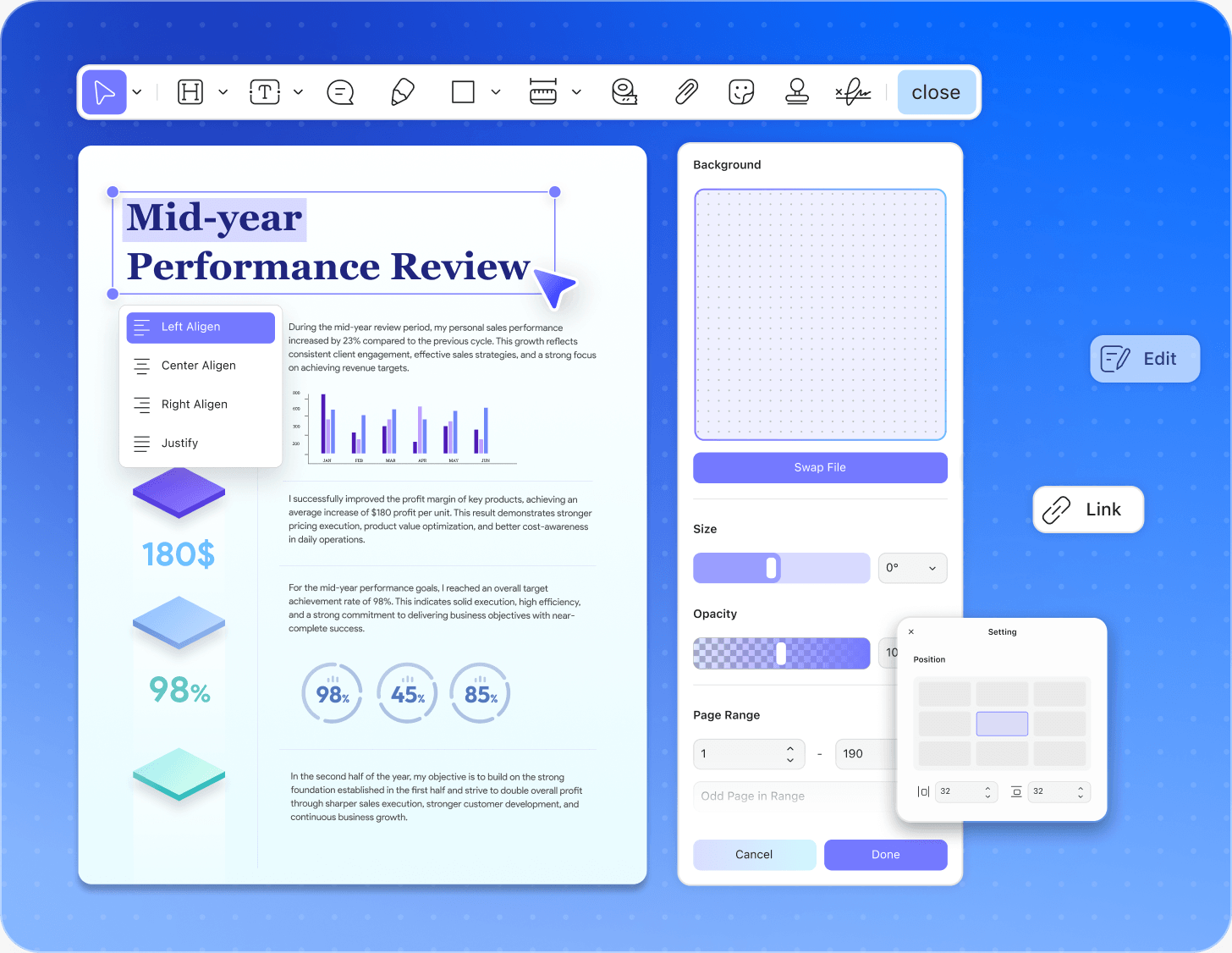
Edit PDF Text, Images,
and Page Layouts
Edit Inline Text
Modify words, fonts, and paragraph alignment directly inside
any PDF file with automatic text-reflow.
Adjust Layout Images
Replace, crop, rotate, and resize embedded document graphics and corporate logos without shifting text format.
Update Hyperlinks & Assets
I nsert active web links, customize page backgrounds, and
update organization watermarks or footers globally.
Ultra-Fast, Lightweight PDF
Reader for All Devices
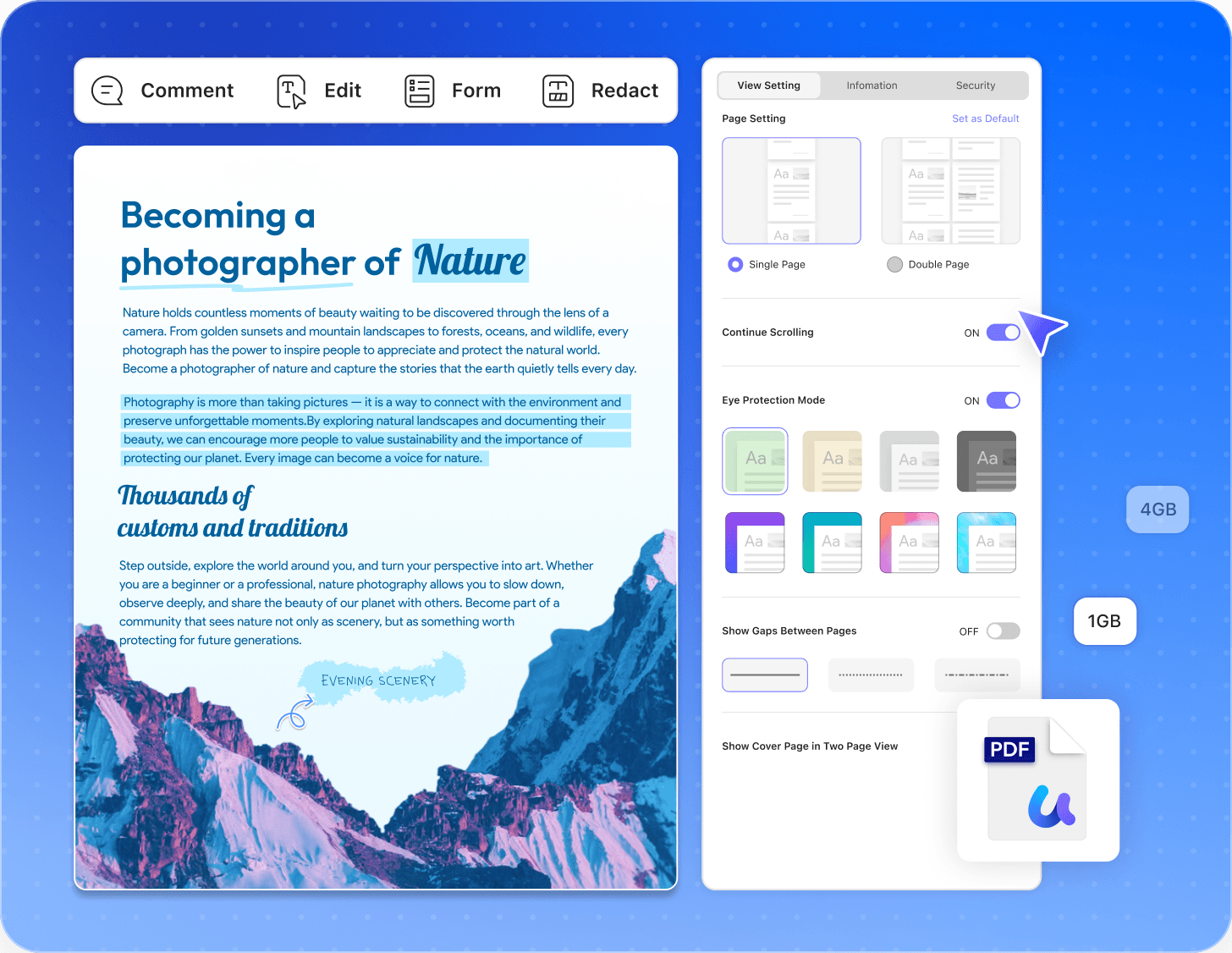
Launch Instantly with Zero Lag
Open 1GB+ heavy PDF files or engineering blueprints in milliseconds, optimized with a lightweight engine that consumes minimal system RAM
Toggle Multi-Display Modes
Switch seamlessly between single-page, two-page parallel scrolling, and full-screen slideshow presentations to match your workflow.
Enable Eye-Care Dark Mode
Reduce eye strain during long reading sessions by instantly activating native dark mode or customizing page background skirns.
Convert Scanned PDFs and
Images into Editable Text
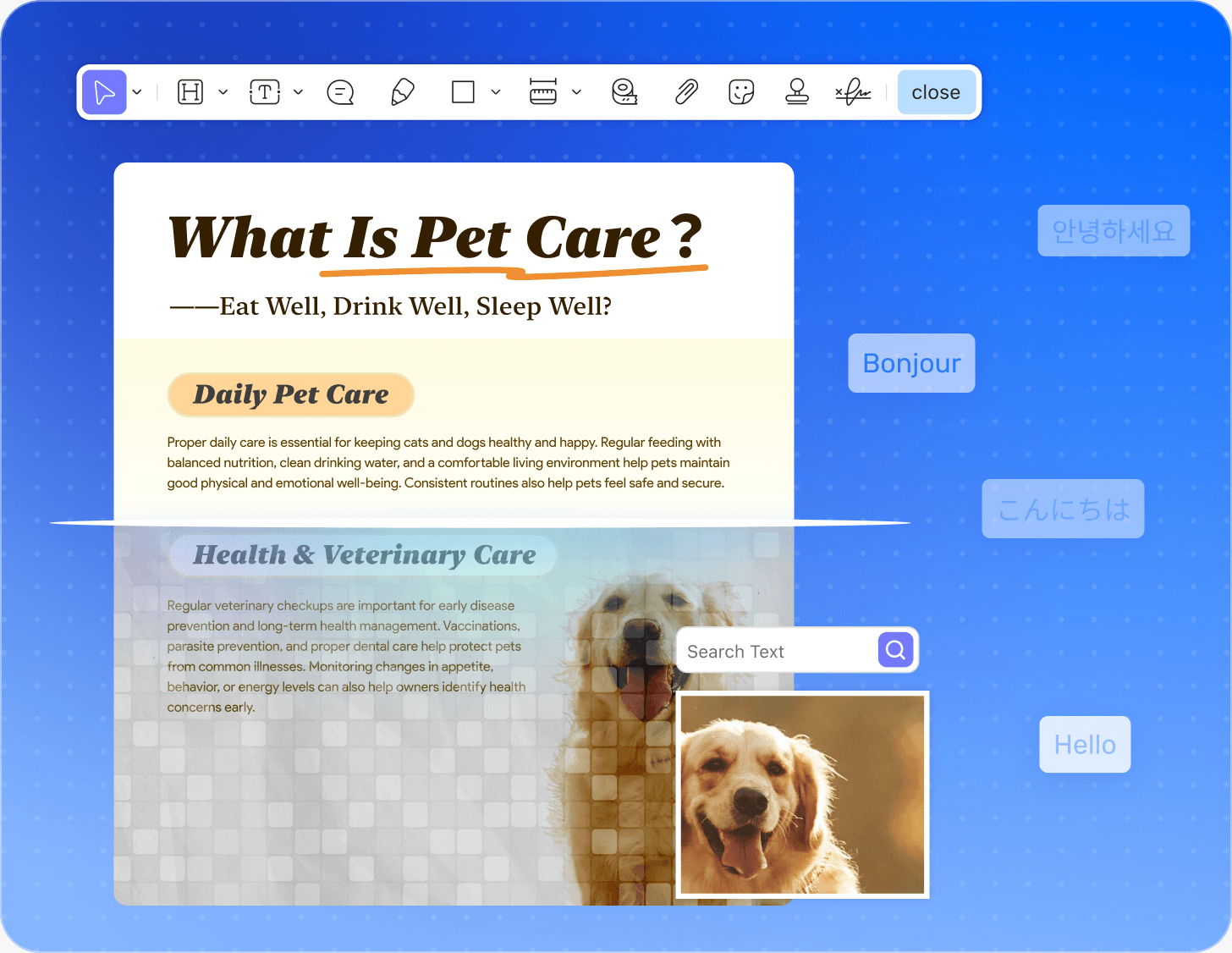
99% High-Accuracy OCR Text Recognition
Extract text from scanned PDF documents, paper invoices, andimages with advanced optical character recognition that maintains origginal document structures.
Multi-Language Document Detection
Recognize and process text across 38+ international languagesnatively including English, German, French, Japanese, Korean, and Chinese
Transform to Searchable & Editable Formats
Convert non-selectable image PDFs into fully searchable, editable, and copyable text files, compatible with standard text editors instarhtly.
Create, Insert, and Manage PDF
Electronic Signatures
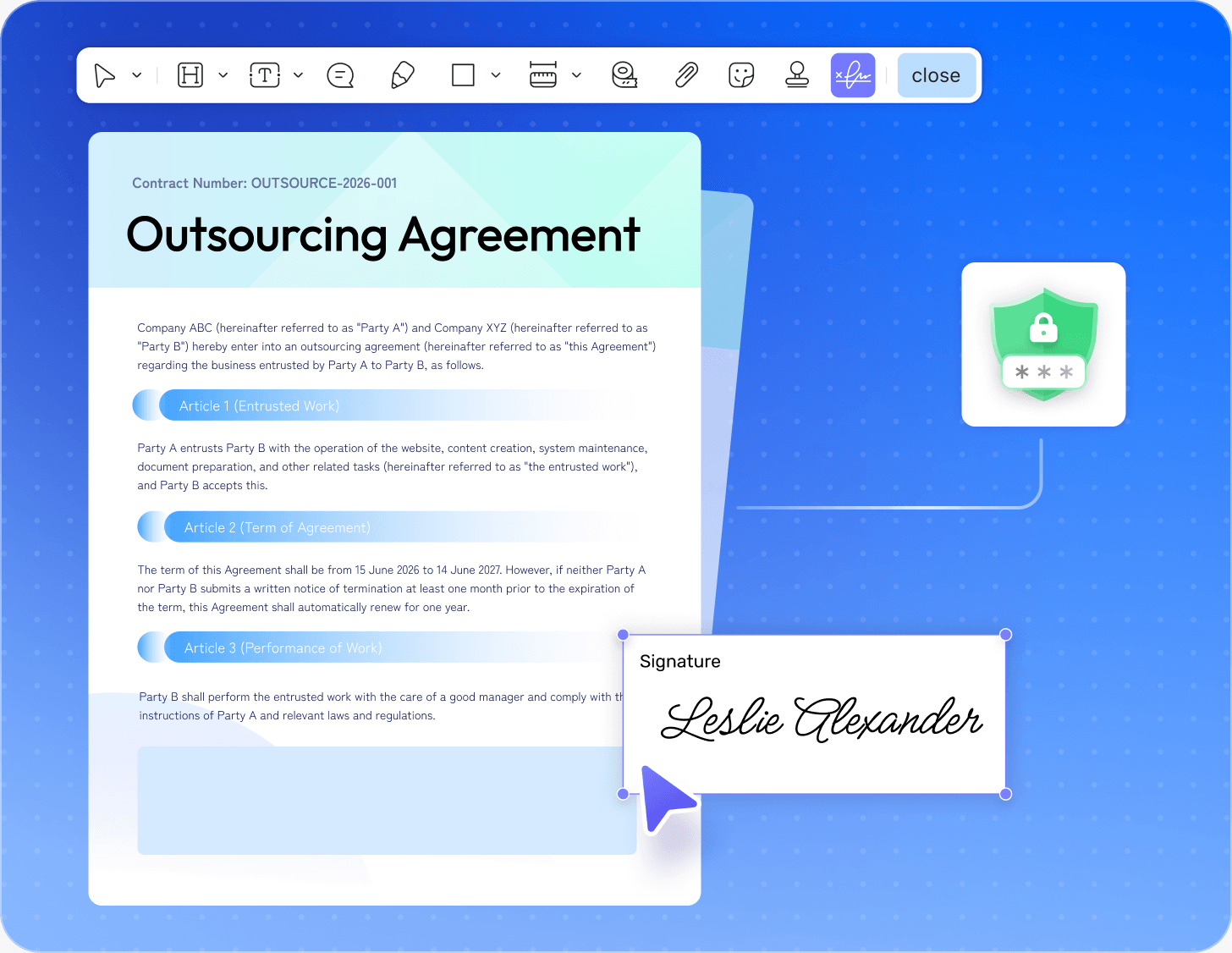
Draw or Type Electronic Signatures
Create personalized electronic signatures instantly by drawingwith a trackpad/stylus, typing your name with customized fonts, or uploading a scanned image of your handwritten autograph.
Apply Legally Binding Digital Signatures
Add secure digital certificates to professional contracts and bpusiness invoices, ensuring full regulatory compliance with internationaelectronic signature legal acts.
Protect Integrity with Tamper-Proof Locks
Lock signed PDF documents automatically to prevent unauthorized text edits or layout modifications, securing the absolute integrity of your finalized legal agreements.
Convert PDF to Word, Excel,
PowerPoint & Images
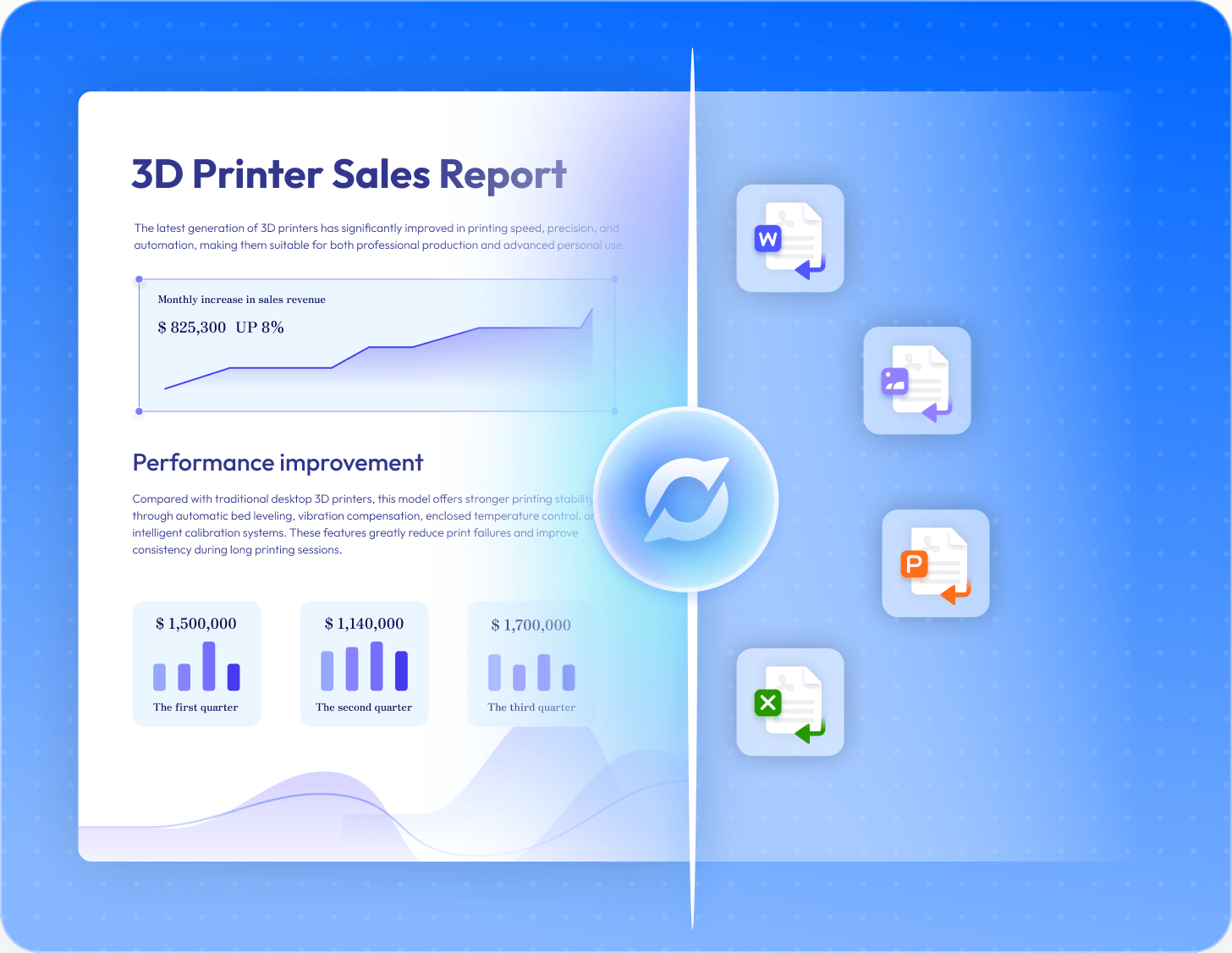
Export to Editable Office Formats
Convert PDF files seamlessly into fully editable Microsoft Word, Excel spreadsheet, and PowerPoint presentation formats while preserving original fonts, tables, and layouts 100%.
Transform into High-Resolution Images
Extract PDF pages or convert whole documents into high-quality image file formats, including PNG, JPEG, TIFF, and BMP, with customizable resolution outputs.
Execute Multi-File Batch Conversion
Process dozens of PDF files simultaneously using a high-speed batch conversion engine, saving workflow time without experiencing system memory slowdowns.
Add Annotations, Markups,
and Comments to PDFs
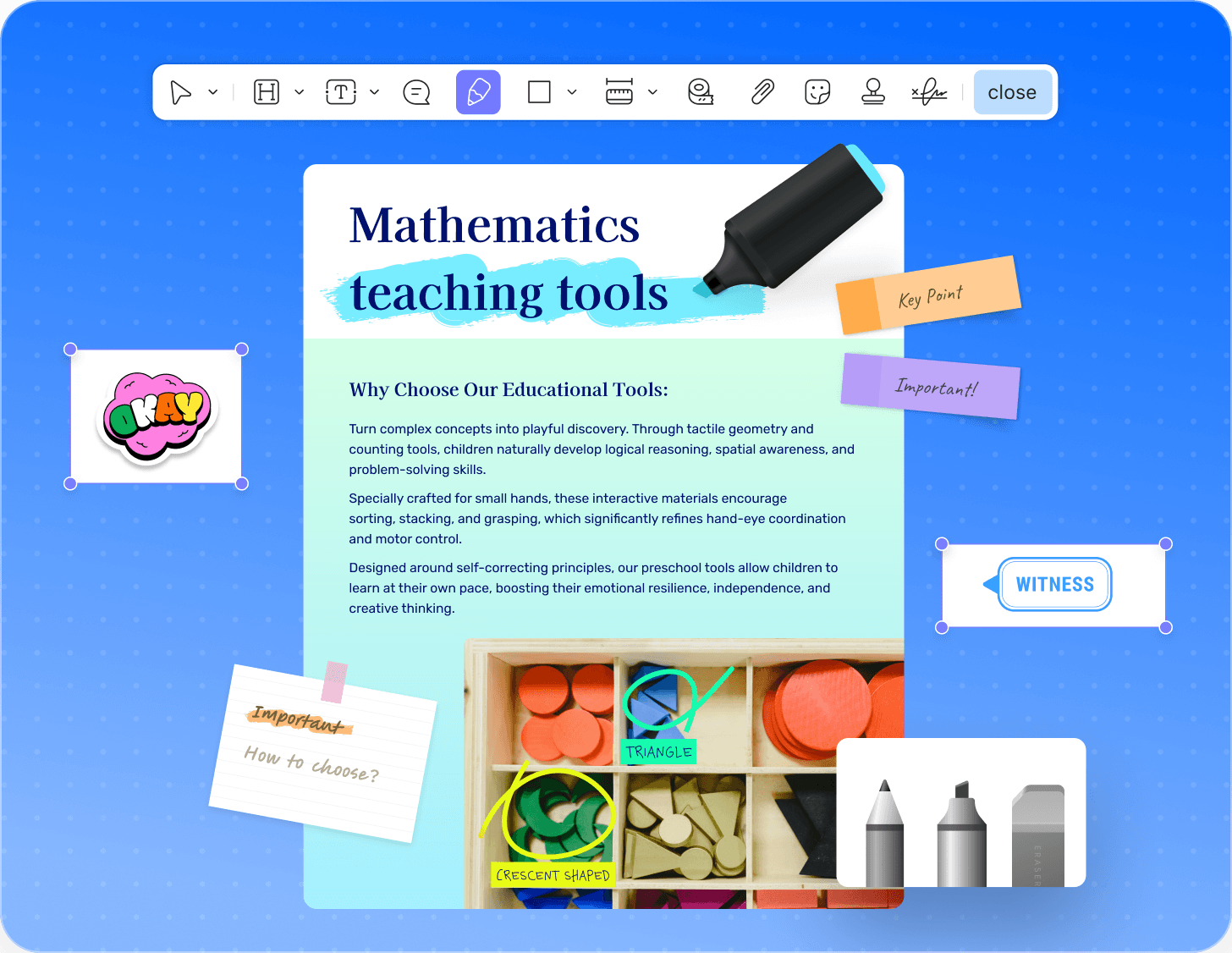
Highlight & Underline Text
Emphasize critical information instantly inside PDF text using custom highlighters, underlines, strikethroughs, and squiggly lines.
Insert Sticky Notes & Comments
Leave clear feedback on document layouts by dropping interactive sticky notes, text boxes, and callout bubbles anywhere on the page.
Draw Shapes & Add Stamps
Sketch vector diagrams directly with freehand drawing pens, or apply pre-made corporate approval stamps and dynamic date badges.
Execute High-Speed Batch Operations
Across Multiple PDFs
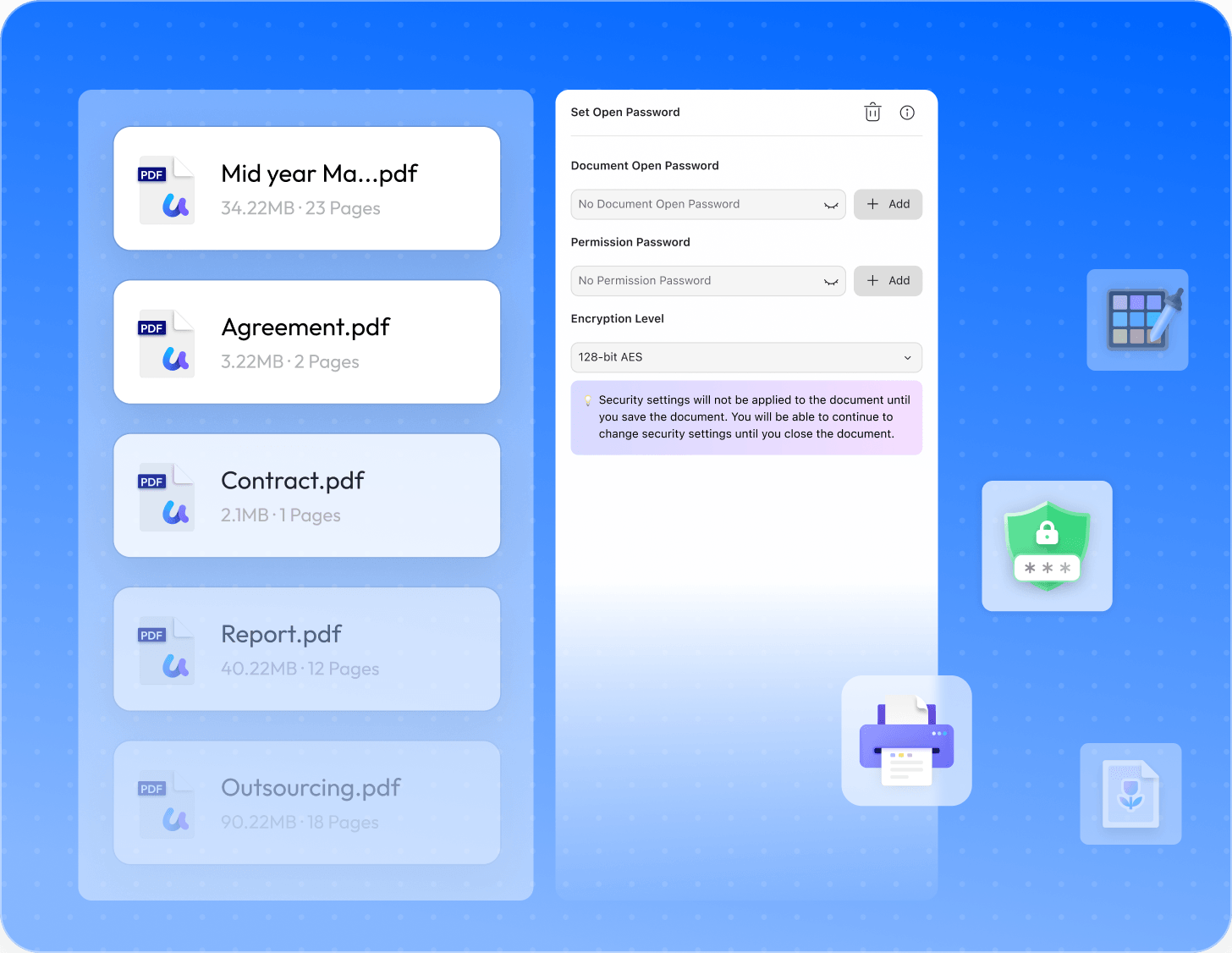
Convert & Print in Bulk
Process dozens of different PDF files simultaneously, batch-converting them to office formats or executing bulk printing commands instantly.
Batch Encrypt & Protect
Apply security open passwords and permission restrictions to multiple PDF documents at once, saving manual workflow time.
Add Combined Watermarks & Headers
Insert unified company watermarks, background colors, or standardized headers and footers across large multi-file document batches globally.
Create, Fill, and Edit
Interactive PDF Forms
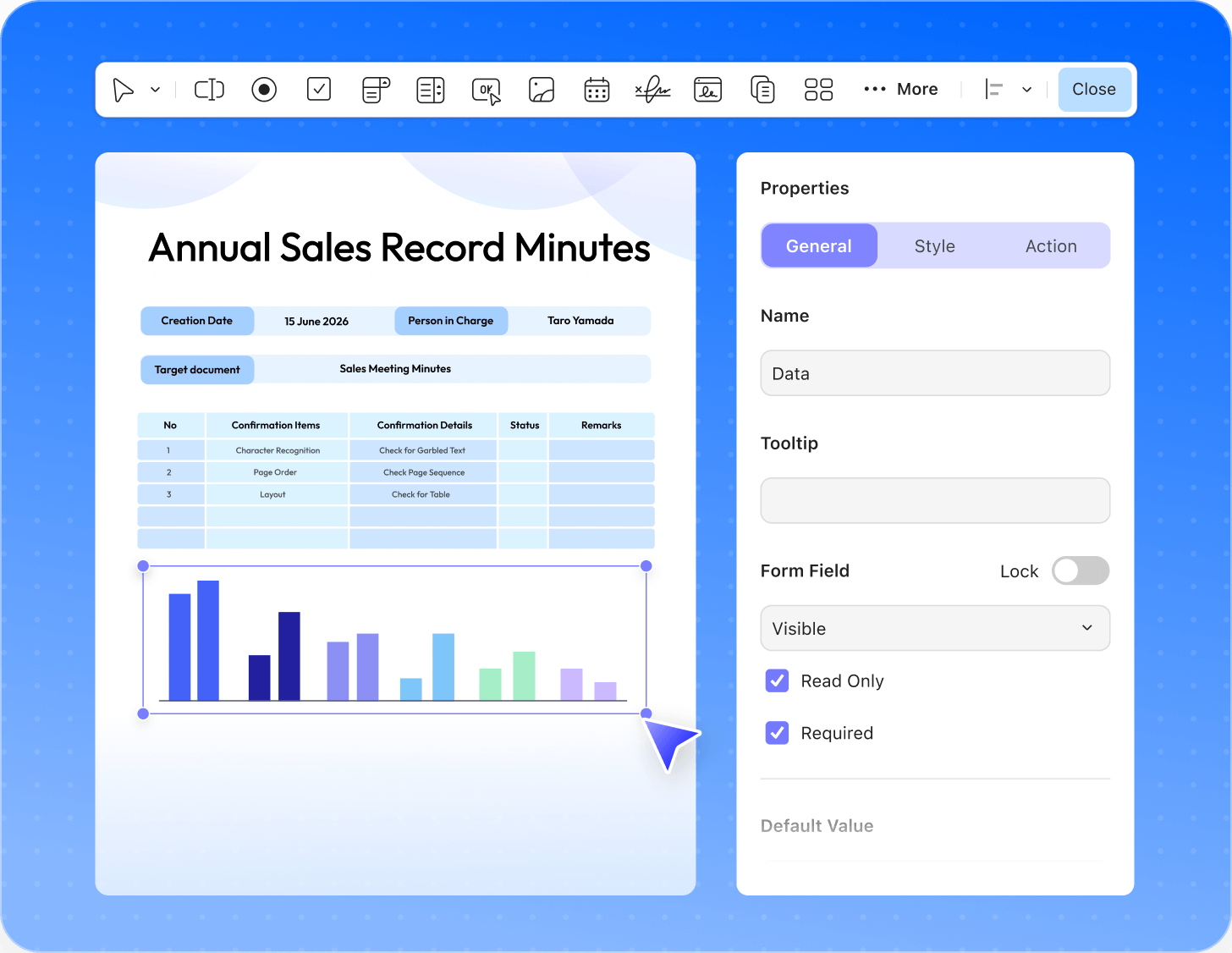
Fill Flat & Interactive Forms
Complete tax sheets, corporate surveys, and applications instantly by typing directly into interactive form fields and checkable boxes.
Design Custom Form Fields
Build professional fillable PDFs from scratch by adding custom text boxes, drop-down option lists, radio buttons, and digital signatures.
Extract Form Field Data
Gather information efficiently by exporting collected form data into structured spreadsheets with a single click, eliminating manual data entry.
Reorder, Extract, and Manage
PDF Pages Dynamically
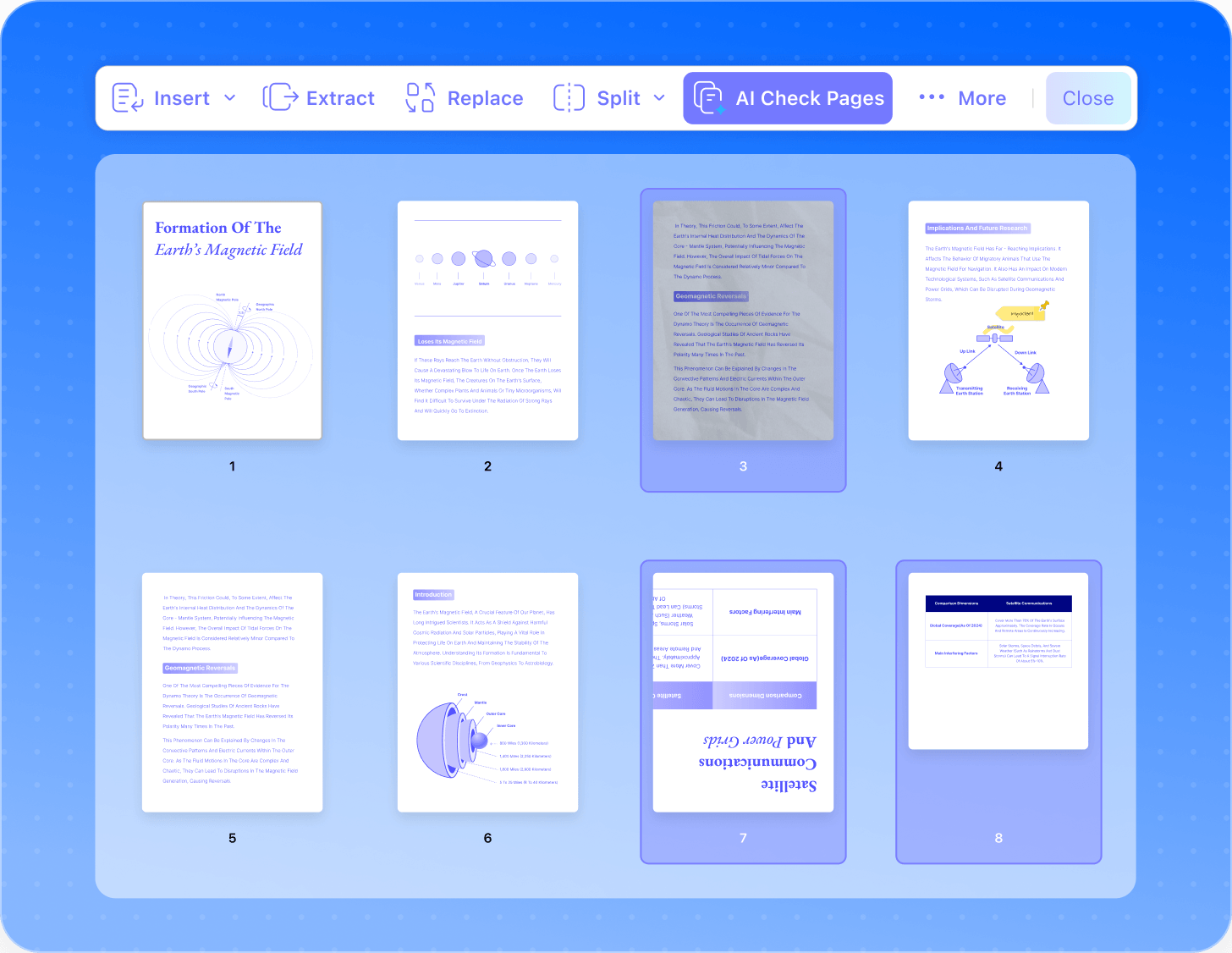
Rotate, Insert & Delete Pages
Reorganize PDF structures instantly by rotating landscape sheets, inserting blank pages, or deleting unwanted document sections seamlessly.
Split & Extract Content
Divide heavy PDF e-books into separate files, or extract specific page ranges to create independent, lightweight document summaries.
Merge & Combine Files
Merge multiple independent PDF documents, image files, and spreadsheets into one single, well-structured PDF portfolio instantly.
The Advanced PDF Tools
& AI Features
Protect & Encrypt PDFs
Secure confidential files with bank-grade AES-256 encryption, configure custom open passwords, and restrict printing, copying, or layout modification permissions natively.
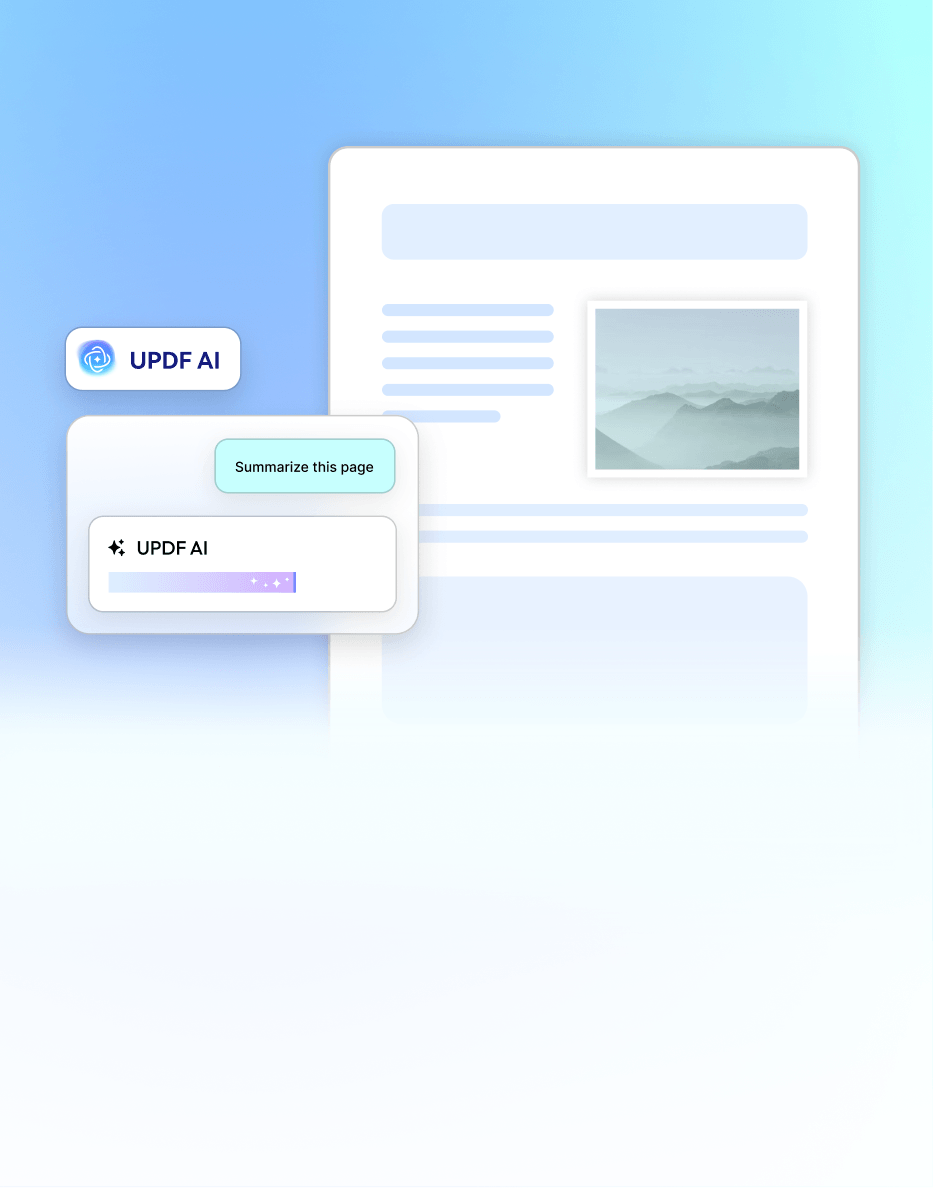
Summarize Long Documents Instantly
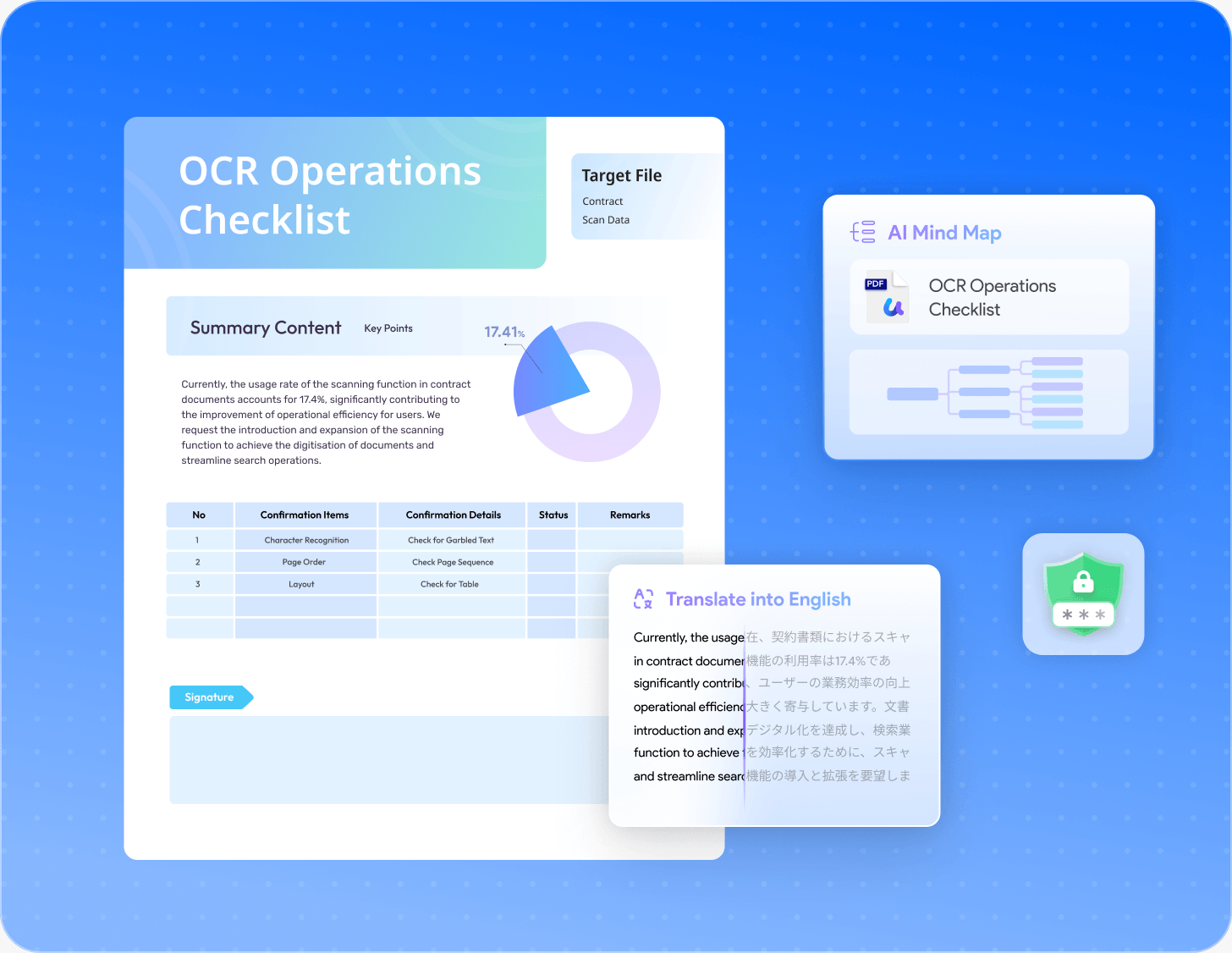
Transform dense textual reports and structured book chapters into visual mind maps automatically, re-organizing complicated data logic into clear graphical layouts.
Translate PDFs Across 38+ Languages
Translate entire PDF e-books or international corporate contracts into your target language instantly, while retaining original typography, images, and formatting alignment 100%.



 UPDF Free Trail