Download UPDF and sign in your account, you'll get access to all features for free!
Feedback
UPDF Al vs Notion Al: Best PDF Al for Smarter
Document Work
Compare UPDF Al and Notion Al to see which suits your workflow best. UPDF Al stands out with full PDF summarization, translation with layout retention, mind maps, and deeper document interaction-all in one tool.
Discover UPDF AI – The Smarter Alternative to Notion AI
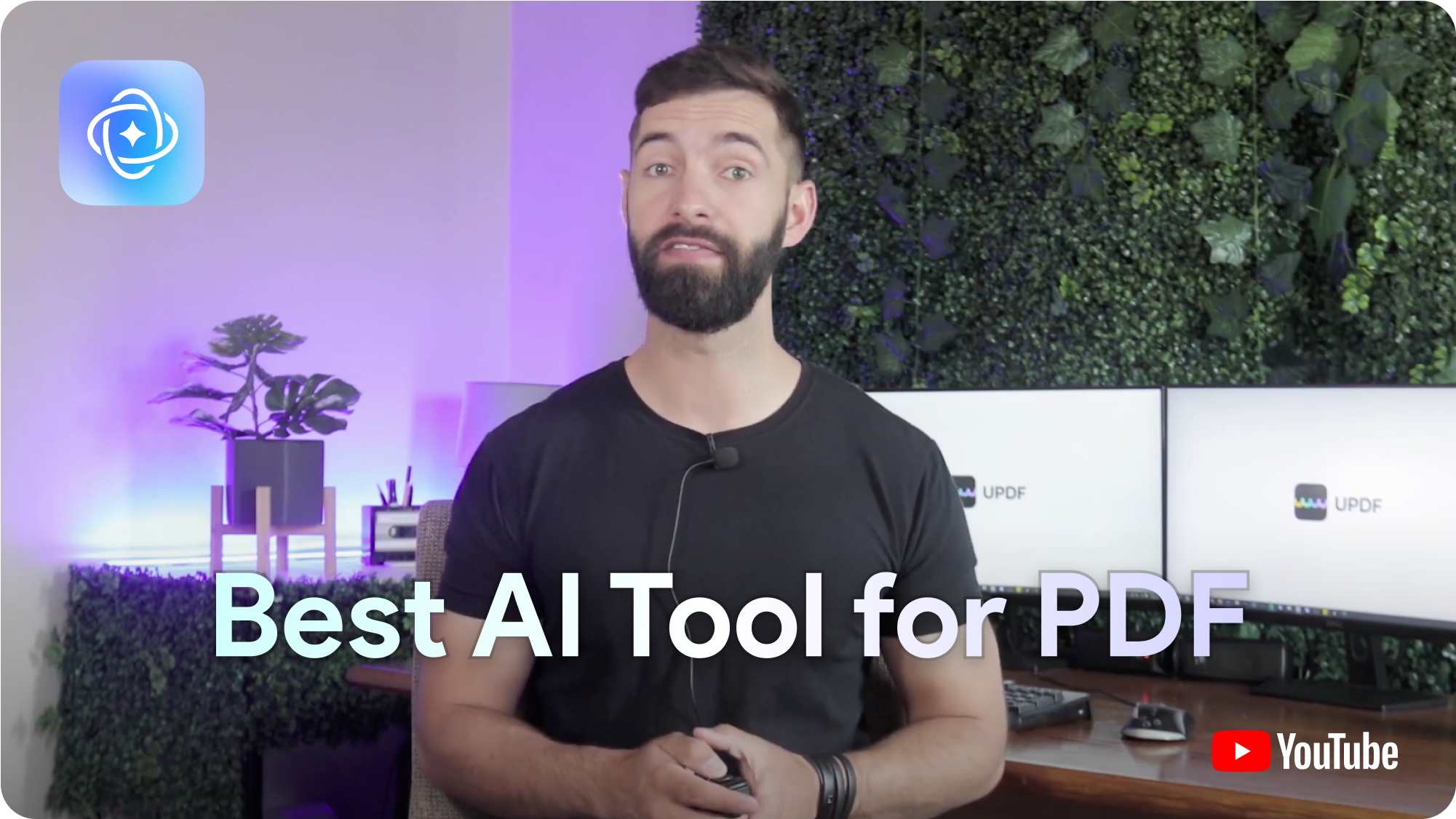
Watch how UPDF AI takes document handling to the next level—summarize, translate, and interact with PDFs effortlessly. See why it's the smarter alternative to Notion AI.
For a current official demonstration of how UPDF AI summarizes, translates, answers PDF questions, and understands images, watch the walkthrough below.
https://youtu.be/oMIInDg_2E8
UPDF AI
Notion AI
Pricing
$29/quarter or $79/year
$10/month per seat or $96/year per seat
Free Trial
Free trial with full access to all features
Free trial with restricted access to features
System Supported
Windows, Mac, iOS, Android, Web
Windows, Mac, iOS, Android, Web
Free Plan Benefits
PDF Uploads
5
Unlimited PDFs within 5GB total storage
PDF Size
10MB/PDF
5MB/PDF
PDF Page
100/PDF
No limits
Questions
100
20
Paid Plan Benefits
PDF Size
2GB/PDF
5GB/PDF
PDF Page
1000/PDF
No limits
Questions
No limits
No limits
Summarize PDF
Summarize PDF
Summarize by Page
(One-click page summarization)
(Manual prompt required for each page)
Select Text to Summarize
Thesis Paper Summarization Mode
(Requires manual prompt)
Translate PDF
Translate PDF
Translate the Whole PDF
Translate PDF with Original Layouts
Select Text to Translate
Translate by Page
(Manual prompt required for each page)
Other Features
Chat with Multiple PDFs
(Online only)
Chat with Scanned PDFs
(OCR required first)
Chat with Images
Convert PDF to Mind Map with Clear Structure
Chat with AI
Export Conversation to TXT/MD Files
Export Conversation to Image
In-depth Chart Analysis
Access Chat History
Deep Think Mode
Supported Document Language
All
All
AI Model
AI Models Used in Free Planl
GPT-5, Full-Size DeepSeek R1
GPT-4, Claude
AI Models Used in Paid Plans
GPT-5, Full-Size DeepSeek R1
GPT-4, Claude
Show More
Show Less
UPDF AI vs Notion AI: Smarter AI for Smarter Documents
UPDF AI excels in AI-powered document chat with GPT-5 for just $79/year and no limits. Notion AI uses GPT-4 but charges more and has feature and storage restrictions. Get smarter AI, for less, with UPDF AI.
UPDF AI
Powered by GPT-5 with unlimited document chat, available on Windows, Mac, iOS, Android, and Web for just $79/year.
USD${{ currentPrice }}/Year
Notion AI
Uses GPT-4 with feature and storage limits, available for $10/month per seat or $96/year per seat.
USD$96/Year
Smarter PDF Chats That Go Deeper with UPDF AI
UPDF AI lets you summarize by page, ask questions about selected text, and analyze academic papers with a dedicated thesis mode. Notion AI lacks these tools and requires manual prompts for each step.
More Tools for Real Work—Beyond Simple PDF Chat
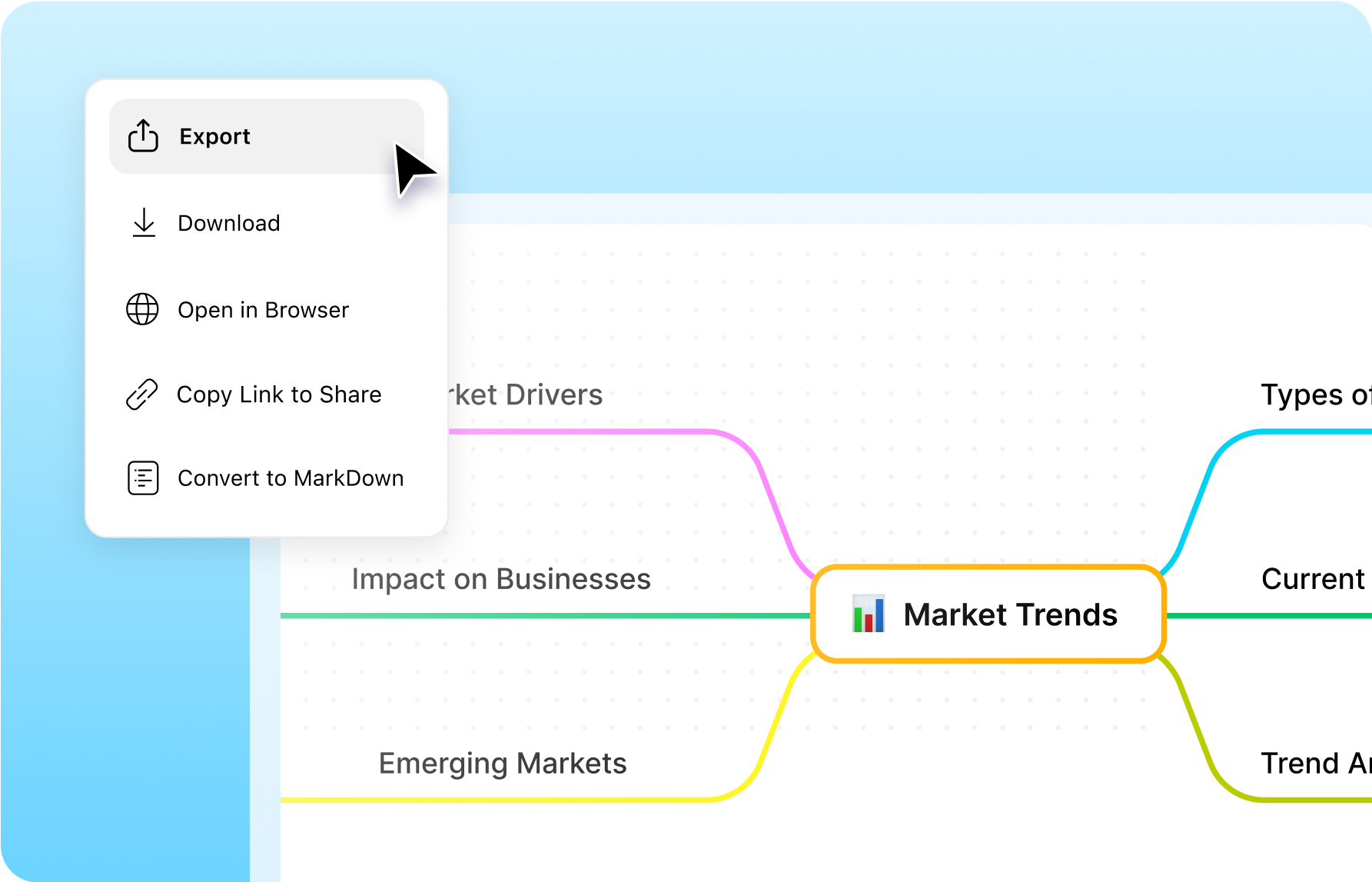
UPDF AI is more than just a chatbot. Talk to multiple PDFs at once, generate structured mind maps, export conversations as TXT/MD files, and more. Notion AI lacks these essential tools—limiting your workflow to basic prompts and single-file interactions.
More Tools for Real Work—Beyond Simple PDF Chat">
Tried Notion AI? Here’s Why Users Prefer UPDF AI
One Tool, So Many Smart Features
“So many useful features under one tool. Comparing price is quite low. Integration with AI is really good. Also I like the translation feature. I do not have to go different tools now.”
“The things I liked the most about UPDF was the intelligent search engine throughout the reading of a PDF which leaves notes for each word I looked up, then there is the facility to query the AI for a particular point in the PDF and the elaboration of mind maps. It is an interesting application, it has more features than I expected and I am still discovering. At the beginning it can be a little difficult to understand, but it is a matter of getting familiar with the application.”
“So far so good, so happy to find something that both connect me to DeepSeek and allows chat exports, it would be great if there were an option to select all chats on the export screen.”
“UPDF has transformed the way I interact with PDFs, giving me the power to read, edit, annotate, and share them like never before. It has a sleek and user-friendly interface that makes it a joy to use. It has amazing AI features that help me get the most out of my PDFs and the updates and improvements keep coming.”
“UPDF AI is an incredibly efficient tool that simplifies my workflow. Its summarization feature is particularly impressive, quickly condensing complex information into concise overviews. The user-friendly interface and powerful capabilities make it an essential tool for anyone needing to manage and process large amounts of text effectively. Highly recommended!”
Q1. What are the key differences between UPDF AI and Notion AI?
Here’s a quick breakdown of the differences based on your needs:
1. PDF Focus: UPDF AI is specialized for PDF tasks, offering features like page summarization, mind map conversion, and layout-preserving translation. Notion AI is more general and doesn’t support some of these PDF-specific features.
2. General Use: Notion AI excels at notetaking, task management, and content creation, perfect for brainstorming or writing. UPDF AI is designed for advanced PDF handling and document interaction.
In short, UPDF AI is ideal for working with PDFs, while Notion AI is better for general productivity and content generation.
Q2. What is the main difference in AI models used by UPDF AI and Notion AI?
UPDF AI is powered by GPT-4.1 and DeepSeek R1 (full-size), providing more accurate and deeper document analysis, especially for complex PDF tasks.
Notion AI uses GPT-4, offering solid performance but lacks the advanced capabilities tailored to in-depth PDF interactions like UPDF AI.
Q3. How do UPDF AI and Notion AI compare in terms of translation features?
UPDF AI can translate the entire PDF, preserving the original layout and format, which is especially useful for academic papers, contracts, and multilingual documents.
Notion AI also translates PDFs, but it doesn't preserve layouts, and translations require manual input for each request.
Q4. Does UPDF AI support chatting with scanned PDFs?
Currently, UPDF AI doesn’t directly support chatting with scanned PDFs. However, you can use the UPDF app to perform OCR, converting scanned PDFs into editable formats for chatting. UPDF AI will soon support direct interaction with scanned PDFs in the next few months.
Note: The information on this page is based on UPDF writers’ testing with Notion AI version 2.51. If you notice any inaccuracies, please reach out to our support team at[email protected]
 UPDF
UPDF
 UPDF for Windows
 UPDF for Mac
 UPDF for iPhone/iPad
 UPDF for Android
 Nomostar
 UPDF AI Online
 UPDF Sign
 IvyCraft
 Edit PDF
 Annotate PDF
 Create PDF
 PDF Form
 Edit links
 Convert PDF
 OCR
OCR PDF to Word
 PDF to Image
 PDF to Excel
 Organize PDF
 Merge PDF
 Split PDF
 Crop PDF
 Rotate PDF
 Protect PDF
 Sign PDF
 Redact PDF
 Sanitize PDF
 Remove Security
 Read PDF
 UPDF Cloud
 Compress PDF
 Print PDF
 Batch Process
 About UPDF AI
 UPDF AI Solutions
 AI User Guide
 FAQ about UPDF AI
 Summarize PDF
 Translate PDF
 Chat with PDF
 Chat with AI
 Chat with image
 PDF to Mind Map
 Explain PDF
 PDF AI Tools
 Image AI Tools
 AI Chat Tools
 AI Writing Tools
 AI Study Tools
 AI Working Tools
 Other AI Tools
 AI Bookmark Generation
 AI Bookmark Summary
 AI Watermark Generation
 AI Background Generation
 AI Sticker Generation
 AI Stamp Generation
 AI Editing Suite
 UPDF Copilot
 AI Page Management
 AI Semantic Search
 PDF to Word
 PDF to Excel
 PDF to PowerPoint
 Enterprise Solution
 Enterprise Sign
 Enterprise AI
 Enterprise Plan
 Enterprise User Guide
 Enterprise Webinar
 IT
IT Education
 Construction
 Financial Service
 Healthcare
 Insurance
 Legal
Legal Manufacturing
 Government
 Researchers & PhDs
 Solopreneurs & Freelancers
 Lawyers & Legal Professionals
 Real Estate Agents & Brokers
 Education Solution
 Customer Stories
 User Guide
 UPDF Tricks
 FAQs
FAQs UPDF Reviews
 Download Center
 Blog
Blog Newsroom
 Tech Spec
 Updates
 UPDF vs. Adobe Acrobat
 UPDF vs. Foxit
 UPDF vs. PDF Expert



 More Tools for Real Work—Beyond Simple PDF Chat">



 from snccttnccccc App Store