 UPDF
UPDF
 UPDF for Windows
 UPDF for Mac
 UPDF for iPhone/iPad
 UPDF for Android
 Nomostar
 UPDF AI Online
 UPDF Sign
 IvyCraft
 Edit PDF
 Annotate PDF
 Create PDF
 PDF Form
 Edit links
 Convert PDF
 OCR
OCR PDF to Word
 PDF to Image
 PDF to Excel
 Organize PDF
 Merge PDF
 Split PDF
 Crop PDF
 Rotate PDF
 Protect PDF
 Sign PDF
 Redact PDF
 Sanitize PDF
 Remove Security
 Read PDF
 UPDF Cloud
 Compress PDF
 Print PDF
 Batch Process
 About UPDF AI
 UPDF AI Solutions
 AI User Guide
 FAQ about UPDF AI
 Summarize PDF
 Translate PDF
 Chat with PDF
 Chat with AI
 Chat with image
 PDF to Mind Map
 Explain PDF
 PDF AI Tools
 Image AI Tools
 AI Chat Tools
 AI Writing Tools
 AI Study Tools
 AI Working Tools
 Other AI Tools
 AI Bookmark Generation
 AI Bookmark Summary
 AI Watermark Generation
 AI Background Generation
 AI Sticker Generation
 AI Stamp Generation
 AI Editing Suite
 UPDF Copilot
 AI Page Management
 AI Semantic Search
 PDF to Word
 PDF to Excel
 PDF to PowerPoint
 Enterprise Solution
 Enterprise Sign
 Enterprise AI
 Enterprise Plan
 Enterprise User Guide
 Enterprise Webinar
 IT
IT Education
 Construction
 Financial Service
 Healthcare
 Insurance
 Legal
Legal Manufacturing
 Government
 Researchers & PhDs
 Solopreneurs & Freelancers
 Lawyers & Legal Professionals
 Real Estate Agents & Brokers
 Education Solution
 Customer Stories
 User Guide
 UPDF Tricks
 FAQs
FAQs UPDF Reviews
 Download Center
 Blog
Blog Newsroom
 Tech Spec
 Updates
 UPDF vs. Adobe Acrobat
 UPDF vs. Foxit
 UPDF vs. PDF Expert

Stylish and free are all the words that describe the premiere software you are ever going to need. The UPDF for Windows V1.0 by Superace Software Technologies is released on 21st, May 2022. Stylish is undoubtedly guaranteed to get your favor as this free PDF editor has a beautifully designed user interface that does not require any complication to get the job done with PDF files. But what is surreal is that users can get to experience the best of this software for free and that is as promised by Superace as well. Now, those who have not yet experienced firsthand the one-true method to rising efficiency in working with PDFs once again have a reason to be excited.
A Sneak Peek of What You Shall Seek
Anticipate a competitive and intuitive smart tool for your Windows desktop as you avail of a Unique, Productive, Delightful, and Free platform. Those are in fact the 4-word acronym of the UPDF itself, but also expect more great features ahead such as:
4 Reading Modes to choose from- With adequate research on how to make your reading experience with PDF files more comfortable, you can choose from single-page, single-page scrolling, two-page view, and two-page scrolling. The UPDF demonstrates versatility just so you can maximize your convenience as you read PDF documents.
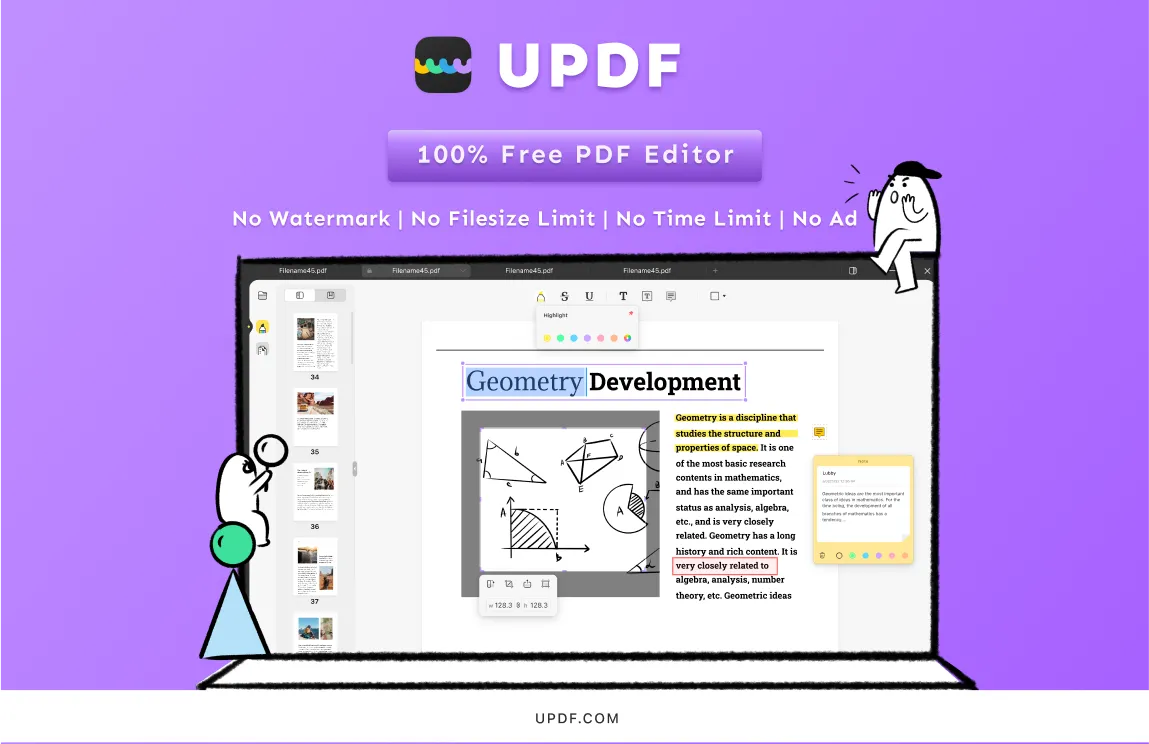
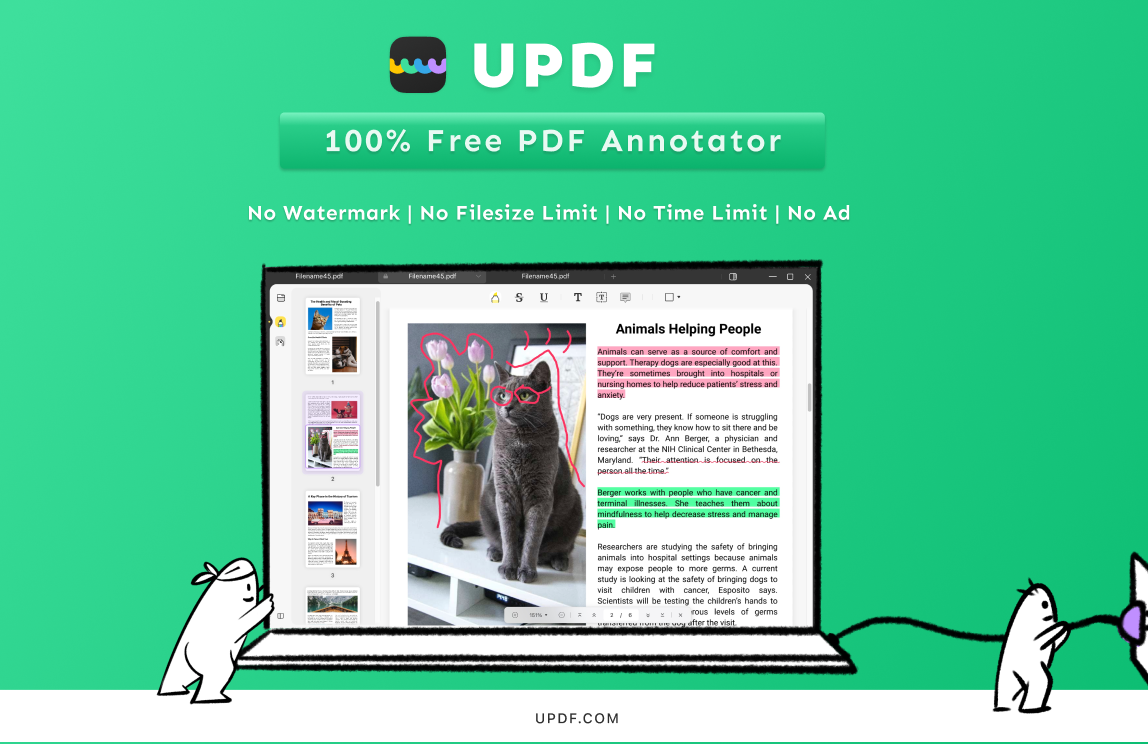
Annotate PDFs in the same way that PDF editors should. The UPDF ensures that you will be ahead of the game by allowing you to annotate critical areas of your PDF documents. Highlight important sections with its clever annotation tool, which includes highlighting, underlining, and striking out relevant sections. To make adding unique content faster and easier, you can use shapes and text boxes. As you continue editing, you also have access to sticky notes to give you reliable side notes.
Edit PDFs in every manner and approach - To edit PDF files is what we naturally do and we deserve to have it in the quickest and easiest way possible. The UPDF gives you that privilege, as well as makes you a professional, as you navigate its editing tools. These tools allow you to modify each character or text's font style, color, and size. Because the text orientation can be modified as needed, you can obtain that pleasant and well-organized layout when working with PDFs. You have complete control over every detail discovered in your PDF files since you may trim, rotate, modify, remove, or delete photos.
PDF management that works - Other PDF programs have failed functionalities, and page setups are one of them, however, UPDF provides good PDF page management. PDF helps you to efficiently manage your PDF pages by removing, rotating, rearranging, and deleting them. When you wish to manage the environment in which your PDF is given, you may utilize the app to efficiently arrange and mix your resources to customize your PDF. This allows you to swiftly comprehend and design your paper so that it appeals to both you and your viewers. Because of its coherence, it has a better modification on pages, resulting in increased thought-building productivity.
Choosing the Best among the Rest
Before the dawn of most PDF editing software's existence, was the originator of PDF files itself, the Adobe company. They created their very own software which is the Adobe Acrobat Reader. But this pioneer product of Adobe paved the way for issues that needed to be fixed and thus, the creation of more competing PDF software in the market. Today, Super ace set out to compete in the different options for a quality PDF application and their main objective is to provide every tool for free.
"With PDF documents amassing in numbers, people that tend to work them through a PDF software deserve the quality experience with nothing to pay for.", Superace's CEO Roc Lan stated as they marked the release of the Windows version of the UPDF. "Costless service in the paperless context is what we strive to make possible", he added.
Going straight to the point, the best option is to know whether these qualities make the most of your time such as an app that is free without any limitations, no watermarks, no time limit, no file size limit, and no advertisements. If, in any case, such PDF software fulfills more than one of the above-mentioned contents or even all of them, then it all comes down to choosing the UPDF rather than further confusing yourself by differentiating your experiences with other software and eventually creating your standard of preference. The UPDF is a simple way out of that dispute, as well as a genuine Adobe Acrobat Alternative.
Acknowledging Limitless Possibilities
"The UPDF is an ace platform that strives to bring out the best in you, as a PDF software user.", Superace's CTO Luka Wong emphasizes the future of the UPDF software with new features to expect. "The primary goal of this premier program is to provide seamless document processing across many platforms. First is Mac devices, now is Windows, and then soon will be every major operating system you know".
The UPDF aspires to continuously improve throughout time, giving the finest repairs and upgrades to the current difficulties that most users are experiencing with those existing products. In addition, Superace swears to include features that you are already familiar with and unique ones such as the OCR(Optical Character Recognition), PDF conversion to different known file types, and form filling and signing PDFs for more efficient usage of these file types.
The multi-platform capability of PDF software is what makes it appealing, and the UPDF is expected to be competent in this regard. The Windows and Mac versions are the primary releases because these two are regarded as the major platforms that the majority of users have, but you can expect an Android and a Web-based version of the UPDF in a few months.
Keeping it short, UPDF offers you everything you need to increase your efficiency and productivity with PDF files. It is critical to know that even simple PDF software can push you to your limits, particularly when it comes to optimizing the time you spend working with most documents. Grab the opportunity to receive a guaranteed free and costless PDF experience with UPDF for Windows as soon as possible to get the job done.