UPDF
UPDF
 UPDF for Windows
 UPDF for Mac
 UPDF for iPhone/iPad
 UPDF for Android
 Nomostar
 UPDF AI Online
 UPDF Sign
 IvyCraft
 Edit PDF
 Annotate PDF
 Create PDF
 PDF Form
 Edit links
 Convert PDF
 OCR
OCR PDF to Word
 PDF to Image
 PDF to Excel
 Organize PDF
 Merge PDF
 Split PDF
 Crop PDF
 Rotate PDF
 Protect PDF
 Sign PDF
 Redact PDF
 Sanitize PDF
 Remove Security
 Read PDF
 UPDF Cloud
 Compress PDF
 Print PDF
 Batch Process
 About UPDF AI
 UPDF AI Solutions
 AI User Guide
 FAQ about UPDF AI
 Summarize PDF
 Translate PDF
 Chat with PDF
 Chat with AI
 Chat with image
 PDF to Mind Map
 Explain PDF
 PDF AI Tools
 Image AI Tools
 AI Chat Tools
 AI Writing Tools
 AI Study Tools
 AI Working Tools
 Other AI Tools
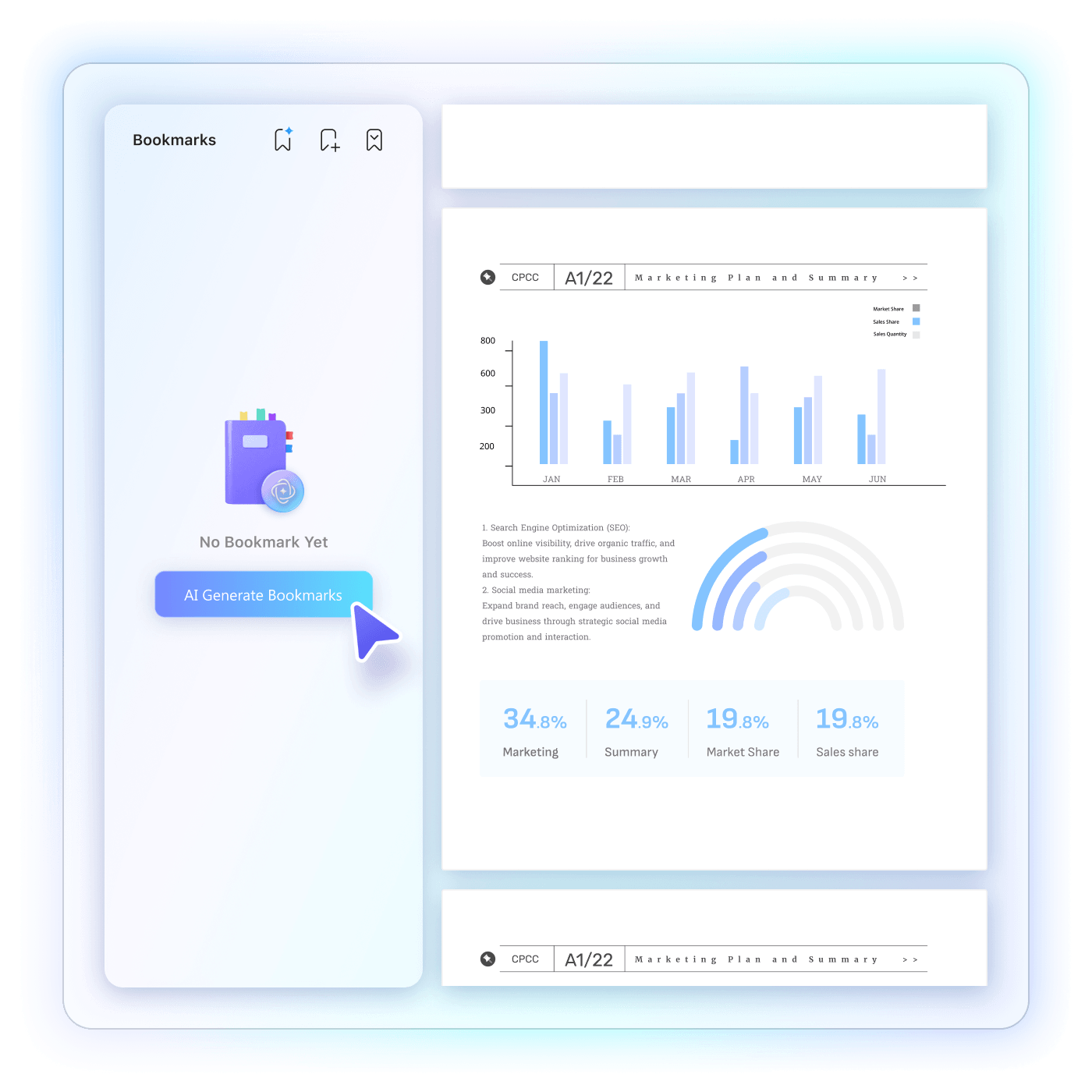
 AI Bookmark Generation
 AI Bookmark Summary
 AI Watermark Generation
 AI Background Generation
 AI Sticker Generation
 AI Stamp Generation
 AI Editing Suite
 UPDF Copilot
 AI Page Management
 AI Semantic Search
 PDF to Word
 PDF to Excel
 PDF to PowerPoint
 Enterprise Solution
 Enterprise Sign
 Enterprise AI
 Enterprise Plan
 Enterprise User Guide
 Enterprise Webinar
 Banking
 Healthcare
 Insurance
 Legal
Legal Manufacturing
 Government
 Researchers & PhDs
 Solopreneurs & Freelancers
 Lawyers & Legal Professionals
 Real Estate Agents & Brokers
 Education Solution
 Customer Stories
 User Guide
 UPDF Tricks
 FAQs
FAQs UPDF Reviews
 Download Center
 Blog
Blog Newsroom
 Tech Spec
 Updates
 UPDF vs. Adobe Acrobat
 UPDF vs. Foxit
 UPDF vs. PDF Expert

25+
Languages Supported
100%
Tone Consistency
99.9%
Grammar Accuracy
0
App/Website Switching
Feedback
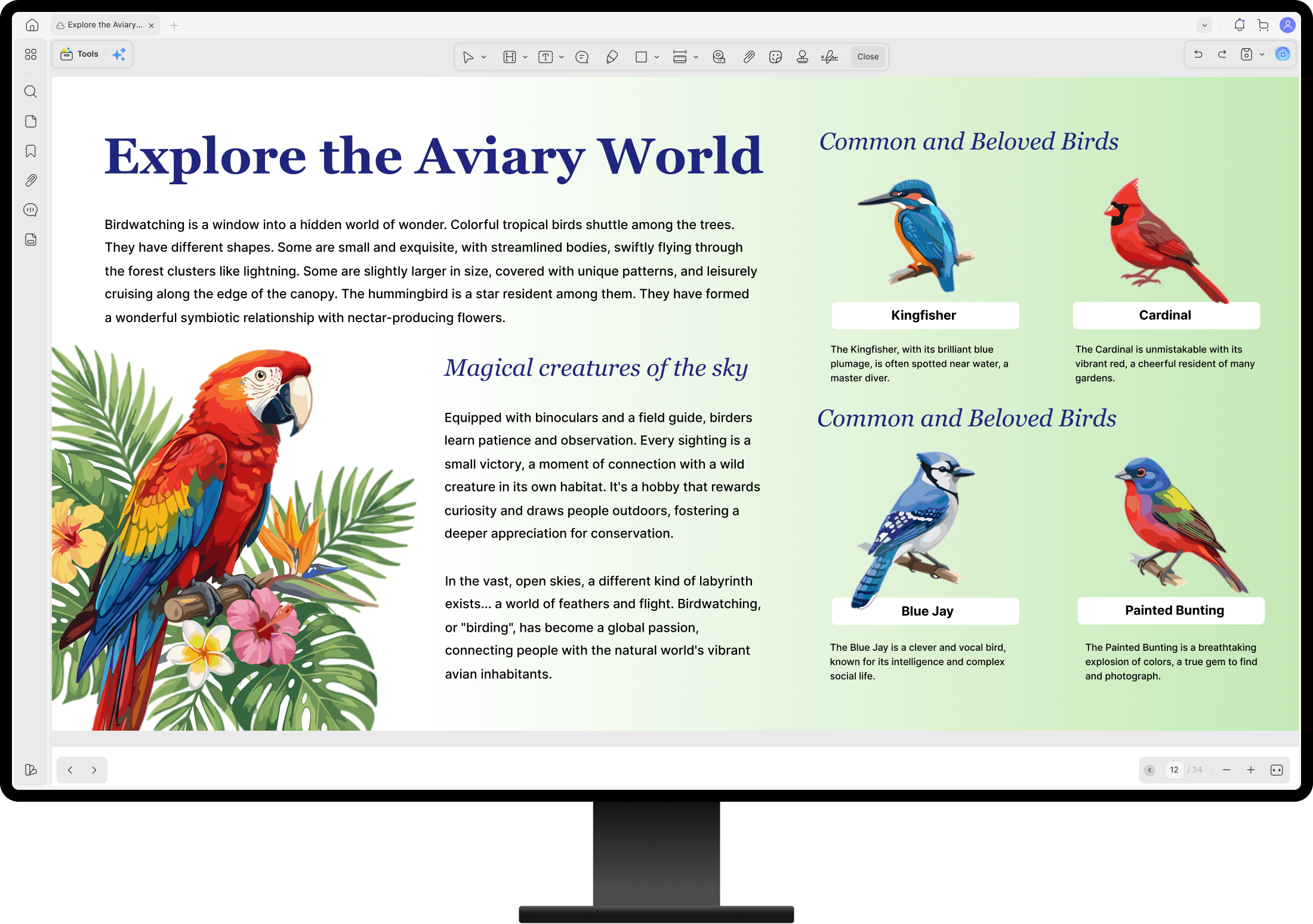
Stop rewriting manually. Let UPDF AI Agent generate content, polish your wording, expand ideas, or make text
more concise—delivering clear and professional PDFs faster than ever.
Languages Supported
Tone Consistency
Grammar Accuracy
App/Website Switching
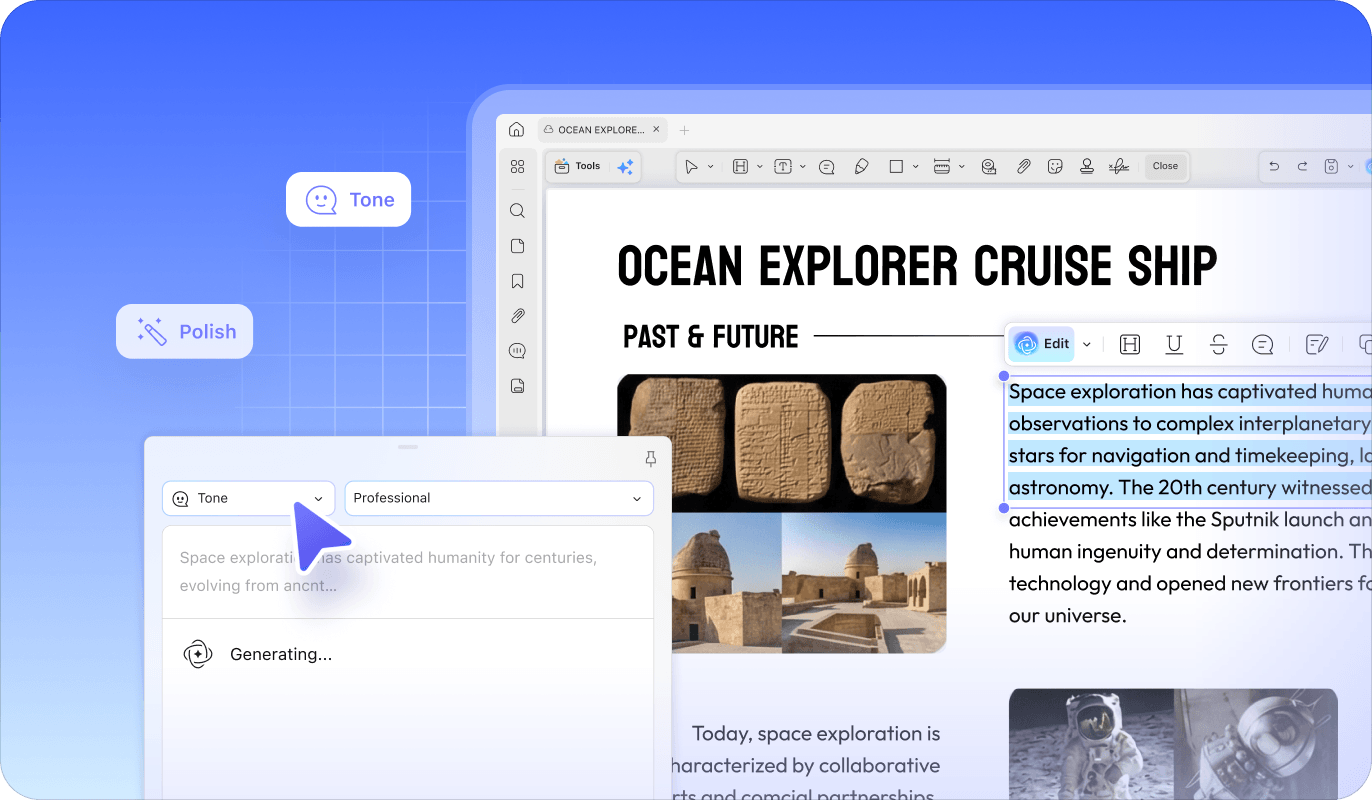
UPDF can eliminate grammar mistakes, awkward phrasing, and unclear sentences in seconds. Whether you need to sound authoritative for a legal brief or casual for a friendly email our AI Agent acts as your dedicated editor.

Context-Aware Refinement

5 Preset Tones

Instant Style Transformation
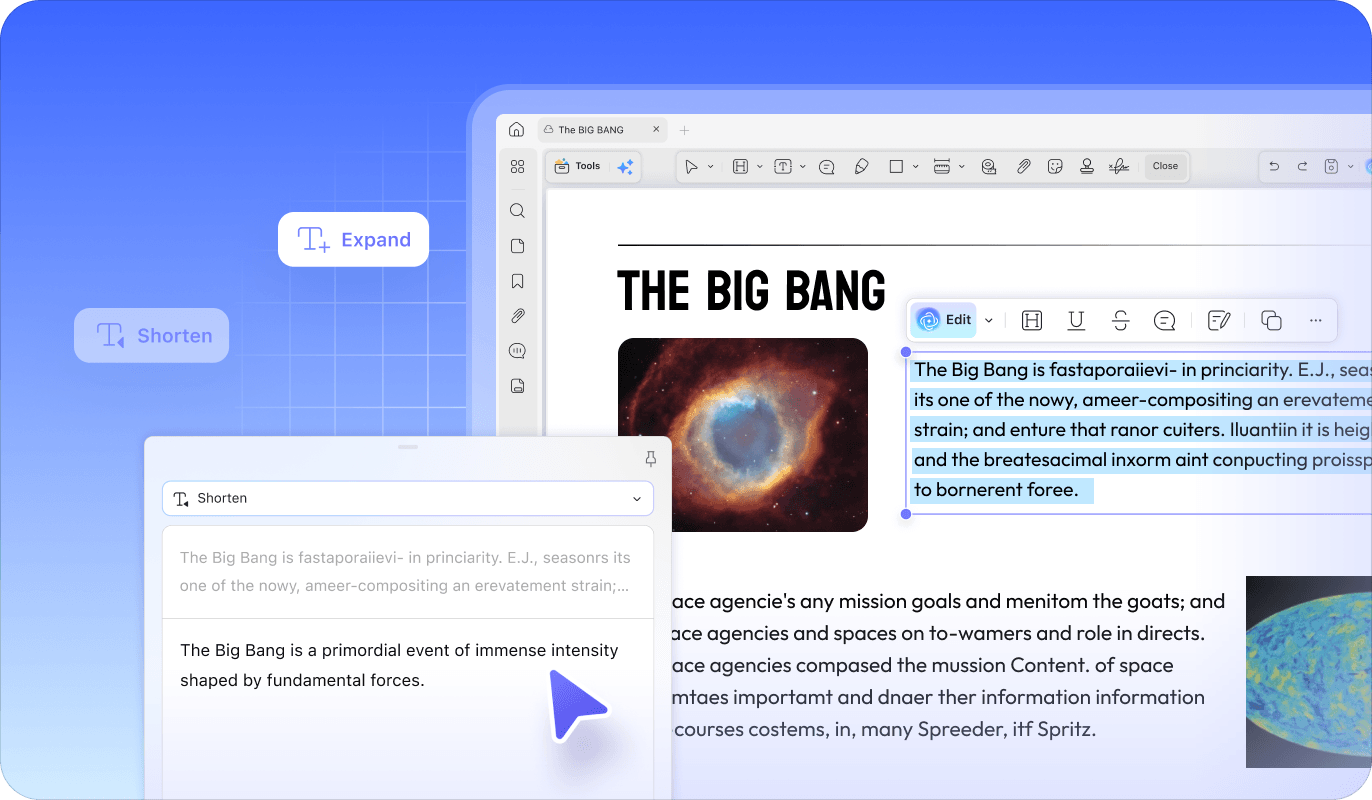
Need to add depth—or remove unnecessary wording? UPDF AI Editor intelligently enriches content with additional details, descriptive modifiers, or streamlines sentences by removing redundancy and excess wording.

Precision Length Control

Logical Flow Preservation
Create new content or seamlessly extend existing text with preset prompts or custom commands. UPDF AI Agent keeps the same writing style, perspective, and tonewhile naturally extending the original logic—helping you expand ideas or reach conclusions quickly without breaking the flow of your document.

Customized Commands

26 Languages Supported

Style Consistency
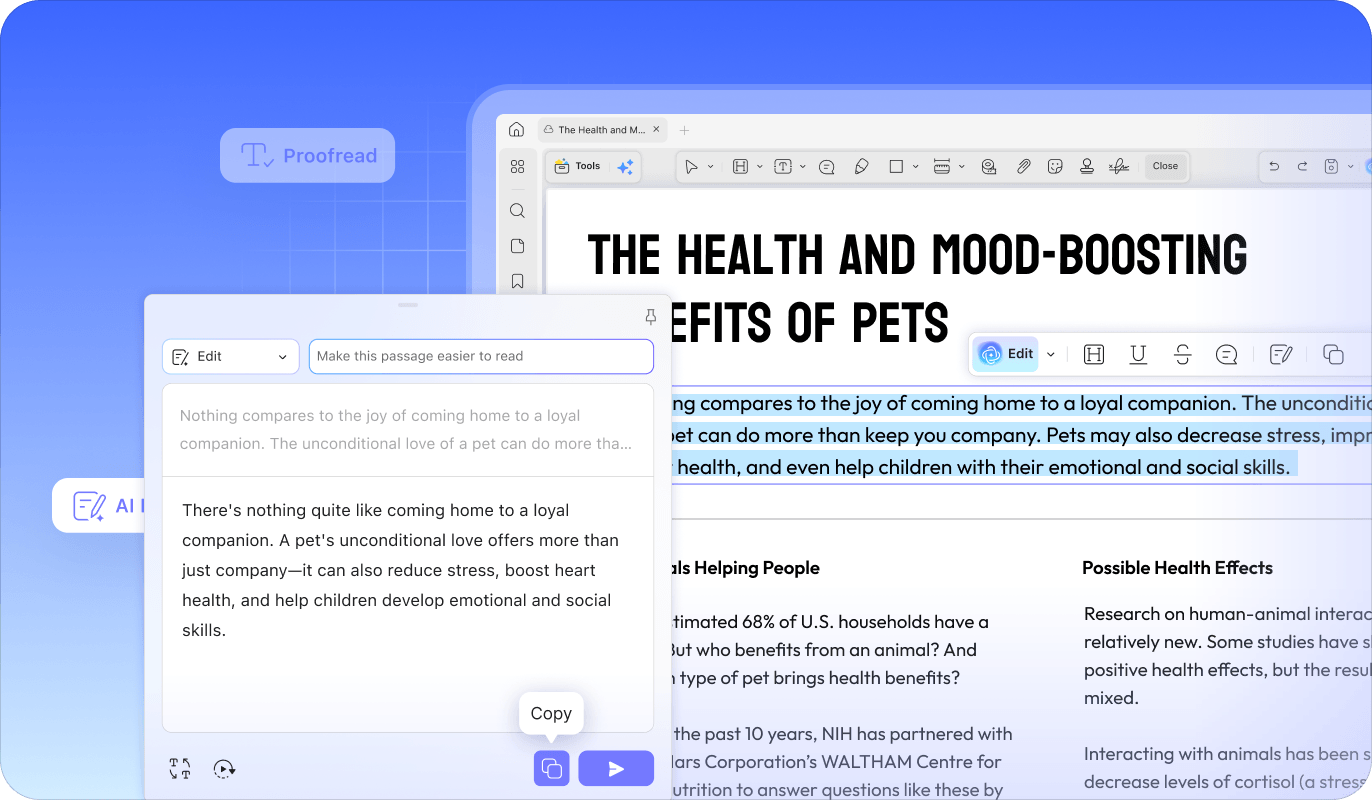
UPDF lets you generate, refine, expand, and proofread text directly inside your document, giving you a seamless, professional editing experience that others simply cannot match.
Tone Shift
Customizable AI Prompt
Formatting Preservation
In-Place Replace/Insert
Multi-language Creation
Value & Efficiency
(5 Preset Voices)
(100% Layout Integrity)
(Seamless)
(26 Languages)
(All-in-one Licence)
(Limited preset options)
(Manual Copy/Paste)
(Major Languages only)
(Limited)
(Limited context)
(Manual Copy/Paste)
(Expensive)
Transform unclear text into polished writing without copy-pasting or external tools required.
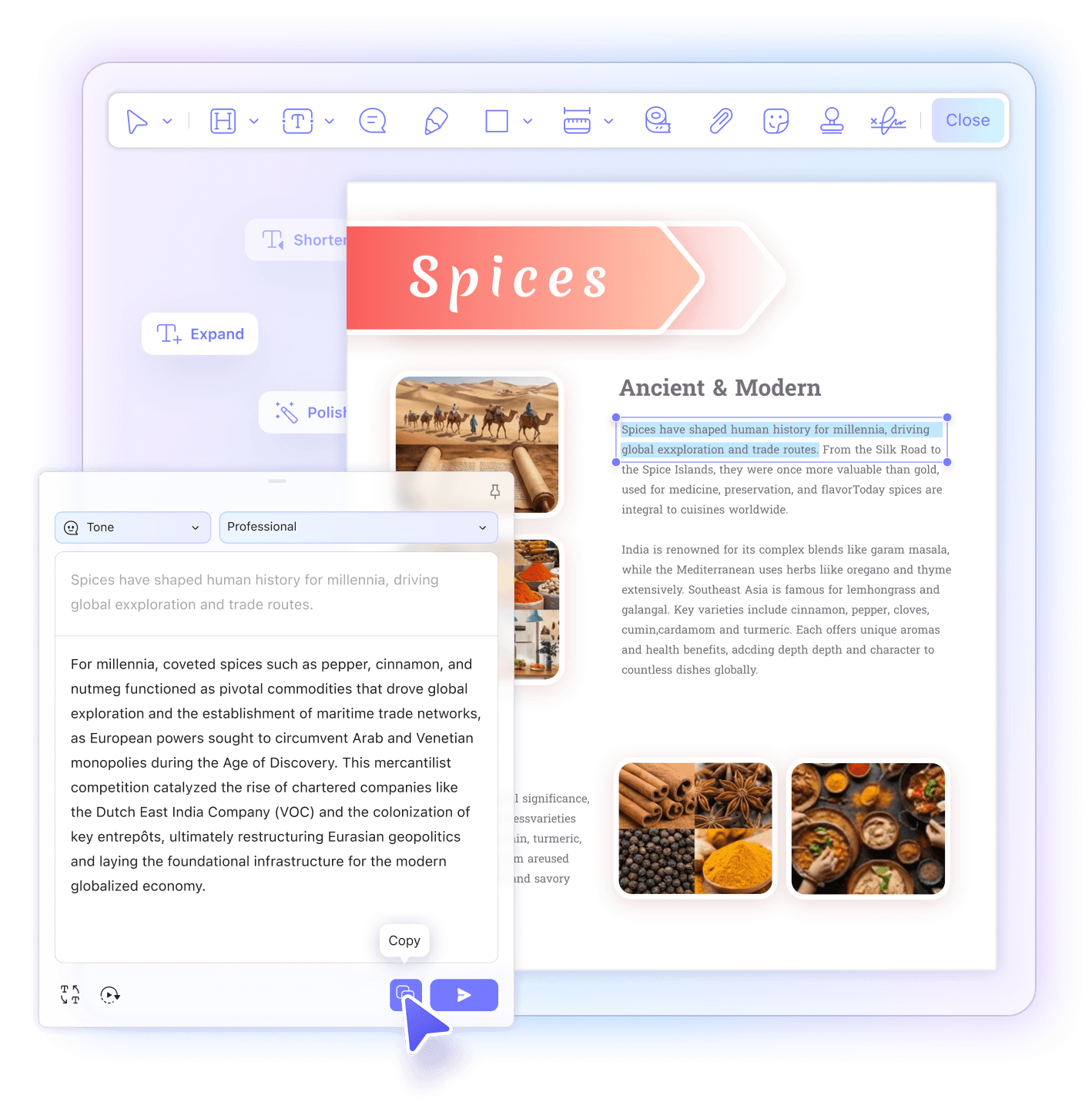
Open your PDF in UPDF and switch to Edit Mode from the left toolbar. Select the sentence or paragraph you want to edit—the AI Edit mode will automatically appear on top, giving you instant access to all editing options.
Pick or type exactly how you want your text transformed:
Click Enter to instantly review the result. You have 4 choices to easily Replace the original, Copy to your clipboard, Expand further, or Retry. It’s seamless editing that puts you in the driver’s seat.


AI editing is ideal for professionals, students, researchers, marketers, and business teams who regularly work with long documents. It helps turn rough drafts into clear, polished writing much faster while keeping everything inside the same PDF workflow.
Transparent and flexible. We use a straightforward credit-based system: each AI task (such as rewriting, expanding, generating, or continuing text) consumes 1 AI credit. You can track your remaining balance at any time on our Pricing page to ensure your productivity stays uninterrupted.
Certainly. Our AI Editor supports over 26 languages. Whether you need to proofread, polish, or generate content in a foreign language, the AI maintains the same level of linguistic precision as it does in English.
Many important documents—contracts, reports, research papers...—are shared as PDFs. UPDF lets you improve the text exactly where it exists, saving time and preventing formatting issues. Plus, with its advanced OCR functionality, you can accurately scan and edit even image-based PDFs with ease.
Absolutely not! The AI preserves the core meaning and logical structure of your content. When expanding or condensing text, it focuses on improving clarity, adding useful details, or removing redundancy—without altering the key message.
One powerful AI. Purpose-built for your document workflow.