UPDF
UPDF
 UPDF for Windows
 UPDF for Mac
 UPDF for iPhone/iPad
 UPDF for Android
 Nomostar
 UPDF AI Online
 UPDF Sign
 IvyCraft
 Edit PDF
 Annotate PDF
 Create PDF
 PDF Form
 Edit links
 Convert PDF
 OCR
OCR PDF to Word
 PDF to Image
 PDF to Excel
 Organize PDF
 Merge PDF
 Split PDF
 Crop PDF
 Rotate PDF
 Protect PDF
 Sign PDF
 Redact PDF
 Sanitize PDF
 Remove Security
 Read PDF
 UPDF Cloud
 Compress PDF
 Print PDF
 Batch Process
 About UPDF AI
 UPDF AI Solutions
 AI User Guide
 FAQ about UPDF AI
 Summarize PDF
 Translate PDF
 Chat with PDF
 Chat with AI
 Chat with image
 PDF to Mind Map
 Explain PDF
 PDF AI Tools
 Image AI Tools
 AI Chat Tools
 AI Writing Tools
 AI Study Tools
 AI Working Tools
 Other AI Tools
 AI Bookmark Generation
 AI Bookmark Summary
 AI Watermark Generation
 AI Background Generation
 AI Sticker Generation
 AI Stamp Generation
 AI Editing Suite
 UPDF Copilot
 AI Page Management
 AI Semantic Search
 PDF to Word
 PDF to Excel
 PDF to PowerPoint
 Enterprise Solution
 Enterprise Sign
 Enterprise AI
 Enterprise Plan
 Enterprise User Guide
 Enterprise Webinar
 Banking
 Healthcare
 Insurance
 Legal
Legal Manufacturing
 Government
 Researchers & PhDs
 Solopreneurs & Freelancers
 Lawyers & Legal Professionals
 Real Estate Agents & Brokers
 Education Solution
 Customer Stories
 User Guide
 UPDF Tricks
 FAQs
FAQs UPDF Reviews
 Download Center
 Blog
Blog Newsroom
 Tech Spec
 Updates
 UPDF vs. Adobe Acrobat
 UPDF vs. Foxit
 UPDF vs. PDF Expert

1 Prompt
Instant Generation
Endless
Creative Sticker Styles
10× Faster
Than Manual Creation
100% Auto
Zero Skills Needed
Feedback
Turn simple ideas into eye-catching visuals in seconds. With UPDF AI Agent, you can generate creative
stickers and decorative icons for any scenario just by typing a description.
Instant Generation
Creative Sticker Styles
Than Manual Creation
Zero Skills Needed
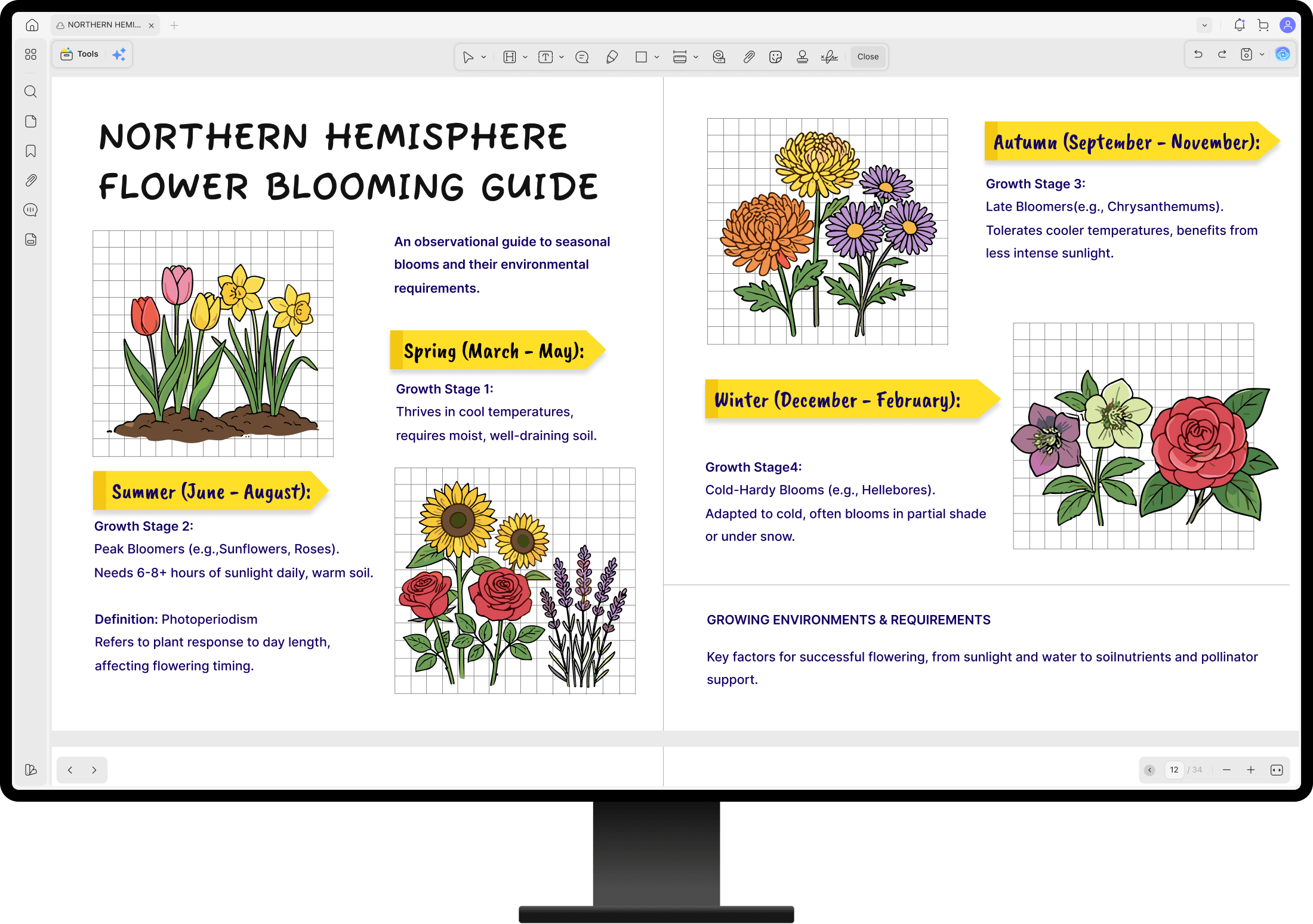
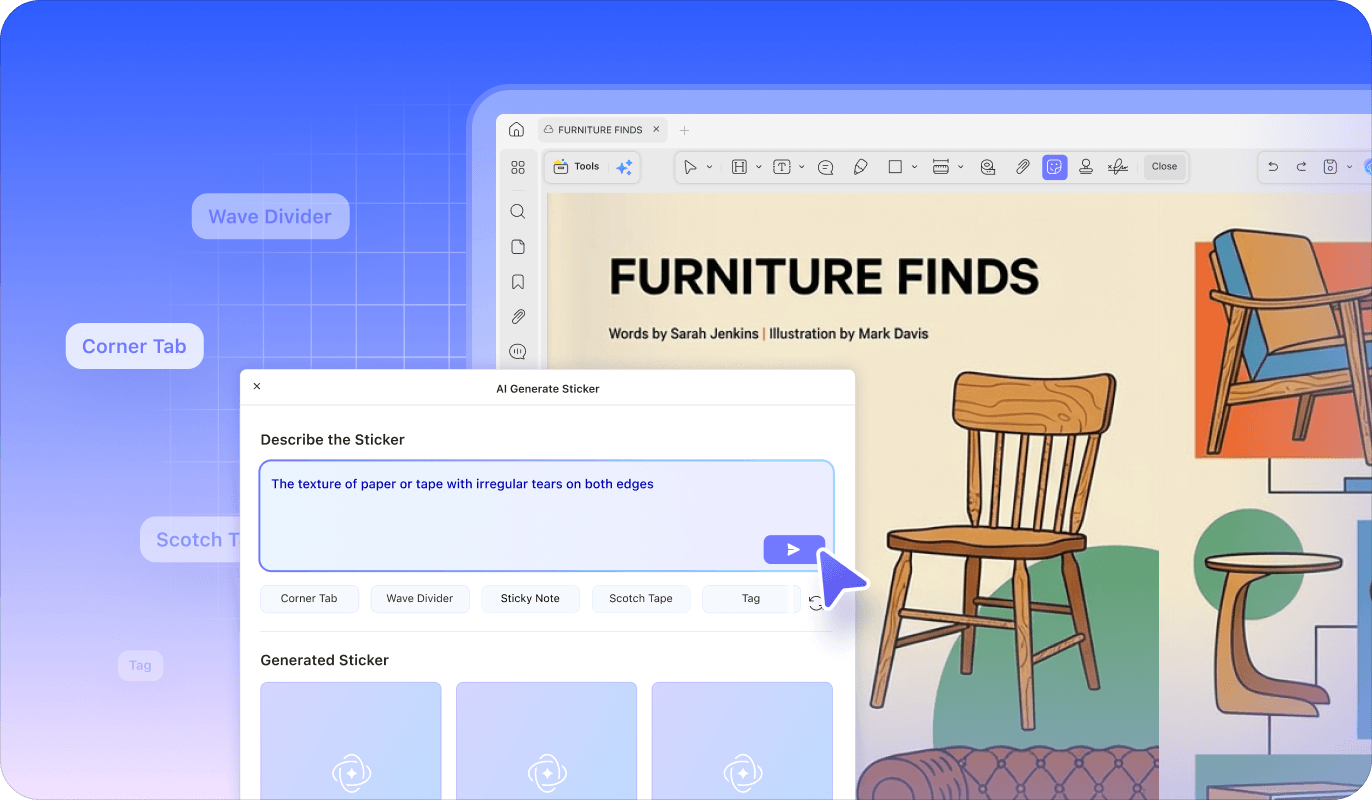
Describe the sticker you want and let the UPDF AI Agent turn your idea into visual elements instantly. From icons to decorative graphics, generate stickers tailored to your document style—no design tools or asset libraries required.

3 Variations Generated Instantly

20 Refreshable Style Tags

Natural Language Prompting
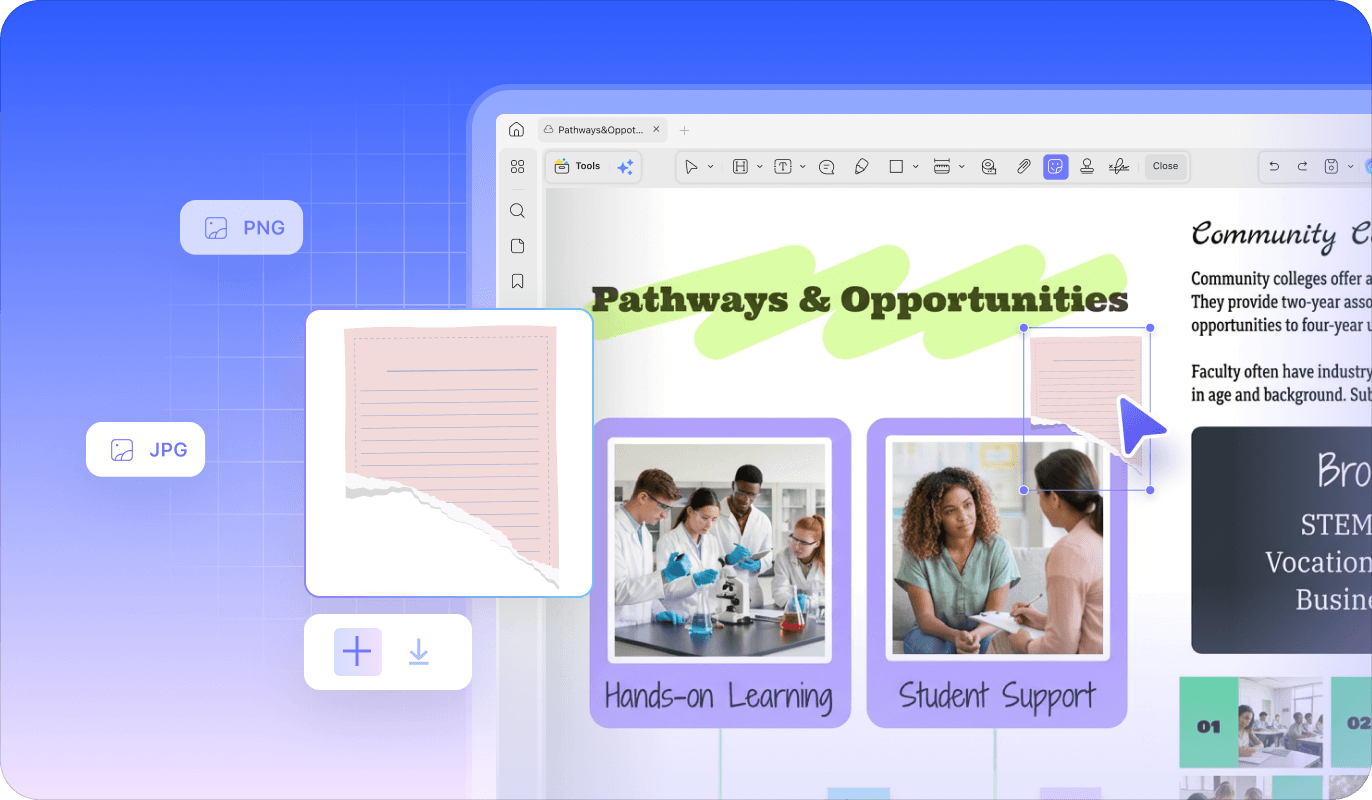
Generate stickers tailored to your needs and place them directly into your document. With just one click, you can add them to your PDF or download them as image files for use in presentations, reports, or other creative projects.

Instant Regeneration

One-Click Add to PDF

Export as High-Quality JPG/PNG
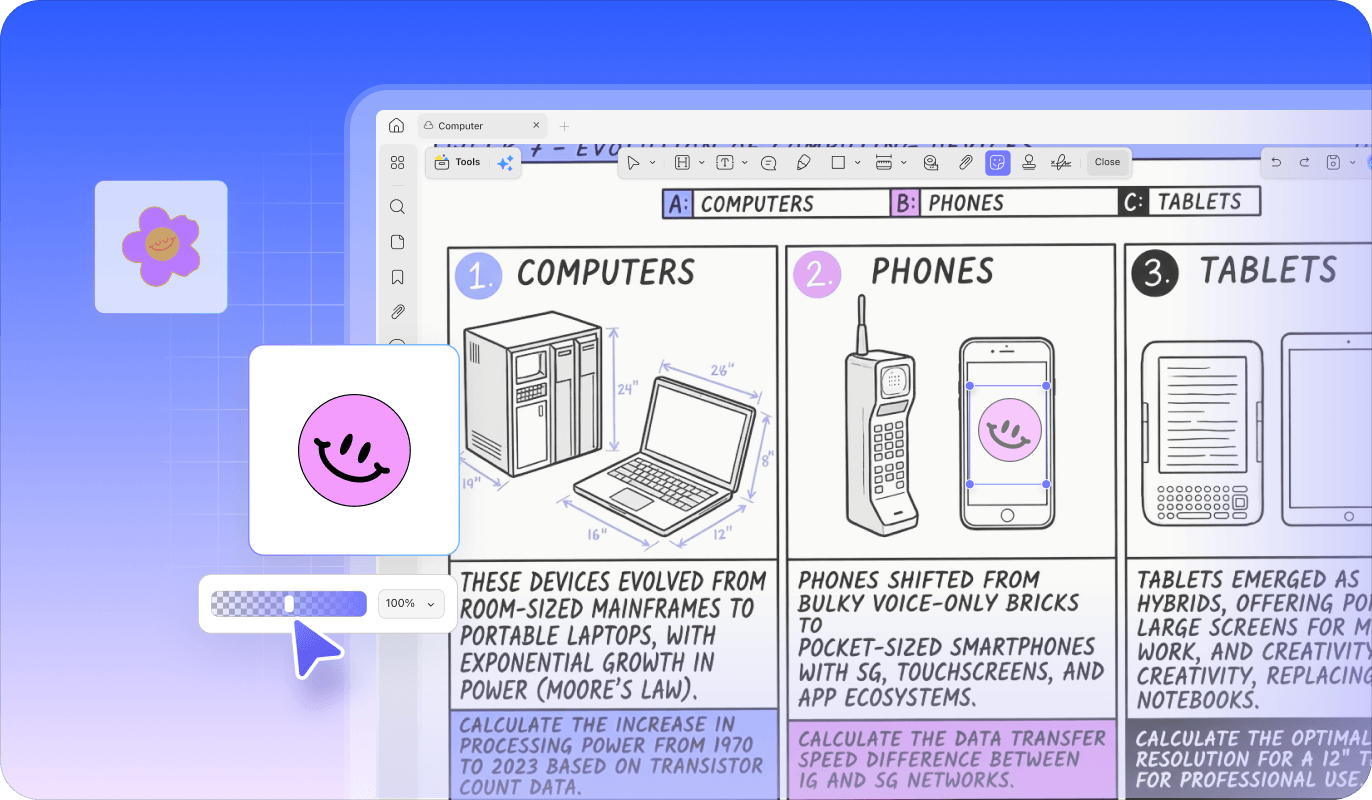
Once inserted into your PDF, stickers can be freely customized to fit your document layout. Adjust their orientation and transparency, attach notes for explanations, or quickly manage elements as needed.

Flip & Adjust Opacity

Add Notes to Any Sticker

Move, Copy, or Remove Anytime
Turn simple prompts into creative, unique stickers and add them to your PDF on demand.
Open your PDF in UPDF, go to Tools > Comment, and click the Sticker icon on the top toolbar. Then start the AI sticker generator depending on your system:
Type your requirements in the “Describe the Sticker” box, or click the preset tags below the input field to automatically add them to your prompt. Use the Refresh button to explore more tags. When your prompt is ready, click Send to instantly generate three stickers based on your description.
Choose the sticker you like and click Add to place it anywhere in your PDF. After inserting it, you can click the sticker to adjust orientation, opacity, and other settings. You can also click Download to save the sticker as an image for future use.
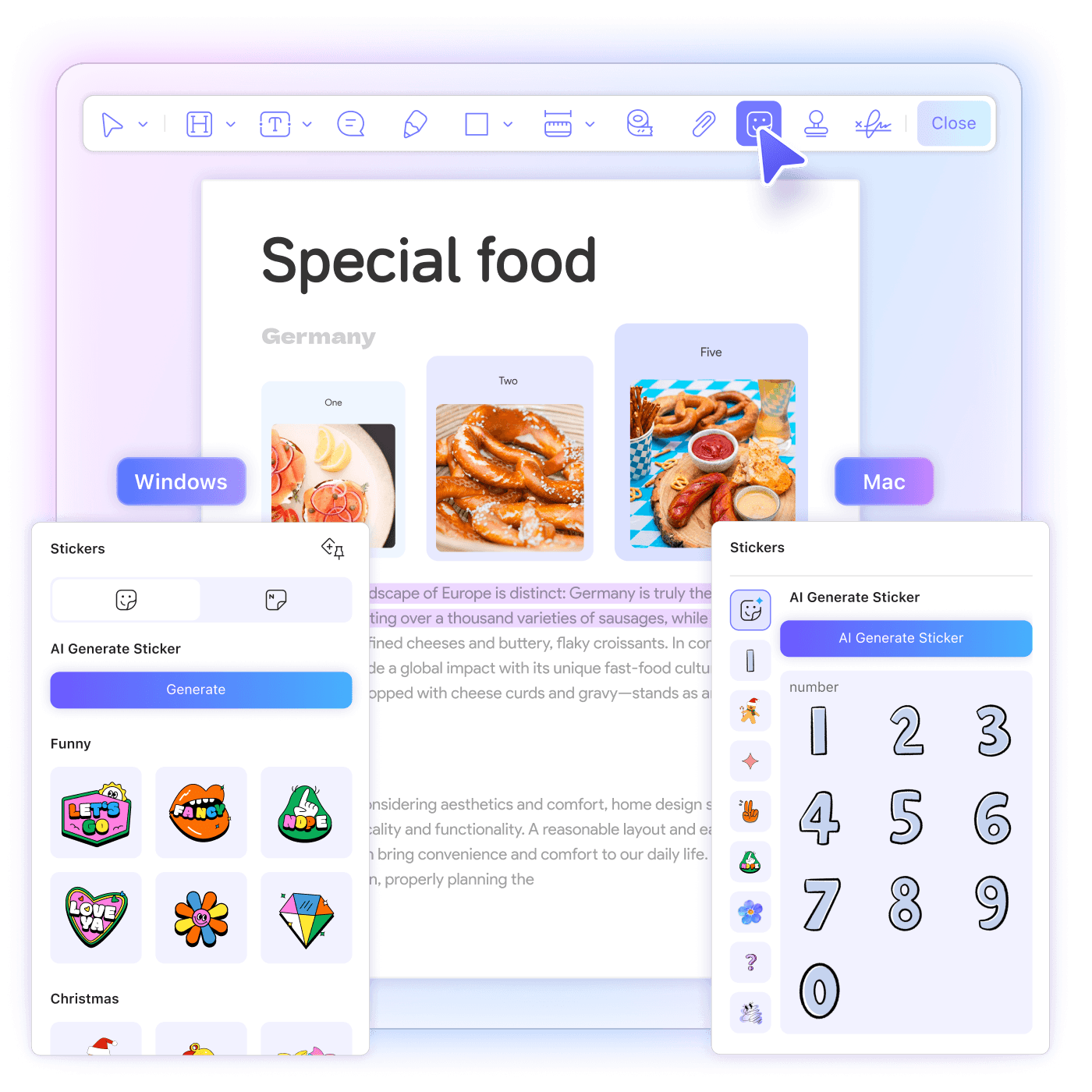
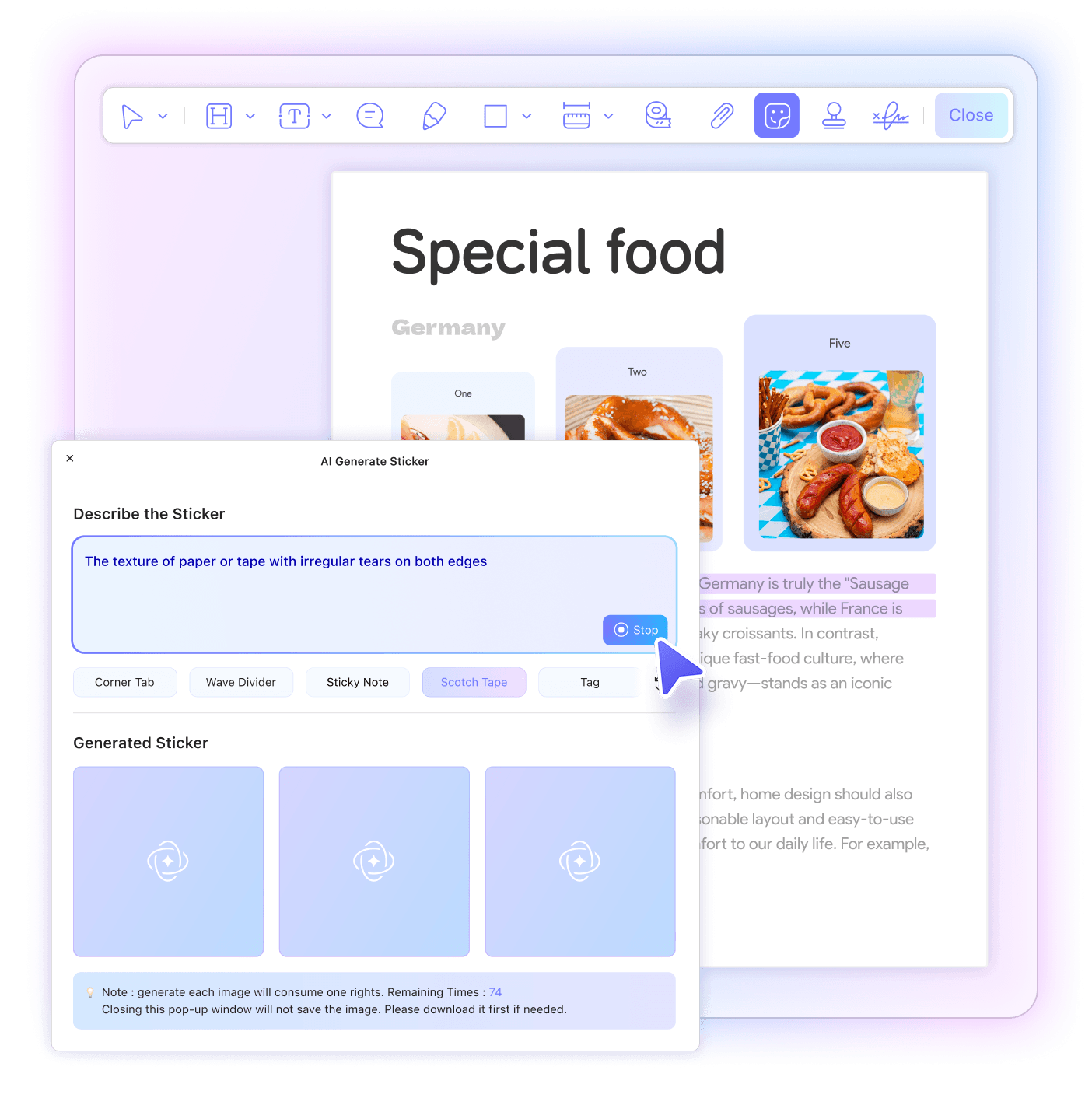
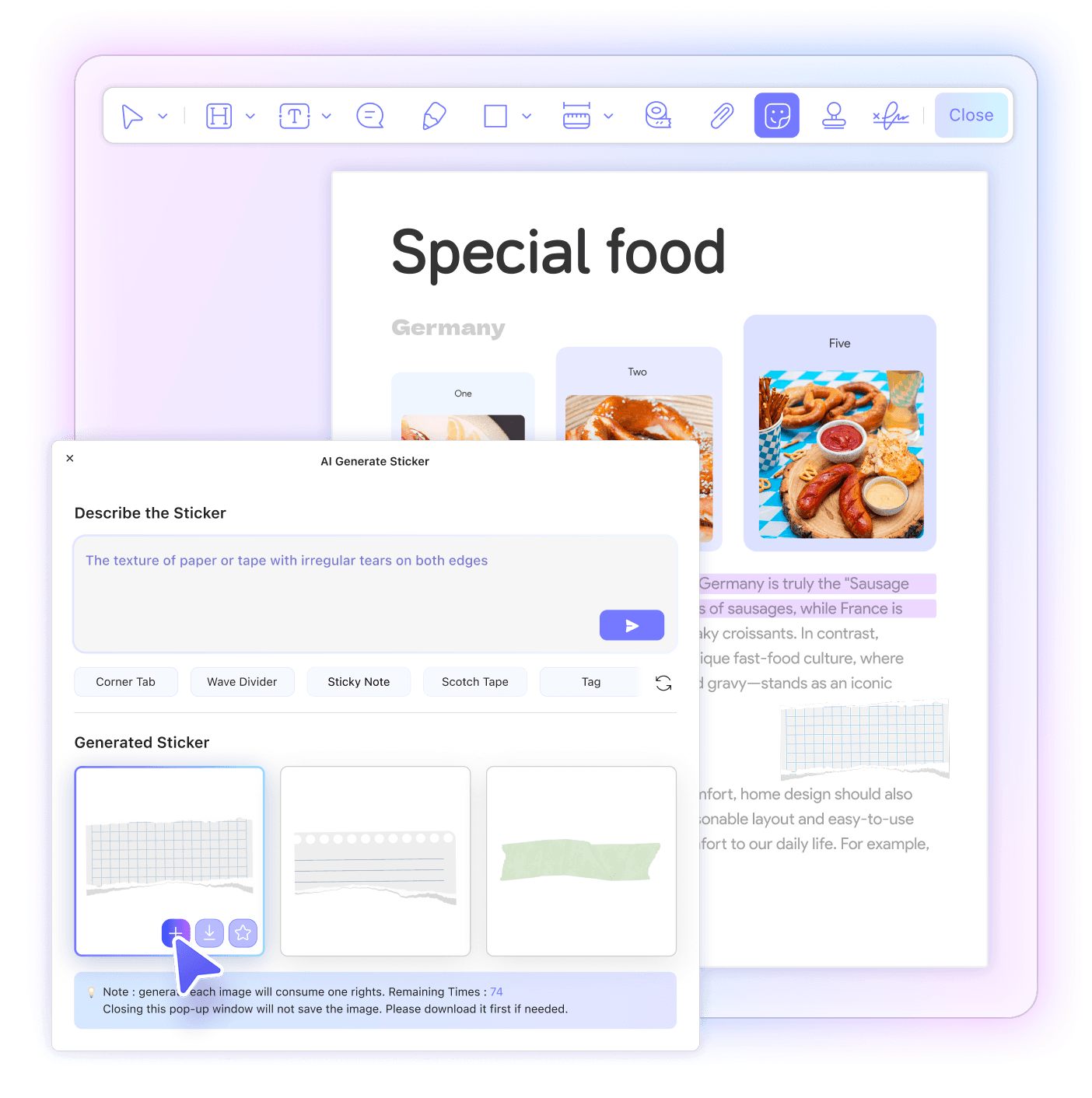
Finding suitable sticker elements for documents can be time-consuming. You may need to search for high-quality assets online, deal with limited built-in libraries, or even pay for resources that still don’t perfectly match your document style. UPDF AI Agent solves this by generating creative stickers directly from your prompt and inserting them into your PDF instantly—no asset hunting or external design tools required.
Each generation creates three stickers in JPG/PNG format. Every sticker consumes 1 AI credit, so a full generation usually uses 3 credits. Credits are deducted only after the stickers are successfully generated and only for the number created. If you stop the generation process before it finishes, no credits will be used. You can check your remaining credits in the AI Generate Sticker window or upgrade your plan on the Pricing page.
During generation, make sure your internet connection is stable and keep the AI Generate Sticker window open, as closing the window will interrupt the process. If the problem persists, we recommend contacting our customer support team at [email protected] for assistance.
There is virtually no style limit. You can describe any theme or visual idea in your prompt. UPDF also provides 20 preset tags to help you get started, including categories such as symbols, productivity, note emotions, and decoration & dividers (5 tags per category). These tags can also serve as inspiration for your prompts.
Yes. In addition to stickers, UPDF AI Agent can also generate AI backgrounds, AI watermarks, and AI stamps for your PDFs. Backgrounds help enhance the overall visual style of a document, watermarks provide aesthetic branding or document protection, and stamps are useful for approvals, labels, or workflow marks. These AI-generated elements can be applied directly within UPDF, allowing you to create and customize visual components for your PDFs without relying on external design tools.
Yes. After inserting a sticker, you can click it to adjust settings such as Flip Horizontal/Vertical and opacity, or manage it with options like Copy and Remove. You can also add a Note to provide context. By right-clicking the sticker, additional options such as Reply or Align are available, making it easy to organize and customize stickers to match your document layout.
One powerful AI. Purpose-built for your document workflow.