 UPDF
UPDF
 UPDF for Windows
 UPDF for Mac
 UPDF for iPhone/iPad
 UPDF for Android
 UPDF AI Online
 UPDF Sign
 Edit PDF
 Annotate PDF
 Create PDF
 PDF Form
 Edit links
 Convert PDF
 OCR
OCR PDF to Word
 PDF to Image
 PDF to Excel
 Organize PDF
 Merge PDF
 Split PDF
 Crop PDF
 Rotate PDF
 Protect PDF
 Sign PDF
 Redact PDF
 Sanitize PDF
 Remove Security
 Read PDF
 UPDF Cloud
 Compress PDF
 Print PDF
 Batch Process
 About UPDF AI
 UPDF AI Solutions
 AI User Guide
 FAQ about UPDF AI
 Summarize PDF
 Translate PDF
 Chat with PDF
 Chat with AI
 Chat with image
 PDF to Mind Map
 Explain PDF
 PDF AI Tools
 Image AI Tools
 AI Chat Tools
 AI Writing Tools
 AI Study Tools
 AI Working Tools
 Other AI Tools
 AI Bookmark Generation
 AI Bookmark Summary
 AI Watermark Generation
 AI Background Generation
 AI Sticker Generation
 AI Stamp Generation
 AI Editing Suite
 UPDF Copilot
 AI Page Management
 AI Semantic Search
 PDF to Word
 PDF to Excel
 PDF to PowerPoint
 Enterprise Solution
 Enterprise Sign
 Enterprise AI
 Enterprise Plan
 Enterprise User Guide
 Enterprise Webinar
 Banking
 Healthcare
 Insurance
 Legal
Legal Manufacturing
 Government
 Education Solution
 Customer Stories
 User Guide
 UPDF Tricks
 FAQs
FAQs UPDF Reviews
 Download Center
 Blog
Blog Newsroom
 Tech Spec
 Updates
 UPDF vs. Adobe Acrobat
 UPDF vs. Foxit
 UPDF vs. PDF Expert

UPDF - PDF Editor Powered by GPT-5
The # 1 Adobe Acrobat Alternative
UPDF is faster, more user-friendly, and costs 84% less than Adobe Acrobat Pro.
Windows • macOS • iOS • Android
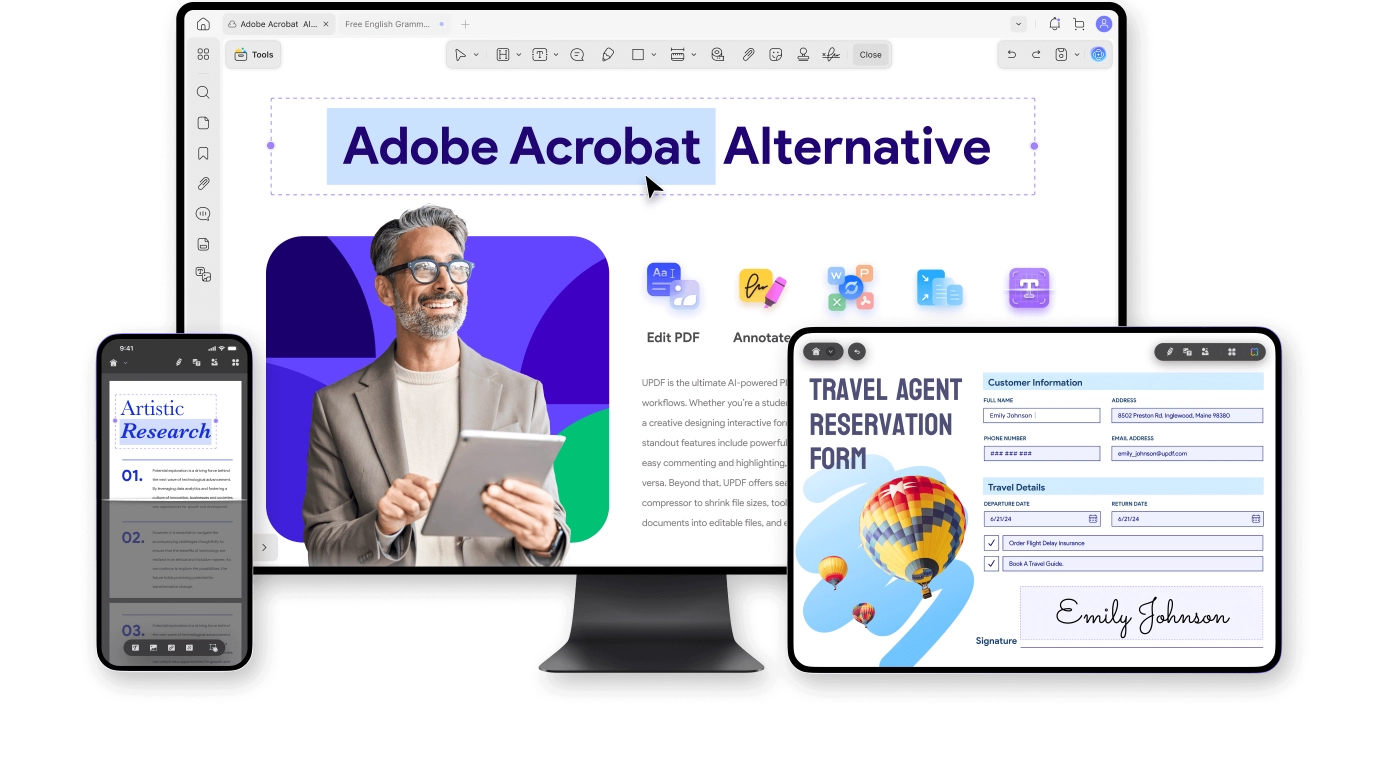
Why Pay More for Adobe? Choose UPDF and Save!
|
Pricing |
$49.99/year (or $79.99 perpetual) UPDF Pro + AI Assistant Bundle: $118.99/year Subscription & Lifetime |
$239.88/year Acrobat Pro + AI Assistant Bundle: $299.76/year Subscription Only |
|
Trial availability |
Free try UPDF Pro and UPDF AI. No time limit |
7-day free trial, including AI features. |
|
Platforms supported |
Windows, Mac, iOS, Android. A single license on 2 desktops and 2 mobiles simultaneously |
Windows, Mac, iOS, Android. One license, 2 devices (not at the same time) |
Top Features |
||
Edit text, images, links and watermark |
||
Convert PDF to Word, Excel, PPT, images, etc. |
||
Highlight, underline, add comment, stamp |
||
Create, edit, sign and fill PDF forms |
||
AI Features |
||
Platforms |
Windows, Mac, iOS, Android and Web. |
Windows, Mac, iOS, Android and Web. |
Chat with PDF |
||
Convert PDF to mind map |
||
AI Chat with Images in PDF |
||
AI usage limits |
Unlimited per month |
1000 requests per month |
e-Sign Documents Online |
||
Send documents online for signature |
Free trial available.(Separate purchase from UPDF Pro required) |
No free trial. (Benefits included in one Adobe Acrobat purchase) |
Sign documents digitally online |
||
Track signing status and progress |
||
Edit PDF |
||
Add rich text by dragging and dropping |
||
Convert PDF |
||
Convert PDF to CSV |
||
Convert PDF to BMP |
||
Annotate PDF |
||
Stickers |
Trusted by 2 Million People and Enterprises
UPDF is an all-in-one solution for all of your PDF requirements. It lets you convert, edit, annotate, and view your PDF files in a few steps. It does more than what a standard PDF tool can do.

It is an excellent website to get all your confusions fixed for file conversions. I was having trouble with my PDF file and I checked the website and used its services to get my issue resolved. The response time and solutions offered are pretty expert welted.
DamTechPro



UPDF Editor includes an AI assistant that provides convenient tools for quick editing and search. It's like ChatGPT but for managing your PDF.


Nada
UPDF is an all-in-one solution for all of your PDF requirements. It lets you convert, edit, annotate, and view your PDF files in a few steps. It does more than what a standard PDF tool can do.
It is an excellent website to get all your confusions fixed for file conversions. I was having trouble with my PDF file and I checked the website and used its services to get my issue resolved. The response time and solutions offered are pretty expert welted.
DamTechPro
UPDF Editor includes an AI assistant that provides convenient tools for quick editing and search. It's like ChatGPT but for managing your PDF.
Nada
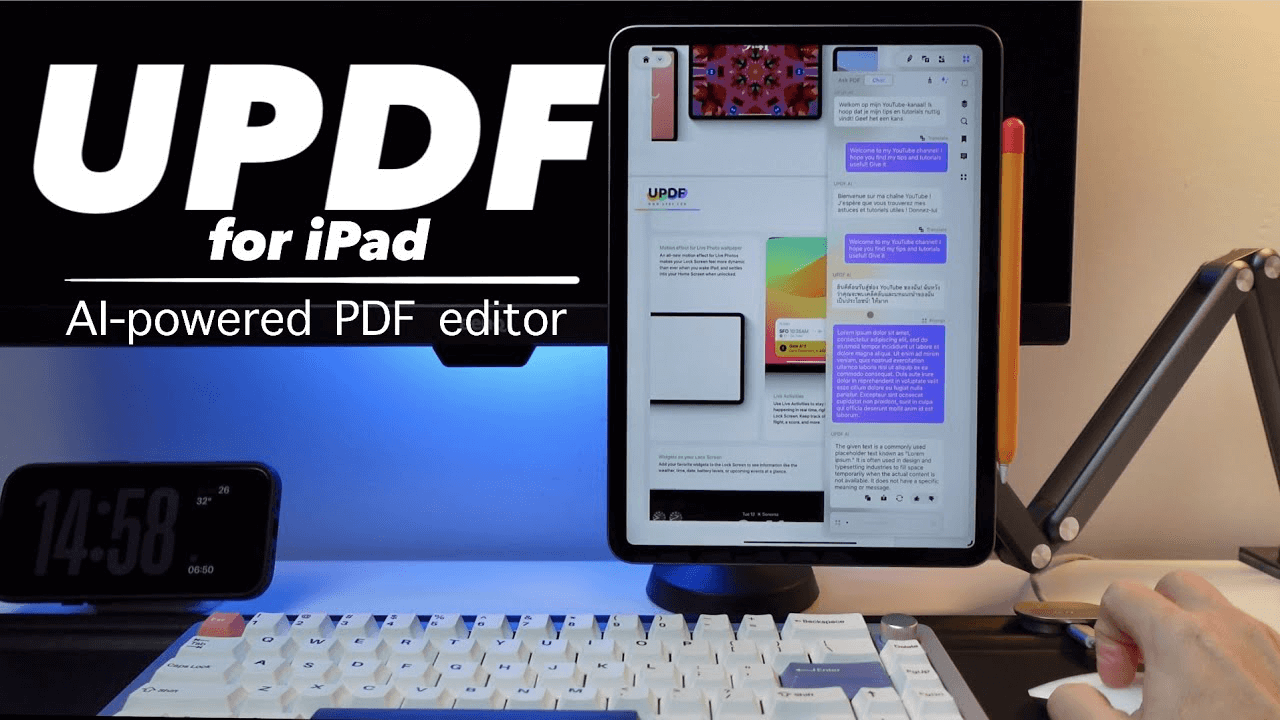
UPDF offers powerful AI features that make PDF editing a breeze on Mac, iPhone, and iPad. Whether you want to edit, annotate, convert, or chat with your PDF, UPDF is here to simplify your workflow.

Grey Sage

UPDF offers powerful AI features that make PDF editing a breeze on Mac, iPhone, and iPad. Whether you want to edit, annotate, convert, or chat with your PDF, UPDF is here to simplify your workflow.
Grey Sage
Frequently Asked Questions
1. Why people seek for Adobe Acrobat alternatives?
The main reason for seeking alternatives to Adobe Acrobat is the desire for cost-effective solutions with robust PDF editing, creation, and collaboration features. Users look for tools that are user-friendly, offer additional functionalities, and provide better performance and flexible pricing options, including one-time purchases. Many also prioritize enhanced privacy and security for handling sensitive information.
2. What is the difference between Adobe Arobat and UPDF?
Adobe Acrobat is a robust PDF management tool with advanced features but comes at a higher price and has a more complex interface. UPDF offers a more affordable alternative with cross-platform support, user-friendly design, and essential features, making it suitable for users looking for basic PDF editing and management solutions.
3. Is there a perpetual version of Acrobat available?
No, Adobe Acrobat is not available for one-time purchase. To access all its advanced functionalities, you must subscribe to its monthly or annual plan.
Adobe does offer "Acrobat Classic" a desktop software that is accessible for a one-time purchase with a three-year license. This version allows you to create, edit, protect, and convert PDFs on your desktop. However, it does not offer advanced features you get with Acrobat Pro. Secondly, you have to repurchase the license after 3 years.
4. Is there a perpetual version of UPDF available?
Yes, UPDF provides a perpetual version, or lifetime plan, which grants users lifetime access to all software features with a one-time payment, eliminating ongoing subscription fees. For precise details and pricing, please click here.
5. Is Adobe Acrobat free?
Adobe Acrobat offers both free and paid versions. The free Adobe Acrobat Reader enables users to view, print, and annotate PDFs but lacks advanced editing and creation features. To access full functionality, including editing and converting, users must subscribe to Adobe Acrobat Pro, which incurs a fee.
6. Is UPDF free?
UPDF provides a free version limited to editing and annotating PDFs, while the UPDF Pro and UPDF AI free trials have no time limitations. Users can convert up to 2 files per day.
To access advanced features such as OCR and comparison tools, users need to upgrade to a paid subscription. For detailed information on features and subscription plans, please click here.
7. How to choose Adobe Reader and Adobe Acrobat?
Adobe Reader is a free tool for viewing, printing, and annotating PDFs but lacks editing features. In contrast, Adobe Acrobat offers extensive PDF creation and management tools, with a costly Pro version for advanced functions like form creation and OCR.
UPDF serves as a strong alternative, merging Adobe Reader's viewing capabilities with editing features similar to Adobe Acrobat at a lower price. It also supports cloud syncing and has a user-friendly interface. Thus, while Adobe Reader is suited for basic tasks and Adobe Acrobat for advanced needs, UPDF effectively combines both at a cost-effective rate.
8. How can you get a free student account for Adobe Acrobat Pro?
Adobe does not provide a free student account; however, it offers a 7-day free trial of Acrobat Pro, which can be canceled to avoid charges. While student discounts are available, Acrobat Pro remains relatively expensive.
In contrast, UPDF offers a comprehensive suite of PDF tools at a more affordable price, particularly with educational discounts. UPDF is more versatile than Adobe Acrobat, allowing users to access most features for free after registration, making it a cost-effective choice for students. Click here for educational discounts.
9. What is the best alternative to Adobe Acrobat?
For a comprehensive PDF editor that combines powerful features, competitive pricing, enhanced flexibility, and superior file security, UPDF stands out as the best alternative to Adobe Acrobat. Users can download it free of charge to explore its extensive capabilities and experience its benefits firsthand.
Note: The information on this page is based on UPDF writers’ testing with Adobe Acrobat version 24.002. If you notice any inaccuracies, please reach out to our support team at [email protected].




