 UPDF
UPDF
 UPDF for Windows
 UPDF for Mac
 UPDF for iPhone/iPad
 UPDF for Android
 UPDF AI Online
 UPDF Sign
 Edit PDF
 Annotate PDF
 Create PDF
 PDF Form
 Edit links
 Convert PDF
 OCR
OCR PDF to Word
 PDF to Image
 PDF to Excel
 Organize PDF
 Merge PDF
 Split PDF
 Crop PDF
 Rotate PDF
 Protect PDF
 Sign PDF
 Redact PDF
 Sanitize PDF
 Remove Security
 Read PDF
 UPDF Cloud
 Compress PDF
 Print PDF
 Batch Process
 About UPDF AI
 UPDF AI Solutions
 AI User Guide
 FAQ about UPDF AI
 Summarize PDF
 Translate PDF
 Chat with PDF
 Chat with AI
 Chat with image
 PDF to Mind Map
 Explain PDF
 PDF AI Tools
 Image AI Tools
 AI Chat Tools
 AI Writing Tools
 AI Study Tools
 AI Working Tools
 Other AI Tools
 AI Bookmark Generation
 AI Bookmark Summary
 AI Watermark Generation
 AI Background Generation
 AI Sticker Generation
 AI Stamp Generation
 AI Editing Suite
 UPDF Copilot
 AI Page Management
 AI Semantic Search
 PDF to Word
 PDF to Excel
 PDF to PowerPoint
 Enterprise Solution
 Enterprise Sign
 Enterprise AI
 Enterprise Plan
 Enterprise User Guide
 Enterprise Webinar
 Banking
 Healthcare
 Insurance
 Legal
Legal Manufacturing
 Government
 Education Solution
 Customer Stories
 User Guide
 UPDF Tricks
 FAQs
FAQs UPDF Reviews
 Download Center
 Blog
Blog Newsroom
 Tech Spec
 Updates
 UPDF vs. Adobe Acrobat
 UPDF vs. Foxit
 UPDF vs. PDF Expert

 UPDF AI
Free Online AI Handwriting To Text
Use UPDF AI Handwriting To Text to quickly digitize notes, letters, or forms. Just upload your handwriting, let AI convert it, and copy the editable text.
Powered by
 GPT-5 |
 DeepSeek R1
5000+ Reviews
 4.8
4.8
UPDF AI available on


 Desktop & mobile app

4M+ Users, 30M+ Handwriting To Text,, Trusted by Leading Medias:






How to Handwriting To Text Online for Free?
-
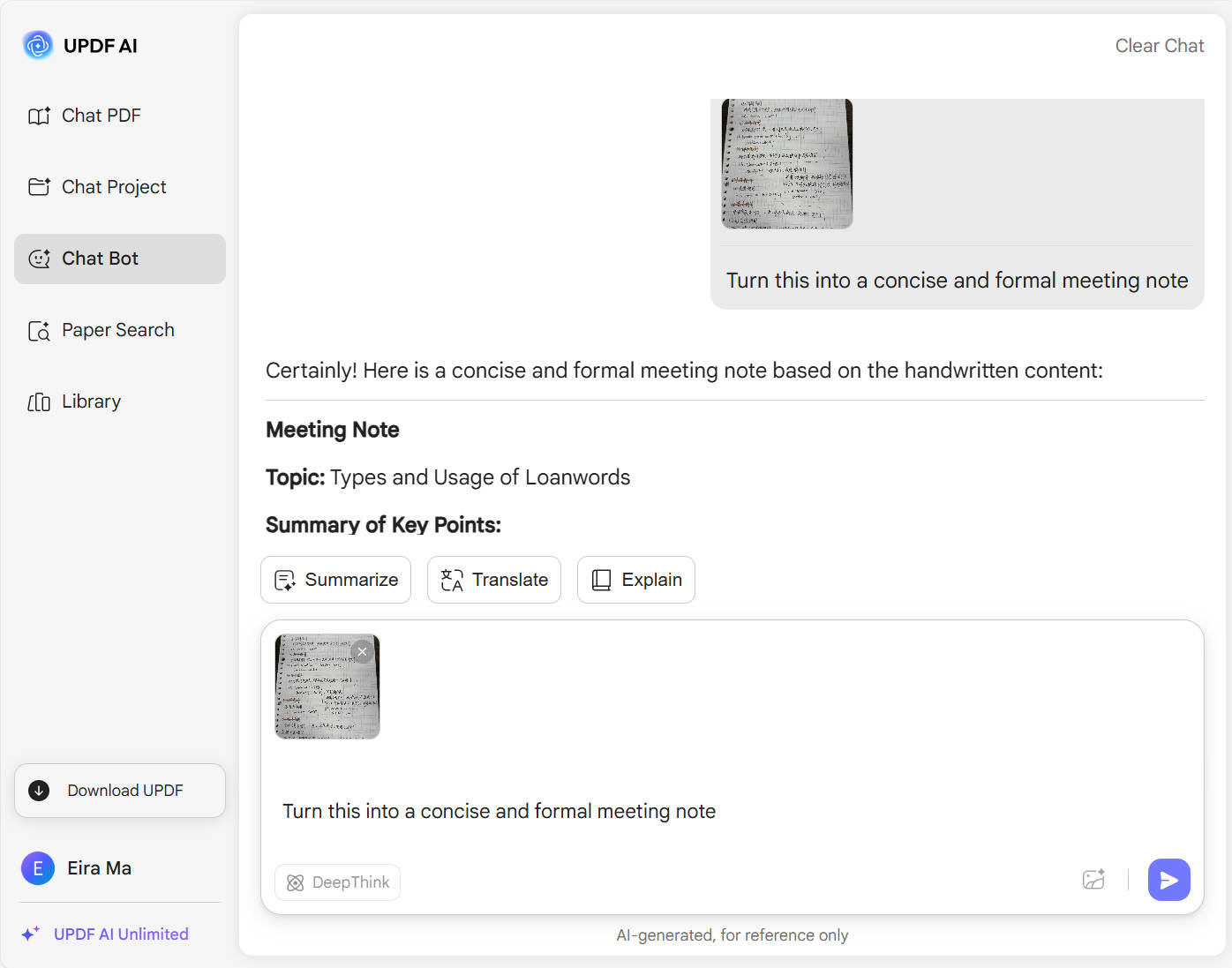
Upload the handwritten photo you want to convert to TXT into the chatbox, and describe your requirements in the input field (e.g., Transcribe: “Turn this into a concise and formal meeting note”) so the AI can transcribe it according to your needs.
-
Choose your AI model — switch between GPT-5 and DeepSeek R1 depending on the accuracy and reasoning you need. To use DeepSeek R1, just click “Deep Think” button in the bottom-left corner.
-
Click the Send button, and within seconds, you’ll get editable text that you can copy directly.

Who Should Use UPDF AI Handwriting To Text?
The Brainstormer Who Hates Typing
If you prefer brainstorming ideas on paper but dread typing them up, this tool saves you hours by turning your messy handwritten notes into polished text, letting you focus on creativity instead.
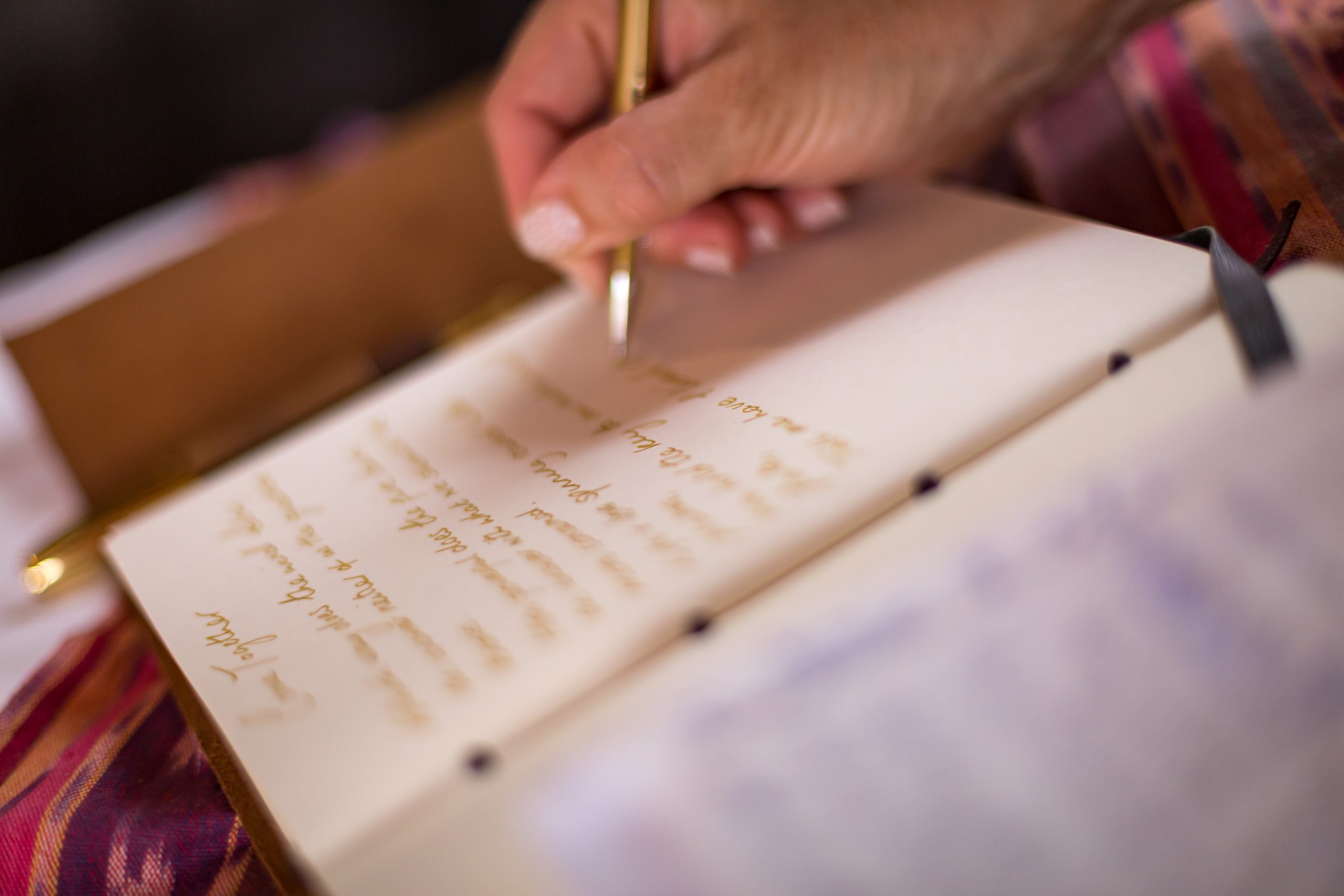
The Analog-to-Digital Organizer
If you love pen and paper but want your notes searchable and backed up in the cloud, this tool makes switching between worlds effortless, blending tradition with modern tech.
The Visual Thinker
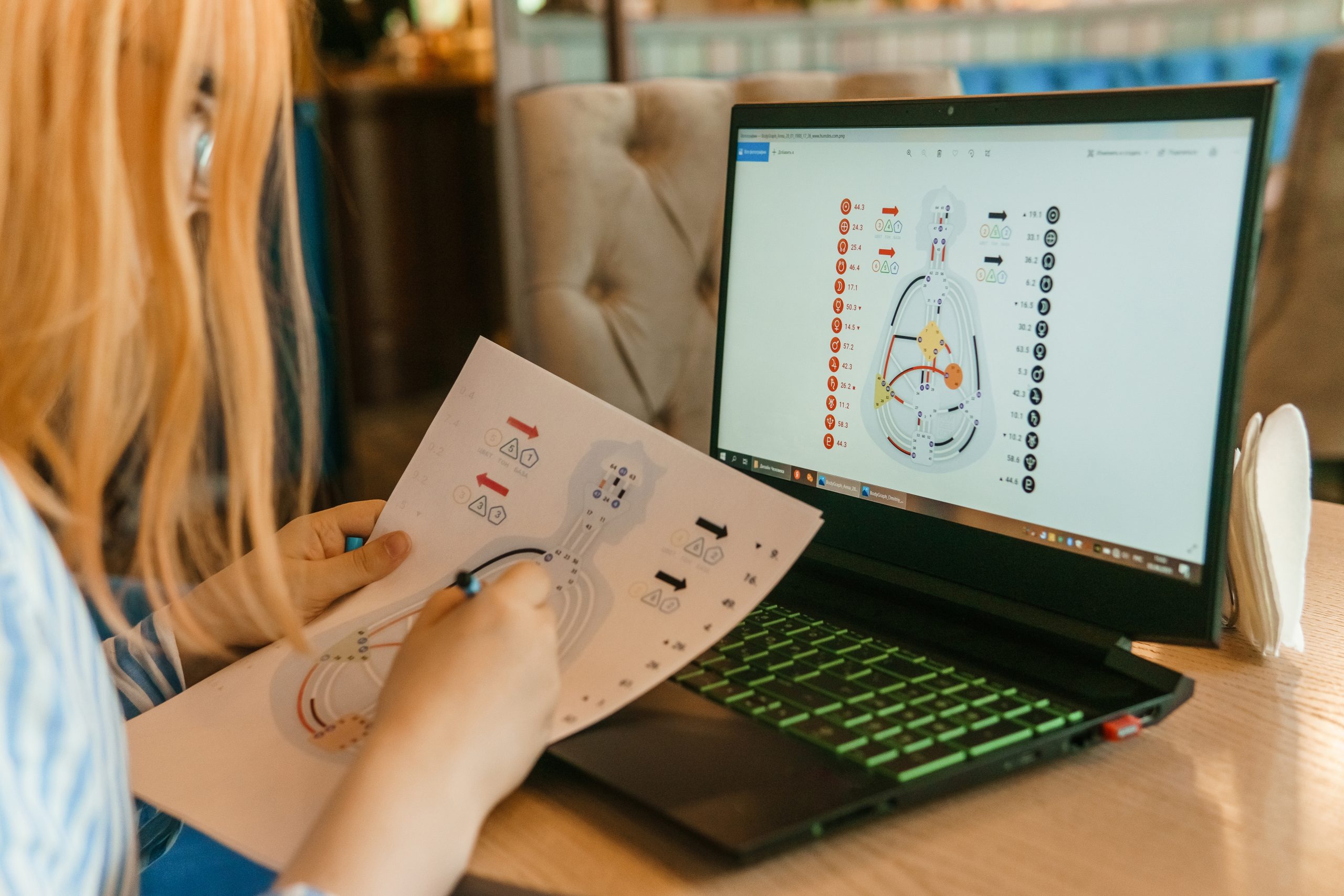
Some people think better with sketches and handwritten diagrams. This tool can convert accompanying text into editable content, bridging visual creativity with digital clarity.
Why Use UPDF AI Handwriting To Text?
Digitize Old Notes
Transform stacks of paper notes, diaries, or letters into searchable, editable digital files for better storage and access.
Access Your Notes Easily
Once converted, your handwritten notes are transformed into fully editable digital text, allowing you to search, organize, and modify them effortlessly. You can access and share your notes anytime, from any device, making collaboration and review faster and more convenient.
Enhance Creativity and Research Efficiency
UPDF AI Handwriting To Text turns sketches, handwritten drafts, and research notes into editable digital content, making it easier to organize, refine, and share ideas quickly.
UPDF AI Handwriting To Text vs. Other AI Handwriting To Text Tools
UPDF AI Handwriting To Text
Other AI Handwriting To Text Tools
Free

AI Model Options
GPT-5 or DeepSeek R1
Single model or limited options
No Word Limits
File Types
Photos, scans, PDFs
Only images
Customized Prompts

Language Supported
100+
Less than 20
Platform Supported
Online, Windows, Mac, Android, iOS
Online
FAQs About Using UPDF AI Handwriting To Text
1. Can I upload handwritten PDFs or images?
2. How fast is the conversion process?
3. Can I edit the text after conversion?
4. Can I use it on any device?
Other Popular UPDF AI Tools





 " alt />

