UPDF AI

How to Explain Financial Statements with AI?

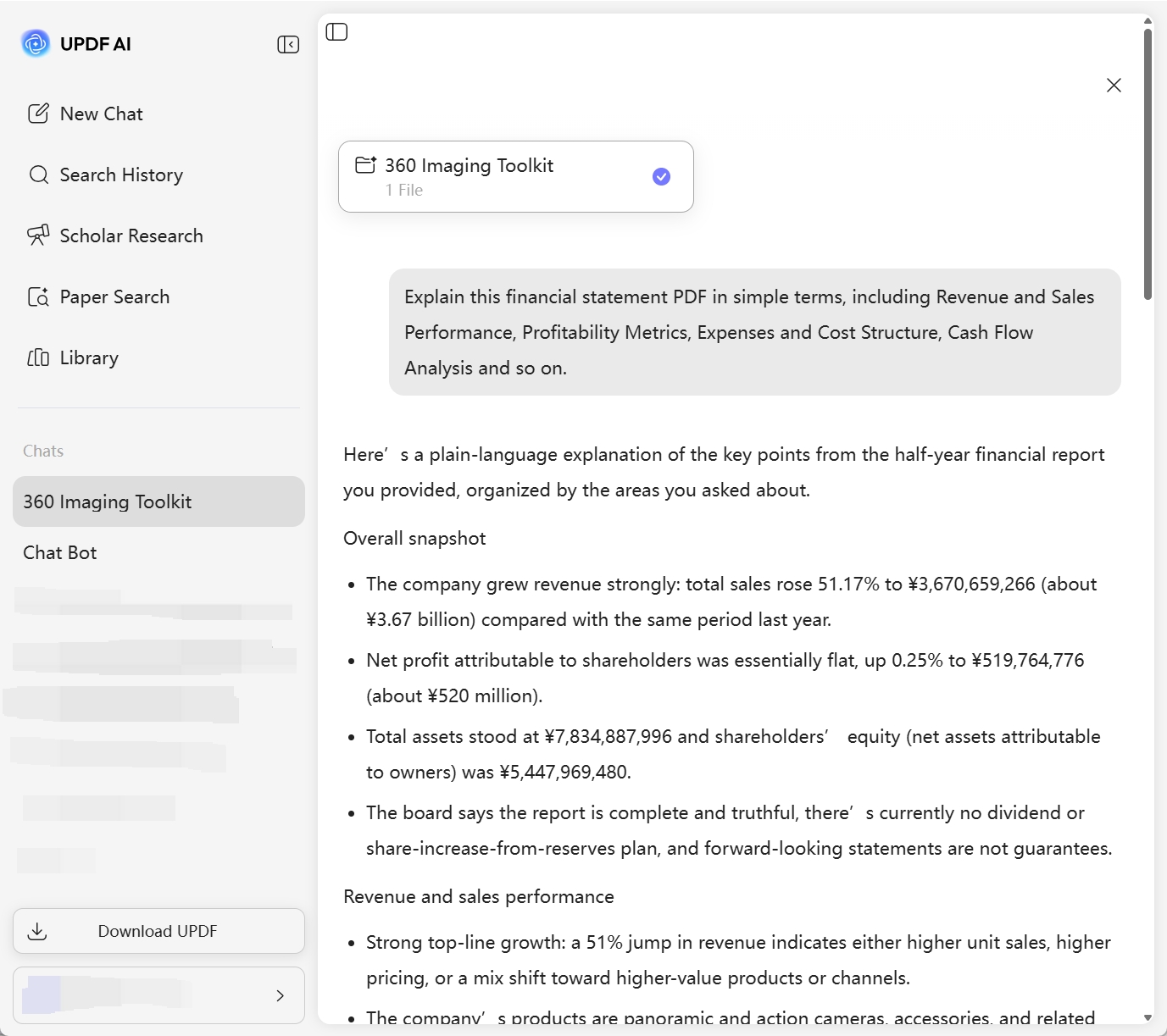
Powered by ChatGPT-5 and DeepSeek R1, UPDF AI helps you quickly and clearly explain financial statements. Upload your statements, and UPDF AI analyzes key figures, terms, and insights for easier understanding.

{{aiInputIframe}}

Powered by

GPT-5 | DeepSeek R1

5000+ Reviews

4.8

Use UPDF AI Financial Statements Explainer Anywhere:

4M+ Users, 6M+ Financial Statements Explained, Trusted by Leading Medias:

How to Use UPDF AI to Explain Financial Statements Online for Free ?

  • Upload your financial statements and add a prompt
    PDF: Upload your financial statements in PDF format, such as a balance sheet, income statement, or cash flow statement. UPDF AI can automatically parse complex tables, charts, and scanned documents.
    Text/Images: You can also upload your financial statements as text or images, then add a prompt, for example: “Explain this financial statement in simple terms” or “Analyze the key financial metrics and trends in this report.”

  • Choose your AI model
    ChatGPT-5 is selected by default. To switch to DeepSeek R1, click the “DeepThink” button for alternative reasoning styles and deeper financial analysis.

  • Generate the explanation
    Click “Send,” and UPDF AI will instantly analyze your statements, breaking down key figures, terms, and insights in a clear, structured way.

  • Refine and export the results
    Need more detail or a different focus? Add follow-up questions or refine your request, then regenerate the explanation. Once satisfied, copy or export the analysis for reports, study, or presentations.

Explain Now
how-to-explain-financial-statement

Why Choose UPDF AI to Explain Financial Statements?

Save Time and Trustworthy Accuracy

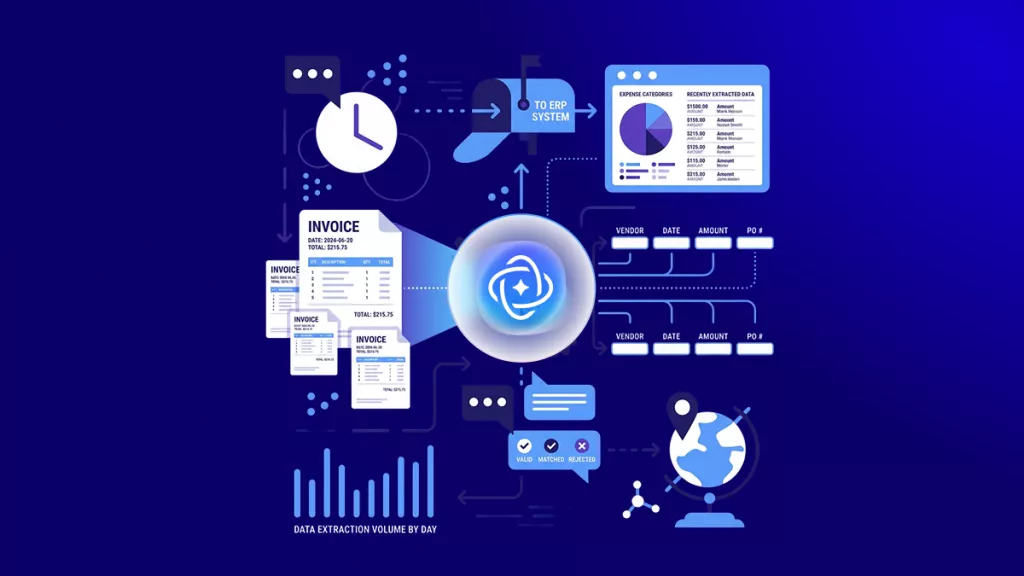
UPDF AI can quickly analyze financial statements, saving you significant manual review time. No need to extract data by hand or worry about missing details. Its advanced algorithms ensure high accuracy, delivering reliable explanations ready for decision-making, reports, or presentations.

save-time

Safe and Secure Data Handling

UPDF AI provides fast and accurate explanations of financial statements while keeping your data completely secure. All files are processed under strict privacy standards, ensuring sensitive financial information is protected at all times, so you can analyze your reports with confidence.

secure-data-handling

Beginner-Friendly and Easy to Use

If you’re unsure what aspects to analyze, simply ask UPDF AI. It will intelligently suggest key points based on your financial statement, making the process easier and more intuitive.

easy-to-use

Supports PDF, Text, and Images

In addition to PDFs, you can upload financial statements as text files or image formats. UPDF AI seamlessly processes different formats and delivers clear explanations, no matter how your reports are stored.

support-various-files
Explain Now

UPDF AI Financial Statements Explainer
vs. Other AI Tools

UPDF AI Financial
Statements Explainer

Other AI Tools

Report Analysis

(Supports multiple financial statements)

(Limited or no financial statement PDFs analysis)

Customization

Scenario-based, focus on specific financial aspects

Limited

File Formats Supported

PDF, text, image

PDF and text

Free to Try

(100 questions)

No Word Limits

AI Model Options

ChatGPT-5 & DeepSeek R1

Limited to one AI model

Language Supported

100+

Less than 10

Platform Supported

Online, Windows, Mac, Android, iOS

Online only

FAQs About Using UPDF AI Financial Statements Explainer

Q1. Can I upload scanned financial statements to UPDF AI Financial Statements Explainer?

Yes. UPDF AI supports PDFs, scanned documents, and image formats. It can accurately process both digitally exported PDFs and scanned paper statements.

Q2. Can UPDF AI Financial Statements Explainer help me identify potential risks or issues in the statements?

Yes. It automatically analyzes financial data, detects unusual figures, trends, or potential risks, and provides clear explanations and recommendations.

Q3. Can I perform batch analysis of multiple financial statements in UPDF AI Financial Statements Explainer?

Yes. You can upload multiple statements at once, and UPDF AI will analyze each file separately and generate detailed reports, improving efficiency.

Q4. Can UPDF AI Financial Statements Explainer help me write financial analysis reports?

Yes. In addition to parsing data, it can generate professional financial analysis text based on the statements, helping you quickly prepare reports or presentations.

Q5. Do I need to pay to use the full features of UPDF AI Financial Statements Explainer?

You can ask 100 questions for free. By upgrading to UPDF AI, you get unlimited access and advanced features for more comprehensive financial statement analysis.

Other Popular UPDF AI Tools

Limit Reached

Cancel
Upgrade Now

Get Started with UPDF AI Now

Download for Windows Download for macOS Download for App Store
alt-btn-ios-img-bg

Scan to Download

GET IT ON Google Play
alt-btn-android-img-bg

Scan to Download

Start in your Web Browser

We use cookies to ensure you get the best experience on our website. Continued use of this website indicates your acceptance of our privacy policy.